We’re reader-supported — some links are affiliate links. Learn more →

Skip to content

Independent software research. Some links may earn us a commission at no extra cost to you. Learn more →

ICode

Category: SEO Tools

  • How to set up Rank Math (step-by-step)

    How to set up Rank Math (step-by-step)

    Home / SEO Tools / Guides / How to set up Rank Math

    Tutorial · seo · updated October 9, 2026

    How to set up Rank Math: WordPress SEO from install to first sitemap

    Setting up Rank Math is a short, ordered list: install the plugin, run the setup wizard, choose the modules your site needs, set sensible title and schema defaults, then connect Search Console and submit your sitemap. Work in that order and search engines get a clean picture of your site from the start.

    Independent analysis. This page may contain affiliate links. If you sign up through a link on this page we may earn a reward at no extra cost to you, and it never changes what we recommend. We are an independent publisher and are not affiliated with, endorsed by, or an official partner of any tool mentioned. See our Affiliate Disclosure.

    TL;DR

    • Install the plugin and run the setup wizard.
    • Choose a module set that matches your site type.
    • Set title and meta templates so pages are never blank.
    • Connect Google Search Console to see real queries.
    • Submit the sitemap and confirm indexing.

    On this page: Install · Wizard · Templates · Modules · Sitemap · Checks

    Rank math home page
    Rank math home (image: rank.com)

    Step 1 — Install the plugin

    Install Rank Math from the WordPress plugin screen and activate it. It will offer to replace an existing SEO plugin; do that only when you are ready, because titles and meta set elsewhere may need re-checking.

    Take a backup first. SEO changes touch titles, descriptions and redirects across the whole site, and a backup makes any surprise reversible in minutes.

    Rank math blog page
    Rank math blog (image: rank.com)

    Step 2 — Run the setup wizard

    The wizard asks what kind of site you run and whether it is a personal brand or a business. Pick the closest match; the answers set reasonable defaults you can change later.

    If you already have an SEO plugin installed, import its settings when offered so you do not lose the titles and redirects you already wrote.
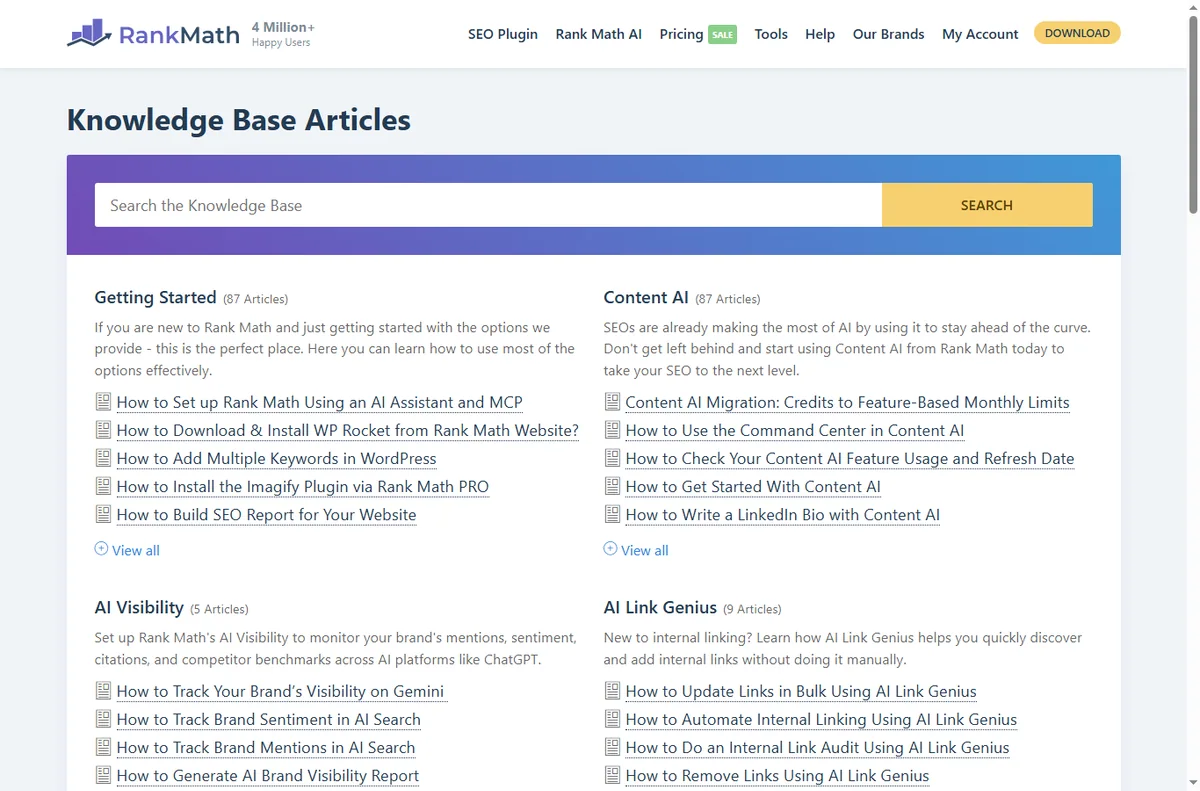
    Rank math kb page
    Rank math kb (image: rank.com)

    Step 3 — Set title and meta templates

    Review the global title and description templates for posts, pages and archives. Blank or duplicated titles are the most common avoidable problem in search results.

    A workable pattern is the page title followed by the site name, with a description that reads like a sentence rather than a pile of keywords. You can override any individual page later.

    Step 4 — Enable the modules you need

    • Schema for the content types you publish.
    • Sitemap, so crawlers can find your pages.
    • Redirects for old URLs.
    • Analytics to connect your stats.

    Turn off modules you will not use. Fewer moving parts mean fewer surprises and a smaller plugin footprint on every page load.

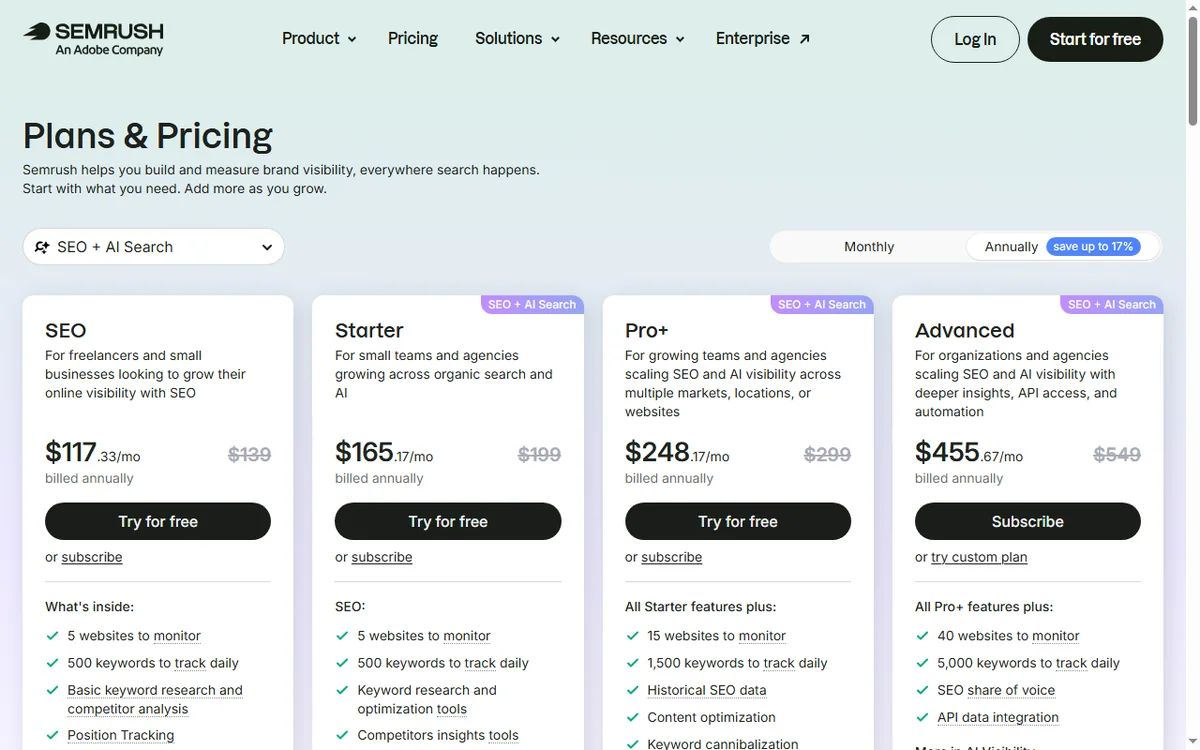
    Rank math pricing page
    Rank math pricing (image: rank.com)

    Step 5 — Connect Search Console and submit the sitemap

    Connect your Google account so Rank Math can pull real query data into your dashboard. Then submit the sitemap to Google and confirm it was read without errors.

    Indexing is not instant. Give it a few days, then check that new pages are appearing rather than assuming they did.

    Final checks before you build

    • Titles and descriptions render on a live page.
    • The sitemap loads in a browser.
    • No duplicate titles across key pages.
    • Old URLs redirect where needed.
    Rank math y about page
    Rank math y about (image: rank.com)

    Where this fits

    See the independent Rank Math review and the SEO tools hub for context. For a small-business shortlist, see best SEO tools for small business, and for the craft itself, our on-page SEO guide.
    Rank math y support page
    Rank math y support (image: rank.com)

    Frequently asked

    Is Rank Math free?

    There is a capable free version, with paid tiers for more. Check current pricing before you commit, because plan terms change.

    Will it slow my site down?

    A modern SEO plugin adds little overhead. Disable the modules you do not use to keep it lean.

    Do I need it if my theme has SEO features?

    A dedicated plugin gives consistent titles, schema and sitemaps across the whole site, which theme features rarely match.

    Can I migrate from another SEO plugin?

    Yes. The wizard and an import tool move titles and redirects, but verify key pages afterwards.

    Set up Rank Math on WordPress

    Titles, schema and sitemaps, handled.

    Some links on this page may be referral links — we may earn a reward if you sign up, at no extra cost to you. We are an independent publisher. See our Affiliate Disclosure.


    Related reading

  • How to use Mangools for a small business

    How to use Mangools for a small business

    Home / SEO Tools / Guides / How to use Mangools for a small business

    Guide · seo tools · updated October 9, 2026

    How to use Mangools for a small business

    Once Mangools is set up, the value comes from using it on a routine rather than in occasional bursts. This guide turns the suite into a small-business workflow: find winnable keywords, fix obvious technical issues, watch a short competitor list, and measure a few things consistently.

    Independent analysis. This page may contain affiliate links. If you sign up through a link on this page we may earn a reward at no extra cost to you, and it never changes what we recommend. We are an independent publisher and are not affiliated with, endorsed by, or an official partner of any tool mentioned. See our Affiliate Disclosure.

    TL;DR

    • Target keywords a small site can actually win.
    • Fix obvious technical issues before publishing more.
    • Watch two or three competitors, not twenty.
    • Build a modest, consistent content plan.
    • Measure a few metrics on a fixed schedule.

    On this page: Find keywords · Fix technical issues · Watch competitors · Content plan · Go local · Measure consistently

    Mangools home page
    Mangools home (image: mangools.com)

    Find keywords you can actually win

    A small business rarely wins the broadest, most competitive terms. Use KWFinder to find lower-difficulty keywords where the current results look beatable, then build pages around those.

    Aim for one clear topic per page and one main keyword each. Pages that try to rank for everything usually rank for nothing.

    Mangools kwfinder page
    Mangools kwfinder (image: mangools.com)

    Fix technical issues before publishing more

    Run a quick review of your own domain with SiteProfiler. Fix broken links, missing titles and slow pages before you add more content — publishing onto a broken site multiplies the problem.

    Speed and mobile layout matter more than most owners expect, and they are often quick wins once you actually look.

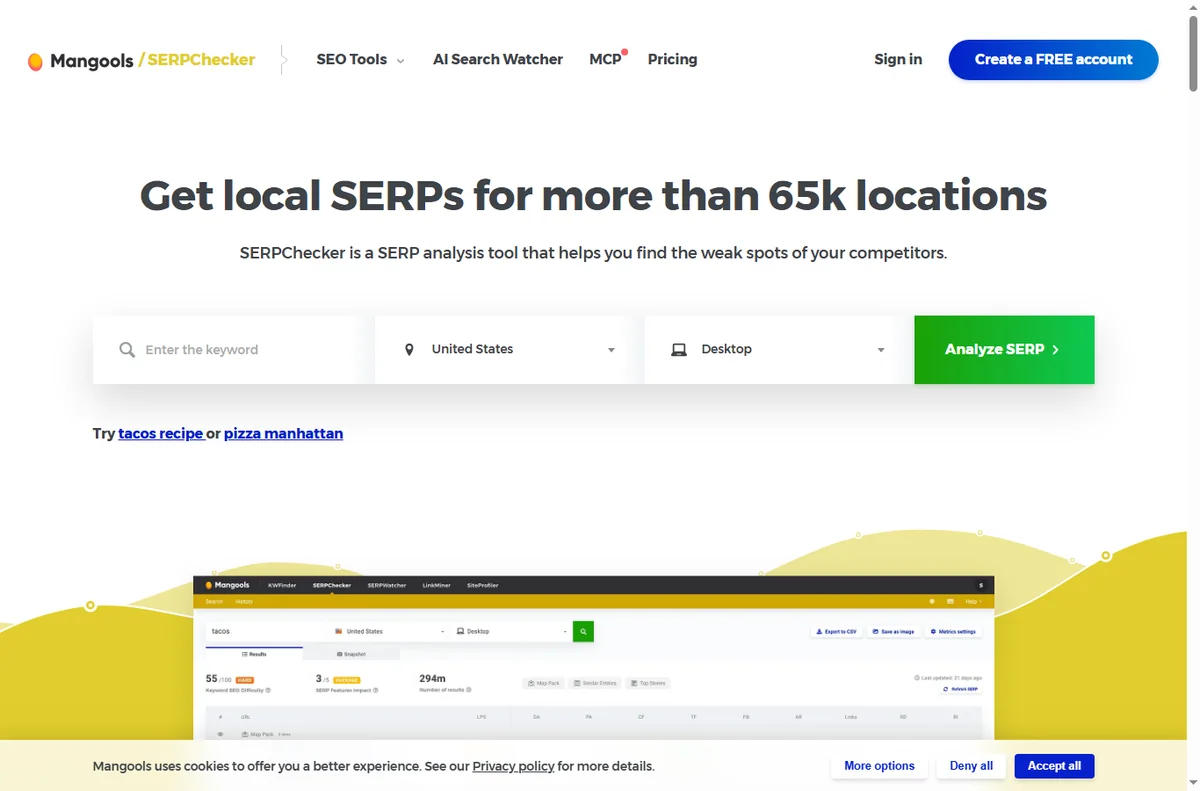
    Mangools serpchecker page
    Mangools serpchecker (image: mangools.com)

    Watch a small set of competitors

    Track two or three direct competitors in SERPWatcher. Watching a short list over months tells you more than a one-off scan of twenty sites.

    When a competitor overtakes you on a term that matters, study the exact page that did it instead of guessing.

    Build a modest content plan

    Turn your keyword shortlist into a calendar with one or two posts a month. Consistency beats bursts and keeps quality high.

    Update older pages that already rank rather than only writing new ones; small improvements often beat a brand-new post.

    Mangools serpwatcher page
    Mangools serpwatcher (image: mangools.com)

    If you serve a local area

    Local searches behave differently. Research terms that include a town or region, and keep your business name, address and phone details consistent everywhere they appear.

    A dedicated local landing page with real address and service details usually outperforms a generic services page.

    Measure a few things consistently

    Pick a handful of metrics — rankings for your main terms, organic sessions and enquiries — and review them on a fixed schedule.

    Chasing every number is a trap. A small, stable scoreboard you actually check beats a dashboard nobody opens.

    Mangools siteprofiler page
    Mangools siteprofiler (image: mangools.com)

    Where this fits

    Start from the independent Mangools review and the SEO tools hub. For setup, see how to set up Mangools. Compare options in best SEO tools for small business and follow the method with how to do keyword research.

    Mangools x blog page
    Mangools x blog (image: mangools.com)

    Frequently asked

    Can a small site rank for competitive keywords?

    Rarely for the broadest terms. Compete on lower-difficulty, specific keywords first and build authority before chasing the head terms.

    How many competitors should I track?

    Two or three direct competitors is enough to see patterns. A longer list mostly adds noise.

    How often should I review rankings?

    Weekly is plenty for a small site. Monthly focused reviews plus a weekly glance keeps you informed without obsessing.

    Do I still need on-page SEO?

    Yes. Tools tell you what to target; on-page work — clear titles, useful content and good structure — is what earns the rankings.

    Put Mangools to work

    Keyword research, rank tracking and competitor checks in one suite.

    Some links on this page may be referral links — we may earn a reward if you sign up, at no extra cost to you. We are an independent publisher. See our Affiliate Disclosure.

  • How to set up Mangools (step-by-step)

    How to set up Mangools (step-by-step)

    Home / SEO Tools / Guides / How to set up Mangools

    Tutorial · seo tools · updated October 9, 2026

    How to set up Mangools: account, domain tracking and your first research

    Mangools is a suite of SEO tools — KWFinder for keyword research, SERPChecker for SERP analysis, SERPWatcher for rank tracking, LinkMiner for backlinks and SiteProfiler for site overviews. Setting it up means creating an account, picking a plan, adding the domain you want to track, and running one focused keyword search. Here is the order that gets you useful data fastest.

    Independent analysis. This page may contain affiliate links. If you sign up through a link on this page we may earn a reward at no extra cost to you, and it never changes what we recommend. We are an independent publisher and are not affiliated with, endorsed by, or an official partner of any tool mentioned. See our Affiliate Disclosure.

    TL;DR

    • Create the account with a business email you monitor.
    • Pick the smallest plan that matches your monthly workload.
    • Add the domain you want to track in SERPWatcher.
    • Run one focused keyword search in KWFinder.
    • Add two or three competitors and switch on a weekly report.

    On this page: Create account · Pick a plan · Add the domain · First research · Add competitors · Sanity checks

    Mangools home page
    Mangools home (image: mangools.com)

    Step 1 — Create your account

    Start by creating an account with an email address you check regularly. This is the login you will use across the whole suite, so a business address is worth using over a personal one.

    Confirm the verification email before going further; an unverified account cannot save projects or tracking data reliably.

    Mangools kwfinder page
    Mangools kwfinder (image: mangools.com)

    Step 2 — Pick a plan that matches your workload

    The suite is sold in tiers that differ mainly in how many searches, tracked keywords and seats you get. We do not quote prices — plans and limits change, so check the current plans and usage limits on Mangools’ pricing page before you buy.

    If you are testing, start on the smallest tier that covers your real monthly workload rather than the largest annual deal you may not need yet.

    Mangools serpchecker page
    Mangools serpchecker (image: mangools.com)

    Step 3 — Add the domain you want to track

    Open SERPWatcher and add the domain whose rankings you want to follow. Set the search engine and location to match your actual customers, not just your own country.

    Import the keywords you already care about, or add the handful you know matter most. Tracking your real terms beats tracking vanity phrases.

    Step 4 — Run your first keyword research

    Open KWFinder, enter a broad topic, and filter for keywords with realistic difficulty for a small site. Look for terms where the top results are pages you could plausibly outrank.

    Group the results by intent — informational, commercial, local — and keep a short list you can actually write about this quarter.

    Mangools serpwatcher page
    Mangools serpwatcher (image: mangools.com)

    Step 5 — Add two or three competitors

    Add a small set of direct competitors using SERPChecker and SERPWatcher. Two or three is enough to spot patterns; a long list just adds noise.

    Use them to see which pages earn their rankings and which keywords they overlook — those gaps are where a small site wins.

    Final checks before you rely on it

    • Confirm your tracked domain and keywords are reporting data.
    • Set a weekly email report so you review progress without logging in daily.
    • Check the tool’s stated data limits so you do not run out mid-research.
    • Note your renewal date and the current plan limits.
    Mangools siteprofiler page
    Mangools siteprofiler (image: mangools.com)

    Where this fits

    See the independent Mangools review and the SEO tools hub. For the method, see how to do keyword research and the on-page SEO guide. For a shortlist sized to a small business, see best SEO tools for small business.

    Mangools x blog page
    Mangools x blog (image: mangools.com)

    Frequently asked

    What is Mangools best at?

    Fast, affordable keyword research and rank tracking. It is aimed at people who need the core SEO tasks without a large platform.

    Do I need a paid plan to try it?

    There are limits on what you can do without paying. Check the current terms on the pricing page before you rely on it for client work.

    Can I track more than one website?

    Paid tiers support more sites and keywords; check the current limits on the pricing page.

    Does it replace a full SEO platform?

    For a small site it covers the essentials. Larger teams with advanced reporting needs may still want a broader platform.

    Start tracking with Mangools

    Account, domain tracking and your first research.

    Some links on this page may be referral links — we may earn a reward if you sign up, at no extra cost to you. We are an independent publisher. See our Affiliate Disclosure.
  • How to Use Surfer SEO for a Small Business

    How to Use Surfer SEO for a Small Business

    Home / SEO Tools / Guides / How to use Surfer SEO for a small business

    Use case · seo tools · updated October 8, 2026

    How to use Surfer SEO for a small business

    A small team cannot optimise everything at once. What it can do is build a repeatable habit: brief a page well, check it before publishing, and revisit the pages that carry commercial weight. Surfer SEO supports exactly that rhythm.

    Surfer official homepage for the SEO content platform
    Surfer official homepage (image: surferseo.com)

    Independent analysis. This page may contain affiliate links. Some links here are referral links; if you sign up through one we may earn a reward at no extra cost to you, and it never changes what we recommend. We are an independent publisher and are not affiliated with, endorsed by, or an official partner of any tool mentioned. See our Affiliate Disclosure.

    TL;DR

    • Use the editor to build clear briefs for every new page.
    • Improve pages that already get impressions before writing more.
    • Audit service and product pages, not only blog posts.
    • Document a workflow so anyone can follow the same steps.
    • Review tracking on a steady cadence and report trends, not noise.

    On this page: What this covers · What a small business needs · Content briefs for a small team · Improving pages you already have · Auditing the site, not one page · A workflow your team can repeat · Tracking that stays honest · Keeping effort and cost in check · Where this fits

    What this covers

    A small team cannot optimise everything at once. What it can do is build a repeatable habit: brief a page well, check it before publishing, and revisit the pages that carry commercial weight.

    This guide looks at how Surfer SEO supports that rhythm in practice, and where it needs a human hand.

    Surfer pricing plans
    Surfer pricing (image: surferseo.com)

    What a small business needs from an SEO tool

    The value of a tool comes down to a few practical needs.

    Need Why it matters How Surfer helps
    Clear briefsWriters need direction, not guessworkThe editor suggests terms and structure to cover
    Less reworkSmall teams cannot rewrite endlesslyAudits show what to change before publishing
    ConsistencySeveral people edit the same siteA shared editor gives everyone the same target
    PriorityYou cannot optimise everything at onceTracking shows which pages are moving
    Simple reportingYou need to explain progressPosition tracking gives a plain view over time
    Based on publicly documented behaviour, checked October 8, 2026.
    Surfer Content Editor for content briefs
    Surfer Content Editor (image: surferseo.com)

    Content briefs for a small team

    A brief is the cheapest quality lever a small team has. Use the editor to build one that names the target term, the questions to answer, and an approximate length.

    Give the writer the brief and the score as guidance. Judge the finished page on whether it helps the reader, not on the number alone.

    Surfer AI content optimization page
    Surfer AI (image: surferseo.com)

    Improving pages you already have

    Start with pages that already get impressions but few clicks. A clearer title and a more complete answer often move the needle faster than a new post.

    Work in small passes: fix the structure, cover the missing terms, tighten the introduction. Then re-audit.

    Surfer Content Audit for site-wide audits
    Surfer Content Audit (image: surferseo.com)

    Auditing the site, not just one page

    Run audits across your main money pages, not only blog posts. Service and product pages often carry the most commercial value.

    Group fixes by effort. Quick wins, such as missing headings, come first.

    Surfer integrations page
    Surfer integrations (image: surferseo.com)

    A workflow your team can repeat

    Document the steps: pick a keyword, build a brief, draft, audit, edit, publish, then add to tracking.

    Keep one person responsible for the final check so quality does not depend on who happened to publish.

    Surfer keyword research tool page
    Surfer keyword research (image: surferseo.com)

    Tracking that stays honest

    Review tracking on a weekly or monthly cadence. Report movement and what you changed, not just rankings.

    Be honest about noise. Short-term shifts are common; trends over weeks matter more.

    Surfer Academy tutorials
    Surfer Academy (image: surferseo.com)

    Keeping effort and cost in check

    The main cost is the subscription plus your time. Weigh it against the value of the pages you improve. Check the official pricing page for current tiers.

    Start small, prove the workflow on a handful of pages, then expand.

    Where this fits in your wider stack

    For the full picture, read the independent Surfer SEO review and start from the SEO tools hub. If you want a broader shortlist, see best SEO tools for small business, or dig into best SEO audit tools.

    Frequently asked

    Is Surfer SEO worth it for a small team?

    It helps most when you publish regularly and want a repeatable way to brief and check content. If you rarely publish, the value is lower.

    Can it replace a writer?

    No. It guides structure and coverage. The writing and judgement still come from a person.

    How often should we audit pages?

    Audit a page when you write it, then revisit the ones that matter every few months or when rankings slip.

    Which plan suits a small business?

    It depends on how many pages you manage. Check the official pricing page to match a tier to your volume.

    Surfer blog with SEO workflow guides
    Surfer blog (image: surferseo.com)

    Build a repeatable SEO workflow

    See the current plans and pick the tier that fits your site.

    Referral link — we may earn a reward if you sign up, at no extra cost to you. We are an independent publisher. See our Affiliate Disclosure.

  • How to Set Up Surfer SEO: Step by Step

    How to Set Up Surfer SEO: Step by Step

    Home / SEO Tools / Guides / How to set up Surfer SEO

    Tutorial · seo tools · updated October 8, 2026

    How to set up Surfer SEO: a practical walkthrough

    Surfer SEO is a content optimisation tool that compares your draft against the pages already ranking for a keyword. This guide covers a clean setup: creating a project, running the content editor, auditing a page, and making the tool part of a repeatable workflow.

    Surfer official homepage for the SEO content platform
    Surfer official homepage (image: surferseo.com)

    Independent analysis. This page may contain affiliate links. Some links here are referral links; if you sign up through one we may earn a reward at no extra cost to you, and it never changes what we recommend. We are an independent publisher and are not affiliated with, endorsed by, or an official partner of any tool mentioned. See our Affiliate Disclosure.

    TL;DR

    • Create a project and add your domain and target keywords.
    • Use the Content Editor to get term and structure guidance while drafting.
    • Audit existing pages to find gaps against top results.
    • Connect your CMS so suggestions flow into your drafts.
    • Track pages over weeks, not days, and act on the trends.

    On this page: What this covers · Before you start · Step 1 – create a project · Step 2 – the content editor · Step 3 – audit a page · Choosing where to start · Step 4 – connect your CMS · Step 5 – track and iterate · Where this fits

    What this covers

    Surfer SEO is a content optimisation tool. It compares your draft or a live page against the results already ranking for a keyword, then suggests terms and a structure to cover.

    This walkthrough gets you from a blank account to a working routine, without leaning on tactics you do not understand.

    Surfer Academy with SEO tutorials
    Surfer Academy (image: surferseo.com)

    Before you start

    • A target keyword or topic, and a page or draft to work on.
    • Access to your site so you can publish changes.
    • A note of the competitors currently ranking for your keyword.
    • Your CMS login if you plan to use the integrations.
    Surfer account sign-up screen
    Surfer sign-up (image: surferseo.com)

    Step 1 — Create an account and a project

    1. Sign up and open the dashboard.
    2. Create a project and add your domain.
    3. Add the URLs and keywords you want to track.
    4. Confirm the language and location settings for your market.
    Surfer Content Editor product page
    Surfer Content Editor (image: surferseo.com)

    Step 2 — Run your first content editor

    Open the Content Editor and enter your target keyword. Surfer returns a suggested word count, a list of terms, and a structure based on what ranks.

    Treat the recommendations as guidance, not a checklist to force. Write for the reader first, then use the terms to cover gaps you missed.

    Use the score as a rough signal. A high score from padding is worse than a clear page that answers the question.

    Surfer Content Audit product page
    Surfer Content Audit (image: surferseo.com)

    Step 3 — Audit an existing page

    Run the audit on a page that already ranks, or one that should but does not.

    Review the flagged terms and headings, then decide which changes genuinely improve the page.

    Re-audit after editing to see whether the page moved closer to the recommendation.

    Surfer keyword research tool page
    Surfer keyword research (image: surferseo.com)

    Choosing where to start

    Surfer has several entry points. Pick the one that matches the job in front of you.

    Starting point Best for What you get
    Content EditorWriting something newTerm and structure guidance as you draft
    AuditImproving a live pageA comparison of your page against top results
    Topic researchPlanning a clusterRelated topics and keyword groups
    TrackingMonitoring progressA view of position changes over time
    Based on publicly documented behaviour, checked October 8, 2026.
    Surfer integrations page for WordPress and Google Docs
    Surfer integrations (image: surferseo.com)

    Step 4 — Connect your CMS

    Surfer integrates with WordPress and Google Docs, which lets you apply suggestions without copy-pasting between tools.

    If you use a different platform, keep the workflow manual but consistent: draft, check, then publish.

    Set a clear rule for when a page is ready to publish, so the team does not over-optimise.

    Surfer AI content optimization page
    Surfer AI (image: surferseo.com)

    Step 5 — Track and iterate

    Add the pages you care about to tracking and review progress on a set cadence, not daily.

    Use the data to decide where to update next. A page losing position is often a better use of time than a new draft.

    Keep a short log of what you changed so you can connect edits to results.

    Surfer blog with SEO guides
    Surfer blog (image: surferseo.com)

    Where this fits in your wider stack

    Before you commit, read the independent Surfer SEO review and browse the SEO tools hub. If auditing is your main need, see best SEO audit tools, and to give your pages the best base, compare best SEO friendly themes.

    Frequently asked

    Do I need to follow every suggestion?

    No. The recommendations are guides. Prioritise the terms and headings that make the page genuinely more complete, and ignore the rest.

    Can Surfer optimise an existing page?

    Yes. The audit compares a live page with top results and flags terms and structure you could add or adjust.

    Does Surfer publish content for me?

    It guides writing and audits pages. Publishing stays with you or your CMS, though integrations make it faster.

    What does Surfer cost?

    Plans change over time. Check the official pricing page for current tiers and limits before choosing.

    Surfer pricing plans
    Surfer pricing (image: surferseo.com)

    Set up Surfer SEO with a clear plan

    Check the current plans and what each tier includes.

    Referral link — we may earn a reward if you sign up, at no extra cost to you. We are an independent publisher. See our Affiliate Disclosure.

  • Common Semrush Problems and How to Fix Them

    Common Semrush Problems and How to Fix Them

    Home / SEO Tools / Guides / Common Semrush problems

    Problem solving · seo tools · updated October 8, 2026

    Common Semrush problems and how to fix them

    Most Semrush problems are interpretation problems, not software faults. The data is estimated, the scores are relative, and the reports can overwhelm a beginner. Here is how to diagnose and work around each.

    Semrush homepage for SEO and competitor research
    Semrush official homepage (image: semrush.com)

    Independent analysis. This page may contain affiliate links. Some links here are referral links; if you sign up through one we may earn a reward at no extra cost to you, and it never changes what we recommend. We are an independent publisher and are not affiliated with, endorsed by, or an official partner of any tool mentioned. See our Affiliate Disclosure.

    TL;DR

    • Keyword difficulty is relative, not a precise pass/fail score.
    • Estimated volumes can be far off for niche or local terms; verify before you commit.
    • Credit or limit errors usually mean you hit a plan cap, not a bug.
    • Overwhelming reports are fixed by choosing one question per session.
    • Export raw data and sanity-check it against search console.

    On this page: Diagnose the problem type · Keyword difficulty confuses · Data looks wrong · Credit or limit errors · Reports overwhelm · How to verify · Where this fits

    Diagnose the problem type

    Before changing anything, decide which category you are in: a score you do not understand, a number you doubt, a limit you hit, or a report that is too big to act on. Each has a different fix, and none of them is “the tool is broken.”

    Semrush keyword research and difficulty feature page
    Semrush keyword research (image: semrush.com)

    Keyword difficulty confuses

    Difficulty is a relative measure of how hard the current top results look, not a guarantee. A term scoring high can still be winnable with a better page or on a long-tail variation, and a low score can hide strong sites.

    What you see What it means What to do
    High difficultyEstablished pages dominateTarget long-tail variants first
    Low difficulty but no trafficDemand may be tiny or localCheck volume and intent
    Rising difficultyCompetition changedRe-check before investing
    Based on publicly documented behaviour, checked October 8, 2026.
    Semrush competitor analysis feature page
    Semrush competitor analysis (image: semrush.com)

    Data looks wrong

    Estimated volumes are modelled, so they can diverge from reality — especially for local, niche or brand-new terms. Treat a surprising number as a prompt to verify, not a fact.

    Compare against your own search console impressions for terms you already rank for. If the estimates are consistently off in your niche, weight them less in decisions.

    Semrush pricing page showing plan credits and limits
    Semrush pricing (image: semrush.com)

    Credit or limit errors

    Most “errors” are plan limits: a report that needs more units than you have left, or a feature reserved for a higher tier. Check the usage meter and the report size before assuming a fault.

    Batch work and export what you need in one pass rather than re-running reports you have already seen.

    Semrush position tracking reports feature page
    Semrush position tracking (image: semrush.com)

    Reports overwhelm

    The suite can show so much that nothing gets done. Fix this by starting each session with one question: what should I write next, why is this page losing, who links to my competitor. Answer that, then stop.

    Save the useful exports in one place so you are not re-running the same report each week.

    Semrush site audit feature page for verifying issues
    Semrush site audit (image: semrush.com)

    How to verify before you act

    1. Check the estimate against search console impressions.
    2. Look at the actual top results for the term, not just the score.
    3. Confirm the intent matches your page before you optimise for it.
    4. Act on one or two changes, then measure the result.
    Semrush SEO toolkit feature page
    Semrush SEO toolkit (image: semrush.com)

    Where this fits in your wider stack

    Read the independent Semrush review and start from the SEO tools hub. If cost or limits are the issue, see the Semrush pricing guide. Ground the work in the on-page SEO guide and best SEO tools for small business.

    Frequently asked

    Why does keyword difficulty feel wrong?

    It is a relative estimate of the current results, not a prediction. Verify by looking at the actual top pages and your own search data.

    Why are volumes so different from Google Keyword Planner?

    Both are estimates built differently. Use them for direction and verify against real search console impressions.

    Why am I out of credits?

    Reports and features consume units. Check the usage meter and export what you need in one pass rather than re-running.

    Where should a beginner start?

    One question per session: pick the term or page you are working on and open only the toolkits that answer it.

    Get answers from the data, not more data

    Use Semrush to answer one question at a time and verify before you invest.

    Referral link — we may earn a reward if you sign up, at no extra cost to you. We are an independent publisher. See our Affiliate Disclosure.

  • What Is Semrush? A Plain-English Guide to the SEO Toolkit

    What Is Semrush? A Plain-English Guide to the SEO Toolkit

    Home / SEO Tools / Guides / What is Semrush

    Knowledge · seo tools · updated October 8, 2026

    What is Semrush?

    Semrush is an SEO and marketing toolkit: it collects data about search, competitors and ads, then lets you query it. This guide explains what it is for, how the main tools fit together, and when a suite earns its price.

    Semrush homepage for SEO and competitor research
    Semrush official homepage (image: semrush.com)

    Independent analysis. This page may contain affiliate links. Some links here are referral links; if you sign up through one we may earn a reward at no extra cost to you, and it never changes what we recommend. We are an independent publisher and are not affiliated with, endorsed by, or an official partner of any tool mentioned. See our Affiliate Disclosure.

    TL;DR

    • Semrush is a data suite, not a single tool: keyword, competitor, backlink and audit data in one account.
    • Its value is breadth of data plus the ability to compare your site with competitors.
    • Beginners can start with keyword research and the site audit.
    • Data is an estimate, not gospel; always sanity-check against reality.
    • Confirm current limits and pricing on Semrush’s own pricing page.

    On this page: What Semrush is · The main toolkits · How the data fits together · When it is worth it · What the data is not · Where this fits

    What Semrush is

    Semrush gathers SEO and marketing data — keywords, competitor rankings, backlinks, ad copy — and serves it through dashboards and reports. You are paying for access to a large, maintained dataset plus the interface to query it.

    That framing matters: the product is the data and the workflow around it, not a single magic number.

    Semrush SEO toolkit feature page
    Semrush SEO toolkit (image: semrush.com)

    The main toolkits

    • Keyword research — volume, difficulty and related terms for a topic.
    • Competitor analysis — which terms and pages a rival ranks for.
    • Backlink analytics — the links pointing at a site.
    • Site audit — technical problems on your own site.
    • Position tracking — how your rankings move over time.
    • Advertising research — the paid side of the same picture.
    Semrush keyword research feature page
    Semrush keyword research (image: semrush.com)

    How the data fits together

    The suite is useful because the same underlying data can be sliced several ways. A keyword you find in research is the same term you track in positions and audit on your pages; a competitor you study gives you both content gaps and ad angles.

    Question Toolkit What you get
    What should I write about?Keyword researchDemand and difficulty
    Why does a rival outrank me?Competitor analysisTheir winning pages and terms
    Who links to my competitors?Backlink analyticsLink prospects
    What is broken on my site?Site auditTechnical issues to fix
    Am I improving?Position trackingRanking movement over time
    Based on publicly documented behaviour, checked October 8, 2026.
    Semrush pricing page with plan tiers
    Semrush pricing (image: semrush.com)

    When it is worth it

    A suite pays off when you have enough SEO work to make the breadth useful: several sites, an ongoing content plan, or clients. If you only need one thing occasionally, a narrower tool can be enough.

    For a small business, the common entry points are keyword research and the site audit. Start there and expand into competitors once you have a rhythm.

    What the data is not

    Keyword volumes and difficulties are estimates built from panels and modelling; treat them as directional. Rankings and backlinks are snapshots that update on a schedule, not in real time.

    Use the numbers to prioritise, then verify what matters against your own analytics and search console before you commit budget.

    Semrush site audit feature page
    Semrush site audit (image: semrush.com)

    Where this fits in your wider stack

    Read the independent Semrush review and start from the SEO tools hub. Planning cost? See the Semrush pricing guide. For a shortlist, read best SEO tools for small business and the on-page SEO guide.

    Semrush competitor page
    Semrush competitor (image: semrush.com)

    Frequently asked

    Is Semrush for beginners?

    You can start with keyword research and the site audit, which are the most intuitive toolkits. The suite reveals more depth as you use it.

    Do I need Semrush to do SEO?

    No. You can do a lot with free tools and search console. A suite helps when you need competitor and backlink data at scale.

    Is the keyword data exact?

    It is estimated from panels and modelling, so treat volumes as directional rather than precise.

    What is the best first tool?

    Keyword research for planning content, or the site audit if you need to fix technical problems first.

    Put real search data behind your next content plan

    Start with keyword research and a site audit, then widen into competitor data.

    Referral link — we may earn a reward if you sign up, at no extra cost to you. We are an independent publisher. See our Affiliate Disclosure.

  • How to Set Up Semrush: Projects, First Audit and Keyword Tracking

    How to Set Up Semrush: Projects, First Audit and Keyword Tracking

    Home / SEO Tools / Guides / How to set up Semrush

    Tutorial · seo tools · updated October 7, 2026

    How to set up Semrush: projects, your first audit and keyword tracking

    Semrush is a suite, not a single tool, so “setting it up” means configuring a few core tools around your own site and a couple of competitors. Do that once and the data starts accumulating.

    Semrush homepage for SEO and competitor research
    Semrush official homepage (image: semrush.com)

    Independent analysis. This page may contain affiliate links. Some links here are referral links; if you sign up through one we may earn a reward at no extra cost to you, and it never changes what we recommend. We are an independent publisher and are not affiliated with, endorsed by, or an official partner of any tool mentioned. See our Affiliate Disclosure.

    TL;DR

    • Create a project so audits and rankings attach to your domain.
    • Run a site audit and fix the highest-severity issues first.
    • Set up position tracking for the keywords you actually care about.
    • Add two or three competitors for context, not a dozen.
    • Review on a schedule — data only helps if you act on it.

    On this page: Create the project · Run the site audit · Position tracking · Keyword research · Add competitors · Where this fits

    Semrush sign-up screen to create an account and first project
    Semrush sign-up (image: semrush.com)

    Step 1 — Create your account and first project

    Sign up, then create a project for your own domain. A project is the container that holds your audit history, tracked keywords and reports, so everything you set up later attaches to it.

    Semrush technical SEO audit feature page
    Semrush site audit (image: semrush.com)

    Step 2 — Run your first site audit

    1. Start the site audit and let it crawl your domain.
    2. Sort issues by severity rather than working top to bottom blindly.
    3. Fix blocking technical issues first: broken links, missing titles, redirect chains.
    4. Re-crawl after fixes so you can see progress rather than guessing.
    Semrush position tracking feature page for rank monitoring
    Semrush position tracking (image: semrush.com)

    Step 3 — Configure position tracking

    Add the keywords that matter to your business — the ones tied to revenue, not the ones with the biggest volume. Choose the right country and device type, then let it run for a few weeks before drawing conclusions.

    Semrush keyword research feature page
    Semrush keyword research (image: semrush.com)

    Step 4 — Do focused keyword research

    Use keyword research to find queries you can realistically win, then map each to a page that already exists or a genuinely new one. Resist creating a page for every phrase; group related queries by intent instead.

    Semrush competitor analysis feature page
    Semrush competitor analysis (image: semrush.com)

    Step 5 — Add two or three competitors

    Track a small set of real competitors. More domains sound thorough but dilute attention; two or three well-chosen ones reveal the gaps you can actually act on.

    Semrush pricing page with plan tiers
    Semrush pricing (image: semrush.com)

    Where this fits

    See the independent Semrush review and the Semrush pricing guide. For tool choice, start at the SEO tools hub and the best SEO tools for small business shortlist. New-site basics are covered in the SEO checklist for a new website.

    Frequently asked

    What should I set up first?

    A project for your own domain, then a site audit, then position tracking for your revenue keywords. Competitors and research tools come after the basics are running.

    How many keywords should I track?

    Start with the handful tied directly to your products or services. You can expand later; a short, relevant list is more useful than a long, generic one.

    Do I need the competitor tools?

    They are useful but optional. Add two or three real competitors; a large list usually produces noise rather than decisions.

    How often should I act on the audit?

    Treat it as a recurring task: fix high-severity issues promptly, and review the rest on a monthly rhythm rather than obsessing over every warning.

    Will this guarantee rankings?

    No tool guarantees rankings. Semrush surfaces issues and opportunities; rankings follow from fixing problems, publishing genuinely useful content and earning links over time.

    Configure it once, review it on a schedule

    Project, audit, tracking — then act.

    Referral link — we may earn a reward if you sign up, at no extra cost to you. We are an independent publisher. See our Affiliate Disclosure.

  • How to Use Semrush for a Small Business (SEO Without a Team)

    How to Use Semrush for a Small Business (SEO Without a Team)

    Home / SEO Tools / Guides / How to use Semrush for a small business

    Use case · seo tools · updated October 7, 2026

    How to use Semrush for a small business: SEO without a team

    A small business cannot outspend competitors on SEO. It can out-focus them. Semrush is useful here as a filter — it helps you find the few actions that move revenue and ignore the rest.

    Semrush homepage for SEO and competitor research
    Semrush official homepage (image: semrush.com)

    Independent analysis. This page may contain affiliate links. Some links here are referral links; if you sign up through one we may earn a reward at no extra cost to you, and it never changes what we recommend. We are an independent publisher and are not affiliated with, endorsed by, or an official partner of any tool mentioned. See our Affiliate Disclosure.

    TL;DR

    • Focus on a small set of keywords tied to revenue.
    • Fix technical problems before chasing new content.
    • Study two or three competitors, not the whole market.
    • Build a modest content plan around intent, not volume.
    • Measure a few metrics consistently and act monthly.

    On this page: Find winnable keywords · Fix technical issues · Watch competitors · A modest content plan · Local SEO · Measure · Where this fits

    Semrush keyword research feature page for finding keyword opportunities
    Semrush keyword research (image: semrush.com)

    Find keywords you can actually win

    Big-volume terms are usually owned by large sites with deep authority. Filter for specific, lower-competition phrases that match what your customers type when they are close to buying. Those are the ones a small site can realistically rank for.

    Semrush technical SEO audit feature page
    Semrush site audit (image: semrush.com)

    Fix technical issues before publishing more

    • Broken links and redirect chains.
    • Missing or duplicated titles and descriptions.
    • Slow, heavy pages that hurt both users and rankings.
    • Mobile problems — most local traffic is mobile.
    Semrush competitor analysis feature page
    Semrush competitor analysis (image: semrush.com)

    Watch a small set of competitors

    Pick two or three competitors who already rank for your target terms. Look at the pages that earn them traffic and the gaps you could fill with a better, more specific page — not a duplicate.

    Semrush SEO toolkit page for planning content
    Semrush SEO toolkit (image: semrush.com)

    Build a modest content plan

    Map each target keyword to one page and one intent. Update existing pages that are close to ranking before writing new ones; improving a page at position eight is usually cheaper than launching a new one at position eighty.

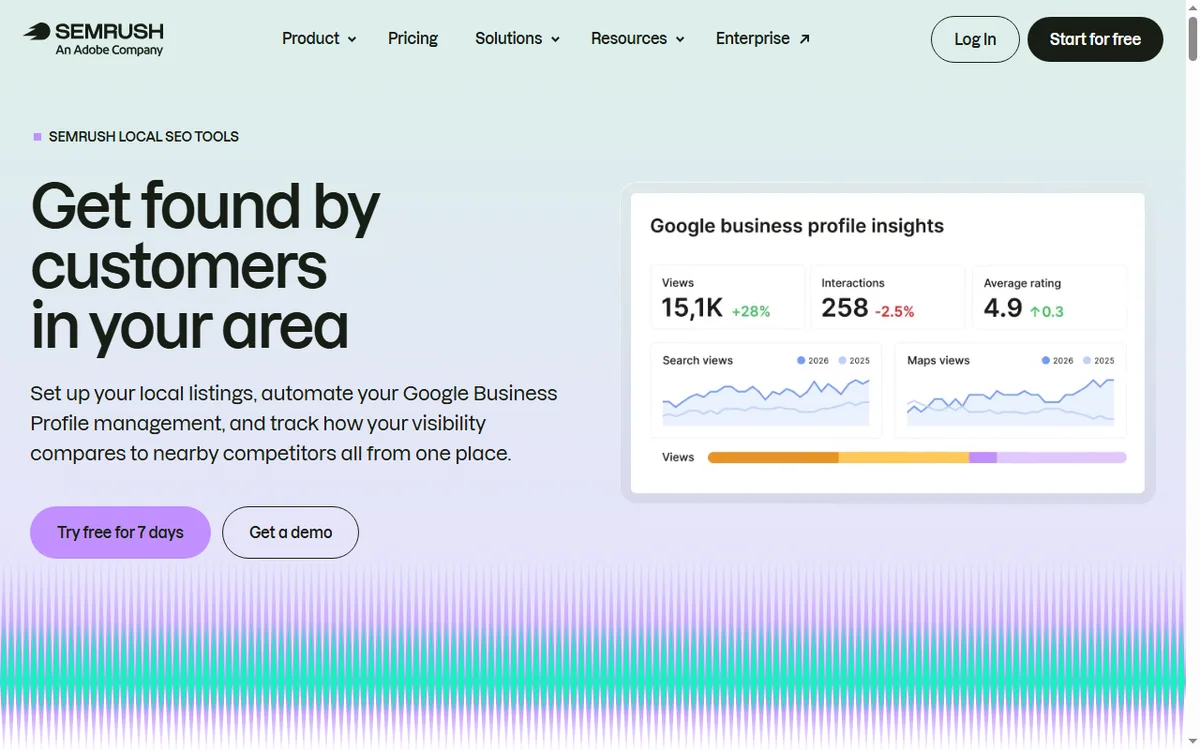
    Semrush local SEO tools page for rankings, listings and reviews
    Semrush local SEO (image: semrush.com)

    If you serve a local area

    Local SEO rewards clarity: consistent business details, a complete profile, real reviews and pages that mention the areas you serve. Semrush helps you find the terms; the local basics do the ranking.

    Semrush position tracking feature page
    Semrush position tracking (image: semrush.com)

    Measure a few things consistently

    • Rankings for your chosen keywords.
    • Organic sessions and which pages earn them.
    • Enquiries or revenue that follow.
    • Technical health from your latest audit.
    Semrush pricing page with plan tiers
    Semrush pricing (image: semrush.com)

    Where this fits

    See the independent Semrush review and the Semrush pricing guide. For tool choice, see the SEO tools hub and the best SEO tools for small business. On-page fundamentals are covered in the on-page SEO guide.

    Frequently asked

    Can this replace an SEO agency?

    It can reduce what you need from one, especially for on-site basics and content planning. Agencies still add value for large-scale link building or complex migrations.

    How long before I see results?

    Expect months, not days. New sites and new pages typically take weeks to be crawled and longer to rank; consistency over several months is what compounds.

    What should I prioritise first?

    Technical health on your own site, then a handful of specific keywords, then improving existing pages before adding new ones.

    Do I need backlinks?

    They help, but small businesses often see more early gain from fixing technical issues and targeting specific terms than from chasing links.

    How often should I review data?

    Monthly is enough for most small businesses. Weekly checks encourage over-reacting to normal fluctuation; monthly reviews reveal real trends.

    Out-focus, do not outspend

    A short keyword list and the technical basics first.

    Referral link — we may earn a reward if you sign up, at no extra cost to you. We are an independent publisher. See our Affiliate Disclosure.