Home / SEO Tools / Guides / What is Wincher
Knowledge · seo tools · updated October 9, 2026
What is Wincher?
Wincher is a web-based rank tracking tool that follows where your pages sit in search results over time. This guide explains what it does, how its projects and keyword views fit together, and what it is not.
Independent analysis. This page may contain affiliate links. If you sign up through a link on this page we may earn a reward at no extra cost to you, and it never changes what we recommend. We are an independent publisher and are not affiliated with, endorsed by, or an official partner of any tool mentioned. See our Affiliate Disclosure.
TL;DR
- Wincher is a rank tracking tool that runs in the browser.
- It follows the position of your keywords day by day.
- It adds competitors and reports on top of plain position tracking.
- Limits and pricing change, so check the current pricing before you commit.
- It is not a keyword research tool or a full SEO suite on its own.
On this page: What Wincher is · How it is organised · What it is good at · What it is not · Concept cheat sheet · Where this fits
What Wincher is
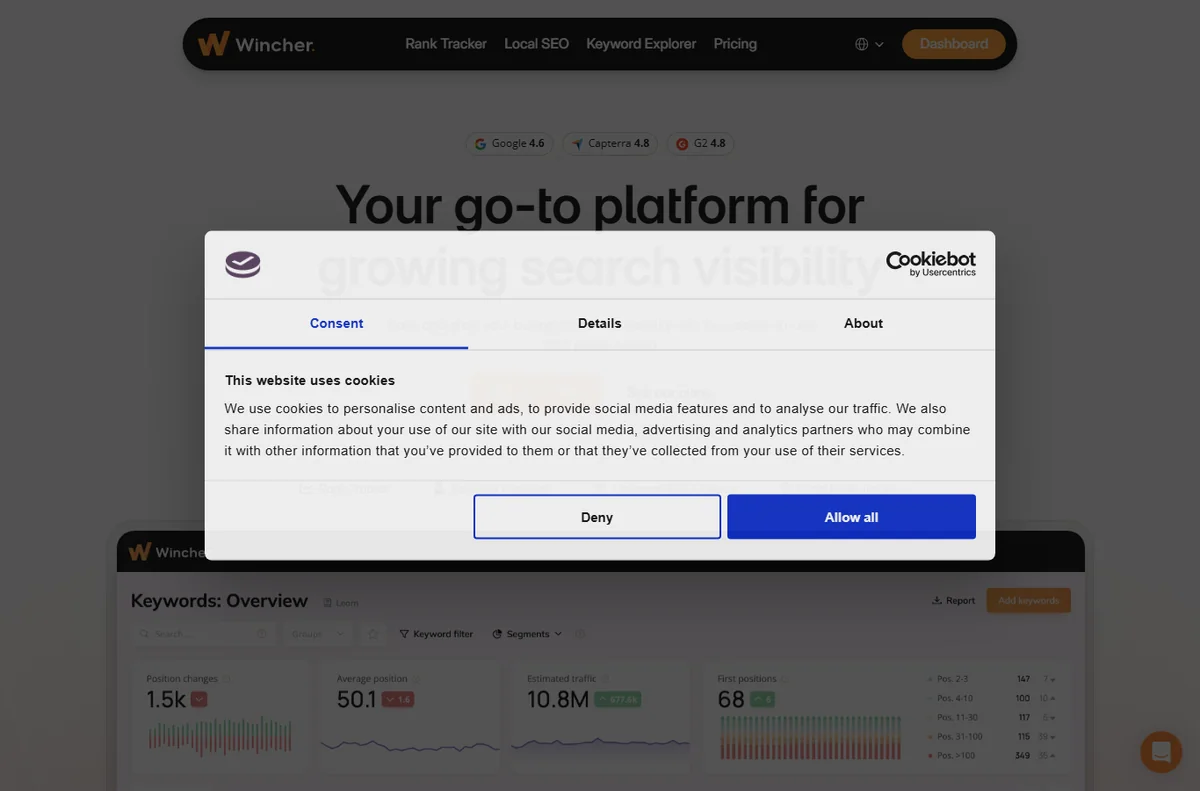
Wincher is a subscription tool rather than a plugin. You connect it to a website, add the keywords you care about, and it checks search results on a schedule to record where you rank.
Its focus is narrow on purpose. Instead of trying to be a research tool, a crawler and a rank tracker at once, it does tracking well and keeps the interface simple.
The data answers a specific question: are we moving up or down for the terms that matter, and where do we stand next to the sites we compete with.
Because it is cloud-based, there is nothing to install on your site, and you can read the results from any browser.
Think of it as a scoreboard. It records the score; improving the score is still down to your content, your links and your pages.
How Wincher is organised
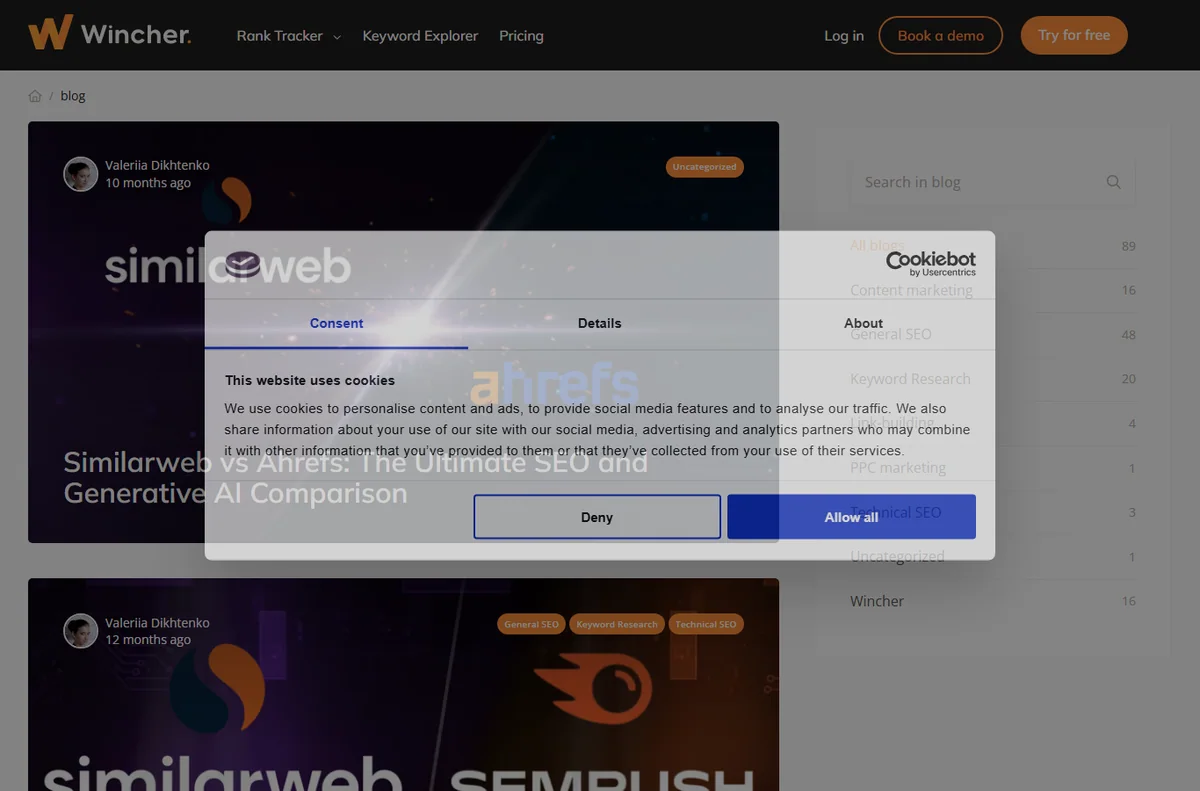
Everything hangs off a project. You add a domain, a search engine and a location, then the keywords you want to follow.
Each keyword becomes a row with its current position, its best position and a small chart of how it has moved. Grouping keywords keeps large lists manageable.
Competitors are added as other domains, so the same keyword row can show where you sit relative to them rather than in isolation.
Reports pull the movement into a summary you can read at a glance, which is useful when you do not want to scan every row.

What Wincher is good at
- Watching positions change day by day.
- Comparing your ranking with named competitors.
- Keeping keyword groups tidy as a list grows.
- Reading a simple report instead of raw data.
- Working from any browser with no plugin to maintain.
What Wincher is not
- Not a keyword research tool; it needs keywords to track.
- Not an on-page or technical audit suite.
- Not a content writer or a link builder.
- Not free, so check the current pricing before you commit.
Concept cheat sheet
| Concept | Meaning | Why it matters |
|---|---|---|
| Rank | The position a page holds for a keyword | It is the score you are trying to move |
| Keyword group | A set of keywords treated together | It keeps large lists readable |
| Competitor | Another domain you compare against | It turns a number into context |
| Position history | The record of past rankings | It shows whether the work is paying off |
| Report | A summary of movement | It saves reading every row yourself |
Where this fits
Wincher belongs with the other SEO Tools guides. For the bigger picture, read what SEO tools are for and the roundup for a small business; the Wincher review weighs it against alternatives, and the setup guide and day-to-day guide cover the practical side.

Frequently asked
Is Wincher a keyword research tool?
No. It tracks keywords you already have, so you still need a research tool to find new ones.
Does it work for any site?
It reads public search results, so it can track any site you have the URL for, though you get the most value tracking your own.
How often does it update?
It checks on a schedule, and the frequency depends on your plan, so check the current pricing for current limits.
Can I compare with competitors?
Yes. You can add rival domains and see the same keywords side by side.
Track your rankings with Wincher
Add your keywords, watch the movement and see where you stand against competitors.
Some links on this page may be referral links — we may earn a reward if you sign up, at no extra cost to you. We are an independent publisher. See our Affiliate Disclosure.