
Home / SEO Tools / Guides / Common Semrush problems
Problem solving · seo tools · updated October 8, 2026
Common Semrush problems and how to fix them
Most Semrush problems are interpretation problems, not software faults. The data is estimated, the scores are relative, and the reports can overwhelm a beginner. Here is how to diagnose and work around each.
Independent analysis. This page may contain affiliate links. Some links here are referral links; if you sign up through one we may earn a reward at no extra cost to you, and it never changes what we recommend. We are an independent publisher and are not affiliated with, endorsed by, or an official partner of any tool mentioned. See our Affiliate Disclosure.
TL;DR
- Keyword difficulty is relative, not a precise pass/fail score.
- Estimated volumes can be far off for niche or local terms; verify before you commit.
- Credit or limit errors usually mean you hit a plan cap, not a bug.
- Overwhelming reports are fixed by choosing one question per session.
- Export raw data and sanity-check it against search console.
On this page: Diagnose the problem type · Keyword difficulty confuses · Data looks wrong · Credit or limit errors · Reports overwhelm · How to verify · Where this fits
Diagnose the problem type
Before changing anything, decide which category you are in: a score you do not understand, a number you doubt, a limit you hit, or a report that is too big to act on. Each has a different fix, and none of them is “the tool is broken.”

Keyword difficulty confuses
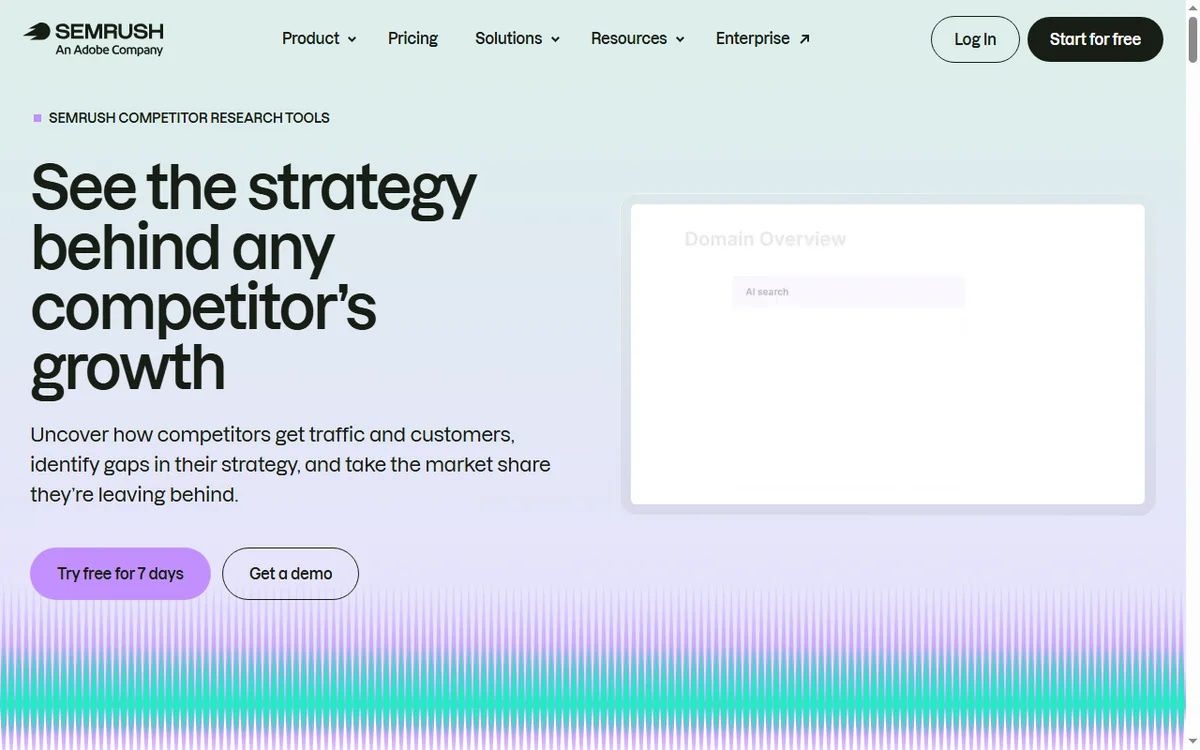
Difficulty is a relative measure of how hard the current top results look, not a guarantee. A term scoring high can still be winnable with a better page or on a long-tail variation, and a low score can hide strong sites.
| What you see What it means What to do | ||
|---|---|---|
| High difficulty | Established pages dominate | Target long-tail variants first |
| Low difficulty but no traffic | Demand may be tiny or local | Check volume and intent |
| Rising difficulty | Competition changed | Re-check before investing |
Data looks wrong
Estimated volumes are modelled, so they can diverge from reality — especially for local, niche or brand-new terms. Treat a surprising number as a prompt to verify, not a fact.
Compare against your own search console impressions for terms you already rank for. If the estimates are consistently off in your niche, weight them less in decisions.
Credit or limit errors
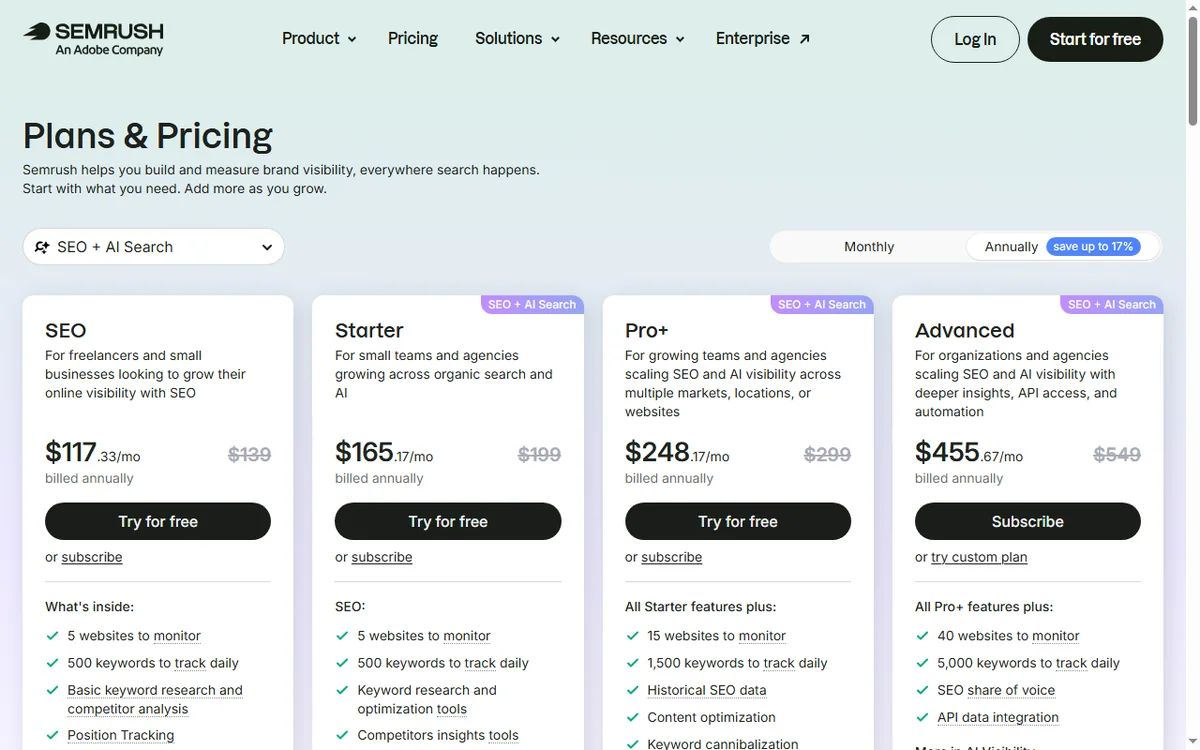
Most “errors” are plan limits: a report that needs more units than you have left, or a feature reserved for a higher tier. Check the usage meter and the report size before assuming a fault.
Batch work and export what you need in one pass rather than re-running reports you have already seen.

Reports overwhelm
The suite can show so much that nothing gets done. Fix this by starting each session with one question: what should I write next, why is this page losing, who links to my competitor. Answer that, then stop.
Save the useful exports in one place so you are not re-running the same report each week.

How to verify before you act
- Check the estimate against search console impressions.
- Look at the actual top results for the term, not just the score.
- Confirm the intent matches your page before you optimise for it.
- Act on one or two changes, then measure the result.
Where this fits in your wider stack
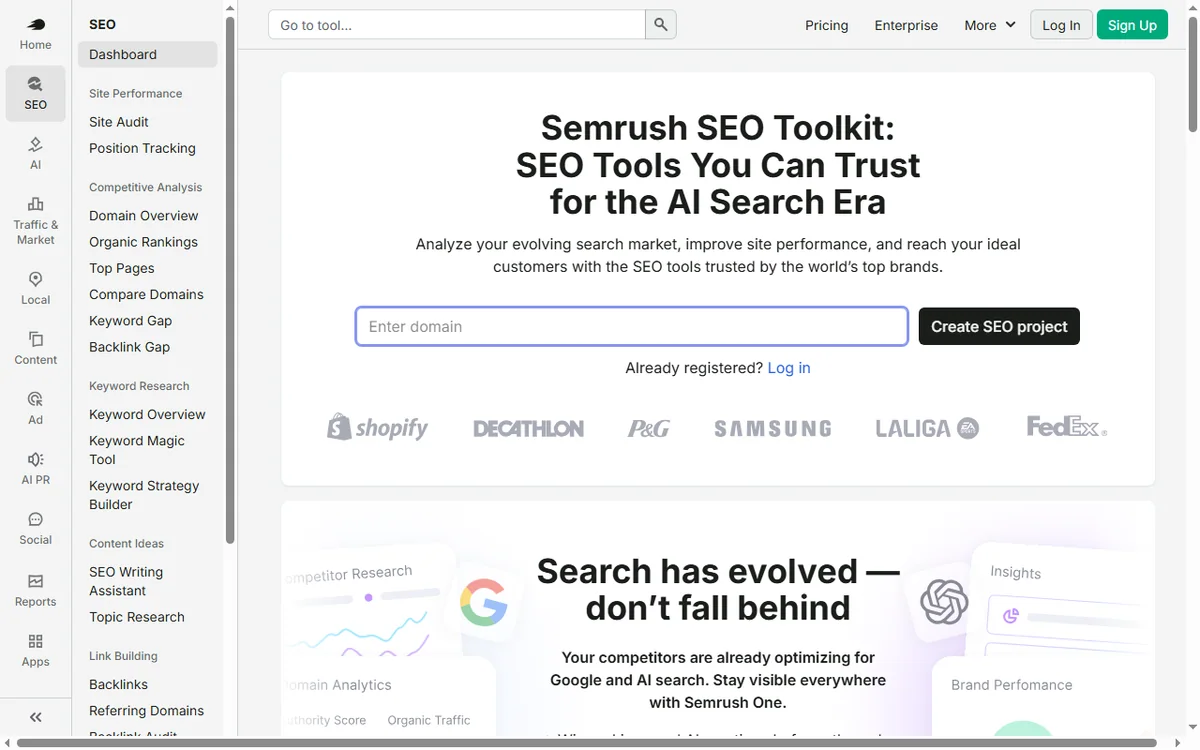
Read the independent Semrush review and start from the SEO tools hub. If cost or limits are the issue, see the Semrush pricing guide. Ground the work in the on-page SEO guide and best SEO tools for small business.
Frequently asked
Why does keyword difficulty feel wrong?
It is a relative estimate of the current results, not a prediction. Verify by looking at the actual top pages and your own search data.
Why are volumes so different from Google Keyword Planner?
Both are estimates built differently. Use them for direction and verify against real search console impressions.
Why am I out of credits?
Reports and features consume units. Check the usage meter and export what you need in one pass rather than re-running.
Where should a beginner start?
One question per session: pick the term or page you are working on and open only the toolkits that answer it.
Get answers from the data, not more data
Use Semrush to answer one question at a time and verify before you invest.
Referral link — we may earn a reward if you sign up, at no extra cost to you. We are an independent publisher. See our Affiliate Disclosure.
Leave a Reply