
Home / SEO Tools / Guides / How to set up Semrush
Tutorial · seo tools · updated October 7, 2026
How to set up Semrush: projects, your first audit and keyword tracking
Semrush is a suite, not a single tool, so “setting it up” means configuring a few core tools around your own site and a couple of competitors. Do that once and the data starts accumulating.

Independent analysis. This page may contain affiliate links. Some links here are referral links; if you sign up through one we may earn a reward at no extra cost to you, and it never changes what we recommend. We are an independent publisher and are not affiliated with, endorsed by, or an official partner of any tool mentioned. See our Affiliate Disclosure.
TL;DR
- Create a project so audits and rankings attach to your domain.
- Run a site audit and fix the highest-severity issues first.
- Set up position tracking for the keywords you actually care about.
- Add two or three competitors for context, not a dozen.
- Review on a schedule — data only helps if you act on it.
On this page: Create the project · Run the site audit · Position tracking · Keyword research · Add competitors · Where this fits

Step 1 — Create your account and first project
Sign up, then create a project for your own domain. A project is the container that holds your audit history, tracked keywords and reports, so everything you set up later attaches to it.

Step 2 — Run your first site audit
- Start the site audit and let it crawl your domain.
- Sort issues by severity rather than working top to bottom blindly.
- Fix blocking technical issues first: broken links, missing titles, redirect chains.
- Re-crawl after fixes so you can see progress rather than guessing.

Step 3 — Configure position tracking
Add the keywords that matter to your business — the ones tied to revenue, not the ones with the biggest volume. Choose the right country and device type, then let it run for a few weeks before drawing conclusions.

Step 4 — Do focused keyword research
Use keyword research to find queries you can realistically win, then map each to a page that already exists or a genuinely new one. Resist creating a page for every phrase; group related queries by intent instead.
Step 5 — Add two or three competitors
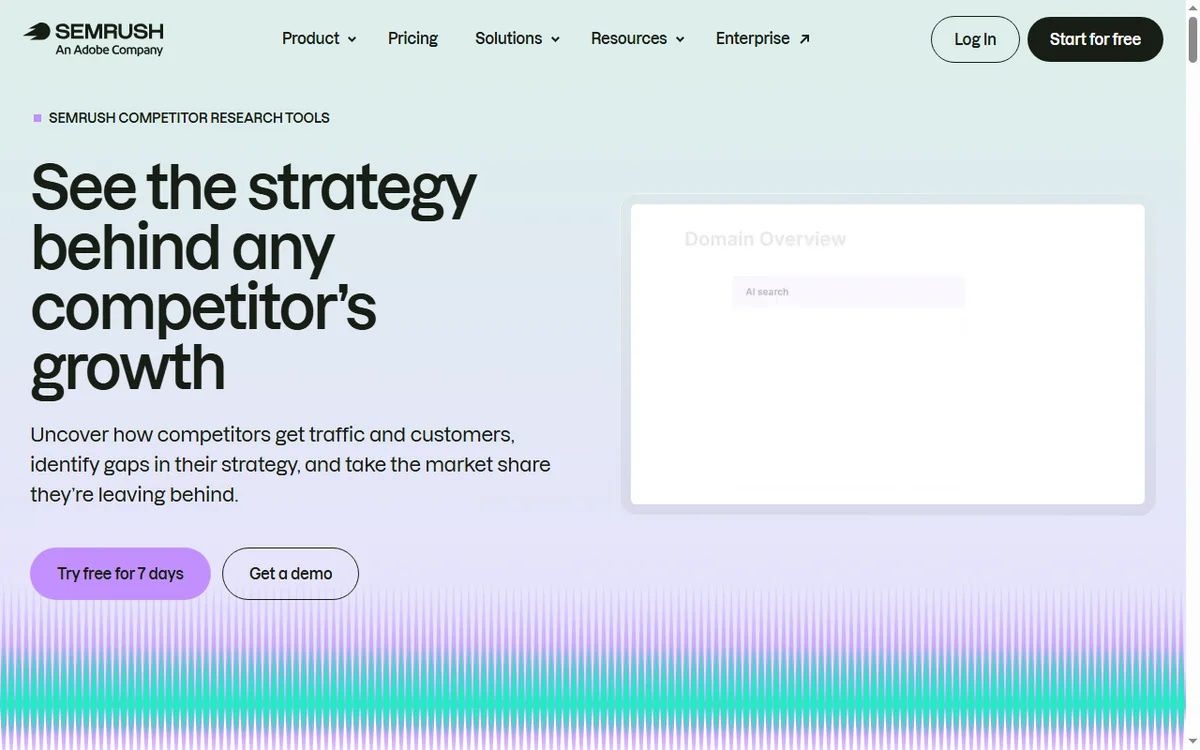
Track a small set of real competitors. More domains sound thorough but dilute attention; two or three well-chosen ones reveal the gaps you can actually act on.
Where this fits
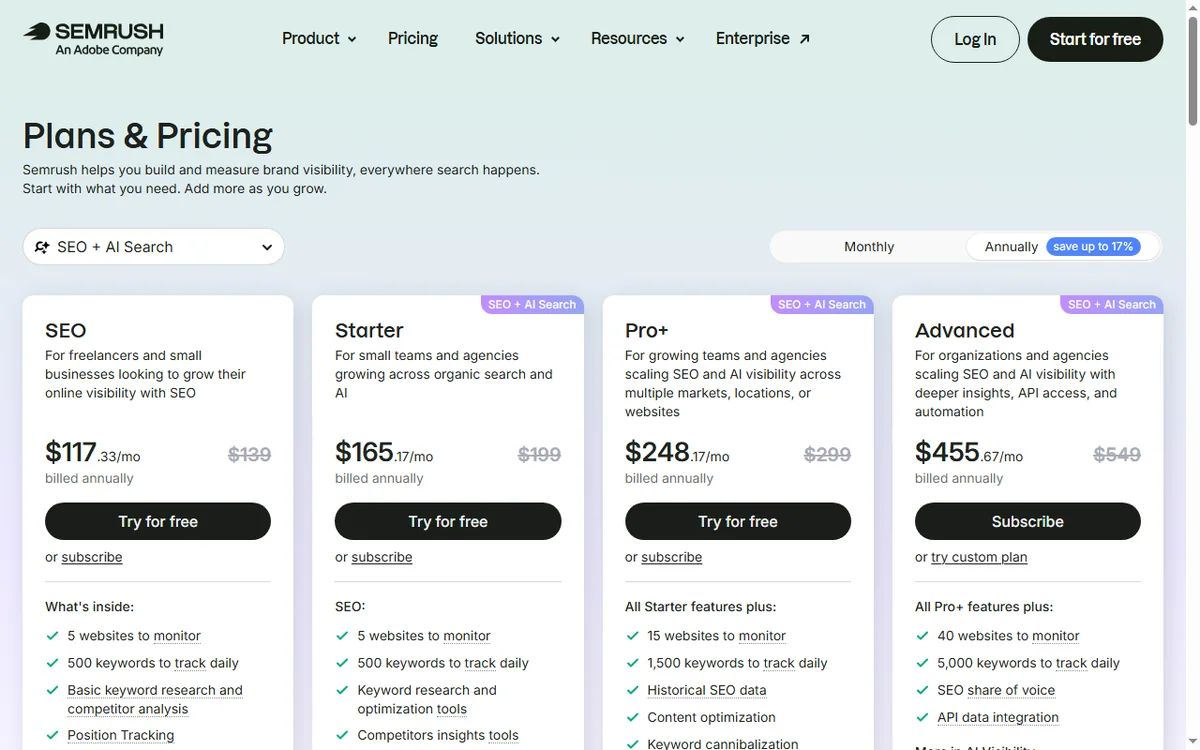
See the independent Semrush review and the Semrush pricing guide. For tool choice, start at the SEO tools hub and the best SEO tools for small business shortlist. New-site basics are covered in the SEO checklist for a new website.
Frequently asked
What should I set up first?
A project for your own domain, then a site audit, then position tracking for your revenue keywords. Competitors and research tools come after the basics are running.
How many keywords should I track?
Start with the handful tied directly to your products or services. You can expand later; a short, relevant list is more useful than a long, generic one.
Do I need the competitor tools?
They are useful but optional. Add two or three real competitors; a large list usually produces noise rather than decisions.
How often should I act on the audit?
Treat it as a recurring task: fix high-severity issues promptly, and review the rest on a monthly rhythm rather than obsessing over every warning.
Will this guarantee rankings?
No tool guarantees rankings. Semrush surfaces issues and opportunities; rankings follow from fixing problems, publishing genuinely useful content and earning links over time.
Configure it once, review it on a schedule
Project, audit, tracking — then act.
Referral link — we may earn a reward if you sign up, at no extra cost to you. We are an independent publisher. See our Affiliate Disclosure.
Leave a Reply