
Independent analysis. This page may contain affiliate links.
Best SEO-Friendly WordPress Themes for Fast, Clean, and Searchable Sites
Your theme will not rank for you, but a slow or bloated one can hold a good site back. SEO-friendly themes share a few traits: they are lightweight, they output clean semantic markup, they play well with SEO plugins, and they stay fast on mobile. Everything else is preference.
This guide covers the themes teams use for speed and structure, what actually affects search performance, and how to choose without overpaying.
Quick comparison table
| Option | Best for | Starting price |
|---|---|---|
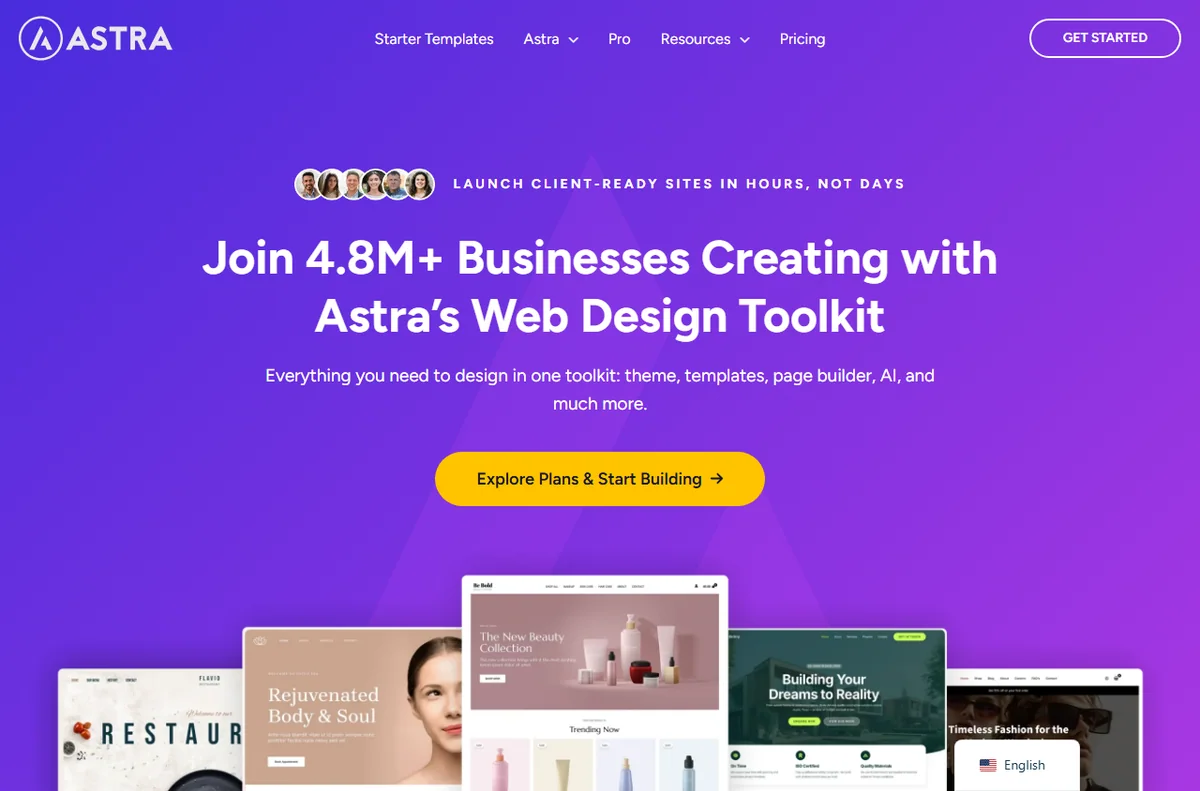
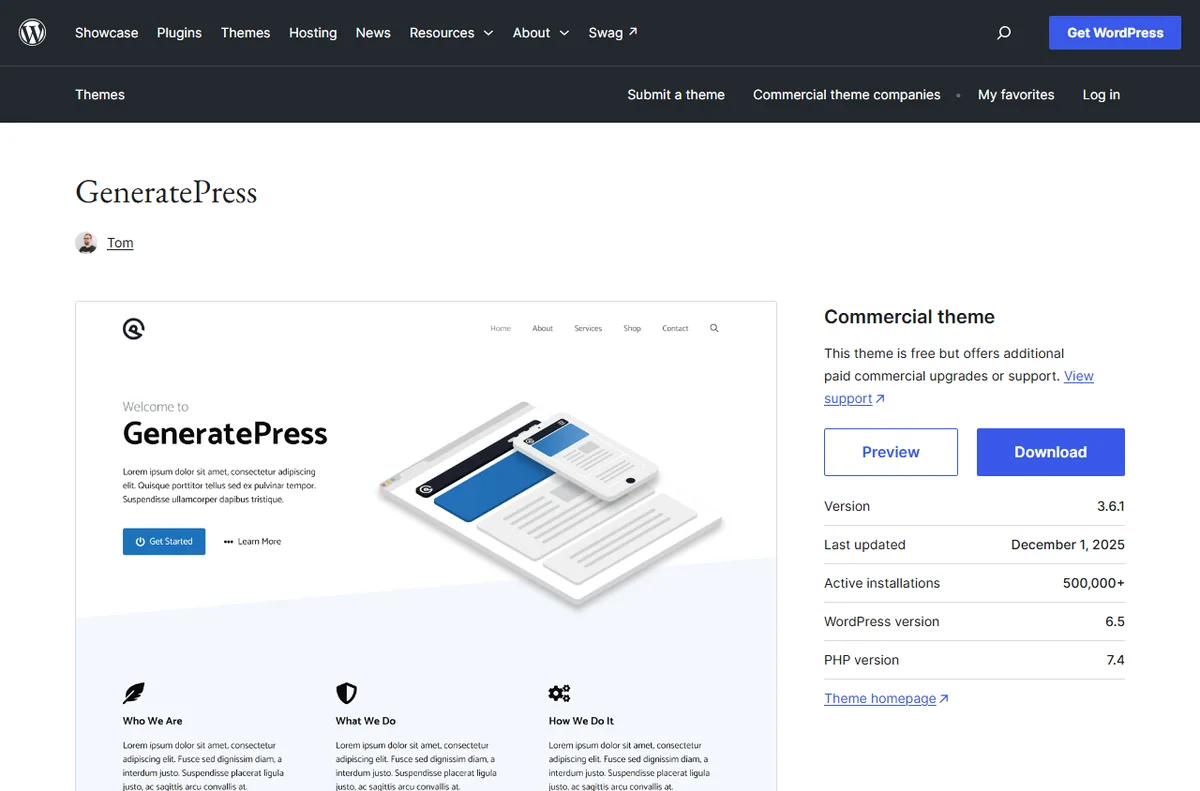
| GeneratePress | Lightweight sites that need speed and control | Free; premium from about $59/yr |
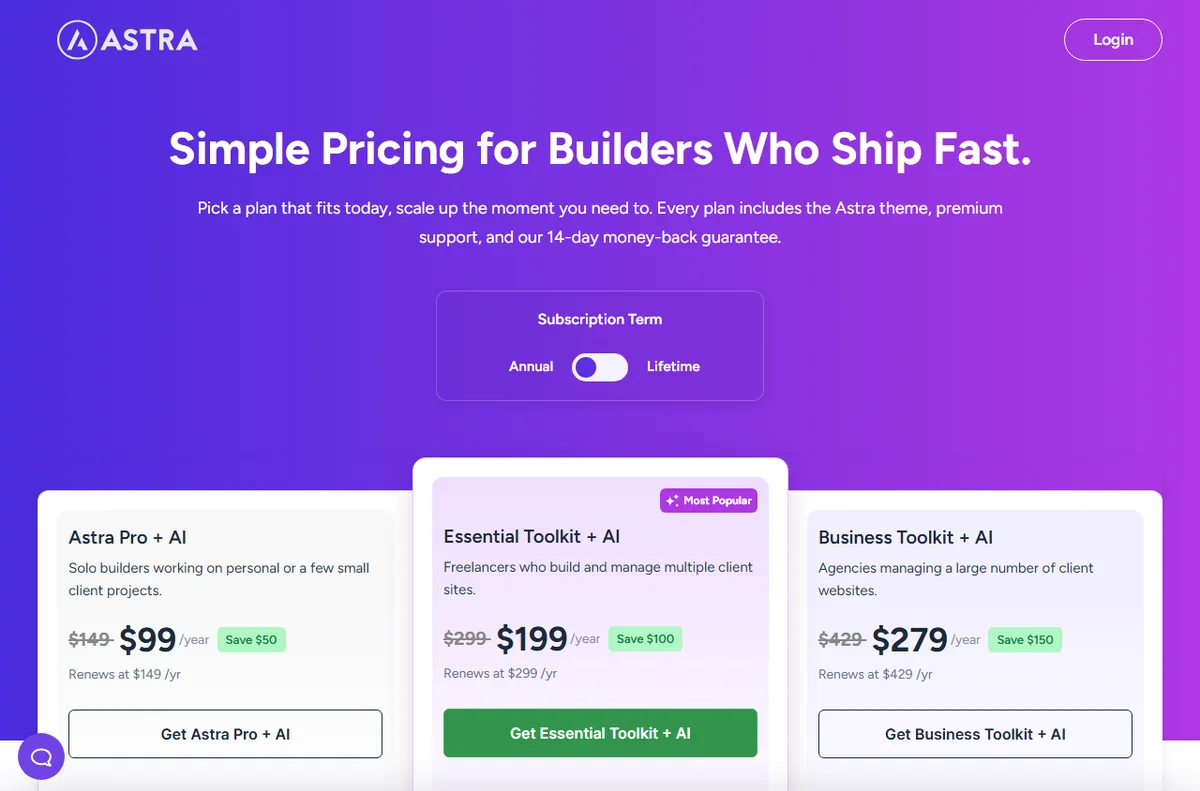
| Astra | Fast, flexible sites with many starter templates | Free; premium from about $59/yr |
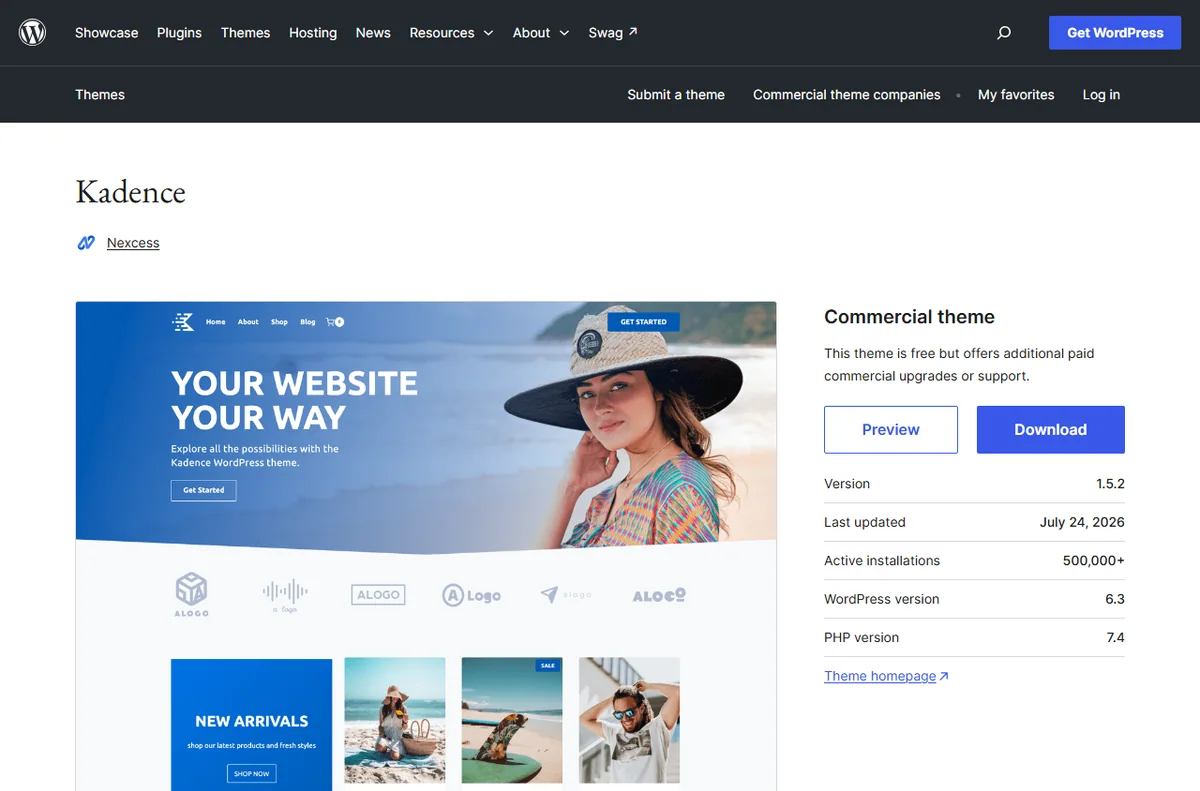
| Kadence | Block-based sites with strong performance | Free; premium from about $129/yr |
| Neve | Modern blogs and business sites with builder support | Free; premium from about $99/yr |
| OceanWP | Multipurpose sites with broad plugin support | Free; premium from about $49/yr |
Why your theme matters for SEO
Search engines care about experience: fast pages, a clean structure, and content that works on phones. A theme affects all three. Heavy themes load extra scripts and styles that slow your site, especially on mobile where Core Web Vitals are judged.
A good theme also produces semantic HTML, meaning your headings and landmarks are structured in a way crawlers can understand. That structure makes your content easier to interpret.
Theme choice is easy to get wrong and expensive to reverse, so test on a staging site before committing.
Commit once the numbers are good instead of endlessly comparing demos.
Speed and Core Web Vitals
The metrics that matter most are Largest Contentful Paint, Interaction to Next Paint, and Cumulative Layout Shift. Lightweight themes help by shipping less code and avoiding layout that jumps as images load.
Speed also depends on hosting, caching, and images, so a theme is one part of the stack. Choose a lean theme, then optimize the rest with caching and compressed images rather than expecting the theme to fix everything.
Measure real pages with PageSpeed Insights rather than trusting a theme demo score.
Run the test on your own content and plugins, because demo sites are often unrealistically light.
Semantic markup and structure
Look for correct heading hierarchy, schema-friendly markup, and clean output without excessive wrapper elements. Themes built for blocks and modern WordPress tend to produce tidier markup than old drag-and-drop frameworks.
Breadcrumbs, accessible navigation, and proper article structure help both users and crawlers. These are small things that compound across a large site.
Breadcrumbs, landmarks, and correct heading order help crawlers and screen readers alike.
Compatibility with SEO plugins
Any theme you pick should work cleanly with an SEO plugin such as Rank Math or Yoast, letting you control titles, meta descriptions, and schema without conflict. It should also support the page builder and caching plugin you plan to use.
Check whether the theme loads its own fonts, analytics, or tracking scripts by default. Extra scripts you did not ask for are a common hidden speed tax.
Avoid themes that bundle their own analytics, sliders, and fonts you never asked for.
How to choose without overspending
Start with a well-maintained free theme such as GeneratePress, Astra, or the default Twenty Twenty-Four, and add a premium license only when you need specific features or support. Buy for maintenance and updates, not for flashy demos.
Whichever you choose, keep plugins to a minimum, enable caching, and test real pages rather than the demo. A modest theme, well optimized, will outperform a heavy one every time.
A lean theme plus caching and image optimization usually beats a heavy all-in-one theme.
Test two or three candidates on staging, watch real metrics, then pick one and stop second-guessing.
Pros
- Lightweight themes cut page weight and improve Core Web Vitals
- Clean semantic markup helps crawlers understand your content
- All the popular picks work with SEO plugins and page builders
- Free versions are strong, so you can test before paying

Cons
- A fast theme cannot fix slow hosting or oversized images
- Feature-heavy themes add scripts that quietly hurt speed
- Premium licenses add cost and vary in update quality
Frequently asked questions
Does my WordPress theme affect SEO?
Indirectly, yes. It affects page speed, mobile experience, and markup structure, all of which influence how search engines and users experience your site.
Are free themes good enough?
Often, yes. GeneratePress, Astra, and OceanWP all have capable free versions. Upgrade when you need premium features or dedicated support.
What about page builders and speed?
Builders can add weight. Block-based themes and the WordPress block editor tend to produce leaner output than older builder frameworks.
Is a fast theme enough to rank well?
No. Speed helps, but rankings also depend on content quality, keyword targeting, backlinks, and overall site health. Treat the theme as one part of the stack.

Verdict
Choose a lightweight, well-maintained theme, then optimize hosting, caching, and images around it. GeneratePress and Astra are the safest starting points, Kadence suits block-based workflows, and Neve and OceanWP cover broader use cases. Any of them, combined with an SEO plugin and disciplined optimization, gives your content the clean, fast foundation search engines reward.
Read more: speed optimization · Elementor vs Divi.