
Home / Security & Privacy / Guides / How to use Surfshark for a small business
Use case · security & privacy · updated October 8, 2026
How to use Surfshark for a small business: a practical guide
For a small business, a VPN is less about hiding and more about consistency: the same protection on every laptop, phone and network your team happens to use. This guide covers the ways Surfshark earns its place in a small operation, from remote work to shared access, and the habits that keep it useful rather than forgotten.
Independent analysis. This page may contain affiliate links. Some links here are referral links; if you sign up through one we may earn a reward at no extra cost to you, and it never changes what we recommend. We are an independent publisher and are not affiliated with, endorsed by, or an official partner of any tool mentioned. See our Affiliate Disclosure.
TL;DR
- Protect remote and travelling staff by keeping the tunnel on whenever they leave a trusted network.
- Treat the account as shared infrastructure: track who is connected and on which device.
- Use the dashboard for a quick device review instead of auditing each machine by hand.
- Keep cost predictable by noting the renewal date and plan limits in advance.
- Write a short internal rule so everyone knows when the VPN should be on.
On this page: What this covers · What matters most for a small business · Remote work and untrusted networks · Shared access without sharing passwords · Simple admin and device management · Keeping cost predictable · A short internal VPN policy · Common mistakes to avoid · Where this fits in your wider stack
What this covers
A small business rarely needs every feature a VPN offers. It needs a few outcomes: staff protected on untrusted networks, a workable way to share access, and a low-friction routine that survives a busy week.
This page maps those outcomes to how Surfshark is actually used day to day, and flags the decisions that tend to cause trouble later.
What matters most for a small business
Before turning on features one by one, decide which of these priorities apply to you. They are ordered by how often they cause real problems in small teams.
| Priority Why it matters How to handle it | ||
|---|---|---|
| Untrusted networks | Staff on public or shared Wi-Fi expose their traffic to snooping. | Enable auto-connect so the tunnel starts on unknown networks. |
| Device sprawl | Laptops, phones and tablets multiply the endpoints. | Track who installed the app and on what, and stay within your device limit. |
| Shared credentials | One login shared by many people is hard to audit or revoke. | Keep the owner list short, and change the password when someone leaves. |
| Cost drift | Subscriptions renew quietly and grow with headcount. | Note the renewal date and re-check the official pricing page before it renews. |
Remote work and untrusted networks
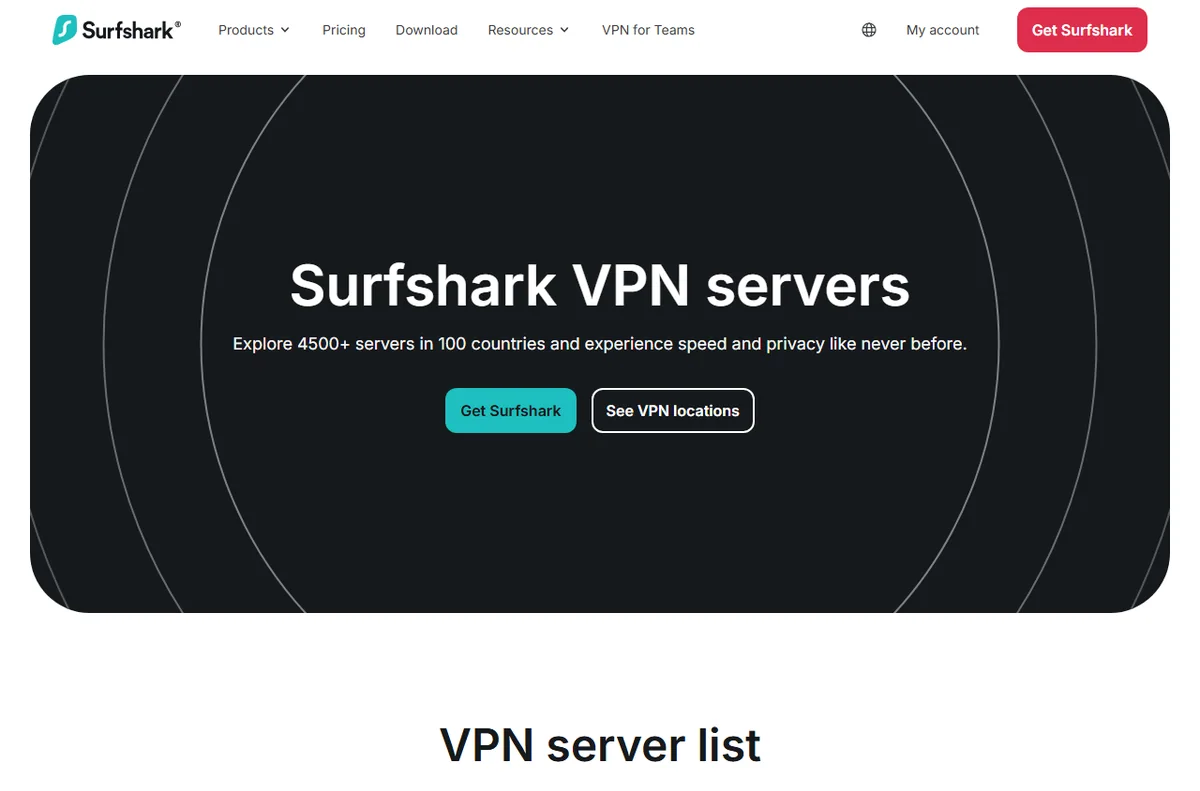
The clearest win is remote work. A laptop that roams between home, cafes, hotels and client offices is repeatedly joining networks you do not control. With the VPN set to connect automatically, the user does not have to remember anything.
Travelling staff benefit most. Airports and hotel networks are convenient and hard to trust, and a tunnel turns an unknown network into a consistent one. Confirm the settings on each device once, then let auto-connect handle the rest.
Shared access without sharing passwords
Sharing one login across the whole company is common and workable at a small scale, but it needs a little discipline. Keep the number of people who know the credentials as small as practical, and store them somewhere central rather than in a chat thread.
When someone leaves, treat it like any other access change: rotate the password, sign out the devices that should no longer connect, and reconnect the ones that should. A short checklist makes this a five-minute job instead of a scramble.
Simple admin and device management
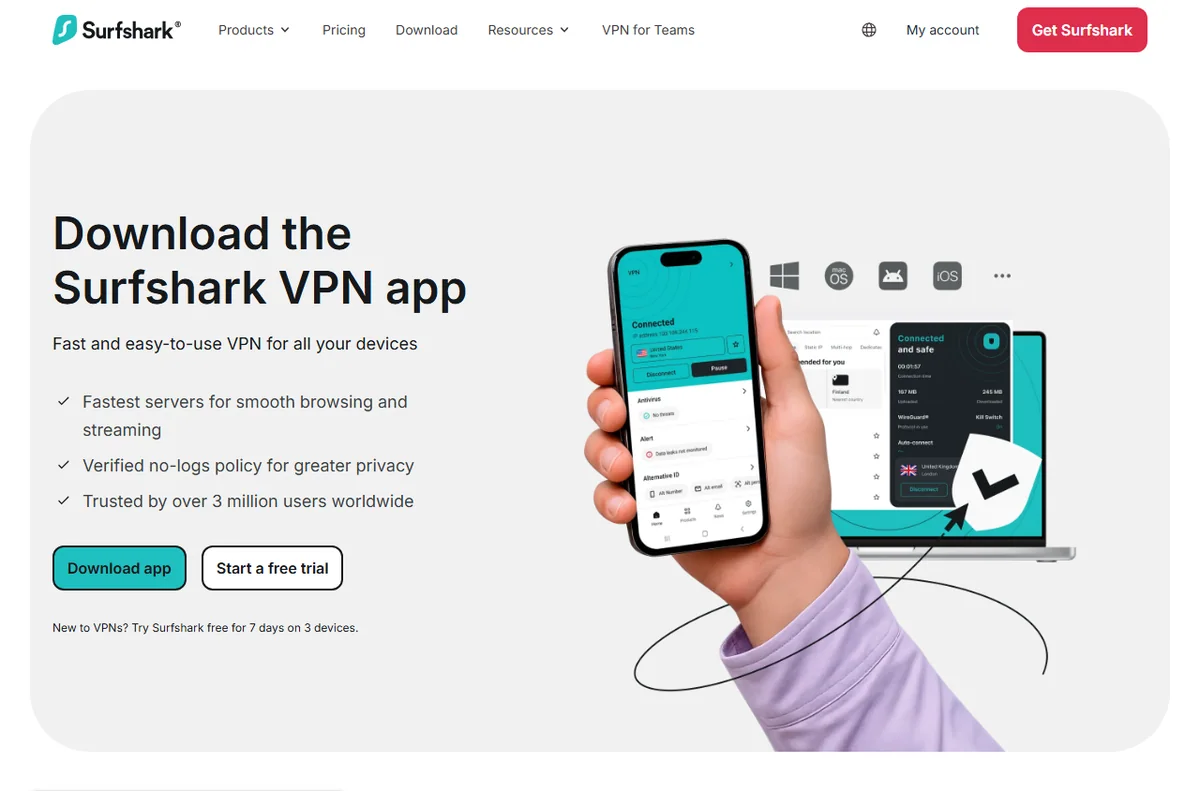
If your account includes a dashboard, use it as your home base. It gives you a single view of connected devices, which is far easier than asking every person what they installed.
For a business without dedicated IT, that single view is often the difference between knowing your security posture and guessing. Review it every few weeks, not every day.

Keeping cost predictable
VPN costs stay predictable when you treat them like any other subscription. Record the renewal date, the device allowance and the plan you are on in one place, and revisit it before renewal rather than after.
If headcount grows, check whether the current allowance still covers everyone at once. If it does not, compare the next tier against the cost of a second account before deciding.
A short internal VPN policy
You do not need a long document. A few clear lines will do, and the team will actually read them.
- When the VPN should be on: always on untrusted networks, optional on trusted office networks.
- Who holds the account details, and who is allowed to add or remove devices.
- What to do if a device is lost: rotate the password and remove the device promptly.
- Where to check plan limits and renewal dates, so nobody is surprised.

Common mistakes to avoid
Most problems come from setup habits rather than the tool. Installing the app without checking the connection, forgetting to verify the device count, and leaving the account details with people who have left are the recurring three.
A short verification step after each device is set up, plus one regular account review, removes nearly all of it.

Where this fits in your wider stack
To judge whether Surfshark is the right pick for your team, read the independent Surfshark review and start from the security and privacy hub. Weighing alternatives? Compare providers in Surfshark vs PureVPN and review VPNs suited to remote work before you commit.
Frequently asked
Do we need a VPN if the whole team works from one office?
Not always for the office network itself, but it still helps for laptops that leave the building, home workers and anyone using public Wi-Fi. If devices never leave a trusted network, the value is much smaller.
Is sharing one account across the team acceptable?
It is common in very small teams and generally workable, but it needs discipline. Keep the list of credential holders short, store the login centrally, and rotate the password when someone leaves.
How often should we review connected devices?
Every few weeks is usually enough for a small team. The point is to spot devices that should have been removed, not to watch the dashboard daily.
Will this replace our other security tools?
No. A VPN protects traffic in transit. Antivirus, patching and password management still matter and are separate jobs.
Protect your team with Surfshark
Review the current plans and device limits on the official site before you choose.
Referral link — we may earn a reward if you sign up, at no extra cost to you. We are an independent publisher. See our Affiliate Disclosure.
Leave a Reply