
Home / Email Marketing / Guides / What is MailerLite
Knowledge · email marketing · updated October 9, 2026
What is MailerLite?
MailerLite is an email marketing service for sending campaigns, building automations and collecting subscribers. This guide explains what it does, how it is organised, and what it is not.
Independent analysis. This page may contain affiliate links. If you sign up through a link on this page we may earn a reward at no extra cost to you, and it never changes what we recommend. We are an independent publisher and are not affiliated with, endorsed by, or an official partner of any tool mentioned. See our Affiliate Disclosure.
TL;DR
- MailerLite is an email marketing tool for campaigns and automations.
- It is organised around subscribers, groups, campaigns and automations.
- Signup forms and landing pages collect new subscribers.
- It is aimed at small businesses and creators who want simple email tools.
- It is not a full CRM and it is not a website builder.
On this page: What MailerLite is · How it is organised · What it is good at · What it is not · Concept cheat sheet · Where this fits

What MailerLite is
MailerLite is a service for sending email at scale. You keep a list of subscribers, send them campaigns, and set up automations that respond to what they do.
The core job is the same as any email platform: get permission to contact someone, send them something worth reading, and watch how they respond. What differs is how the tool is organised and how much it asks of you.
It is a hosted service, so you use it in a browser rather than installing software, and your subscriber list lives in your account.
How MailerLite is organised
Subscribers are the people on your list. You can place them into groups so that a message goes to one segment rather than everyone.
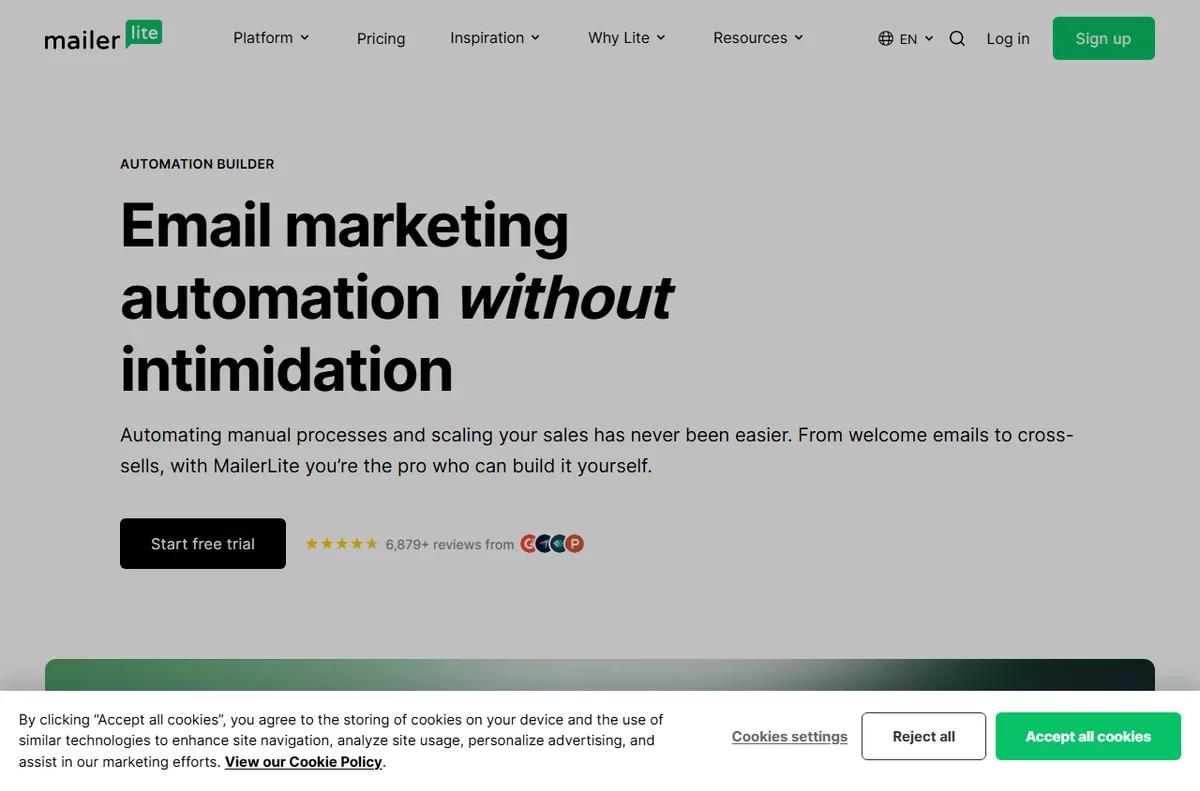
A campaign is a single email sent to a group. An automation is a sequence triggered by an event, such as a new subscriber joining or a link being clicked.
Forms and landing pages are the entry points that add people to the list, and they connect back to the groups and automations you set up.
What MailerLite is good at
- Sending campaigns and simple newsletters without a designer.
- Grouping subscribers so a message reaches the right people.
- Automating a welcome sequence or a follow-up.
- Collecting subscribers with signup forms and landing pages.
- Tracking opens, clicks and unsubscribes in one place.
What MailerLite is not
- Not a full CRM: it tracks email behaviour more than the whole sales relationship.
- Not free of charge beyond its free tier limits, so check the current pricing.
- Not a website builder, even though it can host simple landing pages.
- Not a guarantee of deliverability; that also depends on your list and your sending habits.
Concept cheat sheet
| Concept | Meaning | Why it matters |
|---|---|---|
| Subscriber | A person on your list | The audience you send to |
| Group | A segment of subscribers | Decides who receives a message |
| Campaign | One email sent once | The core sending unit |
| Automation | A sequence triggered by an event | Handles follow-up automatically |
| Form | A signup that adds a subscriber | Grows the list |
Where this fits
Start with the email marketing hub. For the practical steps see how to set up MailerLite, and for everyday usage read how to use MailerLite for a small business.

Frequently asked
Is MailerLite only for email?
Email is the centre of it, but it also offers simple landing pages and forms that collect subscribers. It is not a general website builder.
Do I need design skills?
No. You start from a template, add your content and send. Good copy and a clear layout matter more than visual polish.
Is there a free tier?
There is a free tier with limits, and paid plans above it. Limits change, so check the current pricing on MailerLite’s own site.
Can I move my list elsewhere later?
Most services let you export your subscribers. Check the export options in your account before you rely on it.
Does it handle automation?
Yes. You can trigger sequences on events such as a new subscriber or a click, and branch the flow based on what happens.
Send email that gets opened
Campaigns, automations and signup forms.
Some links on this page may be referral links — we may earn a reward if you sign up, at no extra cost to you. We are an independent publisher. See our Affiliate Disclosure.
Leave a Reply