Quick answer. LiveAgent can suit agencies that run support on behalf of clients: shared inboxes, multiple channels and SLA-oriented views let one team answer across brands. The per-agent model is predictable, but you must watch seat count as you scale.
Independent analysis. This page may contain affiliate links.
Start your LiveAgent free trial — one inbox for chat, email and phone. Start the free trial — using this link does not change the price you pay.
The agency problem: many brands, one team
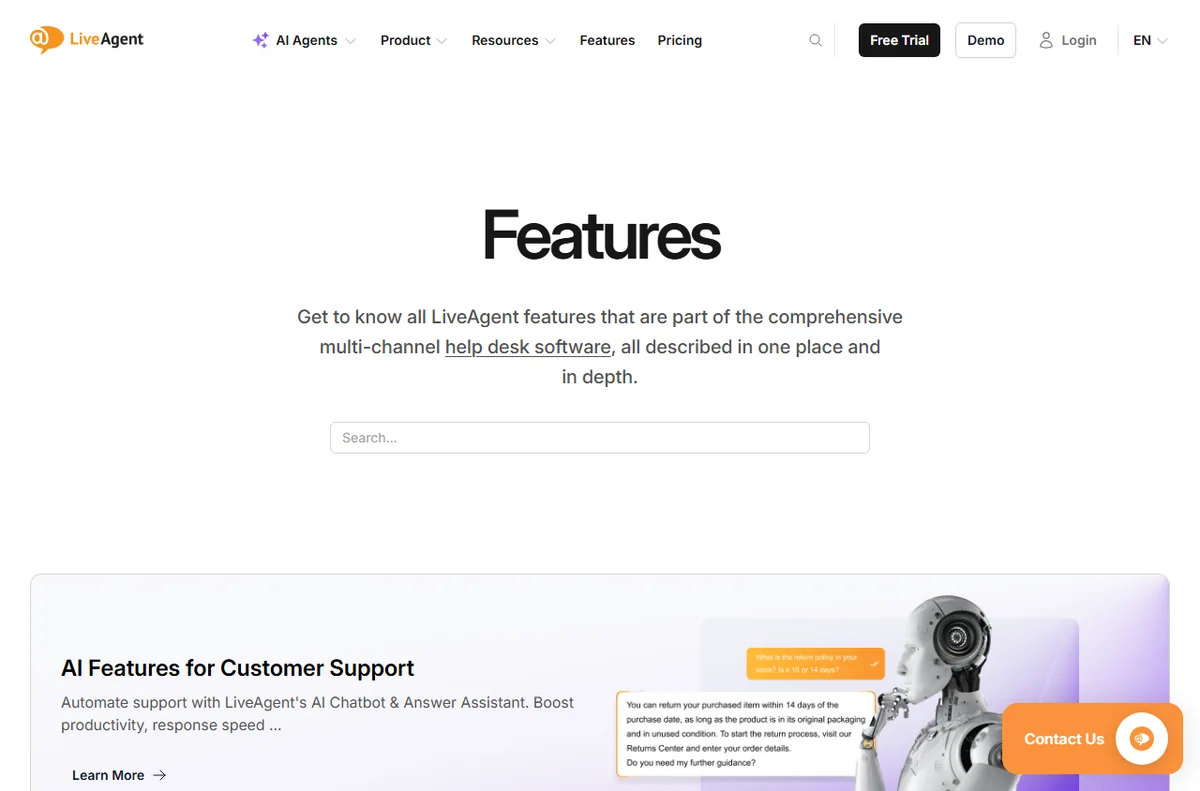
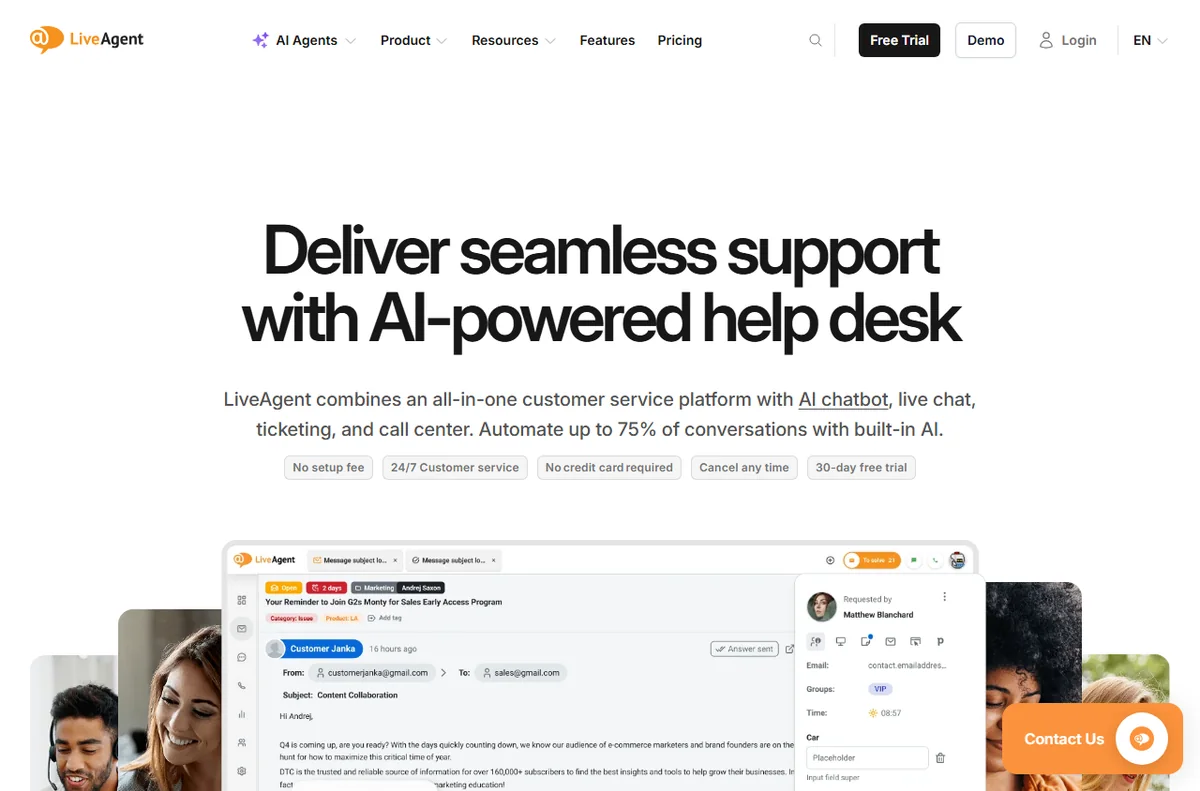
LiveAgent is an all-in-one customer service platform whose core is a shared inbox: live chat, email tickets, phone calls, social messages and a knowledge base all arrive in one dashboard, so agents stop tab-hopping between tools.
An agency answering for several clients inherits several inboxes, several tone-of-voice rules and several SLAs. Doing that in separate tools multiplies logins, bills and mistakes.
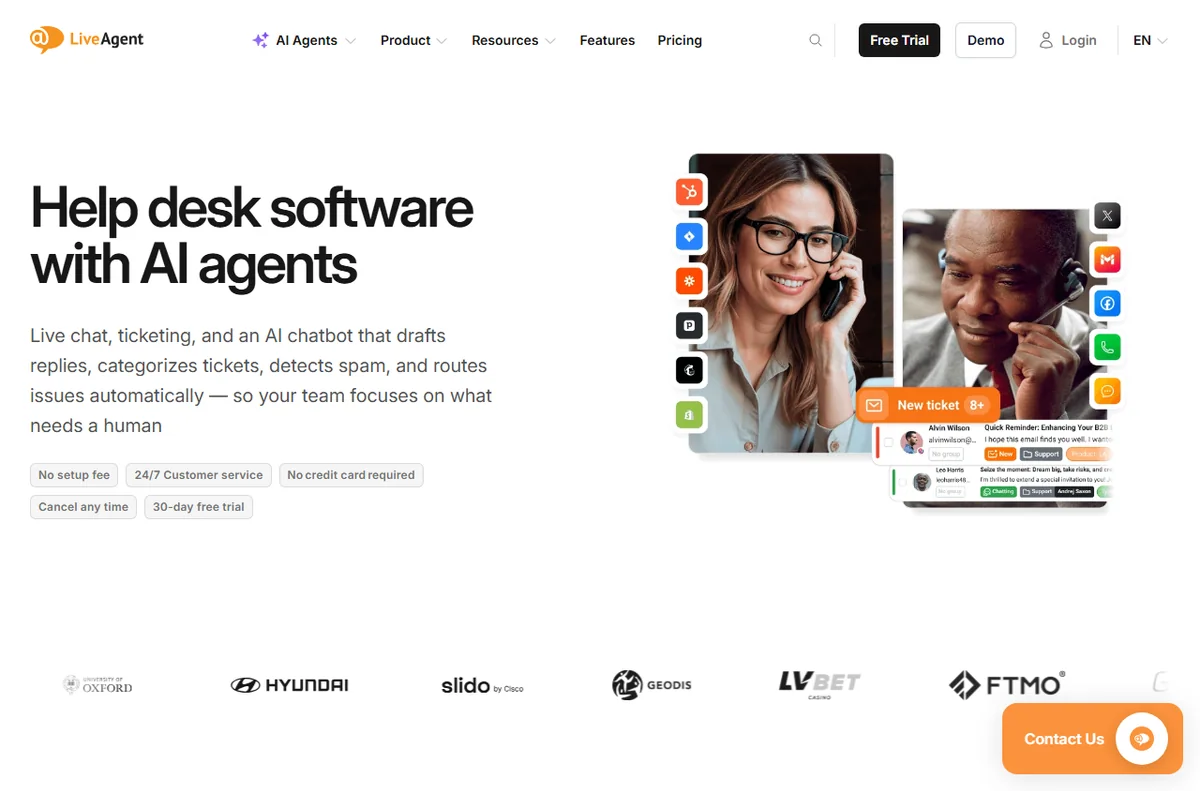
What LiveAgent gives an agency
It is cloud-hosted and priced per agent rather than per contact, and the vendor offers a 30-day free trial that it says needs no credit card (checked October 14, 2026).
A shared inbox with routing and assignment lets agents pick up tickets across brands. Saved replies and a knowledge base per brand keep answers consistent. SLA views help you prove you hit client commitments.
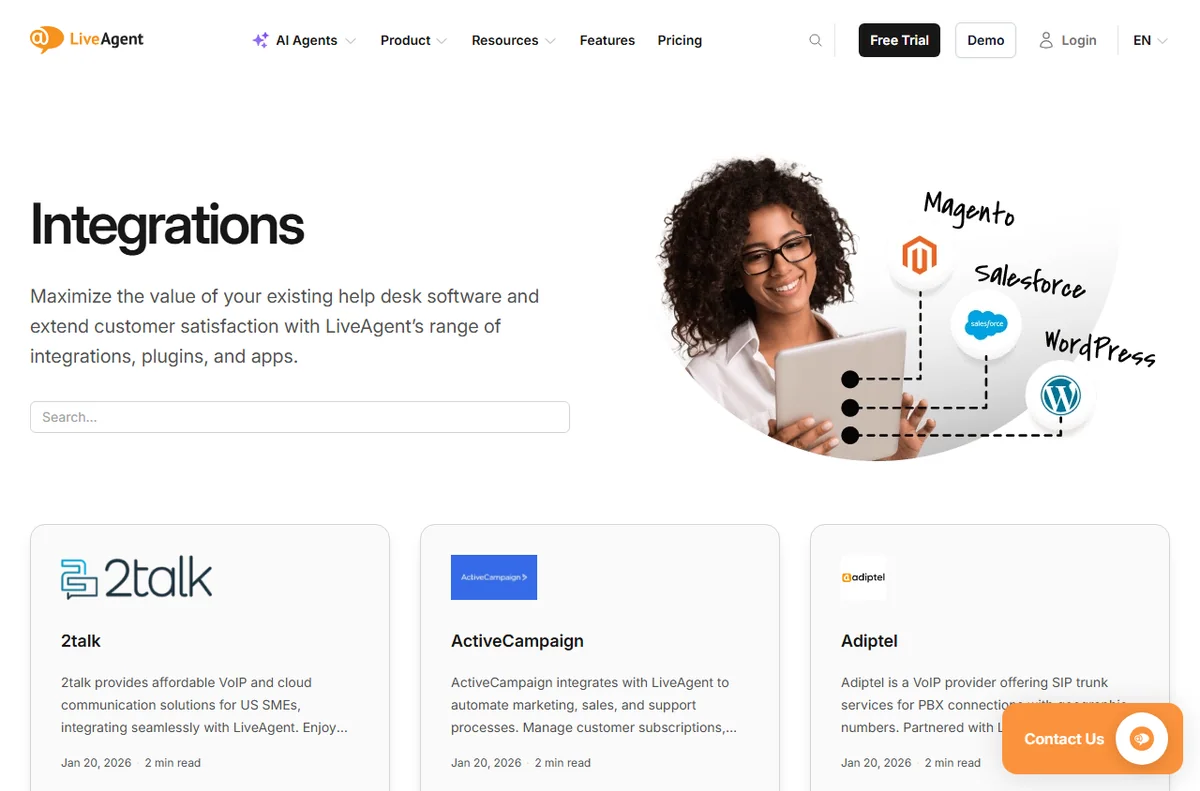
Multi-brand and multi-channel work
Chat on client sites, email for tickets, social for the channels each brand uses — all land in the same system. That centralisation is the agency argument for a platform rather than a bundle of widgets.
Confirm how multi-brand separation works on your chosen tier; the details change by plan, so check with the vendor.
Where it may not fit
If clients demand their own self-hosted systems, or if you need deep project management alongside support, LiveAgent is a support tool first and will not replace your PM stack.
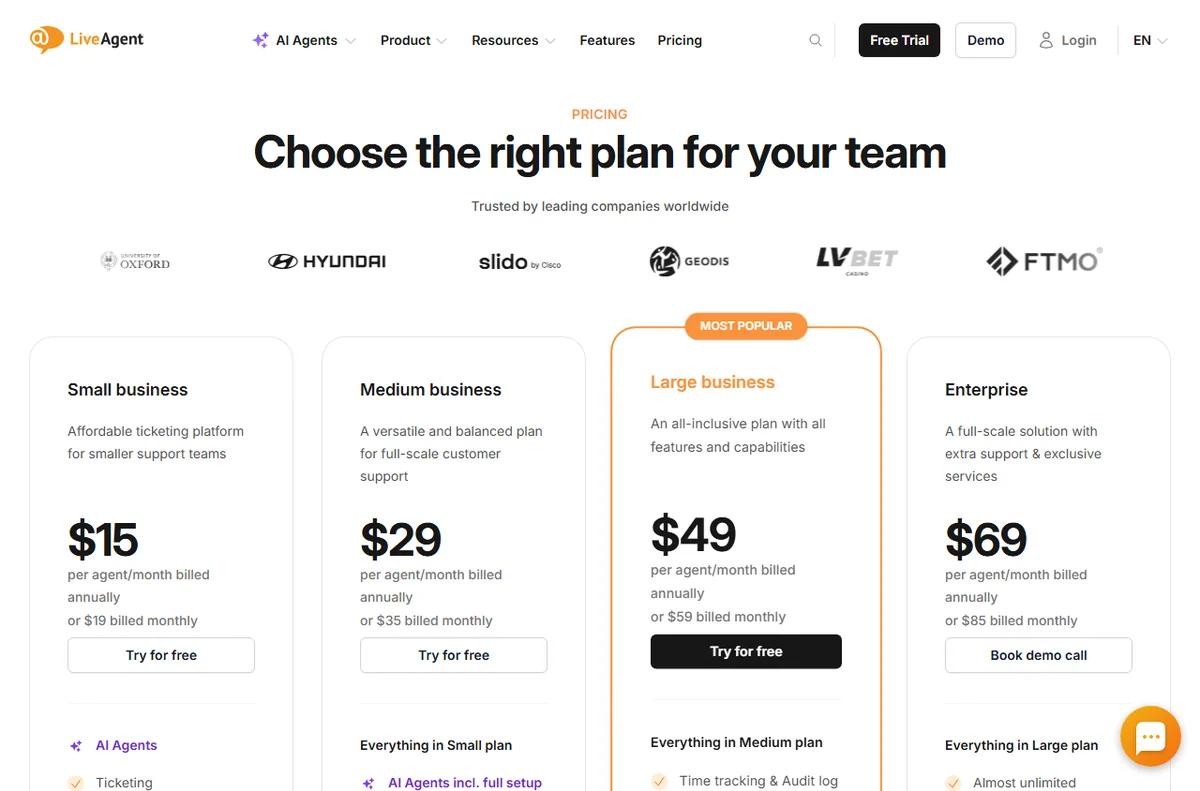
Pricing for agencies
On pricing, LiveAgent charges per agent seat. Annual billing is cheaper than monthly, and the tier you pick decides which channels and features unlock. The vendor lists Small, Medium, Large and Enterprise tiers; exact figures change, so treat any number as indicative and check live pricing before you commit.
Verdict for agencies
Worth trialling if you run support for several clients and want one desk and one bill. Model your seat count carefully first, because per-agent pricing rewards lean teams and punishes sprawl.
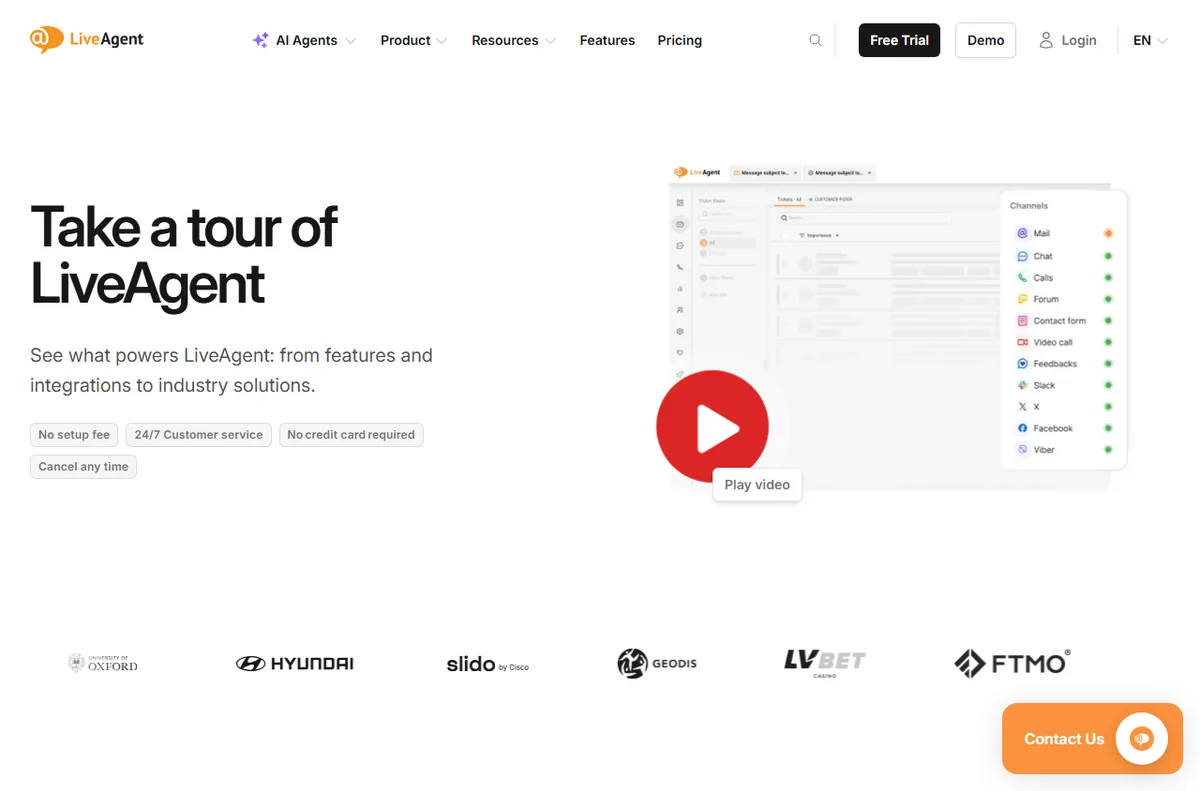
Proving service to clients
Agencies sell outcomes, and support response time is one of them. SLA-oriented views and reporting let you show a client that their questions are answered within target, which is hard to prove from a shared personal inbox.
That evidence is often worth more to the agency relationship than the tooling itself, because it turns support from an invisible cost into a measurable service line.
A simple week on the free trial
The trial only tells you something if you test it on real work. Here is a plan that fits a busy week:
- Day 1 — connect the channel you actually use
- Day 2 — invite a teammate and set one routing rule
- Day 3 — write five saved replies and three FAQ answers
- Days 4-6 — answer live conversations and note friction
- Day 7 — decide on evidence, not on the last-day impulse
How it compares with the alternatives
The usual alternatives are Zendesk, Freshdesk and Tidio. Zendesk suits larger, process-heavy teams; Freshdesk offers a broad help desk with a gentler entry; Tidio fits when website chat is all you need. Weigh them on channels, pricing model and fit, not on feature-list length, and confirm current plans on each vendor site.
What we did and did not verify
We based this on the vendor’s own public pages as of October 14, 2026, and labelled vendor-sourced figures. We did not run a hands-on lab test, so we make no performance or reliability claims of our own. Use this as orientation, then confirm specifics with the vendor.
Bottom line for agencies
Trial it if you run support for several brands and want one desk and one bill. Model your seat count first, because per-agent pricing rewards lean teams and punishes sprawl.
Pricing and seats when you run an agency desk
Per-agent pricing suits an agency that staffs support leanly but answers a lot. Where it can bite is seasonal work: if you add contractors for a busy month, you pay for those seats and then need to remove them. Plan your seat count around your steady team and bring in extras only when a contract justifies it.
The vendor notes that adding seats mid-term creates a top-up at the same rate, which keeps mid-month growth predictable rather than punitive. Confirm the exact seat rules on the current pricing page before you commit a client SLA to them.
Budget for the tier, not just the seats: the channels and SLA features a client expects may sit above the entry plan, so check what each client contract actually requires before you quote them a number.
Read our full LiveAgent review for pricing, alternatives and who it suits.
Leave a Reply