We’re reader-supported — some links are affiliate links. Learn more →

Skip to content

Independent software research. Some links may earn us a commission at no extra cost to you. Learn more →

ICode

Tag: paypal

  • Common PayPal problems and how to fix them

    Common PayPal problems and how to fix them

    Home / Payments / Guides / Common PayPal problems

    Problem · payments · updated October 9, 2026

    Common PayPal problems and how to fix them

    Most PayPal problems are about a payment that is pending, an account that is limited, money that has not arrived, disputes, or verification and login issues. Here are the ones that come up most, and what to check first.

    Independent analysis. This page may contain affiliate links. If you sign up through a link on this page we may earn a reward at no extra cost to you, and it never changes what we recommend. We are an independent publisher and are not affiliated with, endorsed by, or an official partner of any tool mentioned. See our Affiliate Disclosure.
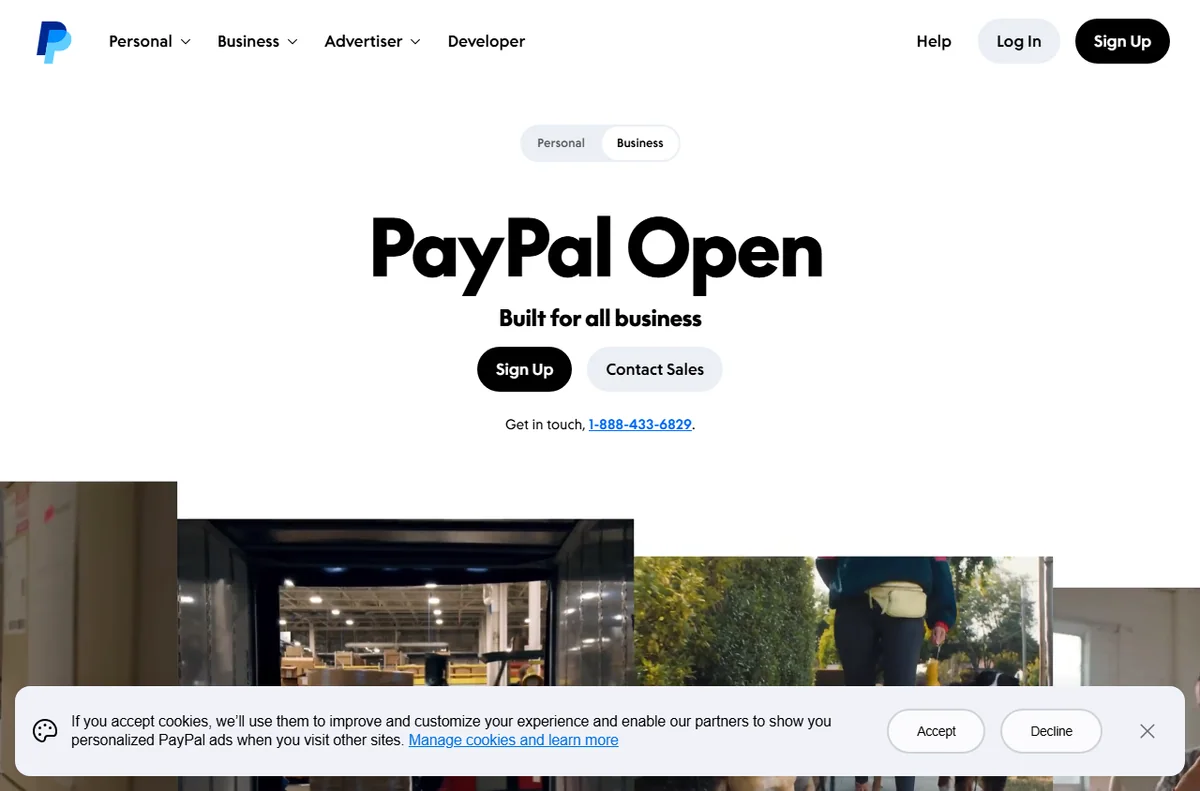
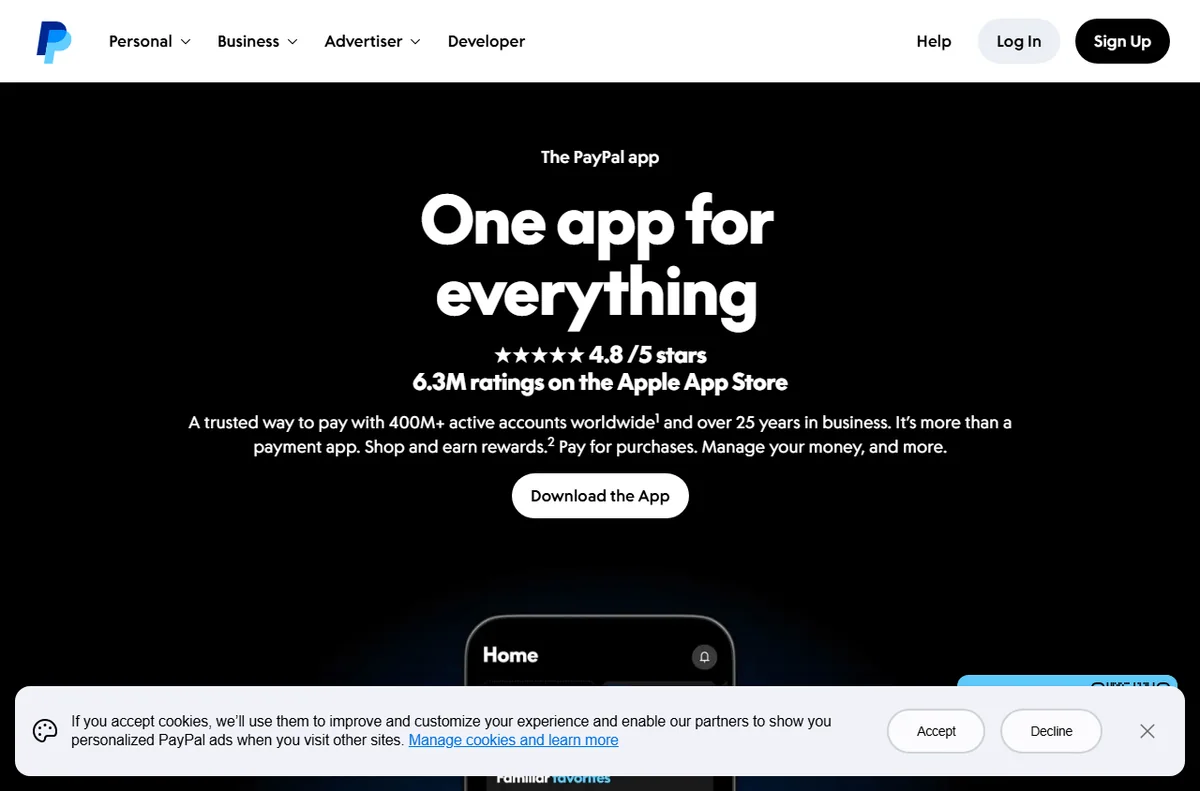
    PayPal homepage for sending and accepting payments
    PayPal official homepage (image: paypal.com)

    TL;DR

    • A pending payment is usually a hold, not a loss.
    • Account limitations are almost always about verification.
    • Missing money is often a mistyped email or an unclaimed payment.
    • Disputes follow a set process with deadlines you should not miss.
    • Check your account status before assuming anything is broken.

    On this page: Why things go wrong · Payment is pending · Account is limited · Money has not arrived · Refunds and disputes · Verification and login · Symptom to fix · Where this fits

    Why things go wrong

    PayPal sits between two parties, so most problems are about status rather than failure: a payment that is pending, an account under review, or money that has been sent but not yet claimed.

    The useful habit is to open the transaction or account status first, because the reason is nearly always stated there, and reacting before reading it usually makes things slower rather than faster.

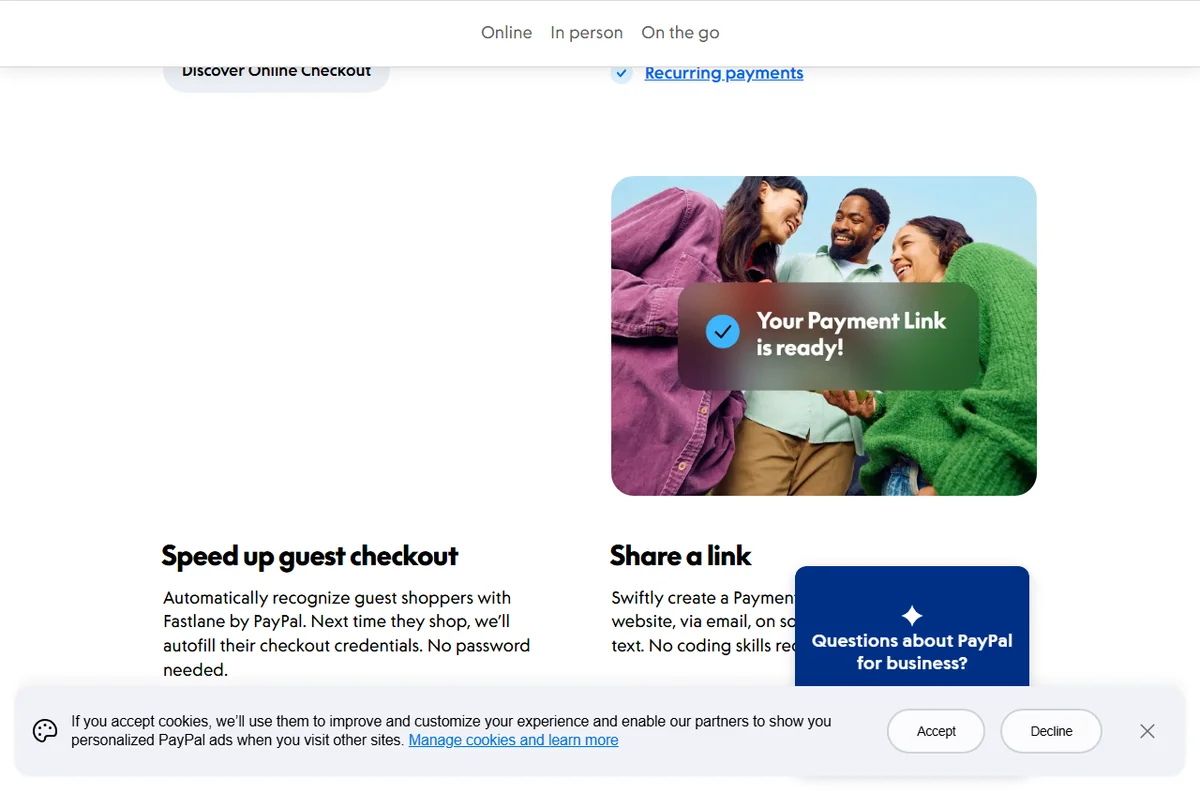
    PayPal accept payments page for businesses
    PayPal accept payments (image: paypal.com)

    A payment is pending or on hold

    A pending payment is usually a hold, not a loss. Holds happen for new accounts, unusual activity, or when the buyer’s funding source takes time to clear.

    Check the transaction details for the stated reason and any action requested. Completing verification or providing tracking often releases a hold sooner.

    PayPal security and account protection page
    PayPal security (image: paypal.com)

    Your account has been limited

    A limitation is almost always about verification or a routine security check. PayPal commonly asks for identification, proof of address or details about your business.

    • Open the Resolution Centre to see the exact request.
    • Provide the documents asked for, clearly and completely.
    • Avoid opening a second account, which usually slows things down.
    • Respond within the deadline given to avoid further restriction.

    Money has not arrived

    If money has not arrived, the usual causes are a mistyped email address, an unclaimed payment, or a withdrawal that is still processing.

    Check the transaction status: an unclaimed payment can be cancelled and re-sent to the correct address, while a withdrawal simply needs time to clear.
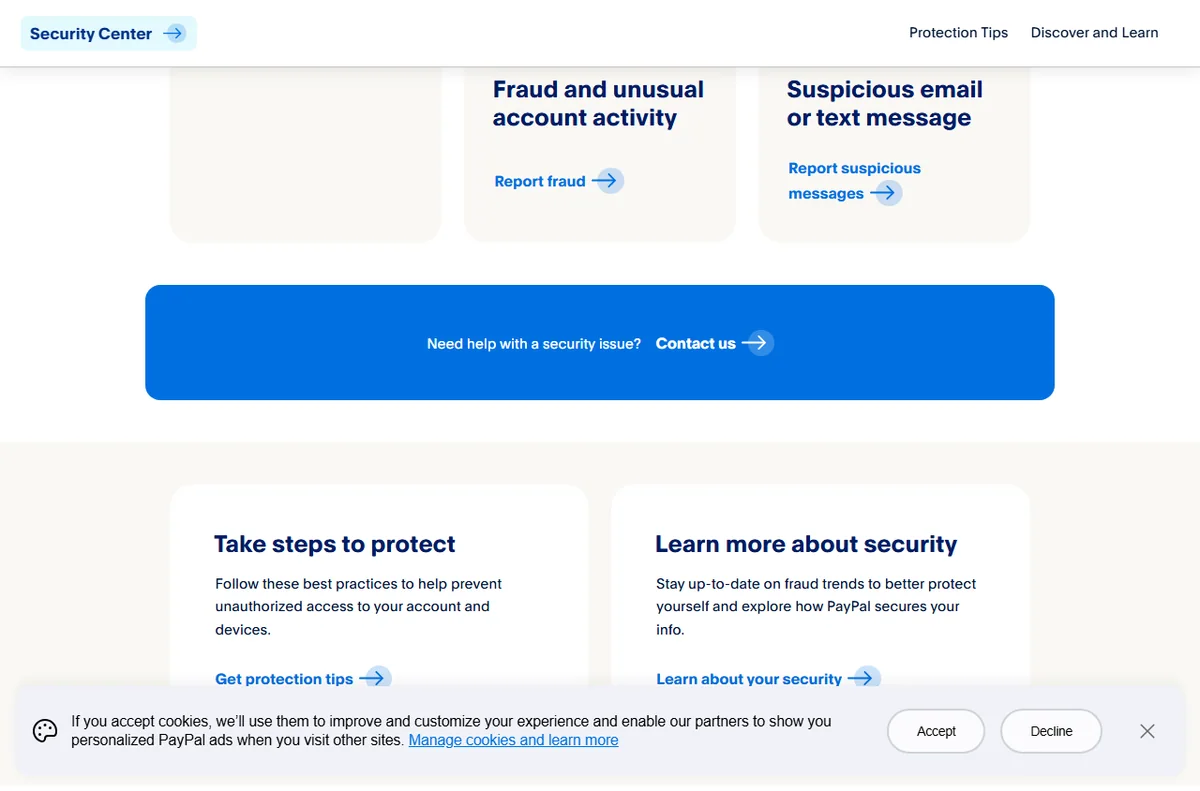
    PayPal disputes and chargeback resolution page
    PayPal disputes (image: paypal.com)

    Refunds and disputes

    Disputes follow a set process with clear stages and deadlines. A buyer can open a dispute, which may escalate to a claim if it is not resolved between the two parties.

    Respond within the stated deadlines, keep evidence such as delivery confirmation, and use the resolution centre rather than email so the case record stays complete.

    Verification and login problems

    Verification and login problems usually come down to identity or access. A code may go to an old phone number, or a document may be rejected because a detail does not match.

    Update your contact details first, then re-submit the requested documents. If you cannot get in at all, use the account recovery route rather than creating a new account.

    Symptom to fix

    SymptomLikely causeFix
    Payment pendingHold or clearing fundsCheck the reason and complete any action
    Account limitedVerification or security checkRespond in the Resolution Centre
    Money not receivedWrong email or unclaimedCancel unclaimed and resend correctly
    Open disputeBuyer raised a caseRespond within the deadline with evidence
    Cannot log inOld contact detailsUpdate details and recover the account
    General guidance, checked October 9, 2026. Confirm specifics inside your PayPal account.
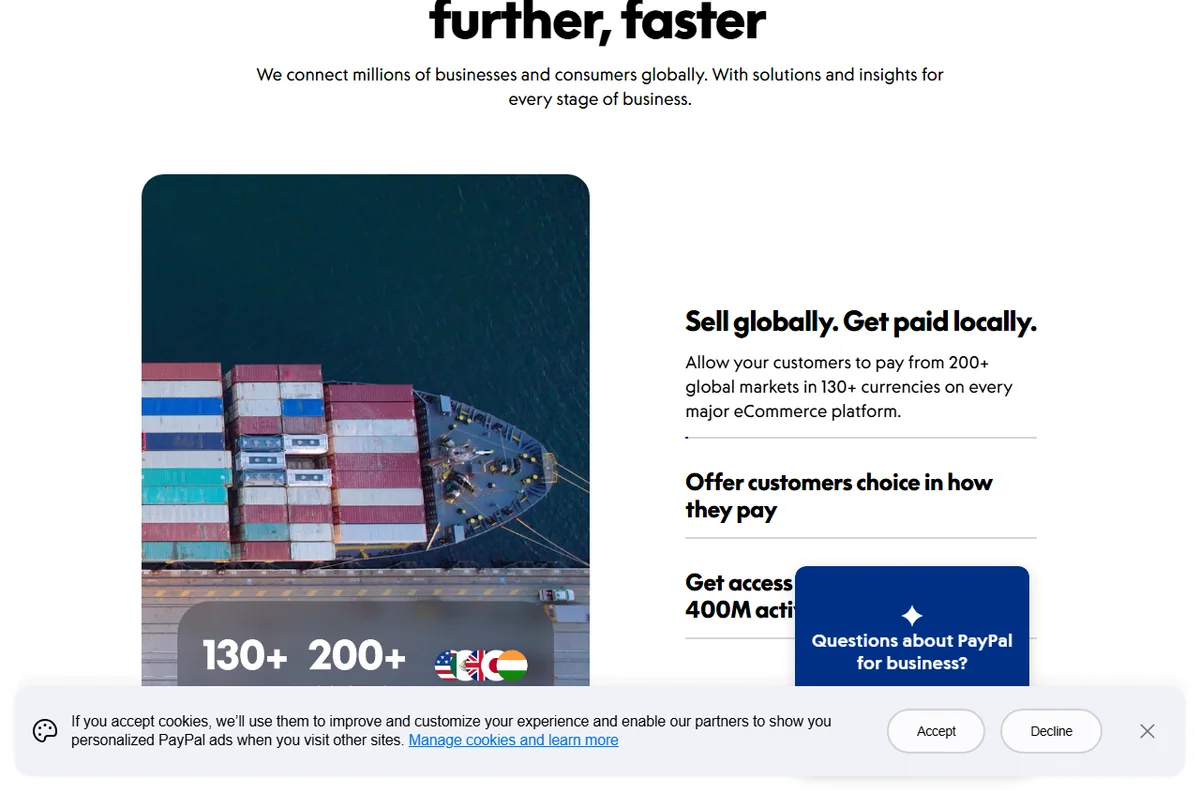
    PayPal business page for merchants
    PayPal for business (image: paypal.com)

    Where this fits

    Start with the payments hub. For the basics read what PayPal is, and for the practical steps see how to set up PayPal.

    Frequently asked

    Is a pending payment lost?

    No. Pending means the money is being processed or held, not gone. Check the transaction for the reason and any action you need to take.

    How long does a limitation last?

    It lasts until the requested verification is completed and reviewed. Responding promptly and completely is the fastest route.

    Can I cancel a payment I sent by mistake?

    If it is unclaimed you can usually cancel it. If it has been claimed, you will need to ask the recipient for a refund or open a dispute.

    What are the dispute deadlines?

    Deadlines apply at each stage, and missing one can close your case. Always act within the time stated in the resolution centre.

    PayPal account types comparison page
    PayPal account types (image: paypal.com)

    Get your payments moving again

    Clear the hold and get paid.

    Some links on this page may be referral links — we may earn a reward if you sign up, at no extra cost to you. We are an independent publisher. See our Affiliate Disclosure.
    Related reading

  • What is PayPal?

    What is PayPal?

    Home / Payments / Guides / What is PayPal

    Knowledge · payments · updated October 9, 2026

    What is PayPal?

    PayPal is an online payment service used to send and receive money, pay for things online, and accept payments for a business. This guide explains what it is and how the main pieces fit together.

    Independent analysis. This page may contain affiliate links. If you sign up through a link on this page we may earn a reward at no extra cost to you, and it never changes what we recommend. We are an independent publisher and are not affiliated with, endorsed by, or an official partner of any tool mentioned. See our Affiliate Disclosure.

    TL;DR

    • PayPal moves money between people and businesses online.
    • A personal account sends and receives; a business account sells.
    • Buyers can pay with a balance, a linked card or a bank account.
    • Fees and holds depend on your account, your country and the payment.
    • It is not a bank account, and it is not a full accounting system.

    On this page: What PayPal is · How a payment flows · What it is good at · What it is not · Concept cheat sheet · Where this fits

    Paypal home page
    Paypal home (image: paypal.com)

    What PayPal is

    PayPal is a payment service that sits between a payer and a payee. Instead of sharing bank details directly, both sides use a PayPal account, and the service moves the money and records the transaction.

    It is used in two broad ways: people sending money to each other, and businesses accepting payment from customers online. The same account can do both, though a business account is designed for selling.

    Because it acts as an intermediary, PayPal also handles the awkward parts of online payment, such as currency conversion, buyer protection and the dispute process when something goes wrong.

    Paypal accept payments page
    Paypal accept payments (image: paypal.com)

    How a payment flows

    At checkout, the buyer chooses PayPal and either signs in or pays as a guest using a card. The money leaves their chosen funding source and arrives in the seller’s PayPal balance.

    From there the seller can hold the balance, spend it, or withdraw it to a linked bank account. Withdrawals usually take a little longer than the payment itself, and timing varies by country.

    Fees are charged on the transaction and, in some cases, on the conversion between currencies. Because rates and rules change, always check the current fees on PayPal’s own page.

    Paypal account types page
    Paypal account types (image: paypal.com)

    What PayPal is good at

    • Accepting payments online without building your own card handling.
    • Sending money between people quickly and widely recognised.
    • Working across many countries and currencies.
    • Adding a layer of buyer protection to online purchases.
    Paypal business page
    Paypal business (image: paypal.com)

    What PayPal is not

    • Not a bank account, and not covered by the same protections as one.
    • Not a full accounting system for bookkeeping or tax.
    • Not fee-free: charges apply to most business transactions.
    • Not guaranteed instant, since withdrawals and holds can take time.

    Concept cheat sheet

    ConceptMeaningWhy it matters
    BalanceMoney held inside PayPalWhere funds sit before withdrawal
    Personal accountAn account for sending and receivingNot built for regular selling
    Business accountAn account designed for sellingBetter tools for merchants
    InvoiceA request for payment you can sendA simple way to bill a customer
    FeeWhat PayPal charges on a paymentAffects what you actually receive
    Based on publicly documented behaviour, checked October 9, 2026.
    Paypal digital wallet page
    Paypal digital wallet (image: paypal.com)

    Where this fits

    Start with the payments hub. To compare options read Wise vs PayPal, and for the practical steps see how to set up PayPal or how to use PayPal for a small business.

    Paypal disputes page
    Paypal disputes (image: paypal.com)

    Frequently asked

    Do I need an account to pay?

    Not always. Many merchants accept guest payments by card, but an account makes sending money and tracking transactions easier.

    Is my money safe in PayPal?

    It is a regulated payment service with its own protections, but it is not a bank account. Understand both before you keep a large balance there.

    How long do withdrawals take?

    It varies by country and method, and can range from near-instant to a few business days. Check the current times on PayPal’s own page.

    Does PayPal charge fees?

    Yes, on most business transactions, and sometimes on currency conversion. Rates change, so check the current fees before you rely on them.

    Can I use PayPal for a business?

    Yes. A business account is built for selling, and it adds tools that a personal account does not include.

    Get paid with PayPal

    Send, receive and accept payments online.

    Some links on this page may be referral links — we may earn a reward if you sign up, at no extra cost to you. We are an independent publisher. See our Affiliate Disclosure.
    Related reading

  • How to Use PayPal for a Small Business

    How to Use PayPal for a Small Business

    Home / Payments / Guides / How to use PayPal for a small business

    Use case · payments · updated October 8, 2026

    How to use PayPal for a small business

    Once a PayPal account is live, the interesting question is not how to switch it on but where it earns its place. For a small business there are a handful of jobs it does well, and knowing them keeps the account focused rather than cluttered.

    PayPal official homepage for sending and accepting payments
    PayPal official homepage (image: paypal.com)

    Independent analysis. This page may contain affiliate links. Some links here are referral links; if you sign up through one we may earn a reward at no extra cost to you, and it never changes what we recommend. We are an independent publisher and are not affiliated with, endorsed by, or an official partner of any tool mentioned. See our Affiliate Disclosure.

    TL;DR

    • Invoicing is often the first job worth setting up.
    • Checkout buttons let you offer PayPal beside cards.
    • Recurring billing suits memberships and retainers.
    • Refund handling keeps disputes off your desk.
    • Clean reporting makes month-end reconciliation faster.

    On this page: What this covers · Six ways small businesses use PayPal · Invoicing and getting paid · Checkout buttons and site payments · Recurring billing and subscriptions · Refunds and disputes · Reporting and reconciliation · Where to start · Where this fits in your wider stack

    What this covers

    PayPal is rarely the only way a small business gets paid, but it is often the most familiar to buyers. That familiarity is the real asset: a customer who already trusts the brand is one less hesitation at checkout.

    This guide lists the practical jobs PayPal handles well for a small team, then helps you decide which to set up first. It avoids specific fees or plan limits, because those are best confirmed on the official pricing page.

    PayPal business solutions page listing ways to get paid
    PayPal business solutions (image: paypal.com)

    Six ways small businesses use PayPal

    • Invoicing: send a payable invoice by email and let the status track itself.
    • Site checkout: add a payment button or a gateway integration to your store.
    • Recurring billing: charge a subscription or membership on a schedule.
    • Refunds and disputes: reverse a charge and answer a buyer claim from one place.
    • Reporting: reconcile sales, fees and payouts against your bookkeeping.
    • Cross-border payments: receive money from buyers in other countries and currencies.
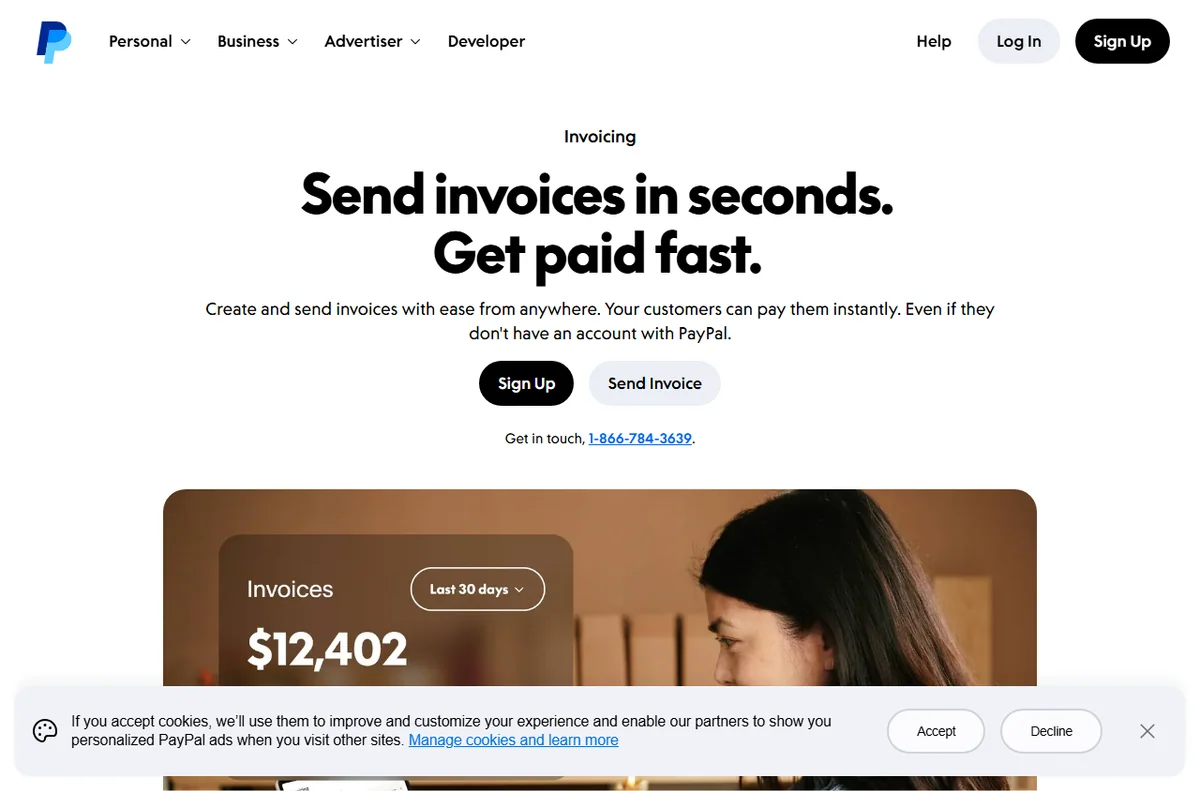
    PayPal invoicing page to create and send invoices
    PayPal invoicing (image: paypal.com)

    Invoicing and getting paid

    For service businesses, invoicing is usually the first feature worth learning. You create an invoice, send it by email and the customer pays online without a back-and-forth about bank details.

    The quiet benefit is the paper trail. Each invoice carries a status, so you can see what is paid, what is outstanding and what has been refunded without rebuilding the picture in a spreadsheet.

    PayPal accept payments page for online checkout buttons
    PayPal accept payments (image: paypal.com)

    Checkout buttons and site payments

    If you run an online store, PayPal can sit beside your card processor as an extra option. The setup ranges from a simple button for a single product to a full gateway integration on a platform.

    The decision is mostly about how much control you want. A button is fast to add; a full integration gives you a smoother flow and better reporting, at the cost of more setup time.

    PayPal payments page section covering recurring billing and subscriptions
    PayPal recurring payments (image: paypal.com)

    Recurring billing and subscriptions

    Memberships, retainers and box-of-the-month services all depend on repeat charges. PayPal supports this pattern so you are not manually re-invoicing each cycle.

    Before switching recurring revenue on, decide how you will handle failed payments and cancellations. Those two paths cause more support tickets than the charges themselves.

    PayPal Security Center section on disputes, chargebacks and fraud
    PayPal disputes and fraud (image: paypal.com)

    Refunds and disputes

    Refunds are a normal cost of selling, and handling them quickly protects your standing with buyers. PayPal lets you reverse a payment directly, with the original transaction as the reference.

    Disputes are the other side of the same coin. Respond with clear evidence, keep the timeline tight, and treat the process as a reason to document your sales terms up front.

    PayPal business page section on sales reporting and insights
    PayPal reporting (image: paypal.com)

    Reporting and reconciliation

    Every payout carries a fee, and those fees need to reach your books. Downloading a transaction report at a regular interval keeps reconciliation to minutes instead of hours.

    If you sell through more than one channel, export from each and match them against your platform data. Consistency matters more than perfection here.

    Where to start

    You do not need every feature on day one. Use the table below to pick the first two that match how you actually sell today.

    Way you sell Best PayPal feature When to prioritise it
    Occasional invoicesInvoicingYou bill a handful of clients and want a record
    Own-website salesCheckout buttons or gatewayYou run a store and want PayPal beside cards
    MembershipsRecurring billingRevenue depends on repeat charges
    Returns and refundsRefunds and disputesYou sell physical goods people send back
    Monthly bookkeepingReportingYou reconcile every month and need clean data
    Based on publicly documented behaviour, checked October 8, 2026.
    PayPal merchant fees page showing transaction pricing
    PayPal fees (image: paypal.com)

    Where this fits in your wider stack

    This page is one part of a wider path. Compare the two big names in the Wise vs PayPal comparison, then review the best payment gateways for small business and the best money transfer services. When you are done, the payments hub keeps the rest of the stack in one place.

    Frequently asked

    Should I use PayPal as my only payment method?

    Usually not. PayPal works best alongside a card processor, so buyers who prefer a card are not turned away and buyers who trust PayPal have their option.

    How many PayPal features do I need on day one?

    Pick the one or two that match how you sell right now. Adding invoicing when you mostly run a store, or the reverse, just creates admin.

    What slows refunds down?

    Unclear return terms and slow replies. Documenting your policy and answering disputes with evidence keeps the process predictable.

    How do I keep PayPal fees out of my books by accident?

    Export a transaction report on a fixed schedule and reconcile it against your platform data, so fees are recorded rather than quietly absorbed.

    Put PayPal to work in your business

    Start with the feature that matches how you sell today, then grow from there.

    Referral link — we may earn a reward if you sign up, at no extra cost to you. We are an independent publisher. See our Affiliate Disclosure.
  • How to Set Up PayPal: Business Account, Step by Step

    How to Set Up PayPal: Business Account, Step by Step

    Home / Payments / Guides / How to set up PayPal

    Tutorial · payments · updated October 8, 2026

    How to set up PayPal: a practical walkthrough

    Setting up PayPal is mostly a matter of picking the right account type, finishing verification and connecting the account to how you already sell. The steps are short, but the order matters, so this walkthrough takes them one at a time.

    PayPal official homepage for sending and accepting payments
    PayPal official homepage (image: paypal.com)

    Independent analysis. This page may contain affiliate links. Some links here are referral links; if you sign up through one we may earn a reward at no extra cost to you, and it never changes what we recommend. We are an independent publisher and are not affiliated with, endorsed by, or an official partner of any tool mentioned. See our Affiliate Disclosure.

    TL;DR

    • Choose a business account from the start if you sell at all.
    • Verification is what unlocks receiving and withdrawing money.
    • Connect PayPal to your checkout, invoices or in-person sales.
    • Run one small live test payment before you announce anything.
    • Skip pricing questions for now; check the official pricing page.

    On this page: What this covers · Before you start · Step 1 — Choose the right account type · Step 2 — Open and upgrade the account · Step 3 — Verify identity and bank details · Step 4 — Connect PayPal to how you sell · Step 5 — Take a first test payment · Choosing your setup path · Where this fits in your wider stack

    What this covers

    PayPal is one of the most widely recognised ways to send and receive money online, and for a small business it doubles as a checkout option and an invoicing tool. The setup itself is quick, but the order of the steps matters: get the account type right, then verify, then connect payments.

    This guide walks through a business account setup end to end. It does not quote prices or plan limits, because those change; check the official pricing page for current figures before you commit.

    Before you start

    • Your legal business details exactly as they appear on official records.
    • A business email address you intend to keep long term.
    • A bank account and, where relevant, a card for verification.
    • A rough idea of where you sell: your own site, a marketplace, invoices or in person.
    • Ten quiet minutes, because verification may ask for document uploads.
    PayPal account selection and sign-up page for personal and business accounts
    PayPal sign-up and account types (image: paypal.com)

    Step 1 — Choose the right account type

    PayPal separates personal and business accounts. A personal account is fine for occasional purchases, but it lacks the business tooling: invoicing, multiple users and the ability to trade under a business name.

    If you sell at all, start with a business account. It takes slightly longer to open, but converting later is more disruptive than choosing correctly now.

    PayPal business solutions page for merchant accounts
    PayPal business solutions (image: paypal.com)

    Step 2 — Open and upgrade the account

    1. Create the account with your business email and a strong, unique password.
    2. Choose the business account option during signup, or upgrade an existing personal account from the settings area.
    3. Enter the legal business name, address and type so they match your registration documents.
    4. Add a contact number you actually answer, since it may be used for verification.
    PayPal Security Center page for account protection and verification
    PayPal Security Center (image: paypal.com)

    Step 3 — Verify identity and bank details

    Verification is what turns a limited account into one that can hold and withdraw money. Expect to confirm your email, add a bank account and, in most cases, upload identity documents for the account owner.

    Business accounts often require additional proof such as a registration document. Submit clear, uncropped images the first time; rejected documents are the most common cause of delay.

    PayPal accept payments page for online and in-person checkout
    PayPal accept payments (image: paypal.com)

    Step 4 — Connect PayPal to how you sell

    With verification under way, connect PayPal to your selling channels. The exact buttons differ, but the categories are the same.

    • Website checkout: add a payment button or a gateway integration to your store.
    • Invoices: send a payable invoice by email and track its status.
    • In person: use a card reader or QR code where PayPal supports it in your region.
    • Marketplaces: link the account where the platform pays sellers through PayPal.
    PayPal invoicing page to create and send an invoice online
    PayPal invoicing (image: paypal.com)

    Step 5 — Take a first test payment

    Before announcing anything, run a small live test. Buy something from your own store with a different account, confirm the money arrives, then refund it.

    This single test surfaces the problems that matter: wrong currency, missing tax settings, a broken return URL. Fixing them now is cheaper than fixing them after a customer hits them.

    PayPal merchant fees page showing transaction pricing
    PayPal fees (image: paypal.com)

    Choosing your setup path

    Most small businesses fall into one of a few patterns. Find the row that matches your situation and start there.

    Situation Suggested approach Why
    Occasional sales, one personBusiness account, single userKeeps reporting simple while still allowing a business name
    Selling on your own websiteBusiness account plus a gateway integrationGives a familiar checkout option alongside cards
    Invoice-based servicesBusiness account with invoicingTracking and reminders are built in
    Growing teamBusiness account with multiple usersAvoids sharing one login between people
    Based on publicly documented behaviour, checked October 8, 2026.
    PayPal digital wallet app for managing money
    PayPal digital wallet (image: paypal.com)

    Where this fits in your wider stack

    If you are still choosing between providers, start with the independent Wise vs PayPal comparison, then browse the wider payments hub. For a fuller view of the alternatives, weigh the best payment gateways for small business and the best money transfer services before you settle on a primary account.

    Frequently asked

    Do I need a business account to sell?

    If you sell regularly, yes. A business account unlocks invoicing, multiple users and a business name, and it avoids the disruption of converting a busy personal account later.

    How long does verification take?

    It depends on how quickly you supply documents and how clearly they scan. Submitting correct, uncropped files the first time is the single biggest factor you control.

    Can I use PayPal and another provider together?

    Yes. Many small businesses keep PayPal alongside a card gateway so buyers can choose the method they already trust.

    What should I check before going live?

    Confirm the currency, tax settings and return URLs with one small test payment, then refund it. That test catches the mistakes customers would otherwise find.

    Ready to take payments with PayPal

    Open a business account and work through the steps above at your own pace.

    Referral link — we may earn a reward if you sign up, at no extra cost to you. We are an independent publisher. See our Affiliate Disclosure.