Home / Email Marketing / Guides / How to set up Moosend (step-by-step)
Tutorial · email marketing · updated October 9, 2026
How to set up Moosend (step-by-step)
Moosend is an email marketing platform for campaigns and automation. Setting it up means creating an account, verifying the domain you send from, building a consent-based list, and sending one test campaign before you email everyone. This guide walks through the order that keeps your first sends out of the spam folder.
Independent analysis. This page may contain affiliate links. If you sign up through a link on this page we may earn a reward at no extra cost to you, and it never changes what we recommend. We are an independent publisher and are not affiliated with, endorsed by, or an official partner of any tool mentioned. See our Affiliate Disclosure.
TL;DR
- Create the account with an email address you monitor.
- Verify your sending domain before your first real campaign.
- Import or build a small, consent-based list.
- Build one welcome automation, not ten.
- Send a test campaign and check the result before you go wide.
On this page: Create account · Verify sending domain · Build your list · First automation · Send a test · Sanity checks

Step 1 — Create your account
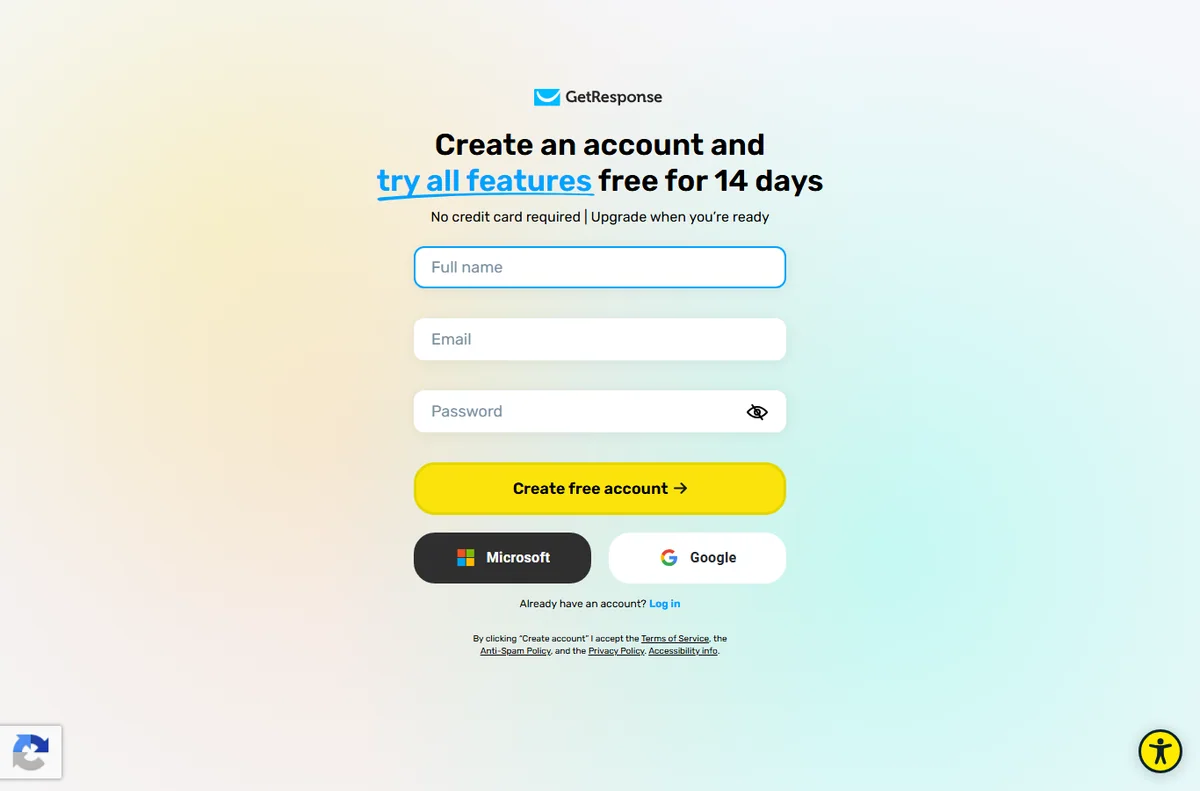
Start by creating an account with an email address you actually check. This is the login you will use for campaigns, automation and billing, so a business address beats a personal one.
Confirm the verification email before going further. An unverified account cannot send reliably, and support tickets are harder to resolve when the address is one you rarely open.
Step 2 — Verify your sending domain
Add the domain you will send from and follow the DNS steps Moosend gives you. Verification proves you control the domain and is the single most important thing for inbox placement.
If you are unsure which domain to use, a subdomain dedicated to email keeps your main site’s reputation separate. Check the current instructions in your account, as providers occasionally change the exact records required.
Step 3 — Build your first list
Create a list for your main audience and import contacts you have permission to email. Clean lists perform better and protect your sender reputation more than large ones do.
Set up at least one sign-up form so new subscribers arrive through consent rather than manual uploads. A single clear form usually beats three competing pop-ups.
Step 4 — Set up one automation
Build a simple welcome sequence: a thank-you email, then one or two useful follow-ups. Automation earns its keep when it answers a new subscriber’s obvious first questions.
Resist building a dozen flows on day one. One working automation you understand beats a web of half-finished ones you are afraid to touch.

Step 5 — Send a test campaign
Create your first campaign and send it to yourself and a colleague before the full list. Check the subject line, the links and how it renders on a phone.
Open the preview across the major clients your audience uses. Small layout problems that look fine on a desktop often break on mobile, where most email is now read.
Final checks before you rely on it
- Confirm your sending domain shows as verified.
- Send a test to two or three different inboxes and check placement.
- Make sure every link in the campaign points where you expect.
- Note your plan’s contact and send limits so you do not hit a wall mid-campaign.
Where this fits
See the independent Moosend review and the email marketing hub. For a shortlist, see best email marketing software, then follow how to build an email list and the deliverability guide.
Frequently asked
Do I need to verify a domain to send?
For any serious sending, yes. Unverified domains are far more likely to land in spam. Check the current requirements in your account, as the exact DNS records can change.
How big should my first list be?
Start with the contacts you have permission to email, however small. Relevance and consent matter more than size for early results.
Is Moosend good for beginners?
It is approachable for a first email tool, with templates and automation that do not require a developer. Expect a short learning curve on your first automation.
Do I need a paid plan to start?
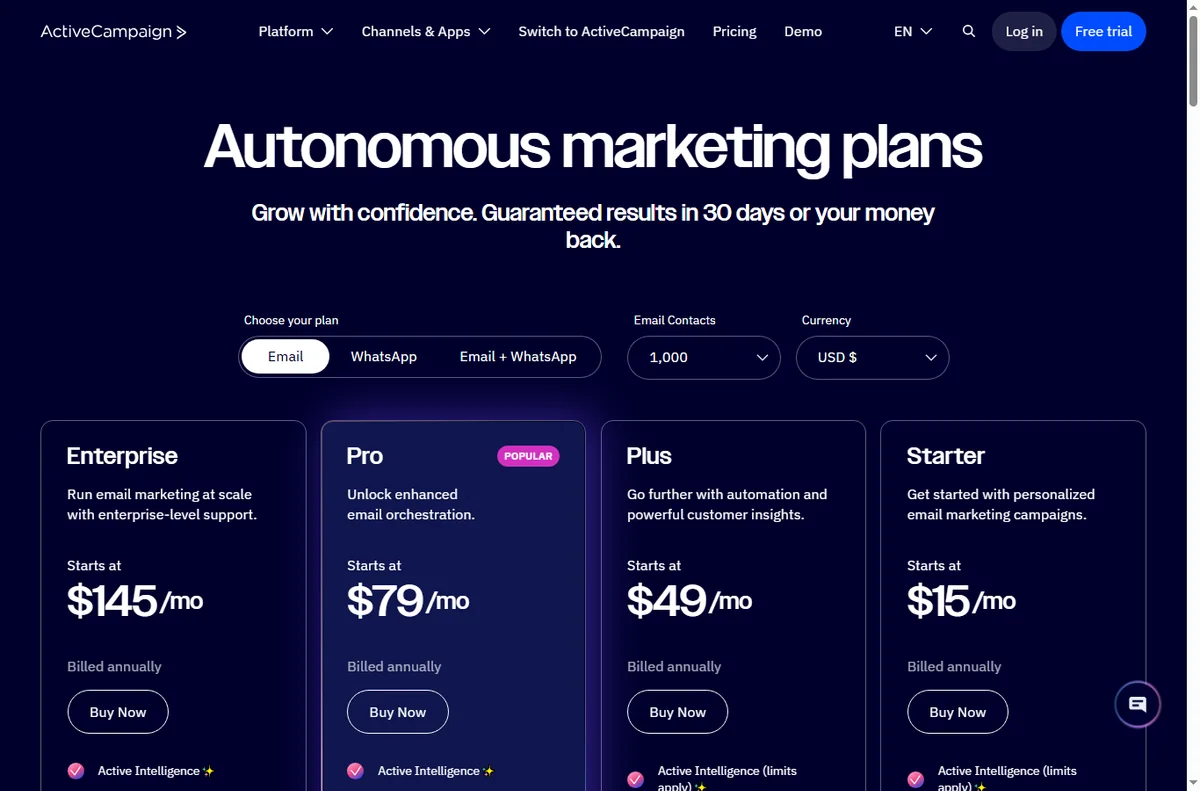
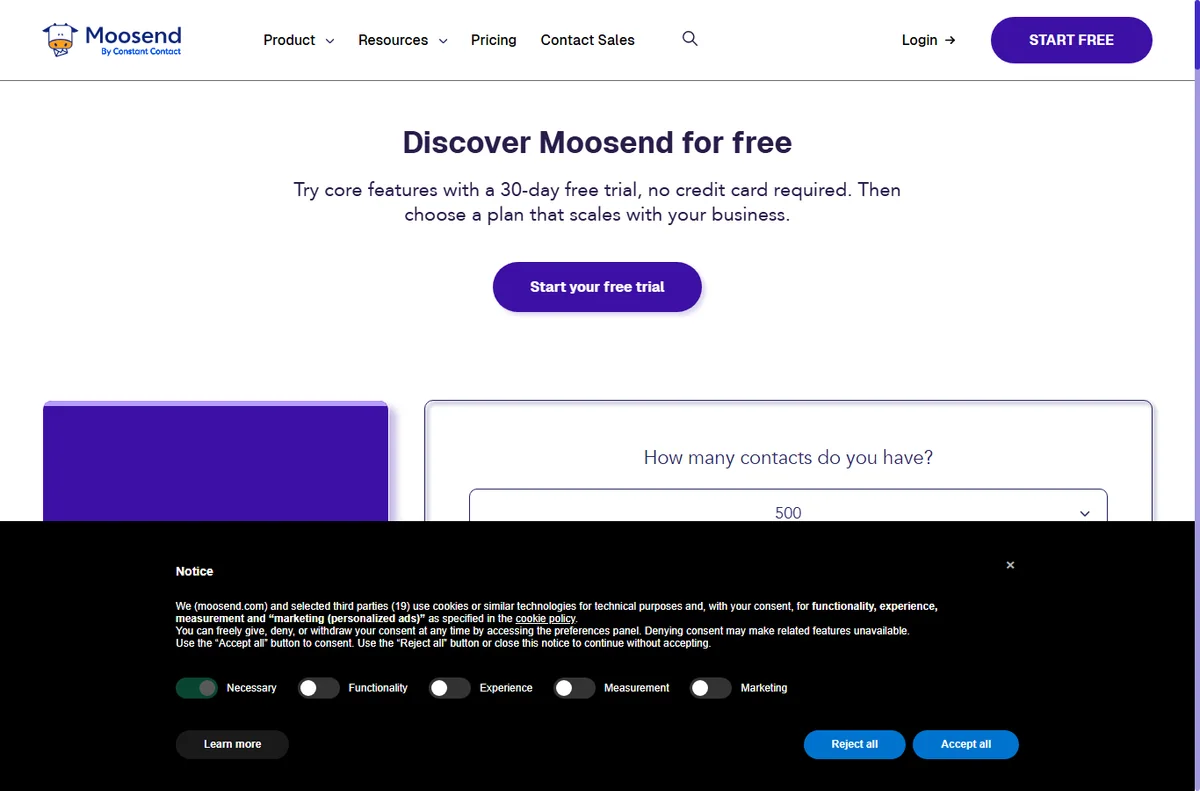
There are limits on the free tier, and plans change over time. Check the current pricing and send limits before you commit to a workflow.
Start sending with Moosend
Account, sending domain and your first campaign.
Some links on this page may be referral links — we may earn a reward if you sign up, at no extra cost to you. We are an independent publisher. See our Affiliate Disclosure.