Home / Automation / Best workflow automation tools
Buyer’s guide · updated October 5, 2026
The best workflow automation tools for small business, picked by job — not by hype
There is no single “best” automation platform. The right one depends on your job: how many apps you must connect, whether your data can leave your servers, and whether you prefer a visual builder or code. Here is how four credible options compare, and which one fits which kind of user.
Referral link for one of the tools below · we may earn a reward at no extra cost to you · it never changes the ranking or the criteria
4 tools compared
Picks by user type
Check-live pricing

Affiliate disclosure: this guide contains a referral/affiliate link to one of the tools we cover. If you sign up through it we may earn a reward at no extra cost to you — it never changes our criteria, our ranking, or what we write. See our Affiliate Disclosure. We are an independent publisher and are not affiliated with, endorsed by, or an official partner of any vendor listed here.
Quick picks
Four picks, each with a specific reason to exist. If your situation matches a row, start there — then read the detailed reasoning and the caveats below before you commit to anything.
Best value · visual builder
Make
A visual, scenario-based builder for people who think in flowcharts. Strongest pick when you want to see the whole multi-step process on one canvas, branch on conditions, and iterate without writing code. Generous free tier and usage-based pricing you can forecast.
Best for: solo builders and small teams running multi-step workflows with branching logic.
Most integrations
Zapier
The widest catalogue of app connections and the shortest path from “I want A to trigger B” to a working automation. Best when your problem is simply that two of your tools do not talk to each other.
Best for: teams whose priority is app coverage, not complex branching.
See the direct Make vs Zapier comparison.
Data-sensitive
n8n
A source-available automation tool you can self-host, so workflow data stays on infrastructure you control. The right pick when a cloud-only tool is a compliance problem rather than a convenience.
Best for: data-sensitive teams with the technical capacity to run a server.
Microsoft ecosystem
Power Automate
Often the cheapest real option if you already pay for Microsoft 365, because it is bundled with plans you may already own. The obvious pick for organisations standardised on Microsoft.
Best for: companies already inside the Microsoft 365 stack.

How we chose these tools
Every tool here was assessed against the same six criteria. We do not score on branding, marketing budget, or partner program size. A tool earns a place only if it is a defensible answer for at least one clearly defined user type.
01 · Automation depth
Can it handle real multi-step logic — conditions, loops, error handling, data transforms — or only simple one-to-one triggers?
02 · Integrations
Breadth of native app connectors, plus a generic HTTP/webhook path for anything not covered out of the box.
03 · Ease of learning
How quickly a non-developer ships a working automation, and how readable it stays as workflows accumulate.
04 · Pricing predictability
Whether the free tier is real, how usage is metered, and how hard it is to forecast next month’s bill as volume grows.
05 · Data control
Where your data is processed and stored, what the vendor can access, and whether self-hosting is a real option.
06 · Support & reliability
Documentation quality, community size, historical uptime reputation, and how a failed run is handled and surfaced.
Side-by-side comparison
General orientation only. Feature sets and prices change often — verify each vendor’s current plans on its own pricing page before you decide. “Free tier” below means a permanent no-cost plan exists as published; limits vary and should be confirmed live.
| What matters | Make | Zapier | n8n | Power Automate |
|---|---|---|---|---|
| Core strength | Visual multi-step scenarios with branching | Widest app coverage; fastest simple setup | Self-hosting & code-level control | Deep Microsoft 365 integration |
| Builder style | Canvas / flowchart | Linear step editor | Node canvas + optional code | Wizard + flow designer |
| Self-host option | No (cloud only) | No (cloud only) | Yes — core option | No (cloud only) |
| Free tier | Yes — monthly operation cap, check live | Yes — monthly task cap, check live | Yes — self-hosted community edition | Often bundled with M365 plans; check live |
| Metered by | Operations executed | Tasks executed | Workflow executions (cloud) / free if self-hosted | Flow runs & premium connectors |
| Best for | Visual multi-step automation on a budget | Broadest connectivity with least effort | Data-sensitive or developer-led teams | Microsoft-first organisations |
| Main trade-off | Steeper than one-to-one tools | Costs scale fast at high volume | You own the server and maintenance | Weakest outside the Microsoft stack |

Which tool fits which user
This is the decision framework we use. It starts from the job, not the logo: find the row that describes you, and the pick follows from the constraint rather than from preference.
| Your situation | Primary constraint | Start with | Why |
|---|---|---|---|
| Solo builder | Budget, and wanting to see the logic | Make | Visual scenarios + a usable free tier let you validate the workflow before paying. |
| Small team, many apps | Connectivity and onboarding speed | Zapier | Broadest connector catalogue and the lowest learning curve for non-technical staff. |
| Data-sensitive business | Data must not leave your infrastructure | n8n (self-hosted) | Self-hosting keeps workflow data on servers you control; expect to own maintenance. |
| Microsoft-first company | Already paying for M365 | Power Automate | Bundled access and native Office/Teams/SharePoint actions can beat adding a new vendor. |
The picks, in detail
Make — best for visual, multi-step workflows
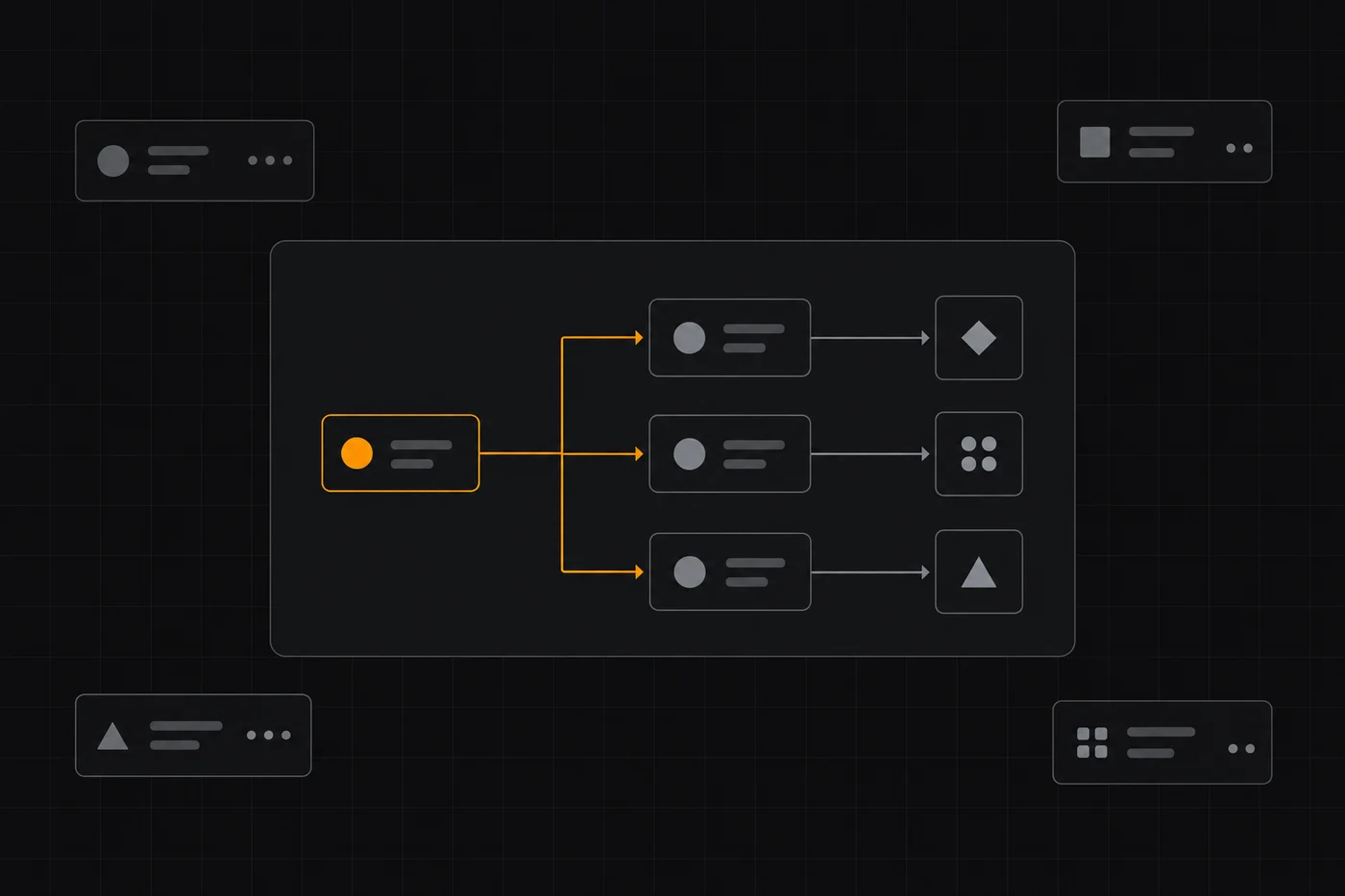
Make’s main idea is that an automation is a picture you can read: a scenario on a canvas with a trigger, then modules connected by lines, then branches for different conditions. That makes complex logic easier to reason about than a vertical list of steps, and easier to debug when something misfires. It is strong value for the breadth of what you can build before you hit a paywall.
Strengths
- Visual canvas makes branching and multi-step logic readable
- Real free tier to prototype before paying
- Usage-based pricing you can model against operations
- Strong for marketing, ops and ecommerce workflows in one tool
Watch out for
- Canvas approach has a learning curve vs one-to-one tools
- Cost scales with operations — high-volume flows need modelling
- Cloud-only, so no self-hosting for strict data-residency needs
Who should use it: solo builders and small teams whose workflows involve more than a single trigger-action pair, and anyone who wants to design automation visually. Read our full Make review for the deeper product walkthrough.
Referral link — no extra cost to you, and you can stay on the free tier. Always confirm current limits on Make’s own pricing page.
Zapier — best for app coverage and simplicity
Zapier wins on breadth: if two mainstream apps exist, the odds are high that Zapier connects them, and a two-step automation takes minutes to build. The trade-off is that its step-by-step model becomes harder to follow once a workflow grows long, and costs climb with task volume.
Strengths
- Very large native app catalogue
- Fastest from idea to working automation for simple cases
- Mature documentation and community answers
Watch out for
- Task-based pricing can get expensive at high volume
- Complex branching is less elegant than a canvas builder
- Cloud-only, no self-hosting
Who should use it: teams whose bottleneck is connectivity and staff time rather than sophisticated logic. Compare the two head-to-head in our Make vs Zapier breakdown.
n8n — best when data must stay on your infrastructure
n8n’s distinguishing property is that you can run it yourself, so workflow data does not have to pass through a third-party cloud you do not control. It also allows custom code inside a workflow, which suits developer-led teams. The price of that control is that you — not the vendor — own uptime, upgrades and security.
Strengths
- Self-hosting keeps data on your own servers
- Node canvas plus optional code for advanced logic
- No per-operation cloud bill when self-hosted
Watch out for
- You own hosting, patching, backups and monitoring
- Needs technical capacity that non-technical teams lack
- Native connector breadth differs from hosted SaaS tools
Who should use it: data-sensitive businesses and developer-led teams comfortable running infrastructure. If that sounds like overhead rather than control, a hosted tool is the better answer.
Where to look next
Automation rarely lives alone. If your trigger is a new lead or subscriber, the next decision is usually your email platform — see our email marketing hub and the GetResponse review. If you are building funnels around those triggers, start from the funnel builders hub. For everything we have published so far, browse reviews and the guides.
Methodology: how this guide was built
We assessed each tool against the six criteria above using the vendors’ own publicly published product and pricing pages as the primary source, then compared them against one another on the same axis. We do not accept payment for placement, and an affiliate link never changes a ranking or a verdict. Where a claim is vendor-reported, we label it as such.
We have not run a timed, hands-on lab benchmark for this page, so we do not claim performance or reliability numbers. We describe documented capabilities and known trade-offs, and we flag pricing as check live because metered pricing changes frequently. Pricing models checked October 5, 2026 — confirm before purchase.

Frequently asked
Is any one of these tools objectively the best?
No. They optimise for different jobs: Make for visual multi-step scenarios, Zapier for connector breadth and speed, n8n for self-hosted data control, Power Automate for Microsoft-first organisations. The best choice is the one that matches your constraint — use the framework above.
Can I start without paying anything?
Make, Zapier and n8n all publish a no-cost entry point (n8n’s is its self-hosted edition), and Power Automate is frequently bundled with Microsoft 365 plans you may already hold. Free-tier limits and bundled entitlements change, so confirm the current caps on each vendor’s own pricing page before you commit.
How do these tools charge as I grow?
Most hosted tools meter your usage: Make counts operations, Zapier counts tasks, and Power Automate counts flow runs and premium connector use. Self-hosted n8n avoids a per-operation bill but you pay in infrastructure and maintenance time. Model your expected monthly volume before choosing a tier.
Which one should a data-sensitive business pick?
If workflow data must remain on infrastructure you control, a self-hosted option such as n8n is the natural starting point — provided you can run and secure a server. If you cannot, then your decision is about which cloud vendor’s data-handling terms you can accept, and that is a question for your legal or compliance owner, not us.
Do you earn from every tool on this page?
No. Only some outbound links are affiliate links, and they are disclosed on the page itself. Tools without an affiliate link are included on the same criteria as the rest — coverage of a tool is never conditional on whether it pays us.
Start with the job you need to automate
Pick the constraint that matches you, prototype on a free tier, and only pay when the workflow is actually saving you time.
Referral link — we may earn a reward if you sign up, at no extra cost to you. Features, limits and prices change; always check each vendor’s current terms. We are an independent publisher and are not affiliated with any vendor listed. See our Affiliate Disclosure.