Quick answer. LiveAgent can be worth it for bloggers who get repeat reader questions: live chat, email ticketing and a knowledge base let you answer once and reuse the answer. It is overkill if you only publish posts and rarely talk to readers.
Independent analysis. This page may contain affiliate links.
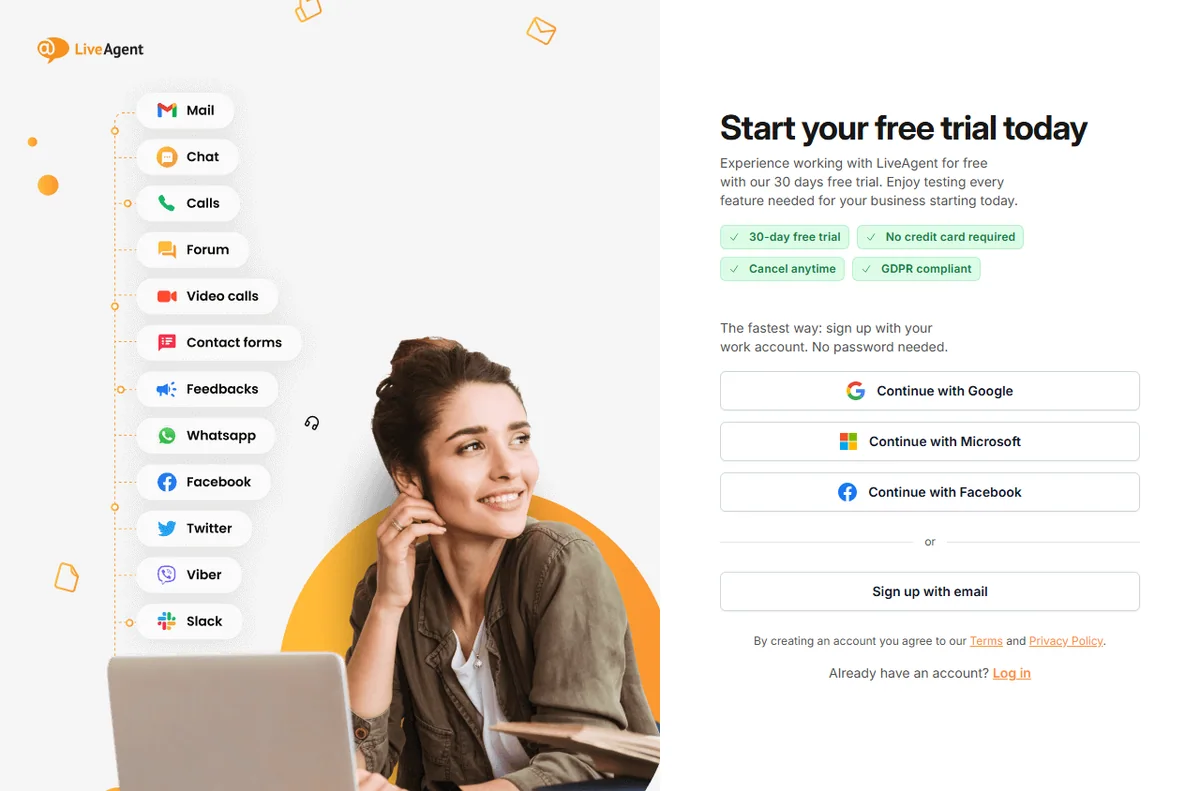
Start your LiveAgent free trial — one inbox for chat, email and phone. Start the free trial — using this link does not change the price you pay.
Why a blog would need a help desk at all
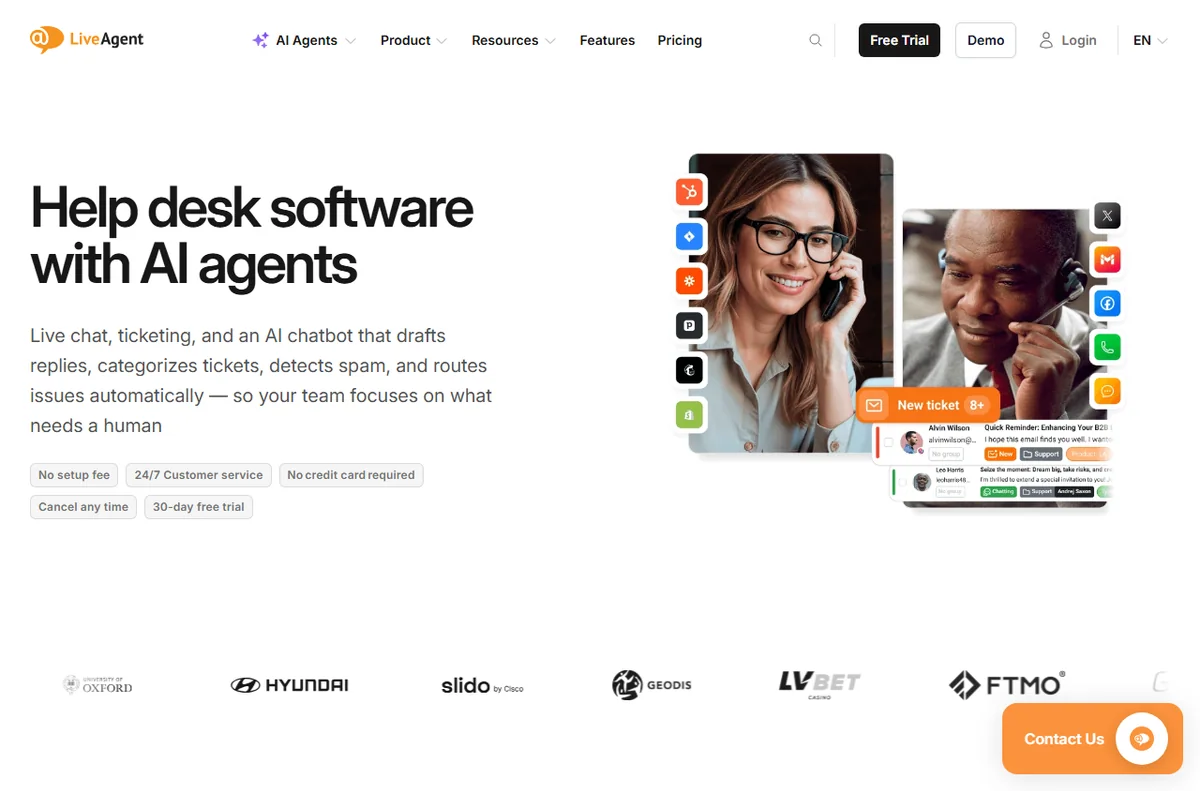
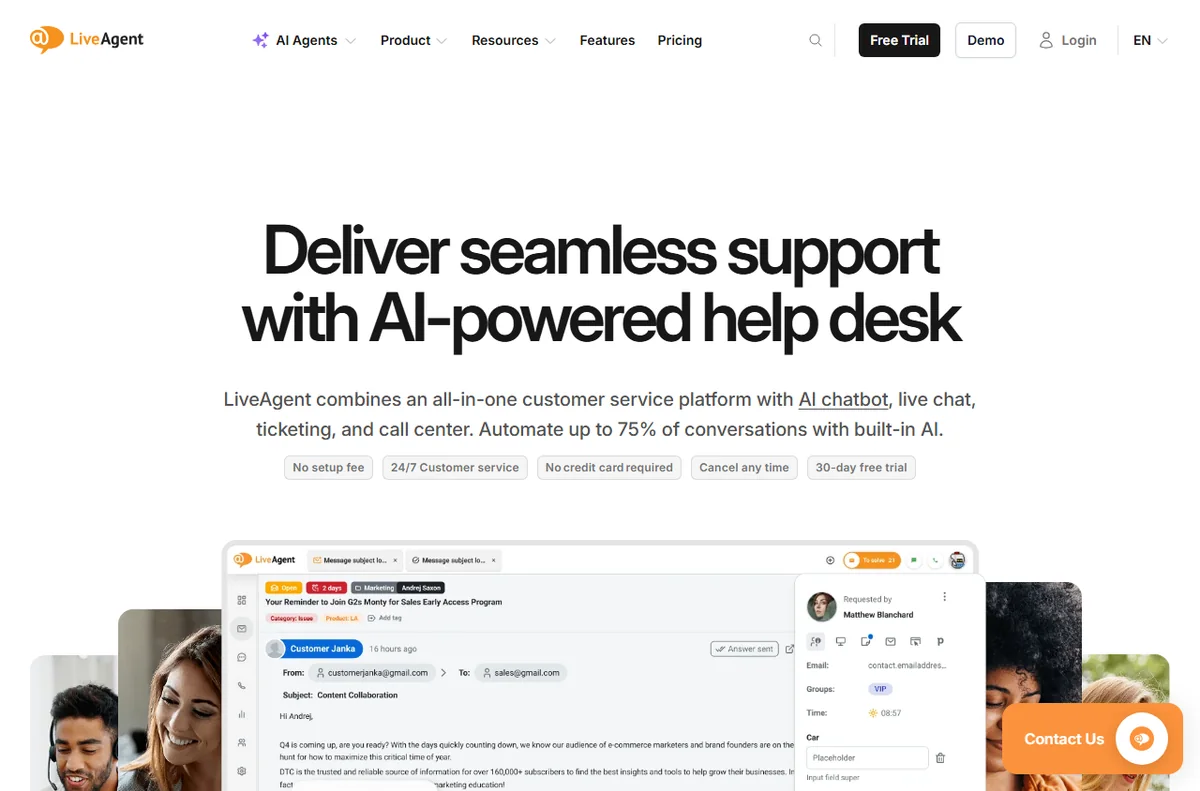
LiveAgent is an all-in-one customer service platform whose core is a shared inbox: live chat, email tickets, phone calls, social messages and a knowledge base all arrive in one dashboard, so agents stop tab-hopping between tools.
A blog usually starts with comments and a contact form. As it grows, the same questions repeat: how do I download this, where is the template, can you fix my order. A shared inbox with a knowledge base turns those repeats into one published answer instead of twenty replies.
If you monetise with products, courses or sponsorships, reader questions start to look like customer-support questions, and that is when a small desk earns its place.
What LiveAgent gives a blog
It is cloud-hosted and priced per agent rather than per contact, and the vendor offers a 30-day free trial that it says needs no credit card (checked October 14, 2026).
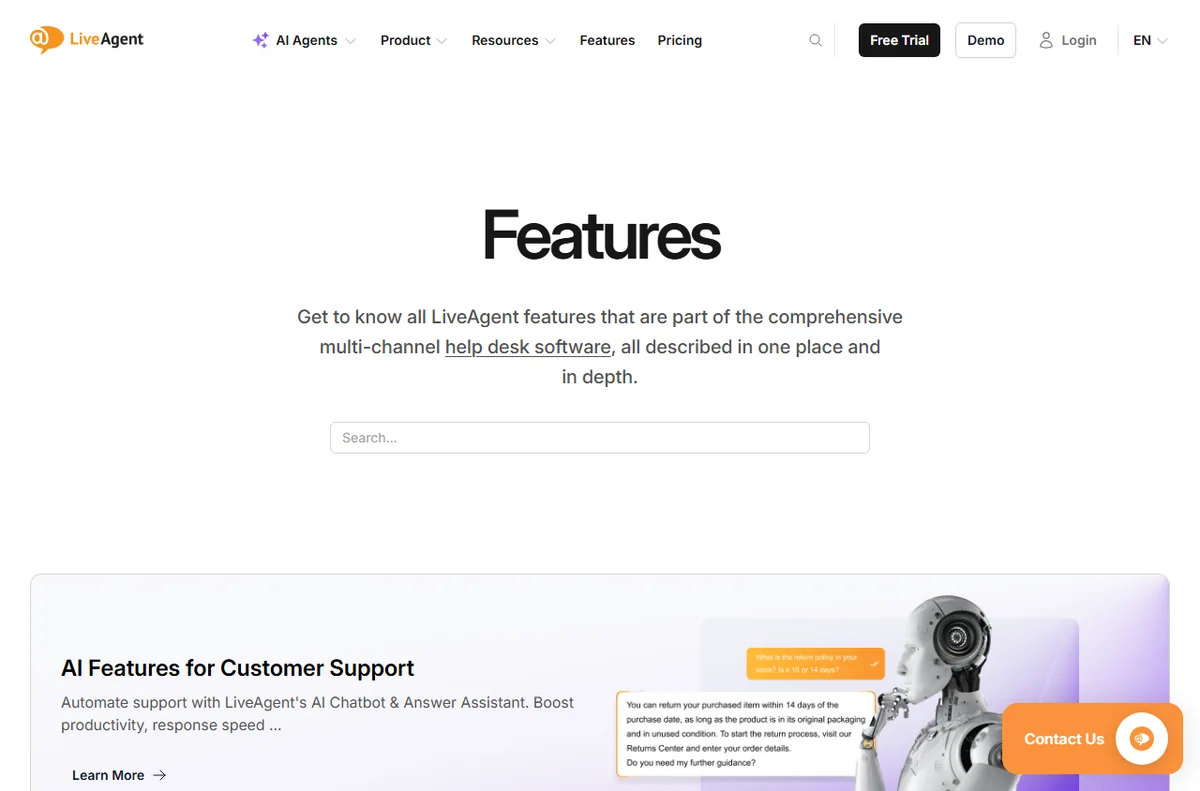
For a blog the useful parts are the chat widget you can drop on any page, the email ticketing that keeps reader mail out of your personal inbox, and the knowledge base you publish as a help section.
The knowledge base is arguably the best bit for a blogger: you write an answer once and link readers to it forever.
Channels that actually matter for a blog
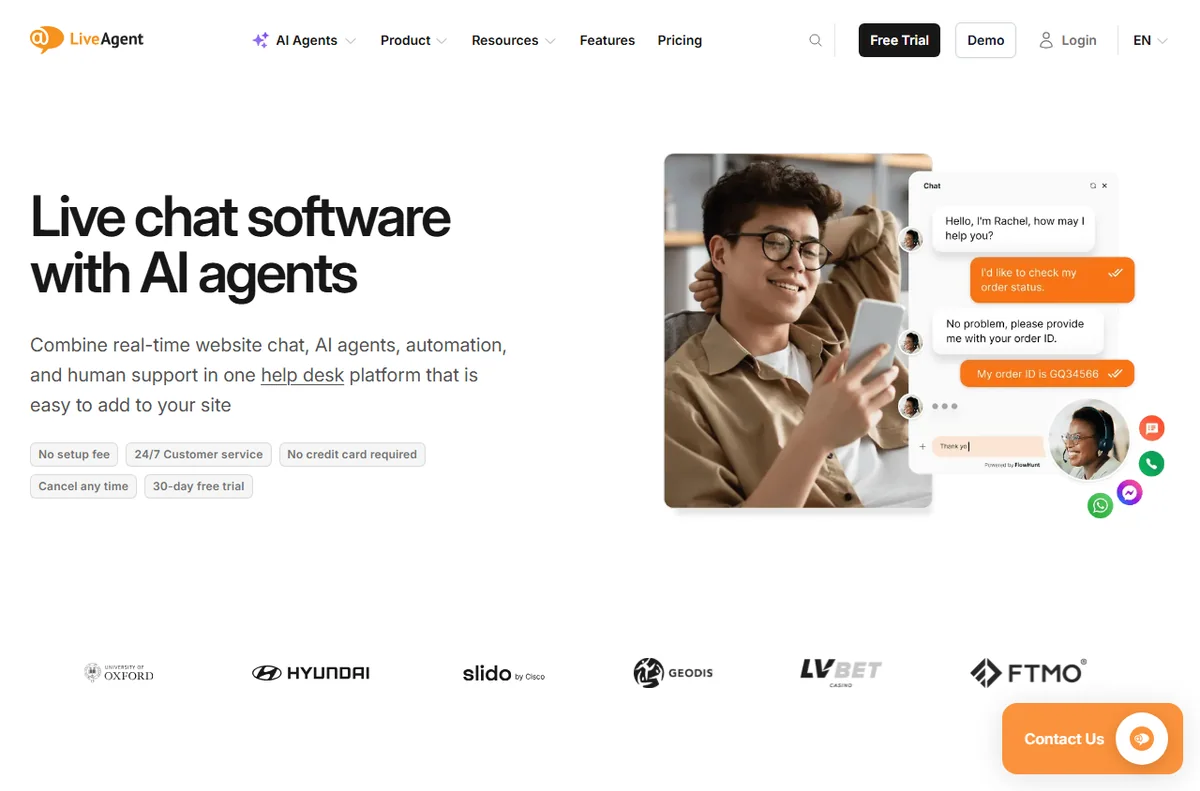
You probably do not need the call center. Email plus website chat covers most blog traffic, with social messages as a bonus if you are active on those platforms.
Start with chat and email, ignore the phone features, and add channels only when readers actually use them.
Where it is overkill for a blogger
If you post once a week, get a handful of comments and have no product to support, a full help desk is more software than you need. A simple contact form and a good FAQ page can do the job.
The per-agent model also assumes there are agents. If it is only you and you rarely answer questions, the value is thin.
Pricing for a solo blog
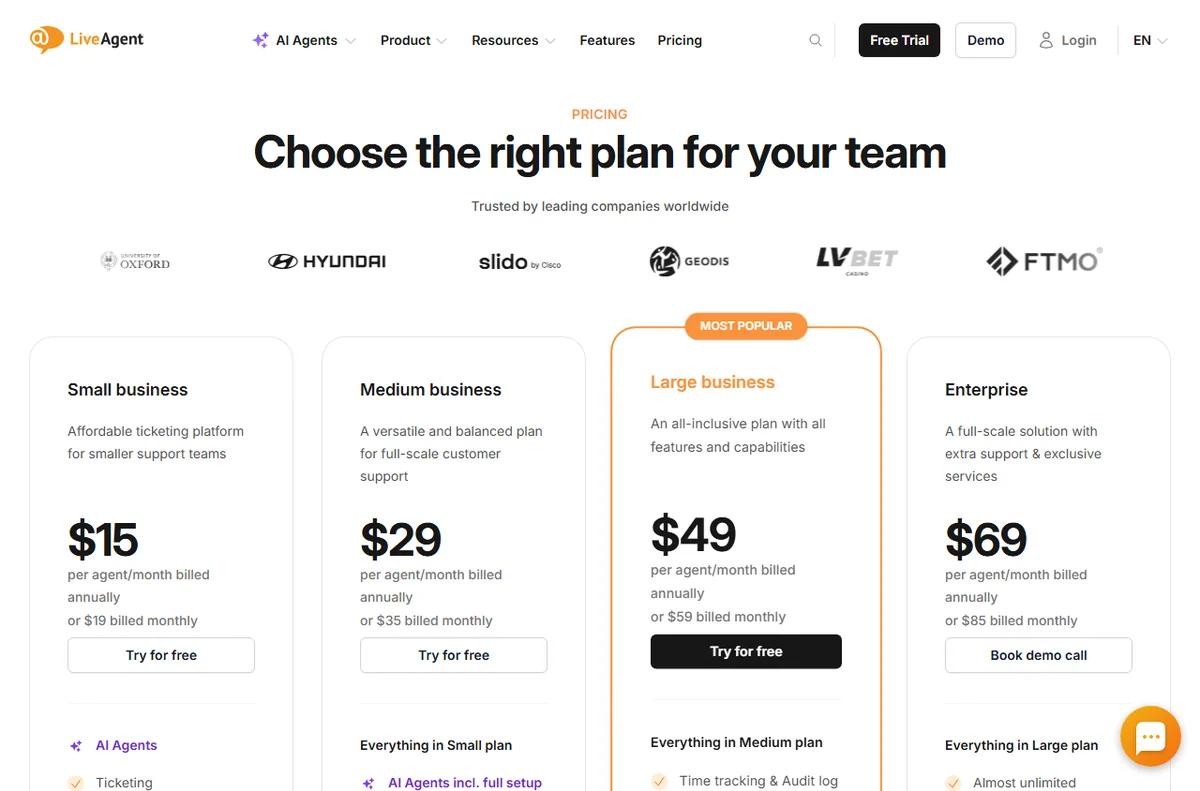
On pricing, LiveAgent charges per agent seat. Annual billing is cheaper than monthly, and the tier you pick decides which channels and features unlock. The vendor lists Small, Medium, Large and Enterprise tiers; exact figures change, so treat any number as indicative and check live pricing before you commit.
Verdict for bloggers
Buy it if reader questions are becoming a real workload or you sell something behind the blog. Skip it if you are a hobby publisher with no support load. Either way, test on the free trial first — that is the honest way to decide.
Turning reader questions into a system
The real win is turning ad-hoc replies into a system. Save your best answers as snippets, group recurring themes into knowledge-base articles, and link your FAQ from the main menu. Over a few months the volume of repeat questions drops, which is the entire point of buying a desk as a blogger.
None of that needs the phone or SLA features. It is chat, email and the knowledge base, used consistently, and that is a small, cheap slice of the platform.
A simple week on the free trial
The trial only tells you something if you test it on real work. Here is a plan that fits a busy week:
- Day 1 — connect the channel you actually use
- Day 2 — invite a teammate and set one routing rule
- Day 3 — write five saved replies and three FAQ answers
- Days 4-6 — answer live conversations and note friction
- Day 7 — decide on evidence, not on the last-day impulse
How it compares with the alternatives
The usual alternatives are Zendesk, Freshdesk and Tidio. Zendesk suits larger, process-heavy teams; Freshdesk offers a broad help desk with a gentler entry; Tidio fits when website chat is all you need. Weigh them on channels, pricing model and fit, not on feature-list length, and confirm current plans on each vendor site.
What we did and did not verify
We based this on the vendor’s own public pages as of October 14, 2026, and labelled vendor-sourced figures. We did not run a hands-on lab test, so we make no performance or reliability claims of our own. Use this as orientation, then confirm specifics with the vendor.
Bottom line for bloggers
If reader questions have quietly become part of the job, LiveAgent is a tidy way to handle them in one place. If they have not, wait — the tool will still be there when they do.
Read our full LiveAgent review for pricing, alternatives and who it suits.
Leave a Reply