Independent analysis. This page may contain affiliate links.
Zoho Books is the accounting arm of the Zoho suite, and its pricing is one of the main reasons small businesses consider it. In this guide we explain how the plans are structured, what typically drives your cost, the caveats to watch, and how to choose a plan without overpaying.
Accounting software is rarely a one-off purchase. You will live with the tool for years, so getting the plan right matters more than saving a few dollars in month one. We focus on the total picture rather than the headline price.
What is Zoho Books?
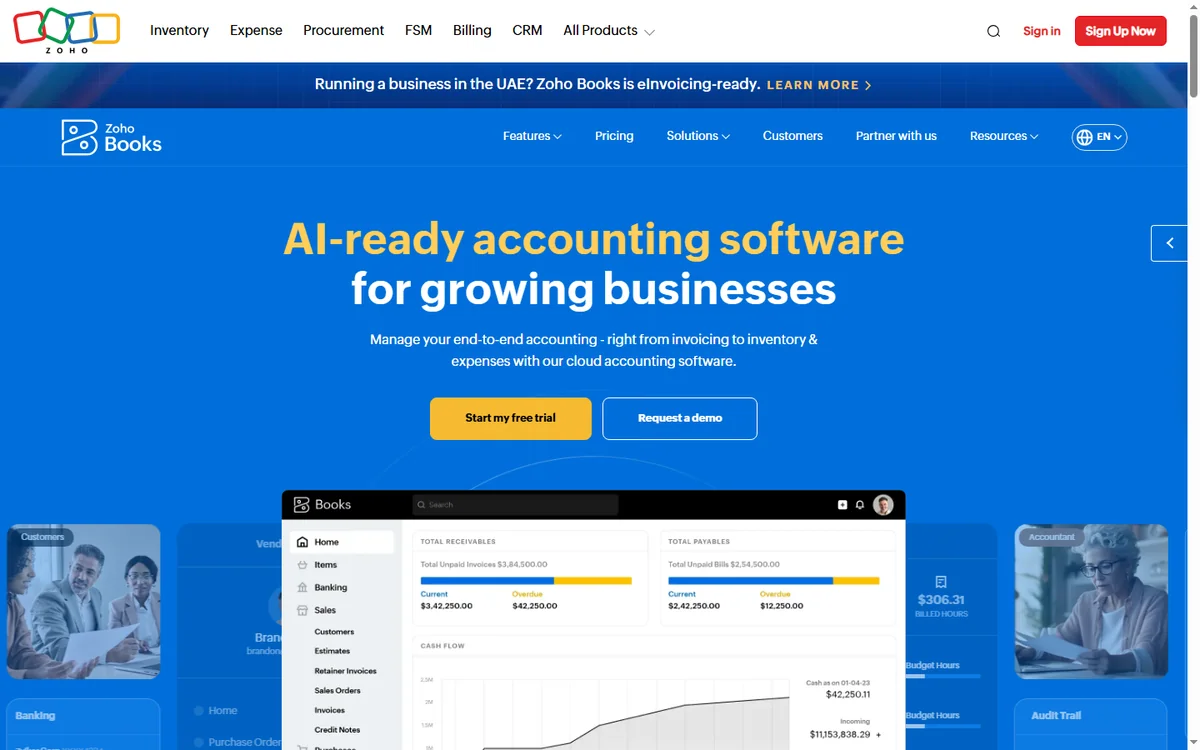
Zoho Books is cloud accounting software for small and midsize businesses. It handles invoices, expenses, bank reconciliation, and reporting, and connects to the rest of the Zoho ecosystem so sales and finance data stay aligned. It can be used standalone or alongside apps such as Zoho Invoice, Zoho Expense, and Zoho CRM.
Because it is cloud-based, your books are available anywhere, multiple people can collaborate, and updates happen automatically. For many small businesses that replaces a desktop accounting package and a shoebox of receipts.
Who is Zoho Books pricing aimed at?
- Freelancers and very small businesses that want low-cost accounting.
- Growing companies that need invoicing, expenses, and reporting in one tool.
- Businesses in regions where Zoho supports local tax formats.
- Teams already using Zoho CRM or Zoho Invoice that want tighter integration.
If you run a complex, multi-entity operation with heavy audit requirements, you may eventually outgrow it, but most small businesses will not hit that wall quickly.
How the plans are structured
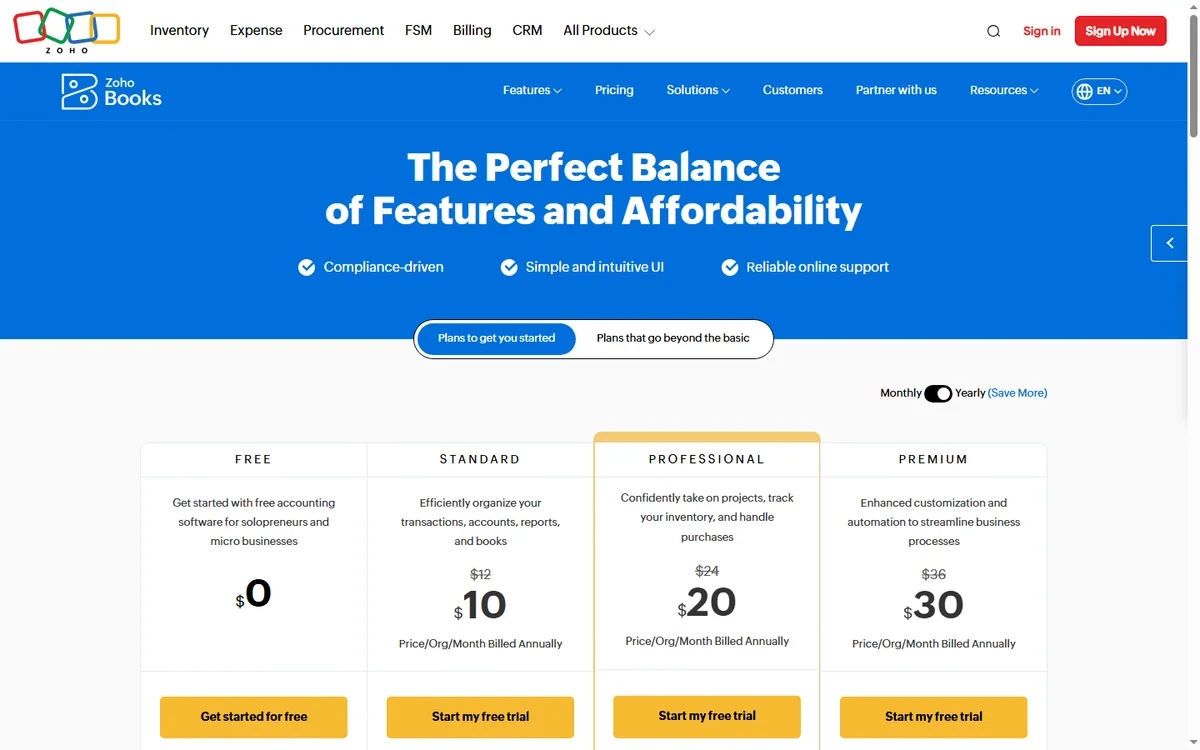
Zoho Books generally follows a tiered model. There is a free plan aimed at very small businesses that fall within a revenue threshold, then paid tiers that add users, automation, and advanced features, with higher editions adding capabilities such as inventory, multi-currency, or project accounting. The structure mirrors most modern SaaS: you start cheap and scale up as the business grows.
What drives the cost
- Number of users and number of organisations you manage.
- Revenue or transaction thresholds that affect eligibility for the lower tiers.
- Add-ons such as inventory, projects, or advanced automation.
- Region-specific tax features and currency support.
- Whether you pay annually, which is usually cheaper than monthly.
How Zoho Books compares to alternatives
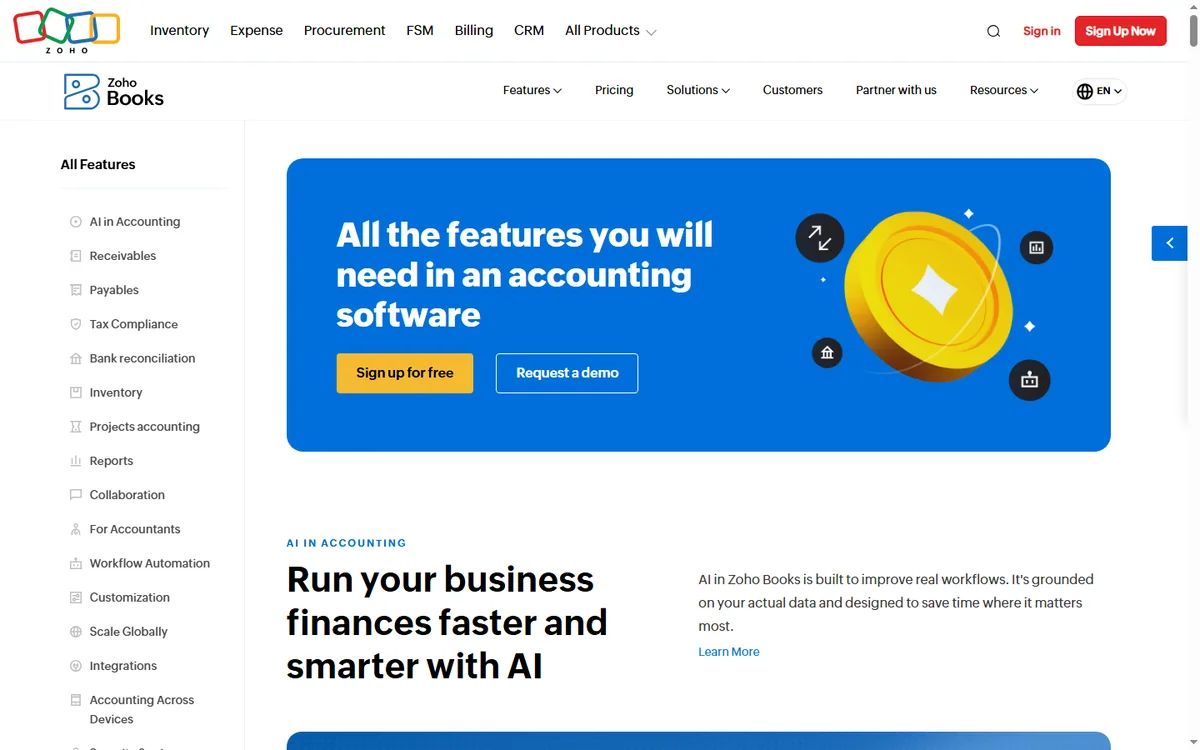
Competitors typically fall into two camps: established desktop-first packages that accountants know well, and cloud challengers with slick interfaces. Zoho Books sits in the cloud camp and competes on price and ecosystem integration rather than on having every advanced accounting feature on day one. If your main needs are invoicing, expenses, and straightforward reporting, it covers them well; if you need deep consolidation across many entities, check the higher editions or specialist tools.
Pricing caveats
Do not treat blog-sourced numbers as gospel. Zoho adjusts pricing by region, by billing cycle, and by edition, and the free plan’s eligibility depends on your revenue. The safest move is to check the official Zoho Books site for your country before you budget.
Watch for the jump between tiers, because the features you need often sit one level above the plan you first consider. It is also worth confirming whether the free plan’s revenue ceiling applies to your business before you build a workflow around it.
Pros and cons
Pros
- Low entry cost, with a free plan for the smallest businesses.
- Clean, modern interface compared with many legacy accounting tools.
- Strong integration with the rest of the Zoho ecosystem.
- Localised tax and currency support in many regions.
Cons
- Free-plan eligibility is limited by revenue thresholds.
- Advanced features cost more and can surprise buyers.
- Some accountants prefer more established desktop tools.
FAQ
Does Zoho Books have a free plan?
Yes, but it is aimed at very small businesses and limited by revenue and features. Check the official site for current eligibility.
Is Zoho Books billed annually or monthly?
Both are typically offered, with annual billing usually costing less per month.
Can I track inventory?
Inventory features are available but usually on higher editions.
Does it handle multiple currencies?
Multi-currency support exists, generally on paid tiers. Confirm availability for your region.
Can I switch plans later?
Yes, you can usually upgrade as your needs grow, and you are not locked out of moving up a tier.
Is my data secure?
Cloud accounting depends on the vendor’s security practices. Review their published security and compliance information before committing.
Conclusion
Zoho Books is priced to appeal to small and growing businesses, with a free tier that lowers the barrier to entry and paid plans that add power as you scale. The key is to check the official rates for your region, confirm the free-plan thresholds, and map the features you actually need to the right edition rather than guessing.
If you are unsure, start on a lower plan, use it for a month, and identify the exact bottleneck before upgrading. That habit will save you more than any discount code.
Explore more Automation guides.
Explore more AI Tools guides.
Explore more Business Software guides.
Leave a Reply