We’re reader-supported — some links are affiliate links. Learn more →

Skip to content

Independent software research. Some links may earn us a commission at no extra cost to you. Learn more →

ICode

Tag: Zoho

  • Zoho vs HubSpot 2026: Which CRM Fits Your Business?

    Independent analysis. This page may contain affiliate links.

    Zoho CRM and HubSpot are two of the most popular CRM choices, but they take very different approaches. This comparison looks at features, pricing philosophy, ease of use, and scalability so you can pick the one that fits how your team actually works.

    Both have large user bases and active development. The decision usually comes down to a trade-off between speed of adoption and depth of customisation, plus how you feel about each vendor’s pricing curve.
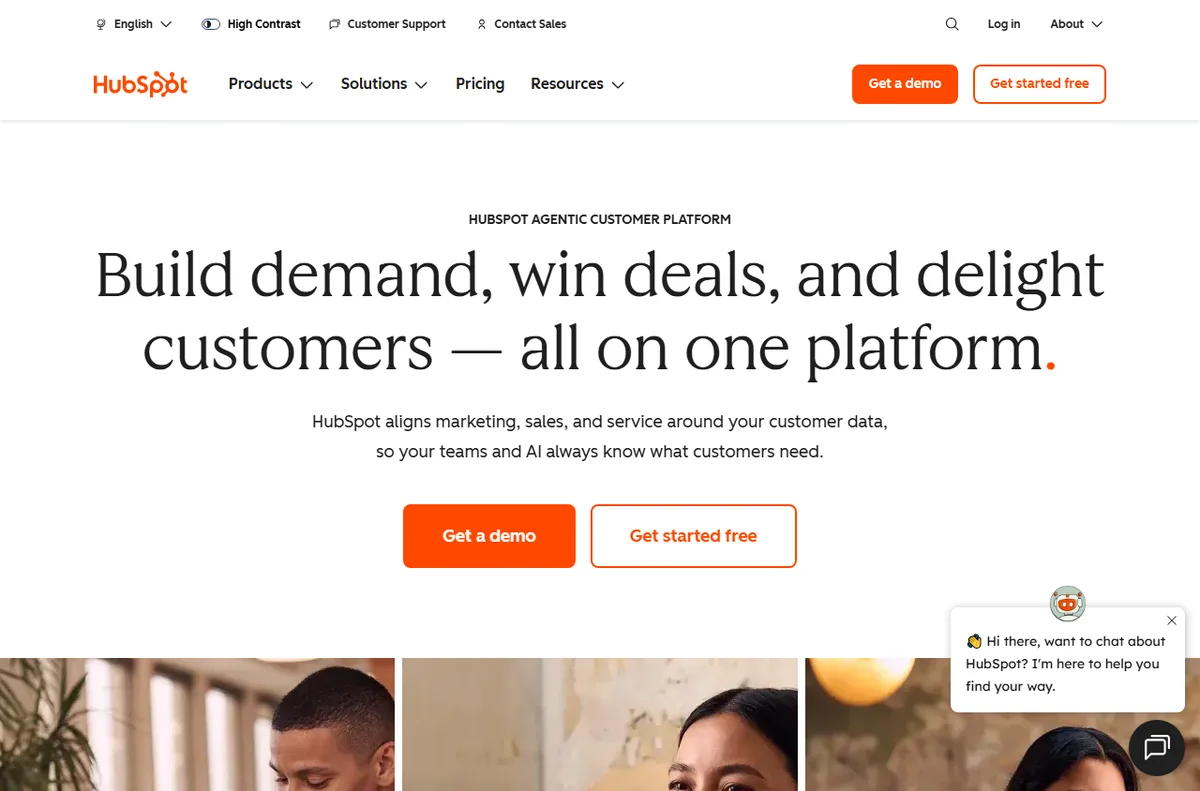
    HubSpot CRM and marketing platform homepage
    HubSpot (image: hubspot.com)

    The short version

    HubSpot leans on usability and a generous free CRM with strong inbound marketing tools. Zoho leans on flexibility and price, with deeper customisation and a broad ecosystem of apps. If you want something you can start using today with minimal setup, HubSpot is friendly. If you want to bend the CRM to your process at low cost, Zoho is appealing.
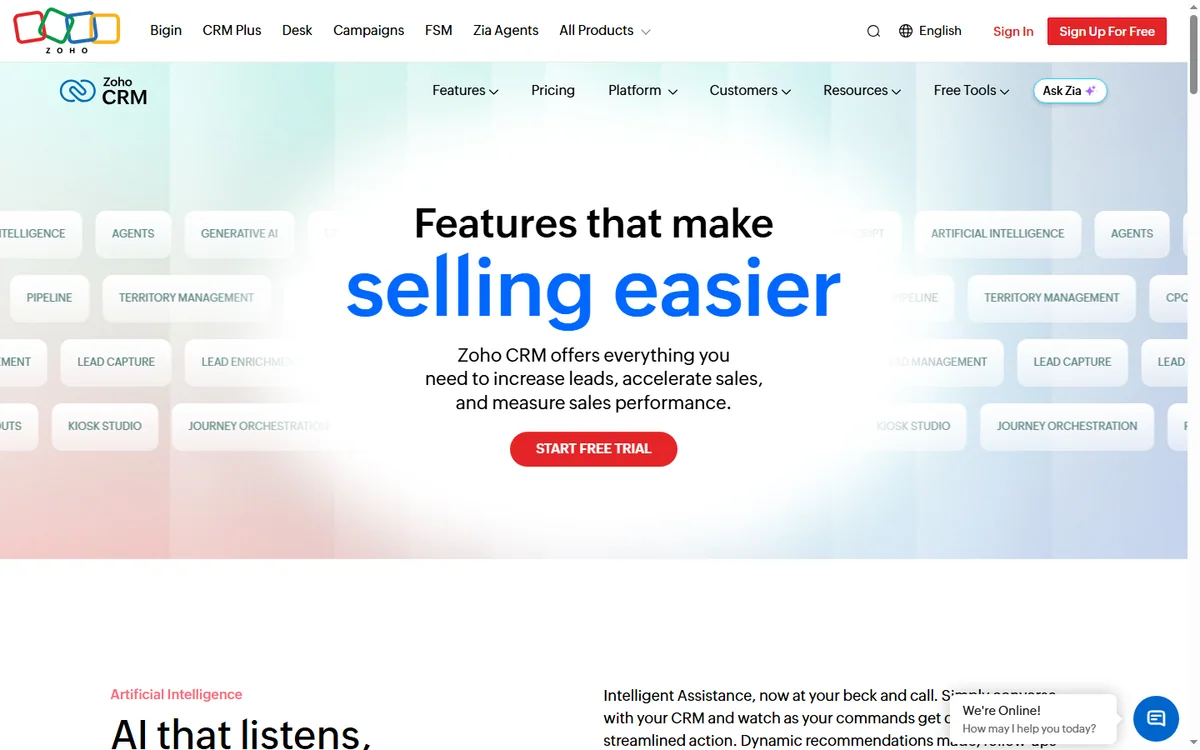
    Zoho CRM features page
    Zoho CRM features (image: zoho.com)

    Features compared

    • Sales pipeline: both offer visual deal stages; HubSpot is simpler, Zoho more configurable.
    • Marketing automation: HubSpot’s marketing tools are very strong; Zoho has capable equivalents inside its own suite.
    • Service and support: both offer ticketing and help-desk style features.
    • AI: Zoho’s Zia and HubSpot’s AI features both add predictions and assistance.
    • Customisation: Zoho generally allows deeper structural changes to modules and fields.
    • Ecosystem: Zoho spans accounting, email, and projects; HubSpot focuses on go-to-market hubs.

    In practice, both cover the core CRM job well. The differences show up in the edges: how far you can customise objects, how many channels you can connect natively, and how much of your marketing you want handled in the same tool.

    Data, reporting, and analytics

    Both platforms offer dashboards and custom reports. HubSpot’s reporting is approachable and quick to read, which suits teams that want answers without building them. Zoho’s reporting is more granular, allowing deeper slices of data, but it takes more setup to reach that point. If analytics maturity matters, budget time to learn either system properly.
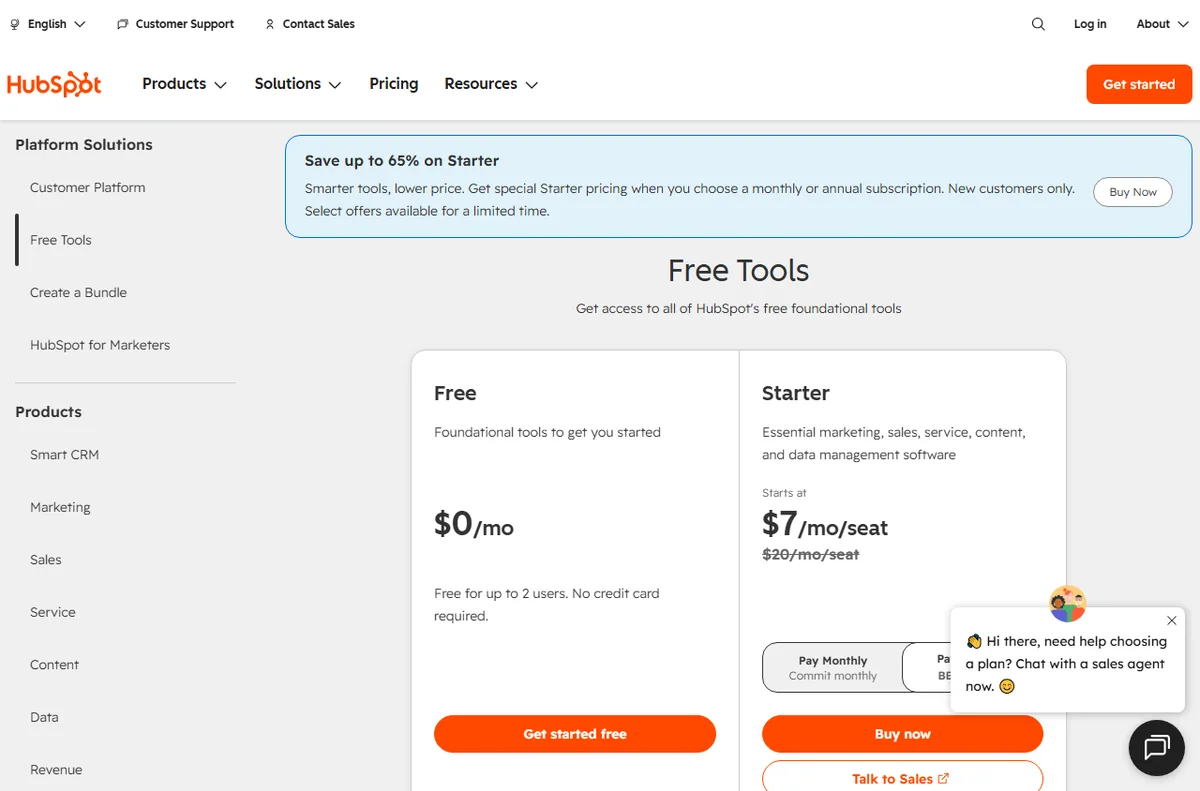
    HubSpot pricing plans
    HubSpot pricing (image: hubspot.com)

    Pricing philosophies

    The models differ in a way that matters over time. HubSpot offers a free CRM and then charges for marketing, sales, and service hubs that scale with your contact tiers, which can climb quickly for content-heavy teams. Zoho starts cheaper per user, but you often pay across several apps as you add capabilities.

    Neither is “cheaper” in the abstract; it depends on your contact volume and which features you need. Always check Zoho CRM’s official site and HubSpot’s official site for current numbers, because both change pricing regularly.

    Ease of use

    HubSpot wins on polish and onboarding for most beginners. Its interface is clean and its free tools are genuinely usable, which is why so many small teams start there. Zoho is powerful but busier, and admins often need to configure fields, layouts, and automation before the team feels at home.
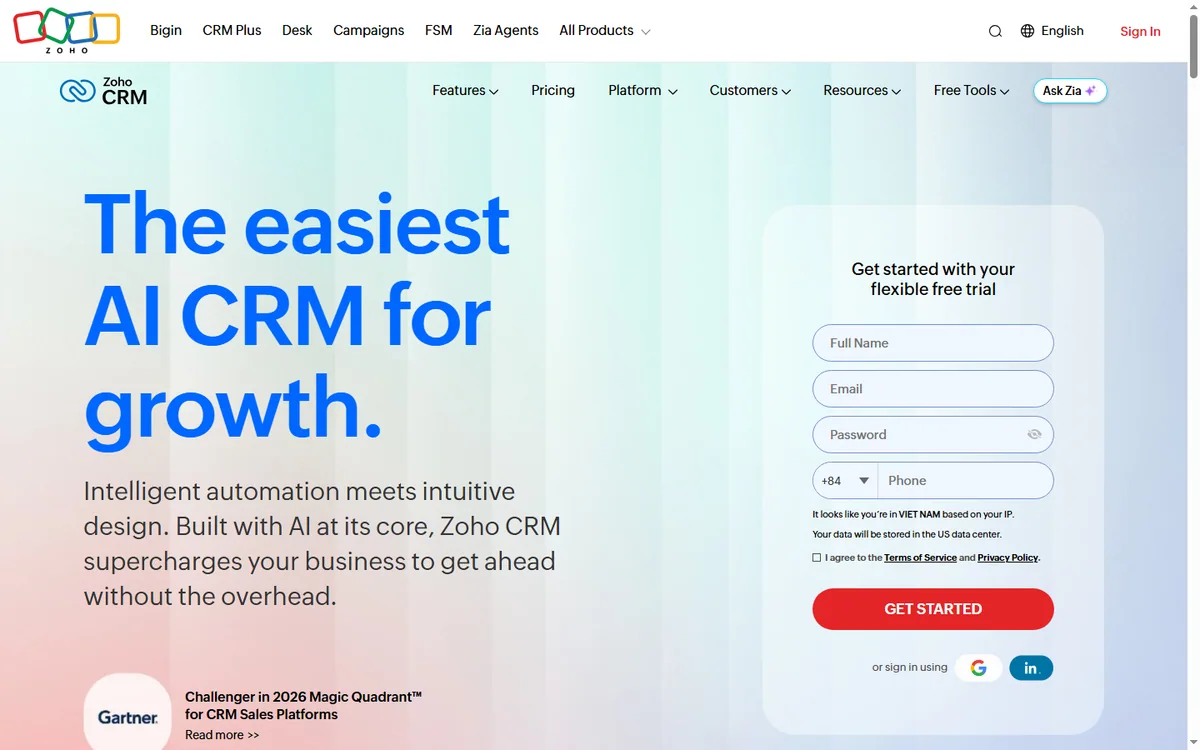
    Zoho CRM product homepage
    Zoho CRM (image: zoho.com)

    Migration and switching costs

    Moving from one CRM to another is never free. You face data exports, field mapping, rebuilding automation, and retraining the team. HubSpot makes the first steps easy, which lowers the cost of getting started; Zoho’s flexibility means more design decisions up front. Whichever you choose, plan the migration deliberately and keep a clean export of your contact data as insurance.

    Scalability and ecosystem

    HubSpot scales well within marketing, sales, and service. Zoho scales across a wider range of business functions because its suite covers finance, projects, and more. For a company that wants one vendor for many departments, Zoho’s breadth is a real advantage; for a team that lives in go-to-market motions, HubSpot’s focus can be cleaner.
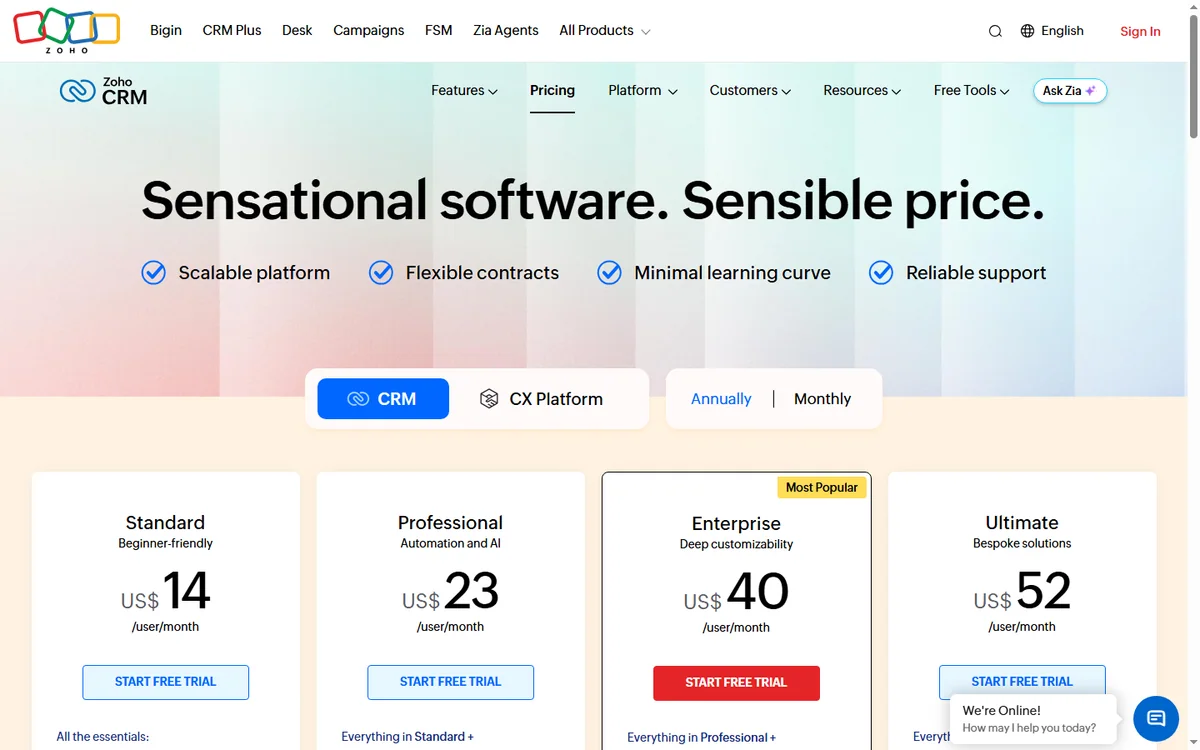
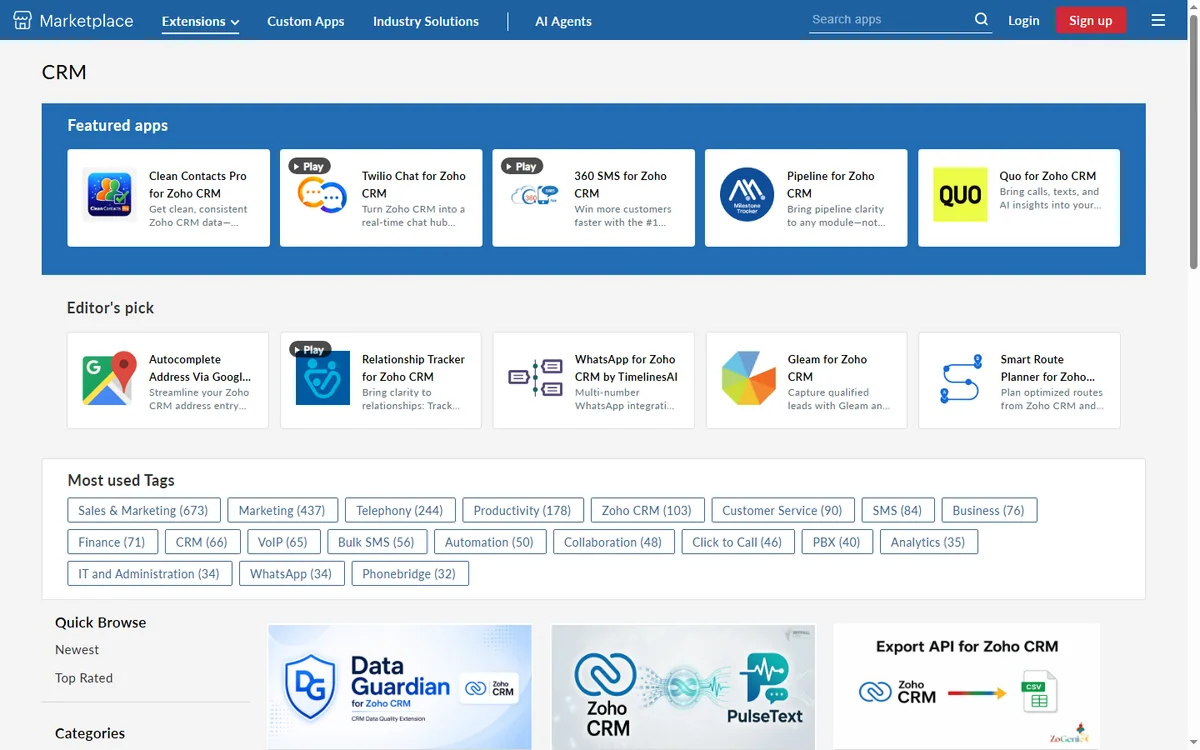
    Zoho CRM pricing plans
    Zoho CRM pricing (image: zoho.com)

    Who should choose which?

    • Choose HubSpot if you value ease of use, inbound marketing, and a free start.
    • Choose Zoho if you want low per-user cost, deep customisation, and a broad suite.

    FAQ

    Is Zoho cheaper than HubSpot?

    Often, per user, but not always overall once you add apps or contact tiers. Compare based on your real needs.

    Does HubSpot have a free CRM?

    Yes, HubSpot’s free CRM is a major draw for small teams.

    Which is easier to learn?

    Most users find HubSpot quicker to adopt; Zoho rewards time spent configuring.

    Can both handle growing teams?

    Yes. Both scale, though their cost curves differ significantly.

    Do both integrate with other tools?

    Yes, both have marketplaces and APIs, though their catalogues differ.

    Which is better for marketing?

    HubSpot is generally stronger for inbound marketing; Zoho competes with its own marketing apps.

    Conclusion

    Zoho and HubSpot are both strong, and the right choice comes down to priorities: speed and usability versus flexibility and price. Test both against your process, watch how costs move as your contact list and team grow, and pick the platform whose weaknesses you can live with.

  • Zoho Books Pricing Guide 2026: Plans, Costs, and What to Expect

    Independent analysis. This page may contain affiliate links.

    Zoho Books is the accounting arm of the Zoho suite, and its pricing is one of the main reasons small businesses consider it. In this guide we explain how the plans are structured, what typically drives your cost, the caveats to watch, and how to choose a plan without overpaying.

    Accounting software is rarely a one-off purchase. You will live with the tool for years, so getting the plan right matters more than saving a few dollars in month one. We focus on the total picture rather than the headline price.

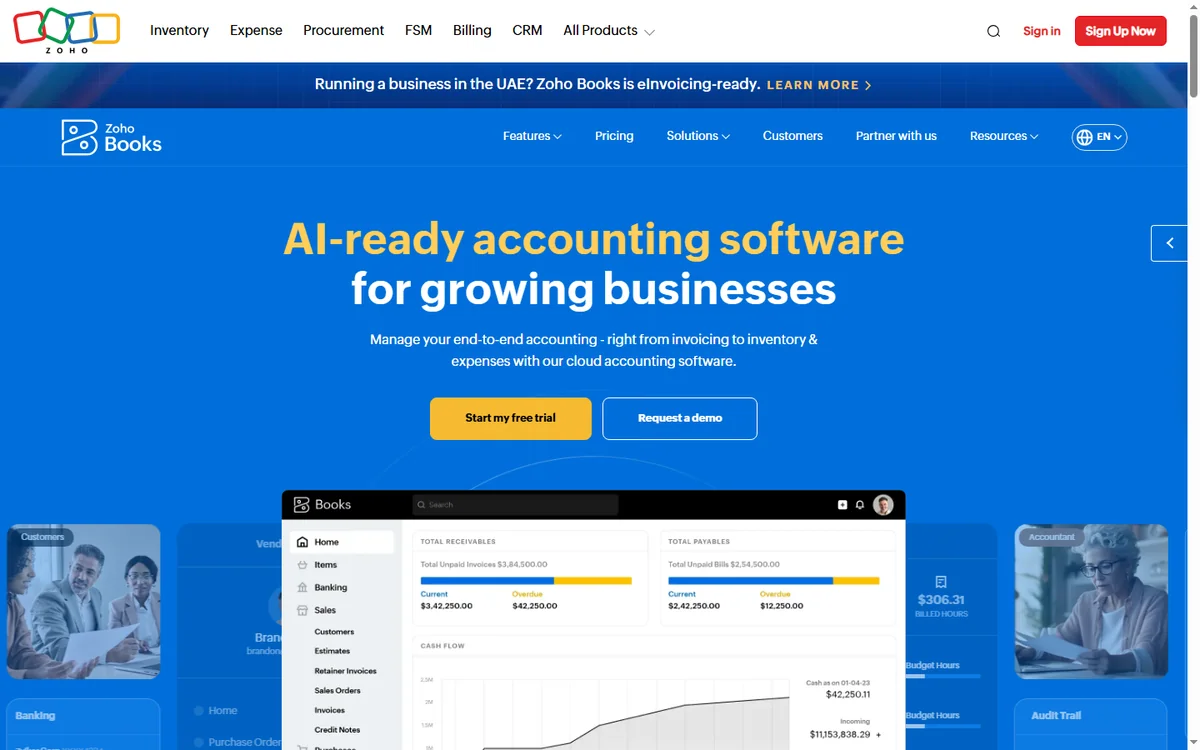
    Zoho Books accounting homepage
    Zoho Books (image: zoho.com)

    What is Zoho Books?

    Zoho Books is cloud accounting software for small and midsize businesses. It handles invoices, expenses, bank reconciliation, and reporting, and connects to the rest of the Zoho ecosystem so sales and finance data stay aligned. It can be used standalone or alongside apps such as Zoho Invoice, Zoho Expense, and Zoho CRM.

    Because it is cloud-based, your books are available anywhere, multiple people can collaborate, and updates happen automatically. For many small businesses that replaces a desktop accounting package and a shoebox of receipts.

    Who is Zoho Books pricing aimed at?

    • Freelancers and very small businesses that want low-cost accounting.
    • Growing companies that need invoicing, expenses, and reporting in one tool.
    • Businesses in regions where Zoho supports local tax formats.
    • Teams already using Zoho CRM or Zoho Invoice that want tighter integration.

    If you run a complex, multi-entity operation with heavy audit requirements, you may eventually outgrow it, but most small businesses will not hit that wall quickly.

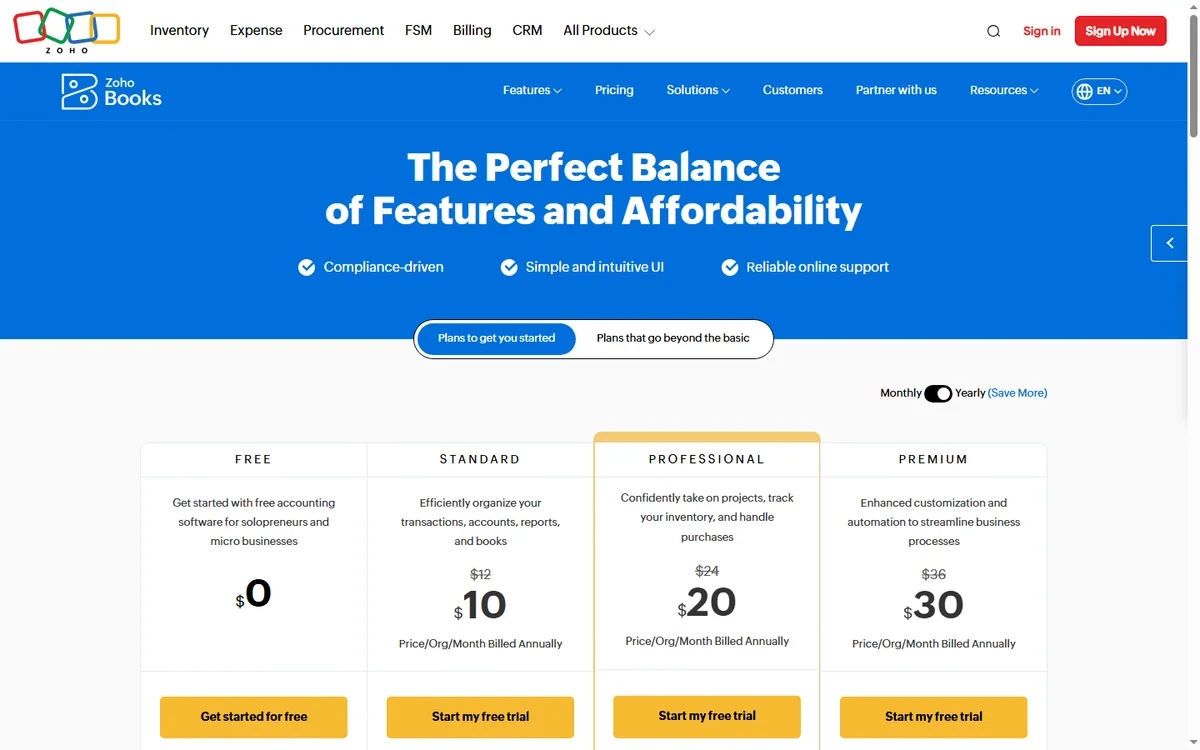
    Zoho Books pricing plans
    Zoho Books pricing (image: zoho.com)

    How the plans are structured

    Zoho Books generally follows a tiered model. There is a free plan aimed at very small businesses that fall within a revenue threshold, then paid tiers that add users, automation, and advanced features, with higher editions adding capabilities such as inventory, multi-currency, or project accounting. The structure mirrors most modern SaaS: you start cheap and scale up as the business grows.

    What drives the cost

    • Number of users and number of organisations you manage.
    • Revenue or transaction thresholds that affect eligibility for the lower tiers.
    • Add-ons such as inventory, projects, or advanced automation.
    • Region-specific tax features and currency support.
    • Whether you pay annually, which is usually cheaper than monthly.
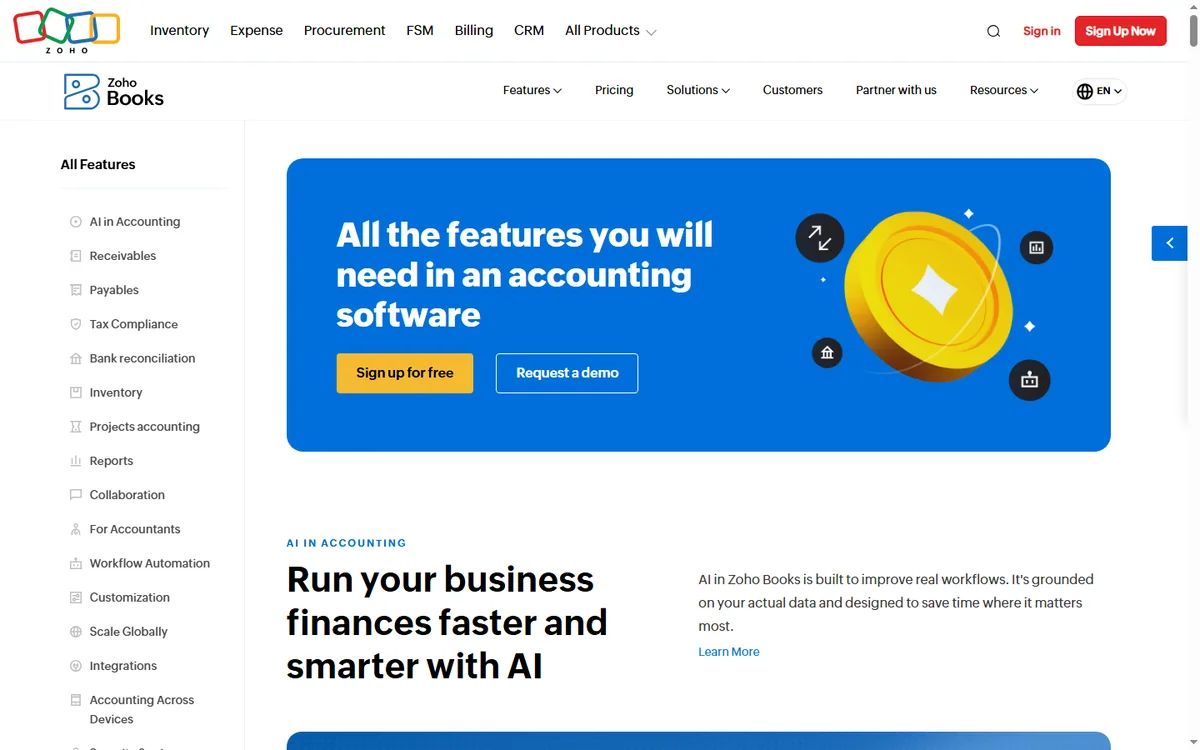
    Zoho Books features page
    Zoho Books features (image: zoho.com)

    How Zoho Books compares to alternatives

    Competitors typically fall into two camps: established desktop-first packages that accountants know well, and cloud challengers with slick interfaces. Zoho Books sits in the cloud camp and competes on price and ecosystem integration rather than on having every advanced accounting feature on day one. If your main needs are invoicing, expenses, and straightforward reporting, it covers them well; if you need deep consolidation across many entities, check the higher editions or specialist tools.

    Pricing caveats

    Do not treat blog-sourced numbers as gospel. Zoho adjusts pricing by region, by billing cycle, and by edition, and the free plan’s eligibility depends on your revenue. The safest move is to check the official Zoho Books site for your country before you budget.

    Watch for the jump between tiers, because the features you need often sit one level above the plan you first consider. It is also worth confirming whether the free plan’s revenue ceiling applies to your business before you build a workflow around it.

    Pros and cons

    Pros

    • Low entry cost, with a free plan for the smallest businesses.
    • Clean, modern interface compared with many legacy accounting tools.
    • Strong integration with the rest of the Zoho ecosystem.
    • Localised tax and currency support in many regions.

    Cons

    • Free-plan eligibility is limited by revenue thresholds.
    • Advanced features cost more and can surprise buyers.
    • Some accountants prefer more established desktop tools.
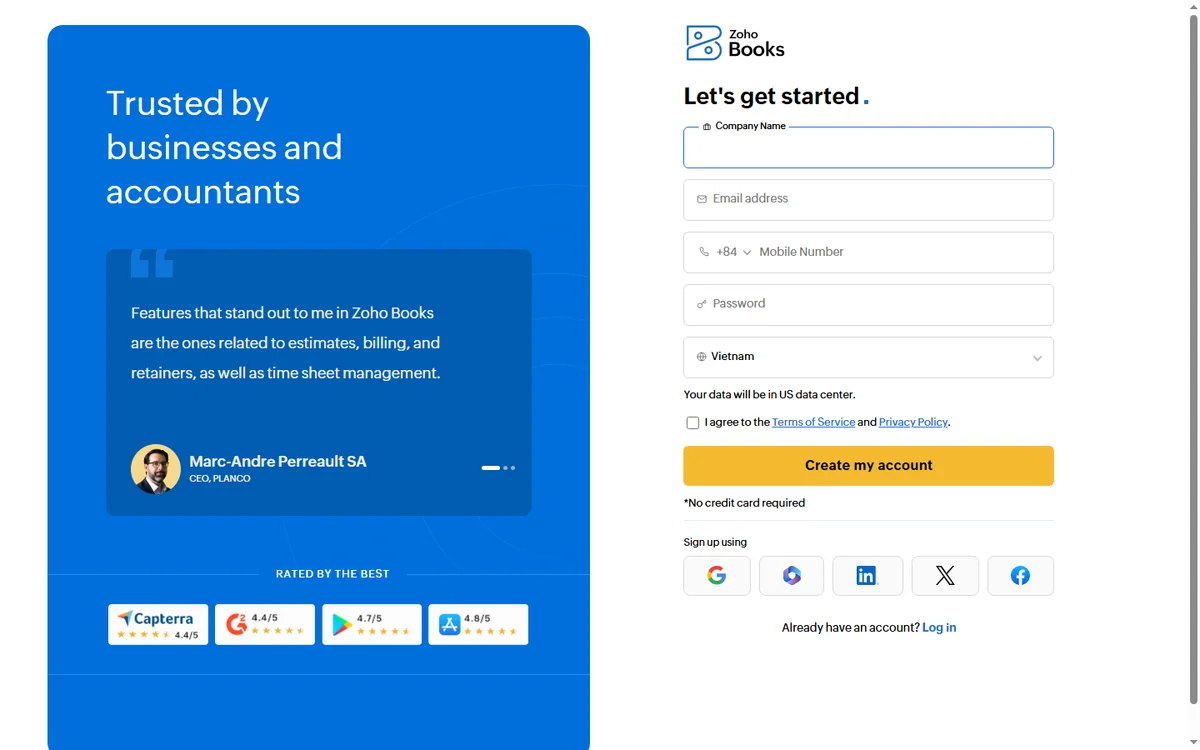
    Zoho Books signup page
    Zoho Books signup (image: zoho.com)

    FAQ

    Does Zoho Books have a free plan?

    Yes, but it is aimed at very small businesses and limited by revenue and features. Check the official site for current eligibility.

    Is Zoho Books billed annually or monthly?

    Both are typically offered, with annual billing usually costing less per month.

    Can I track inventory?

    Inventory features are available but usually on higher editions.

    Does it handle multiple currencies?

    Multi-currency support exists, generally on paid tiers. Confirm availability for your region.

    Can I switch plans later?

    Yes, you can usually upgrade as your needs grow, and you are not locked out of moving up a tier.

    Is my data secure?

    Cloud accounting depends on the vendor’s security practices. Review their published security and compliance information before committing.

    Conclusion

    Zoho Books is priced to appeal to small and growing businesses, with a free tier that lowers the barrier to entry and paid plans that add power as you scale. The key is to check the official rates for your region, confirm the free-plan thresholds, and map the features you actually need to the right edition rather than guessing.

    If you are unsure, start on a lower plan, use it for a month, and identify the exact bottleneck before upgrading. That habit will save you more than any discount code.

  • Zoho CRM Review 2026: Features, Pricing, and Who It’s For

    Independent analysis. This page may contain affiliate links.

    Zoho CRM is one of the most established customer relationship management platforms available, used by teams that want a flexible place to organise contacts, deals, and follow-ups without paying enterprise-level fees. It is a mature product with a large user base. In this review we break down what it genuinely does well, where it can frustrate, and how its pricing is structured, so you can judge whether it belongs in your stack.

    If you are comparing CRMs for the first time, the temptation is to look only at the price tag. That is a mistake. What matters more is how well the tool matches the way your team sells, how much manual work it removes, and how painful it will be to maintain as you grow. We keep those questions in view throughout.

    Zoho CRM product homepage
    Zoho CRM (image: zoho.com)

    What is Zoho CRM?

    Zoho CRM is a cloud-based sales and customer management platform from Zoho Corporation. It stores customer records, tracks deals through a visual pipeline, and automates repetitive sales and follow-up tasks such as reminders, email sequences, and task assignment. Because it sits inside a much larger Zoho ecosystem that also includes email, accounting, projects, and support tools, it can expand alongside a business instead of forcing you to juggle several unrelated vendors.

    The platform runs entirely in the browser, with mobile apps for iOS and Android, so sales teams can work from wherever they happen to be. Data lives in the cloud, which means updates are immediate and the whole team sees the same picture without manual syncing.

    Who is Zoho CRM for?

    It suits a broad range of organisations, but it tends to fit certain profiles particularly well.

    • Small businesses that want a capable CRM without a heavy upfront cost.
    • Growing sales teams that need pipeline management plus real automation.
    • Agencies juggling multiple client pipelines and custom fields.
    • Companies already using other Zoho apps that want tight integration.
    • Teams that value deep customisation over a rigid, opinionated workflow.

    If you need something you can switch on and use with zero setup, a simpler tool may suit you better. Zoho rewards teams willing to configure it properly.

    Zoho CRM features page
    Zoho CRM features (image: zoho.com)

    Key features

    The feature list is long, so here are the areas that matter most in day-to-day use.

    • Sales pipeline management: drag-and-drop deal stages with forecasting, so managers can see what will close and when.
    • Multichannel communication: email, phone, live chat, social, and web forms gathered in one place, with the history tied to each contact.
    • Workflow automation: rules, blueprints, and macros that handle repetitive steps such as sending follow-ups or reassigning stale deals.
    • Zia AI assistant: suggestions, predictions, and anomaly alerts that flag unusual activity in your data.
    • Reports and dashboards: custom views for sales performance, activity, and conversion.
    • Customisation: custom modules, fields, layouts, and role-based permissions so the CRM mirrors your process.
    • Marketplace: extensions that connect the tools you already use.
    Zoho CRM pricing plans
    Zoho CRM pricing (image: zoho.com)

    Pricing

    Zoho CRM is sold on a per-user, tiered basis. There is a free edition aimed at a very small number of users, followed by Standard, Professional, Enterprise, and Ultimate editions that unlock more automation, AI, and reporting. The exact price per user depends on the tier, the billing period, and the region you are billed in, and Zoho updates these figures periodically.

    Because real numbers shift, treat any third-party figure as a rough guide only and check the official Zoho CRM site for current rates, user limits, and what each edition includes. Budget also for the fact that advanced features and higher user counts push you toward pricier tiers, and that add-ons or extra apps raise the total.

    A practical tip: list the specific features your team needs, then find the cheapest edition that includes them. Buying “one tier up” purely for future-proofing often costs more than it delivers.

    Zoho CRM integrations directory
    Zoho CRM integrations (image: zoho.com)

    Pros and cons

    Pros

    • Generous entry point, including a free tier for tiny teams.
    • Deep customisation and a broad feature set for the price.
    • Strong automation and AI tools on higher tiers.
    • Tight integration with the wider Zoho suite.
    • Mature product with extensive documentation and support.

    Cons

    • The interface can feel busy, with a real learning curve for new users.
    • Some of the best features sit behind more expensive editions.
    • Setup and customisation take genuine effort to get right.

    FAQ

    Is Zoho CRM free?

    There is a free edition, but it is limited in users and features. For most growing teams a paid edition is needed.

    Does Zoho CRM have a mobile app?

    Yes. Native apps for iOS and Android cover the core sales workflows.

    Can I automate follow-ups?

    Yes. Workflow rules, blueprints, and macros let you automate emails, tasks, and stage changes.

    Is it suitable for large teams?

    Higher editions scale to larger teams and more complex processes, though very large enterprises may prefer dedicated enterprise CRMs.

    How hard is it to set up?

    Basic setup is quick, but getting the most from automation and custom fields takes planning and testing.

    Can I integrate other tools?

    Yes, via the built-in marketplace and APIs, plus native connections to other Zoho apps.

    Conclusion

    Zoho CRM earns its popularity by offering a wide feature set at an accessible starting price, especially for businesses that want room to customise. It is less instantly intuitive than some rivals and its best capabilities cost more, but for teams willing to invest a little setup time it is a strong, flexible choice. Compare the current editions, match them to how your team actually sells, and run a trial before committing. The right question is not “which CRM is cheapest” but “which one will my team actually use every day”.