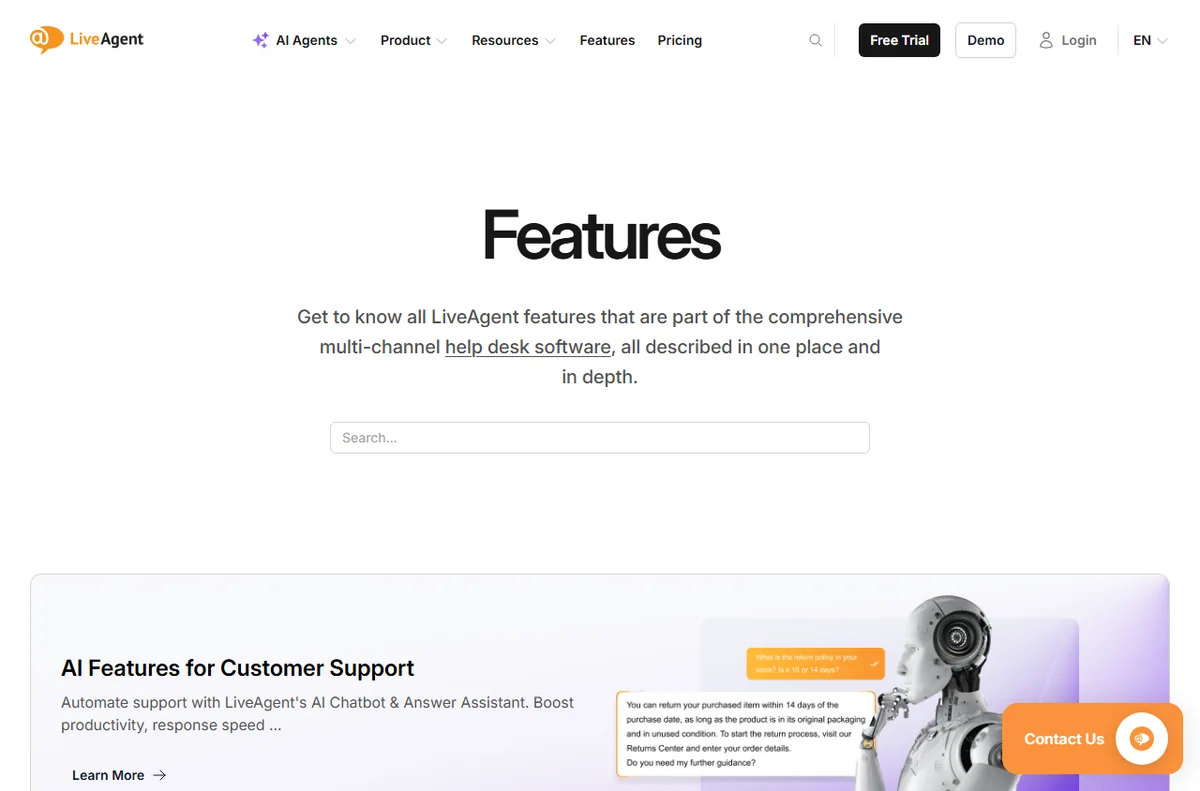
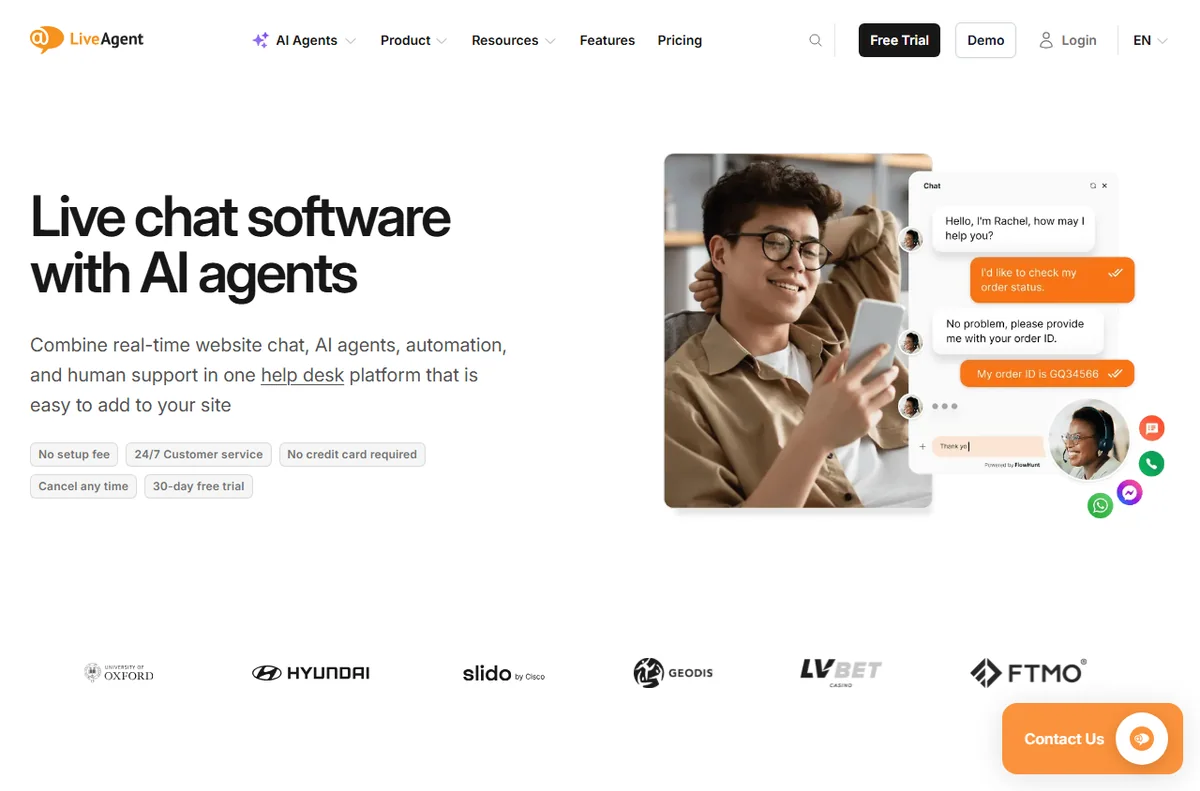
Quick answer. For beginners, LiveAgent is approachable because the core tasks — answer a chat, reply to a ticket, publish a FAQ — are standard. The 30-day free trial with no card makes it easy to learn on real work before paying.
Independent analysis. This page may contain affiliate links.
Start your LiveAgent free trial — one inbox for chat, email and phone. Start the free trial — using this link does not change the price you pay.
What you are actually signing up for
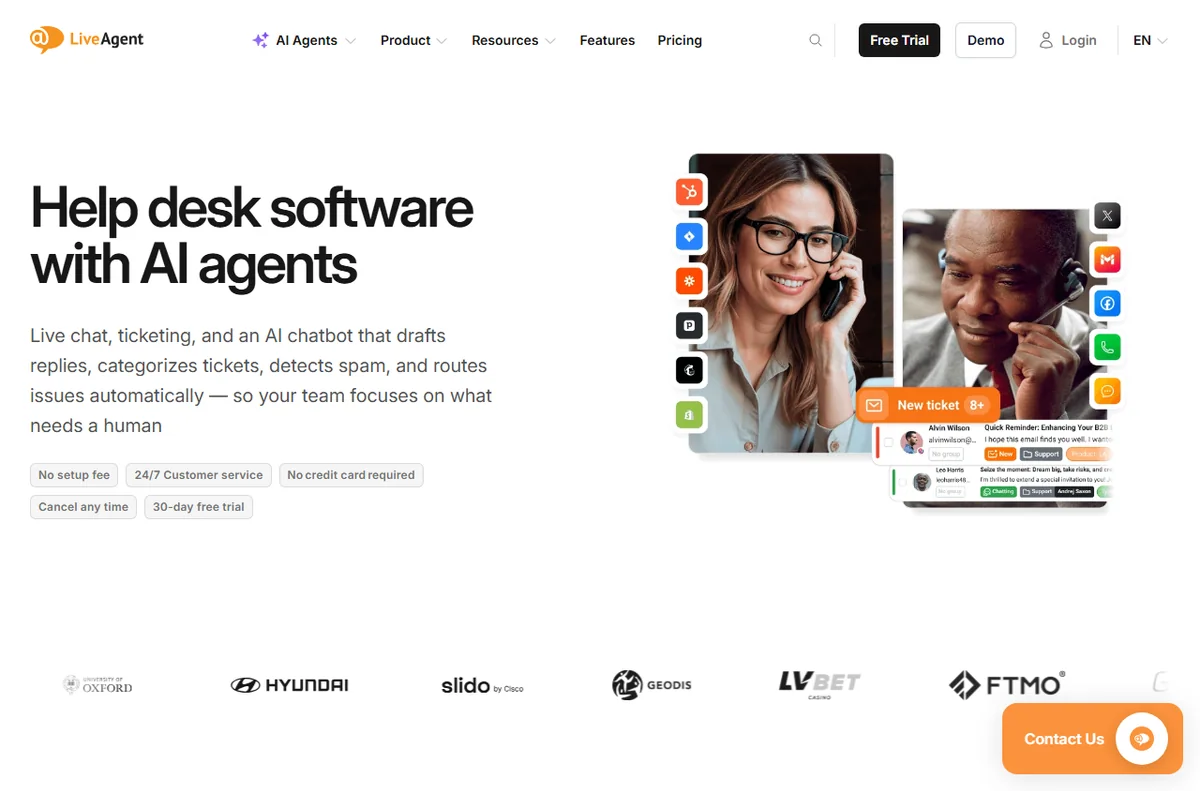
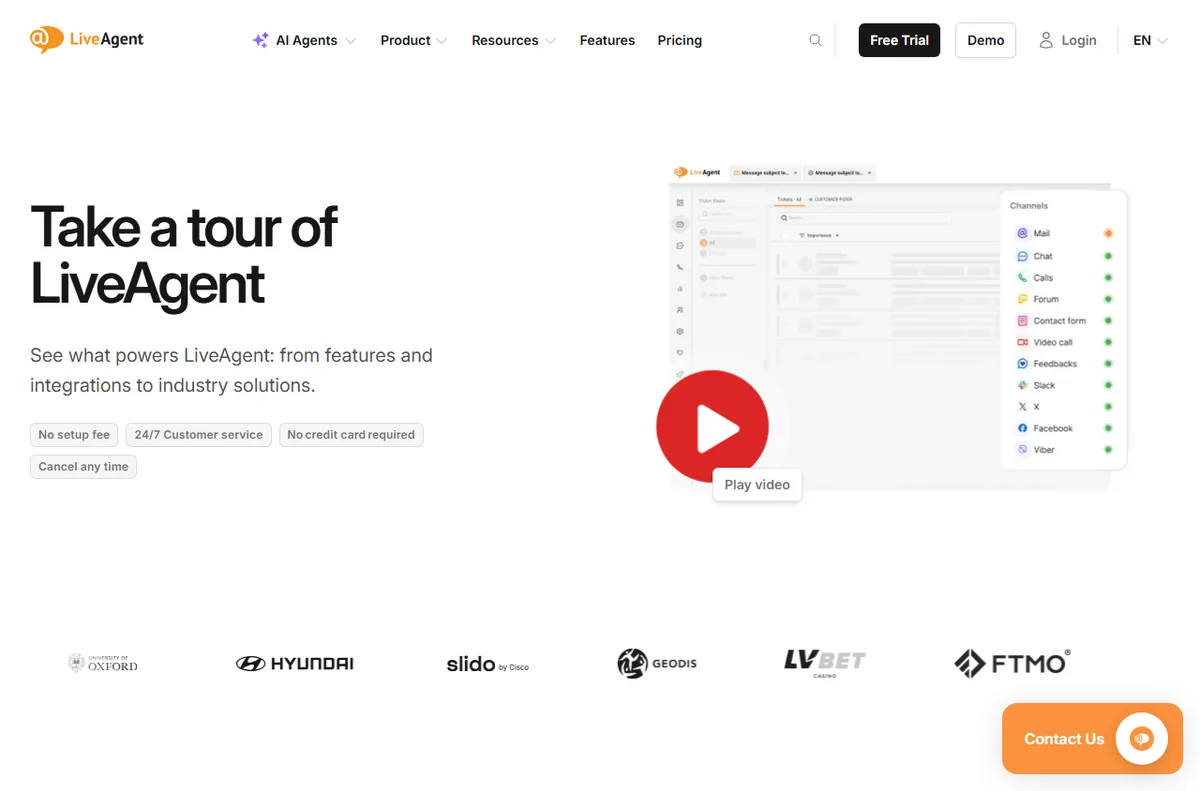
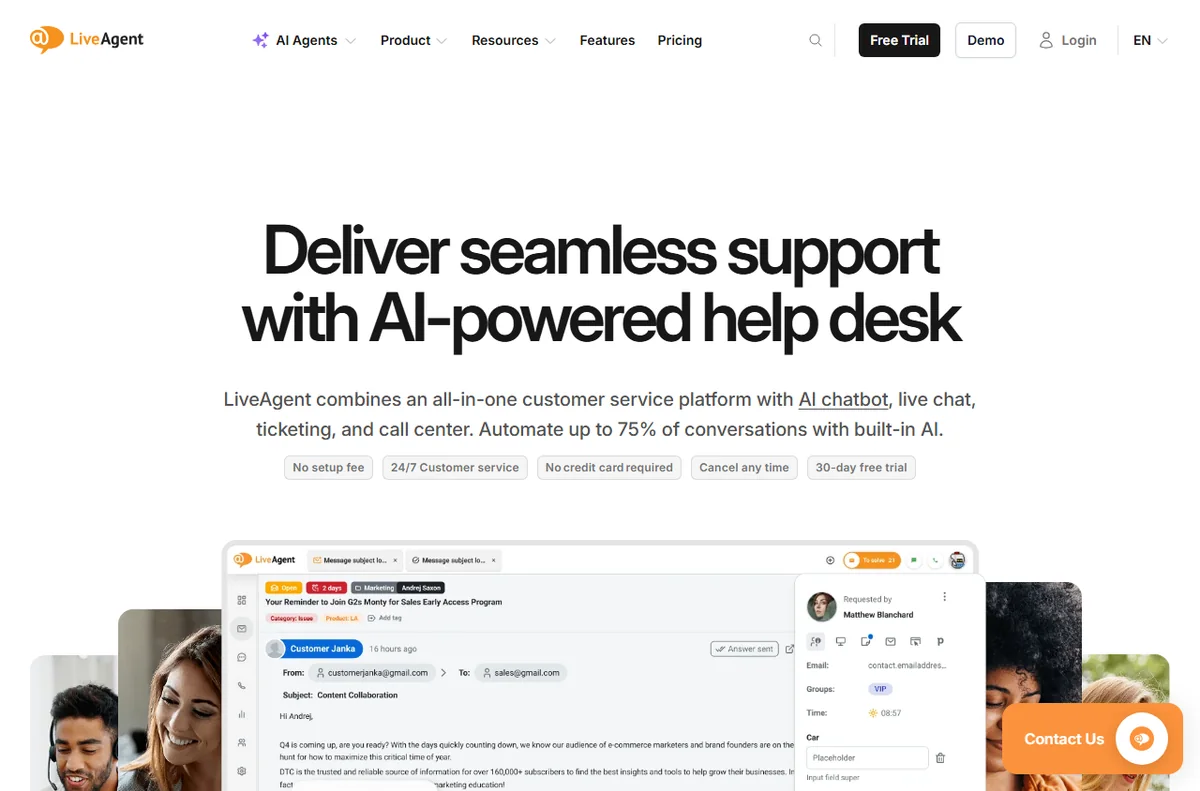
LiveAgent is an all-in-one customer service platform whose core is a shared inbox: live chat, email tickets, phone calls, social messages and a knowledge base all arrive in one dashboard, so agents stop tab-hopping between tools.
Strip away the feature list and a help desk is three things: a place where messages arrive, a way to reply to them, and a way to remember the answers. LiveAgent does all three and adds more on top.
Starting small on the trial
It is cloud-hosted and priced per agent rather than per contact, and the vendor offers a 30-day free trial that it says needs no credit card (checked October 14, 2026).
You do not need to set up every channel on day one. Add website chat, connect one email address, and write three knowledge-base answers. That minimum is enough to feel whether it fits your workflow.
Leave the call center, SLA rules and AI features until you have real volume; turning everything on at once is how beginners get overwhelmed.
First-week checklist
- Install the chat widget on one page
- Connect a support email address
- Write three FAQ answers in the knowledge base
- Invite one teammate as an agent
- Answer a real conversation end to end
Common beginner mistakes
The classic errors are paying for a high tier before testing volume, activating every channel at once, and skipping the knowledge base so agents keep retyping answers. Start narrow and expand.
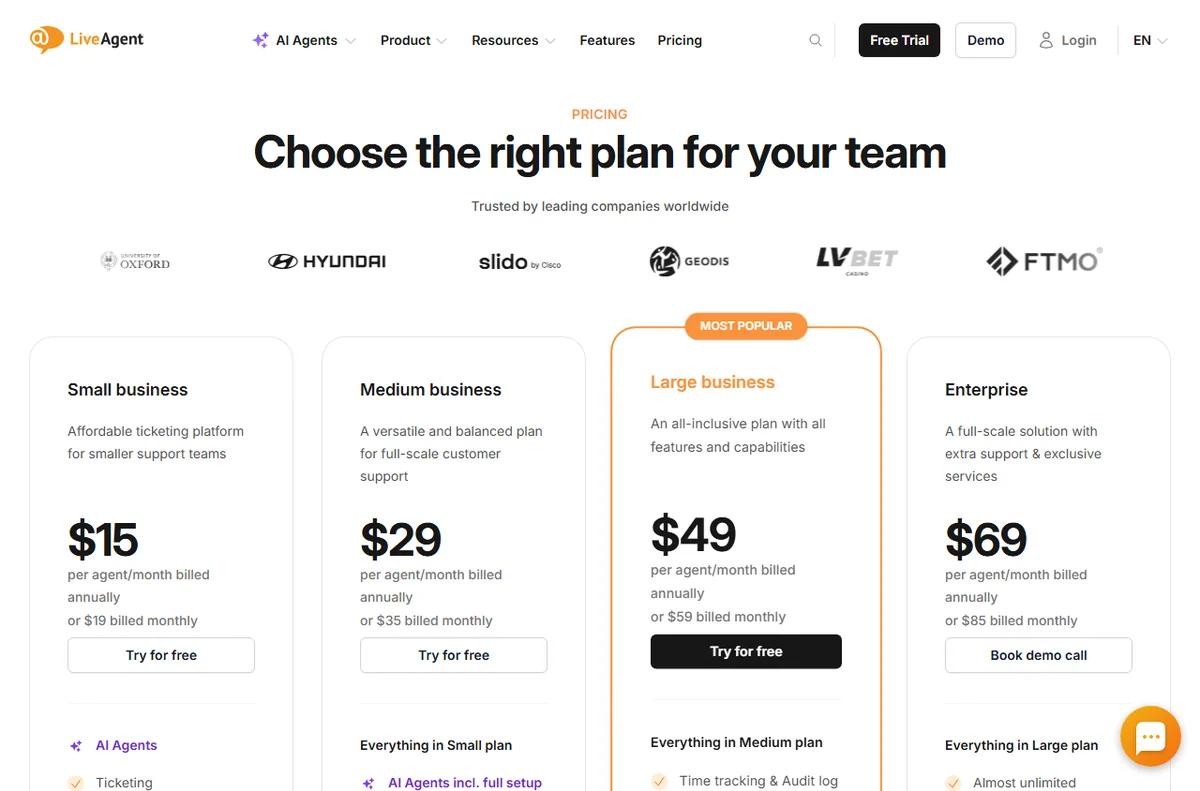
Pricing when you are new
On pricing, LiveAgent charges per agent seat. Annual billing is cheaper than monthly, and the tier you pick decides which channels and features unlock. The vendor lists Small, Medium, Large and Enterprise tiers; exact figures change, so treat any number as indicative and check live pricing before you commit.
Verdict for beginners
If you are new to support tools, the trial is genuinely low-risk: no card, real features. Learn it on a handful of conversations before you commit to a paid tier.
What beginners should ignore at first
New users get lost by switching everything on. Ignore the call center, advanced SLA rules, AI configuration and deep automation for now. Learn chat, email and the knowledge base properly before adding anything else.
The goal in week one is not to configure a perfect system; it is to answer real customers without confusion. Everything else can wait.
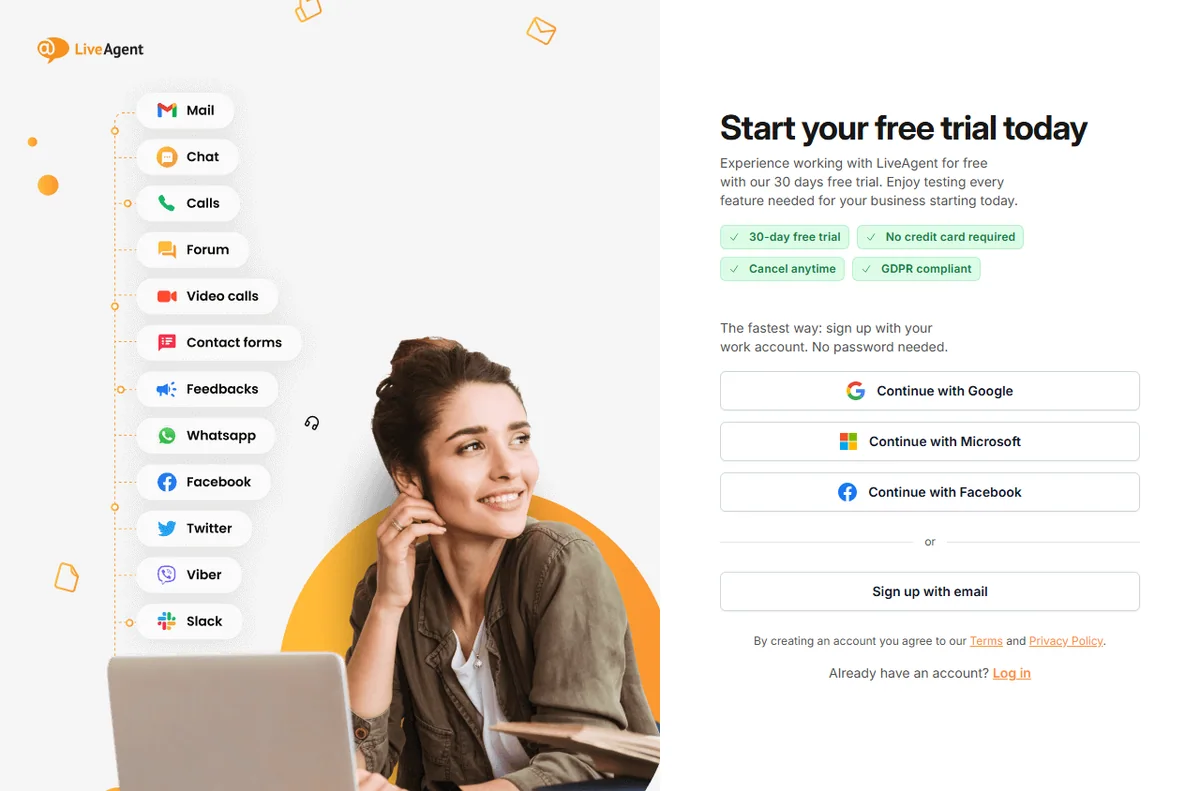
A simple week on the free trial
The trial only tells you something if you test it on real work. Here is a plan that fits a busy week:
- Day 1 — connect the channel you actually use
- Day 2 — invite a teammate and set one routing rule
- Day 3 — write five saved replies and three FAQ answers
- Days 4-6 — answer live conversations and note friction
- Day 7 — decide on evidence, not on the last-day impulse
How it compares with the alternatives
The usual alternatives are Zendesk, Freshdesk and Tidio. Zendesk suits larger, process-heavy teams; Freshdesk offers a broad help desk with a gentler entry; Tidio fits when website chat is all you need. Weigh them on channels, pricing model and fit, not on feature-list length, and confirm current plans on each vendor site.
What we did and did not verify
We based this on the vendor’s own public pages as of October 14, 2026, and labelled vendor-sourced figures. We did not run a hands-on lab test, so we make no performance or reliability claims of our own. Use this as orientation, then confirm specifics with the vendor.
Bottom line for beginners
The 30-day no-card trial is a genuinely low-risk way to learn a support tool on real conversations. Start narrow, expand only when volume demands it.
The support terms worth learning first
A few words will make everything else easier. A ticket is one customer conversation. Routing sends tickets to the right person. An SLA is a promise about how fast you reply. A knowledge base is your public FAQ. Saved replies are reusable answers.
You do not need to master the jargon to start. Learn those five, connect one channel, and answer a real question. The rest of the vocabulary will arrive as you use the tool, which is a far better teacher than a settings tour.
If a term still feels opaque after a week, that is usually a sign the feature behind it is one you do not yet need. Skip it and come back when the volume demands it.
Read our full LiveAgent review for pricing, alternatives and who it suits.