We’re reader-supported — some links are affiliate links. Learn more →

Skip to content

Independent software research. Some links may earn us a commission at no extra cost to you. Learn more →

ICode

Category: Funnel Builders

  • How to set up Leadpages (step-by-step)

    How to set up Leadpages (step-by-step)

    Home / Funnel Builders / Guides / How to set up Leadpages (step-by-step)

    Tutorial · funnel builders · updated October 9, 2026

    How to set up Leadpages (step-by-step)

    Leadpages is a landing page and lead-generation builder aimed at turning traffic into sign-ups. Setting it up means creating an account, picking a goal and template, connecting your domain, wiring up your email tool, and publishing a page you can test.

    Independent analysis. This page may contain affiliate links. If you sign up through a link on this page we may earn a reward at no extra cost to you, and it never changes what we recommend. We are an independent publisher and are not affiliated with, endorsed by, or an official partner of any tool mentioned. See our Affiliate Disclosure.

    TL;DR

    • Create the account with an email you monitor.
    • Pick one goal and a matching template.
    • Connect your own domain for trust and tracking.
    • Connect your email tool so leads land somewhere.
    • Publish, then test on mobile before driving traffic.

    On this page: Create account · Pick a goal and template · Connect domain · Connect your email tool · Publish and test · Sanity checks
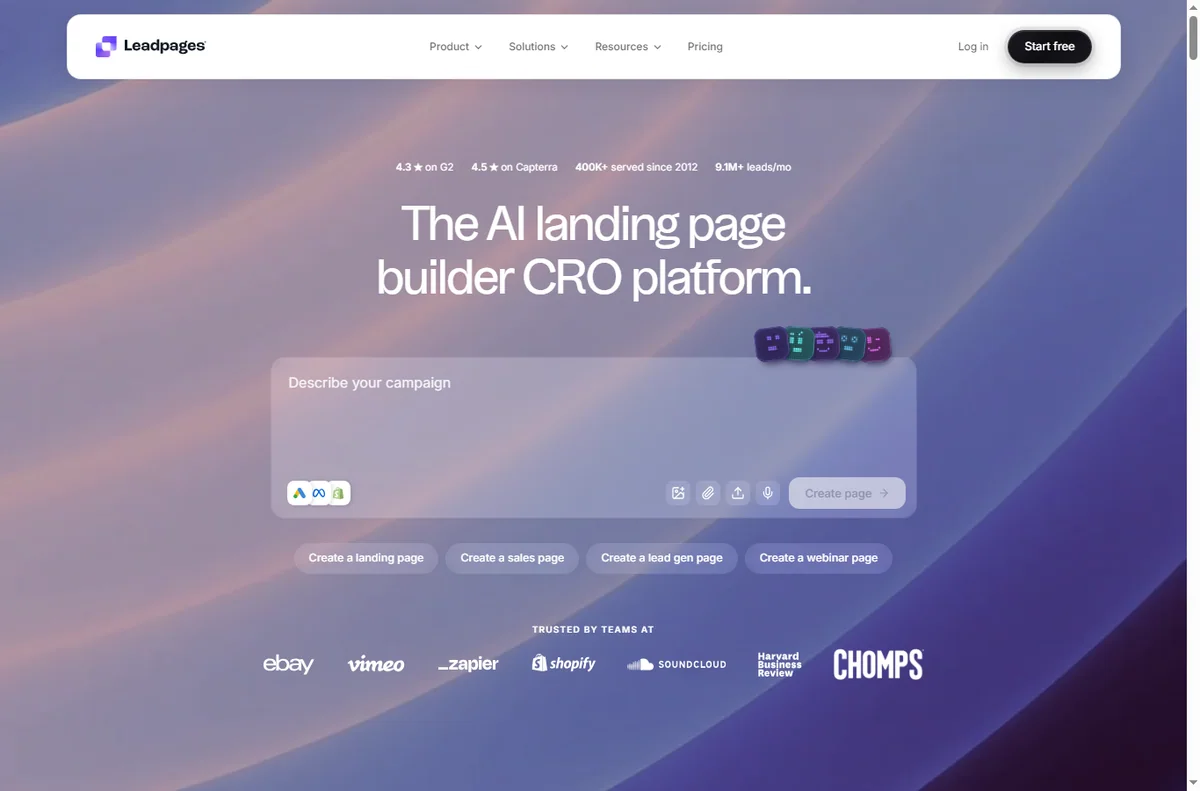
    Leadpages home page
    Leadpages home (image: leadpages.com)

    Step 1 — Create your account

    Create an account with a business address you check. This login covers your pages, integrations and billing, so keep it somewhere you will not lose it.

    Confirm the verification email before building. It takes a moment and avoids access problems later.
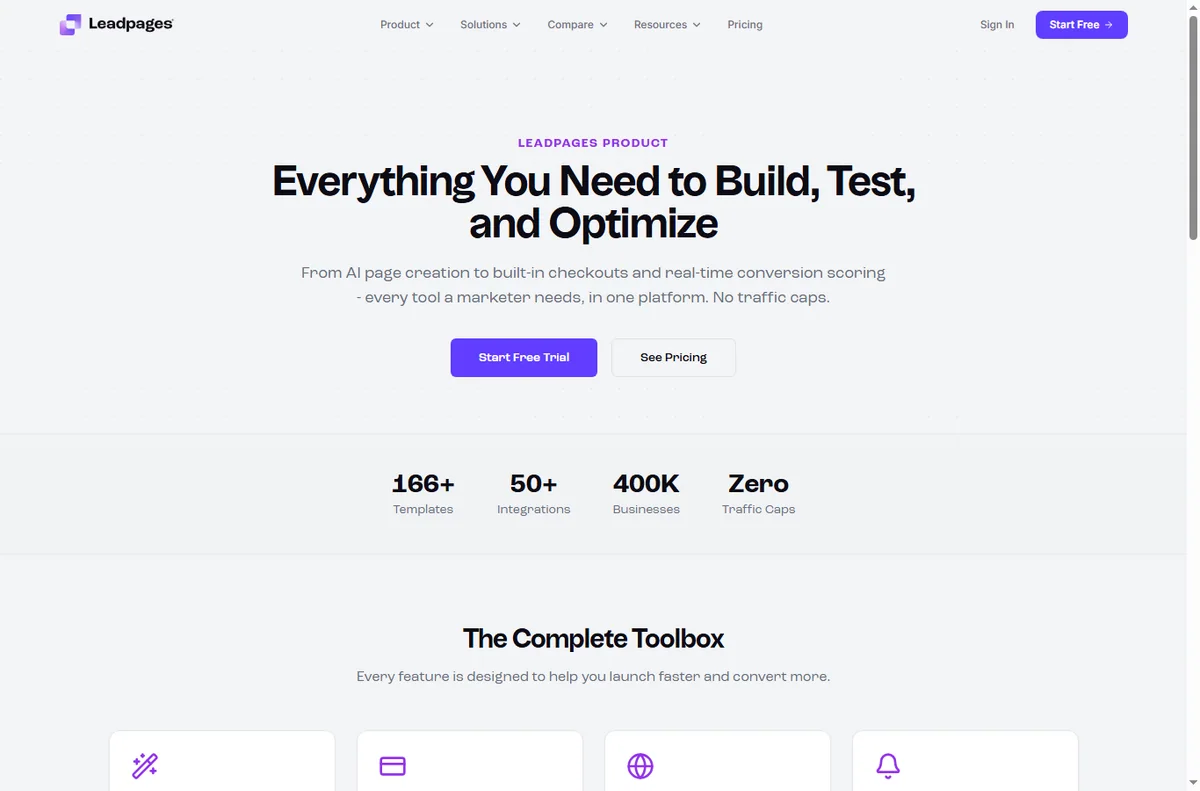
    Leadpages features page
    Leadpages features (image: leadpages.com)

    Step 2 — Pick a template and goal

    Decide what the page is for before choosing a template: collecting emails, booking a call, or selling a product. One page should have one job.

    Choose a template that matches that goal and edit the copy rather than fighting the layout. A clear headline and a single call to action beat a busy design.
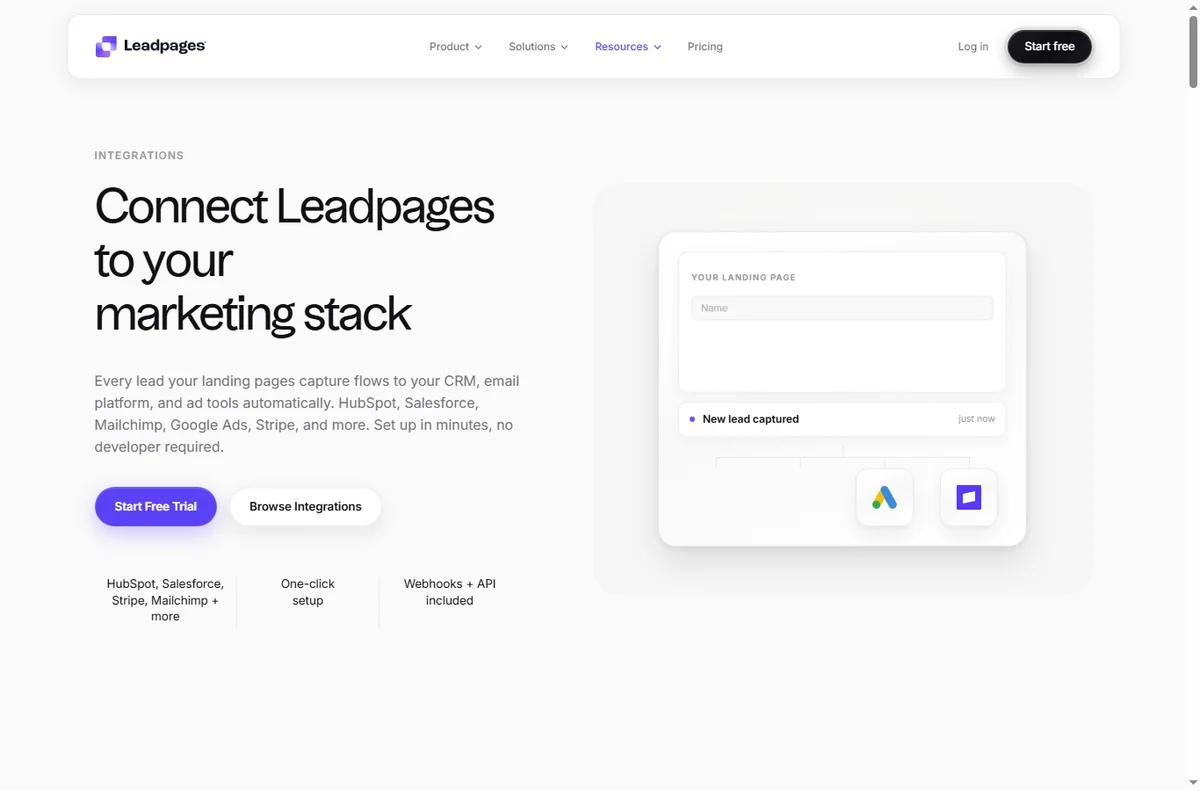
    Leadpages integrations page
    Leadpages integrations (image: leadpages.com)

    Step 3 — Connect your domain

    Connect a custom domain or subdomain rather than using the default builder URL. Your own domain looks more trustworthy and keeps your SEO value on your site.

    Follow the DNS instructions in your account and give the change time to propagate. Check that the page loads over HTTPS once it is connected.

    Step 4 — Connect your email tool

    Wire the page’s form to the email tool you actually use, so a submission becomes a contact automatically. A beautiful page that loses leads is worse than a plain one that works.

    Send a test submission and confirm the contact appears in your list with the right tags. Fix the connection now rather than after a campaign.
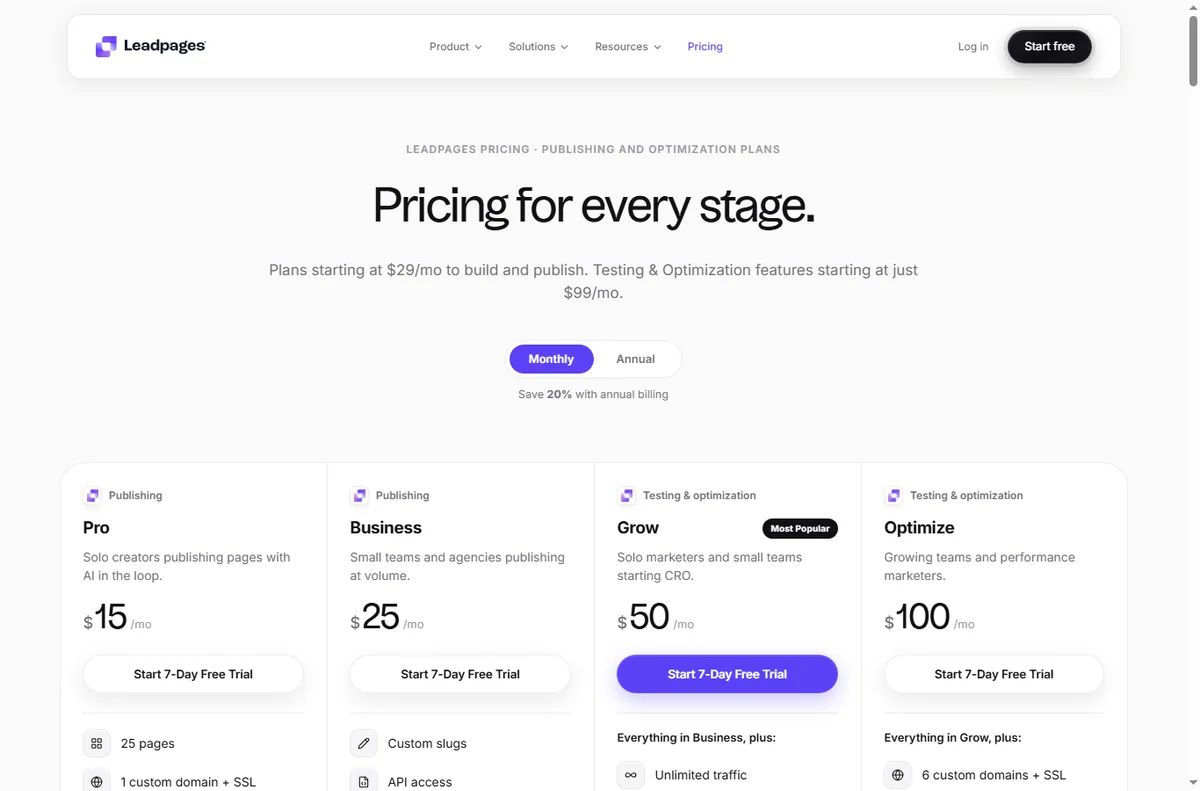
    Leadpages pricing page
    Leadpages pricing (image: leadpages.com)

    Step 5 — Publish and test

    Publish the page and open it on both a phone and a desktop. Check load speed, the headline, and that the button does what you expect on every screen size.

    Before spending on traffic, run one honest test: share the link with a few people and watch whether they understand what to do next.

    Final checks before you rely on it

    • Confirm the custom domain loads securely over HTTPS.
    • Send a test opt-in and verify the lead reaches your email tool.
    • Check the page on mobile, where most paid traffic lands.
    • Note your plan’s visitor and page limits before driving traffic.
    Leadpages signup page
    Leadpages signup (image: leadpages.com)

    Where this fits

    See the independent Leadpages review and the funnel builders hub. For a shortlist, see best landing page builders, then follow how to create a sales page.

    Leadpages templates page
    Leadpages templates (image: leadpages.com)

    Frequently asked

    Do I need a custom domain?

    It is strongly recommended. Your own domain looks more credible and keeps SEO value on your site rather than a shared builder domain.

    Can I connect my email tool?

    Yes, Leadpages integrates with common email platforms so submissions become contacts automatically. Test one submission to confirm the connection.

    Is it good for beginners?

    It is built for people who want pages without code. Editing a template and connecting your domain are the main tasks to learn.

    Do I need a paid plan?

    There are limits on lower tiers, and plans change over time. Check the current pricing and limits before you commit to a campaign.

    Start building with Leadpages

    Landing pages, opt-ins and lead capture.

    Some links on this page may be referral links — we may earn a reward if you sign up, at no extra cost to you. We are an independent publisher. See our Affiliate Disclosure.

  • How to Use ClickFunnels for a Small Business: Five Funnels

    How to Use ClickFunnels for a Small Business: Five Funnels

    Home / Funnel Builders / Guides / How to use ClickFunnels for a small business

    Use case · funnel builders · updated October 8, 2026

    How to use ClickFunnels for a small business

    A small business does not need a dozen funnels. It needs a few that map to how customers actually arrive and buy. These five cover most small-business goals without over-building.

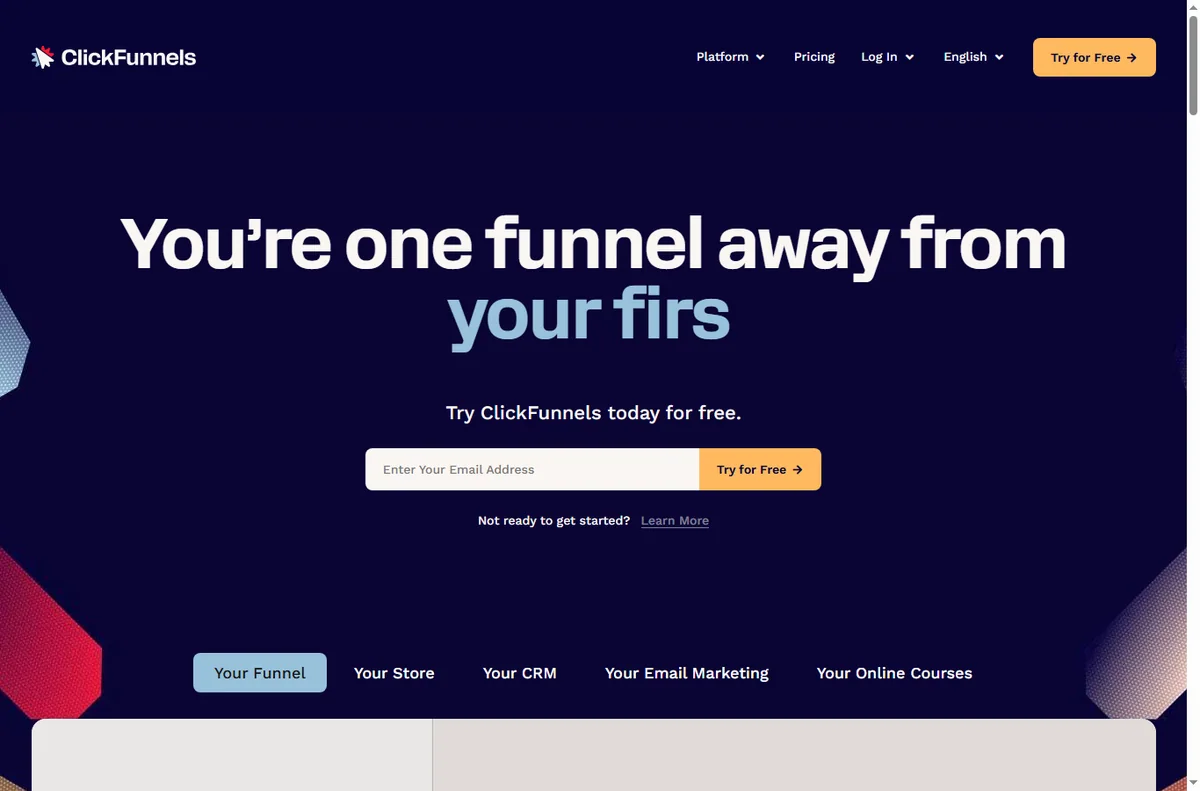
    ClickFunnels homepage for marketing funnels
    ClickFunnels official homepage (image: clickfunnels.com)

    Independent analysis. This page may contain affiliate links. Some links here are referral links; if you sign up through one we may earn a reward at no extra cost to you, and it never changes what we recommend. We are an independent publisher and are not affiliated with, endorsed by, or an official partner of any tool mentioned. See our Affiliate Disclosure.

    TL;DR

    • Match the funnel to the goal, not the other way around.
    • Lead capture converts cold traffic; sales funnels convert warm traffic.
    • A tripwire funnel can fund the ad spend behind a free offer.
    • One funnel done well beats five half-built ones.
    • Measure opt-in and conversion rates, not page count.

    On this page: Why a small business uses funnels · Five funnels to consider · Which funnel fits · Building blocks you reuse · Guardrails · Where this fits

    ClickFunnels sales funnels feature page
    ClickFunnels sales funnels (image: clickfunnels.com)

    Why a small business uses funnels

    A page asks a visitor to decide; a funnel guides them. For a small business with limited traffic, guiding each visitor through a short, purposeful sequence lifts the return on the traffic you already have.

    The trick is restraint. Choose the funnel that matches your goal this quarter and ignore the rest until it works.

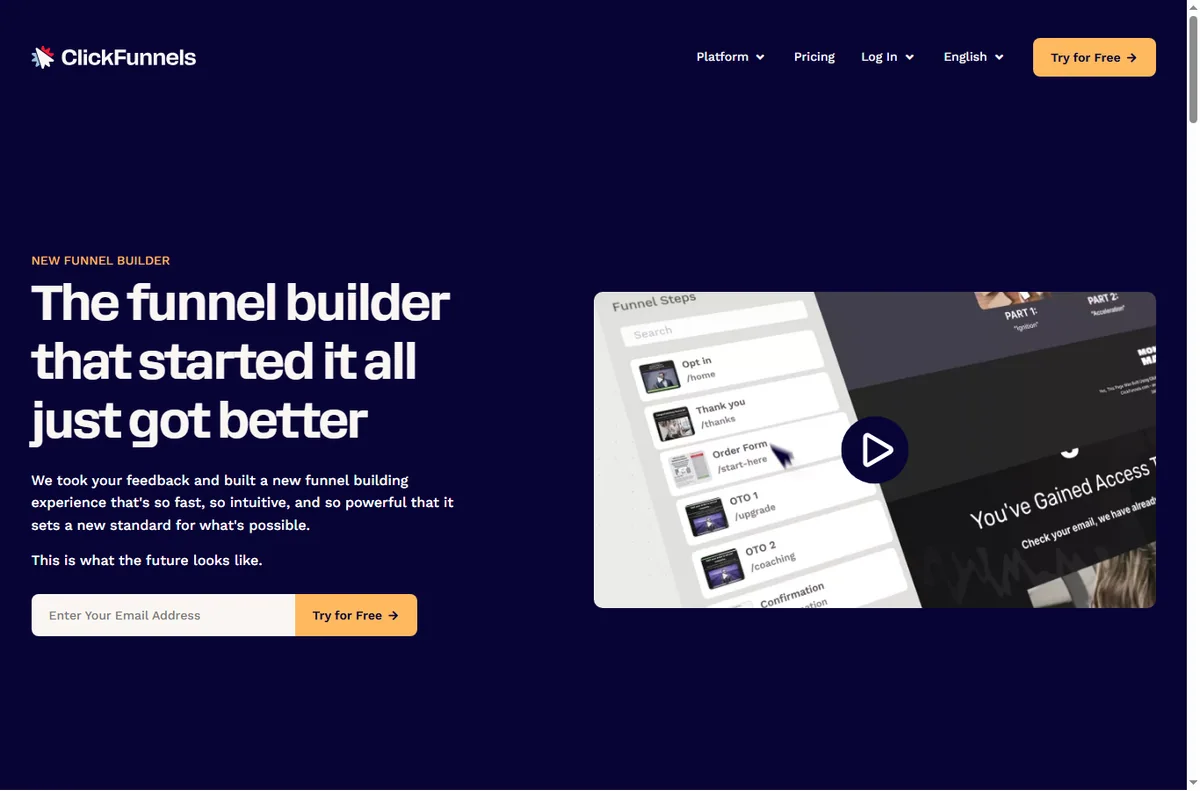
    ClickFunnels funnel builder feature page
    ClickFunnels funnel builder (image: clickfunnels.com)

    Five funnels to consider

    • Lead capture funnel — offer a useful resource in exchange for an email.
    • Sales funnel — present one offer and take the order on a single page.
    • Webinar registration funnel — register interest, then remind and follow up.
    • Tripwire funnel — a low-priced first offer that turns a lead into a buyer.
    • Order form funnel — a focused checkout for one product or service.

    Which funnel fits your goal

    Goal Funnel Why
    Build an email listLead captureLow commitment, high volume
    Sell one product or serviceSales funnelOne clear decision
    Fill a live sessionWebinar registrationRegistration plus reminders
    Turn leads into buyersTripwireLow-priced first purchase
    Simplify a single checkoutOrder formFewer distractions, less drop-off
    Based on publicly documented behaviour, checked October 8, 2026.
    ClickFunnels page editor feature page
    ClickFunnels editor (image: clickfunnels.com)

    Building blocks you reuse

    Across all five funnels you reuse the same pieces: a headline, a short explanation, one call to action, an optional form, and a thank-you step. Learn these once and each new funnel is mostly copywriting.

    Keep a swipe file of the headlines and buttons that worked so your next funnel starts from proof rather than guesswork.

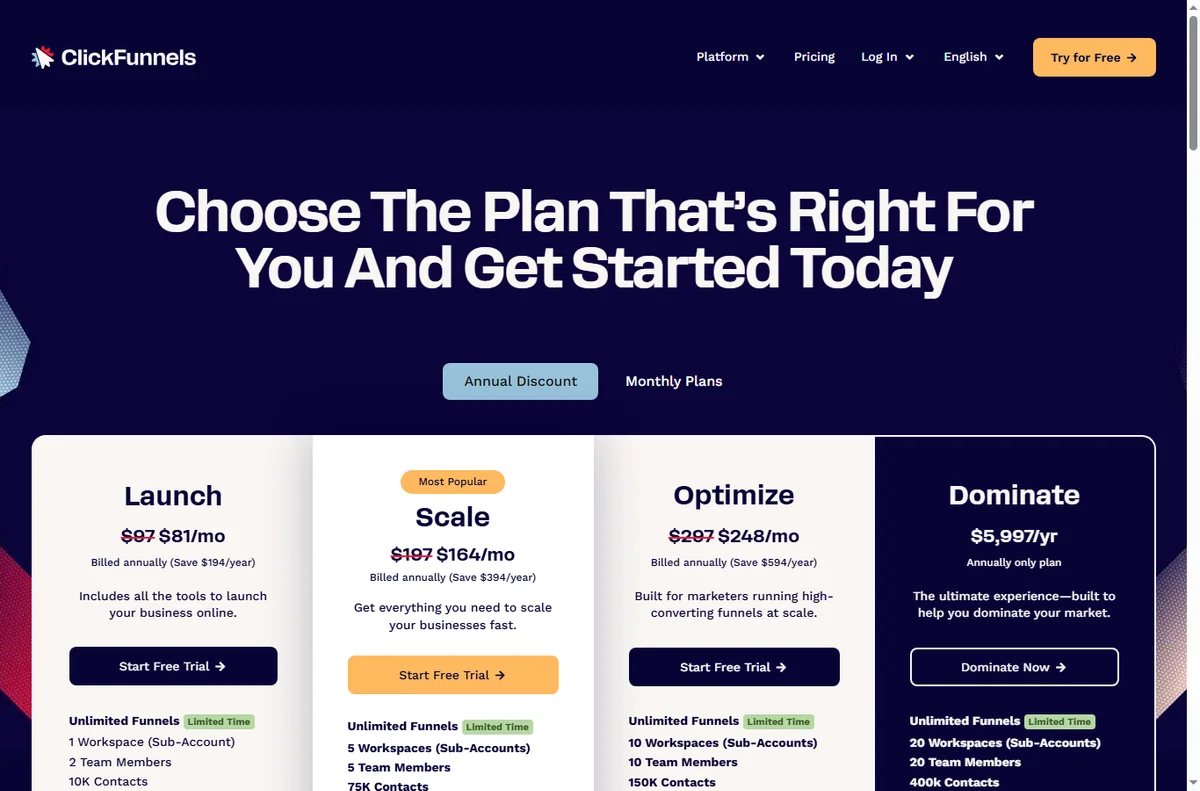
    ClickFunnels pricing page with plans
    ClickFunnels pricing (image: clickfunnels.com)

    Guardrails for a small business

    • Give each funnel one owner and one goal.
    • Track opt-in and conversion rates, not vanity page views.
    • Keep follow-up emails ready before you launch the funnel.
    • Retire funnels that underperform instead of piling on new ones.
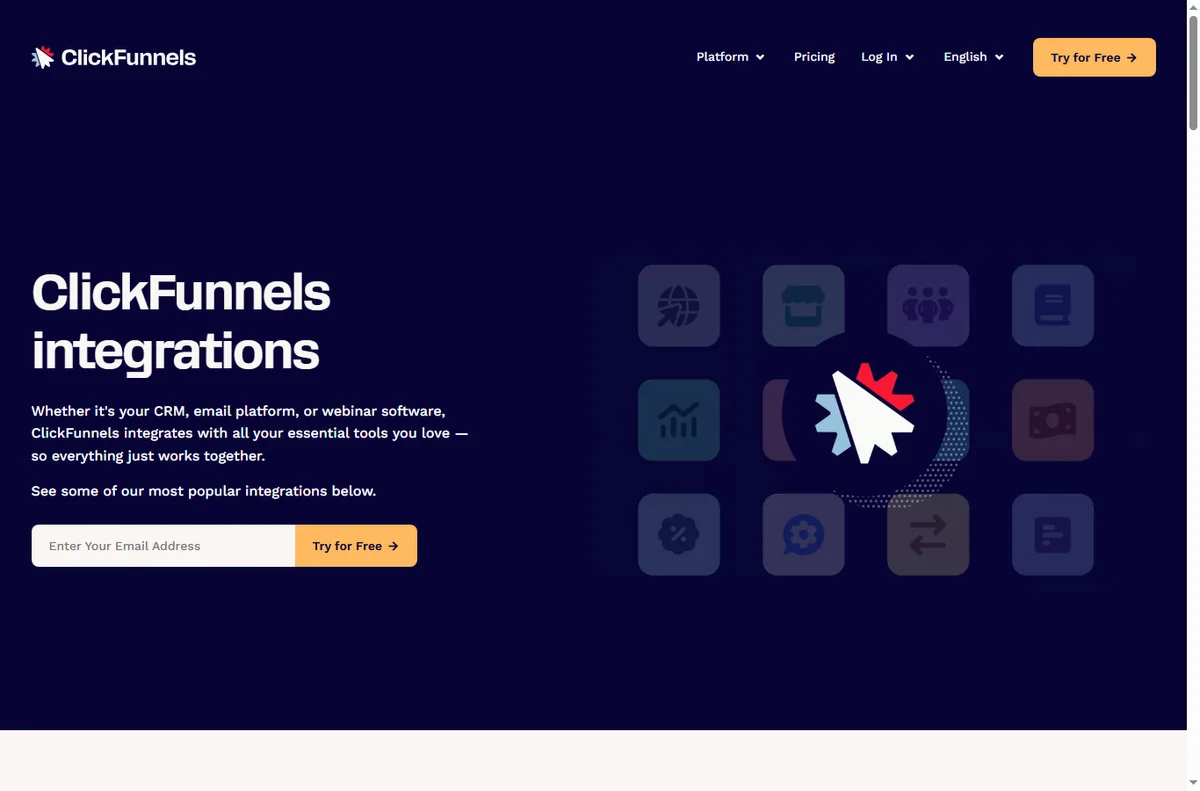
    ClickFunnels integrations directory
    ClickFunnels integrations (image: clickfunnels.com)

    Where this fits in your wider stack

    Read the independent ClickFunnels review and start from the funnel builders hub. Comparing tools? See Systeme.io vs ClickFunnels. For a shortlist and cost breakdown, read best funnel builders and the funnel builder pricing guide.

    Frequently asked

    How many funnels should I start with?

    One. Build it, learn what converts, then add a second only when the first is working.

    Do I need paid traffic to use funnels?

    No. Funnels improve the return on any traffic. Paid traffic just makes the math easier to see because the numbers arrive faster.

    Can I use the same funnel for several products?

    You can, but one funnel per offer usually converts better because the message stays focused.

    What should I measure?

    Opt-in rate for lead funnels and conversion rate for sales funnels. Those two tell you whether the funnel earns its place.

    Put one small-business funnel to work

    Choose the goal that matters this quarter and build the funnel that fits it.

    Referral link — we may earn a reward if you sign up, at no extra cost to you. We are an independent publisher. See our Affiliate Disclosure.

  • How to Set Up ClickFunnels: Account, Funnel and First Page

    How to Set Up ClickFunnels: Account, Funnel and First Page

    Home / Funnel Builders / Guides / How to set up ClickFunnels

    Tutorial · funnel builders · updated October 8, 2026

    How to set up ClickFunnels: from account to first funnel

    ClickFunnels is built around the funnel, not the page. Setting it up means creating an account, picking a funnel type, building the steps, then connecting your domain and payment so a real visitor can convert.

    ClickFunnels homepage for marketing funnels
    ClickFunnels official homepage (image: clickfunnels.com)

    Independent analysis. This page may contain affiliate links. Some links here are referral links; if you sign up through one we may earn a reward at no extra cost to you, and it never changes what we recommend. We are an independent publisher and are not affiliated with, endorsed by, or an official partner of any tool mentioned. See our Affiliate Disclosure.

    TL;DR

    • Start from a funnel template rather than a blank page; it teaches the structure.
    • A funnel is a sequence of steps, each a page with one job.
    • Connect your domain before you drive traffic so links and tracking are correct.
    • Add a payment integration only when a step actually needs to take money.
    • Confirm current plan limits and pricing on ClickFunnels’ own pricing page.

    On this page: What setting up ClickFunnels means · Before you start · Create your account · Choose a funnel · Build the first page · Domain and payments · Test the funnel · Common setup mistakes · Where this fits

    What setting up ClickFunnels actually means

    ClickFunnels organises work around funnels: an ordered set of steps that move a visitor toward one outcome. Setting it up is not just building a page; it is choosing the sequence and giving each step a single conversion job.

    The practical milestones are: account, funnel template, first page, then domain and payments. Do them in that order and you have a live funnel.

    Before you start

    • A clear offer: what you sell and the single action you want a visitor to take.
    • The words for your headline and call to action, even roughly.
    • A domain you control, or willingness to launch on the default subdomain first.
    • A payment method if the funnel will take money.
    ClickFunnels sign-up screen to create an account
    ClickFunnels sign-up (image: clickfunnels.com)

    Step 1 — Create your account

    Sign up, confirm your email, and land in the funnel dashboard. Take a moment on the plan choice: the features you get decide how many funnels and steps you can run.

    If you are only exploring, build one funnel end to end before upgrading. You learn more from a finished funnel than from a feature checklist.

    ClickFunnels sales funnels feature page
    ClickFunnels sales funnels (image: clickfunnels.com)

    Step 2 — Choose a funnel

    ClickFunnels ships templates for common sequences: lead capture, sales, webinar registration, order forms. Pick the one closest to your goal rather than starting blank.

    Templates are scaffolding, not handcuffs. Starting from one gets the step order right, which is the part beginners most often get wrong.

    ClickFunnels page editor feature page
    ClickFunnels editor (image: clickfunnels.com)

    Step 3 — Build the first page

    Open the first step and replace the template’s placeholder copy with your own. Keep one job per page: if it is a landing page, its job is to get the opt-in, not to sell three things.

    Use the editor’s sections and rows to lay out a headline, a short explanation, and one prominent call to action. Fewer elements usually convert better than a crowded page.

    ClickFunnels pricing page with plans and checkout options
    ClickFunnels pricing (image: clickfunnels.com)

    Step 4 — Connect domain and payments

    Point your domain at the funnel so links, tracking and email all reference your brand. Add a payment integration on the step that takes money and test it with a real transaction you refund afterwards.

    Set the destination of each call to action explicitly. A button that goes nowhere is the most common reason a new funnel underperforms.

    Test the funnel before you launch

    1. Walk the whole sequence as a visitor on desktop and mobile.
    2. Check every button and form actually submits.
    3. Confirm the confirmation or thank-you step is reached.
    4. Send a test transaction if payments are connected.
    5. Only then point paid or organic traffic at it.

    Common setup mistakes

    Mistake Why it hurts Fix
    Starting from a blank pageStep order and structure sufferStart from a template
    Multiple calls to action per pageVisitors freeze and convert lessOne job per page
    Launching without a domainLinks and trust look unfinishedConnect your domain first
    Untested payment stepYou lose real sales to errorsRun a test transaction
    No follow-up stepLeads are captured but not nurturedAdd an email step
    Based on publicly documented behaviour, checked October 8, 2026.
    ClickFunnels integrations directory connecting other apps
    ClickFunnels integrations (image: clickfunnels.com)

    Where this fits in your wider stack

    Before you commit, read the independent ClickFunnels review and start from the funnel builders hub. Comparing options? See Systeme.io vs ClickFunnels and the funnel builder pricing guide. For a shortlist, read best funnel builders.

    Frequently asked

    Do I need a domain to start?

    You can build and preview on the default subdomain, but connect your own domain before driving real traffic so links, tracking and trust are right.

    Which funnel template should I pick?

    Choose the one closest to your goal: lead capture if you want emails, a sales funnel if you want a purchase, a webinar funnel if you run live sessions.

    Can I take payments without an integration?

    Most funnels need a connected payment provider to charge. Add it on the step that takes money and test it before launch.

    How long does setup take?

    A single funnel can be live in an afternoon. The time goes into copy and testing, not the tool.

    Build your first ClickFunnels step by step

    Start from a template, keep one job per page, and test before you drive traffic.

    Referral link — we may earn a reward if you sign up, at no extra cost to you. We are an independent publisher. See our Affiliate Disclosure.

  • Common Systeme.io Problems and How to Fix Them

    Common Systeme.io Problems and How to Fix Them

    Home / Funnel builders / Guides / Common Systeme.io problems

    Problem · funnel builders · updated October 8, 2026

    Common Systeme.io problems and how to fix them

    When an all-in-one platform carries your pages, email and checkout, one misconfiguration can affect all three. These are the problems small sellers hit most often, and the practical fix for each.

    Systeme.io homepage for building an online business
    Systeme.io official homepage (image: systeme.io)

    Independent analysis. This page may contain affiliate links. Some links here are referral links; if you sign up through one we may earn a reward at no extra cost to you, and it never changes what we recommend. We are an independent publisher and are not affiliated with, endorsed by, or an official partner of any tool mentioned. See our Affiliate Disclosure.

    TL;DR

    • A page that will not publish is usually a domain or DNS step, not a broken editor.
    • Emails landing in spam are often a missing domain authentication, not the copy.
    • A broken upsell is usually an order-form or tag mismatch.
    • Failed checkouts are often a payment connection or currency issue.
    • Test the whole funnel end to end with a real test purchase.

    On this page: Why all-in-one funnels break · Page will not publish · Emails go to spam · Upsell not showing · Checkout or payment fails · Symptom to fix · Where this fits

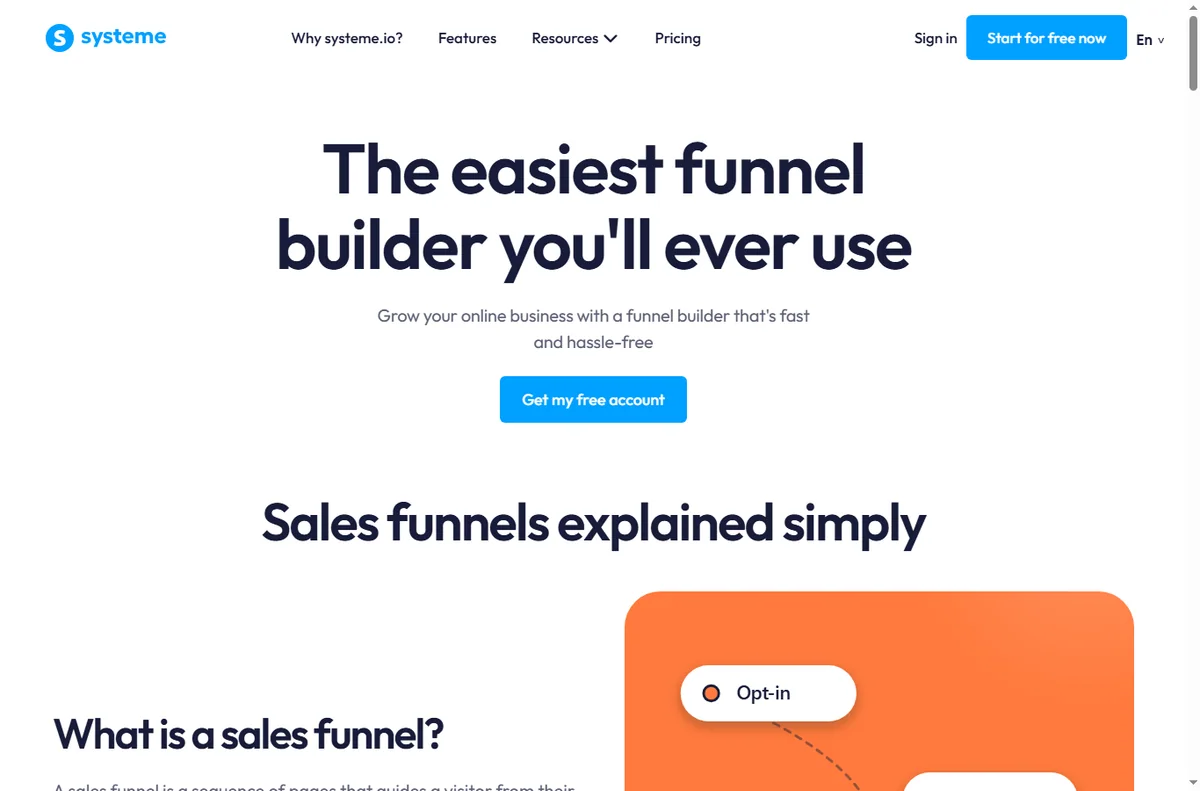
    Systeme.io sales funnel builder page
    Systeme.io sales funnels (image: systeme.io)

    Why all-in-one funnels break

    Because the platform owns several jobs at once, a problem in one area looks like a problem in another. An email that never arrives may be an authentication setting; an upsell that never shows may be a tag that did not fire.

    The reliable method is to test the funnel the way a customer does — land, opt in, buy, receive — and fix the first broken link rather than guessing.

    Systeme.io website and page builder page
    Systeme.io website builder (image: systeme.io)

    Page will not publish or shows the wrong domain

    Check that the custom domain is connected and its DNS records have propagated. Publishing to a temporary address usually works while DNS settles; once the domain resolves, republish to the custom domain.

    Systeme.io email marketing features page
    Systeme.io email marketing (image: systeme.io)

    Emails land in spam

    • Authenticate your sending domain (the verification records the platform provides).
    • Send from a domain you own rather than a generic address.
    • Warm up a new sending domain gradually instead of blasting day one.
    • Check for spammy subject lines and broken links that hurt deliverability.
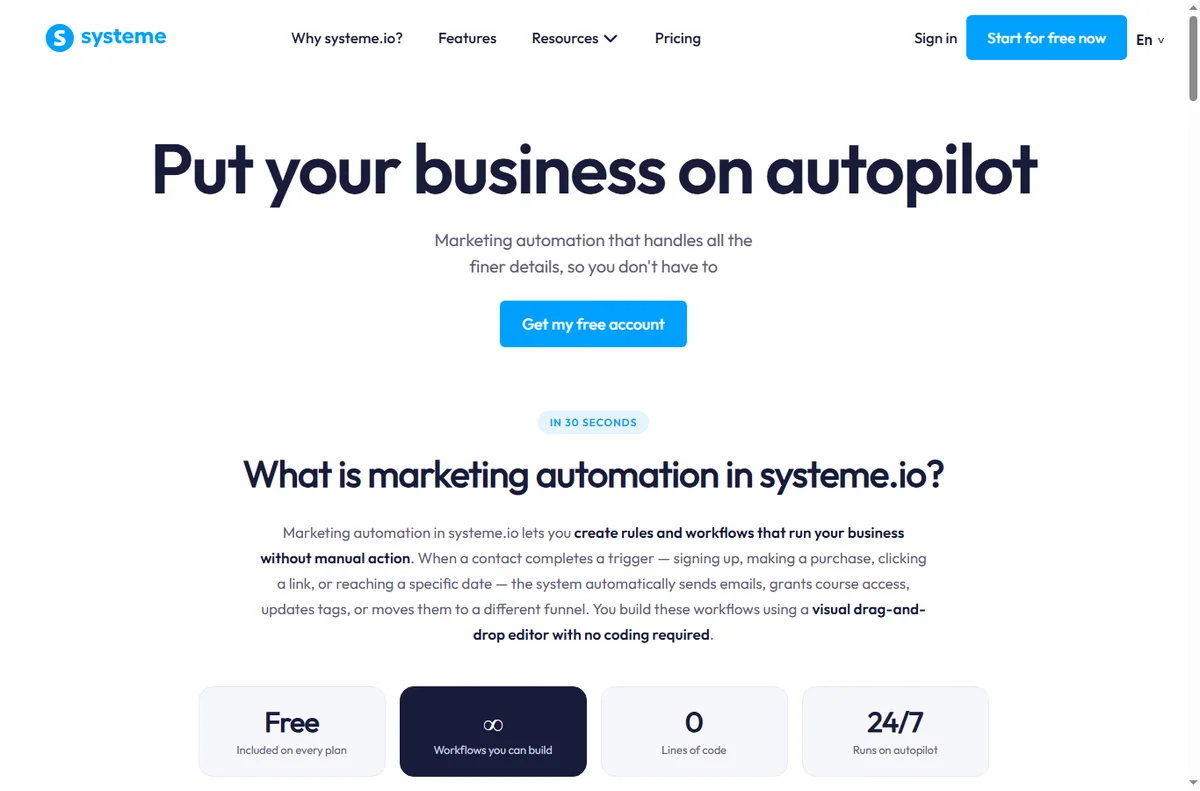
    Systeme.io marketing automation features page
    Systeme.io marketing automation (image: systeme.io)

    Upsell or downsell not showing

    Upsells trigger on rules such as a tag or a purchase state. Confirm the triggering action actually fires after the first purchase, and that the upsell is attached to the right funnel step.

    Systeme.io pricing page with plan and payment options
    Systeme.io pricing (image: systeme.io)

    Checkout or payment fails

    Confirm the payment connection is live and supports the buyer’s currency and region. Test with a real transaction rather than relying on preview mode, because preview often skips the parts that fail.

    Symptom to fix

    Symptom Likely cause Fix
    Page 404s after publishDomain or DNS not readyConnect domain, wait for DNS, republish
    Emails in spamMissing domain authenticationAdd and verify sending records
    Upsell never showsTag or purchase rule did not fireCheck trigger and funnel step
    Checkout errorsPayment connection or currencyReconnect gateway, test a live order
    Contacts not taggedAutomation rule not appliedVerify the rule and its conditions
    Based on publicly documented behaviour, checked October 8, 2026.
    Systeme.io online courses features page
    Systeme.io online courses (image: systeme.io)

    Where this fits in your wider stack

    If you are new to the platform, read what is Systeme.io first, then the independent Systeme.io review. For cost, see the Systeme.io pricing guide; browse the funnel builders hub, the best funnel builders roundup, and the course platforms hub.

    Frequently asked

    Why will my Systeme.io page not load?

    Most often the custom domain or its DNS records are not fully connected. Publish to the temporary address while DNS settles, then switch to your domain.

    Why do my emails go to spam?

    Usually a missing domain authentication record or a cold sending domain. Authenticate the domain and warm it up gradually.

    Why is my upsell not appearing?

    The trigger that should show it — a tag or a purchase state — is not firing, or the upsell is attached to the wrong step.

    Should I test with a real purchase?

    Yes. Preview mode can skip the parts that fail, so run one small live transaction through the whole funnel.

    Test the funnel the way a customer buys

    Land, opt in, buy, receive — fix the first broken step.

    Referral link — we may earn a reward if you sign up, at no extra cost to you. We are an independent publisher. See our Affiliate Disclosure.

  • What Is Systeme.io? Funnels, Email and Courses in One Tool

    What Is Systeme.io? Funnels, Email and Courses in One Tool

    Home / Funnel builders / Guides / What is Systeme.io

    Knowledge · funnel builders · updated October 8, 2026

    What is Systeme.io?

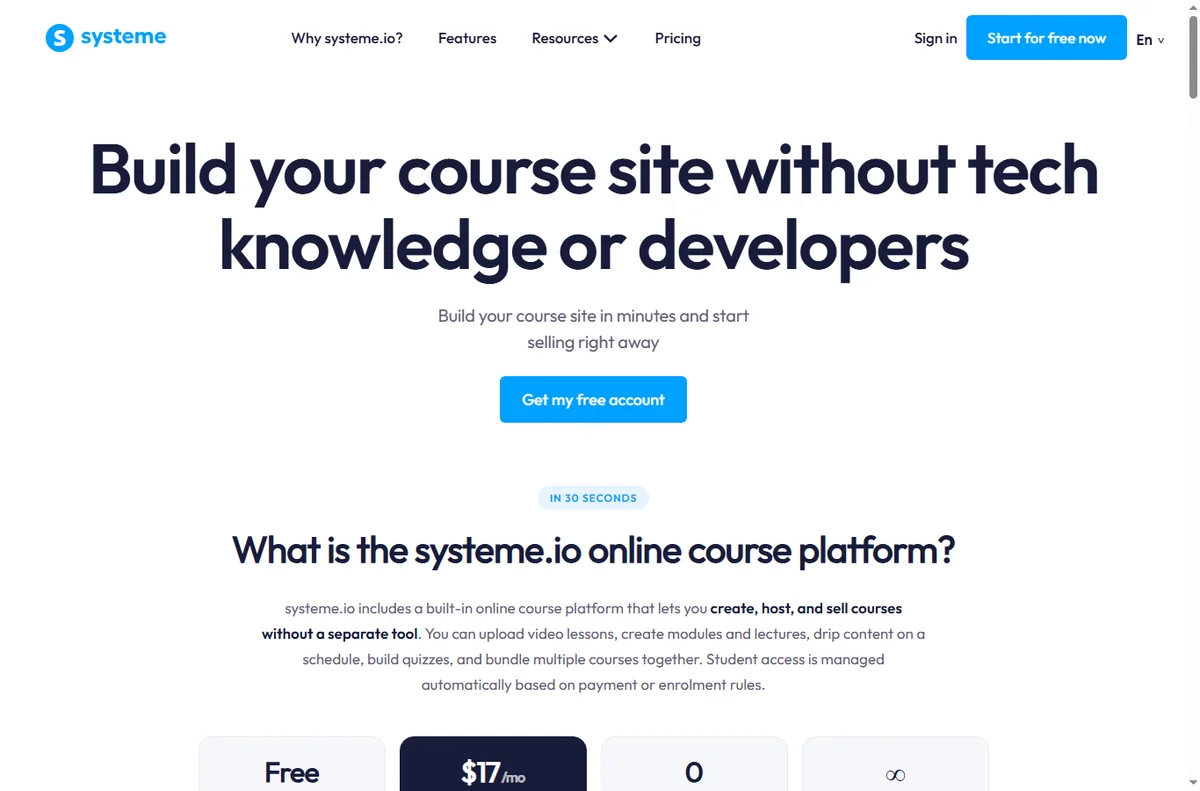
    Systeme.io is an all-in-one platform that bundles funnel pages, email marketing, courses and payments into a single account. This guide explains what it actually covers, where that helps, and where a specialist tool still wins.

    Systeme.io homepage for building an online business
    Systeme.io official homepage (image: systeme.io)

    Independent analysis. This page may contain affiliate links. Some links here are referral links; if you sign up through one we may earn a reward at no extra cost to you, and it never changes what we recommend. We are an independent publisher and are not affiliated with, endorsed by, or an official partner of any tool mentioned. See our Affiliate Disclosure.

    TL;DR

    • Systeme.io combines funnels, email, courses and payments under one login.
    • The main draw is replacing several subscriptions with one.
    • It suits solo founders and small teams selling a course or offer.
    • Deep integrations and advanced design features are not its strength.
    • Confirm current limits and pricing on the vendor’s own page.

    On this page: What Systeme.io is · What it covers · When all-in-one wins · Where it is limited · Building blocks · Where this fits

    Systeme.io sales funnel builder page
    Systeme.io sales funnels (image: systeme.io)

    What Systeme.io is

    Systeme.io is a platform for building and running an online offer end to end. Instead of paying for a page builder, an email service and a course host separately, you get one account that connects the funnel, the list and the product.

    That consolidation is the whole proposition: fewer logins, fewer integrations to maintain, and one place to see what a visitor does after they land.

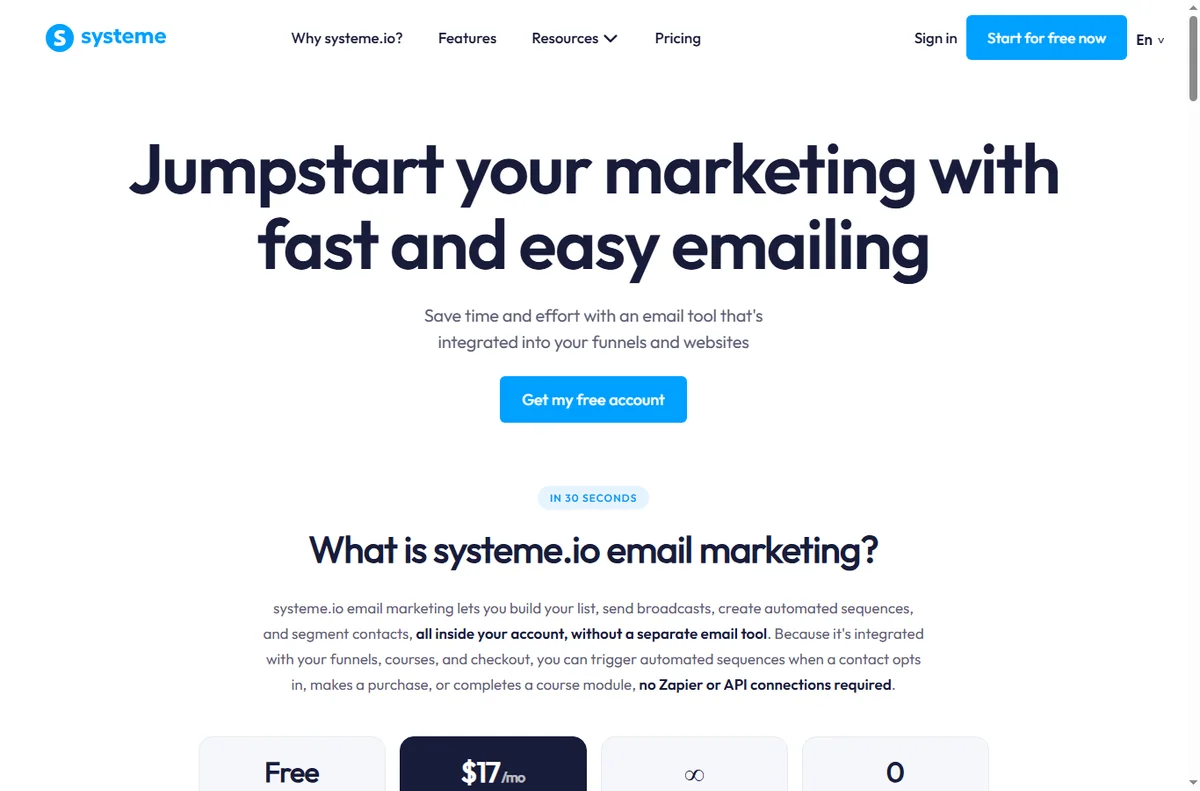
    Systeme.io email marketing features page
    Systeme.io email marketing (image: systeme.io)

    What it covers

    • Funnel and landing pages with templates and a drag-and-drop editor.
    • Email marketing: forms, sequences and broadcasts to your list.
    • Online courses and memberships hosted on the same platform.
    • Payments and checkout so you can sell without a separate tool.
    • Basic automation to move people through a funnel.
    Systeme.io online courses features page
    Systeme.io online courses (image: systeme.io)

    When an all-in-one wins

    It wins when you are selling a single clear offer and want to launch quickly without wiring tools together. For a solo founder, removing three integrations and their monthly bills is often worth more than the best-in-class features of each specialist.

    It also wins when your team is small and nobody wants to maintain a connector between a page builder, an email tool and a checkout.

    Where it is limited

    • Advanced design control is narrower than a dedicated page builder.
    • The integration ecosystem is smaller than a standalone email platform.
    • Very large lists or unusual workflows can outgrow the bundled features.
    • If you already run a mature stack, migrating may cost more than it saves.
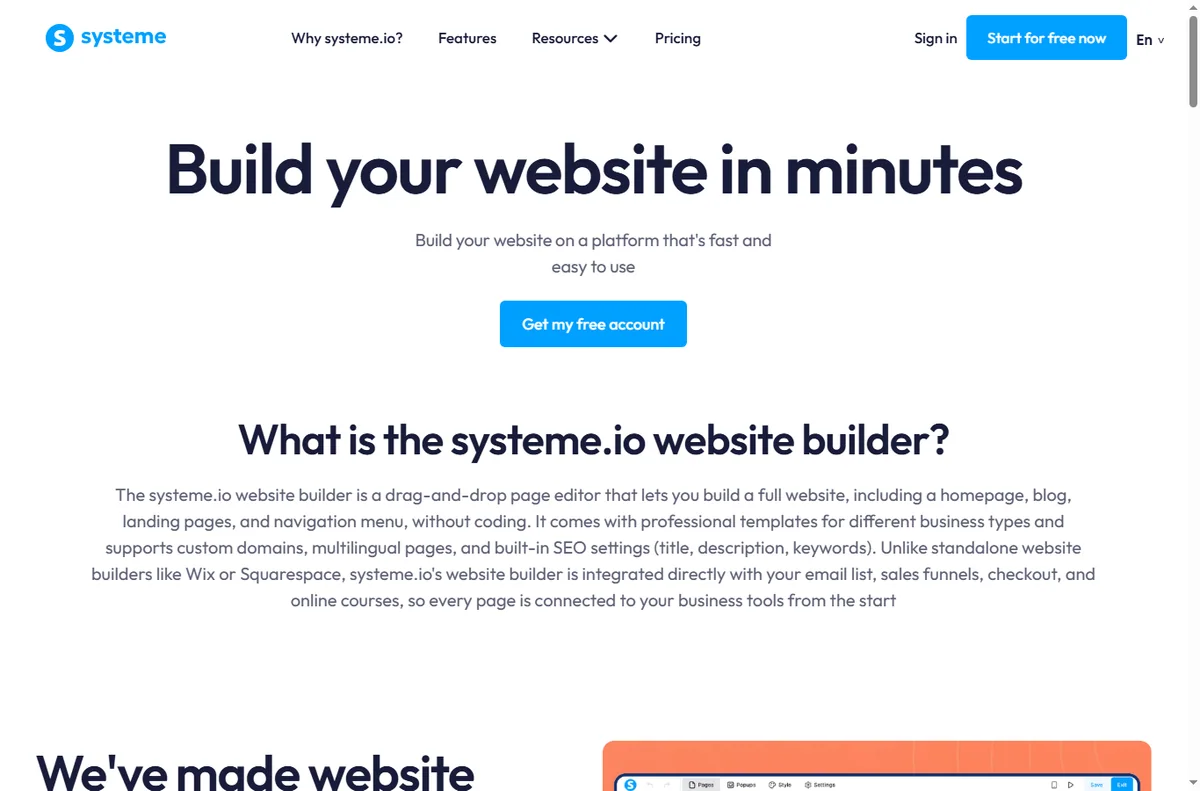
    Systeme.io website and page builder page
    Systeme.io website builder (image: systeme.io)

    The building blocks

    Block What it does Typical use
    PagesLanding and funnel pagesLead capture and sales pages
    EmailSequences and broadcastsWelcome and follow-up
    CoursesHosted lessons and accessSell a course
    PaymentsCheckout and ordersTake payment in the funnel
    AutomationRules that move contactsRoute leads by behaviour
    Based on publicly documented behaviour, checked October 8, 2026.
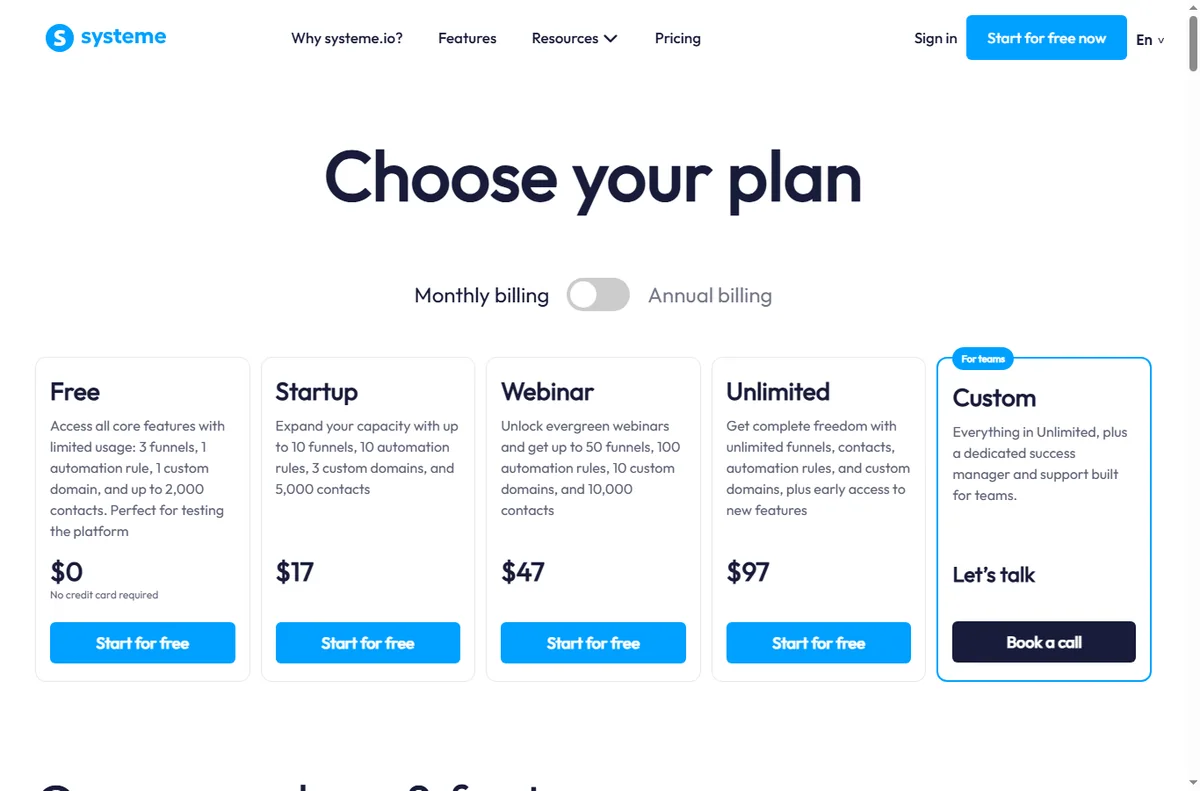
    Systeme.io pricing page with plan tiers
    Systeme.io pricing (image: systeme.io)

    Where this fits in your wider stack

    Start with the funnel builders hub and the independent Systeme.io review. For cost, see the Systeme.io pricing guide; for alternatives, read the best funnel builders roundup and the email marketing hub.

    Frequently asked

    Is Systeme.io a page builder or an email tool?

    Both, plus course hosting and checkout. It is an all-in-one platform, not a single-purpose tool.

    Who is it best for?

    Solo founders and small teams selling a course, membership or a single offer who want to avoid stitching tools together.

    Does it replace my email service?

    For many small setups, yes. Very large lists or advanced segmentation may still favour a specialist email platform.

    How much does it cost?

    Plans and limits change; we do not quote prices here. Check the vendor’s current pricing page.

    Launch one offer on a single platform

    If you are juggling three tools to sell one product, consolidation is the win.

    Referral link — we may earn a reward if you sign up, at no extra cost to you. We are an independent publisher. See our Affiliate Disclosure.

  • How to Set Up Systeme.io: Funnel, Email and Payments Step by Step

    How to Set Up Systeme.io: Funnel, Email and Payments Step by Step

    Home / Funnel Builders / Guides / How to set up Systeme.io

    Tutorial · funnel builders · updated October 7, 2026

    How to set up Systeme.io: one account for funnels, email and payments

    Systeme.io bundles a funnel builder, email marketing and payments into one account. Setting it up is mostly about connecting those pieces in the right order so the whole funnel works, not just the pages.

    Systeme.io homepage for building an online business
    Systeme.io official homepage (image: systeme.com)

    Independent analysis. This page may contain affiliate links. Some links here are referral links; if you sign up through one we may earn a reward at no extra cost to you, and it never changes what we recommend. We are an independent publisher and are not affiliated with, endorsed by, or an official partner of any tool mentioned. See our Affiliate Disclosure.

    TL;DR

    • Systeme.io replaces several separate tools with one account.
    • Set up in this order: account, domain, funnel, email, payment.
    • Test the complete path before you send real traffic.
    • Keep the first funnel simple — one opt-in, one offer.
    • Confirm current plan limits and prices on the vendor’s own page.

    On this page: What one account gives you · Create the account · Connect a domain · Build the funnel · Set up email · Add payments · Test the whole path · Where this fits

    What one account actually gives you

    Systeme.io aims to replace a stack: landing pages, a funnel builder, email marketing, online courses, and payment collection. The value is the integration — the pieces already talk to each other.

    That also means setup is a sequence. Build the pages, connect the email list, then add payments, because each step depends on the previous one.

    • Funnel and landing pages
    • Email marketing and automation
    • Online courses and memberships
    • Payments and order forms
    Systeme.io registration screen for a new account
    Systeme.io registration (image: systeme.com)

    Step 1 — Create your account

    Sign up and confirm your email. You begin on the entry plan, which is intentionally limited. It is enough to build and test a simple funnel, but check the current contact and feature limits before you plan a campaign.

    Step 2 — Connect your domain

    Add your custom domain and point its DNS records as instructed. Doing this before you build means every page you create already lives on your own domain rather than a temporary subdomain you later have to migrate.

    Systeme.io sales funnel builder page
    Systeme.io sales funnels (image: systeme.com)

    Step 3 — Build your first funnel

    1. Choose a funnel type, then pick a template closest to your goal.
    2. Edit the opt-in page: one clear headline, one offer, one call to action.
    3. Add a thank-you page and connect it to your email list.
    4. Add one sales or order page only if you are selling immediately.
    Systeme.io email marketing features page
    Systeme.io email marketing (image: systeme.com)

    Step 4 — Set up email

    Create your list, then build a short welcome sequence: an immediate delivery email, a value email, and an offer. Connect the opt-in form to the list so new subscribers enter the sequence automatically.

    Set your sender name and reply-to before sending anything — deliverability depends on consistent, real sender details.

    Systeme.io pricing page with plan and payment options
    Systeme.io pricing (image: systeme.com)

    Step 5 — Add payments

    Connect your payment processor and create the order form or checkout for your offer. Run a live test purchase with a small amount to confirm the whole path works, then refund it.

    Step 6 — Test the complete flow

    Walk the funnel as a stranger would: opt in with a real address, confirm the sequence arrives, click through to the offer, and complete a test purchase. Only then point traffic at it.

    Systeme.io marketing automation features page
    Systeme.io marketing automation (image: systeme.com)

    Where this fits

    See the independent Systeme.io review for a full evaluation and the Systeme.io pricing guide for plan structure. If you are choosing a platform, start with the funnel builders hub and the best funnel builders shortlist. Many users also pair a funnel tool with a dedicated email marketing platform.

    Frequently asked

    Do I need a separate email tool?

    Not necessarily. Email is built in. A separate email platform only makes sense if you need deeper automation or deliverability features than the bundled version provides.

    Can I use my own domain?

    Yes, and you should connect it early so your pages and links live on your domain from day one.

    How do I take payments?

    You connect a supported payment processor and use the built-in order forms or checkout. Always run a small live test purchase before launch.

    Is it good for online courses?

    Yes — course hosting is part of the same account, which is useful if you sell a course alongside a funnel.

    How long does setup take?

    A single simple funnel can be built and tested in a few hours by a first-timer, longer if you write the copy from scratch.

    Build the funnel, then invite traffic

    Keep the first funnel to one opt-in and one offer.

    Referral link — we may earn a reward if you sign up, at no extra cost to you. We are an independent publisher. See our Affiliate Disclosure.

  • How to Use Systeme.io for a Small Business: Funnels That Convert

    How to Use Systeme.io for a Small Business: Funnels That Convert

    Home / Funnel Builders / Guides / How to use Systeme.io for a small business

    Use case · funnel builders · updated October 7, 2026

    How to use Systeme.io for a small business: funnels that actually convert

    A funnel is not a website. It is a short, deliberate path from a stranger to a customer. Systeme.io gives a small business the pieces to build that path in one place — here is how to use them.

    Systeme.io homepage for building an online business
    Systeme.io official homepage (image: systeme.com)

    Independent analysis. This page may contain affiliate links. Some links here are referral links; if you sign up through one we may earn a reward at no extra cost to you, and it never changes what we recommend. We are an independent publisher and are not affiliated with, endorsed by, or an official partner of any tool mentioned. See our Affiliate Disclosure.

    TL;DR

    • A funnel is a path, not a website: one goal per step.
    • Pick the funnel type that matches how you sell.
    • A lead-magnet funnel is the safest first build for most small businesses.
    • Add an upsell only after the core path converts.
    • Follow up by email — most conversions happen after the first visit.

    On this page: What a funnel is for · Choose the funnel type · Build a lead-magnet funnel · Add an upsell later · Follow up · Measure · Where this fits

    What a funnel is actually for

    A small business website tries to answer everything at once. A funnel does the opposite: it removes choices so the visitor takes one next step. That focus is why a simple funnel often outperforms a busier site for a single offer.

    The trade is narrower: a funnel works when you know the one action you want. If you cannot name it, the funnel will feel unfocused.

    Systeme.io sales funnel builder page
    Systeme.io sales funnels (image: systeme.com)

    Choose the funnel type that matches how you sell

    For most small businesses the safest first build is the lead-magnet funnel: give something genuinely useful in exchange for an email, then sell to that list over time.

    Your situationFunnel typeWhy
    You sell a serviceLead-magnet funnelCollect enquiries, sell on a call
    You sell a digital productOpt-in + sales pageSell directly to a warm list
    You teachWebinar or course funnelBuild trust before the price
    You sell repeatedlyEvergreen offer funnelConvert new traffic on autopilot
    Pick one type and finish it before starting another.
    Systeme.io website and page builder page
    Systeme.io website builder (image: systeme.com)

    Build a lead-magnet funnel

    1. Create a specific opt-in page for one lead magnet — a checklist, template or short guide.
    2. Write one headline that names the outcome, and one call to action.
    3. Connect the form to your list and set the delivery email.
    4. Add a thank-you page that sets expectations for what comes next.
    5. Follow with a short welcome sequence that leads to your paid offer.

    Add an upsell only after the core path converts

    An upsell raises average order value, but it also adds a decision point. Wait until the basic path converts consistently, then add a single relevant offer — not a menu.

    Systeme.io email marketing features page
    Systeme.io email marketing (image: systeme.com)

    Follow up by email — this is where the money is

    Most visitors do not convert on the first visit. A short, honest sequence — deliver, teach, offer — does the selling you cannot do in person. Keep it to a handful of emails you would actually want to receive.

    Systeme.io marketing automation features page
    Systeme.io marketing automation (image: systeme.com)

    Measure the path, not just the traffic

    • Opt-in rate on the page.
    • Conversion rate from list to offer.
    • Revenue per subscriber over time.
    • Which email in the sequence earns the clicks.
    Systeme.io pricing page with plan tiers
    Systeme.io pricing (image: systeme.com)

    Where this fits

    See the independent Systeme.io review and the Systeme.io pricing guide. For alternatives, start at the funnel builders hub and the best funnel builders shortlist. If you sell a course, see course platforms; for the email side, see email marketing.

    Frequently asked

    What should my first funnel be?

    A lead-magnet funnel: one useful free resource in exchange for an email, followed by a short welcome sequence that ends in your offer.

    How many steps should a funnel have?

    As few as possible. A simple opt-in to offer path with one thank-you page is enough for most small businesses to start.

    Do funnels replace a website?

    Not always. Many businesses keep a small site for credibility and use focused funnels for specific offers.

    When should I add an upsell?

    Only after the core path converts reliably. Adding an upsell earlier usually reduces the primary conversion without compensating revenue.

    How much traffic do I need?

    There is no fixed number. Start sending modest, relevant traffic and watch the opt-in rate; fix the page before increasing volume.

    Start with one funnel and one offer

    Finish the first path before building a second.

    Referral link — we may earn a reward if you sign up, at no extra cost to you. We are an independent publisher. See our Affiliate Disclosure.