
Home / Funnel Builders / Guides / How to set up Systeme.io
Tutorial · funnel builders · updated October 7, 2026
How to set up Systeme.io: one account for funnels, email and payments
Systeme.io bundles a funnel builder, email marketing and payments into one account. Setting it up is mostly about connecting those pieces in the right order so the whole funnel works, not just the pages.

Independent analysis. This page may contain affiliate links. Some links here are referral links; if you sign up through one we may earn a reward at no extra cost to you, and it never changes what we recommend. We are an independent publisher and are not affiliated with, endorsed by, or an official partner of any tool mentioned. See our Affiliate Disclosure.
TL;DR
- Systeme.io replaces several separate tools with one account.
- Set up in this order: account, domain, funnel, email, payment.
- Test the complete path before you send real traffic.
- Keep the first funnel simple — one opt-in, one offer.
- Confirm current plan limits and prices on the vendor’s own page.
On this page: What one account gives you · Create the account · Connect a domain · Build the funnel · Set up email · Add payments · Test the whole path · Where this fits
What one account actually gives you
Systeme.io aims to replace a stack: landing pages, a funnel builder, email marketing, online courses, and payment collection. The value is the integration — the pieces already talk to each other.
That also means setup is a sequence. Build the pages, connect the email list, then add payments, because each step depends on the previous one.
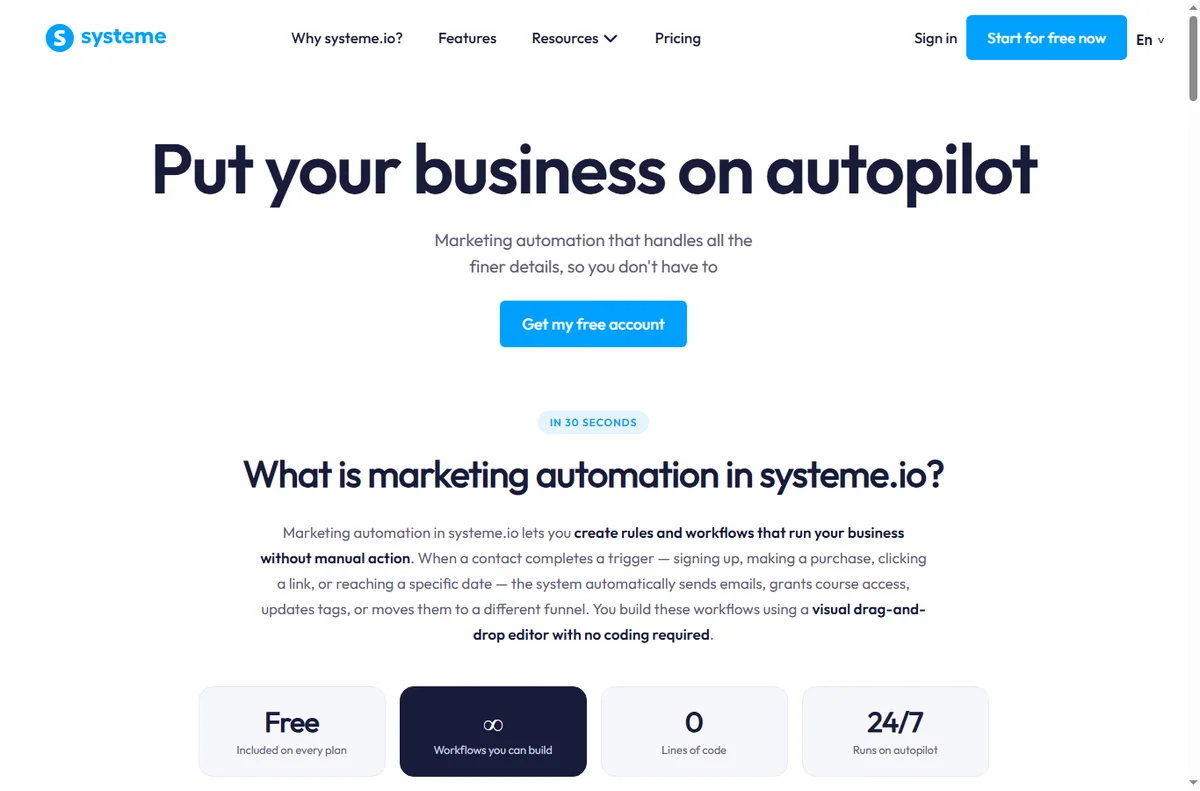
- Funnel and landing pages
- Email marketing and automation
- Online courses and memberships
- Payments and order forms

Step 1 — Create your account
Sign up and confirm your email. You begin on the entry plan, which is intentionally limited. It is enough to build and test a simple funnel, but check the current contact and feature limits before you plan a campaign.
Step 2 — Connect your domain
Add your custom domain and point its DNS records as instructed. Doing this before you build means every page you create already lives on your own domain rather than a temporary subdomain you later have to migrate.
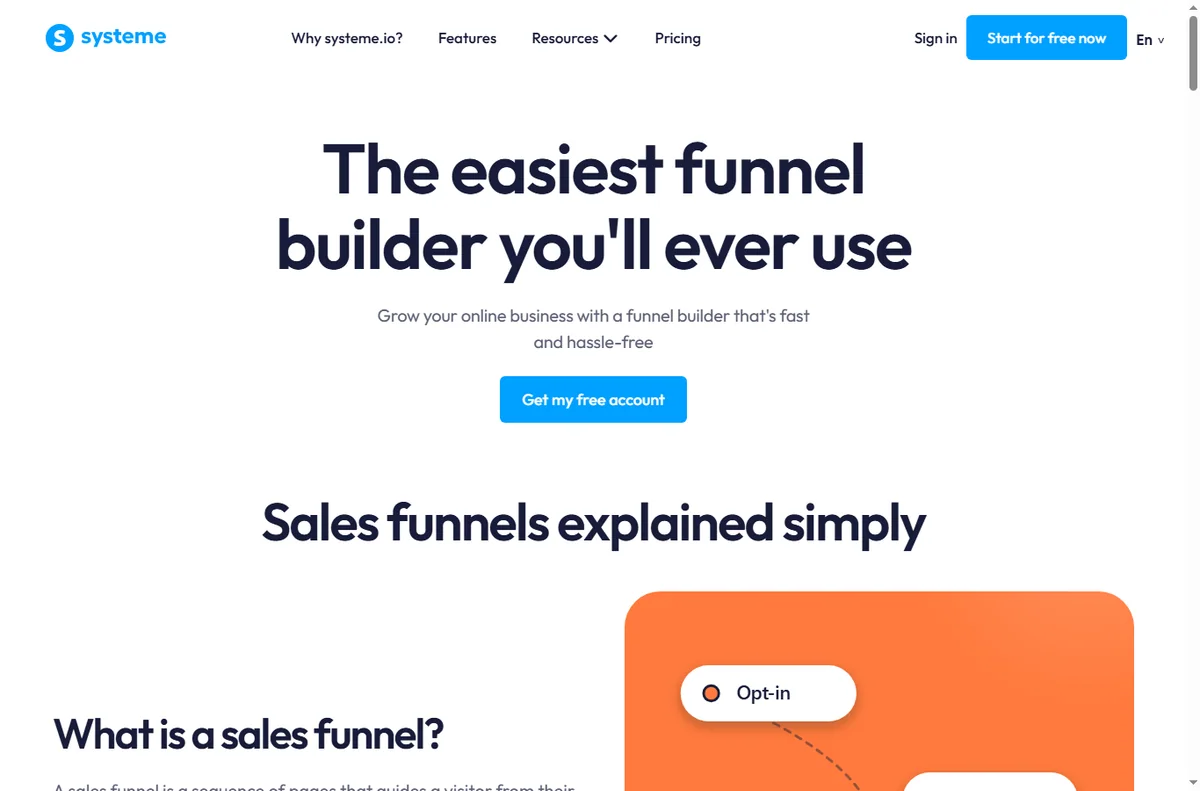
Step 3 — Build your first funnel
- Choose a funnel type, then pick a template closest to your goal.
- Edit the opt-in page: one clear headline, one offer, one call to action.
- Add a thank-you page and connect it to your email list.
- Add one sales or order page only if you are selling immediately.
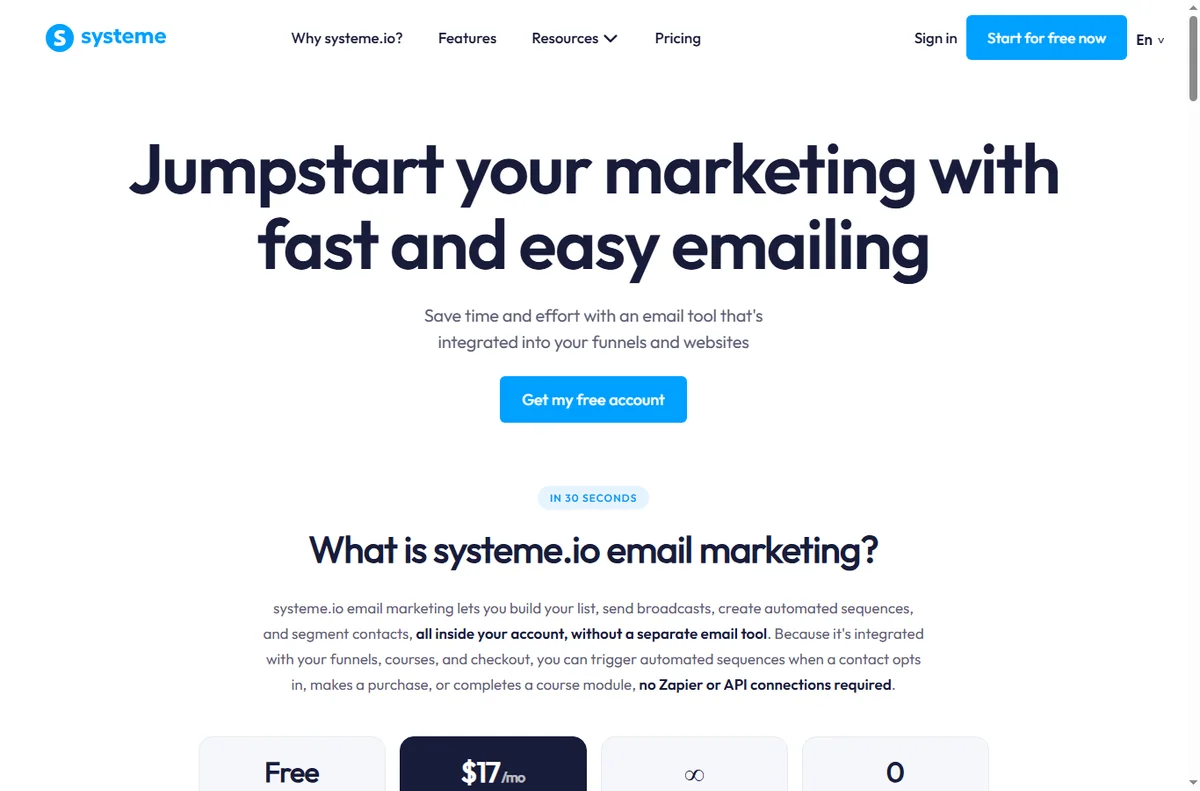
Step 4 — Set up email
Create your list, then build a short welcome sequence: an immediate delivery email, a value email, and an offer. Connect the opt-in form to the list so new subscribers enter the sequence automatically.
Set your sender name and reply-to before sending anything — deliverability depends on consistent, real sender details.
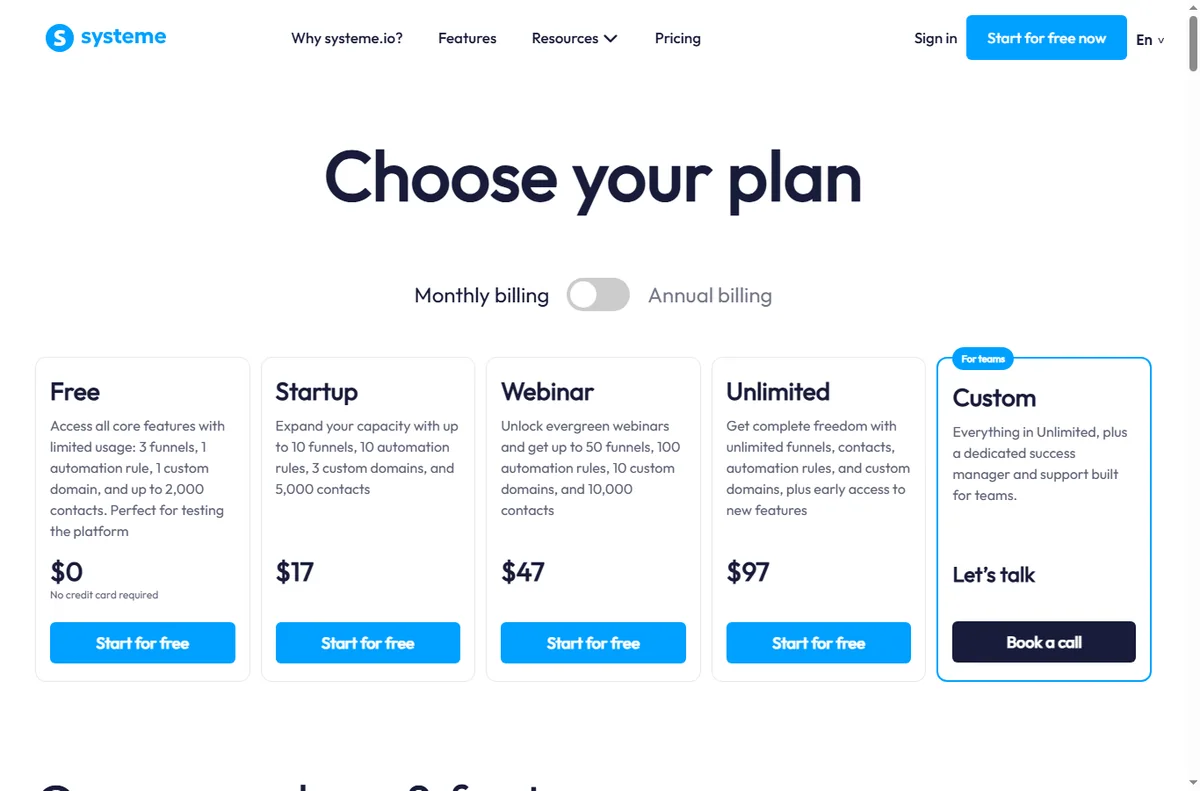
Step 5 — Add payments
Connect your payment processor and create the order form or checkout for your offer. Run a live test purchase with a small amount to confirm the whole path works, then refund it.
Step 6 — Test the complete flow
Walk the funnel as a stranger would: opt in with a real address, confirm the sequence arrives, click through to the offer, and complete a test purchase. Only then point traffic at it.
Where this fits
See the independent Systeme.io review for a full evaluation and the Systeme.io pricing guide for plan structure. If you are choosing a platform, start with the funnel builders hub and the best funnel builders shortlist. Many users also pair a funnel tool with a dedicated email marketing platform.
Frequently asked
Do I need a separate email tool?
Not necessarily. Email is built in. A separate email platform only makes sense if you need deeper automation or deliverability features than the bundled version provides.
Can I use my own domain?
Yes, and you should connect it early so your pages and links live on your domain from day one.
How do I take payments?
You connect a supported payment processor and use the built-in order forms or checkout. Always run a small live test purchase before launch.
Is it good for online courses?
Yes — course hosting is part of the same account, which is useful if you sell a course alongside a funnel.
How long does setup take?
A single simple funnel can be built and tested in a few hours by a first-timer, longer if you write the copy from scratch.
Build the funnel, then invite traffic
Keep the first funnel to one opt-in and one offer.
Referral link — we may earn a reward if you sign up, at no extra cost to you. We are an independent publisher. See our Affiliate Disclosure.
Read our full Systeme.io review
Leave a Reply