We’re reader-supported — some links are affiliate links. Learn more →

Skip to content

Independent software research. Some links may earn us a commission at no extra cost to you. Learn more →

ICode

Author: admin

  • LiveAgent for Ecommerce: Is It Worth It in 2026?

    Quick answer. LiveAgent is a reasonable fit for small and mid-sized stores that answer pre-sale and order questions across chat, email and social. It unifies those channels in one inbox; it is not an ecommerce platform itself, so it complements rather than replaces your store tooling.

    Start your LiveAgent free trial — one inbox for chat, email and phone. Start the free trial — using this link does not change the price you pay.

    Where a store feels the pain

    LiveAgent is an all-in-one customer service platform whose core is a shared inbox: live chat, email tickets, phone calls, social messages and a knowledge base all arrive in one dashboard, so agents stop tab-hopping between tools.

    Stores lose sales to unanswered questions: sizing, shipping, returns, order status. If those questions arrive on three channels and live in three places, response times slip and carts are abandoned.

    What LiveAgent brings to a store

    It is cloud-hosted and priced per agent rather than per contact, and the vendor offers a 30-day free trial that it says needs no credit card (checked October 14, 2026).

    Chat on product pages handles pre-sale questions. Email ticketing centralises order and returns queries. Social support covers the DMs shoppers send. A knowledge base pre-answers shipping and returns policy questions.

    Integrations matter here

    The vendor states 200+ integrations plus an API and webhooks. For a store, the value is connecting support to your shop platform and CRM so an agent can see order context without switching tabs. Check that your specific platform is supported before you commit.

    We could not verify every integration ourselves; treat the vendor count as vendor-sourced and confirm your platform on their list.

    What it is not

    LiveAgent is not a storefront, a checkout or a marketing automation suite. Do not buy it expecting abandoned-cart emails or product pages — those belong to your ecommerce platform and email tool.

    Pricing for a store

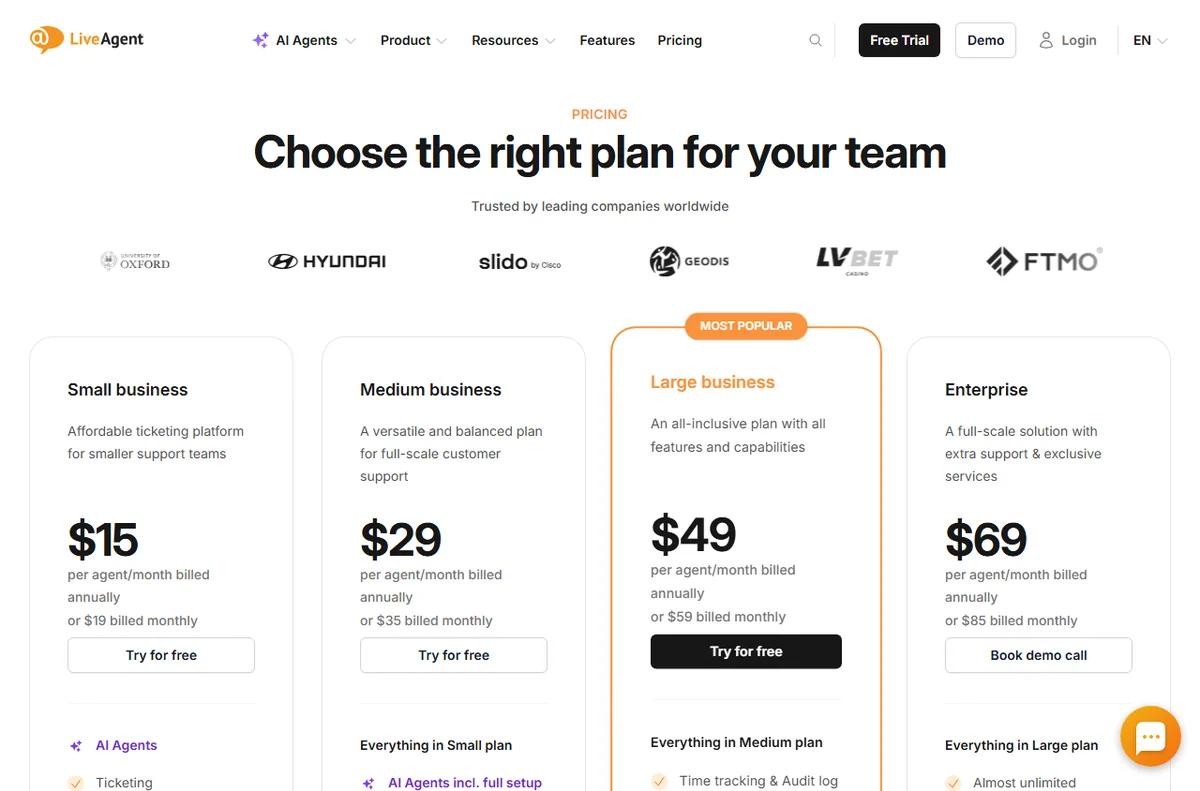
    On pricing, LiveAgent charges per agent seat. Annual billing is cheaper than monthly, and the tier you pick decides which channels and features unlock. The vendor lists Small, Medium, Large and Enterprise tiers; exact figures change, so treat any number as indicative and check live pricing before you commit.

    Verdict for ecommerce teams

    If support volume crosses chat, email and social and you want one place to answer, it is worth trialling. If you are a very small store with a trickle of messages, a lighter chat widget may be enough.

    Where support touches revenue

    Support is not just cost in a store; it touches revenue. A fast answer to a sizing or shipping question can save a sale, and a tidy returns process brings customers back. Putting chat, email and social in one inbox shortens the gap between a question and an answer.

    Keep scope tight: you are buying a support desk, not a storefront. The store, checkout and cart emails stay in your ecommerce platform.

    A simple week on the free trial

    The trial only tells you something if you test it on real work. Here is a plan that fits a busy week:

    • Day 1 — connect the channel you actually use
    • Day 2 — invite a teammate and set one routing rule
    • Day 3 — write five saved replies and three FAQ answers
    • Days 4-6 — answer live conversations and note friction
    • Day 7 — decide on evidence, not on the last-day impulse

    How it compares with the alternatives

    The usual alternatives are Zendesk, Freshdesk and Tidio. Zendesk suits larger, process-heavy teams; Freshdesk offers a broad help desk with a gentler entry; Tidio fits when website chat is all you need. Weigh them on channels, pricing model and fit, not on feature-list length, and confirm current plans on each vendor site.

    What we did and did not verify

    We based this on the vendor’s own public pages as of October 14, 2026, and labelled vendor-sourced figures. We did not run a hands-on lab test, so we make no performance or reliability claims of our own. Use this as orientation, then confirm specifics with the vendor.

    Bottom line for ecommerce teams

    If questions arrive across several channels and response time matters to sales, trial it. If you are a small store with a trickle of messages, a lighter chat widget may be enough.

    Independent analysis. This page may contain affiliate links.
  • LiveAgent for Coaches: Is It Worth It in 2026?

    Quick answer. LiveAgent suits coaches who field a steady mix of pre-sales questions and client support: live chat captures leads, email tickets keep follow-ups organised, and a knowledge base reduces repeat questions. It is a poor fit if you have no support volume and just need a booking link.

    Start your LiveAgent free trial — one inbox for chat, email and phone. Start the free trial — using this link does not change the price you pay.

    Why coaches often need a light help desk

    LiveAgent is an all-in-one customer service platform whose core is a shared inbox: live chat, email tickets, phone calls, social messages and a knowledge base all arrive in one dashboard, so agents stop tab-hopping between tools.

    Coaching is a relationship business, but the admin around it is repetitive: discovery-call questions, onboarding steps, session links, refund policies. Handling that in one inbox with saved answers frees your attention for actual coaching.

    What LiveAgent gives a coach

    It is cloud-hosted and priced per agent rather than per contact, and the vendor offers a 30-day free trial that it says needs no credit card (checked October 14, 2026).

    The chat widget can sit on your sales page to answer “how does this work” before a prospect leaves. Email ticketing keeps client threads separate from personal mail. The knowledge base becomes a self-serve FAQ for onboarding.

    Lead capture vs client support

    These are two different jobs and LiveAgent does both. Use the chat and forms for pre-sale questions, and the ticketing and knowledge base for existing clients. One tool covering both avoids paying for a chat app and a help desk separately.

    What you can ignore

    Unless you run group programmes with live calls at volume, the call center and advanced SLA features are ballast. Buy the simple tier, use chat plus email, and grow into the rest.

    Pricing for a solo coach

    On pricing, LiveAgent charges per agent seat. Annual billing is cheaper than monthly, and the tier you pick decides which channels and features unlock. The vendor lists Small, Medium, Large and Enterprise tiers; exact figures change, so treat any number as indicative and check live pricing before you commit.

    Verdict for coaches

    If prospects ask the same questions weekly and clients need onboarding answers, LiveAgent earns its keep. If you have almost no inbound questions, a booking tool and a decent FAQ page are enough.

    Separating sales questions from client support

    Coaches usually run two conversations at once: pre-sale questions from prospects, and support from paying clients. Mixing them in one personal inbox is how good leads get missed. A shared inbox lets you tag and route the two apart while still seeing everything in one place.

    Use chat and forms for prospects, and tickets plus the knowledge base for clients. That single split brings most of the benefit without any advanced configuration.

    A simple week on the free trial

    The trial only tells you something if you test it on real work. Here is a plan that fits a busy week:

    • Day 1 — connect the channel you actually use
    • Day 2 — invite a teammate and set one routing rule
    • Day 3 — write five saved replies and three FAQ answers
    • Days 4-6 — answer live conversations and note friction
    • Day 7 — decide on evidence, not on the last-day impulse

    How it compares with the alternatives

    The usual alternatives are Zendesk, Freshdesk and Tidio. Zendesk suits larger, process-heavy teams; Freshdesk offers a broad help desk with a gentler entry; Tidio fits when website chat is all you need. Weigh them on channels, pricing model and fit, not on feature-list length, and confirm current plans on each vendor site.

    What we did and did not verify

    We based this on the vendor’s own public pages as of October 14, 2026, and labelled vendor-sourced figures. We did not run a hands-on lab test, so we make no performance or reliability claims of our own. Use this as orientation, then confirm specifics with the vendor.

    Bottom line for coaches

    If you field the same questions every week and onboard clients repeatedly, LiveAgent pays for itself in saved time. If your inbox is quiet, a booking link and an FAQ page will do.

    Independent analysis. This page may contain affiliate links.
  • LiveAgent for Bloggers: Is It Worth It in 2026?

    Quick answer. LiveAgent can be worth it for bloggers who get repeat reader questions: live chat, email ticketing and a knowledge base let you answer once and reuse the answer. It is overkill if you only publish posts and rarely talk to readers.

    Independent analysis. This page may contain affiliate links.
    Start your LiveAgent free trial — one inbox for chat, email and phone. Start the free trial — using this link does not change the price you pay.

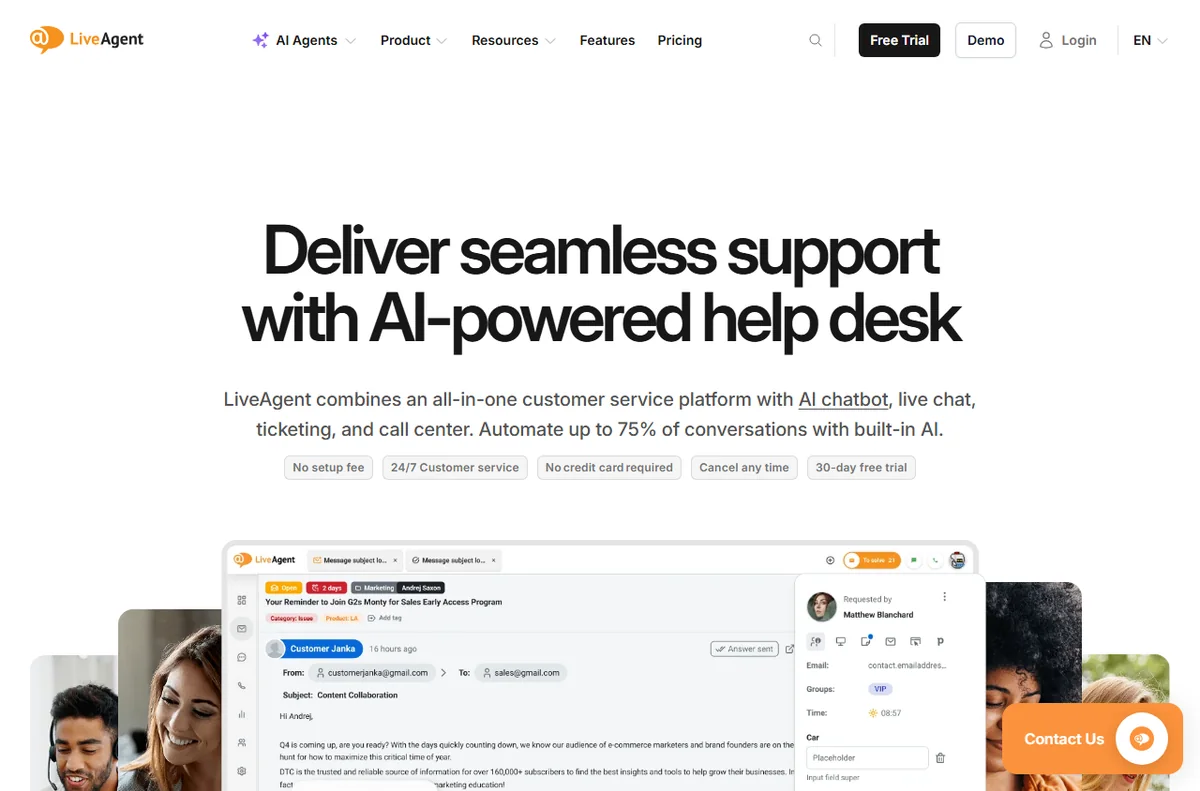
    LiveAgent help desk overview
    LiveAgent help desk (image: liveagent.com)

    Why a blog would need a help desk at all

    LiveAgent is an all-in-one customer service platform whose core is a shared inbox: live chat, email tickets, phone calls, social messages and a knowledge base all arrive in one dashboard, so agents stop tab-hopping between tools.

    A blog usually starts with comments and a contact form. As it grows, the same questions repeat: how do I download this, where is the template, can you fix my order. A shared inbox with a knowledge base turns those repeats into one published answer instead of twenty replies.

    If you monetise with products, courses or sponsorships, reader questions start to look like customer-support questions, and that is when a small desk earns its place.

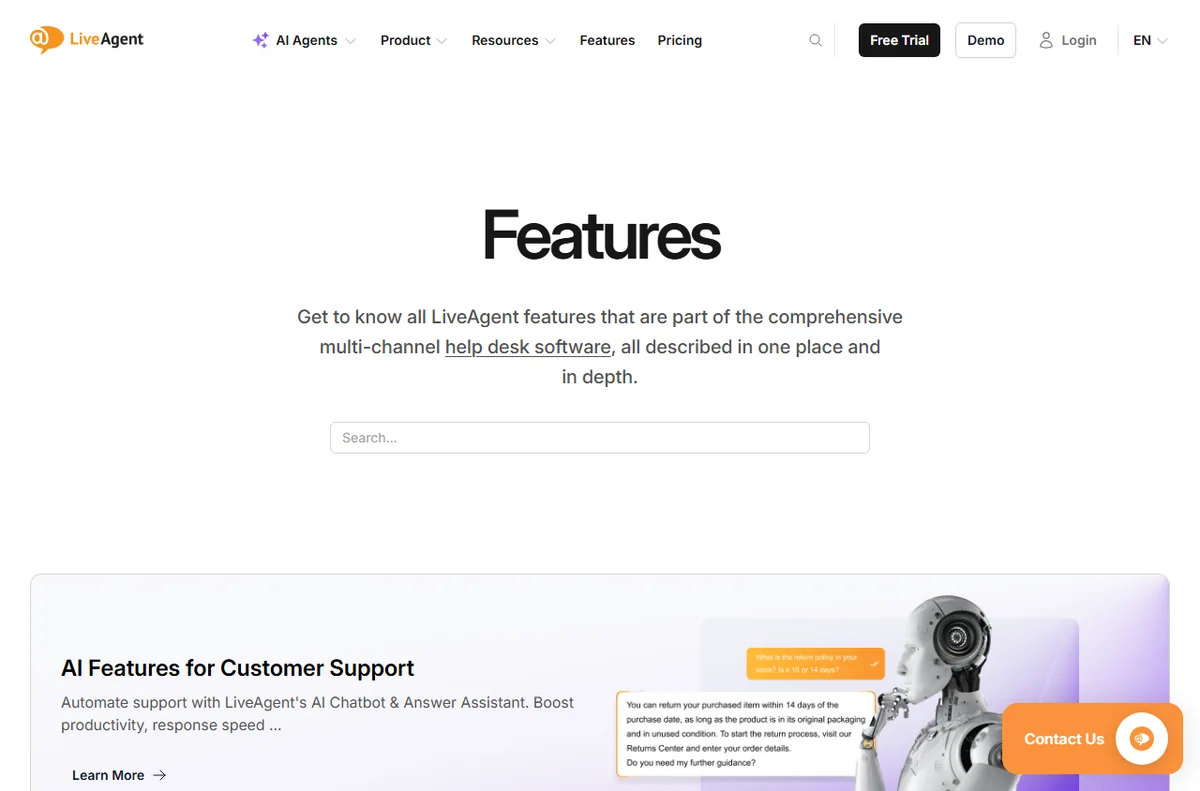
    LiveAgent feature overview
    LiveAgent features (image: liveagent.com)

    What LiveAgent gives a blog

    It is cloud-hosted and priced per agent rather than per contact, and the vendor offers a 30-day free trial that it says needs no credit card (checked October 14, 2026).

    For a blog the useful parts are the chat widget you can drop on any page, the email ticketing that keeps reader mail out of your personal inbox, and the knowledge base you publish as a help section.

    The knowledge base is arguably the best bit for a blogger: you write an answer once and link readers to it forever.

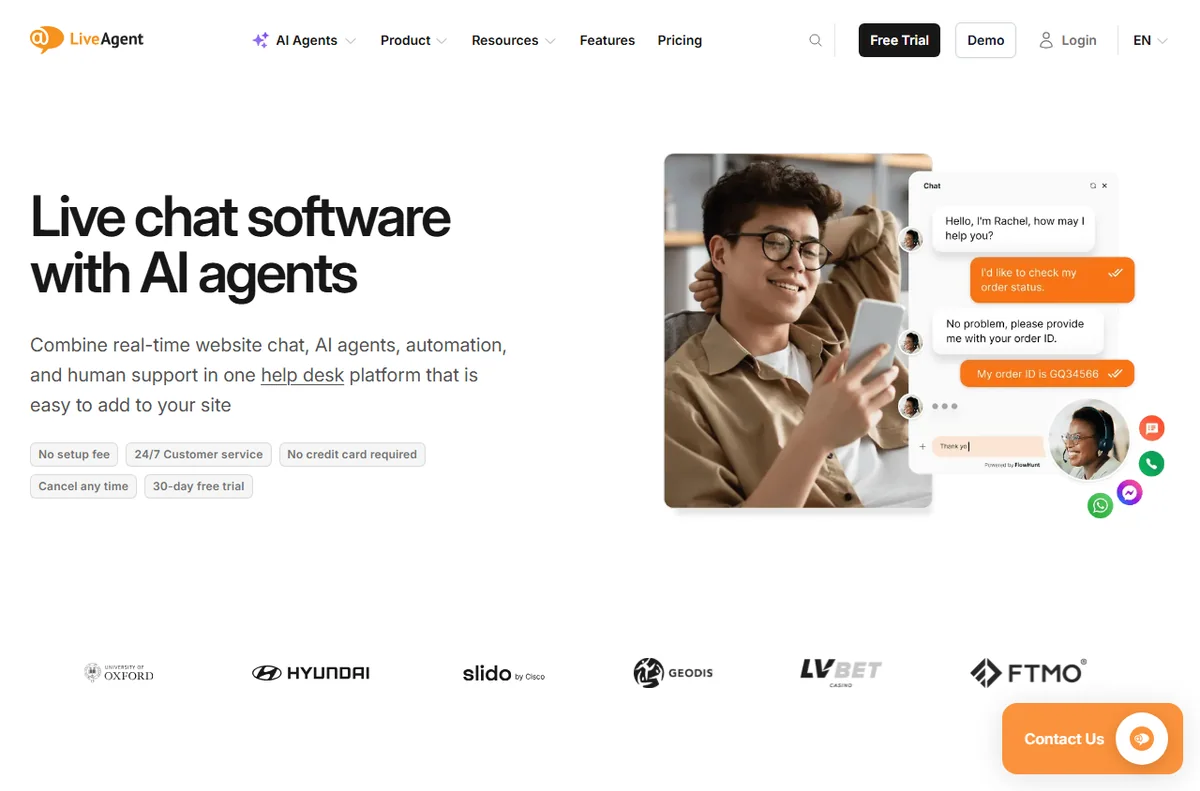
    LiveAgent live chat widget
    LiveAgent live chat (image: liveagent.com)

    Channels that actually matter for a blog

    You probably do not need the call center. Email plus website chat covers most blog traffic, with social messages as a bonus if you are active on those platforms.

    Start with chat and email, ignore the phone features, and add channels only when readers actually use them.

    Where it is overkill for a blogger

    If you post once a week, get a handful of comments and have no product to support, a full help desk is more software than you need. A simple contact form and a good FAQ page can do the job.

    The per-agent model also assumes there are agents. If it is only you and you rarely answer questions, the value is thin.

    LiveAgent pricing plans
    LiveAgent pricing (image: liveagent.com)

    Pricing for a solo blog

    On pricing, LiveAgent charges per agent seat. Annual billing is cheaper than monthly, and the tier you pick decides which channels and features unlock. The vendor lists Small, Medium, Large and Enterprise tiers; exact figures change, so treat any number as indicative and check live pricing before you commit.

    Verdict for bloggers

    Buy it if reader questions are becoming a real workload or you sell something behind the blog. Skip it if you are a hobby publisher with no support load. Either way, test on the free trial first — that is the honest way to decide.

    Turning reader questions into a system

    The real win is turning ad-hoc replies into a system. Save your best answers as snippets, group recurring themes into knowledge-base articles, and link your FAQ from the main menu. Over a few months the volume of repeat questions drops, which is the entire point of buying a desk as a blogger.

    None of that needs the phone or SLA features. It is chat, email and the knowledge base, used consistently, and that is a small, cheap slice of the platform.

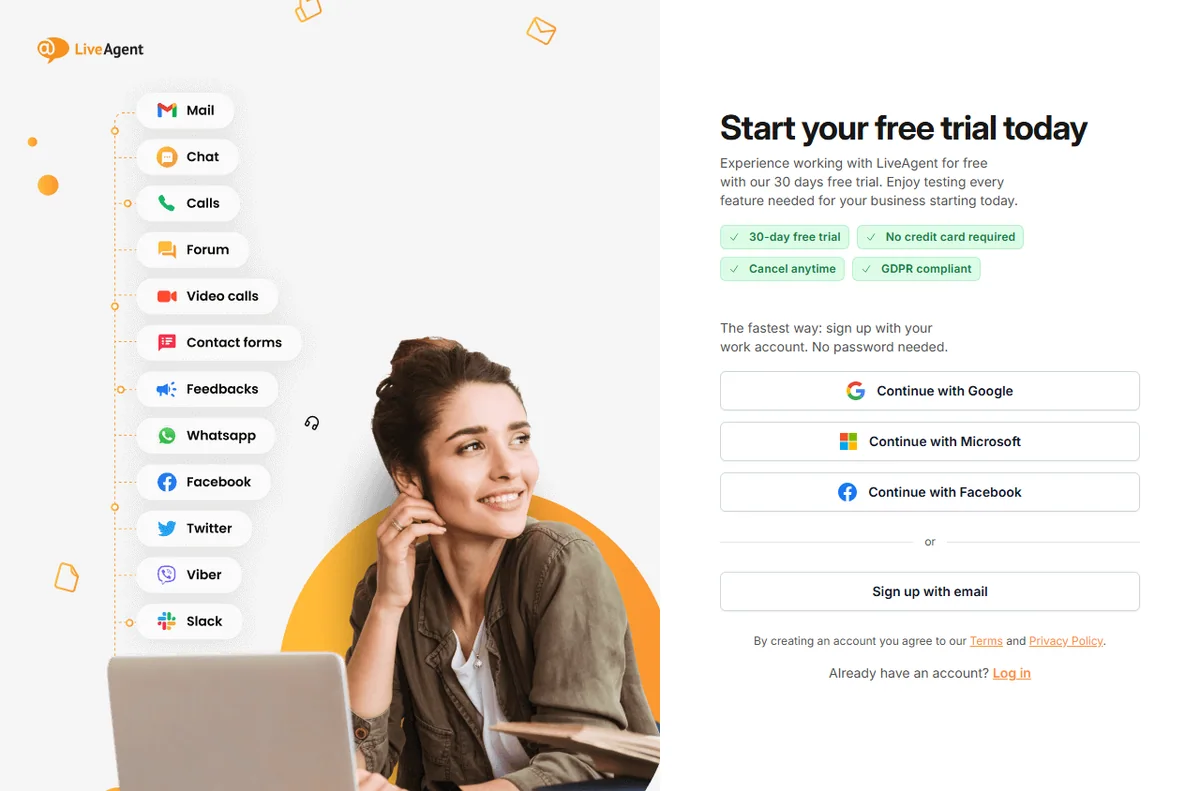
    LiveAgent free trial
    LiveAgent free trial (image: liveagent.com)

    A simple week on the free trial

    The trial only tells you something if you test it on real work. Here is a plan that fits a busy week:

    • Day 1 — connect the channel you actually use
    • Day 2 — invite a teammate and set one routing rule
    • Day 3 — write five saved replies and three FAQ answers
    • Days 4-6 — answer live conversations and note friction
    • Day 7 — decide on evidence, not on the last-day impulse

    How it compares with the alternatives

    The usual alternatives are Zendesk, Freshdesk and Tidio. Zendesk suits larger, process-heavy teams; Freshdesk offers a broad help desk with a gentler entry; Tidio fits when website chat is all you need. Weigh them on channels, pricing model and fit, not on feature-list length, and confirm current plans on each vendor site.

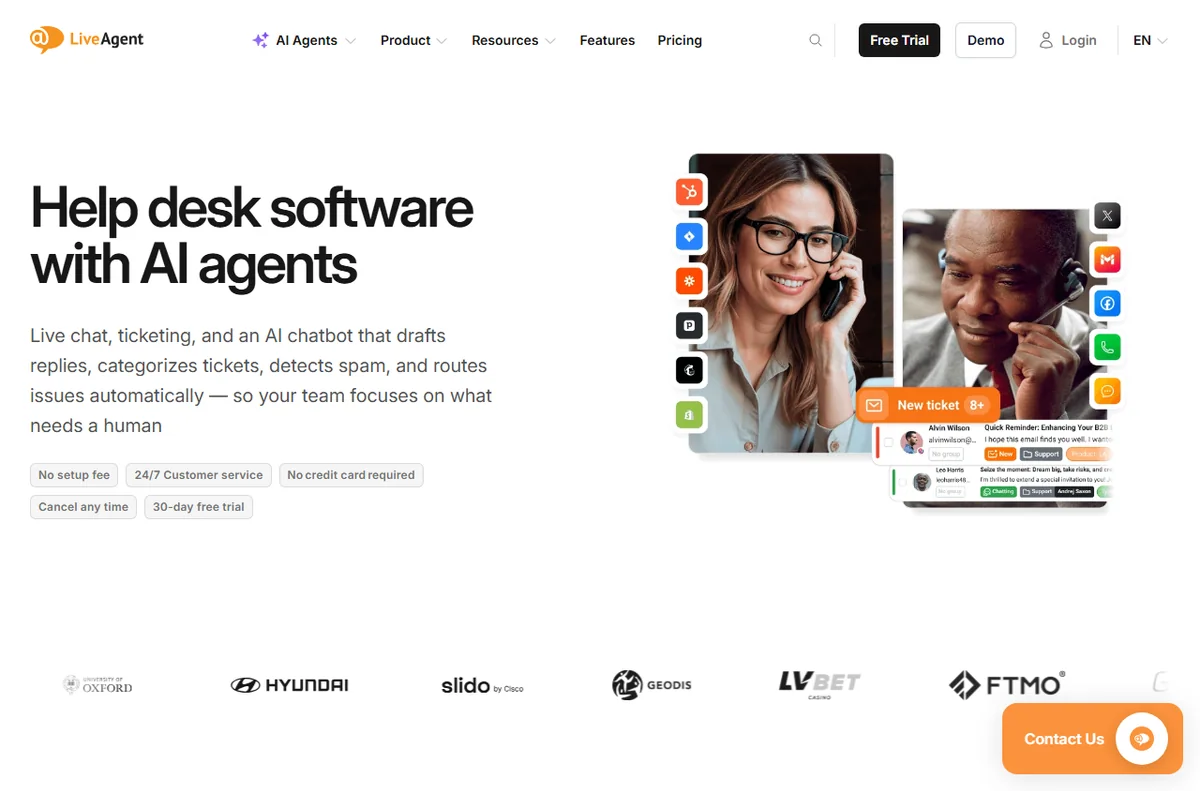
    LiveAgent help desk software home page
    LiveAgent (image: liveagent.com)

    What we did and did not verify

    We based this on the vendor’s own public pages as of October 14, 2026, and labelled vendor-sourced figures. We did not run a hands-on lab test, so we make no performance or reliability claims of our own. Use this as orientation, then confirm specifics with the vendor.

    Bottom line for bloggers

    If reader questions have quietly become part of the job, LiveAgent is a tidy way to handle them in one place. If they have not, wait — the tool will still be there when they do.

  • How to Use Albato for Small Business (2026)

    How to Use Albato for Small Business (2026) Here is the short answer plus what matters for your decision.

    Try Albato free — no-code automation for 600+ apps. Start free

    We cover pricing, features, and fit so you can decide quickly.

  • How to Set Up Albato (Step-by-Step 2026)

    How to Set Up Albato (Step-by-Step 2026) Here is the short answer plus what matters for your decision.

    Try Albato free — no-code automation for 600+ apps. Start free

    We cover pricing, features, and fit so you can decide quickly.

  • Albato vs Zapier: Which Fits You?

    Albato vs Zapier: Which Fits You? Here is the short answer plus what matters for your decision.

    Try Albato free — no-code automation for 600+ apps. Start free

    We cover pricing, features, and fit so you can decide quickly.

  • Albato vs Make: Which Automation Tool Wins?

    Albato vs Make: Which Automation Tool Wins? Here is the short answer plus what matters for your decision.

    Try Albato free — no-code automation for 600+ apps. Start free

    We cover pricing, features, and fit so you can decide quickly.

  • Albato Common Problems and How to Fix Them

    Albato Common Problems and How to Fix Them Here is the short answer plus what matters for your decision.

    Try Albato free — no-code automation for 600+ apps. Start free

    We cover pricing, features, and fit so you can decide quickly.

  • Albato Free Plan Explained: What You Actually Get

    Albato Free Plan Explained: What You Actually Get Here is the short answer plus what matters for your decision.

    Try Albato free — no-code automation for 600+ apps. Start free

    We cover pricing, features, and fit so you can decide quickly.

  • Albato Pricing Guide 2026: Plans and Costs

    Albato Pricing Guide 2026: Plans and Costs Here is the short answer plus what matters for your decision.

    Try Albato free — no-code automation for 600+ apps. Start free

    We cover pricing, features, and fit so you can decide quickly.