Independent analysis. This page may contain affiliate links.
AI voice generators turn text into natural-sounding speech, and they are now good enough for real work: training modules, ads, audiobooks, and product narration. This guide compares the best options by voice quality, languages, and how they price, so you can pick the right one for your use case.
What to look for
Four things separate good tools from disappointing ones: voice realism, language and accent coverage, editing control, and price per unit of audio. It is easy to be impressed by a demo and then frustrated by the limits of the cheap plan, so check usage allowances early.
The best options
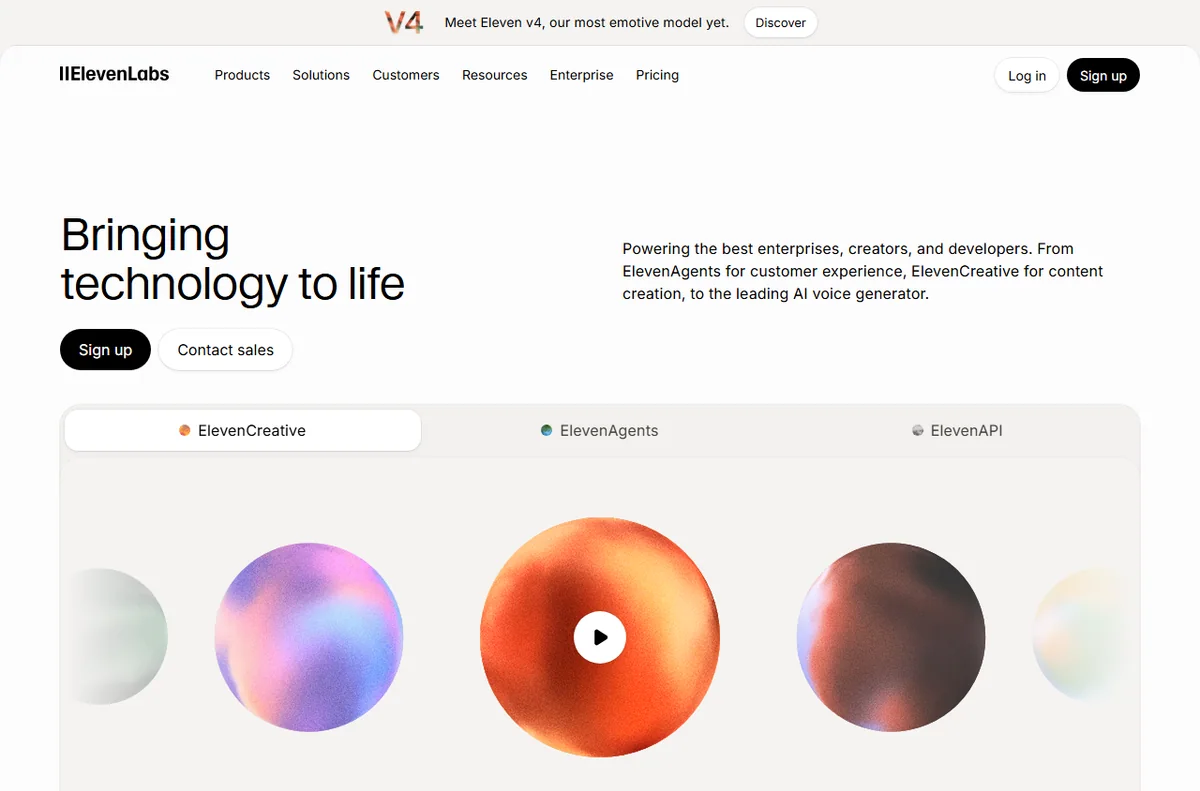
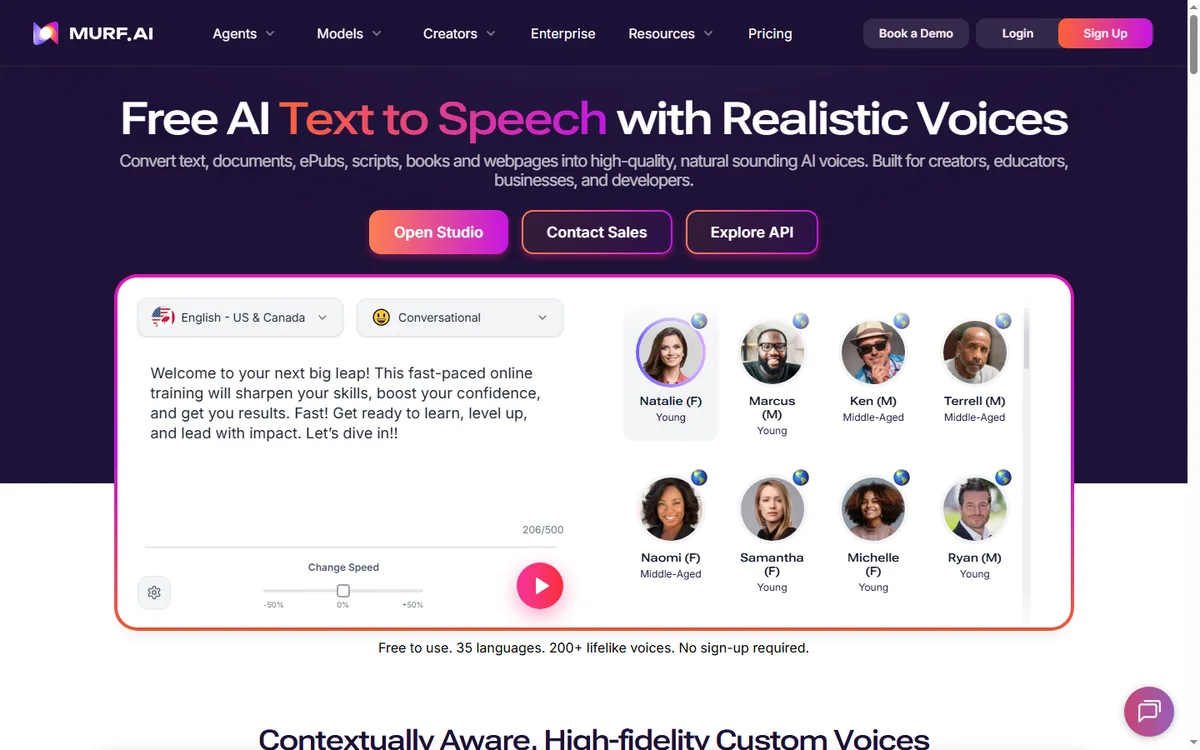
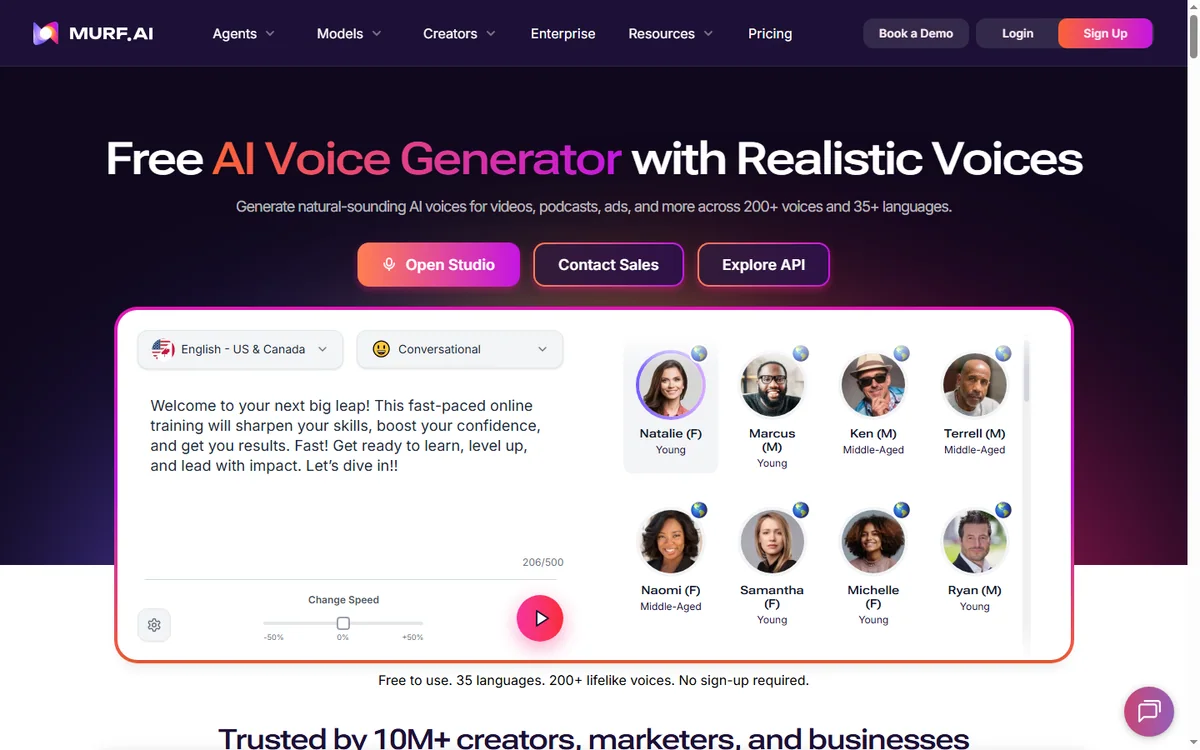
Murf AI pairs a big voice library with an approachable studio and strong e-learning credentials. ElevenLabs is widely praised for realism and expressive range, with powerful cloning and dubbing. Play.ht covers a very large number of voices and languages and leans into API and publishing workflows.
For reading and productivity, Speechify focuses on turning documents into audio for listening. For creators who edit video and audio together, Descript blends transcription, editing, and voice generation in one timeline.
Voice quality and cloning
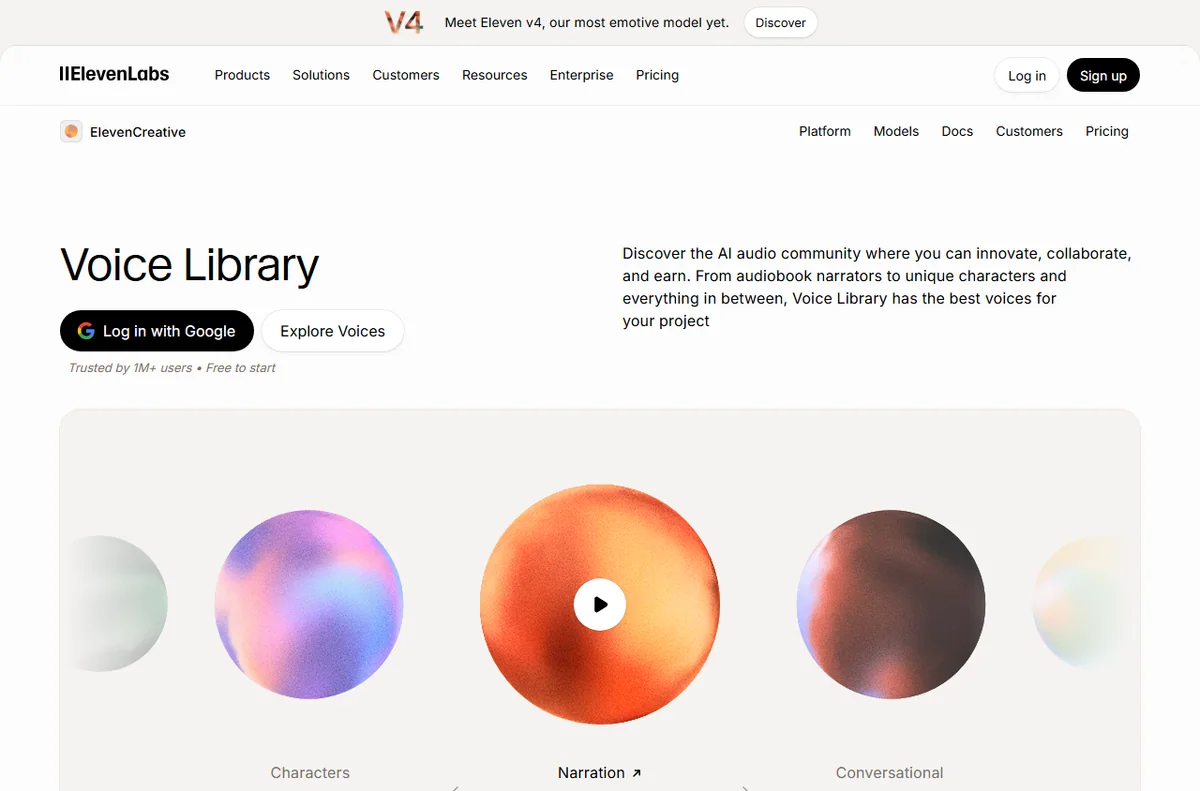
Realism has improved sharply, but it still varies by voice and language. Conversational, emotive speech remains the hardest, while clean narration is largely solved. Voice cloning is now common, usually requiring consent and sitting on higher plans; treat it responsibly and check each vendor’s policy.
How to choose
- For courses and narration: Murf or Play.ht.
- For maximum realism and dubbing: ElevenLabs.
- For listening to documents: Speechify.
- For editing plus voice in one tool: Descript.
Pricing caveats
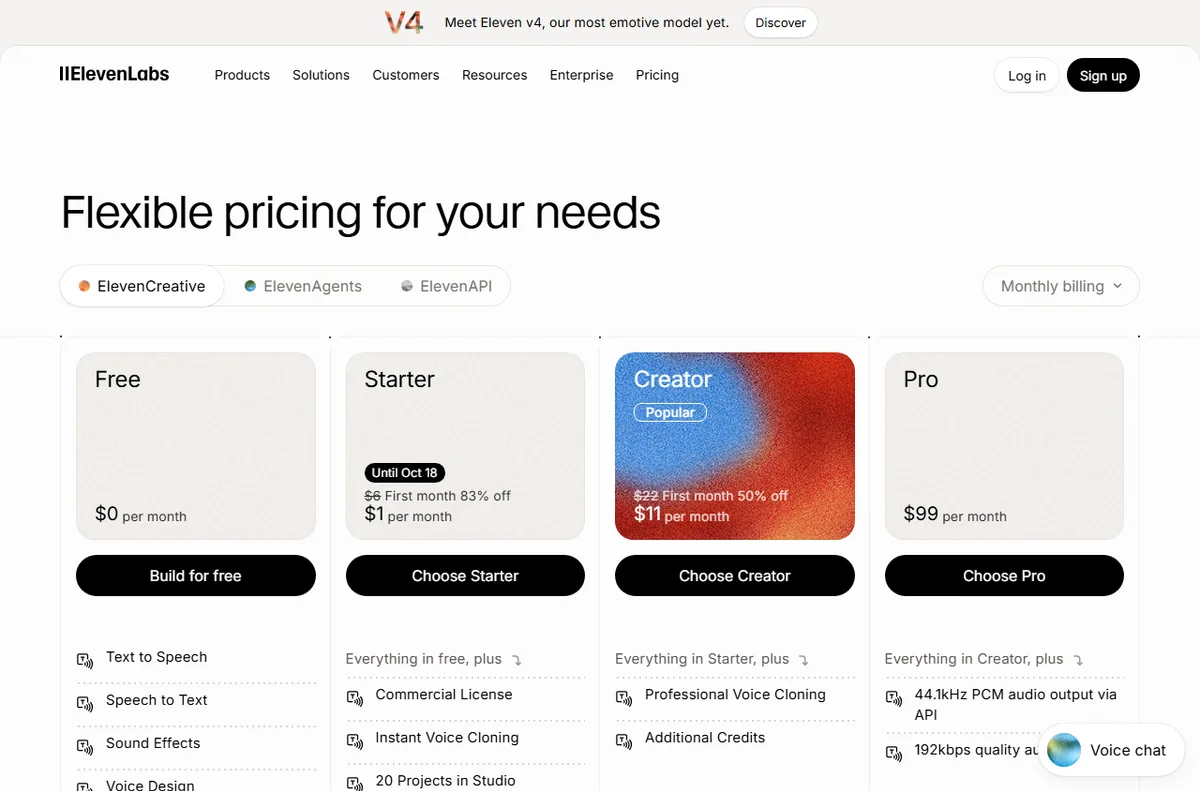
Voice tools usually price by characters or minutes generated, with free allowances for testing. Limits fill faster than people expect, especially once you start revising. Always check the official vendor pages for current allowances, cloning rules, and commercial licensing before committing.
Pros and cons
Pros
- Professional narration without a studio.
- Fast revisions and multilingual output.
- API and cloning for advanced workflows.
- Accessible pricing for small creators.
Cons
- Character or minute limits can be tight.
- Emotive, conversational speech still lags.
- Licensing and cloning rules need care.

FAQ
Which AI voice is most realistic?
Realism varies by language and voice. Listen to samples in your target accent before choosing.
Can I clone my own voice?
Most major tools offer cloning on higher plans, subject to consent rules.
Are AI voices allowed commercially?
Usually on paid plans, but check each licence.
How is usage measured?
Typically in characters or minutes. Confirm the metric on the official site.
Do I need audio editing software?
Not for basic narration, though serious production may benefit from it.
Voice quality in practice
The best way to judge a voice tool is not its marketing reel but your own script. Generate the same paragraph across two or three vendors in the language and accent you need, then listen for pacing, emphasis, and how it handles names and numbers. Clean narration is largely solved; emotive, conversational delivery still separates the leaders from the pack.
Language coverage
If you publish in several languages, coverage matters as much as realism. Some tools excel in English and a handful of major languages, while others spread wider with less polish in each. Check that your specific target languages are supported by native-sounding voices, not just machine-translated approximations.
Use cases by role
Course creators and corporate trainers get the most value, since they need consistent narration across many lessons. Marketers use it for ads and explainers where fast iteration matters. Podcasters and video creators use it for intros, bumpers, and narration. Accessibility teams use it to convert written content into audio at scale.
Can I mix AI voices with my own recordings?
Yes, many workflows blend human and synthetic narration. Keep the tone consistent between them.
Do accents sound authentic?
Quality varies by accent. Always test the exact accent your audience expects.
What to avoid
Avoid tools that lock your generated audio to a narrow licence, hide their usage limits, or sound robotic in your target accent. Read the terms and test before you commit, because switching later means regenerating everything.
Is a free voice tool enough?
Free tiers are fine for a test, but limits and licensing quickly push serious users onto a paid plan.
Conclusion
AI voice generation is mature enough for production work, and the best tool depends on whether you prize realism, languages, or workflow. Test voices in your own language, watch how quickly you burn through the free allowance, and confirm licensing before you publish. The right choice is the one that fits your volume and your audience.
Explore more AI Tools guides.
Leave a Reply