Independent analysis. This page may contain affiliate links.
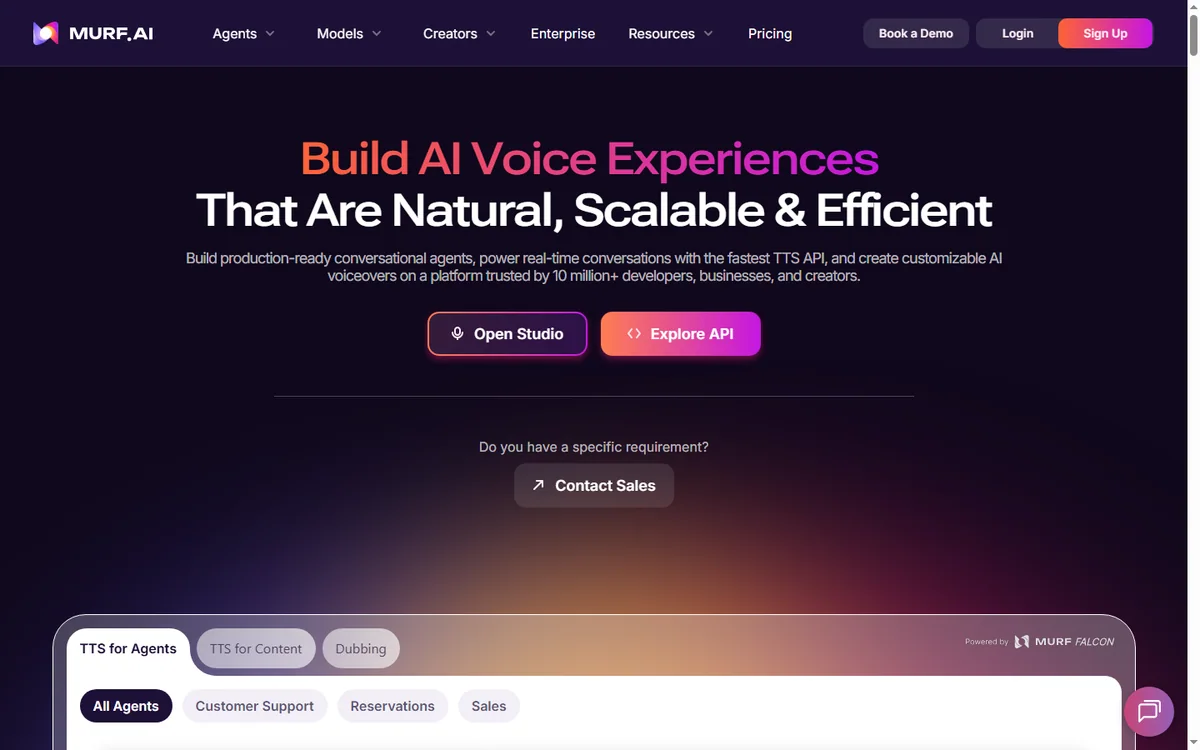
Murf AI is a text-to-speech platform used by marketers, e-learning creators, and podcasters who want professional narration without a recording booth. This review covers its voices, features, pricing caveats, and where it fits best.
The bar for synthetic voice has risen fast, so the question is no longer whether AI narration sounds acceptable, but which tool gives you the best control for your workflow.
What is Murf AI?
Murf AI is an online studio that converts text into spoken audio using a large library of AI voices. You paste or type a script, choose a voice, adjust pacing and emphasis, and export the audio for videos, courses, ads, or podcasts.
Beyond raw text-to-speech, Murf bundles editing tools: you can sync narration to slides or video, split a script between multiple voices for dialogue, and fine-tune pronunciation.
Who is Murf for?
- E-learning and course creators producing lesson narration.
- Marketers making ads, explainers, and social clips.
- Podcasters and YouTubers who need consistent voiceovers.
- Businesses producing internal training and announcements.
- Developers who want a voice API for applications.
Key features
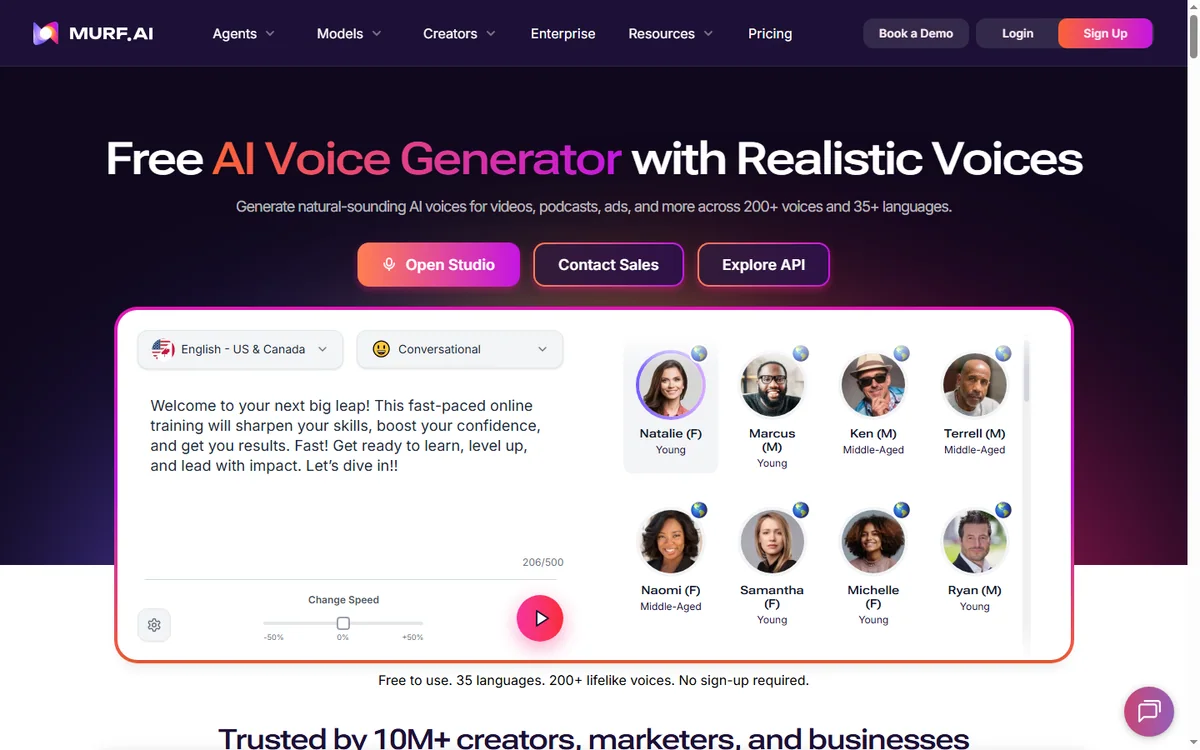
- Large voice library: many voices across accents and styles.
- Voice cloning: create a custom voice from recordings, subject to plan limits and consent rules.
- Studio editor: control pitch, speed, pauses, and emphasis.
- Sync to video: align narration with slides or clips.
- Multi-voice scripts: split dialogue between speakers.
- API access: generate speech programmatically on higher plans.
Voice quality
Voice quality is the make-or-break factor, and Murf’s output is generally clear and natural for narration. It handles long-form scripts better than short conversational quips, which is where most synthetic voices still stumble. Listen to samples in your target language and accent before committing, because quality varies from voice to voice.

Pricing
Murf uses tiered subscriptions, and the main cost driver is how much audio you generate, usually measured in characters or minutes, along with access to voice cloning and API features. There is typically a free allowance for testing, then paid plans for regular use and a higher tier for teams.
Because limits and prices change, check the official Murf AI site for current tiers, usage limits, and cloning rules. If you generate a lot of audio, watch the allowance closely, as overage can push you to the next tier.
Pros and cons
Pros
- Wide, high-quality voice selection.
- Useful editing tools beyond basic text-to-speech.
- Voice cloning and API for advanced workflows.
- Easy for non-technical users.
Cons
- Usage limits can be tight on lower tiers.
- Cloning and API cost more.
- Long-form nuance still trails a professional human actor.
FAQ
Is Murf AI free?
There is usually a free allowance for testing, with paid plans for regular use.
Can I clone my own voice?
Yes, voice cloning is offered, typically on higher plans and with consent requirements.
Does it work for podcasts?
Yes, though many creators prefer it for narration and intros rather than full conversational episodes.
Is there an API?
Yes, API access is available on higher tiers.
How is usage measured?
Usually in characters or minutes. Confirm the current metric on the official site.
Can I use the audio commercially?
Licensing depends on your plan. Read the terms carefully before publishing.
How Murf compares to alternatives
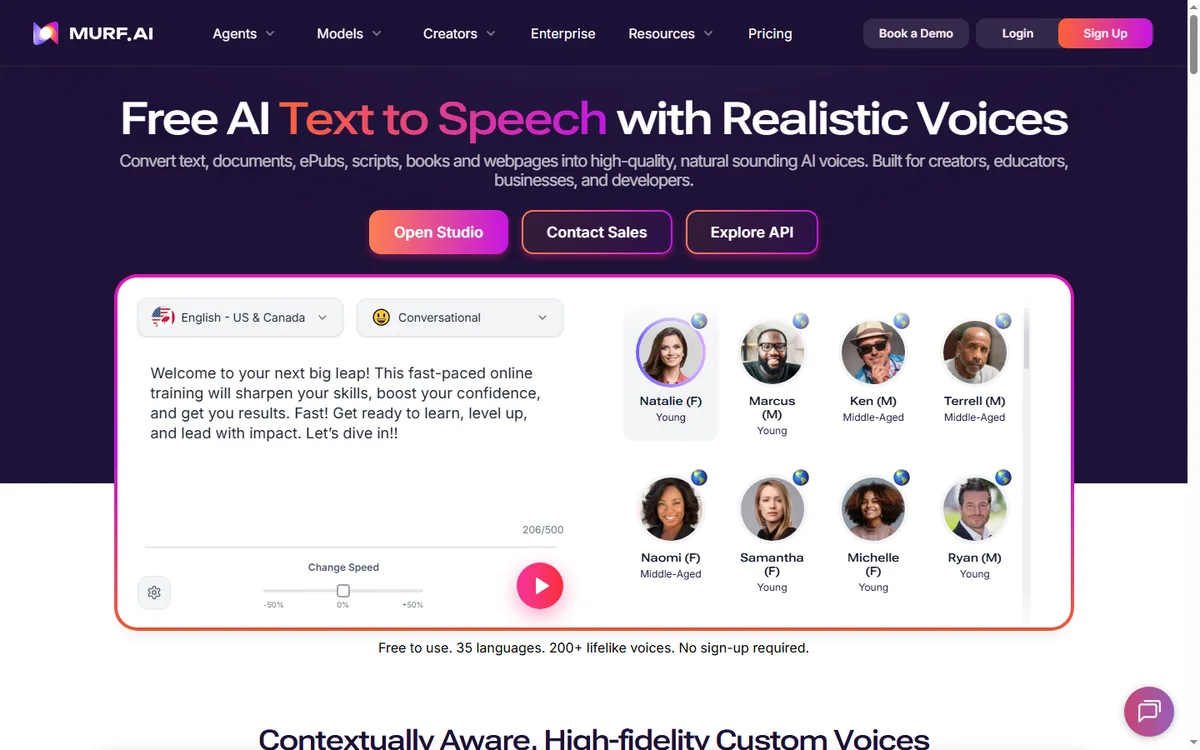
Other voice platforms compete on different strengths: some lead on raw realism for conversational speech, others on language coverage or price per character. Murf’s advantage is the balance of a strong voice library with an approachable studio, so it suits creators who want good results without deep audio expertise. If you need extremely emotive performance, test competitors side by side before deciding.
Best use cases
Murf shines for e-learning narration, explainer voiceovers, and consistent series where the same voice must appear across many pieces. It is also handy for quick ad reads and prototypes. It is less ideal for full conversational podcasts where human warmth carries the show.
Can I edit the audio after generating it?
Yes, you can adjust many elements in the studio, though very fine edits may need a separate audio editor.
Does it support multiple languages?
Yes, Murf covers many languages and accents. Check the official site for the current list.
Does it handle numbers and names well?
You can adjust pronunciation for tricky words, which matters for product names and figures. Test these before publishing.
Conclusion
Murf AI is a strong choice for creators and teams who need reliable narration at speed, with enough editing control to sound professional. It is less suited to highly emotive or conversational performance. Test voices in your language, check the usage limits carefully, and confirm licensing on the official site before you commit.
Explore more Course Platforms guides.
Explore more AI Tools guides.
Leave a Reply