Independent analysis. This page may contain affiliate links.
AI video tools have moved from novelty to utility. Marketing teams use them for explainers, trainers for lessons, and creators for constant output without a camera. This guide compares the best options by what they actually do well, because “AI video” covers several different jobs.
The three categories
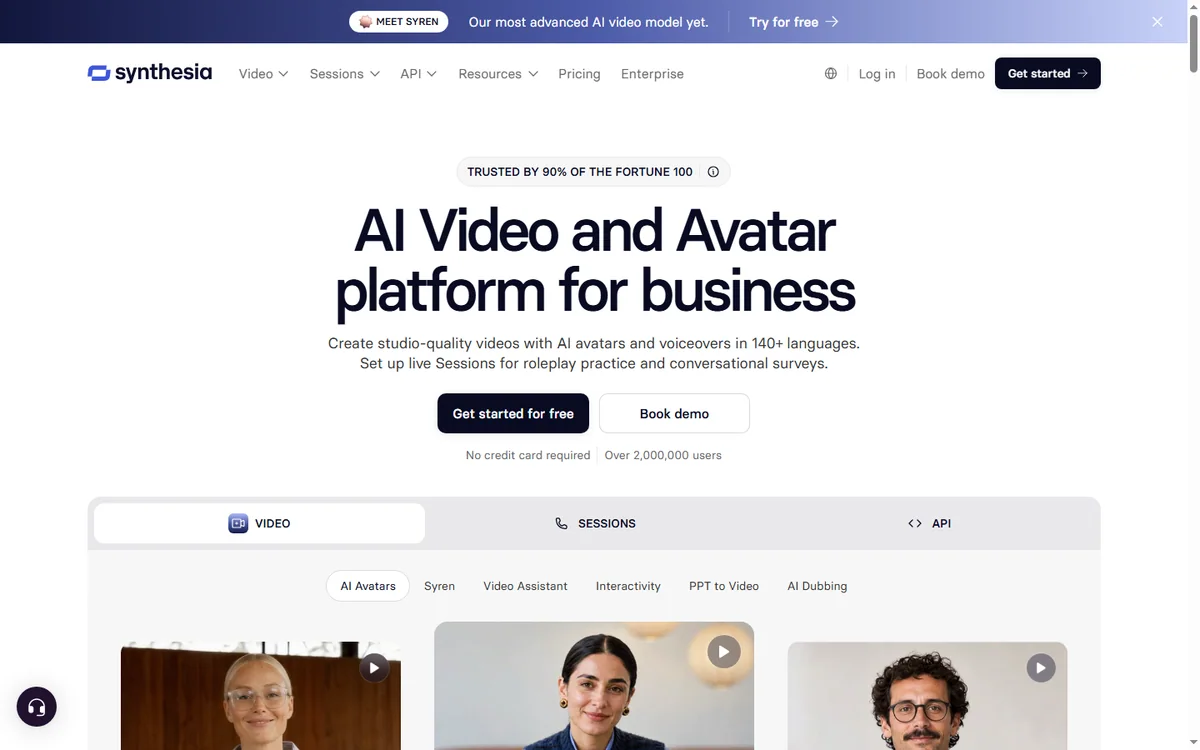
Before comparing brands, split the market. Avatar and presenter tools turn scripts into talking-head video. Editing tools use AI to cut, transcribe, and polish existing footage. Generative tools create or transform clips from text. Most buyers need one category far more than the others.
Avatar and presenter tools
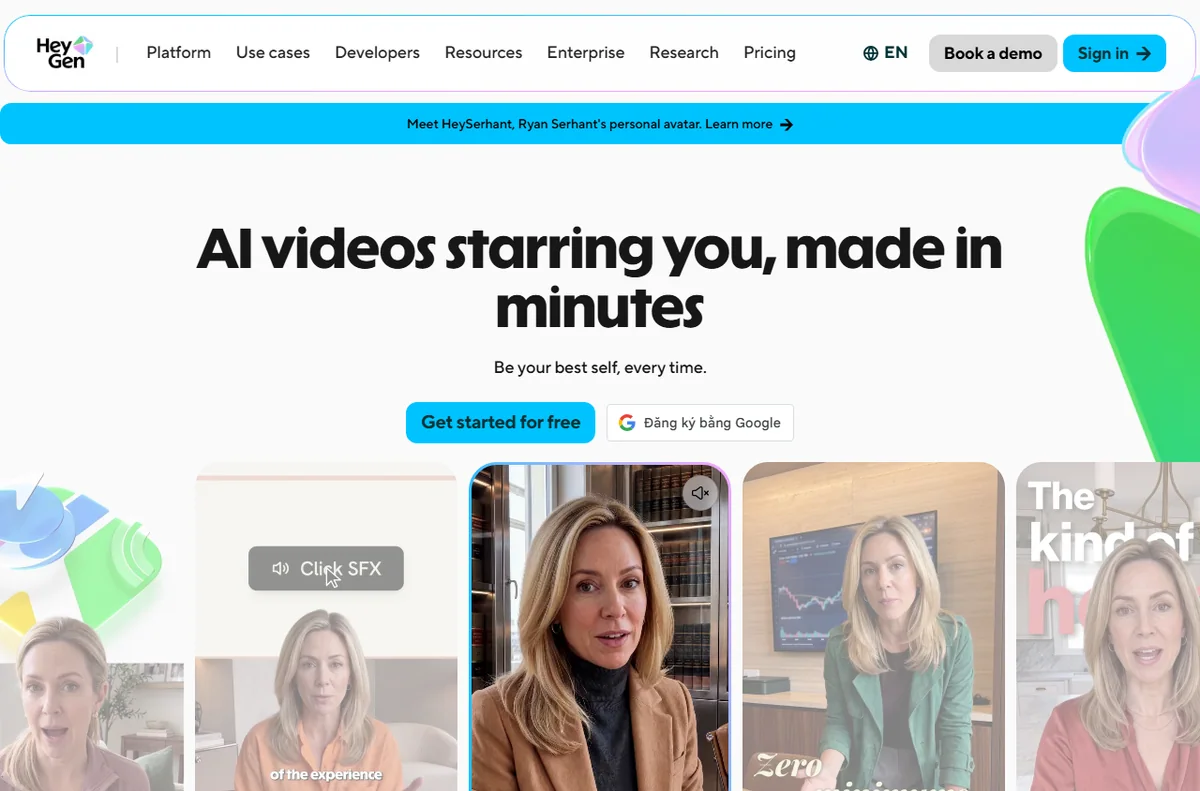
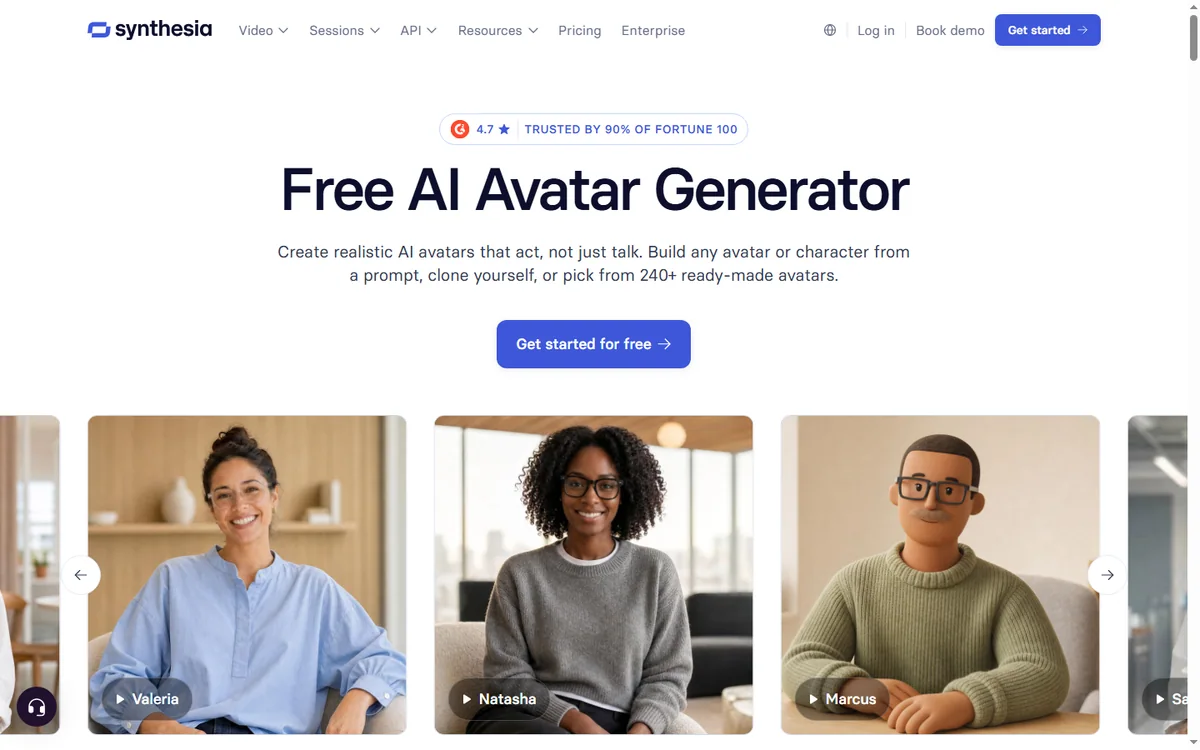
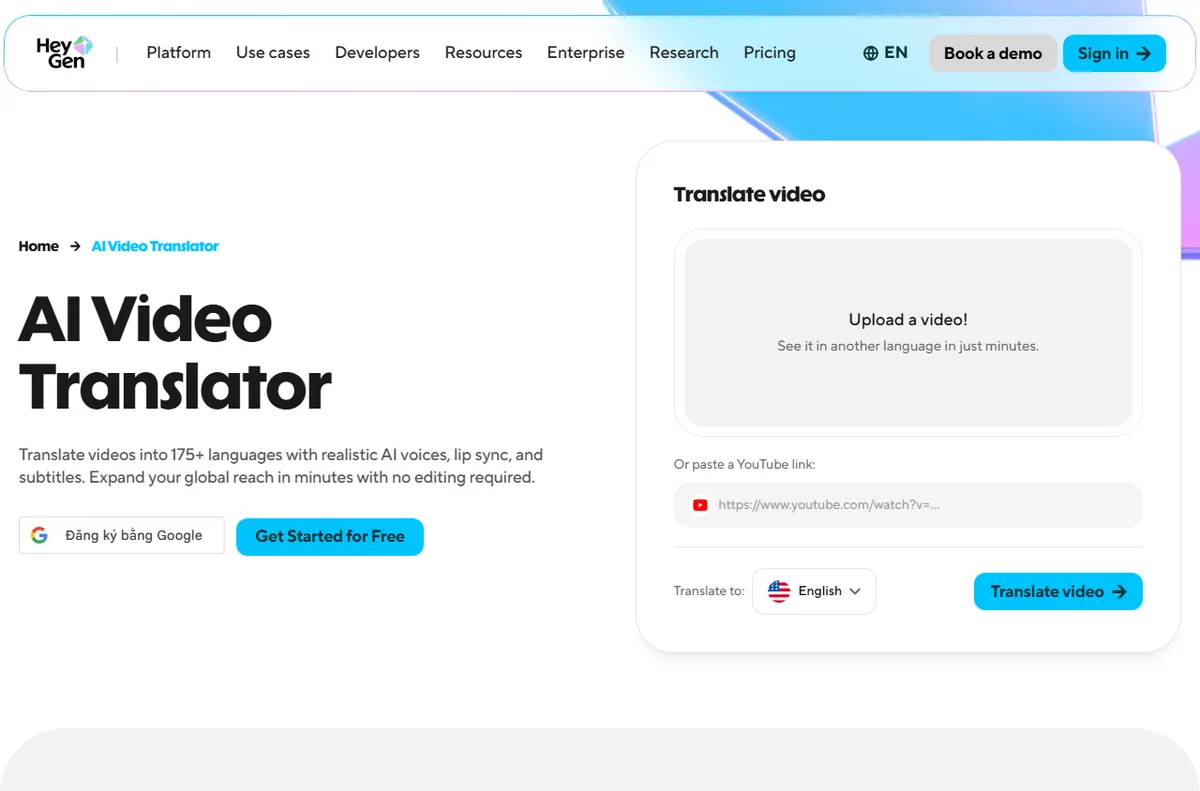
These are the workhorses for training and explainer content. Synthesia is the best known, with a large avatar library, broad language support, and a templated editor that non-editors can use. HeyGen competes closely, with strong avatar and translation features and a fast-moving feature set. Choose between them on avatar realism, language coverage, and how their pricing scales with minutes.

Editing and repurposing tools
If you already have footage, this is where the leverage is. OpusClip takes long recordings and finds short, postable highlights, which is ideal for turning webinars or podcasts into social clips. Descript takes a different angle, letting you edit video by editing a text transcript, and it folds in voice and studio features. Both save hours that used to go to manual cutting.
Creative and generative tools
Runway targets creative work: generating and transforming clips for ads, art, and effects. It is less about business explainers and more about visual experimentation. Buyers wanting polish and speed on marketing content may find avatar tools more practical, while designers will prefer the creative range here.
How to choose
- For training and explainers: an avatar tool like Synthesia or HeyGen.
- For repurposing long footage: OpusClip.
- For editing and transcription-led workflows: Descript.
- For creative and effects-heavy work: Runway.
Pricing caveats
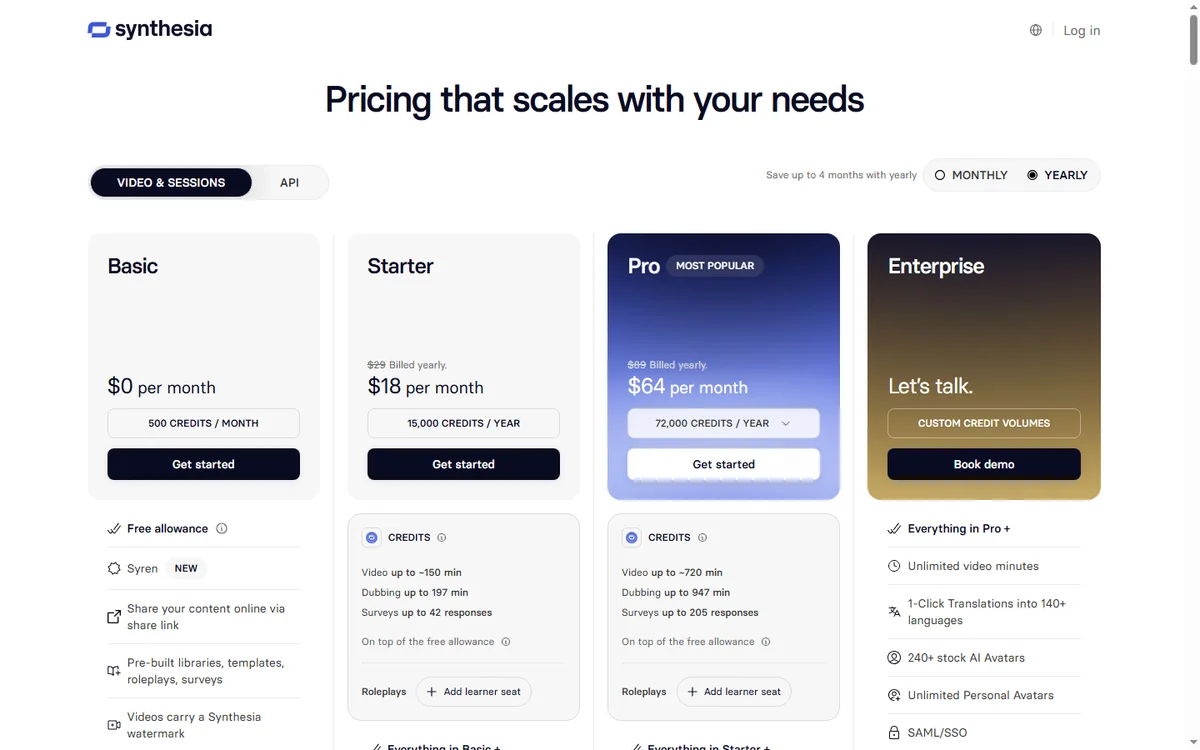
Almost every AI video tool prices on credits or minutes, and the headline plan rarely matches your real usage. Free tiers are great for testing but tight for production. Always check the official vendor pages for current allowances, overage rules, and commercial-use terms, because all of them change regularly.
Pros and cons of AI video
Pros
- Dramatically faster than filming and editing.
- Cheap updates when content changes.
- Consistent output across many videos.
- Multilingual reach without new shoots.
Cons
- Quality still trails high-end human production.
- Subscription and credit maths can mislead buyers.
- Results look generic if used without care.
FAQ
Which AI video tool is best overall?
There is no single winner. Match the tool to the job: avatar tools for training, repurposing tools for clips, creative tools for effects.
Can I use AI video commercially?
Usually yes on paid plans, but check each vendor’s licence.
Do these tools replace editors?
For simple, repeatable content, often yes. For complex projects they speed editors up rather than replace them.
Are free plans enough?
They are enough to test, rarely enough to publish consistently.
Which is cheapest?
It depends on minutes or credits used. Compare based on your real monthly output.
What these tools cost in practice
Entry plans look cheap, but credits and minute limits are consumed faster than most buyers expect, especially when you revise. A ten-minute training video can eat a meaningful share of a starter allowance once you re-render a few versions. Before subscribing, estimate your monthly output honestly, add a revision buffer, and compare the next tier up, because the true cost is the plan you actually need, not the one advertised at the lowest price.
Use cases by role
Trainers get the most from avatar tools, since lessons change often and non-editors can update them. Marketers benefit most from repurposing tools, turning one long recording into a week of social clips. Product teams like short generated walkthroughs for releases. Designers and brands reach for generative tools for effects and concepts. Pick the category first, then the brand.
Do I need multiple AI video tools?
Many teams end up with two: an avatar tool for training and a repurposing tool for social. That combination covers most needs.
Will AI video look obviously artificial?
For explainers and training it is usually fine. For brand storytelling, blend it with real footage.
Conclusion
AI video is now a practical part of a content stack, not a gimmick. The right choice depends on whether you need a presenter, an editor, or a generator. Test two tools against one real project, watch how their pricing behaves at your volume, and pick the one whose workflow you will actually keep using.
Explore more AI Tools guides.
Leave a Reply