Independent analysis. This page may contain affiliate links.
Elegant Themes Divi Review: A Flexible WordPress Builder
Divi is one of the most widely used WordPress themes and page builders, sold by Elegant Themes as part of a single membership. It targets designers, freelancers, and agencies who want visual control over layouts without writing code.
This review covers what Divi does well, where it falls short, and who should consider it over alternatives such as Elementor or the native WordPress block editor.
Quick comparison table
| Option | Best for | Starting price |
|---|---|---|
| Divi (Elegant Themes) | Visual site building and agencies | $89 per year or $249 lifetime |
| Elementor | Drag-and-drop page building | Free; Pro from $59 per year |
| Beaver Builder | Lightweight page building | From $99 per year |
| Bricks | Developer-friendly visual building | From $79 per year |
| Gutenberg (WordPress core) | Core content editing | Free |

What Divi is and who makes it
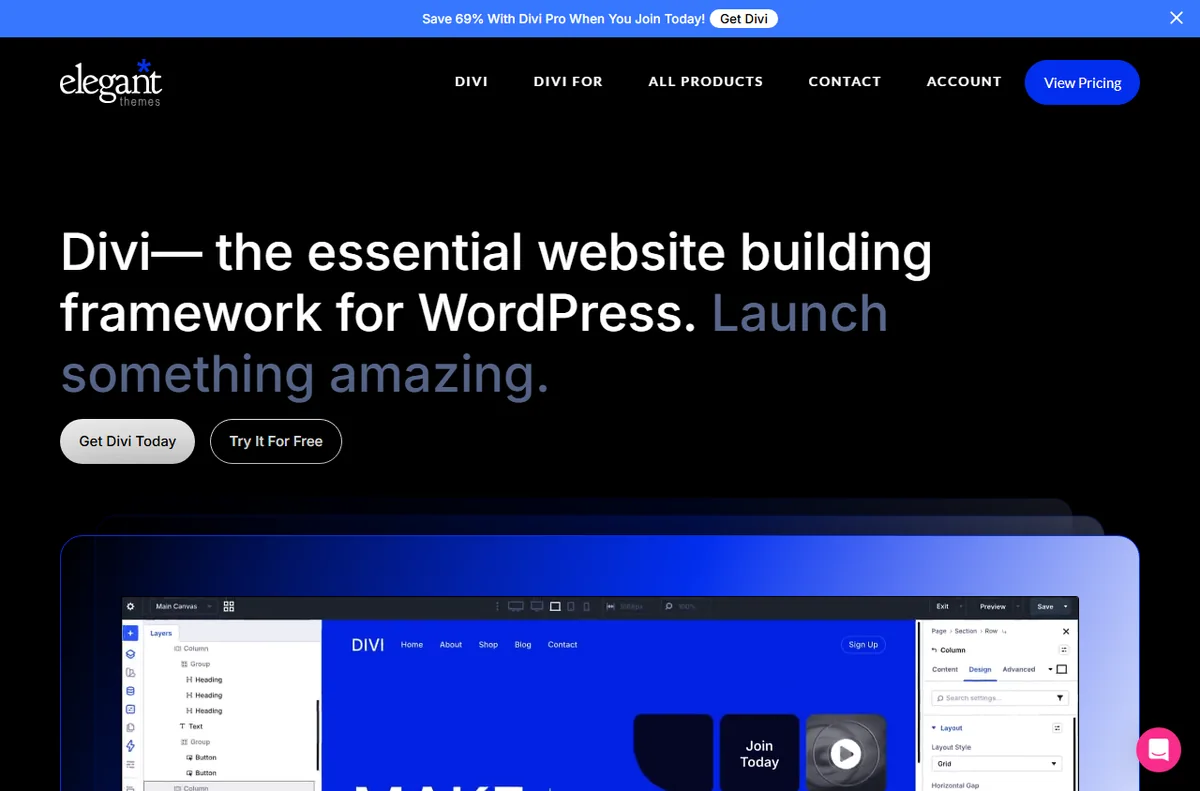
Divi is both a WordPress theme and the Divi Builder, a visual editor that lets you assemble pages from modules, rows, and sections. Elegant Themes sells it as part of a membership that also includes the Extra theme and the Bloom and Monarch plugins.
The pitch is breadth: one subscription covers unlimited websites, which is why many agencies standardize on it for client work.
The Divi Builder and the visual editor
The builder works with a live visual canvas rather than the block editor’s list view. You drag modules such as text, images, buttons, and pricing tables onto the page and style them with controls for spacing, typography, and effects.
Global elements let you update a header, footer, or button style once and push it everywhere. That saves time on large sites, though complex layouts can become slow to edit as pages grow.

Templates, layouts, and the Divi Library
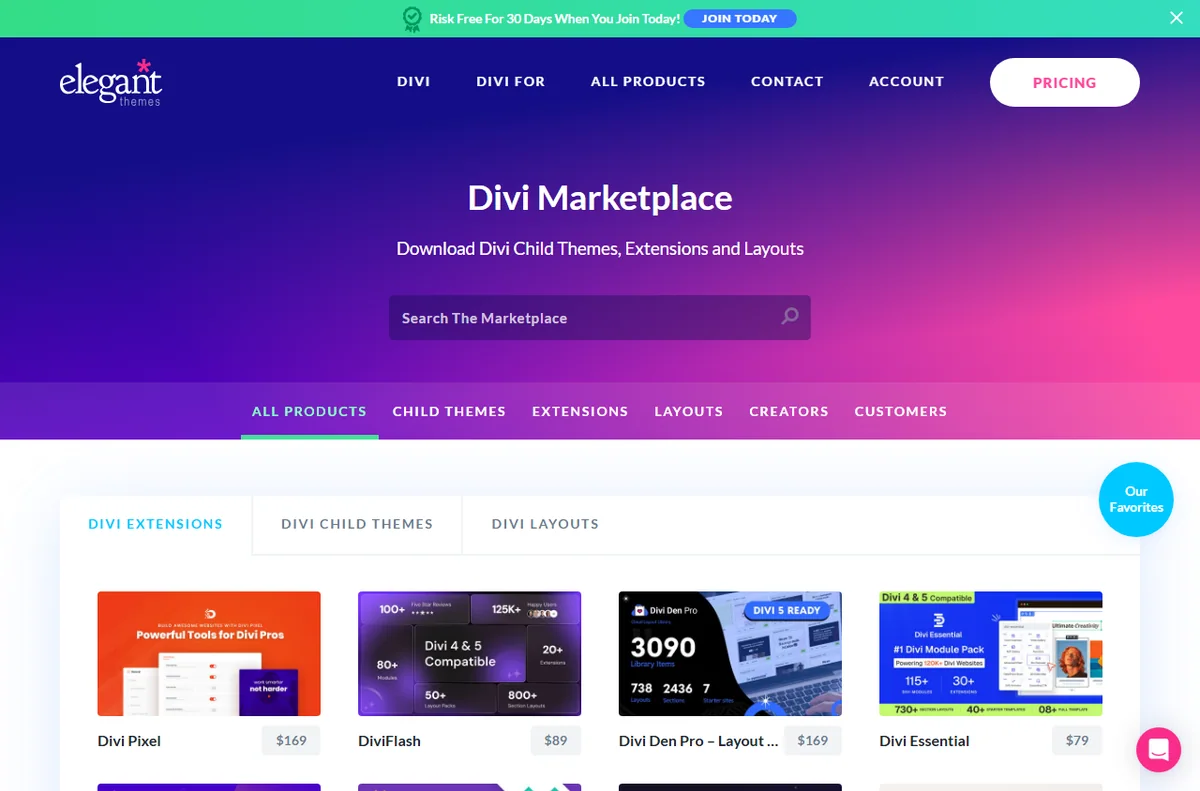
Divi ships with prebuilt layouts and a library of starter packs you can import and adapt. You can also save your own designs to the library and reuse them across sites in your membership.
On top of templates, the Divi Cloud feature stores your saved layouts so you can pull them into any site you manage, which is handy for freelancers juggling multiple projects.
Performance, SEO, and Core Web Vitals
Divi has improved its performance in recent versions, adding options to load CSS and scripts more efficiently. Even so, heavy module use and large images can bloat the front end and slow pages.
For SEO, pair Divi with caching, image optimization, and a CDN, and enable the built-in performance settings. The theme itself does not prevent good Core Web Vitals; careless layouts do.
Pricing and licensing
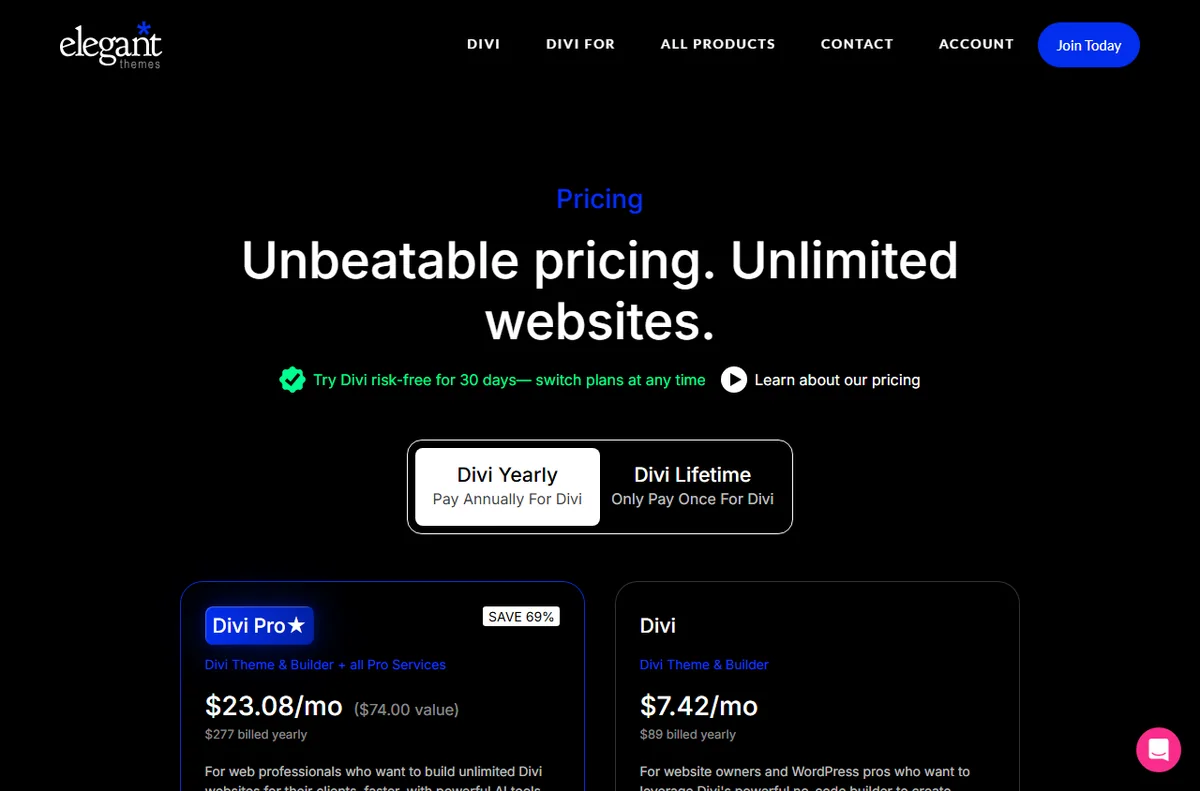
Elegant Themes sells an annual membership at $89 per year or a lifetime license at $249. Both include the Divi theme, the builder, Extra, Bloom, and Monarch, and the standard membership covers unlimited websites.
That flat pricing is the main draw: unlike many competitors that charge per site or tier features, Divi is one purchase for your whole portfolio. Check the site for current promotions before buying.
Support, updates, and community
The membership includes documentation, tutorials, and support, plus frequent updates. Divi also has a large community with tutorials, child themes, and third-party layouts.
Support quality is broadly regarded as solid, though response times vary. The bigger advantage is the volume of external guides, which makes it easy to find answers to common problems.
Divi versus Elementor and Gutenberg
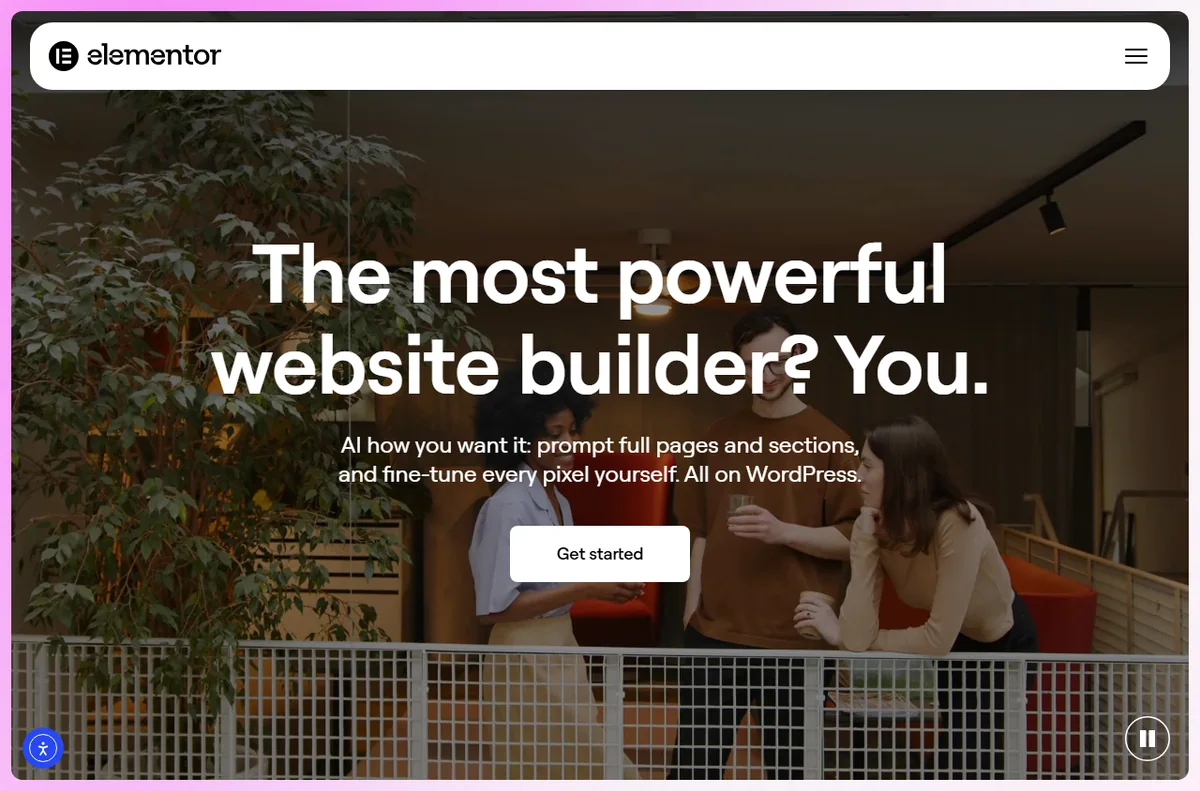
Elementor is the closest competitor and offers a similar visual workflow with a large free tier. Gutenberg is lighter and native to WordPress but less flexible for complex designs without add-ons.
Choose Divi if you value unlimited-site licensing and a mature template ecosystem. Choose Elementor if you want a strong free starting point. Choose Gutenberg if you prioritize simplicity and performance over visual control.
Pros
- One membership covers the theme, builder, and plugins for unlimited sites
- Large template library and a well-supported community
- No coding required for complex layouts
- Regular updates and a long track record
Cons
- Heavy layouts can hurt page speed without optimization
- Shortcode-based content can make switching builders difficult
- The visual editor has a learning curve for beginners
Frequently asked questions
Is Divi good for SEO?
Yes, with care. Divi outputs through WordPress, but heavy layouts and modules can add CSS and JavaScript that slow pages. Use caching, image optimization, and a CDN to keep Core Web Vitals healthy.
Is Divi a theme or a page builder?
It is both. Divi is a WordPress theme plus the Divi Builder, and the builder can also be used with other themes. The Elegant Themes membership includes the theme, the builder, and additional plugins.
How much does Divi cost?
Elegant Themes sells an annual membership at $89 per year or a lifetime license at $249, which includes the Divi theme, the builder, Extra, Bloom, and Monarch. Check the site for current promotions.
Can I use Divi on client sites?
Yes. The standard membership covers unlimited websites, which is why agencies often standardize on Divi. Confirm the current license terms before reselling or bundling it as part of a paid service.
Verdict
Divi remains a strong choice for designers and agencies who want one license covering many sites and a deep template library. Its trade-offs are page weight and lock-in. If you value flexibility and template volume over absolute lightness, Divi earns its place; if performance and simplicity come first, compare it against Elementor and Gutenberg before committing.
Read more: Elementor review · best hosting.