Home / Developer Tools / Guides / How to use Divi for a small business
Use case · developer tools · updated October 8, 2026
How to use Divi for a small business
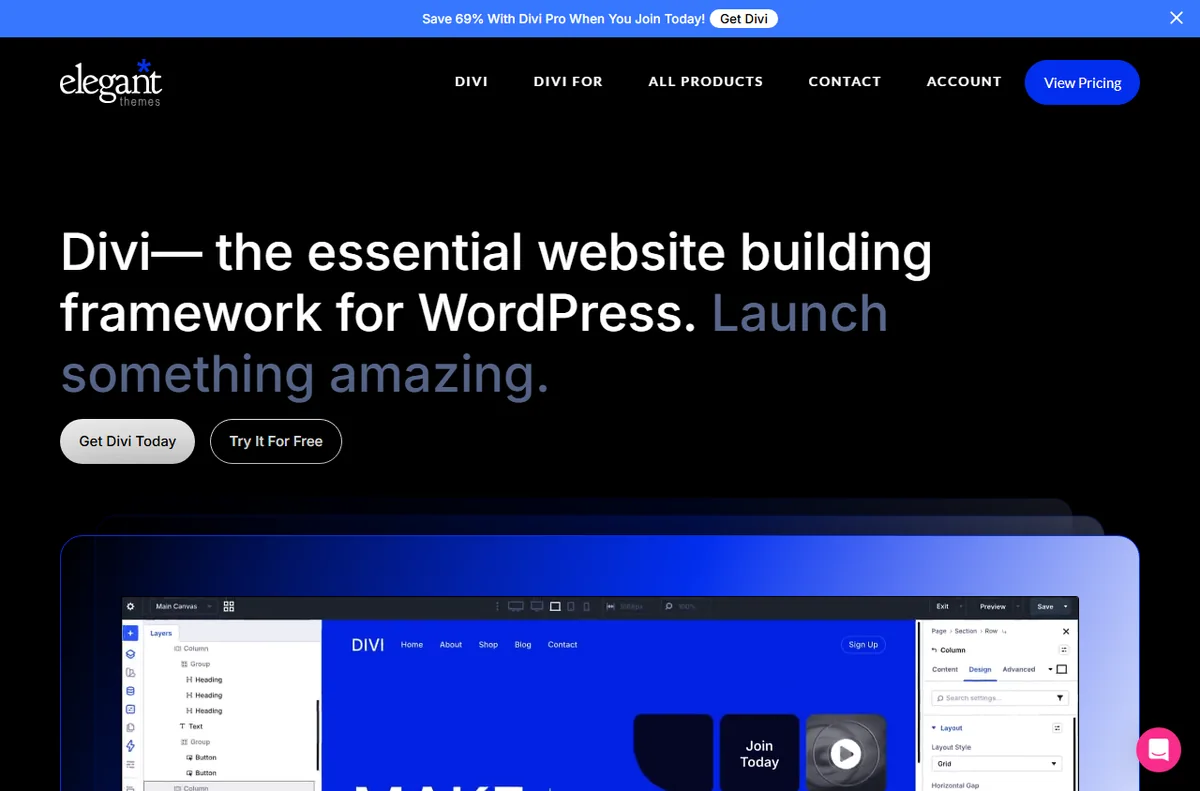
A small business rarely needs a sprawling website. It needs a handful of pages that load quickly, look consistent and are easy to update without a developer on call. Divi is built for exactly that middle ground between a rigid template and a custom build.
Independent analysis. This page may contain affiliate links. Some links here are referral links; if you sign up through one we may earn a reward at no extra cost to you, and it never changes what we recommend. We are an independent publisher and are not affiliated with, endorsed by, or an official partner of any tool mentioned. See our Affiliate Disclosure.
TL;DR
- Start from saved templates so every page shares a consistent structure.
- Keep one clear action per page instead of several competing buttons.
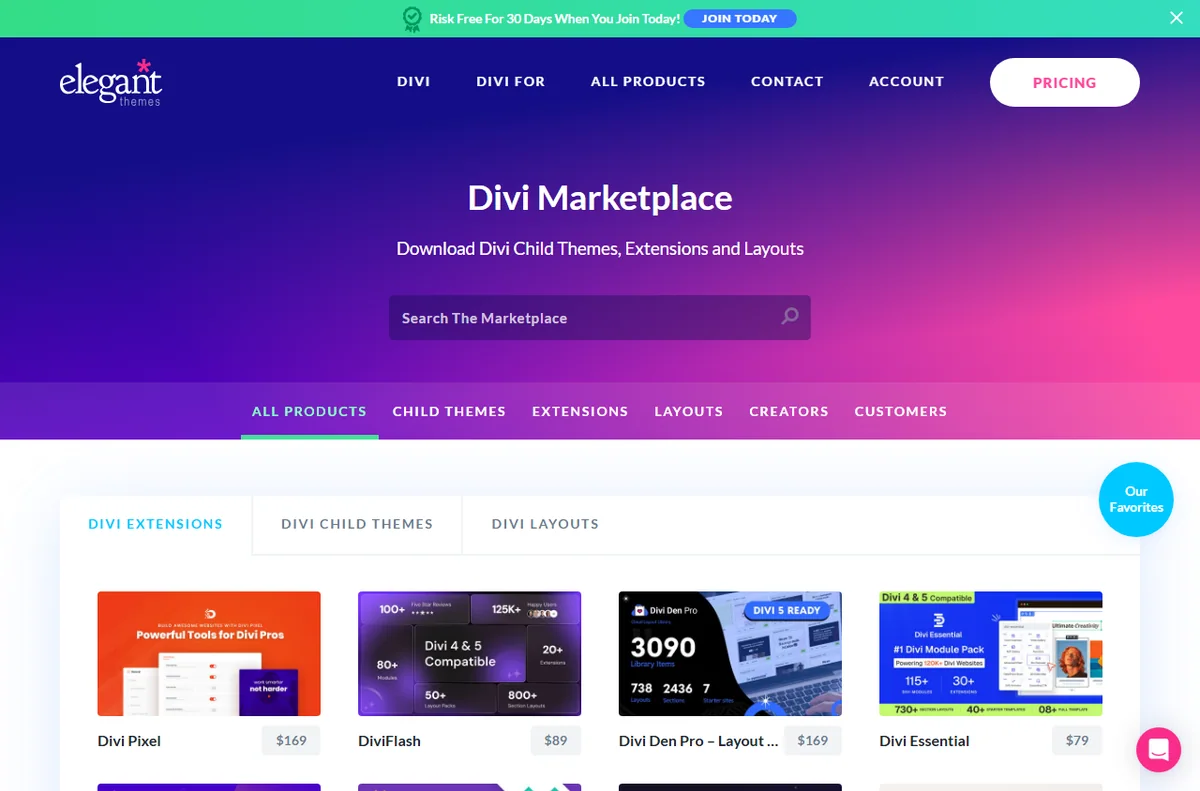
- Use the Divi library to reuse sections across campaigns and pages.
- Assign global headers, footers and post templates in the Theme Builder.
- Document your setup so anyone can edit pages later.
On this page: What this covers · What a small business needs · Getting the foundations right · Landing pages that do a job · Reusable layouts and the library · Theme Builder across the site · Maintenance and handover · Keeping effort and cost in check · Where this fits
What this covers
A small business rarely needs a sprawling website. It needs a handful of pages that work hard, look consistent and are quick to update.
This guide looks at how Divi fits that reality: where it saves time, where it needs discipline, and how to keep the site easy to maintain.

What a small business needs from a builder
Not every feature matters equally. These are the priorities that usually decide whether a builder earns its place.
| Priority Why it matters How Divi helps | ||
|---|---|---|
| Fast page creation | You need pages live without a long build cycle | Layout packs and the Visual Builder get a page up quickly |
| Consistency | Your brand should look the same everywhere | Global defaults and Theme Builder templates apply styling site-wide |
| Low maintenance | You may not have a full-time developer | Visual edits and a library reduce the need to touch code |
| Reuse | Similar pages should not be rebuilt each time | Saved sections can be dropped into new pages |
| Cost control | Budgets are tight | One licence covers design and layout without a stack of separate tools |

Getting the foundations right
Set your brand colours, fonts and button styles once, then leave them alone. Consistency is what makes a small site look considered rather than assembled.
Decide on a simple set of page types: home, a service or product page, about, and contact. Build each from a saved template so they share structure.
Landing pages that do a job
Most small business pages have one job: to get a call, a form fill or a purchase. Keep the primary action obvious on every page. One clear button beats five competing calls to action.
Build a reusable hero section and reuse it, changing only the headline and image. That keeps campaign pages quick to ship without losing consistency.

Reusable layouts and the library
Save the sections you like to the Divi library and give them clear names, such as Hero Services or CTA Contact.
A tidy library is the difference between a ten-minute page and an afternoon of rebuilding. It also makes it easy to reuse a layout across campaigns.
Theme Builder across the site
Assign a global header and footer so navigation and contact details stay consistent on every page.
Add templates for blog posts and archives if you publish content, so new posts inherit the right layout automatically.
Maintenance and handover
Document which template controls which part of the site. A short note saves time when a colleague or a freelancer edits a page later.
Keep a staging copy for larger changes and push them live once checked. It is far cheaper than fixing a live page in a hurry.
Keeping effort and cost in check
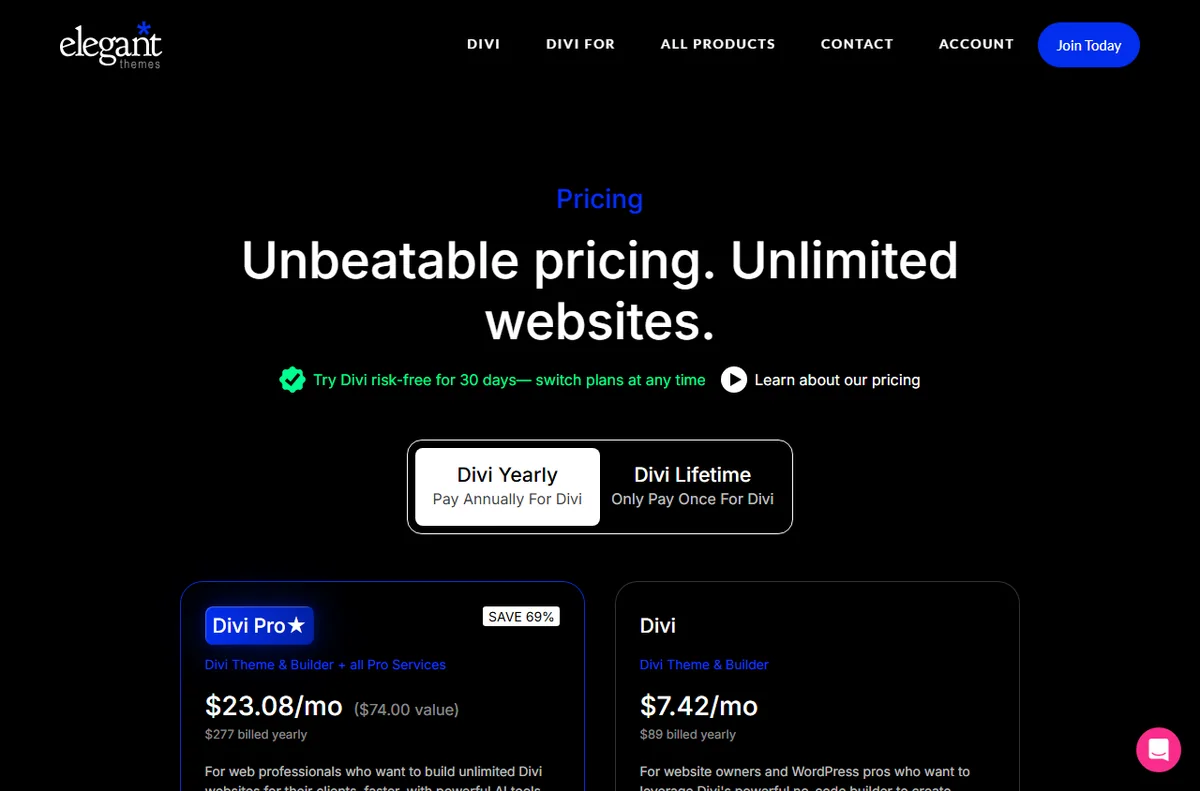
The main cost is your time plus the licence. Compare that with what a custom build would take. Check the official pricing page for current licence options.
Avoid buying add-ons you do not need. A focused setup is easier to maintain than a large stack of overlapping plugins.
Where this fits in your wider stack
For a fuller picture, read the independent Divi review and browse the developer tools hub. If you are filling gaps around the builder, see best WordPress plugins for small business, or step back and compare best website builders for small business.
Frequently asked
Is Divi a good fit for a small business site?
It suits teams that want visual control and consistency without a developer for every change. Large, highly custom projects may still need code.
Can I reuse one design across several pages?
Yes. Save sections and pages to the library and assign templates in the Theme Builder to apply styling site-wide.
Do I need extra plugins with Divi?
You can run a functional site without many. Add plugins only when a specific need, such as SEO or forms, is not already covered.
How do I know which licence to buy?
Licence tiers and site limits change. Check the official pricing page to match a plan to the number of sites you run.
Put Divi to work on your site
Review the current plans and what each licence covers.
Referral link — we may earn a reward if you sign up, at no extra cost to you. We are an independent publisher. See our Affiliate Disclosure.
Leave a Reply