
Home / Security & Privacy / Guides / What is PureVPN
Knowledge · security & privacy · updated October 9, 2026
What is PureVPN?
PureVPN is a virtual private network service that encrypts your connection and lets you browse as if you were in another location. This guide explains what it does, how its account and apps are organised, and what it is not.
Independent analysis. This page may contain affiliate links. If you sign up through a link on this page we may earn a reward at no extra cost to you, and it never changes what we recommend. We are an independent publisher and are not affiliated with, endorsed by, or an official partner of any tool mentioned. See our Affiliate Disclosure.
TL;DR
- PureVPN is a VPN service for encrypted, private browsing.
- It offers apps for the major platforms plus browser extensions.
- A single account covers a set number of devices at the same time.
- Plans and prices change, so check the current pricing before you commit.
- It is not an antivirus or a full security platform on its own.
On this page: What PureVPN is · How it is organised · What it is good at · What it is not · Concept cheat sheet · Where this fits
What PureVPN is
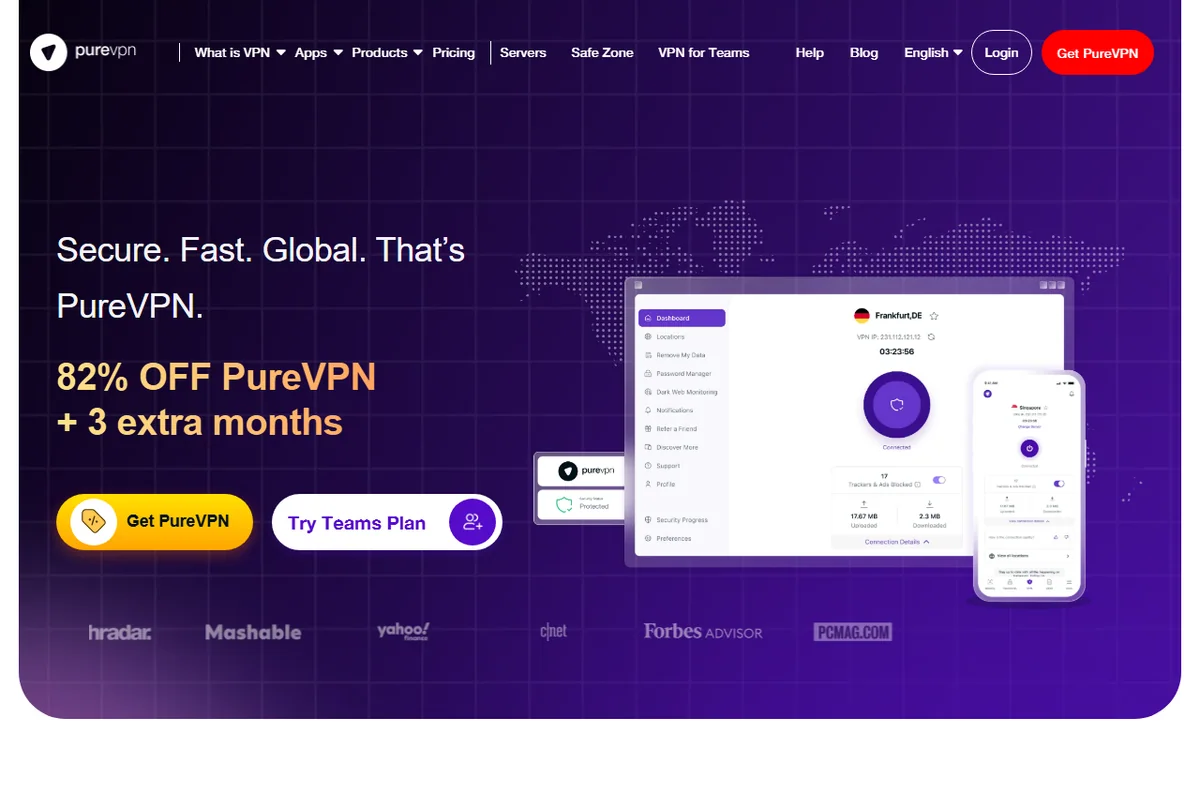
PureVPN is a subscription service rather than hardware. You install its app, sign in, and send your traffic through one of its servers so the sites you visit see the server’s address instead of your own.
The mechanism is a tunnel: your device connects to a PureVPN server over an encrypted link, and that server reaches the internet on your behalf. On a shared network, anyone watching sees encrypted traffic rather than your browsing.
On top of the tunnel the service bundles extras such as a tracker blocker, port forwarding on some plans, and options like a dedicated IP. These extend the tunnel rather than replace it.
How PureVPN is organised
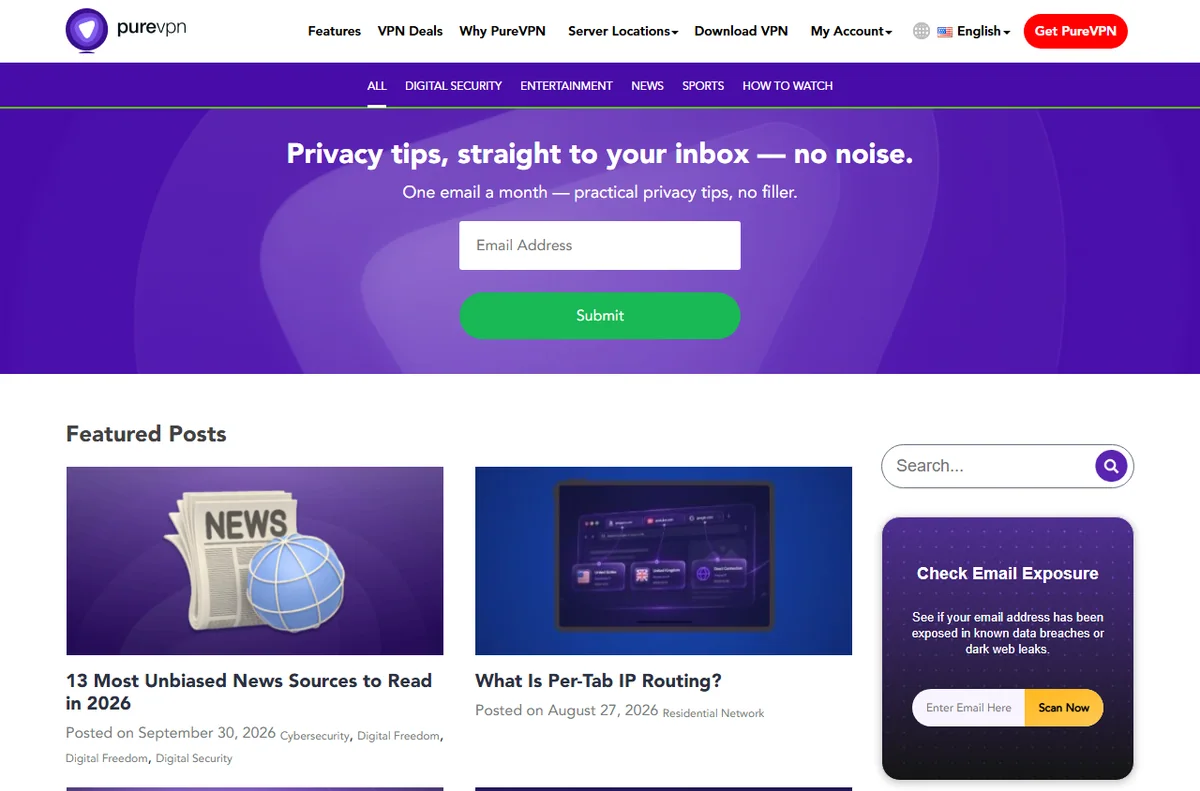
Everything is tied to one account. A subscription covers the apps, and the number of devices you can connect at once depends on the plan you choose.
The service is organised around server locations rather than feature tiers. You select a country or city in the app, and it connects you to a suitable server in that group.
The apps follow the same shape: a connect control, a location list, and settings for the kill switch, split tunnelling and the protocol. Browser extensions cover web traffic only.
What PureVPN is good at
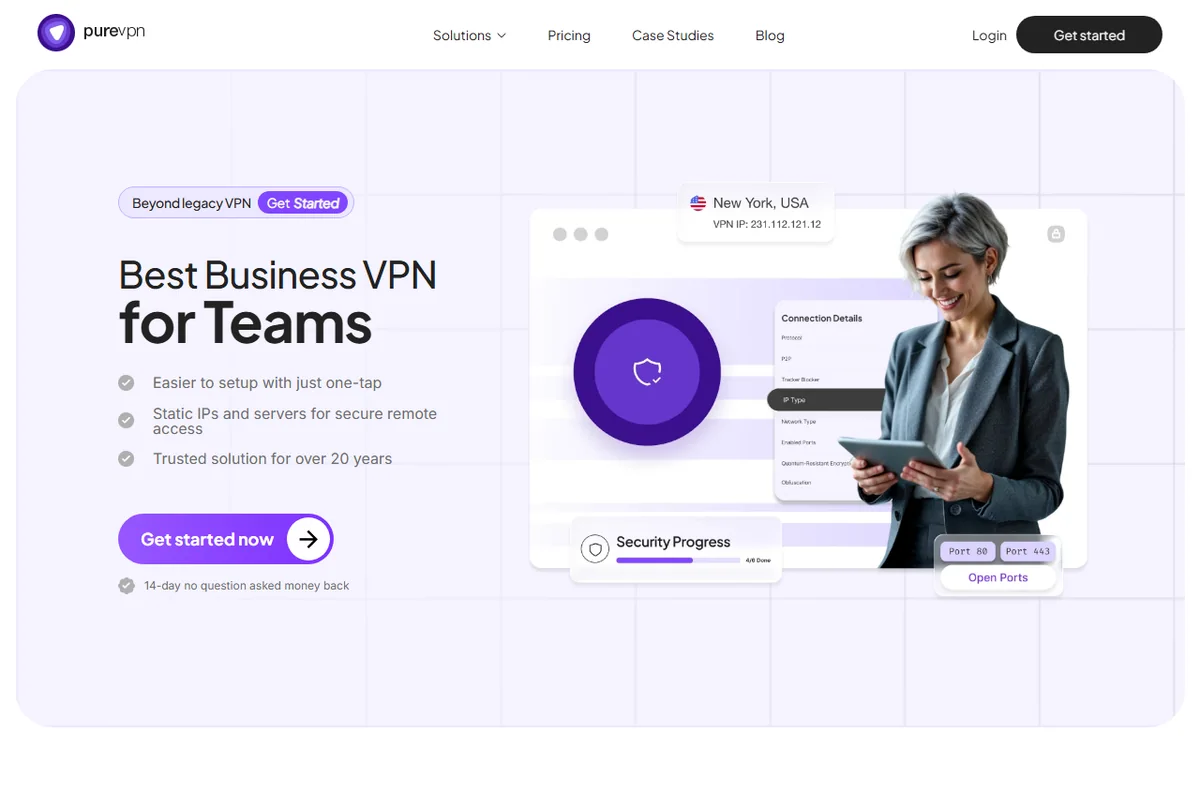
- Encrypting traffic on public Wi-Fi and other untrusted networks.
- Hiding your real IP address from the sites you visit.
- Covering several devices under one account.
- Choosing from a wide list of server locations.
- Adding a tracker blocker without a separate subscription.

What PureVPN is not
- Not an antivirus: it does not scan for or remove malware.
- Not true anonymity: you still sign in and pay, so the account is linked to you.
- Not a way to make unlawful activity safe or invisible.
- Not free at scale, so check the current pricing for the plan and term you need.
Concept cheat sheet
| Concept | Meaning | Why it matters |
|---|---|---|
| VPN tunnel | Encrypted link between your device and a server | Hides traffic from the local network |
| Server location | The country or city you appear to browse from | Changes the IP sites see |
| Kill switch | Cuts the connection if the tunnel drops | Stops traffic leaking in the clear |
| Split tunnelling | Sends chosen apps outside the tunnel | Useful for local services |
| Protocol | The rules the tunnel uses | Affects speed and reliability |
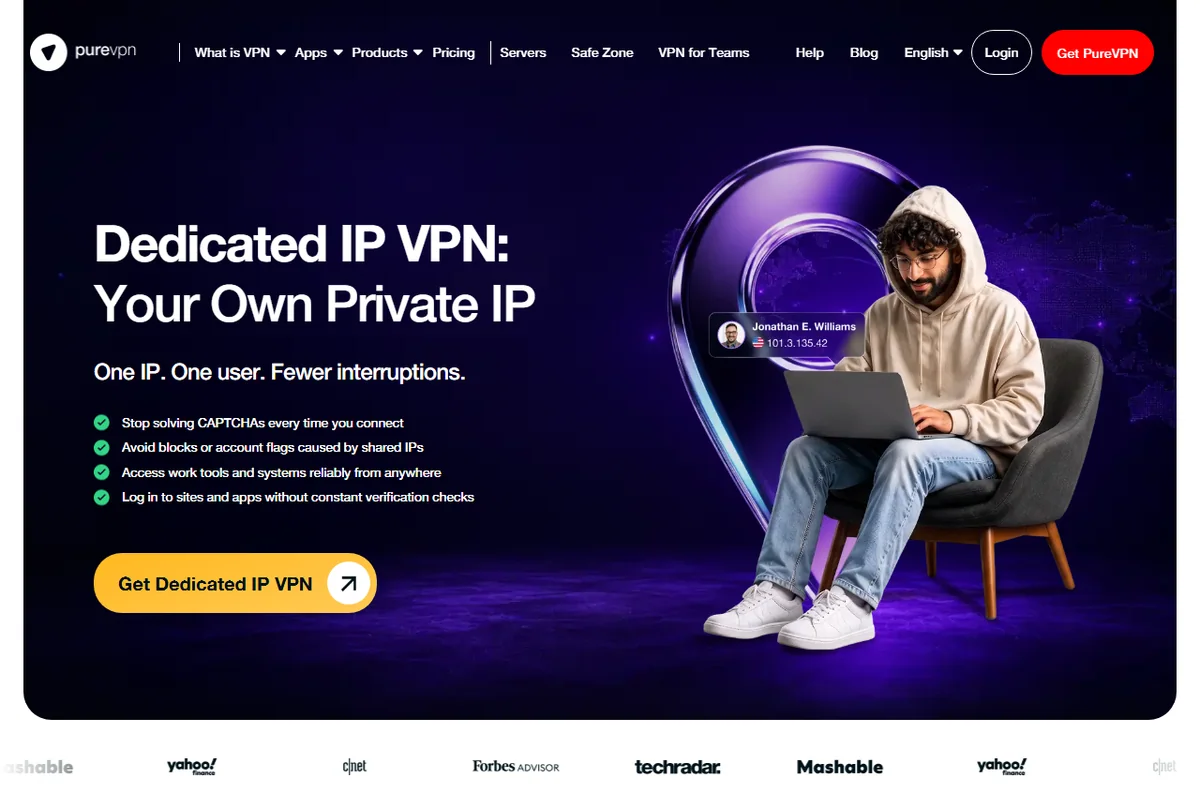
| Dedicated IP | An address reserved for you | Helps with services that block shared IPs |
Where this fits
Start with the security and privacy hub. For the practical steps see how to set up PureVPN, and for everyday usage read how to use PureVPN for a small business.

Frequently asked
Is PureVPN a VPN?
Yes. It is a subscription VPN service with apps for the main platforms and browser extensions.
How many devices can I use?
That depends on the plan. A single account covers a set number of devices at once, so check the current plan details.
Does it make me anonymous?
No. It hides your IP from the sites you visit, but you still pay and sign in, so the account is tied to you.
Will it slow my connection?
Encryption and distance add some overhead. A nearby server usually keeps the drop small.
Do I need it at home?
Not always. It is most useful on untrusted networks, while travelling, or when a tool is only available in another region.
Browse privately on any network
One account, several devices, encrypted traffic.
Some links on this page may be referral links — we may earn a reward if you sign up, at no extra cost to you. We are an independent publisher. See our Affiliate Disclosure.
Leave a Reply