
Home / Hosting / Guides / What is Kinsta
Knowledge · hosting · updated October 9, 2026
What is Kinsta?
Kinsta is a managed WordPress hosting provider that runs your site on Google Cloud and handles the server work for you. This guide explains what it does, how it is organised, and who it is built for.
Independent analysis. This page may contain affiliate links. If you sign up through a link on this page we may earn a reward at no extra cost to you, and it never changes what we recommend. We are an independent publisher and are not affiliated with, endorsed by, or an official partner of any tool mentioned. See our Affiliate Disclosure.
TL;DR
- Kinsta is managed WordPress hosting, not shared cPanel hosting.
- It runs sites on cloud infrastructure in a region you choose.
- You get a dashboard, staging, backups and a CDN rather than a raw server.
- Plans are priced by visits, storage and sites, so check the current pricing.
- It is not a general-purpose host for arbitrary apps you want to self-manage.
On this page: What Kinsta is · How it is organised · What it is good at · What it is not · Concept cheat sheet · Where this fits

What Kinsta is
Kinsta is a hosting company focused on WordPress. Instead of giving you a blank server to configure, it gives you a dashboard where you create a WordPress site, and it takes care of the operating system, caching and security underneath.
The trade-off is deliberate: you get an environment tuned for WordPress, and in return you work within the way the platform is designed rather than installing whatever you like on the server.
Because it is managed, your day-to-day job is content and configuration, not patching a server or tuning a stack yourself.
How Kinsta is organised
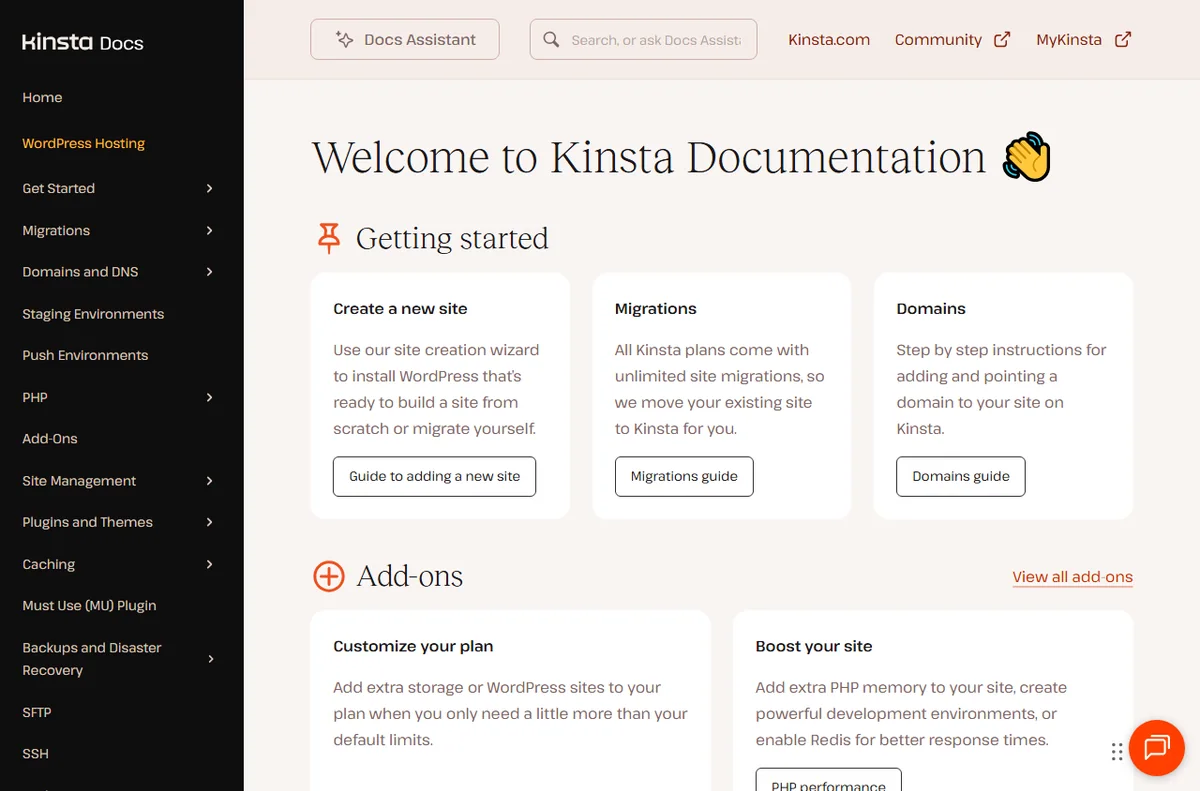
Everything hangs off a site. A site is one WordPress install, and each site can have environments such as live and staging.
Hosting plans set the limits you work within, including how many sites and how much storage and traffic you get. When you grow, you change the plan rather than the architecture.
Supporting tools are built in: a content delivery network, backups, and a dashboard that shows visits, bandwidth and errors for each site.
What Kinsta is good at
- Running WordPress sites without managing a server.
- Using staging to test changes before they go live.
- Getting caching, a CDN and backups without extra setup.
- Scaling a site without migrating to a different kind of host yourself.

What Kinsta is not
- Not shared hosting, and not the cheapest option per site.
- Not a place to install arbitrary server software outside WordPress.
- Not free of limits: plans cap visits, storage and the number of sites.
- Not a fit if you want full control of the underlying server.
Concept cheat sheet
| Concept | Meaning | Why it matters |
|---|---|---|
| Site | One WordPress install | The unit you host and manage |
| Environment | A copy such as live or staging | Lets you test changes safely |
| Plan | The limits you are billed on | Sets sites, storage and visits |
| CDN | A network that serves your files | Speeds up pages worldwide |
| Backup | A restorable copy of the site | Your safety net |

Where this fits
Start with the hosting hub and the independent Kinsta review. For the practical steps see how to set up Kinsta, and for everyday usage read how to use Kinsta for a small business. If you are still choosing, compare with how to choose web hosting and Kinsta vs Hostinger.

Frequently asked
Is Kinsta only for WordPress?
Yes, it is WordPress-focused managed hosting. It is not aimed at arbitrary applications you want to run and maintain yourself.
Do I need to manage the server?
No. That is the point of managed hosting; the platform handles the operating system, caching and security for you.
Does Kinsta include a CDN?
It provides a content delivery network as part of the platform. Check the current features and pricing on Kinsta’s own page, since these change over time.
Can I test changes before going live?
Yes. Staging environments let you try updates and design changes on a copy before you push them to the live site.
Is Kinsta good for a small business?
It suits businesses that value managed performance and support. If you want the lowest possible cost, a shared host may fit better.
Put your WordPress site on managed hosting
A managed platform with staging, CDN and backups.
Some links on this page may be referral links — we may earn a reward if you sign up, at no extra cost to you. We are an independent publisher. See our Affiliate Disclosure.
Leave a Reply