We’re reader-supported — some links are affiliate links. Learn more →

Skip to content

Independent software research. Some links may earn us a commission at no extra cost to you. Learn more →

ICode

Tag: small-business

  • Semrush alternatives: 3 options compared (2026)

    Semrush alternatives: 3 options compared (2026)

    Home / SEO Tools / Guides / Semrush alternatives

    Alternatives · SEO Tools · updated 2026

    Semrush alternatives: 3 options compared (2026)

    Looking for a Semrush alternative? Here are the strongest seo tools options, why you might switch, and what changes.
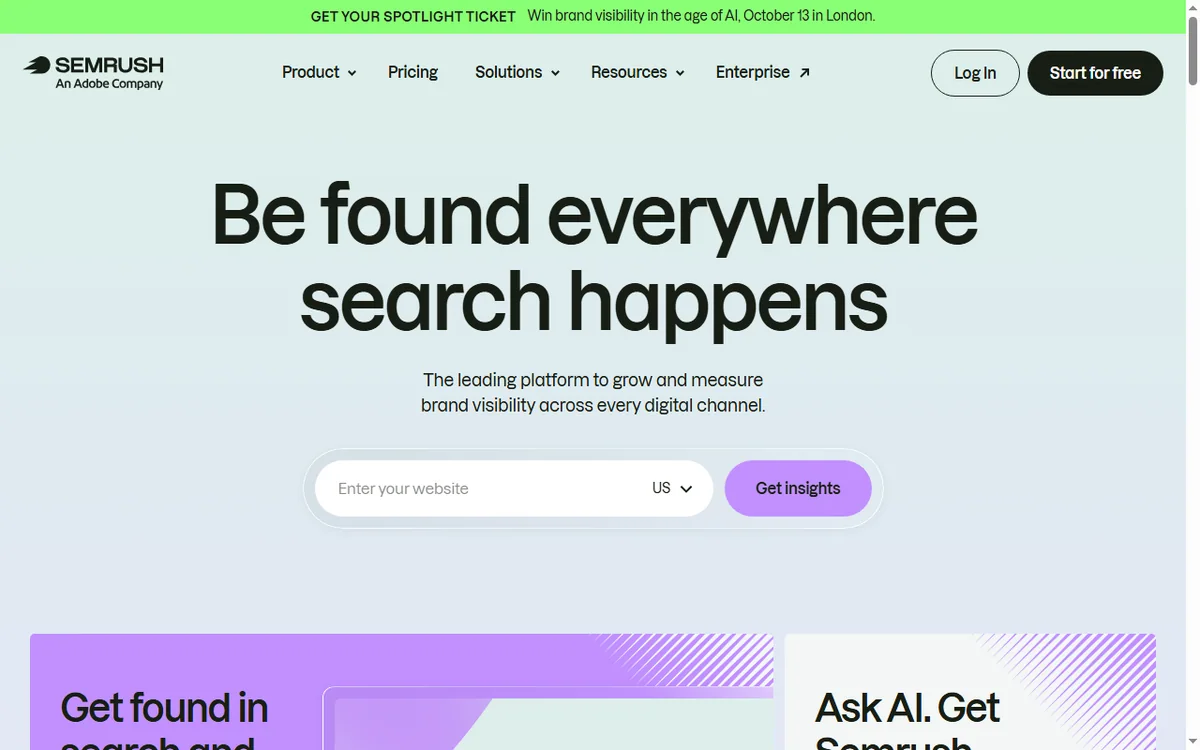
    Semrush screenshot
    Semrush official site (image: semrush.com)

    Independent analysis. This page may contain affiliate links. Some links here are referral links; if you sign up through one we may earn a reward at no extra cost to you, and it never changes what we recommend. See our Affiliate Disclosure.
    TL;DR

    • Mangools — solo SEOs and bloggers on a budget.
    • Wincher — bloggers tracking a few keywords.
    • Surfer SEO — content teams optimising articles.

    Why people look for a Semrush alternative

    • Higher price
    • A steep learning curve
    • Tier limits on usage

    Top alternatives

    1. Mangools

    Budget keyword research with five focused tools.

    • Affordable for the feature set
    • KWFinder keyword difficulty scores
    • A clean, friendly UI

    Read the Mangools review.

    2. Wincher

    Simple rank tracking for a small keyword set.

    • Easy rank tracking
    • Affordable tiers
    • Clear reporting

    Read the Wincher review.

    3. Surfer SEO

    Content optimisation and SEO writing assistant.

    • A content editor with scoring
    • SERP analysis
    • Great for writers

    Read the Surfer SEO review.

    Alternatives compared

    ToolStarting priceFree planBest for
    SemrushFrom about $139.95/moNoteams using several SEO jobs in one place
    MangoolsFrom about $29/moNosolo SEOs and bloggers on a budget
    WincherFrom about $10/moNobloggers tracking a few keywords
    Surfer SEOFrom about $79/moNocontent teams optimising articles

    How to switch

    • Export your data from Semrush first (lists, contacts, content).
    • Run the alternative in parallel for one project before you commit.
    • Recreate only the automations and templates you actually use.
    • Cancel Semrush after the new tool is proven, not before.

    Ready to try Mangools? Check current plans and pricing on the official site. Visit Mangools → (affiliate link)

    Frequently asked questions

    What is the best Semrush alternative?

    For many seo tools users, Mangools is the strongest pick because it affordable for the feature set.

    Is there a cheaper alternative to Semrush?

    Yes — Mangools, Wincher, Surfer SEO all start lower on published pricing. Compare the renewal rates.

    Can I migrate my data from Semrush?

    Most tools offer CSV exports and imports. Export first, then recreate only what you still use.

    Related reading

  • Best Automation software for course creators in 2026

    Best Automation software for course creators in 2026

    Home / Automation / Guides / Automation software for course creators

    Roundup · Automation · updated 2026

    Best Automation software for course creators in 2026

    If you are course creators, these are the automation tools worth your time, what each does best, and how to choose without overspending.

    Independent analysis. This page may contain affiliate links. Some links here are referral links; if you sign up through one we may earn a reward at no extra cost to you, and it never changes what we recommend. See our Affiliate Disclosure.

    TL;DR

    • 1. Make — teams that want visual control over complex workflows.
    • 2. Zapier — beginners connecting two apps quickly.
    • 3. n8n — technical teams that want control and privacy.
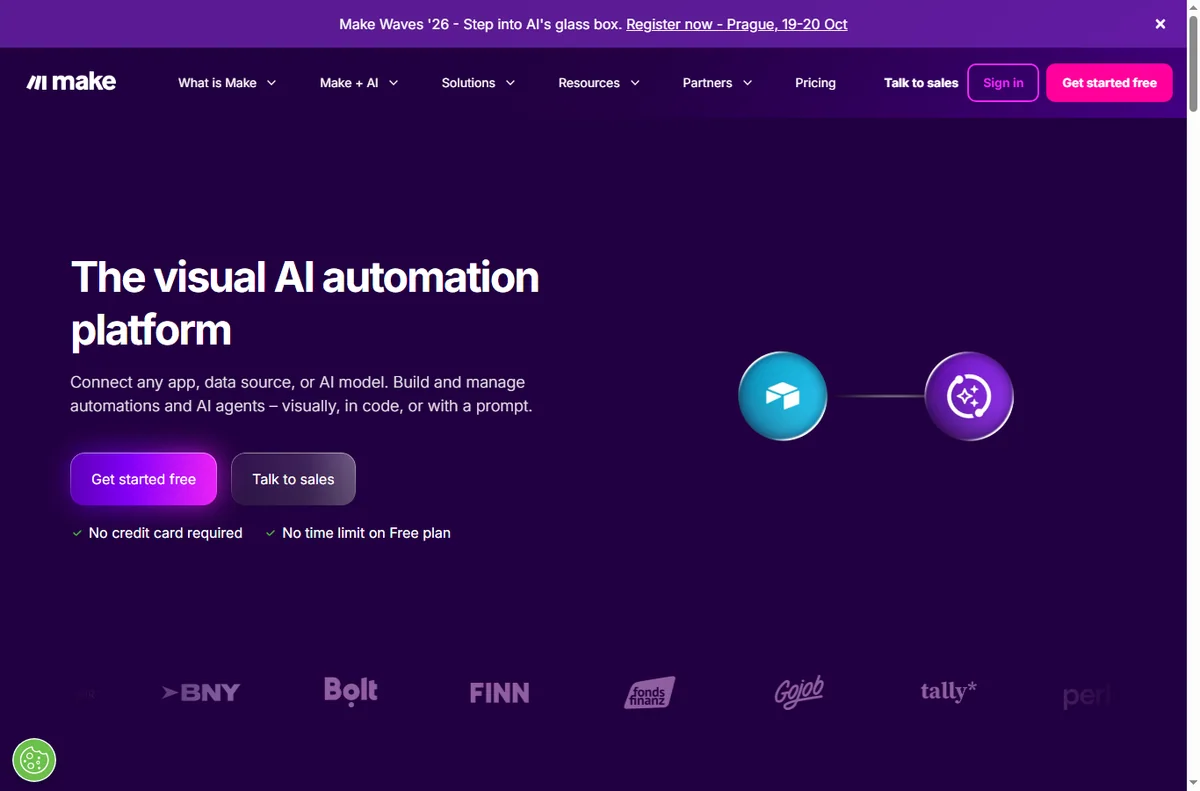
    Make homepage with a visual no-code automation canvas
    Make automation canvas (image: make.com)

    How we picked

    We weighed price against everyday usefulness, looked at how steep each tool is to learn, and checked how well it fits course creators. We favour tools with clear pricing, a sensible entry plan, and room to grow.

    Make template gallery of ready-made automation scenarios
    Make templates (image: make.com)

    1. Make

    Visual, no-code automation for multi-step workflows.

    • Drag-and-drop scenario builder
    • Large app library plus HTTP and webhook modules
    • Cheaper than rivals at high operation counts

    Best for: teams that want visual control over complex workflows. Read the Make review.

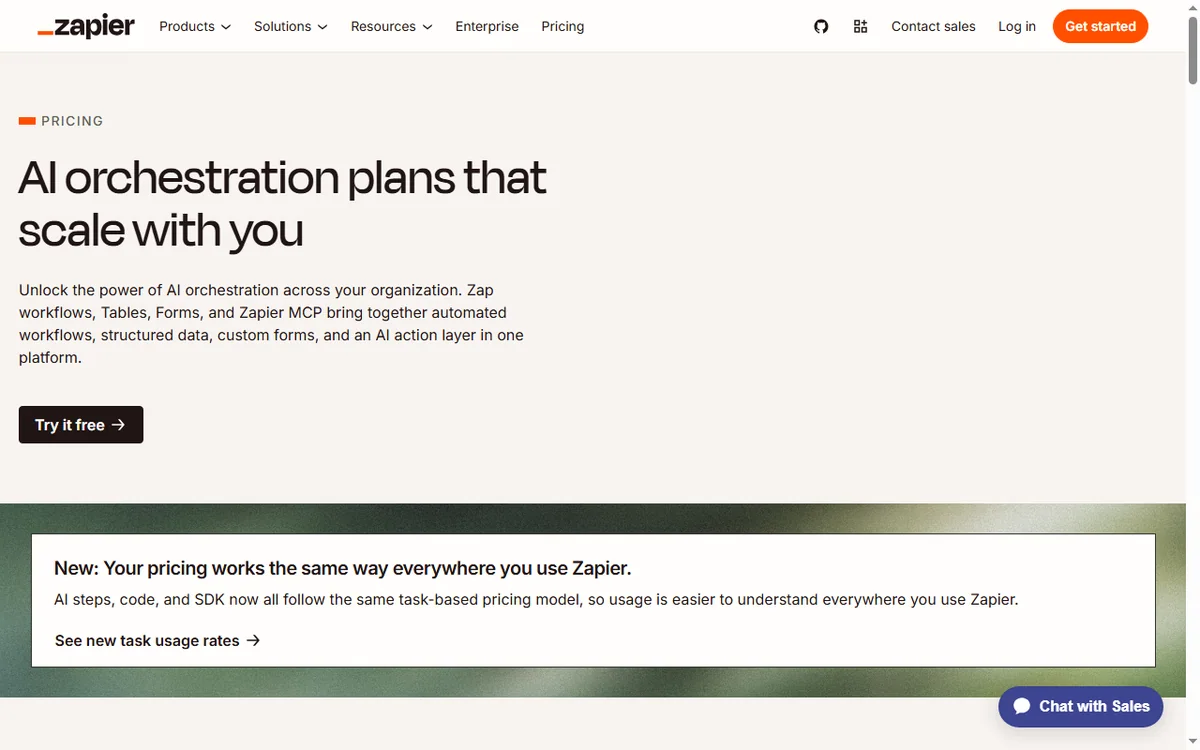
    Zapier homepage for connecting apps with automated workflows
    Zapier (image: zapier.com)

    2. Zapier

    The widest app-to-app integration library for simple automations.

    • Thousands of app integrations
    • Simple trigger-and-action setup
    • Reliable for linear tasks

    Best for: beginners connecting two apps quickly. Read the Zapier review.

    n8n workflow editor for building self-hosted automations
    n8n workflows (image: n8n.io)

    3. n8n

    Open-source, self-hostable automation with code when you need it.

    • Self-host to control costs and data
    • Code nodes for custom logic
    • Fair-code licence

    Best for: technical teams that want control and privacy. Read the n8n review.

    Zapier pricing plans and monthly task limits
    Zapier pricing (image: zapier.com)

    Comparison

    ToolStarting priceFree planBest for
    MakeFree; paid plans from about $9/moYesteams that want visual control over complex workflows
    ZapierFree; paid plans from about $19.99/moYesbeginners connecting two apps quickly
    n8nSelf-host free; cloud from about $24/moYestechnical teams that want control and privacy
    Make pricing plans and operation limits
    Make pricing (image: make.com)

    How to choose for course creators

    • Start with the smallest plan that covers your current volume.
    • Check the renewal price, not only the intro discount.
    • Prefer a tool that already integrates with what you use today.
    • Leave room to upgrade — switching costs more than upgrading.

    Ready to try Make? Check current plans and pricing on the official site. Visit Make → (affiliate link)

    Frequently asked questions

    What is the best automation tool for course creators overall?

    For most course creators, Make is the strongest all-round pick because it drag-and-drop scenario builder.

    Do I need to pay for automation software as course creators?

    Several options here offer a free or low-cost entry plan, so you can start small and upgrade later.

    How often should I revisit my choice?

    Re-check once a year or whenever your volume, budget or team changes. Pricing and features move quickly.

    Related reading

    Try Make for free – automate your workflows in minutes. Start free

  • Best Automation software for coaches in 2026

    Best Automation software for coaches in 2026

    Home / Automation / Guides / Automation software for coaches

    Roundup · Automation · updated 2026

    Best Automation software for coaches in 2026

    If you are coaches and consultants, these are the automation tools worth your time, what each does best, and how to choose without overspending.

    Independent analysis. This page may contain affiliate links. Some links here are referral links; if you sign up through one we may earn a reward at no extra cost to you, and it never changes what we recommend. See our Affiliate Disclosure.

    TL;DR

    • 1. Make — teams that want visual control over complex workflows.
    • 2. Zapier — beginners connecting two apps quickly.
    • 3. n8n — technical teams that want control and privacy.
    Make homepage with a visual no-code automation canvas
    Make automation canvas (image: make.com)

    How we picked

    We weighed price against everyday usefulness, looked at how steep each tool is to learn, and checked how well it fits coaches and consultants. We favour tools with clear pricing, a sensible entry plan, and room to grow.

    Make template gallery of ready-made automation scenarios
    Make templates (image: make.com)

    1. Make

    Visual, no-code automation for multi-step workflows.

    • Drag-and-drop scenario builder
    • Large app library plus HTTP and webhook modules
    • Cheaper than rivals at high operation counts

    Best for: teams that want visual control over complex workflows. Read the Make review.

    Zapier homepage for connecting apps with automated workflows
    Zapier (image: zapier.com)

    2. Zapier

    The widest app-to-app integration library for simple automations.

    • Thousands of app integrations
    • Simple trigger-and-action setup
    • Reliable for linear tasks

    Best for: beginners connecting two apps quickly. Read the Zapier review.

    n8n workflow editor for building self-hosted automations
    n8n workflows (image: n8n.io)

    3. n8n

    Open-source, self-hostable automation with code when you need it.

    • Self-host to control costs and data
    • Code nodes for custom logic
    • Fair-code licence

    Best for: technical teams that want control and privacy. Read the n8n review.

    Zapier pricing plans and monthly task limits
    Zapier pricing (image: zapier.com)

    Comparison

    ToolStarting priceFree planBest for
    MakeFree; paid plans from about $9/moYesteams that want visual control over complex workflows
    ZapierFree; paid plans from about $19.99/moYesbeginners connecting two apps quickly
    n8nSelf-host free; cloud from about $24/moYestechnical teams that want control and privacy
    Make pricing plans and operation limits
    Make pricing (image: make.com)

    How to choose for coaches

    • Start with the smallest plan that covers your current volume.
    • Check the renewal price, not only the intro discount.
    • Prefer a tool that already integrates with what you use today.
    • Leave room to upgrade — switching costs more than upgrading.

    Ready to try Make? Check current plans and pricing on the official site. Visit Make → (affiliate link)

    Frequently asked questions

    What is the best automation tool for coaches overall?

    For most coaches and consultants, Make is the strongest all-round pick because it drag-and-drop scenario builder.

    Do I need to pay for automation software as coaches?

    Several options here offer a free or low-cost entry plan, so you can start small and upgrade later.

    How often should I revisit my choice?

    Re-check once a year or whenever your volume, budget or team changes. Pricing and features move quickly.

    Related reading

    Try Make for free – automate your workflows in minutes. Start free

  • Wise vs FreshBooks: which is better in 2026?

    Wise vs FreshBooks: which is better in 2026?

    Home / Payments & Finance / Guides / Wise vs FreshBooks

    Comparison · Payments & Finance · updated 2026

    Wise vs FreshBooks: which is better in 2026?

    Choosing between Wise and FreshBooks? Here is a side-by-side look at pricing, strengths and fit, so you can pick the right one in a few minutes.

    Wise screenshot
    Wise official site (image: wise.com)

    Independent analysis. This page may contain affiliate links. Some links here are referral links; if you sign up through one we may earn a reward at no extra cost to you, and it never changes what we recommend. See our Affiliate Disclosure.

    TL;DR

    • Wise is a better fit for freelancers and businesses paying internationally.
    • FreshBooks is a better fit for freelancers and small service firms.
    • Pick Wise when exchange-rate honesty matters most to you.
    • Pick FreshBooks when invoicing simplicity matters most to you.

    At a glance

    FeatureWiseFreshBooks
    Starting priceFree account; small fee per transferFrom about $19/mo
    Free planYesNo
    Best forfreelancers and businesses paying internationallyfreelancers and small service firms
    Standout strengthexchange-rate honestyinvoicing simplicity
    Main trade-offNot a full bankLimited client billing features

    Wise in brief

    Low-cost international transfers and multi-currency accounts.

    • Pros: The real exchange rate with low fees; A multi-currency account and card; Transparent pricing
    • Cons: Not a full bank; Limited credit products; Availability varies by country
    • Review: Wise review
    FreshBooks homepage
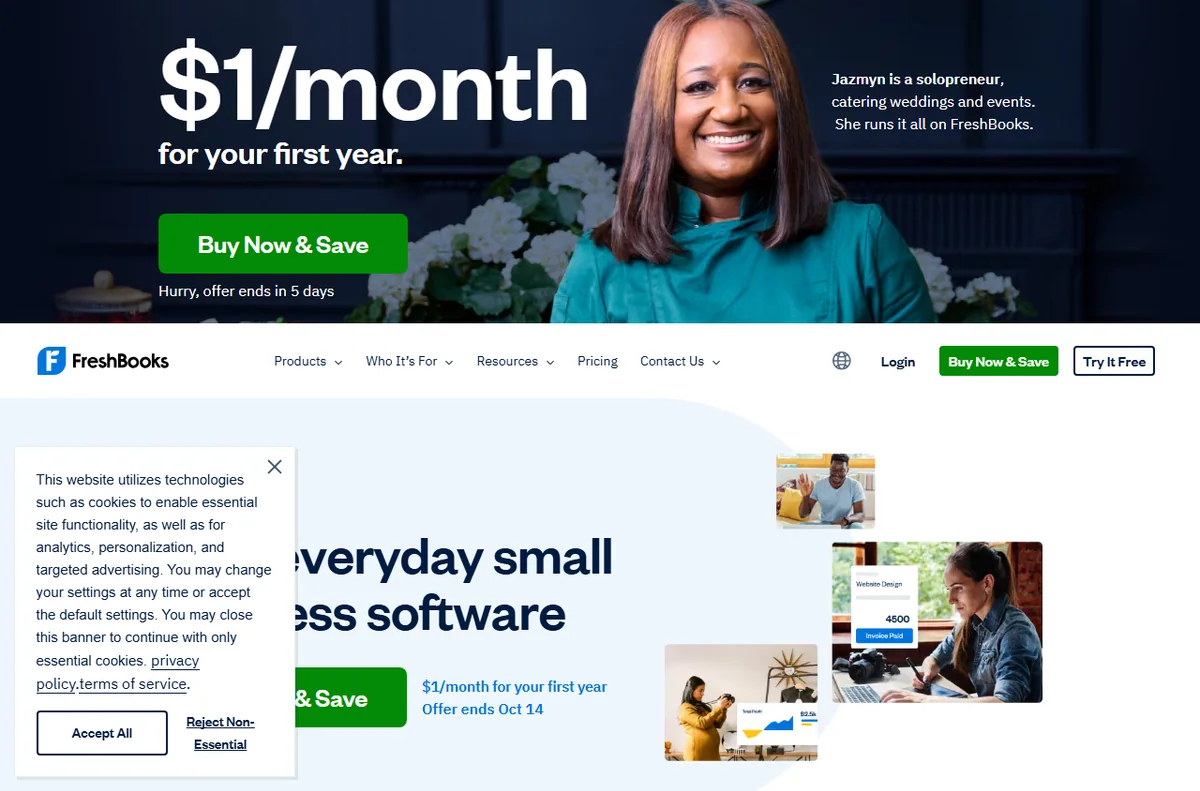
    FreshBooks homepage (image: freshbooks.com)

    FreshBooks in brief

    Accounting and invoicing for small service businesses.

    • Pros: Simple invoicing and expenses; Great for freelancers; Time tracking built in
    • Cons: Limited client billing features; Pricier as clients grow; Fewer accountant tools
    • Review: FreshBooks review
    Wise pricing and fees
    Wise pricing (image: wise.com)

    Where each one falls short

    Wise

    • Not a full bank
    • Limited credit products
    • Availability varies by country

    FreshBooks

    • Limited client billing features
    • Pricier as clients grow
    • Fewer accountant tools
    FreshBooks pricing plans
    FreshBooks pricing (image: freshbooks.com)

    Which should you choose?

    Choose Wise if you are freelancers and businesses paying internationally, or you value exchange-rate honesty.

    Choose FreshBooks if you are freelancers and small service firms, or you value invoicing simplicity.

    You can also use both together: Wise and FreshBooks connect through native integrations, so many teams run one for exchange-rate honesty and the other for invoicing simplicity. Start with the one that matches your budget and workflow, and add the second when a clear gap appears.

    Compare on the official sites before you buy. Wise →  |  FreshBooks → (affiliate links)

    Wise help center
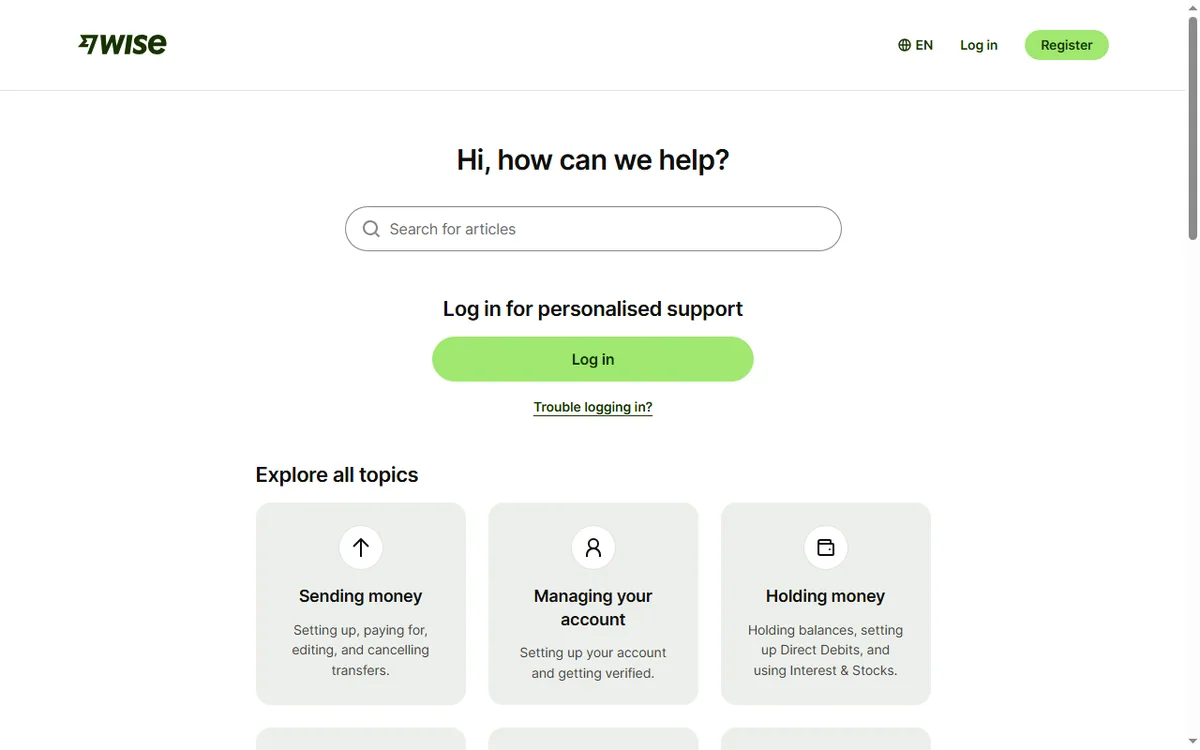
    Wise help center (image: wise.com)

    Frequently asked questions

    Is Wise better than FreshBooks?

    There is no universal winner. Wise leads on exchange-rate honesty, while FreshBooks leads on invoicing simplicity. Match the tool to your budget and workflow.

    Is FreshBooks cheaper than Wise?

    On published pricing, Wise starts at free account; small fee per transfer and FreshBooks starts at from about $19/mo. Always check current pricing and renewal rates.

    Can I use Wise and FreshBooks together?

    Yes. Both offer integrations and APIs, so you can run them side by side and send data between them.

    Related reading

  • Wincher vs Rank Math: which is better in 2026?

    Wincher vs Rank Math: which is better in 2026?

    Home / SEO Tools / Guides / Wincher vs Rank Math

    Comparison · SEO Tools · updated 2026

    Wincher vs Rank Math: which is better in 2026?

    Choosing between Wincher and Rank Math? Here is a side-by-side look at pricing, strengths and fit, so you can pick the right one in a few minutes.

    Wincher screenshot
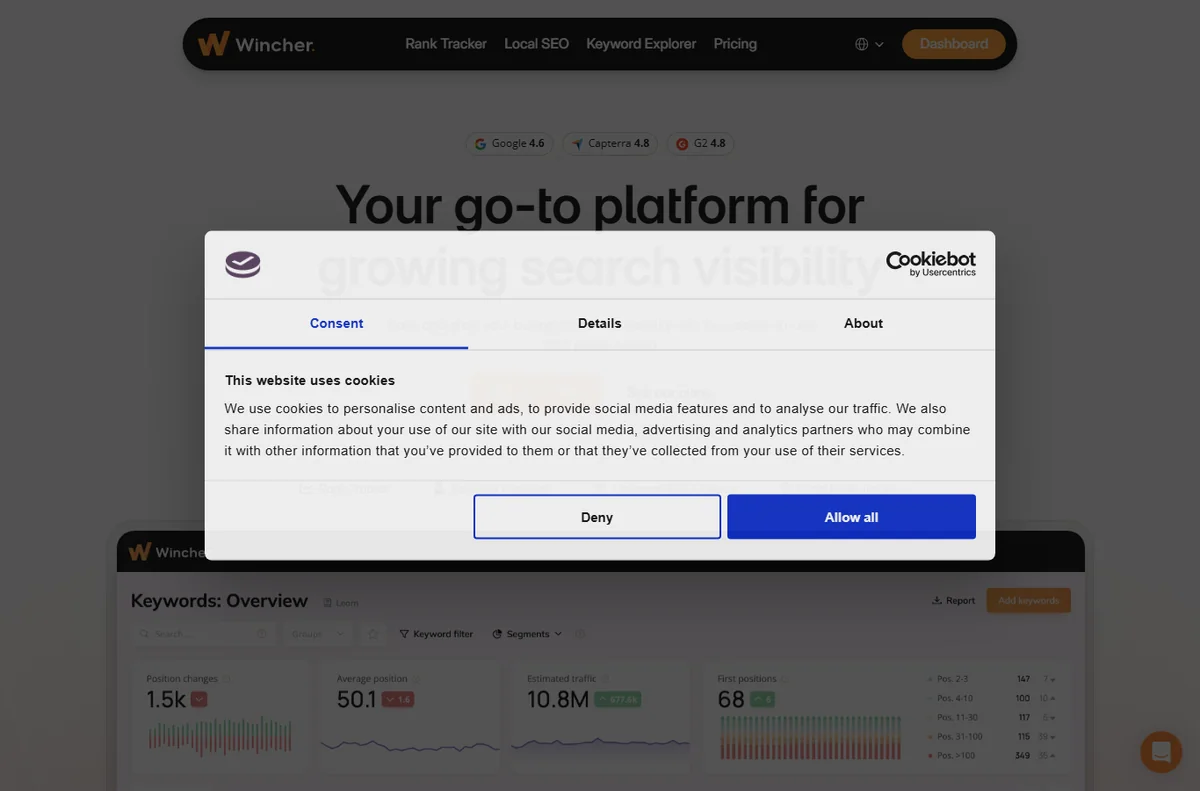
    Wincher official site (image: wincher.com)

    Independent analysis. This page may contain affiliate links. Some links here are referral links; if you sign up through one we may earn a reward at no extra cost to you, and it never changes what we recommend. See our Affiliate Disclosure.

    TL;DR

    • Wincher is a better fit for bloggers tracking a few keywords.
    • Rank Math is a better fit for WordPress sites that want an affordable SEO plugin.
    • Pick Wincher when focused rank tracking matters most to you.
    • Pick Rank Math when WordPress SEO value matters most to you.

    At a glance

    FeatureWincherRank Math
    Starting priceFrom about $10/moFree; Pro from about $59/yr
    Free planNoYes
    Best forbloggers tracking a few keywordsWordPress sites that want an affordable SEO plugin
    Standout strengthfocused rank trackingWordPress SEO value
    Main trade-offOnly does rank trackingWordPress only

    Wincher in brief

    Simple rank tracking for a small keyword set.

    • Pros: Easy rank tracking; Affordable tiers; Clear reporting
    • Cons: Only does rank tracking; Limited keyword volume on low tiers; No keyword research tools
    • Review: Wincher review
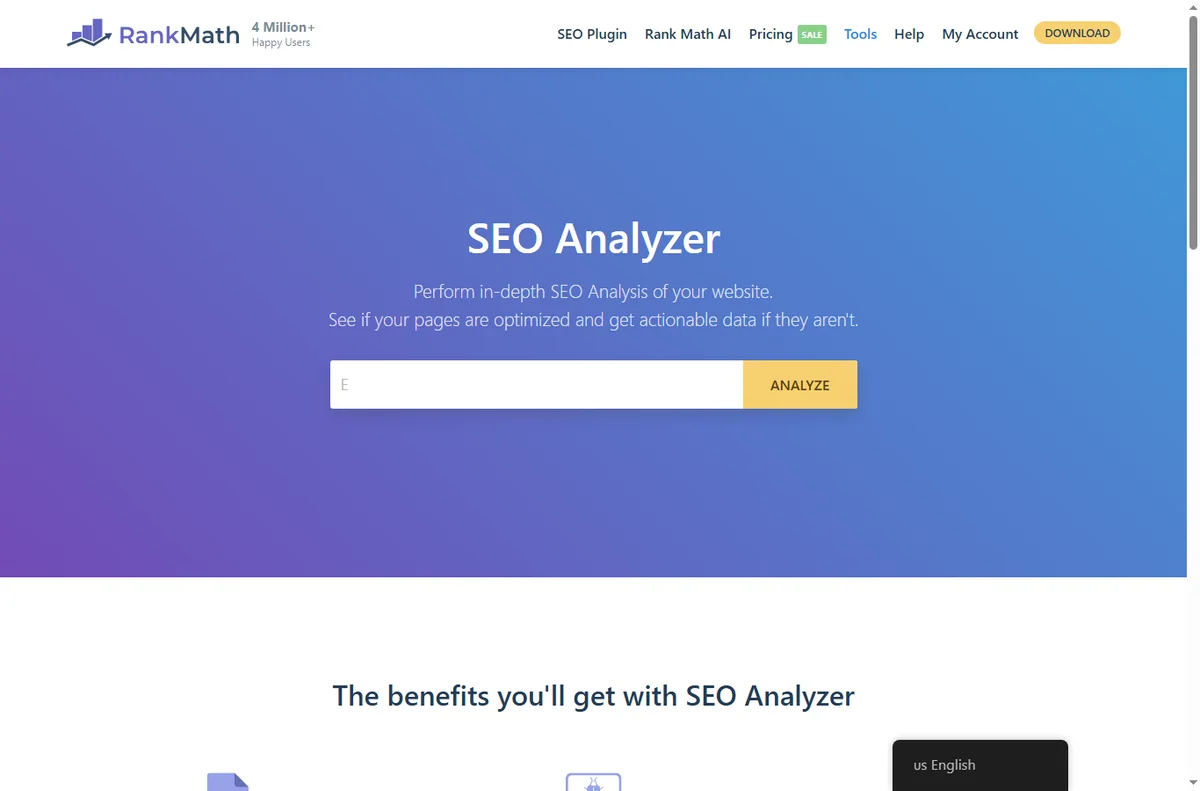
    Rank Math SEO tools dashboard
    Rank Math tools (image: rankmath.com)

    Rank Math in brief

    WordPress SEO plugin with schema and analytics.

    • Pros: A powerful free version; Schema and local SEO built in; Easy in-dashboard setup
    • Cons: WordPress only; The best features are paid; Can overlap with other plugins
    • Review: Rank Math review
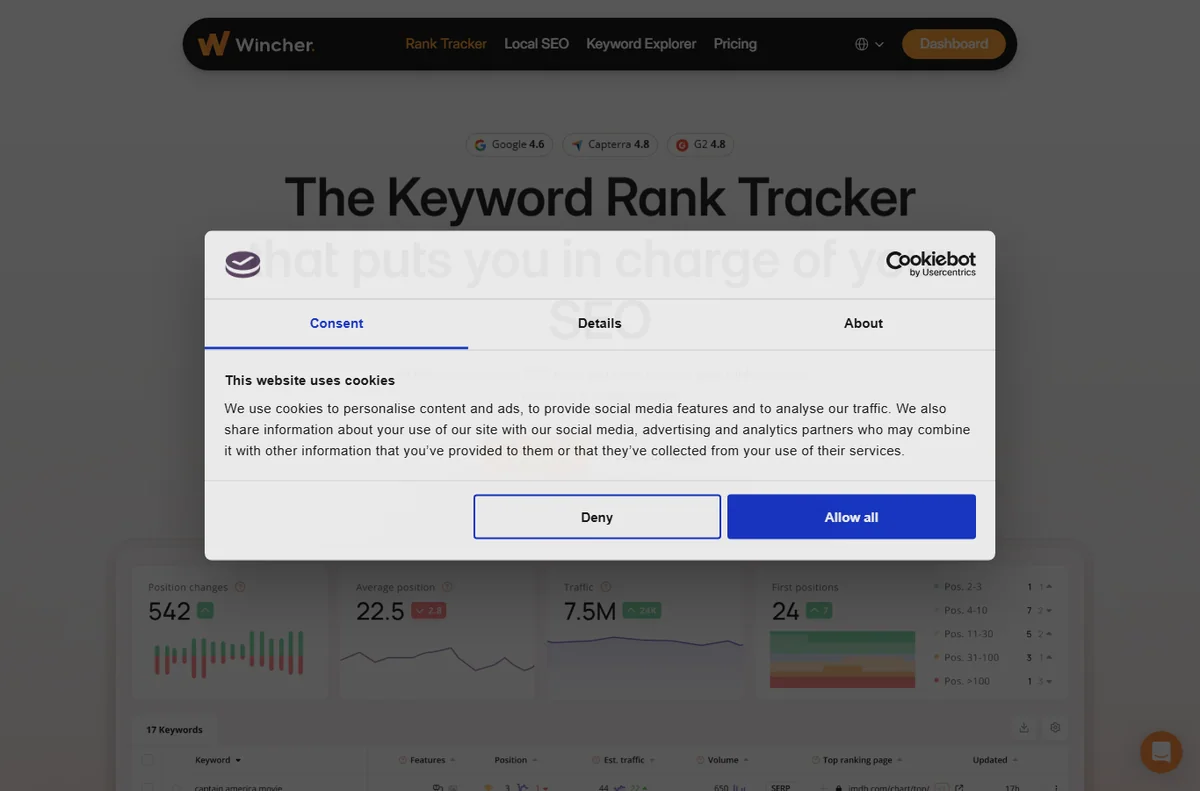
    Wincher rank tracker
    Wincher rank tracker (image: wincher.com)

    Where each one falls short

    Wincher

    • Only does rank tracking
    • Limited keyword volume on low tiers
    • No keyword research tools

    Rank Math

    • WordPress only
    • The best features are paid
    • Can overlap with other plugins
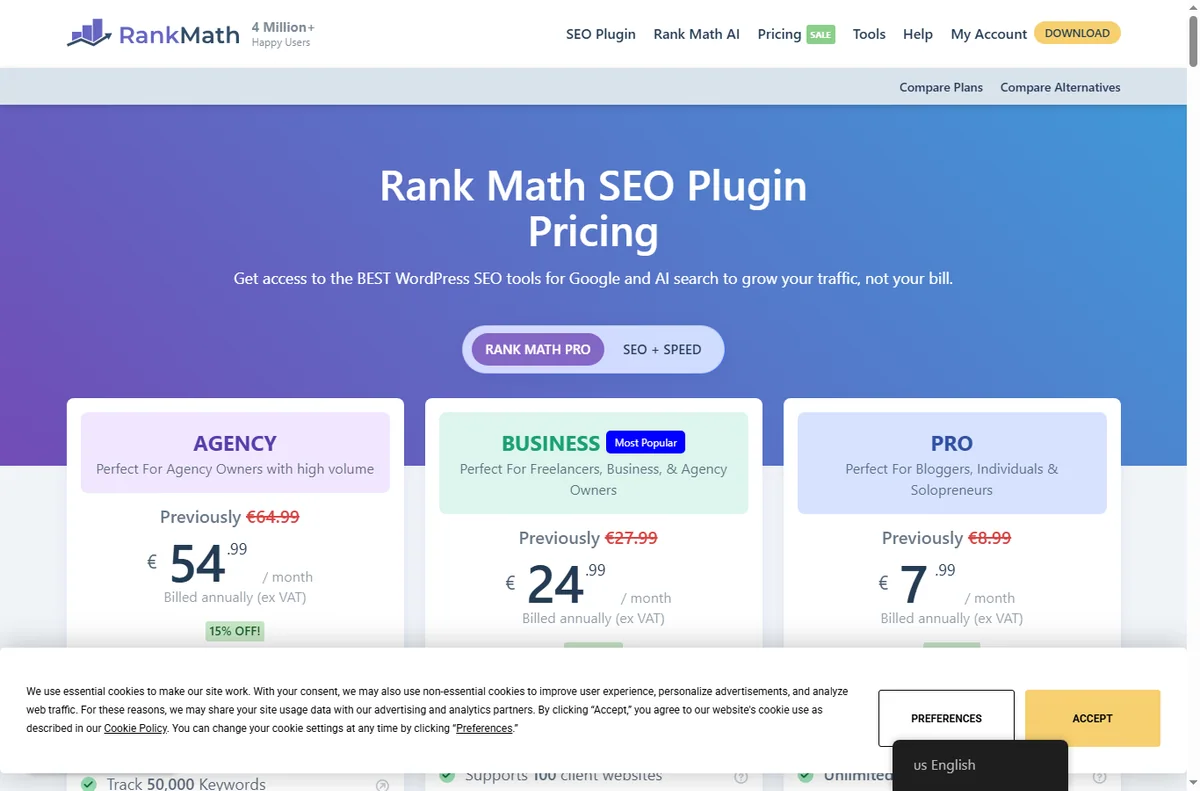
    Rank Math pricing plans
    Rank Math pricing (image: rankmath.com)

    Which should you choose?

    Choose Wincher if you are bloggers tracking a few keywords, or you value focused rank tracking.

    Choose Rank Math if you are WordPress sites that want an affordable SEO plugin, or you value WordPress SEO value.

    You can also use both together: Wincher and Rank Math connect through native integrations, so many teams run one for focused rank tracking and the other for WordPress SEO value. Start with the one that matches your budget and workflow, and add the second when a clear gap appears.

    Compare on the official sites before you buy. Wincher →  |  Rank Math → (affiliate links)

    Wincher about page
    Wincher about (image: wincher.com)

    Frequently asked questions

    Is Wincher better than Rank Math?

    There is no universal winner. Wincher leads on focused rank tracking, while Rank Math leads on WordPress SEO value. Match the tool to your budget and workflow.

    Is Rank Math cheaper than Wincher?

    On published pricing, Wincher starts at from about $10/mo and Rank Math starts at free; pro from about $59/yr. Always check current pricing and renewal rates.

    Can I use Wincher and Rank Math together?

    Yes. Both offer integrations and APIs, so you can run them side by side and send data between them.

    Related reading

  • Wincher vs Surfer SEO: which is better in 2026?

    Wincher vs Surfer SEO: which is better in 2026?

    Home / SEO Tools / Guides / Wincher vs Surfer SEO

    Comparison · SEO Tools · updated 2026

    Wincher vs Surfer SEO: which is better in 2026?

    Choosing between Wincher and Surfer SEO? Here is a side-by-side look at pricing, strengths and fit, so you can pick the right one in a few minutes.

    Wincher screenshot
    Wincher official site (image: wincher.com)

    Independent analysis. This page may contain affiliate links. Some links here are referral links; if you sign up through one we may earn a reward at no extra cost to you, and it never changes what we recommend. See our Affiliate Disclosure.

    TL;DR

    • Wincher is a better fit for bloggers tracking a few keywords.
    • Surfer SEO is a better fit for content teams optimising articles.
    • Pick Wincher when focused rank tracking matters most to you.
    • Pick Surfer SEO when content scoring matters most to you.

    At a glance

    FeatureWincherSurfer SEO
    Starting priceFrom about $10/moFrom about $79/mo
    Free planNoNo
    Best forbloggers tracking a few keywordscontent teams optimising articles
    Standout strengthfocused rank trackingcontent scoring
    Main trade-offOnly does rank trackingNot a full SEO suite
    Wincher rank tracker dashboard
    Wincher rank tracker (image: wincher.com)

    Wincher in brief

    Simple rank tracking for a small keyword set.

    • Pros: Easy rank tracking; Affordable tiers; Clear reporting
    • Cons: Only does rank tracking; Limited keyword volume on low tiers; No keyword research tools
    • Review: Wincher review
    Surfer SEO content optimization homepage
    Surfer SEO (image: surferseo.com)

    Surfer SEO in brief

    Content optimisation and SEO writing assistant.

    • Pros: A content editor with scoring; SERP analysis; Great for writers
    • Cons: Not a full SEO suite; Priced per editor seat; Keyword data is secondary
    • Review: Surfer SEO review
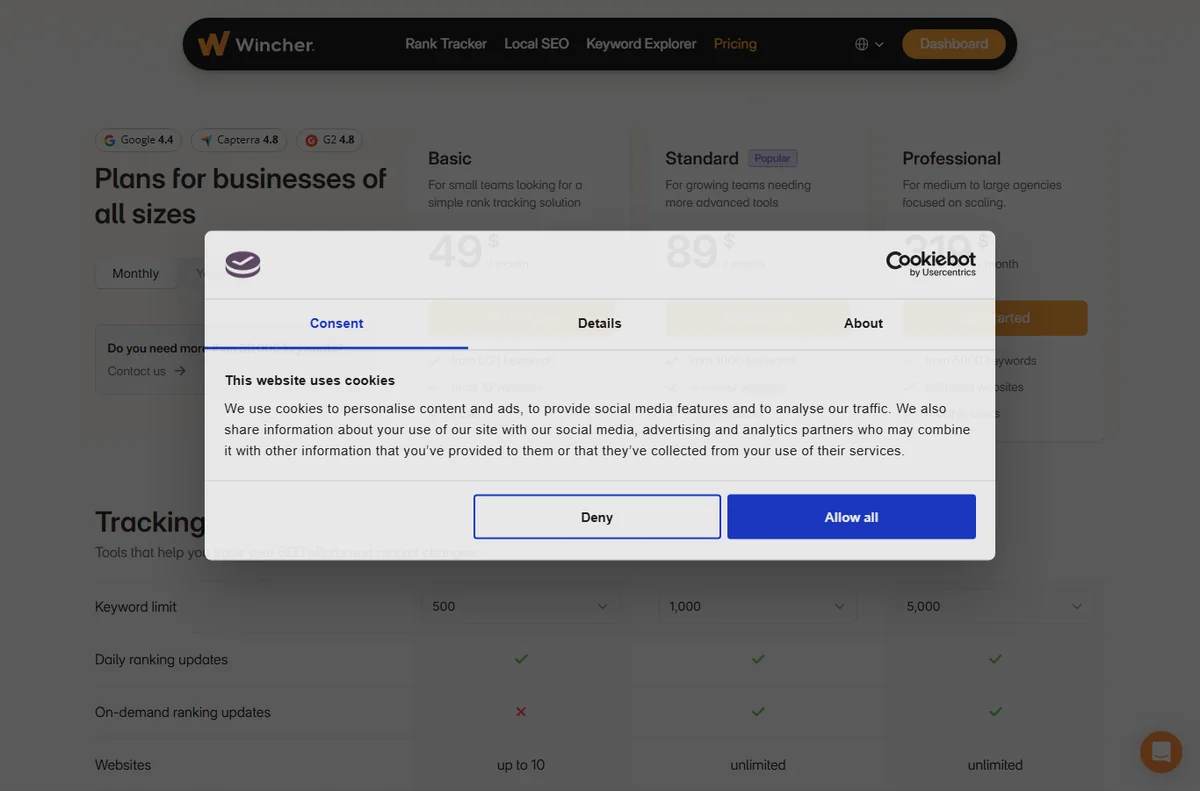
    Wincher pricing plans
    Wincher pricing (image: wincher.com)

    Where each one falls short

    Wincher

    • Only does rank tracking
    • Limited keyword volume on low tiers
    • No keyword research tools

    Surfer SEO

    • Not a full SEO suite
    • Priced per editor seat
    • Keyword data is secondary
    Surfer SEO pricing plans
    Surfer SEO pricing (image: surferseo.com)

    Which should you choose?

    Choose Wincher if you are bloggers tracking a few keywords, or you value focused rank tracking.

    Choose Surfer SEO if you are content teams optimising articles, or you value content scoring.

    You can also use both together: Wincher and Surfer SEO connect through native integrations, so many teams run one for focused rank tracking and the other for content scoring. Start with the one that matches your budget and workflow, and add the second when a clear gap appears.

    Compare on the official sites before you buy. Wincher →  |  Surfer SEO → (affiliate links)

    Surfer SEO content editor
    Surfer SEO content editor (image: surferseo.com)

    Frequently asked questions

    Is Wincher better than Surfer SEO?

    There is no universal winner. Wincher leads on focused rank tracking, while Surfer SEO leads on content scoring. Match the tool to your budget and workflow.

    Is Surfer SEO cheaper than Wincher?

    On published pricing, Wincher starts at from about $10/mo and Surfer SEO starts at from about $79/mo. Always check current pricing and renewal rates.

    Can I use Wincher and Surfer SEO together?

    Yes. Both offer integrations and APIs, so you can run them side by side and send data between them.

    Related reading

  • Mangools vs Rank Math: which is better in 2026?

    Mangools vs Rank Math: which is better in 2026?

    Home / SEO Tools / Guides / Mangools vs Rank Math

    Comparison · SEO Tools · updated 2026

    Mangools vs Rank Math: which is better in 2026?

    Choosing between Mangools and Rank Math? Here is a side-by-side look at pricing, strengths and fit, so you can pick the right one in a few minutes.

    Mangools screenshot
    Mangools official site (image: mangools.com)

    Independent analysis. This page may contain affiliate links. Some links here are referral links; if you sign up through one we may earn a reward at no extra cost to you, and it never changes what we recommend. See our Affiliate Disclosure.

    TL;DR

    • Mangools is a better fit for solo SEOs and bloggers on a budget.
    • Rank Math is a better fit for WordPress sites that want an affordable SEO plugin.
    • Pick Mangools when keyword-research value matters most to you.
    • Pick Rank Math when WordPress SEO value matters most to you.

    At a glance

    FeatureMangoolsRank Math
    Starting priceFrom about $29/moFree; Pro from about $59/yr
    Free planNoYes
    Best forsolo SEOs and bloggers on a budgetWordPress sites that want an affordable SEO plugin
    Standout strengthkeyword-research valueWordPress SEO value
    Main trade-offSmaller databasesWordPress only

    Mangools in brief

    Budget keyword research with five focused tools.

    • Pros: Affordable for the feature set; KWFinder keyword difficulty scores; A clean, friendly UI
    • Cons: Smaller databases; Fewer advanced features; Not a full marketing suite
    • Review: Mangools review
    Rank Math SEO tools dashboard
    Rank Math tools (image: rankmath.com)

    Rank Math in brief

    WordPress SEO plugin with schema and analytics.

    • Pros: A powerful free version; Schema and local SEO built in; Easy in-dashboard setup
    • Cons: WordPress only; The best features are paid; Can overlap with other plugins
    • Review: Rank Math review
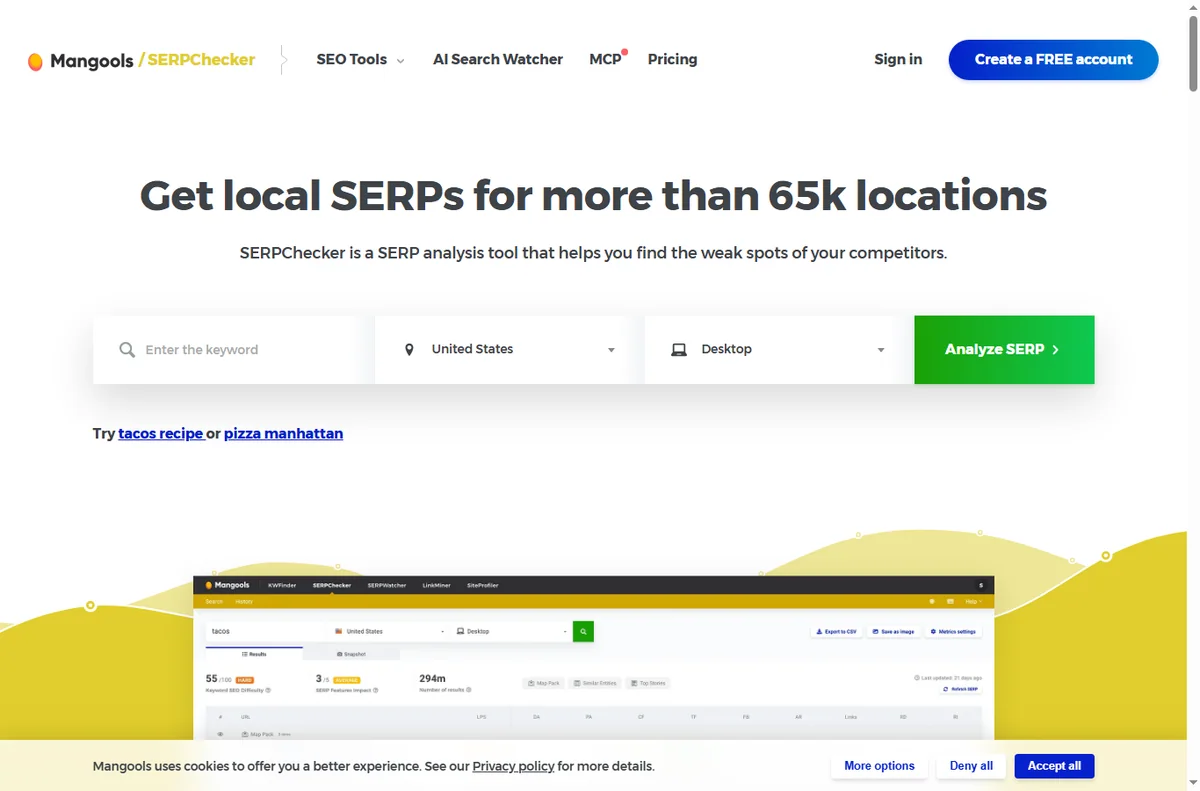
    Mangools SERPChecker
    Mangools SERPChecker (image: mangools.com)

    Where each one falls short

    Mangools

    • Smaller databases
    • Fewer advanced features
    • Not a full marketing suite

    Rank Math

    • WordPress only
    • The best features are paid
    • Can overlap with other plugins
    Rank Math pricing plans
    Rank Math pricing (image: rankmath.com)

    Which should you choose?

    Choose Mangools if you are solo SEOs and bloggers on a budget, or you value keyword-research value.

    Choose Rank Math if you are WordPress sites that want an affordable SEO plugin, or you value WordPress SEO value.

    You can also use both together: Mangools and Rank Math connect through native integrations, so many teams run one for keyword-research value and the other for WordPress SEO value. Start with the one that matches your budget and workflow, and add the second when a clear gap appears.

    Compare on the official sites before you buy. Mangools →  |  Rank Math → (affiliate links)

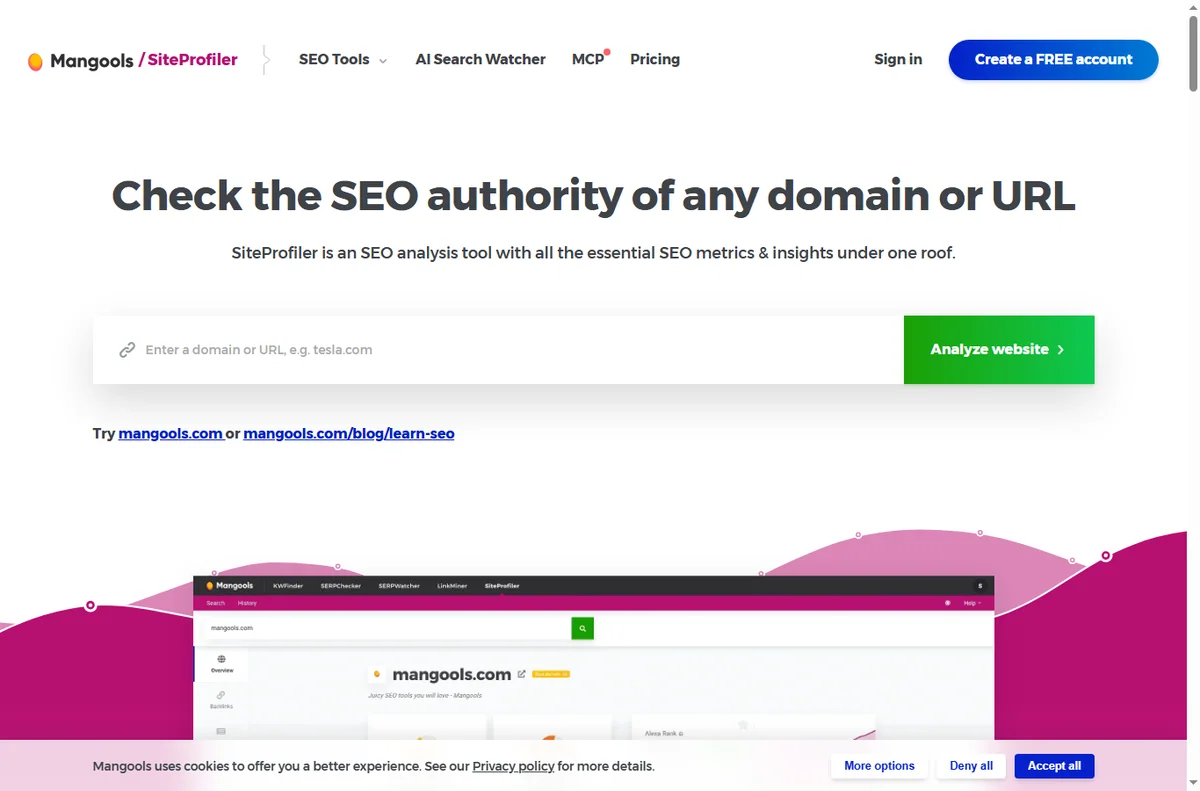
    Mangools SiteProfiler
    Mangools SiteProfiler (image: mangools.com)

    Frequently asked questions

    Is Mangools better than Rank Math?

    There is no universal winner. Mangools leads on keyword-research value, while Rank Math leads on WordPress SEO value. Match the tool to your budget and workflow.

    Is Rank Math cheaper than Mangools?

    On published pricing, Mangools starts at from about $29/mo and Rank Math starts at free; pro from about $59/yr. Always check current pricing and renewal rates.

    Can I use Mangools and Rank Math together?

    Yes. Both offer integrations and APIs, so you can run them side by side and send data between them.

    Related reading

  • Mangools vs Surfer SEO: which is better in 2026?

    Mangools vs Surfer SEO: which is better in 2026?

    Home / SEO Tools / Guides / Mangools vs Surfer SEO

    Comparison · SEO Tools · updated 2026

    Mangools vs Surfer SEO: which is better in 2026?

    Choosing between Mangools and Surfer SEO? Here is a side-by-side look at pricing, strengths and fit, so you can pick the right one in a few minutes.

    Mangools screenshot
    Mangools official site (image: mangools.com)

    Independent analysis. This page may contain affiliate links. Some links here are referral links; if you sign up through one we may earn a reward at no extra cost to you, and it never changes what we recommend. See our Affiliate Disclosure.

    TL;DR

    • Mangools is a better fit for solo SEOs and bloggers on a budget.
    • Surfer SEO is a better fit for content teams optimising articles.
    • Pick Mangools when keyword-research value matters most to you.
    • Pick Surfer SEO when content scoring matters most to you.

    At a glance

    FeatureMangoolsSurfer SEO
    Starting priceFrom about $29/moFrom about $79/mo
    Free planNoNo
    Best forsolo SEOs and bloggers on a budgetcontent teams optimising articles
    Standout strengthkeyword-research valuecontent scoring
    Main trade-offSmaller databasesNot a full SEO suite

    Mangools in brief

    Budget keyword research with five focused tools.

    • Pros: Affordable for the feature set; KWFinder keyword difficulty scores; A clean, friendly UI
    • Cons: Smaller databases; Fewer advanced features; Not a full marketing suite
    • Review: Mangools review
    Surfer SEO homepage
    Surfer SEO homepage (image: surferseo.com)

    Surfer SEO in brief

    Content optimisation and SEO writing assistant.

    • Pros: A content editor with scoring; SERP analysis; Great for writers
    • Cons: Not a full SEO suite; Priced per editor seat; Keyword data is secondary
    • Review: Surfer SEO review
    Mangools KWFinder keyword research
    Mangools KWFinder (image: mangools.com)

    Where each one falls short

    Mangools

    • Smaller databases
    • Fewer advanced features
    • Not a full marketing suite

    Surfer SEO

    • Not a full SEO suite
    • Priced per editor seat
    • Keyword data is secondary
    Surfer SEO pricing plans
    Surfer SEO pricing plans (image: surferseo.com)

    Which should you choose?

    Choose Mangools if you are solo SEOs and bloggers on a budget, or you value keyword-research value.

    Choose Surfer SEO if you are content teams optimising articles, or you value content scoring.

    You can also use both together: Mangools and Surfer SEO connect through native integrations, so many teams run one for keyword-research value and the other for content scoring. Start with the one that matches your budget and workflow, and add the second when a clear gap appears.

    Compare on the official sites before you buy. Mangools →  |  Surfer SEO → (affiliate links)

    Mangools SERPChecker
    Mangools SERPChecker (image: mangools.com)

    Frequently asked questions

    Is Mangools better than Surfer SEO?

    There is no universal winner. Mangools leads on keyword-research value, while Surfer SEO leads on content scoring. Match the tool to your budget and workflow.

    Is Surfer SEO cheaper than Mangools?

    On published pricing, Mangools starts at from about $29/mo and Surfer SEO starts at from about $79/mo. Always check current pricing and renewal rates.

    Can I use Mangools and Surfer SEO together?

    Yes. Both offer integrations and APIs, so you can run them side by side and send data between them.

    Related reading

  • Semrush vs Rank Math: which is better in 2026?

    Semrush vs Rank Math: which is better in 2026?

    Home / SEO Tools / Guides / Semrush vs Rank Math

    Comparison · SEO Tools · updated 2026

    Semrush vs Rank Math: which is better in 2026?

    Choosing between Semrush and Rank Math? Here is a side-by-side look at pricing, strengths and fit, so you can pick the right one in a few minutes.

    Semrush screenshot
    Semrush official site (image: semrush.com)

    Independent analysis. This page may contain affiliate links. Some links here are referral links; if you sign up through one we may earn a reward at no extra cost to you, and it never changes what we recommend. See our Affiliate Disclosure.

    TL;DR

    • Semrush is a better fit for teams using several SEO jobs in one place.
    • Rank Math is a better fit for WordPress sites that want an affordable SEO plugin.
    • Pick Semrush when all-round depth matters most to you.
    • Pick Rank Math when WordPress SEO value matters most to you.

    At a glance

    FeatureSemrushRank Math
    Starting priceFrom about $139.95/moFree; Pro from about $59/yr
    Free planNoYes
    Best forteams using several SEO jobs in one placeWordPress sites that want an affordable SEO plugin
    Standout strengthall-round depthWordPress SEO value
    Main trade-offHigher priceWordPress only
    Semrush site audit tool
    Semrush site audit (image: semrush.com)

    Semrush in brief

    All-in-one SEO and marketing toolkit.

    • Pros: Keyword, backlink and competitor data; Site audits and rank tracking; Content and PPC toolkits
    • Cons: Higher price; A steep learning curve; Tier limits on usage
    • Review: Semrush review
    Rank Math SEO tools overview
    Rank Math tools (image: rankmath.com)

    Rank Math in brief

    WordPress SEO plugin with schema and analytics.

    • Pros: A powerful free version; Schema and local SEO built in; Easy in-dashboard setup
    • Cons: WordPress only; The best features are paid; Can overlap with other plugins
    • Review: Rank Math review
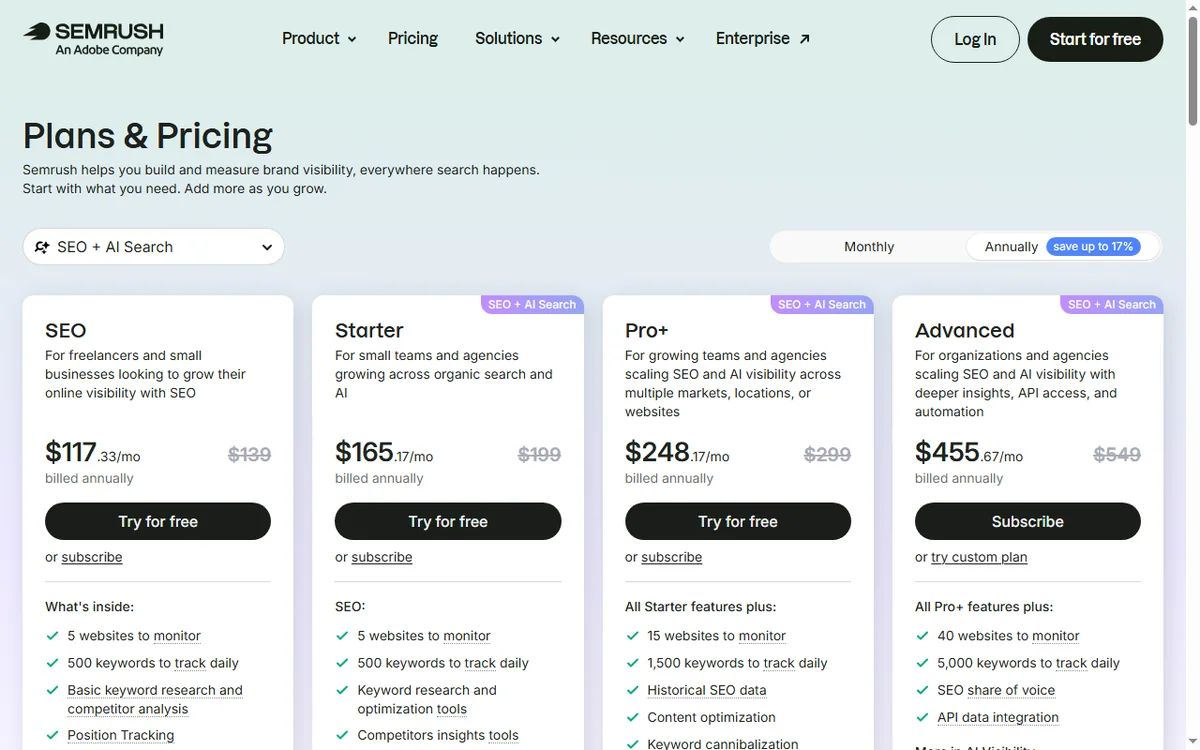
    Semrush pricing plans
    Semrush pricing (image: semrush.com)

    Where each one falls short

    Semrush

    • Higher price
    • A steep learning curve
    • Tier limits on usage

    Rank Math

    • WordPress only
    • The best features are paid
    • Can overlap with other plugins
    Rank Math pricing plans
    Rank Math pricing (image: rankmath.com)

    Which should you choose?

    Choose Semrush if you are teams using several SEO jobs in one place, or you value all-round depth.

    Choose Rank Math if you are WordPress sites that want an affordable SEO plugin, or you value WordPress SEO value.

    You can also use both together: Semrush and Rank Math connect through native integrations, so many teams run one for all-round depth and the other for WordPress SEO value. Start with the one that matches your budget and workflow, and add the second when a clear gap appears.

    Compare on the official sites before you buy. Semrush →  |  Rank Math → (affiliate links)

    Semrush keyword research tool
    Semrush keyword research (image: semrush.com)

    Frequently asked questions

    Is Semrush better than Rank Math?

    There is no universal winner. Semrush leads on all-round depth, while Rank Math leads on WordPress SEO value. Match the tool to your budget and workflow.

    Is Rank Math cheaper than Semrush?

    On published pricing, Semrush starts at from about $139.95/mo and Rank Math starts at free; pro from about $59/yr. Always check current pricing and renewal rates.

    Can I use Semrush and Rank Math together?

    Yes. Both offer integrations and APIs, so you can run them side by side and send data between them.

    Related reading

  • HostPapa vs FastComet: which is better in 2026?

    HostPapa vs FastComet: which is better in 2026?

    Home / Web Hosting / Guides / HostPapa vs FastComet

    Comparison · Web Hosting · updated 2026

    HostPapa vs FastComet: which is better in 2026?

    Choosing between HostPapa and FastComet? Here is a side-by-side look at pricing, strengths and fit, so you can pick the right one in a few minutes.

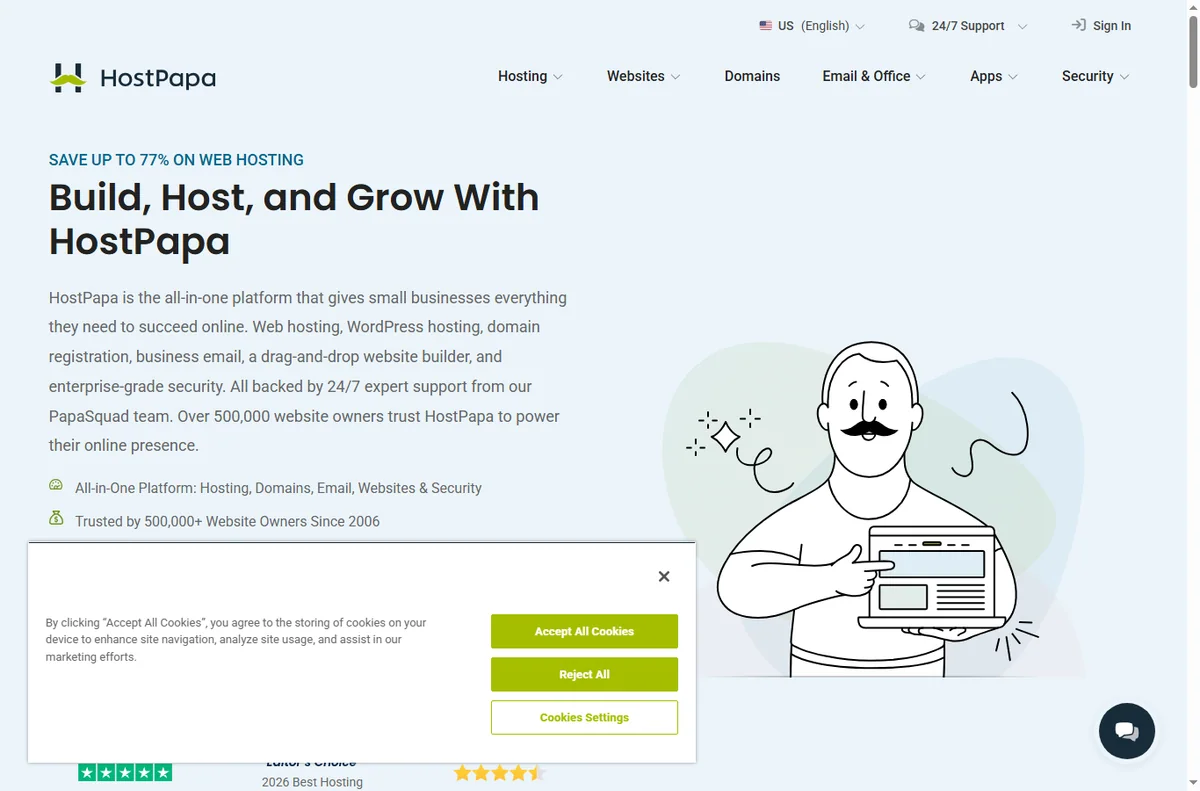
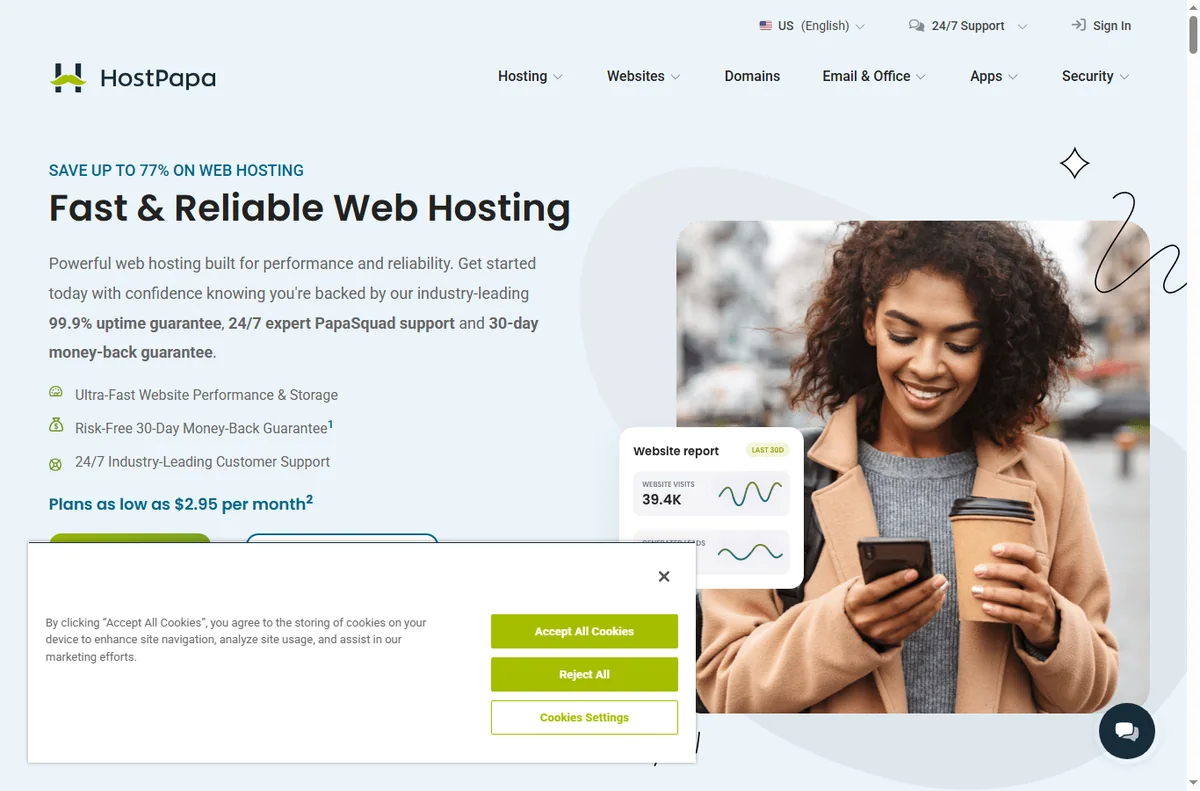
    HostPapa screenshot
    HostPapa official site (image: hostpapa.com)

    Independent analysis. This page may contain affiliate links. Some links here are referral links; if you sign up through one we may earn a reward at no extra cost to you, and it never changes what we recommend. See our Affiliate Disclosure.

    TL;DR

    • HostPapa is a better fit for small businesses that need hosting plus email.
    • FastComet is a better fit for global audiences that want speed.
    • Pick HostPapa when small-business bundles matters most to you.
    • Pick FastComet when global data centres matters most to you.

    At a glance

    FeatureHostPapaFastComet
    Starting priceFrom about $2.95/moFrom about $2.49/mo
    Free planNoNo
    Best forsmall businesses that need hosting plus emailglobal audiences that want speed
    Standout strengthsmall-business bundlesglobal data centres
    Main trade-offRenewal pricing is steepBig gap between intro and renewal price

    HostPapa in brief

    Shared hosting with a strong small-business onboarding.

    • Pros: Free migration and domain; Good small-business focus; Bundled email
    • Cons: Renewal pricing is steep; Upsells on checkout; Performance is entry-level
    • Review: HostPapa review
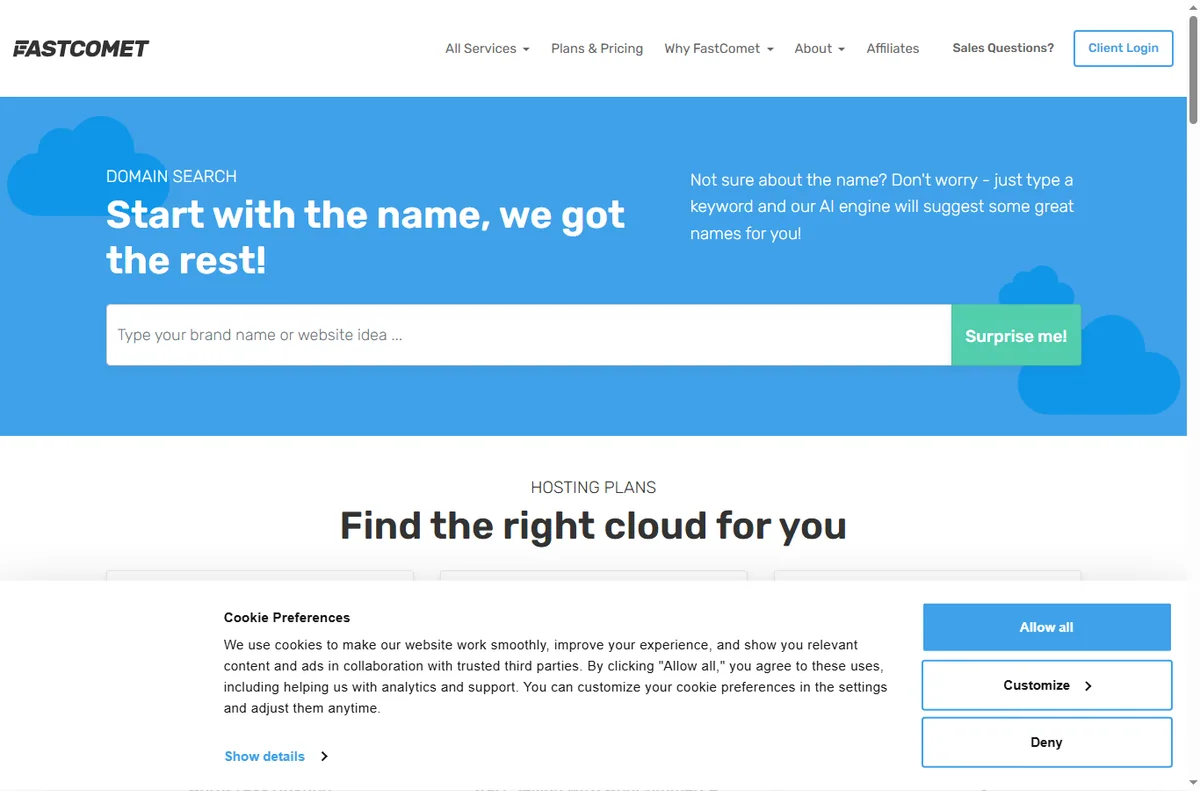
    FastComet homepage
    FastComet homepage (image: fastcomet.com)

    FastComet in brief

    Managed shared hosting with global data centres.

    • Pros: Many global data-centre choices; Free migration; Good caching stack
    • Cons: Big gap between intro and renewal price; The interface is busy; Support tiers vary
    • Review: FastComet review
    HostPapa email hosting
    HostPapa email hosting (image: hostpapa.com)

    Where each one falls short

    HostPapa

    • Renewal pricing is steep
    • Upsells on checkout
    • Performance is entry-level

    FastComet

    • Big gap between intro and renewal price
    • The interface is busy
    • Support tiers vary
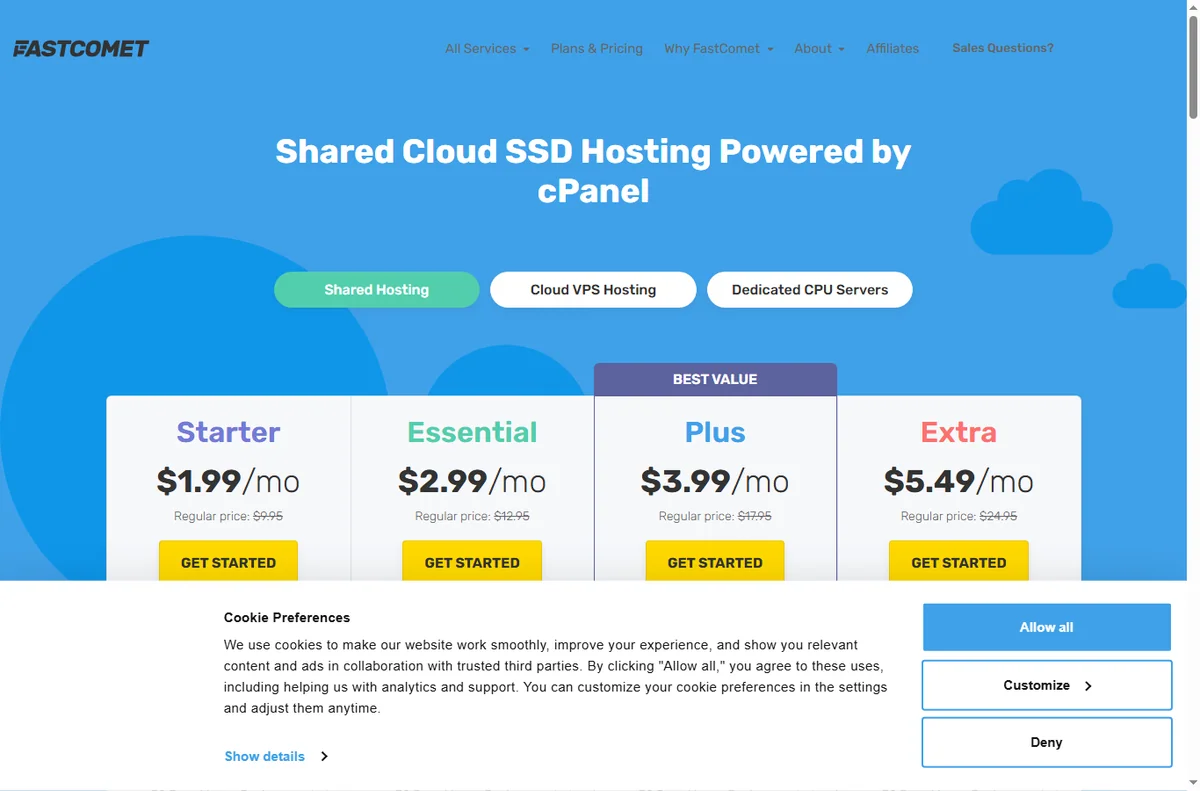
    FastComet pricing plans
    FastComet pricing (image: fastcomet.com)

    Which should you choose?

    Choose HostPapa if you are small businesses that need hosting plus email, or you value small-business bundles.

    Choose FastComet if you are global audiences that want speed, or you value global data centres.

    You can also use both together: HostPapa and FastComet connect through native integrations, so many teams run one for small-business bundles and the other for global data centres. Start with the one that matches your budget and workflow, and add the second when a clear gap appears.

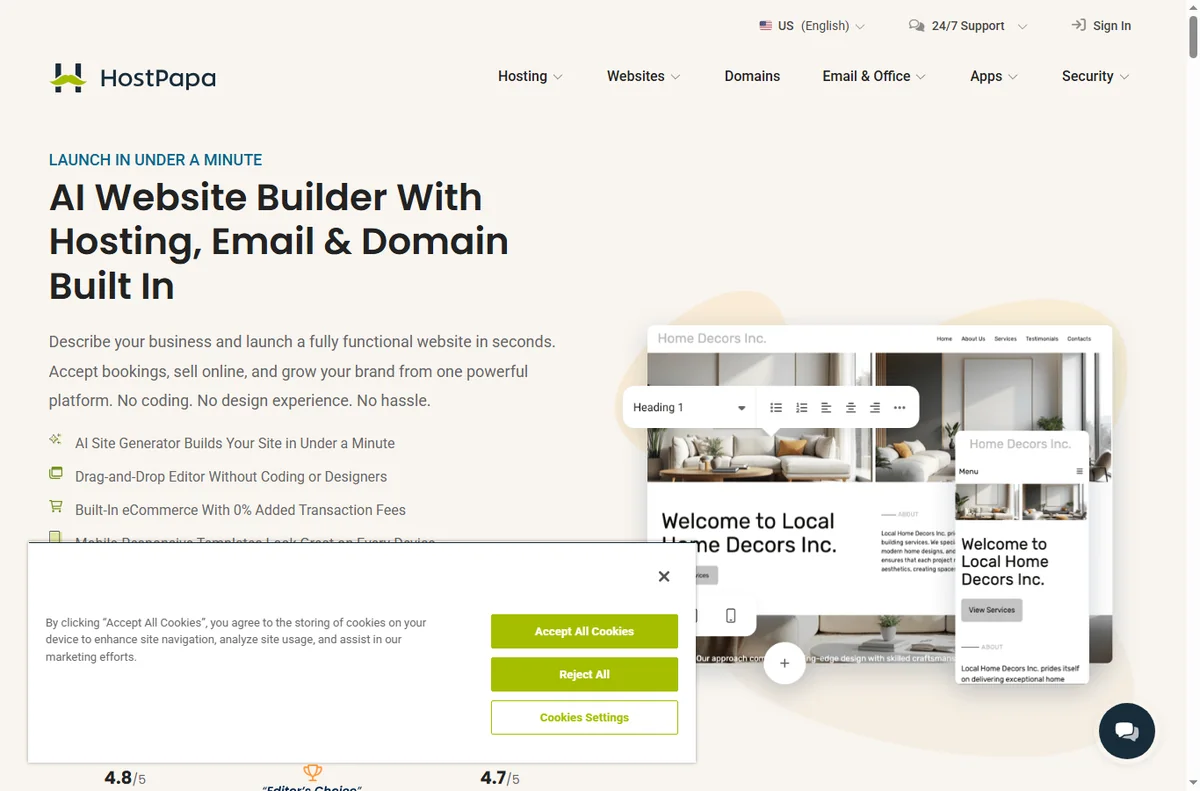
    Compare on the official sites before you buy. HostPapa →  |  FastComet → (affiliate links)

    HostPapa website builder
    HostPapa website builder (image: hostpapa.com)

    Frequently asked questions

    Is HostPapa better than FastComet?

    There is no universal winner. HostPapa leads on small-business bundles, while FastComet leads on global data centres. Match the tool to your budget and workflow.

    Is FastComet cheaper than HostPapa?

    On published pricing, HostPapa starts at from about $2.95/mo and FastComet starts at from about $2.49/mo. Always check current pricing and renewal rates.

    Can I use HostPapa and FastComet together?

    Yes. Both offer integrations and APIs, so you can run them side by side and send data between them.

    Related reading

    Try ChemiCloud – fast, reliable hosting with 24/7 support. View plans