We’re reader-supported — some links are affiliate links. Learn more →

Skip to content

Independent software research. Some links may earn us a commission at no extra cost to you. Learn more →

ICode

Tag: semrush

  • What Is Semrush? A Plain-English Guide to the SEO Toolkit

    What Is Semrush? A Plain-English Guide to the SEO Toolkit

    Home / SEO Tools / Guides / What is Semrush

    Knowledge · seo tools · updated October 8, 2026

    What is Semrush?

    Semrush is an SEO and marketing toolkit: it collects data about search, competitors and ads, then lets you query it. This guide explains what it is for, how the main tools fit together, and when a suite earns its price.
    Semrush homepage for SEO and competitor research
    Semrush official homepage (image: semrush.com)

    Independent analysis. This page may contain affiliate links. Some links here are referral links; if you sign up through one we may earn a reward at no extra cost to you, and it never changes what we recommend. We are an independent publisher and are not affiliated with, endorsed by, or an official partner of any tool mentioned. See our Affiliate Disclosure.

    TL;DR

    • Semrush is a data suite, not a single tool: keyword, competitor, backlink and audit data in one account.
    • Its value is breadth of data plus the ability to compare your site with competitors.
    • Beginners can start with keyword research and the site audit.
    • Data is an estimate, not gospel; always sanity-check against reality.
    • Confirm current limits and pricing on Semrush’s own pricing page.

    On this page: What Semrush is · The main toolkits · How the data fits together · When it is worth it · What the data is not · Where this fits

    What Semrush is

    Semrush gathers SEO and marketing data — keywords, competitor rankings, backlinks, ad copy — and serves it through dashboards and reports. You are paying for access to a large, maintained dataset plus the interface to query it.

    That framing matters: the product is the data and the workflow around it, not a single magic number.
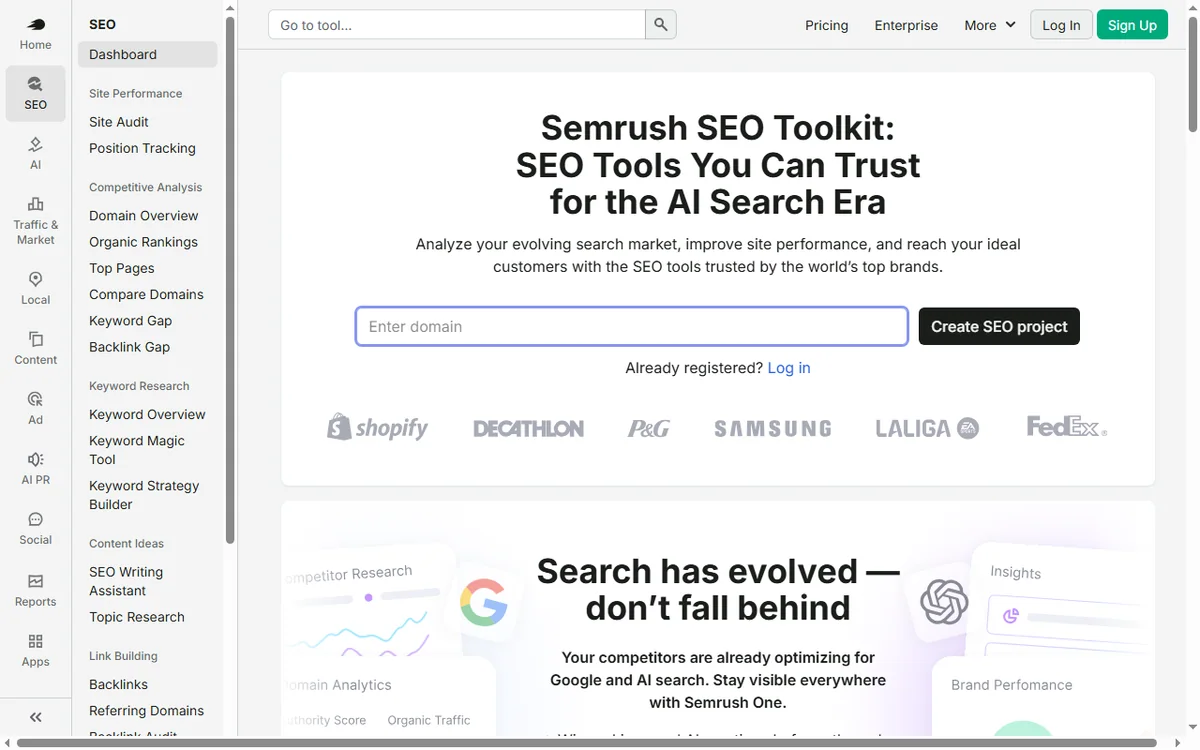
    Semrush SEO toolkit feature page
    Semrush SEO toolkit (image: semrush.com)

    The main toolkits

    • Keyword research — volume, difficulty and related terms for a topic.
    • Competitor analysis — which terms and pages a rival ranks for.
    • Backlink analytics — the links pointing at a site.
    • Site audit — technical problems on your own site.
    • Position tracking — how your rankings move over time.
    • Advertising research — the paid side of the same picture.
    Semrush keyword research feature page
    Semrush keyword research (image: semrush.com)

    How the data fits together

    The suite is useful because the same underlying data can be sliced several ways. A keyword you find in research is the same term you track in positions and audit on your pages; a competitor you study gives you both content gaps and ad angles.

    Question Toolkit What you get
    What should I write about?Keyword researchDemand and difficulty
    Why does a rival outrank me?Competitor analysisTheir winning pages and terms
    Who links to my competitors?Backlink analyticsLink prospects
    What is broken on my site?Site auditTechnical issues to fix
    Am I improving?Position trackingRanking movement over time
    Based on publicly documented behaviour, checked October 8, 2026.
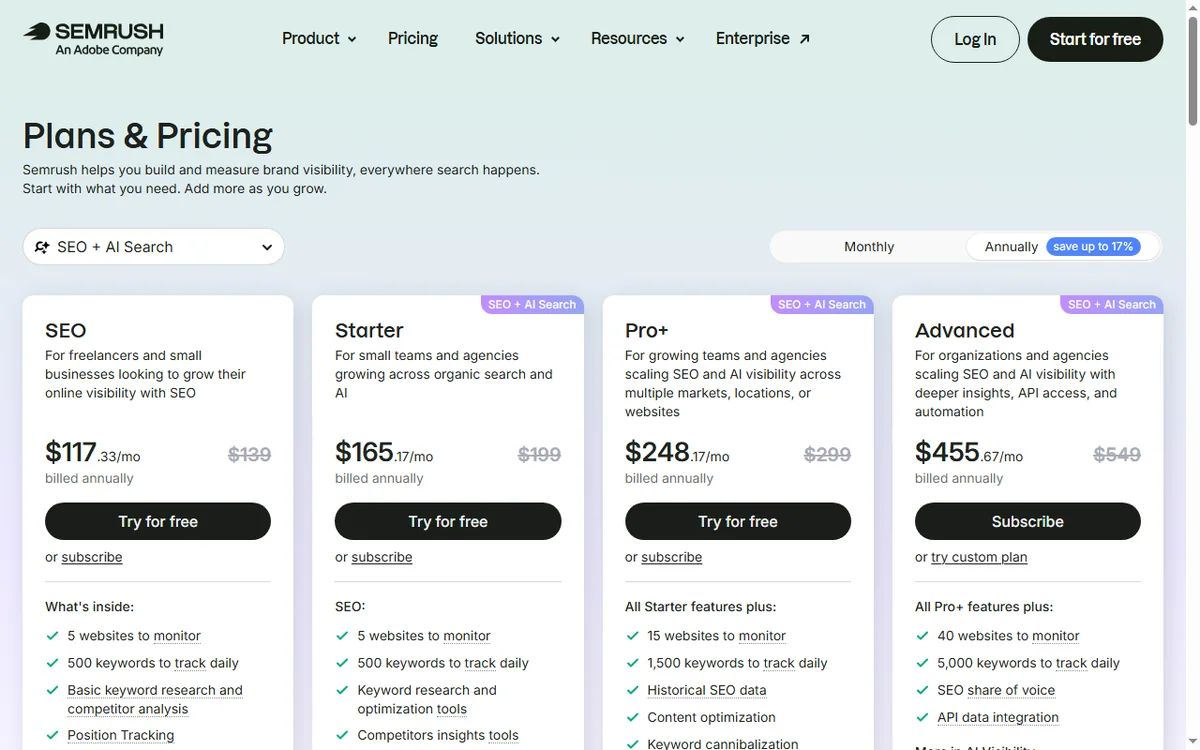
    Semrush pricing page with plan tiers
    Semrush pricing (image: semrush.com)

    When it is worth it

    A suite pays off when you have enough SEO work to make the breadth useful: several sites, an ongoing content plan, or clients. If you only need one thing occasionally, a narrower tool can be enough.

    For a small business, the common entry points are keyword research and the site audit. Start there and expand into competitors once you have a rhythm.

    What the data is not

    Keyword volumes and difficulties are estimates built from panels and modelling; treat them as directional. Rankings and backlinks are snapshots that update on a schedule, not in real time.

    Use the numbers to prioritise, then verify what matters against your own analytics and search console before you commit budget.

    Semrush site audit feature page
    Semrush site audit (image: semrush.com)

    Where this fits in your wider stack

    Read the independent Semrush review and start from the SEO tools hub. Planning cost? See the Semrush pricing guide. For a shortlist, read best SEO tools for small business and the on-page SEO guide.
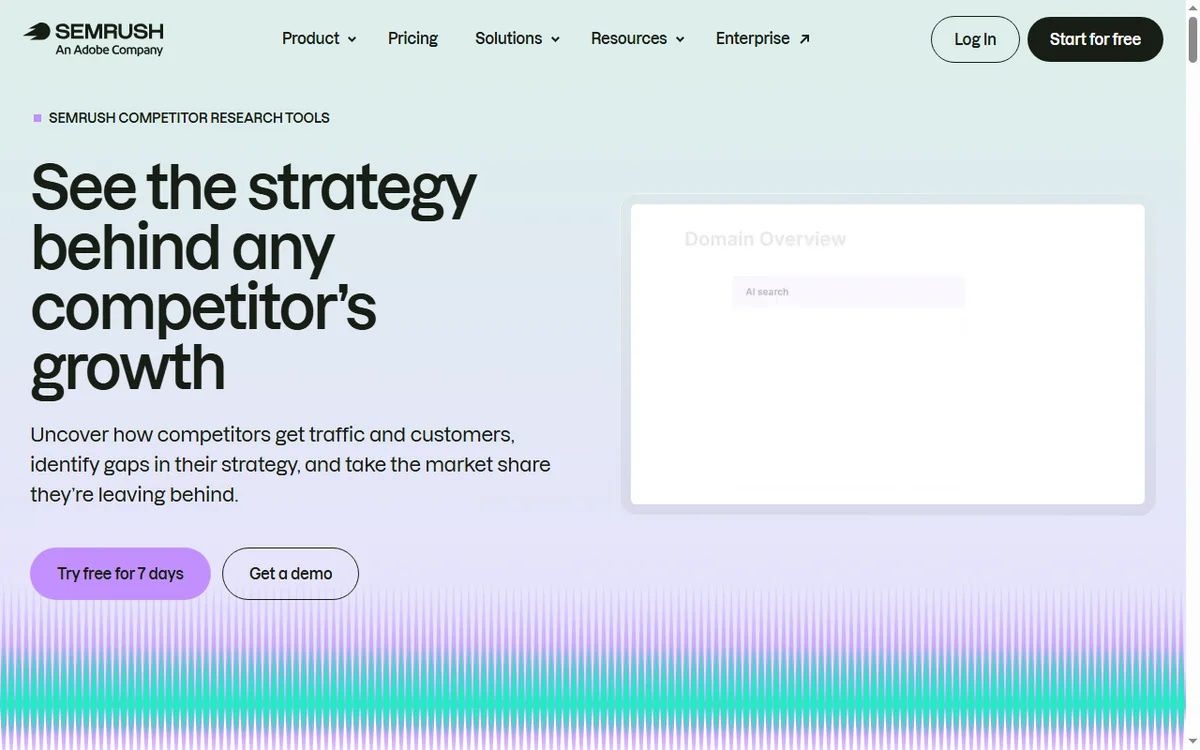
    Semrush competitor page
    Semrush competitor (image: semrush.com)

    Frequently asked

    Is Semrush for beginners?

    You can start with keyword research and the site audit, which are the most intuitive toolkits. The suite reveals more depth as you use it.

    Do I need Semrush to do SEO?

    No. You can do a lot with free tools and search console. A suite helps when you need competitor and backlink data at scale.

    Is the keyword data exact?

    It is estimated from panels and modelling, so treat volumes as directional rather than precise.

    What is the best first tool?

    Keyword research for planning content, or the site audit if you need to fix technical problems first.

    Put real search data behind your next content plan

    Start with keyword research and a site audit, then widen into competitor data.

    Referral link — we may earn a reward if you sign up, at no extra cost to you. We are an independent publisher. See our Affiliate Disclosure.

  • How to Set Up Semrush: Projects, First Audit and Keyword Tracking

    How to Set Up Semrush: Projects, First Audit and Keyword Tracking

    Home / SEO Tools / Guides / How to set up Semrush

    Tutorial · seo tools · updated October 7, 2026

    How to set up Semrush: projects, your first audit and keyword tracking

    Semrush is a suite, not a single tool, so “setting it up” means configuring a few core tools around your own site and a couple of competitors. Do that once and the data starts accumulating.

    Semrush homepage for SEO and competitor research
    Semrush official homepage (image: semrush.com)

    Independent analysis. This page may contain affiliate links. Some links here are referral links; if you sign up through one we may earn a reward at no extra cost to you, and it never changes what we recommend. We are an independent publisher and are not affiliated with, endorsed by, or an official partner of any tool mentioned. See our Affiliate Disclosure.

    TL;DR

    • Create a project so audits and rankings attach to your domain.
    • Run a site audit and fix the highest-severity issues first.
    • Set up position tracking for the keywords you actually care about.
    • Add two or three competitors for context, not a dozen.
    • Review on a schedule — data only helps if you act on it.

    On this page: Create the project · Run the site audit · Position tracking · Keyword research · Add competitors · Where this fits

    Semrush sign-up screen to create an account and first project
    Semrush sign-up (image: semrush.com)

    Step 1 — Create your account and first project

    Sign up, then create a project for your own domain. A project is the container that holds your audit history, tracked keywords and reports, so everything you set up later attaches to it.

    Semrush technical SEO audit feature page
    Semrush site audit (image: semrush.com)

    Step 2 — Run your first site audit

    1. Start the site audit and let it crawl your domain.
    2. Sort issues by severity rather than working top to bottom blindly.
    3. Fix blocking technical issues first: broken links, missing titles, redirect chains.
    4. Re-crawl after fixes so you can see progress rather than guessing.
    Semrush position tracking feature page for rank monitoring
    Semrush position tracking (image: semrush.com)

    Step 3 — Configure position tracking

    Add the keywords that matter to your business — the ones tied to revenue, not the ones with the biggest volume. Choose the right country and device type, then let it run for a few weeks before drawing conclusions.

    Semrush keyword research feature page
    Semrush keyword research (image: semrush.com)

    Step 4 — Do focused keyword research

    Use keyword research to find queries you can realistically win, then map each to a page that already exists or a genuinely new one. Resist creating a page for every phrase; group related queries by intent instead.

    Semrush competitor analysis feature page
    Semrush competitor analysis (image: semrush.com)

    Step 5 — Add two or three competitors

    Track a small set of real competitors. More domains sound thorough but dilute attention; two or three well-chosen ones reveal the gaps you can actually act on.

    Semrush pricing page with plan tiers
    Semrush pricing (image: semrush.com)

    Where this fits

    See the independent Semrush review and the Semrush pricing guide. For tool choice, start at the SEO tools hub and the best SEO tools for small business shortlist. New-site basics are covered in the SEO checklist for a new website.

    Frequently asked

    What should I set up first?

    A project for your own domain, then a site audit, then position tracking for your revenue keywords. Competitors and research tools come after the basics are running.

    How many keywords should I track?

    Start with the handful tied directly to your products or services. You can expand later; a short, relevant list is more useful than a long, generic one.

    Do I need the competitor tools?

    They are useful but optional. Add two or three real competitors; a large list usually produces noise rather than decisions.

    How often should I act on the audit?

    Treat it as a recurring task: fix high-severity issues promptly, and review the rest on a monthly rhythm rather than obsessing over every warning.

    Will this guarantee rankings?

    No tool guarantees rankings. Semrush surfaces issues and opportunities; rankings follow from fixing problems, publishing genuinely useful content and earning links over time.

    Configure it once, review it on a schedule

    Project, audit, tracking — then act.

    Referral link — we may earn a reward if you sign up, at no extra cost to you. We are an independent publisher. See our Affiliate Disclosure.

  • How to Use Semrush for a Small Business (SEO Without a Team)

    How to Use Semrush for a Small Business (SEO Without a Team)

    Home / SEO Tools / Guides / How to use Semrush for a small business

    Use case · seo tools · updated October 7, 2026

    How to use Semrush for a small business: SEO without a team

    A small business cannot outspend competitors on SEO. It can out-focus them. Semrush is useful here as a filter — it helps you find the few actions that move revenue and ignore the rest.

    Semrush homepage for SEO and competitor research
    Semrush official homepage (image: semrush.com)

    Independent analysis. This page may contain affiliate links. Some links here are referral links; if you sign up through one we may earn a reward at no extra cost to you, and it never changes what we recommend. We are an independent publisher and are not affiliated with, endorsed by, or an official partner of any tool mentioned. See our Affiliate Disclosure.

    TL;DR

    • Focus on a small set of keywords tied to revenue.
    • Fix technical problems before chasing new content.
    • Study two or three competitors, not the whole market.
    • Build a modest content plan around intent, not volume.
    • Measure a few metrics consistently and act monthly.

    On this page: Find winnable keywords · Fix technical issues · Watch competitors · A modest content plan · Local SEO · Measure · Where this fits

    Semrush keyword research feature page for finding keyword opportunities
    Semrush keyword research (image: semrush.com)

    Find keywords you can actually win

    Big-volume terms are usually owned by large sites with deep authority. Filter for specific, lower-competition phrases that match what your customers type when they are close to buying. Those are the ones a small site can realistically rank for.

    Semrush technical SEO audit feature page
    Semrush site audit (image: semrush.com)

    Fix technical issues before publishing more

    • Broken links and redirect chains.
    • Missing or duplicated titles and descriptions.
    • Slow, heavy pages that hurt both users and rankings.
    • Mobile problems — most local traffic is mobile.
    Semrush competitor analysis feature page
    Semrush competitor analysis (image: semrush.com)

    Watch a small set of competitors

    Pick two or three competitors who already rank for your target terms. Look at the pages that earn them traffic and the gaps you could fill with a better, more specific page — not a duplicate.

    Semrush SEO toolkit page for planning content
    Semrush SEO toolkit (image: semrush.com)

    Build a modest content plan

    Map each target keyword to one page and one intent. Update existing pages that are close to ranking before writing new ones; improving a page at position eight is usually cheaper than launching a new one at position eighty.

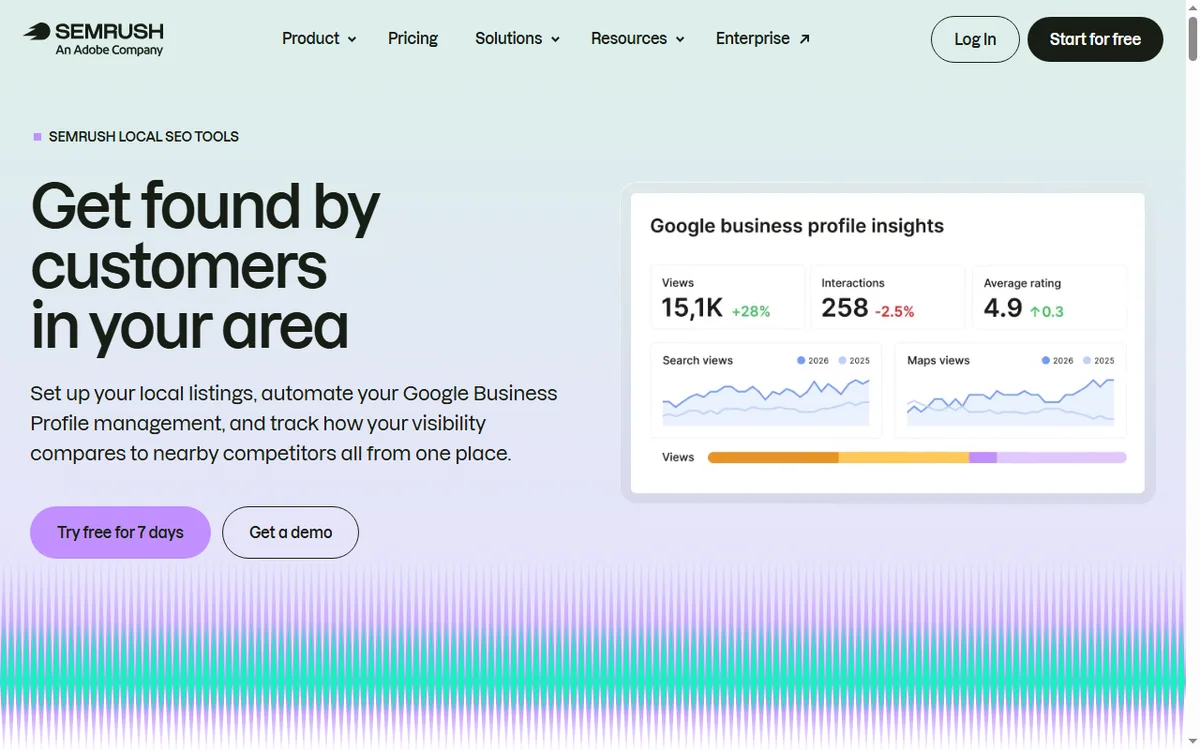
    Semrush local SEO tools page for rankings, listings and reviews
    Semrush local SEO (image: semrush.com)

    If you serve a local area

    Local SEO rewards clarity: consistent business details, a complete profile, real reviews and pages that mention the areas you serve. Semrush helps you find the terms; the local basics do the ranking.

    Semrush position tracking feature page
    Semrush position tracking (image: semrush.com)

    Measure a few things consistently

    • Rankings for your chosen keywords.
    • Organic sessions and which pages earn them.
    • Enquiries or revenue that follow.
    • Technical health from your latest audit.
    Semrush pricing page with plan tiers
    Semrush pricing (image: semrush.com)

    Where this fits

    See the independent Semrush review and the Semrush pricing guide. For tool choice, see the SEO tools hub and the best SEO tools for small business. On-page fundamentals are covered in the on-page SEO guide.

    Frequently asked

    Can this replace an SEO agency?

    It can reduce what you need from one, especially for on-site basics and content planning. Agencies still add value for large-scale link building or complex migrations.

    How long before I see results?

    Expect months, not days. New sites and new pages typically take weeks to be crawled and longer to rank; consistency over several months is what compounds.

    What should I prioritise first?

    Technical health on your own site, then a handful of specific keywords, then improving existing pages before adding new ones.

    Do I need backlinks?

    They help, but small businesses often see more early gain from fixing technical issues and targeting specific terms than from chasing links.

    How often should I review data?

    Monthly is enough for most small businesses. Weekly checks encourage over-reacting to normal fluctuation; monthly reviews reveal real trends.

    Out-focus, do not outspend

    A short keyword list and the technical basics first.

    Referral link — we may earn a reward if you sign up, at no extra cost to you. We are an independent publisher. See our Affiliate Disclosure.