We’re reader-supported — some links are affiliate links. Learn more →

Skip to content

Independent software research. Some links may earn us a commission at no extra cost to you. Learn more →

ICode

Tag: mailerlite

  • What is MailerLite?

    What is MailerLite?

    Home / Email Marketing / Guides / What is MailerLite

    Knowledge · email marketing · updated October 9, 2026

    What is MailerLite?

    MailerLite is an email marketing service for sending campaigns, building automations and collecting subscribers. This guide explains what it does, how it is organised, and what it is not.

    Independent analysis. This page may contain affiliate links. If you sign up through a link on this page we may earn a reward at no extra cost to you, and it never changes what we recommend. We are an independent publisher and are not affiliated with, endorsed by, or an official partner of any tool mentioned. See our Affiliate Disclosure.

    TL;DR

    • MailerLite is an email marketing tool for campaigns and automations.
    • It is organised around subscribers, groups, campaigns and automations.
    • Signup forms and landing pages collect new subscribers.
    • It is aimed at small businesses and creators who want simple email tools.
    • It is not a full CRM and it is not a website builder.

    On this page: What MailerLite is · How it is organised · What it is good at · What it is not · Concept cheat sheet · Where this fits

    Mailerlite home page
    Mailerlite home (image: mailerlite.com)

    What MailerLite is

    MailerLite is a service for sending email at scale. You keep a list of subscribers, send them campaigns, and set up automations that respond to what they do.

    The core job is the same as any email platform: get permission to contact someone, send them something worth reading, and watch how they respond. What differs is how the tool is organised and how much it asks of you.

    It is a hosted service, so you use it in a browser rather than installing software, and your subscriber list lives in your account.
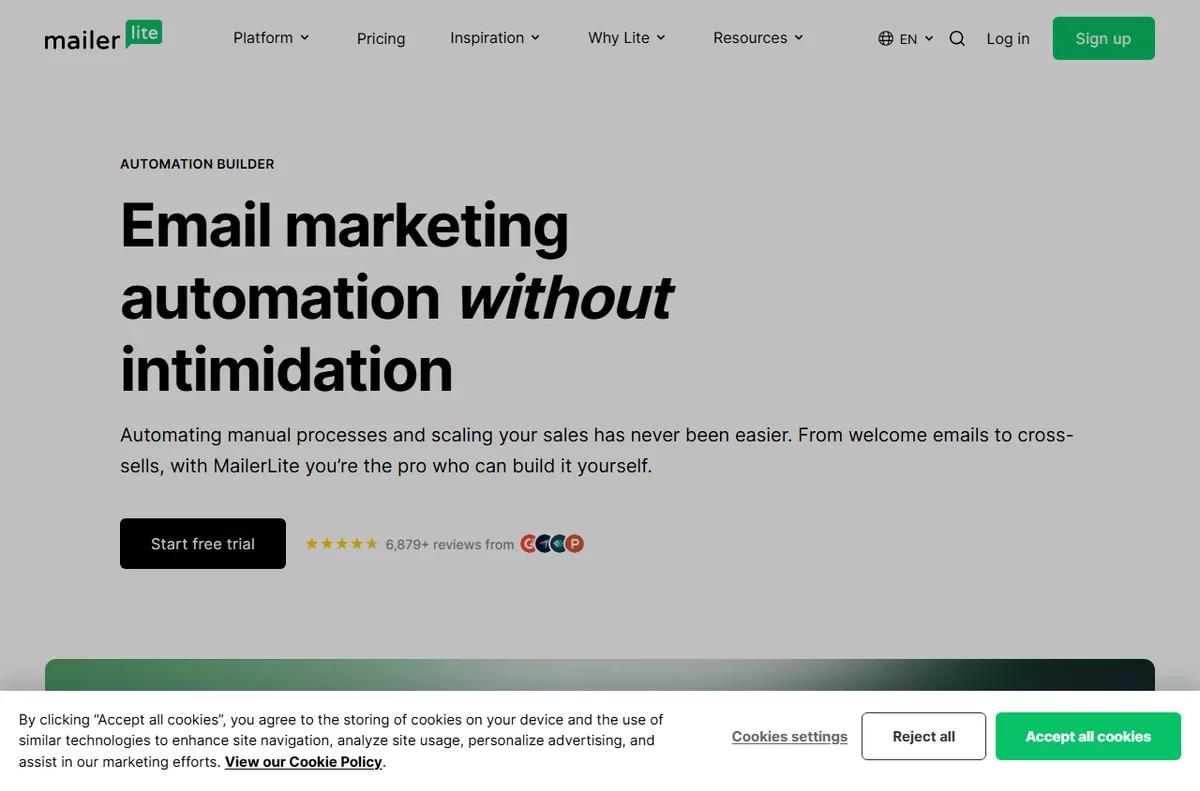
    Mailerlite automation page
    Mailerlite automation (image: mailerlite.com)

    How MailerLite is organised

    Subscribers are the people on your list. You can place them into groups so that a message goes to one segment rather than everyone.

    A campaign is a single email sent to a group. An automation is a sequence triggered by an event, such as a new subscriber joining or a link being clicked.

    Forms and landing pages are the entry points that add people to the list, and they connect back to the groups and automations you set up.
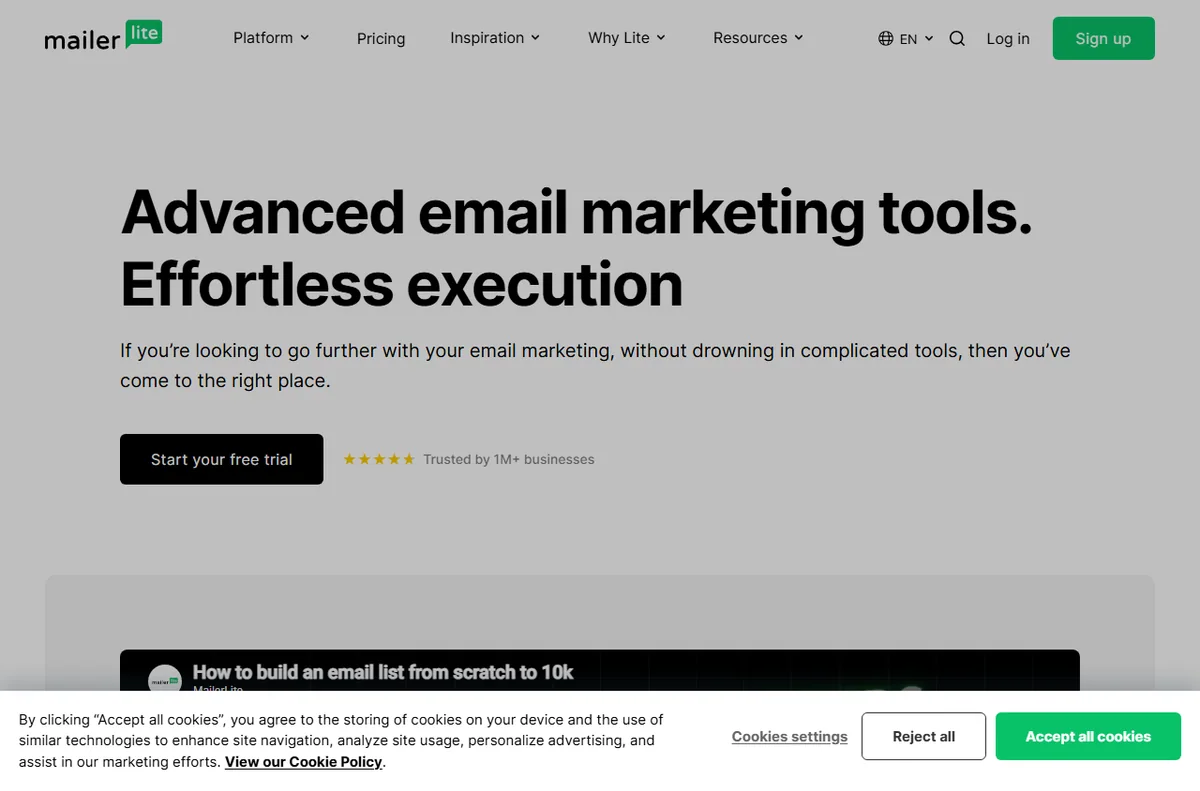
    Mailerlite features page
    Mailerlite features (image: mailerlite.com)

    What MailerLite is good at

    • Sending campaigns and simple newsletters without a designer.
    • Grouping subscribers so a message reaches the right people.
    • Automating a welcome sequence or a follow-up.
    • Collecting subscribers with signup forms and landing pages.
    • Tracking opens, clicks and unsubscribes in one place.
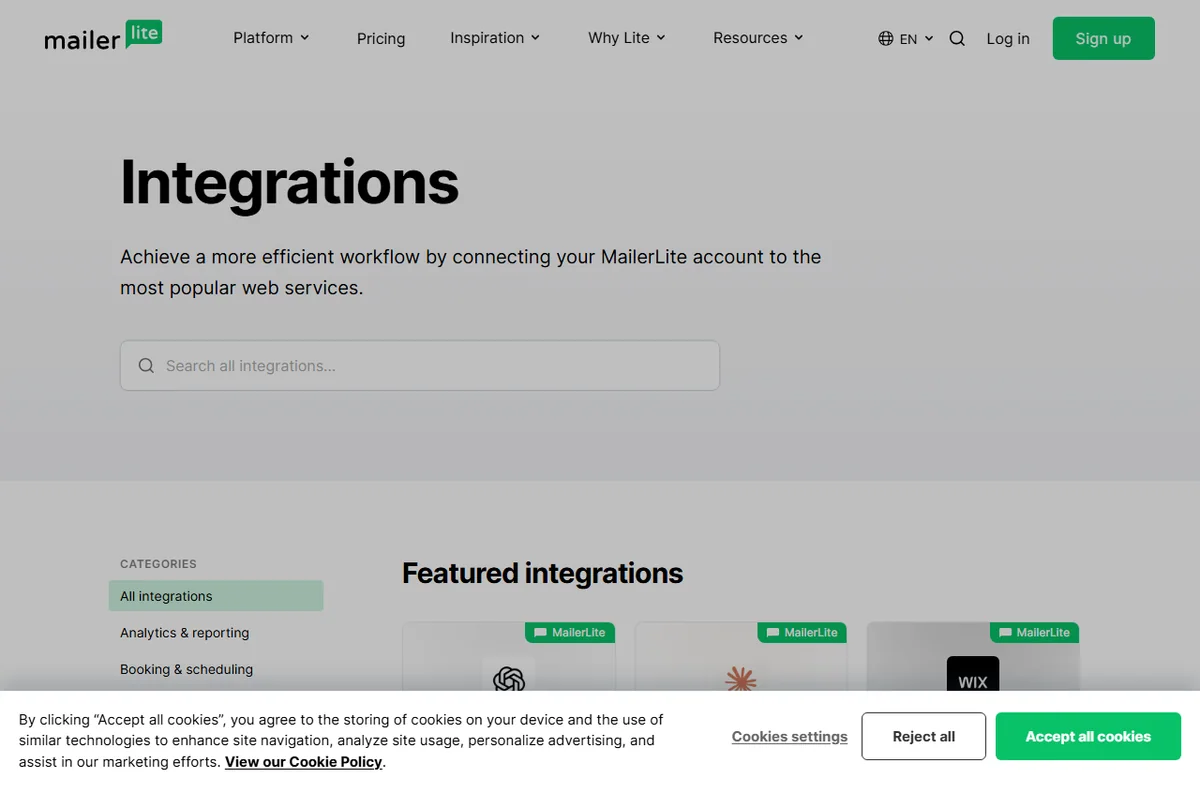
    Mailerlite integrations page
    Mailerlite integrations (image: mailerlite.com)

    What MailerLite is not

    • Not a full CRM: it tracks email behaviour more than the whole sales relationship.
    • Not free of charge beyond its free tier limits, so check the current pricing.
    • Not a website builder, even though it can host simple landing pages.
    • Not a guarantee of deliverability; that also depends on your list and your sending habits.

    Concept cheat sheet

    ConceptMeaningWhy it matters
    SubscriberA person on your listThe audience you send to
    GroupA segment of subscribersDecides who receives a message
    CampaignOne email sent onceThe core sending unit
    AutomationA sequence triggered by an eventHandles follow-up automatically
    FormA signup that adds a subscriberGrows the list
    Based on publicly documented behaviour, checked October 9, 2026.
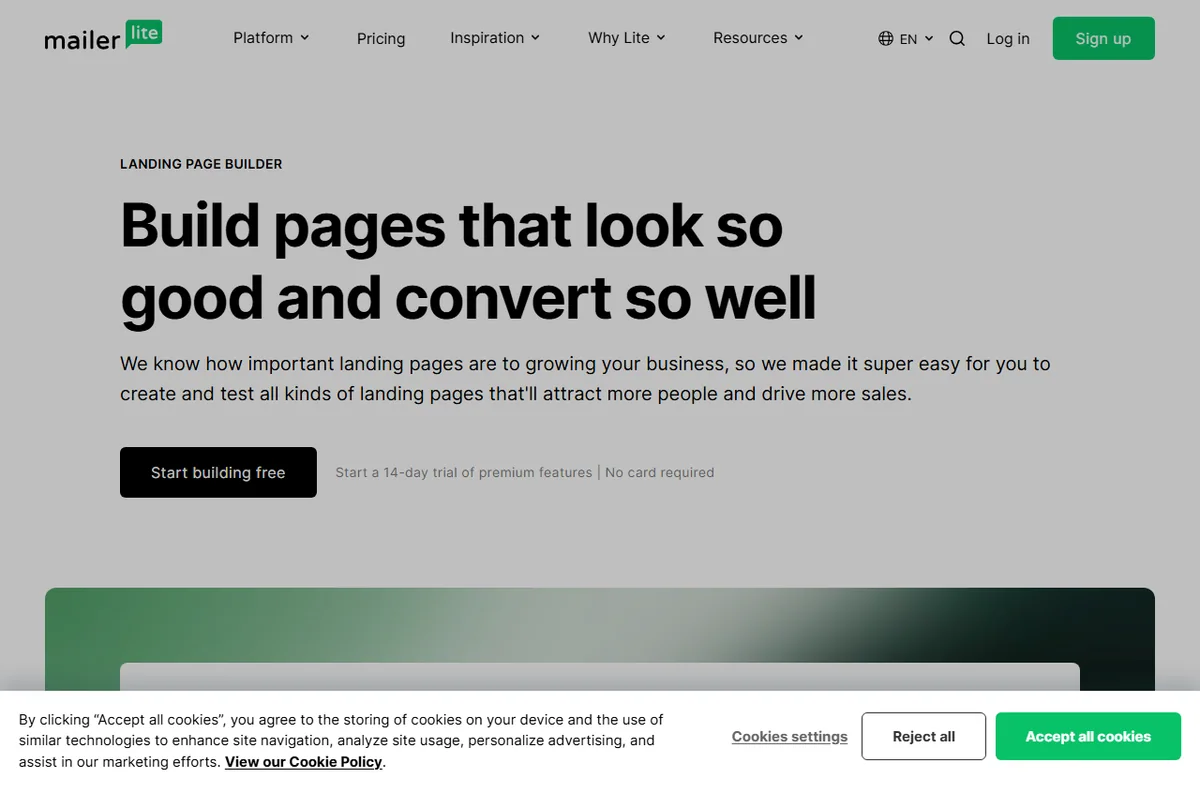
    Mailerlite landing pages page
    Mailerlite landing pages (image: mailerlite.com)

    Where this fits

    Start with the email marketing hub. For the practical steps see how to set up MailerLite, and for everyday usage read how to use MailerLite for a small business.

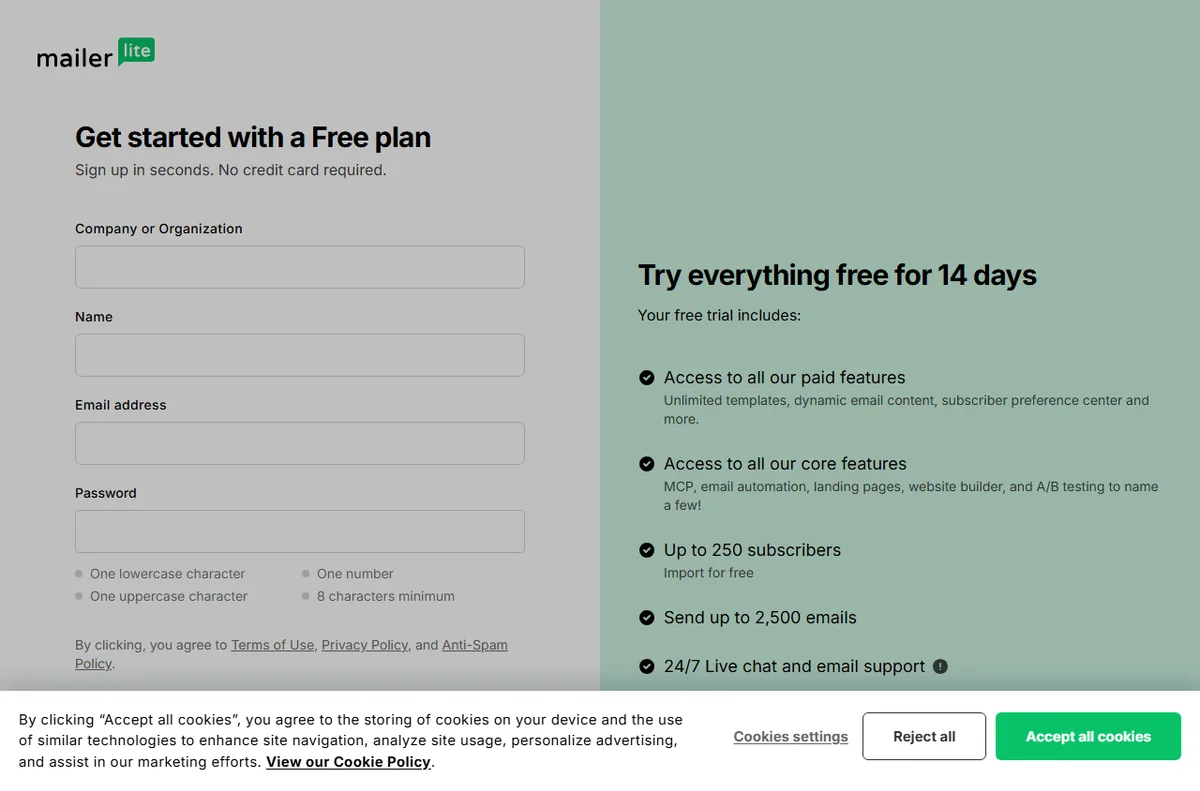
    Mailerlite login page
    Mailerlite login (image: mailerlite.com)

    Frequently asked

    Is MailerLite only for email?

    Email is the centre of it, but it also offers simple landing pages and forms that collect subscribers. It is not a general website builder.

    Do I need design skills?

    No. You start from a template, add your content and send. Good copy and a clear layout matter more than visual polish.

    Is there a free tier?

    There is a free tier with limits, and paid plans above it. Limits change, so check the current pricing on MailerLite’s own site.

    Can I move my list elsewhere later?

    Most services let you export your subscribers. Check the export options in your account before you rely on it.

    Does it handle automation?

    Yes. You can trigger sequences on events such as a new subscriber or a click, and branch the flow based on what happens.

    Send email that gets opened

    Campaigns, automations and signup forms.

    Some links on this page may be referral links — we may earn a reward if you sign up, at no extra cost to you. We are an independent publisher. See our Affiliate Disclosure.

    Related reading

  • How to Use MailerLite for a Small Business

    How to Use MailerLite for a Small Business

    Home / Email Marketing / Guides / How to use MailerLite

    Use case · email marketing · updated October 8, 2026

    How to use MailerLite for a small business

    MailerLite is a tool; the value comes from how a small business uses it. This post covers the practical patterns that tend to earn their keep: welcome series, a sustainable newsletter, simple segmentation, a few automations and honest reporting.

    MailerLite email marketing homepage
    MailerLite official homepage (image: mailerlite.com)

    Independent analysis. This page may contain affiliate links. Some links here are referral links; if you sign up through one we may earn a reward at no extra cost to you, and it never changes what we recommend. We are an independent publisher and are not affiliated with, endorsed by, or an official partner of any tool mentioned. See our Affiliate Disclosure.

    TL;DR

    • A welcome series does more work than most one-off campaigns.
    • A predictable newsletter rhythm beats sporadic bursts.
    • Segment by behaviour, not by guesswork.
    • Automate the handful of messages you send every time.
    • Keep consent and list hygiene in view as the list grows.

    On this page: What this covers · Where MailerLite earns its place · A welcome series that does a job · A newsletter rhythm you can keep · Segmentation without overcomplicating · What to automate first · Reading the numbers that matter · Consent and list hygiene · Where this fits in your wider stack

    What this covers

    Once the account is set up, the question shifts from configuration to habit. This post is about the patterns a small business can sustain: a few automations that always run, a newsletter cadence you can keep, and segmentation you will actually act on.

    It avoids theory. Each section maps to something you can build in an afternoon and improve over time.

    Where MailerLite earns its place

    For a small team, email is often the most reliable channel you own. These are the jobs worth setting up first.

    • Welcome new subscribers automatically.
    • Send a regular newsletter to stay in touch.
    • Segment by interest or purchase behaviour.
    • Follow up after a purchase or a key action.
    • Report on what actually gets opened and clicked.
    MailerLite automation builder for welcome series
    MailerLite automation (image: mailerlite.com)

    A welcome series that does a job

    The first messages after sign-up get the most attention you will ever have. A short series that sets expectations, delivers the promised value and points to one clear next step usually outperforms a single generic hello.

    MailerLite newsletter templates
    MailerLite templates (image: mailerlite.com)

    A newsletter rhythm you can keep

    Pick a cadence you can sustain and protect it. A monthly issue that always ships beats a burst of weekly sends that fades after a month, both for your audience and for your own workload.

    MailerLite email marketing features for segmentation
    MailerLite features (image: mailerlite.com)

    Segmentation without overcomplicating

    Start with a few meaningful groups: customers, subscribers, and one based on a clear action such as a recent purchase. More segments than you can act on adds work without changing what you send.

    MailerLite integrations to trigger automations
    MailerLite integrations (image: mailerlite.com)

    What to automate first

    Automate the messages you would otherwise send by hand every time.

    Automation Priority Why
    Welcome sequenceHighEvery new subscriber sees it
    Post-purchase follow-upHighTied to repeat business
    Re-engagement for inactive readersMediumProtects list quality over time
    Birthday or milestone messageLowNice to have, rarely urgent
    Complex branching journeysLaterWorth the effort only at larger scale
    Based on publicly documented behaviour, checked October 8, 2026.
    MailerLite dashboard sign-in where campaign statistics are accessed
    MailerLite dashboard sign-in (image: mailerlite.com)

    Reading the numbers that matter

    Open and click rates are directional, not definitive, and privacy features affect how they are measured. Watch trends over time and use the results to decide what to send next rather than chasing a single number in isolation.

    MailerLite sign-up forms with consent
    MailerLite sign-up forms (image: mailerlite.com)

    Consent and list hygiene

    Only email people who agreed to hear from you, make unsubscribing easy, and remove addresses that consistently bounce. A smaller engaged list is worth more than a large indifferent one, and it protects your deliverability.

    Where this fits in your wider stack

    If you are still choosing a tool, read the independent MailerLite review and start from the email marketing hub. Weighing options? See best email marketing software, browse best email newsletter tools, and if you are starting out, read best email marketing for beginners.

    Frequently asked

    How should a small business use MailerLite?

    Start with a welcome sequence and a newsletter you can keep up, then add segmentation and automations as you learn what your audience responds to.

    How often should I email my list?

    Choose a cadence you can sustain; consistency matters more than raw frequency.

    Should I segment my list?

    Yes, but keep it simple. A few groups tied to clear behaviour are easier to act on than many fine-grained ones.

    What metrics should I track?

    Watch open and click trends over time, plus unsubscribes and bounces, rather than optimising one number in isolation.

    MailerLite landing page builder
    MailerLite landing pages (image: mailerlite.com)

    Get more from MailerLite

    Start with a welcome series and one newsletter you can keep.

    Referral link — we may earn a reward if you sign up, at no extra cost to you. We are an independent publisher. See our Affiliate Disclosure.

  • How to Set Up MailerLite: Email Marketing, Step by Step

    How to Set Up MailerLite: Email Marketing, Step by Step

    Home / Email Marketing / Guides / How to set up MailerLite

    Tutorial · email marketing · updated October 8, 2026

    How to set up MailerLite: a practical walkthrough

    MailerLite is an email marketing tool for building lists and sending campaigns. A clean setup matters because domain verification, list structure and automation are far easier to do once than to retrofit later.

    MailerLite email marketing homepage
    MailerLite official homepage (image: mailerlite.com)

    Independent analysis. This page may contain affiliate links. Some links here are referral links; if you sign up through one we may earn a reward at no extra cost to you, and it never changes what we recommend. We are an independent publisher and are not affiliated with, endorsed by, or an official partner of any tool mentioned. See our Affiliate Disclosure.

    TL;DR

    • Create the account and complete the sender profile first.
    • Verify your sending domain before you send anything.
    • Structure your list into groups from the start.
    • Embed a sign-up form where your audience already is.
    • Add one welcome automation before scaling your sends.

    On this page: What this covers · Before you start · Step 1 — Create your account · Step 2 — Verify your sending domain · Step 3 — Build your first list · Step 4 — Add a sign-up form · Step 5 — Send your first campaign · Step 6 — Add a welcome automation · Choosing what to set up first · Where this fits in your wider stack

    What this covers

    This guide assumes you are starting fresh with an email list or moving from a spreadsheet. It covers the order of operations that avoids rework: account, sender profile, domain verification, groups, form, first campaign and a welcome automation.

    Nothing here depends on a specific plan. Where a feature is tied to a tier, the guide says to check the official pricing page rather than quoting numbers that change.

    Before you start

    • A domain you can add DNS records to.
    • A real business name and address for the sender profile.
    • A short description of who you email and why.
    • Access to your website or the tool that hosts your forms.
    • A clear view of what counts as consent for your list.
    MailerLite sign-up page for creating a free account
    MailerLite sign-up (image: mailerlite.com)

    Step 1 — Create your account

    1. Sign up from the official site and confirm your email address.
    2. Complete the sender profile with a real name and postal address.
    3. Set your timezone so scheduling behaves as expected.
    4. Review the account settings before you import anyone.
    MailerLite email marketing features page
    MailerLite features (image: mailerlite.com)

    Step 2 — Verify your sending domain

    Domain verification proves you control the domain you send from, which helps deliverability and protects your sender reputation. Add the DNS records the platform provides, then wait for verification to pass. Providers differ, so follow the exact records shown inside your own account.

    MailerLite sign-up forms for building a list
    MailerLite sign-up forms (image: mailerlite.com)

    Step 3 — Build your first list

    Create a group for the subscribers you intend to email. Keep the names meaningful: a group for newsletter readers and one for customers is easier to reason about than a single undifferentiated list you cannot segment later.

    MailerLite landing page builder for opt-in pages
    MailerLite landing pages (image: mailerlite.com)

    Step 4 — Add a sign-up form

    1. Create a form and choose only the fields you truly need.
    2. Set which group new subscribers join.
    3. Embed the form on your site or share the hosted link.
    4. Submit a test entry and confirm it lands in the right group.
    MailerLite newsletter and landing page templates
    MailerLite templates (image: mailerlite.com)

    Step 5 — Send your first campaign

    Draft a campaign, choose the group to send to, and preview on desktop and mobile. Send a test to yourself before the real send, and read the spam and deliverability checks the tool provides rather than skipping them.

    MailerLite automation builder for welcome emails
    MailerLite automation (image: mailerlite.com)

    Step 6 — Add a welcome automation

    A welcome automation sends a sequence when someone joins a group. Start with a single welcome message and a clear next step rather than a long sequence you will not maintain. You can add steps once you see what people respond to.

    MailerLite pricing plans
    MailerLite pricing (image: mailerlite.com)

    Choosing what to set up first

    A sensible order removes the most common causes of rework.

    Task Do it when Note
    Sender profileDay oneBlocks most sends until it is complete
    Domain verificationBefore the first campaignImproves deliverability and trust
    Group structureBefore importing contactsHard to reorganise later
    Sign-up formOnce groups existPoints new subscribers to the right group
    Welcome automationAfter the first campaignEasier to write with real feedback
    Based on publicly documented behaviour, checked October 8, 2026.

    Where this fits in your wider stack

    If you are still comparing tools, read the independent MailerLite review and start from the email marketing hub. Weighing options? See best email marketing software, browse best email newsletter tools, and if you are new to this, read best email marketing for beginners.

    Frequently asked

    How long does MailerLite setup take?

    Account creation and the sender profile are quick; domain verification depends on how fast your DNS changes propagate.

    Do I need to verify a domain?

    It is strongly recommended before sending campaigns, because it improves deliverability and protects your sender reputation.

    Can I import an existing list?

    Yes, but only contacts who gave you permission, and check the platform requirements for imports first.

    Is there a free plan?

    Plans and limits change over time, so check the official pricing page for what is currently offered.

    MailerLite integrations with other tools
    MailerLite integrations (image: mailerlite.com)

    Set up MailerLite the right way

    Verify your domain and structure your list before the first send.

    Referral link — we may earn a reward if you sign up, at no extra cost to you. We are an independent publisher. See our Affiliate Disclosure.