We’re reader-supported — some links are affiliate links. Learn more →

Skip to content

Independent software research. Some links may earn us a commission at no extra cost to you. Learn more →

ICode

Tag: activecampaign

  • What is ActiveCampaign?

    What is ActiveCampaign?

    Home / Email Marketing / Guides / What is ActiveCampaign

    Knowledge · email marketing · updated October 9, 2026

    What is ActiveCampaign?

    ActiveCampaign is an email marketing and marketing-automation platform built around contacts and behaviour-based automations. This guide explains what that means in practice and when it is worth using.

    Independent analysis. This page may contain affiliate links. If you sign up through a link on this page we may earn a reward at no extra cost to you, and it never changes what we recommend. We are an independent publisher and are not affiliated with, endorsed by, or an official partner of any tool mentioned. See our Affiliate Disclosure.

    TL;DR

    • ActiveCampaign combines email marketing with automation.
    • It is built around contacts and what they do.
    • Automations trigger on contact behaviour, not just a send.
    • It also includes some CRM and messaging features.
    • It is not simply a bulk email sender.

    On this page: What ActiveCampaign is · How an automation works · What it is good at · What it is not · Concept cheat sheet · Where this fits
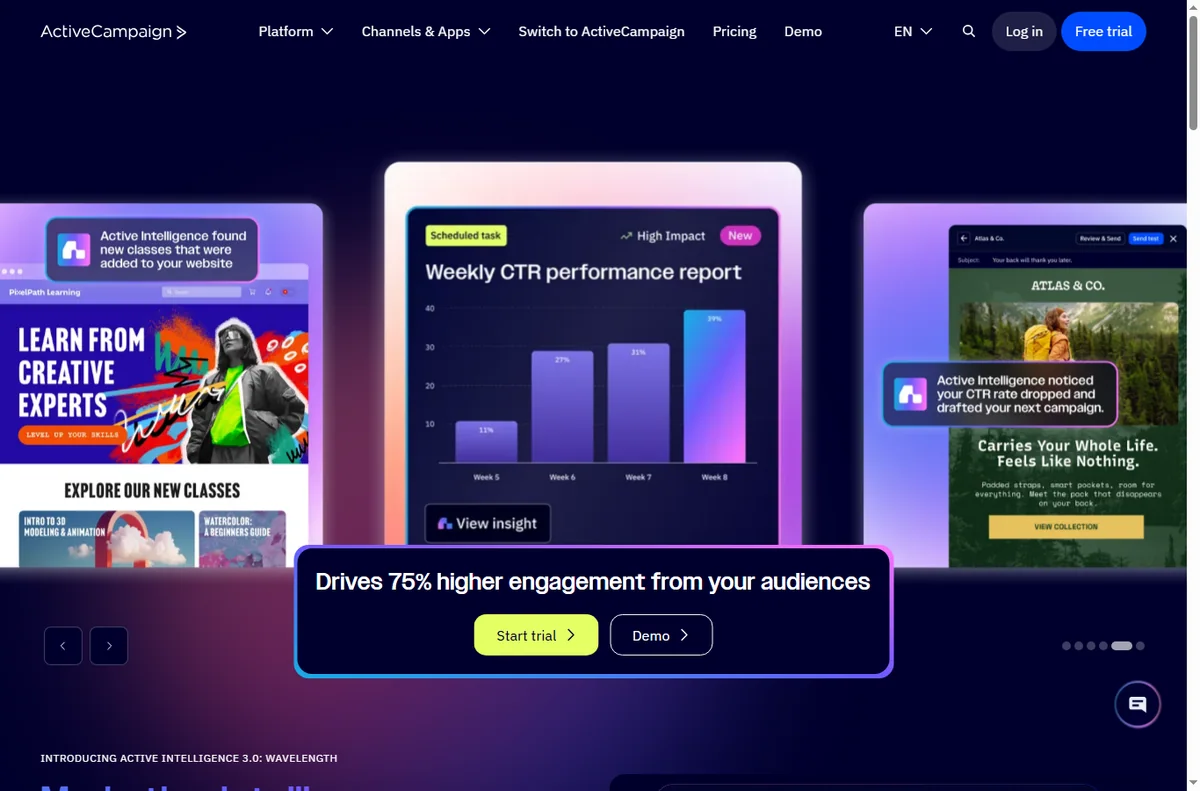
    Activecampaign home page
    Activecampaign home (image: activecampaign.com)

    What ActiveCampaign is

    ActiveCampaign is a platform for sending email and automating what happens next. Contacts sit at the centre of the system, and actions are driven by how those contacts behave.

    The point is relevance: instead of sending the same message to everyone, you send the right message based on what a contact has already done.

    Because the platform stores a history for each contact, you can decide what to send based on past opens, clicks and purchases rather than guessing.
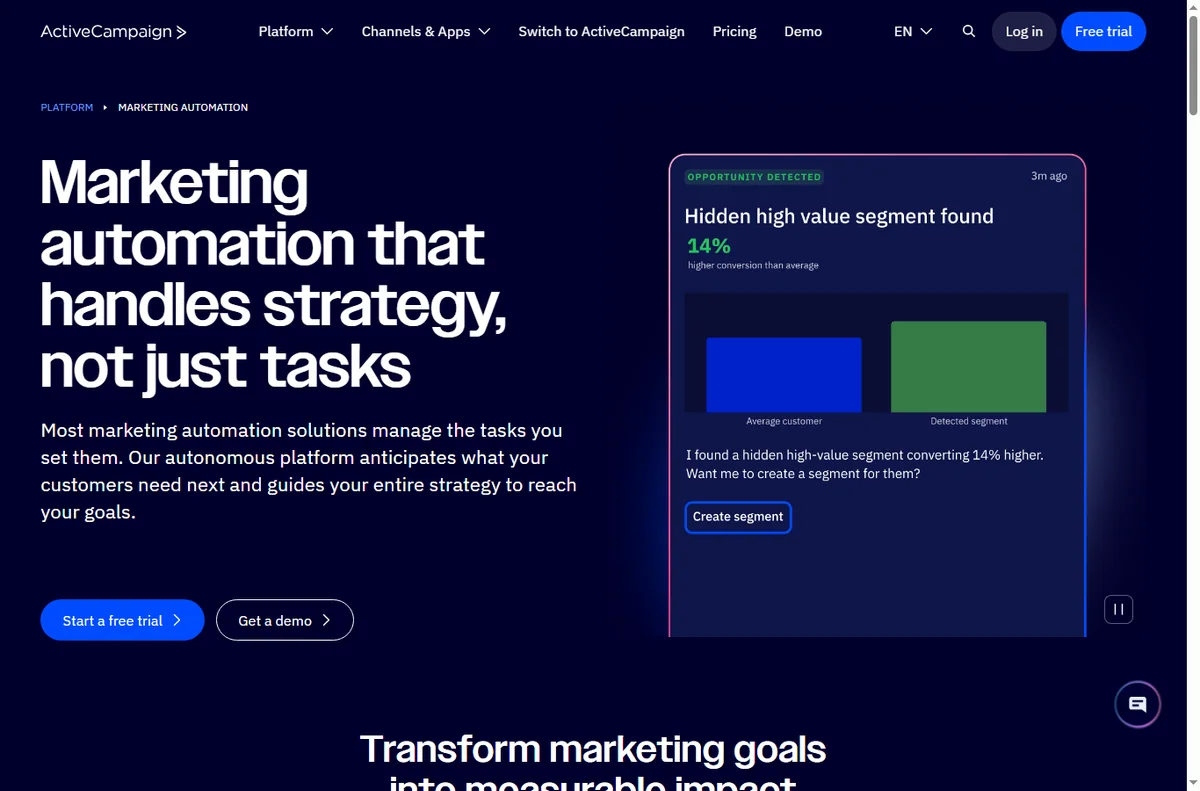
    Activecampaign automation page
    Activecampaign automation (image: activecampaign.com)

    How an automation works

    An automation starts with a trigger — joining a list, clicking a link or making a purchase — and then runs a sequence of steps such as sending an email or adding a tag.

    Because the steps can branch on contact behaviour, the same automation can treat a brand-new subscriber and a returning customer differently.

    You can also stop an automation for a contact who reaches a goal, so they do not keep receiving messages that no longer apply to them.

    Because every step is shown as a small box on a canvas, you can see at a glance what a contact will receive and in what order before you switch the automation on.
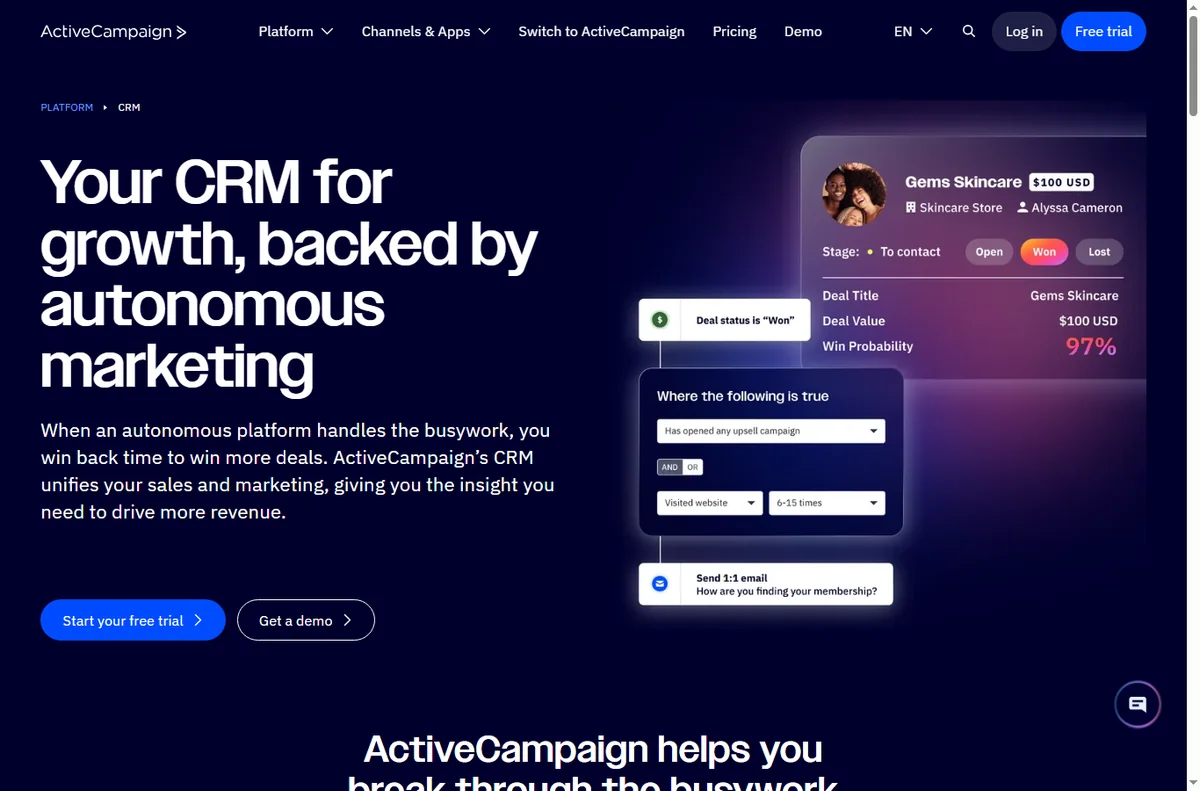
    Activecampaign crm page
    Activecampaign crm (image: activecampaign.com)

    What ActiveCampaign is good at

    • Behaviour-based email automations.
    • Managing contacts and segmenting them by activity.
    • Combining email with lightweight CRM and messaging.
    • Automating follow-up so it does not depend on manual sends.
    Activecampaign forms page
    Activecampaign forms (image: activecampaign.com)

    What ActiveCampaign is not

    • Not only an email blaster; automations are the core of it.
    • Not a free forever tool for large lists.
    • Not a full enterprise CRM replacement.
    • Not something you get the most from without planning your contact data.

    Concept cheat sheet

    ConceptMeaningWhy it matters
    ContactA person in your listThe unit automations act on
    AutomationA triggered sequence of stepsDoes the work automatically
    TagA label on a contactDrives targeting and segments
    SegmentA filtered group of contactsSends the right message
    CampaignA one-off email sendFor announcements
    Based on publicly documented behaviour, checked October 9, 2026.
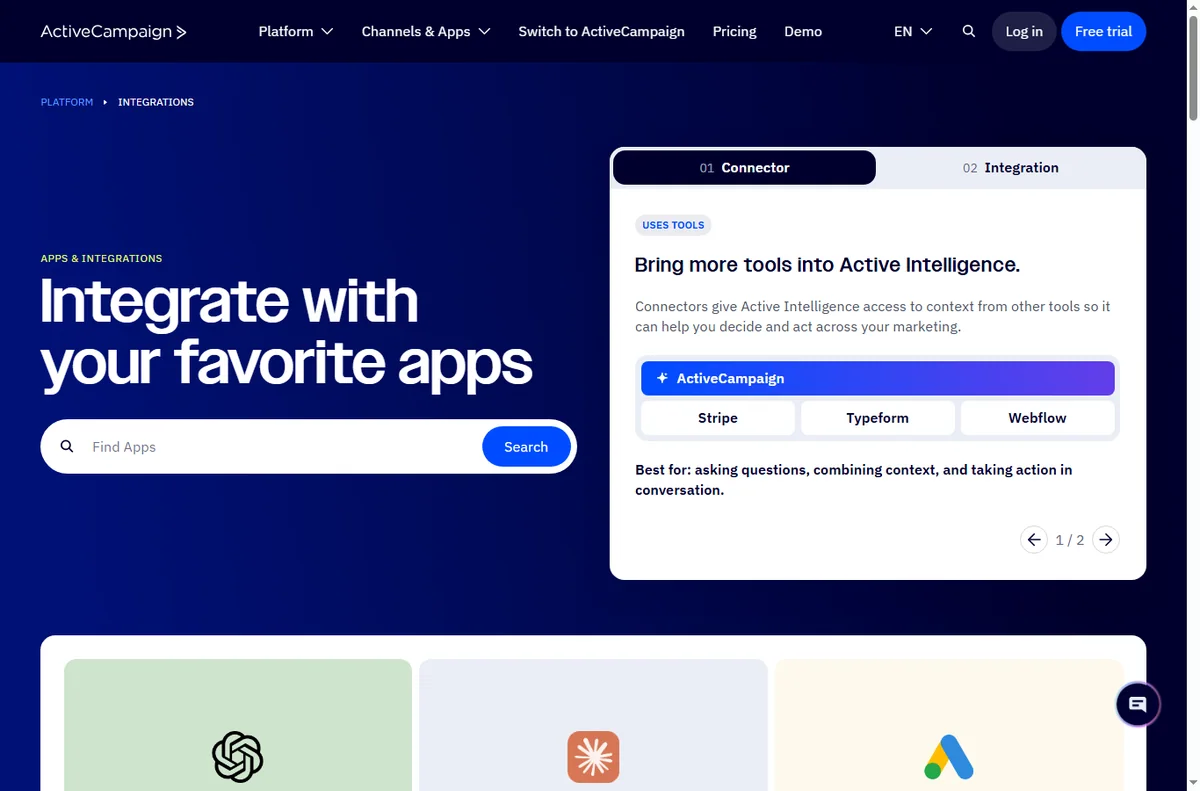
    Activecampaign integrations page
    Activecampaign integrations (image: activecampaign.com)

    Where this fits

    Start with the email marketing hub. For the steps see how to set up ActiveCampaign, and for day-to-day use read how to use ActiveCampaign for a small business.
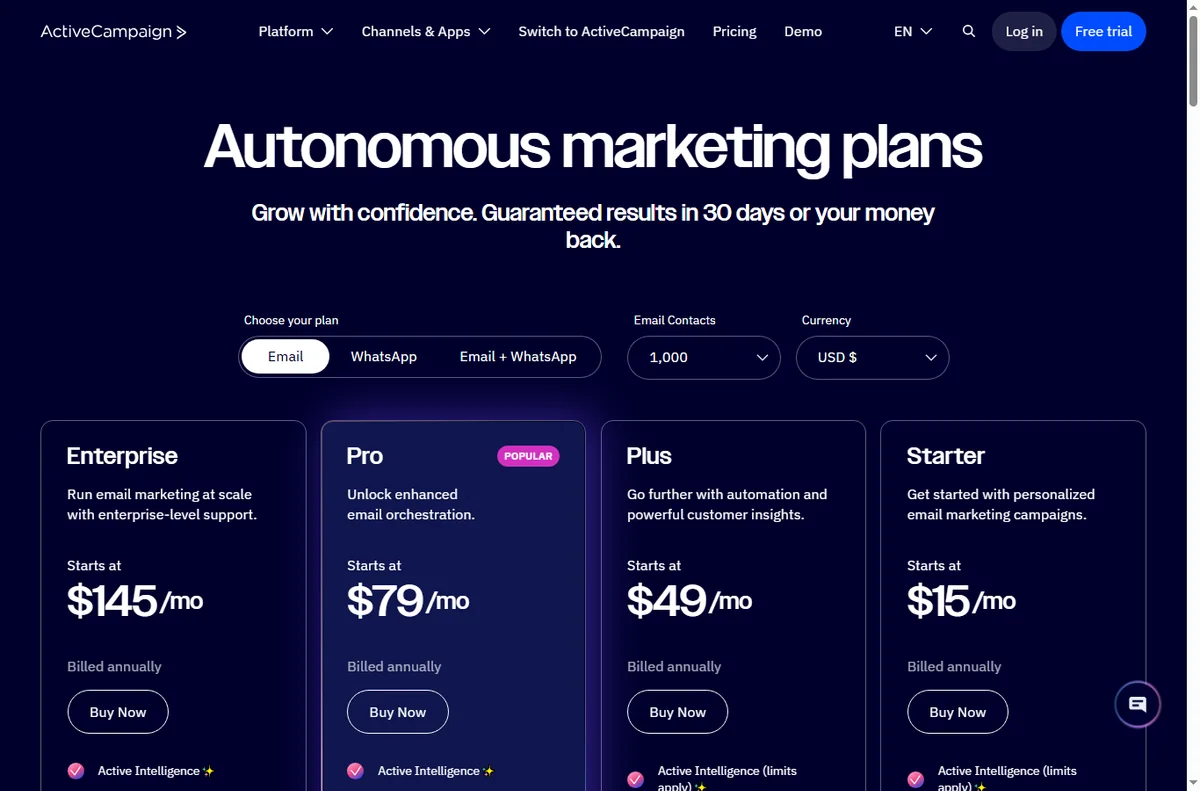
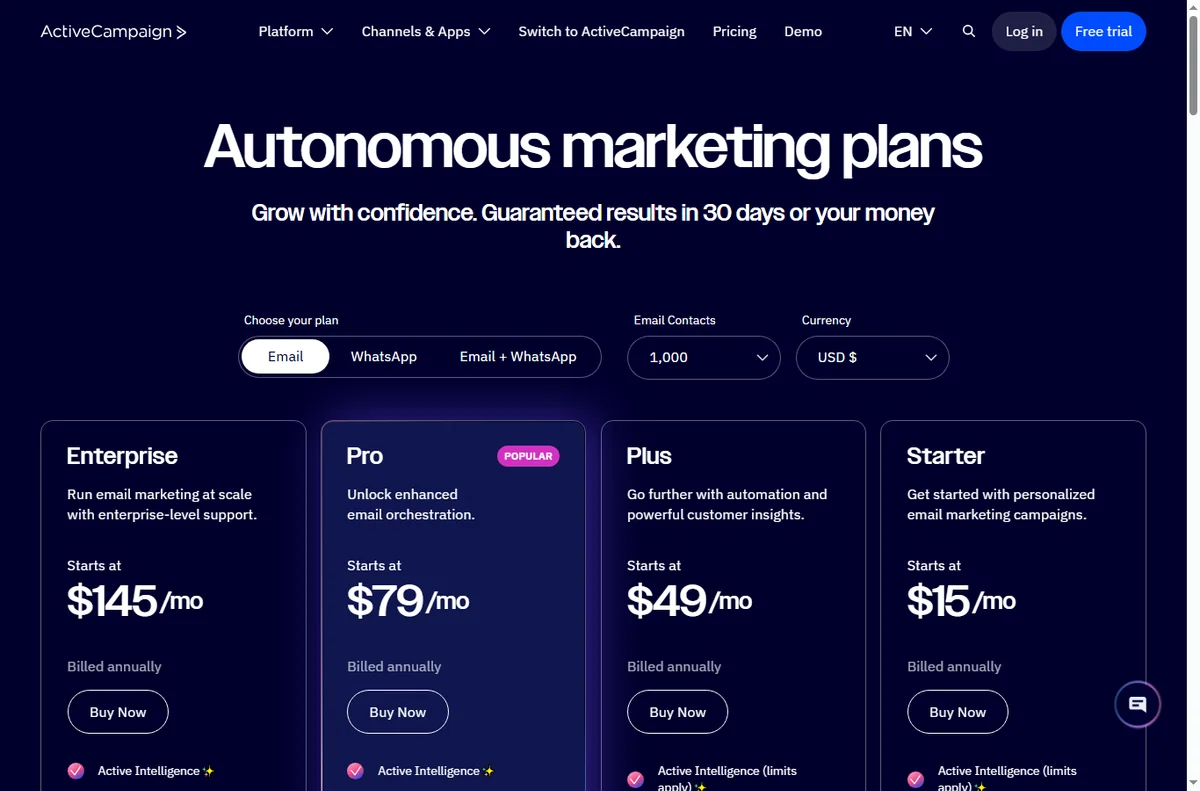
    Activecampaign pricing page
    Activecampaign pricing (image: activecampaign.com)

    Frequently asked

    Is ActiveCampaign just email?

    No. Email is central, but automation, segmentation and some sales features are part of the platform.

    Do I need automation from day one?

    No. You can start with simple sends and add automations as you learn how your contacts behave.

    How is it priced?

    Plans scale with features and contact count. Pricing changes, so check the current pricing on ActiveCampaign’s own page.

    What is a tag for?

    Tags label contacts so that automations and segments can target the right people.

    Can I combine email with other channels?

    ActiveCampaign can trigger more than email, including some messaging and site actions, depending on your plan and setup.

    Grow with ActiveCampaign

    Relevant email, driven by what contacts actually do.

    Some links on this page may be referral links — we may earn a reward if you sign up, at no extra cost to you. We are an independent publisher. See our Affiliate Disclosure.
    Related reading

  • How to Use ActiveCampaign for a Small Business: Six Automations That Pay Off

    How to Use ActiveCampaign for a Small Business: Six Automations That Pay Off

    Home / Email marketing / Guides / How to use ActiveCampaign for a small business

    Use case · email marketing · updated October 8, 2026

    How to use ActiveCampaign for a small business

    ActiveCampaign earns its keep when automation does work a small team cannot do by hand: welcoming new leads, following up, and re-engaging people who went quiet. These six automations are the ones worth building first.

    ActiveCampaign homepage for marketing automation
    ActiveCampaign official homepage (image: activecampaign.com)

    Independent analysis. This page may contain affiliate links. Some links here are referral links; if you sign up through one we may earn a reward at no extra cost to you, and it never changes what we recommend. We are an independent publisher and are not affiliated with, endorsed by, or an official partner of any tool mentioned. See our Affiliate Disclosure.

    TL;DR

    • Start with the automation that touches revenue most directly.
    • A welcome sequence is usually automation number one.
    • Segmentation makes every later automation more relevant.
    • Re-engagement campaigns recover contacts you would otherwise lose.
    • Keep automations simple enough that you can debug them.

    On this page: Where automation pays off · Six automations · Which one first · Keeping the list healthy · Where this fits

    ActiveCampaign marketing automation features
    ActiveCampaign marketing automation (image: activecampaign.com)

    Where automation pays off

    Automation pays off when a follow-up should happen every time an event occurs, and doing it by hand is unrealistic. A small team cannot personally welcome every lead or chase every quiet contact.

    The rule of thumb: if a follow-up should happen consistently after a trigger, it is a candidate for automation.

    ActiveCampaign automation template library
    ActiveCampaign automation templates (image: activecampaign.com)

    Six automations worth building

    1. A welcome sequence that introduces your business after a signup.
    2. A lead-nurture series that educates before it sells.
    3. A win-back sequence for contacts who stopped opening.
    4. A post-purchase follow-up with onboarding or a review request.
    5. A re-engagement flow for people who abandoned a form or cart.
    6. A segmentation flow that tags contacts by what they click.
    ActiveCampaign CRM and contact view
    ActiveCampaign CRM (image: activecampaign.com)

    Which automation to build first

    Build the welcome sequence first. It touches every new lead, it is straightforward to test, and it sets the tone for everything else. Once contacts are tagged reliably, later automations become far more relevant.

    Build one, watch it for a week, then add the next. Automating several at once makes failures hard to trace.

    ActiveCampaign lead form builder
    ActiveCampaign forms (image: activecampaign.com)

    Keeping the list healthy

    • Send to engaged contacts more often than to everyone.
    • Remove or suppress people who never open, so deliverability stays strong.
    • Let contacts manage preferences rather than only unsubscribe.
    • Watch for sudden drops in opens; they usually signal a deliverability issue.
    ActiveCampaign pricing page with plan tiers
    ActiveCampaign pricing (image: activecampaign.com)

    Where this fits in your wider stack

    Start with the email marketing hub and the independent ActiveCampaign review. For cost, see the ActiveCampaign pricing guide; compare platforms in GetResponse vs ActiveCampaign, and go deeper with the email marketing automation guide.

    Frequently asked

    What should I automate first?

    A welcome sequence. It touches every new lead, is easy to test, and improves as your segmentation improves.

    How many automations should I run at once?

    Start with one, prove it for a week, then add the next so failures stay easy to trace.

    How do I keep deliverability healthy?

    Send to engaged contacts, suppress people who never open, and offer preference management instead of only unsubscribe.

    Do I need advanced features on day one?

    No. The core automations deliver most of the value; add advanced features only when a real workflow needs them.

    Let automation do the follow-up

    If a follow-up should happen every time, it should not depend on memory.

    Referral link — we may earn a reward if you sign up, at no extra cost to you. We are an independent publisher. See our Affiliate Disclosure.
  • How to Set Up ActiveCampaign: Contacts, Forms and Your First Automation

    How to Set Up ActiveCampaign: Contacts, Forms and Your First Automation

    Home / Email marketing / Guides / How to set up ActiveCampaign

    Tutorial · email marketing · updated October 8, 2026

    How to set up ActiveCampaign: from contacts to your first automation

    ActiveCampaign is an email and automation platform, and setting it up is really about getting one automation to run correctly. This walkthrough takes you from a blank account to a working welcome sequence.

    ActiveCampaign homepage for marketing automation
    ActiveCampaign official homepage (image: activecampaign.com)

    Independent analysis. This page may contain affiliate links. Some links here are referral links; if you sign up through one we may earn a reward at no extra cost to you, and it never changes what we recommend. We are an independent publisher and are not affiliated with, endorsed by, or an official partner of any tool mentioned. See our Affiliate Disclosure.

    TL;DR

    • Setup is three milestones: import contacts, add a way to capture them, and build one automation.
    • Import with consent; how you collected the contacts matters.
    • A simple form is enough to prove the flow end to end.
    • Test the automation with a real contact before switching it on.
    • Upgrade only when your list or features outgrow the current plan.

    On this page: What setup means · Before you start · Create your account · Import contacts · Build a form · Create your first automation · Test it · When to upgrade · Common mistakes · Where this fits

    What setting up ActiveCampaign actually means

    ActiveCampaign connects contacts, a way to capture them and automations that act on them. Setting it up is about getting one automation to run correctly rather than exploring every feature.

    Three milestones cover most of it: import your contacts, add a capture form, and build one automation. Advanced flows and integrations come later.

    Before you start

    • An email address you can confirm right away.
    • A contact list you are allowed to email, with consent on record.
    • One clear job for the first automation, such as a welcome sequence.
    • A tagged way to organise contacts from day one.
    ActiveCampaign sign-up screen to create a new account
    ActiveCampaign sign-up (image: activecampaign.com)

    Step 1 — Create your account

    Sign up and confirm your email. Take a moment to set your sending domain and default sender details before importing anything, because it affects deliverability from the first send.

    ActiveCampaign contacts and CRM view for importing contacts
    ActiveCampaign CRM and contacts (image: activecampaign.com)

    Step 2 — Import contacts with consent

    Import your list, but only contacts who agreed to hear from you. Tag them at import so you can segment later without guesswork.

    Consent is not just a rule: it is what keeps your deliverability healthy. Importing a purchased list damages your reputation for everyone.

    ActiveCampaign lead form builder page
    ActiveCampaign forms (image: activecampaign.com)

    Step 3 — Build a simple form

    Create a form connected to the right list and tag. Test it yourself: submit the form and confirm the contact appears with the expected tag. That proves capture works before you build anything on top.

    ActiveCampaign marketing automation feature page
    ActiveCampaign marketing automation (image: activecampaign.com)

    Step 4 — Create your first automation

    1. Start from a “form submitted” trigger rather than a template, so you learn the parts.
    2. Add a condition or tag check if you want to route different contacts differently.
    3. Add the first action: send a welcome email.
    4. Add a short wait, then a follow-up, so the sequence is not a wall of emails on day one.

    Step 5 — Test before you trust it

    Submit the form with a real address and follow the contact through the automation. The first failure is almost always a tag that did not apply, or a condition that never matched.

    ActiveCampaign pricing page with plan tiers
    ActiveCampaign pricing (image: activecampaign.com)

    Step 6 — Know when to upgrade

    Upgrade when your contact count or the features you actually use outgrow the current plan, not before. We do not quote prices: tiers change, so confirm current figures on the vendor’s pricing page.

    Common setup mistakes

    Mistake Why it hurts Fix
    Importing without consentDamages deliverabilityOnly import opted-in contacts
    No tags at importSegmentation becomes guessworkTag contacts as you import
    Automation with no waitContacts get a wall of emailAdd waits between steps
    Testing with a fake addressYou cannot follow the real flowTest with a real inbox
    Turning on before testingFirst real contact gets an errorRun the flow once first
    Based on publicly documented behaviour, checked October 8, 2026.
    ActiveCampaign integrations directory connecting other apps
    ActiveCampaign integrations (image: activecampaign.com)

    Where this fits in your wider stack

    Start with the email marketing hub and the independent ActiveCampaign review. For cost, see the ActiveCampaign pricing guide; if you are comparing, read GetResponse vs ActiveCampaign and HubSpot vs ActiveCampaign.

    Frequently asked

    How long does setup take?

    The account, an import and one simple automation take a couple of hours for a first-timer. Complex flows take longer because they add concepts, not because setup is slow.

    Do I need to authenticate a domain?

    Yes. Authenticating your sending domain improves deliverability, so do it before your first real send.

    Can I import my existing list?

    You can, but only contacts who opted in. Importing a list without consent harms deliverability for everyone.

    What should my first automation be?

    A simple welcome sequence triggered by a form submission. It is the clearest way to learn triggers, tags and waits.

    Build one automation, then judge the platform

    Get capture and a welcome sequence working before anything else.

    Referral link — we may earn a reward if you sign up, at no extra cost to you. We are an independent publisher. See our Affiliate Disclosure.