Home / Hosting / Guides / How to use HostPapa for a small business
Guide · hosting · updated October 9, 2026
How to use HostPapa for a small business
Once the site is live, the question changes from how to set it up to how to run it without wasting time. This guide is the day-to-day playbook: keep the stack lean, launch only the pages you need, use the bundled email, and plan for renewal before it arrives.
Independent analysis. This page may contain affiliate links. If you sign up through a link on this page we may earn a reward at no extra cost to you, and it never changes what we recommend. We are an independent publisher and are not affiliated with, endorsed by, or an official partner of any tool mentioned. See our Affiliate Disclosure.
TL;DR
- Keep the stack lean instead of buying every add-on.
- Launch the handful of pages a small business actually needs.
- Use a branded business email on the same domain.
- Turn on backups and staging before you need them.
- Plan for renewal pricing early.
On this page: Keep it lean · Launch pages · Business email · Sell online · Backups and staging · Renewal planning
Keep the stack lean
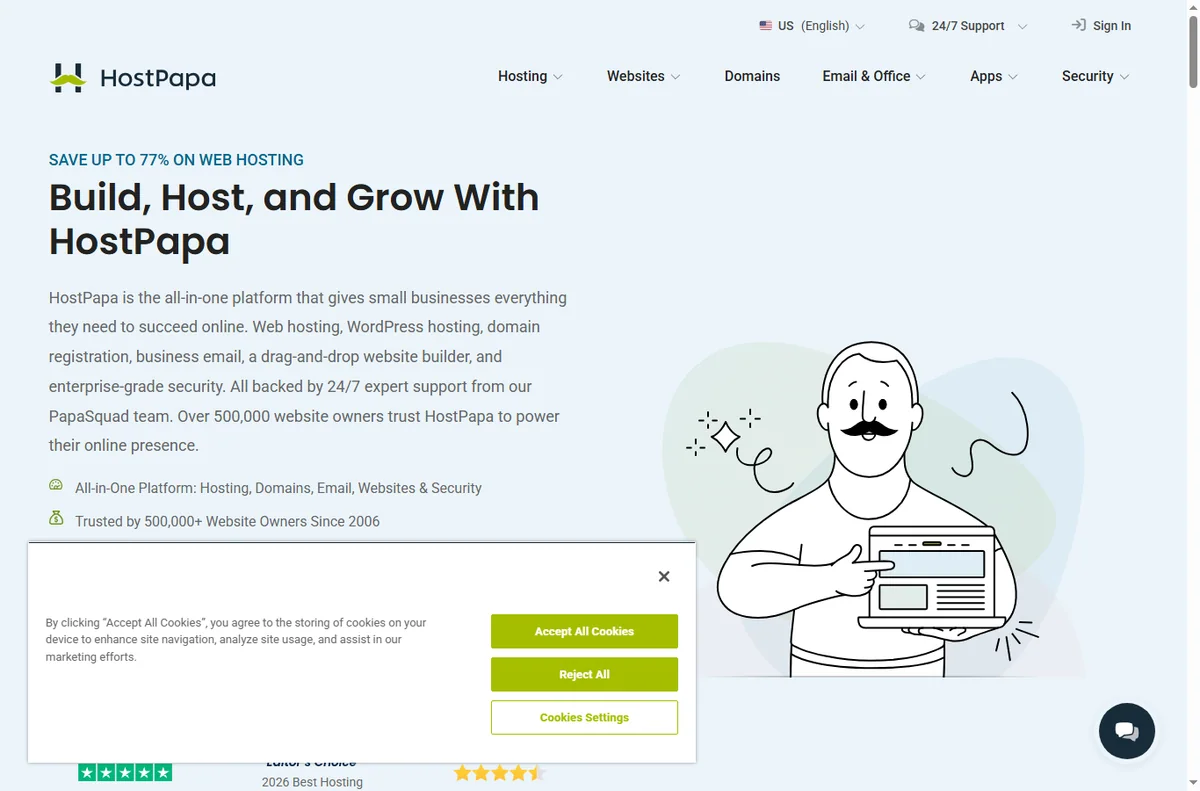
HostPapa bundles hosting, a website builder, email and basic marketing tools. The value is in using what is included instead of stacking unrelated subscriptions on top.
List the tools you already pay for and check whether the bundle replaces any of them. If it does not, a simpler host may cost less overall.
Launch the pages a small business actually needs
Most small-business sites do not need dozens of pages at launch. Start with a clear homepage, a services or products page, an about page, and a contact page with a working form.
Every page should answer one question and point to one next step. Fewer, clearer pages convert better than a large unfinished site.

Give the business a real email address
Use an address on your own domain for quotes, invoices and support. Customers trust it more, and it keeps business correspondence separate from personal mail.
Forward it to your phone and set an auto-responder for the hours you are closed, so nobody is left wondering whether you received their message.
If you sell online
A small shop can run on WordPress with an ecommerce plugin, or on a dedicated store platform. Both work; the deciding factor is how many products and how much checkout customisation you need.
Whatever you pick, test a real order end to end, including the confirmation email, before you announce the store.
Use backups and staging like a pro
Switch on daily backups and confirm you can restore one. A backup you have never restored is only a hope, not a plan.
Test theme and plugin changes on a staging copy first. HostPapa offers staging on suitable plans, and it prevents a broken update from taking the live site down.
Plan for renewal pricing
Introductory rates are temporary. Put the renewal date in your calendar and check the price a month before it arrives so it is a decision, not a surprise.
If the renewal price no longer fits, that is the moment to compare hosts and migrate during a quiet period, not during your busiest week.

Where this fits
Start from the independent HostPapa review and the hosting hub. For setup mechanics, see how to set up HostPapa. Compare the field with best web hosting for small business and plan costs with hosting renewal pricing.
Frequently asked
Do I need a website builder if I use WordPress?
No. Pick one and commit to it. WordPress is more flexible long term; the bundled builder is faster for a very simple site.
Can I run email and hosting in one account?
Yes, and for most small businesses that is the point — one vendor, one bill, one place to get help.
How many pages should I launch with?
Four to six well-written pages beat twenty thin ones. Add more once the first pages are converting.
When should I think about migrating?
When renewal pricing, speed or support stops fitting the business. Migrate in a slow period and keep a fresh backup first.
Run your site on HostPapa
Hosting, email and a builder from one vendor.
Some links on this page may be referral links — we may earn a reward if you sign up, at no extra cost to you. We are an independent publisher. See our Affiliate Disclosure.
Leave a Reply