Home / Payments / Guides / What is FreshBooks
Knowledge · payments & finance · updated October 9, 2026
What is FreshBooks?
FreshBooks is accounting and invoicing software for small businesses and freelancers that handles invoices, expenses, time tracking and reports. This guide explains what it does, how it is organised, and what it is not.
Independent analysis. This page may contain affiliate links. If you sign up through a link on this page we may earn a reward at no extra cost to you, and it never changes what we recommend. We are an independent publisher and are not affiliated with, endorsed by, or an official partner of any tool mentioned. See our Affiliate Disclosure.
TL;DR
- FreshBooks is invoicing and accounting software for small businesses.
- It covers invoices, estimates, expenses and time tracking.
- It is designed for non-accountants rather than finance teams.
- Plans, terms and prices change, so check the current pricing before you commit.
- It is not a full enterprise accounting suite and not an inventory system.
On this page: What FreshBooks is · How it is organised · What it is good at · What it is not · Concept cheat sheet · Where this fits
What FreshBooks is
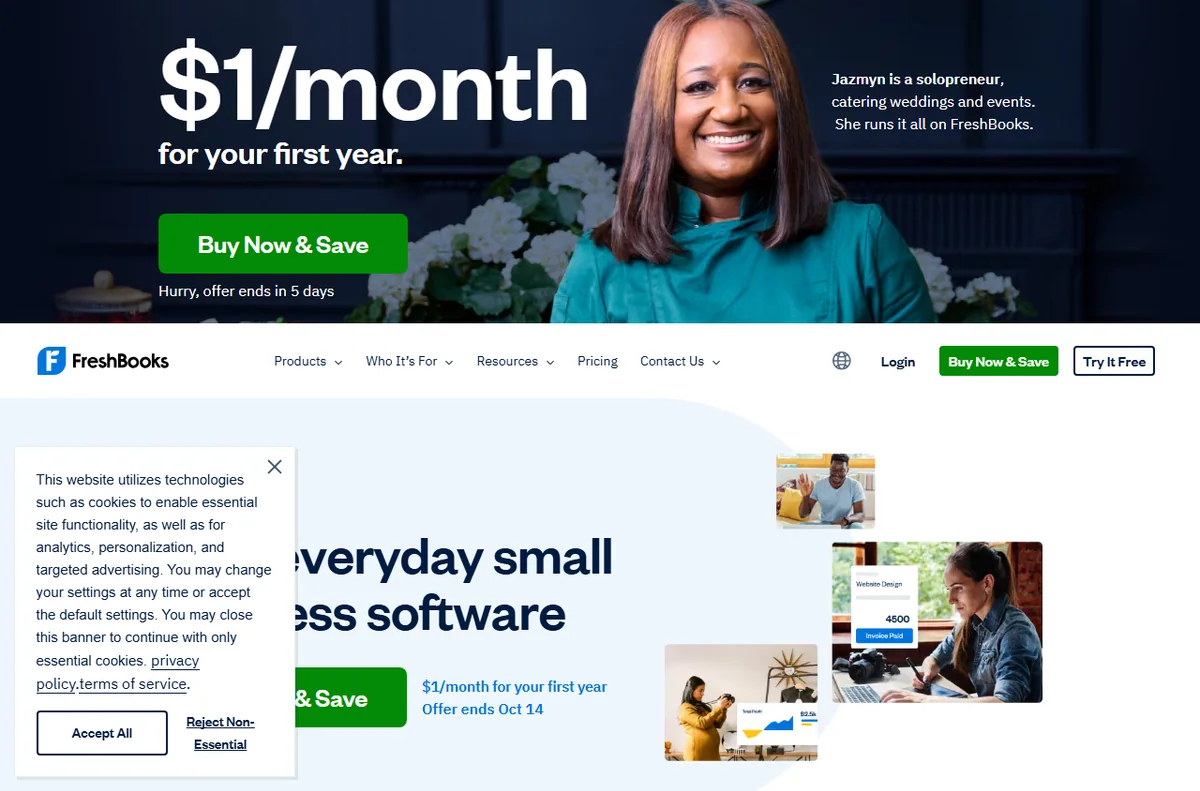
FreshBooks is software you use to bill clients and keep the books tidy, rather than a service that does the work for you.
The core product is the invoice: you create one, send it, and track whether it has been paid.
Around invoices it adds estimates, expense capture, time tracking and simple reports so one account covers everyday bookkeeping.
Because it is hosted software, you log in from a browser or app and FreshBooks looks after the servers and updates.

How FreshBooks is organised
Everything hangs off your business account. Clients, invoices, expenses and time entries are linked so a project stays in one place.
You create clients, then invoice them, then record payments and expenses against them.
Plans differ mainly by how many billable clients you manage and which features you unlock, not by a different product.
Higher tiers add features such as more clients, team members and advanced reporting.

What FreshBooks is good at
- Sending professional invoices and reminders without accounting knowledge.
- Tracking expenses and receipts against a job.
- Logging billable hours and turning them into an invoice.
- Giving clients a simple portal to view and pay invoices.
- Producing straightforward reports for tax time.

What FreshBooks is not
- Not full double-entry accounting for complex or regulated businesses.
- Not an inventory or point-of-sale system.
- Not a payroll service in every region.
- Not free, so check the current pricing for your client count.
Concept cheat sheet
| Concept | Meaning | Why it matters |
|---|---|---|
| Invoice | A bill you send a client | Gets you paid |
| Estimate | A quote before the work | Sets expectations |
| Expense | A cost you record | Counts against income |
| Time tracking | Hours logged to a job | Turns work into a bill |
| Client portal | The client’s view of invoices | Faster payment |
| Report | A summary of money in and out | Simplifies tax time |

Where this fits
Start with the payments and finance hub. For the practical steps see how to set up FreshBooks, and for everyday usage read how to use FreshBooks for a small business. You can also read our FreshBooks review.

Frequently asked
Is FreshBooks good for freelancers?
Yes. It is aimed at freelancers and small teams, and its per-client plans suit solo work well.
Does it handle expenses?
Yes. You can record expenses, attach receipts and bill them to clients where relevant.
Can my accountant use it?
You can invite an accountant to view the account on most plans, so they can work from the same figures.
Is it free?
FreshBooks is a paid service. Terms and trials change, so confirm on the current pricing page.
Do I need accounting knowledge?
No. It is built for people who are not accountants, though a professional is still useful for tax and compliance.
Send your next invoice
Invoices, expenses and time tracking in one place.
Some links on this page may be referral links — we may earn a reward if you sign up, at no extra cost to you. We are an independent publisher. See our Affiliate Disclosure.
Leave a Reply