Home / Email Marketing / Guides / What is EmailOctopus
Knowledge · email marketing · updated October 9, 2026
What is EmailOctopus?
EmailOctopus is an email marketing platform for sending campaigns, building automations and capturing subscribers with forms and landing pages. This guide explains what each part does, how an account is organised, and what it is not.
Independent analysis. This page may contain affiliate links. If you sign up through a link on this page we may earn a reward at no extra cost to you, and it never changes what we recommend. We are an independent publisher and are not affiliated with, endorsed by, or an official partner of any tool mentioned. See our Affiliate Disclosure.
TL;DR
- EmailOctopus is an email marketing and automation platform.
- It covers campaigns, automations, signup forms, landing pages and reports.
- It can send through Amazon SES, so mail leaves from your own sending setup.
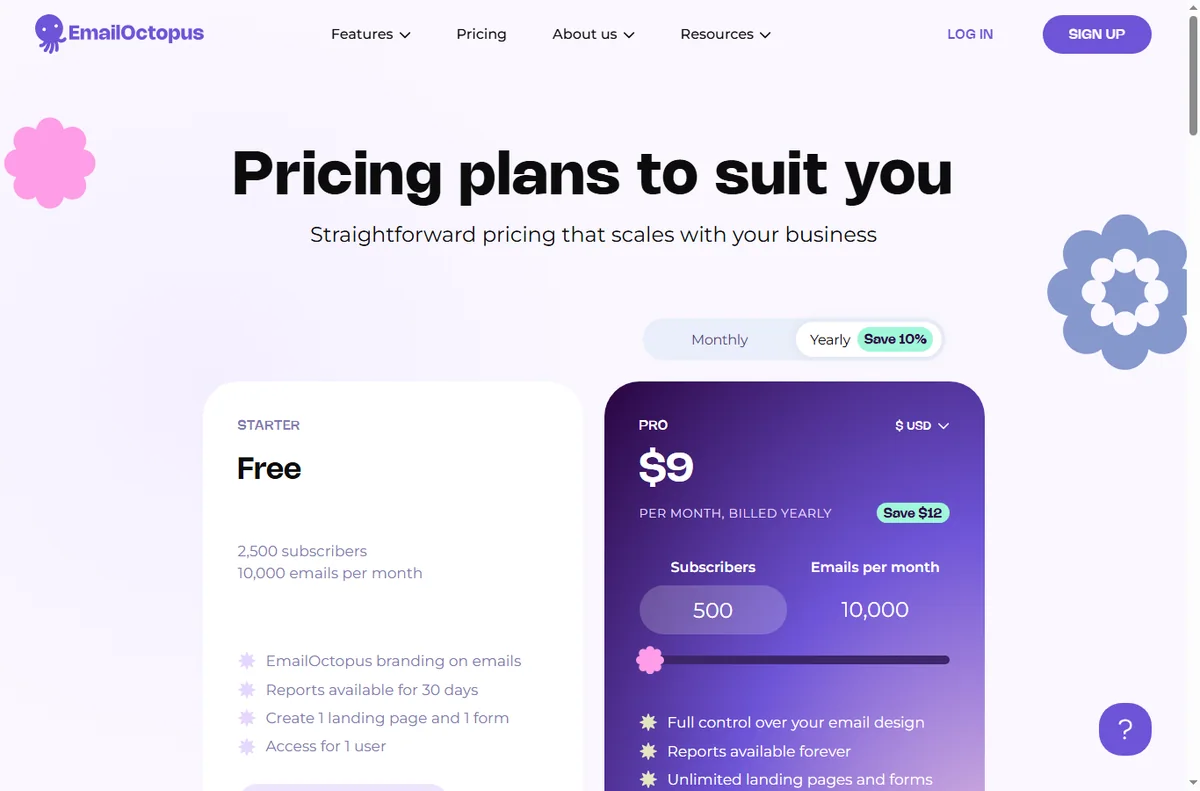
- Plans scale with your subscriber count, so check the current pricing before you commit.
- It is not a full CRM or a general website builder.
On this page: What EmailOctopus is · How it is organised · What it is good at · What it is not · Concept cheat sheet · Where this fits

What EmailOctopus is
EmailOctopus is a cloud service rather than software you run yourself. You import or collect subscribers, build an email, and send it in a few clicks.
Around the campaign editor sit the parts that make sending repeatable: automation workflows, signup forms, landing pages and the reports that show what happened.
A notable part of the setup is how it sends: the platform can connect to Amazon Simple Email Service so email leaves through your own sending infrastructure.
Templates and a visual editor sit in front of the sending engine, so you design an email on screen and the platform handles delivery, tracking and unsubscribes for you.
Consent is part of the model: subscribers arrive through forms and landing pages, and the account keeps a record of how each person joined.
How EmailOctopus is organised
Everything sits under one account. Your contacts live in lists, and segments carve those lists into the people you actually want to reach.
Campaigns are one-off sends, while automations are journeys that fire when someone joins, clicks or buys. Both draw on the same templates and lists.
Forms and landing pages feed the lists, and reporting closes the loop by showing opens, clicks and unsubscribes per campaign.

What EmailOctopus is good at
- Sending a first campaign without a long setup.
- Keeping sending costs down by using Amazon SES.
- Automations that follow up while you get on with other work.
- Capturing subscribers with forms and landing pages.
- Splitting a list with segments so the right people get each email.
What EmailOctopus is not
- Not a CRM: it does not manage a sales pipeline or deals.
- Not a general website builder: the pages are for campaigns, not a full site.
- Not unlimited on a free tier, so check the current pricing and limits.
- Not a guarantee of inbox placement: deliverability still depends on your list and content.
Concept cheat sheet
| Concept | Meaning | Why it matters |
|---|---|---|
| Campaign | A single email sent to a list | Announce or promote something |
| Automation | A journey triggered by an action | Follow up automatically |
| List and segment | Contacts grouped by criteria | Send to the right people |
| Signup form | A way to collect subscribers | Grow the list from a site |
| Landing page | A hosted page tied to a campaign | Capture leads in one step |
| Amazon SES connection | Sending through your own AWS account | Control sending and cost |
Where this fits
Start with the email marketing hub. For the practical steps see how to set up EmailOctopus, and for everyday usage read how to use EmailOctopus for a small business.

Frequently asked
Is EmailOctopus a CRM?
No. It is an email marketing platform. It manages lists and campaigns rather than deals and pipelines.
Can I automate follow-ups?
Yes. Automations fire on joins, clicks or purchases, so a sequence can run without manual sends.
Do I need my own website for forms?
No. Landing pages are hosted for you, and forms can be embedded on a site you already have.
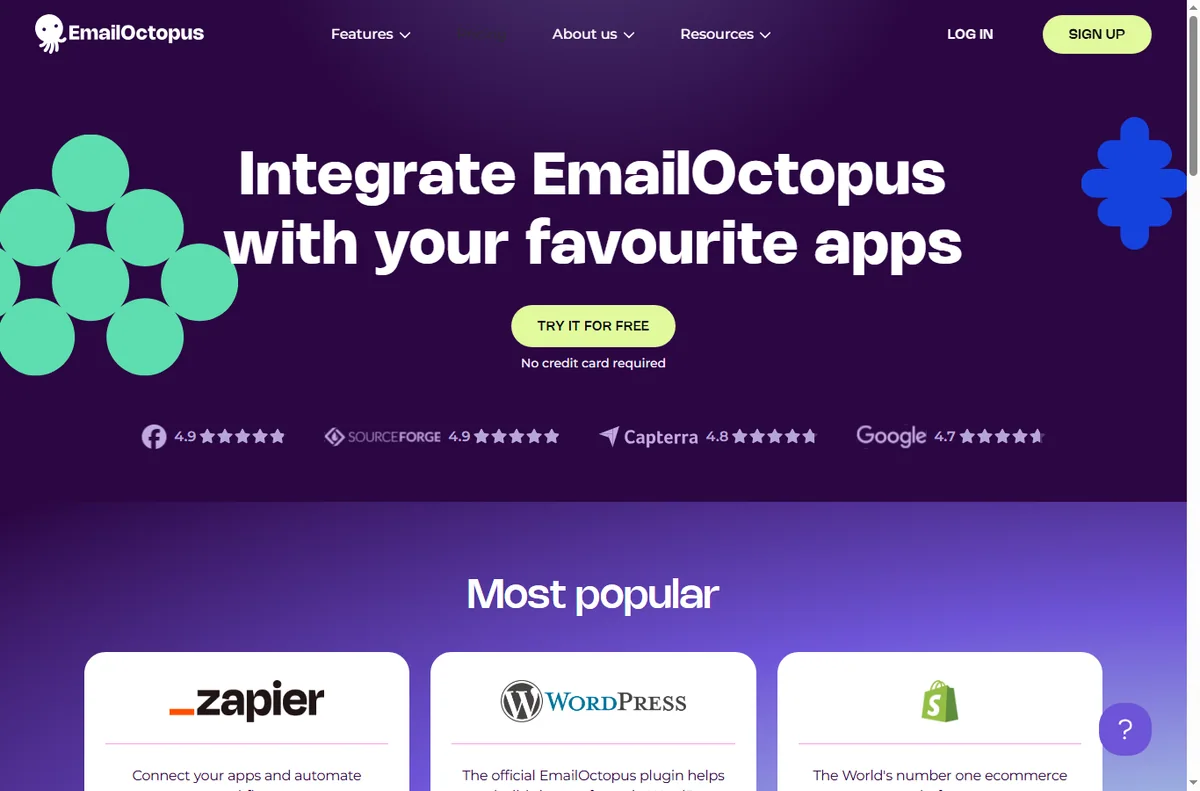
Is there a free plan?
There is a free tier with limits. For larger lists you will want a paid plan, so check the current pricing.
Does it send through Amazon SES?
It can send through Amazon SES, which is one reason many teams choose it, but confirm the details of your own plan and setup.
Send your first campaign
Campaigns, automations and forms in one account.
Some links on this page may be referral links — we may earn a reward if you sign up, at no extra cost to you. We are an independent publisher. See our Affiliate Disclosure.
Leave a Reply