
Home / Automation / Guides / What is Zapier
Knowledge · automation · updated October 9, 2026
What is Zapier?
Zapier is an automation platform that connects apps together so an event in one tool can run an action in another. This guide explains what that means in practice and when it is worth using.
Independent analysis. This page may contain affiliate links. If you sign up through a link on this page we may earn a reward at no extra cost to you, and it never changes what we recommend. We are an independent publisher and are not affiliated with, endorsed by, or an official partner of any tool mentioned. See our Affiliate Disclosure.
TL;DR
- Zapier connects apps so one event can trigger actions in others.
- It works through Zaps: a trigger, then one or more actions.
- It is strongest for no-code automations between cloud apps.
- Plans differ by task limits, which change over time.
- It is not a full development platform or a data warehouse.
On this page: What Zapier is · How a Zap works · What it is good at · What it is not · Concept cheat sheet · Where this fits

What Zapier is
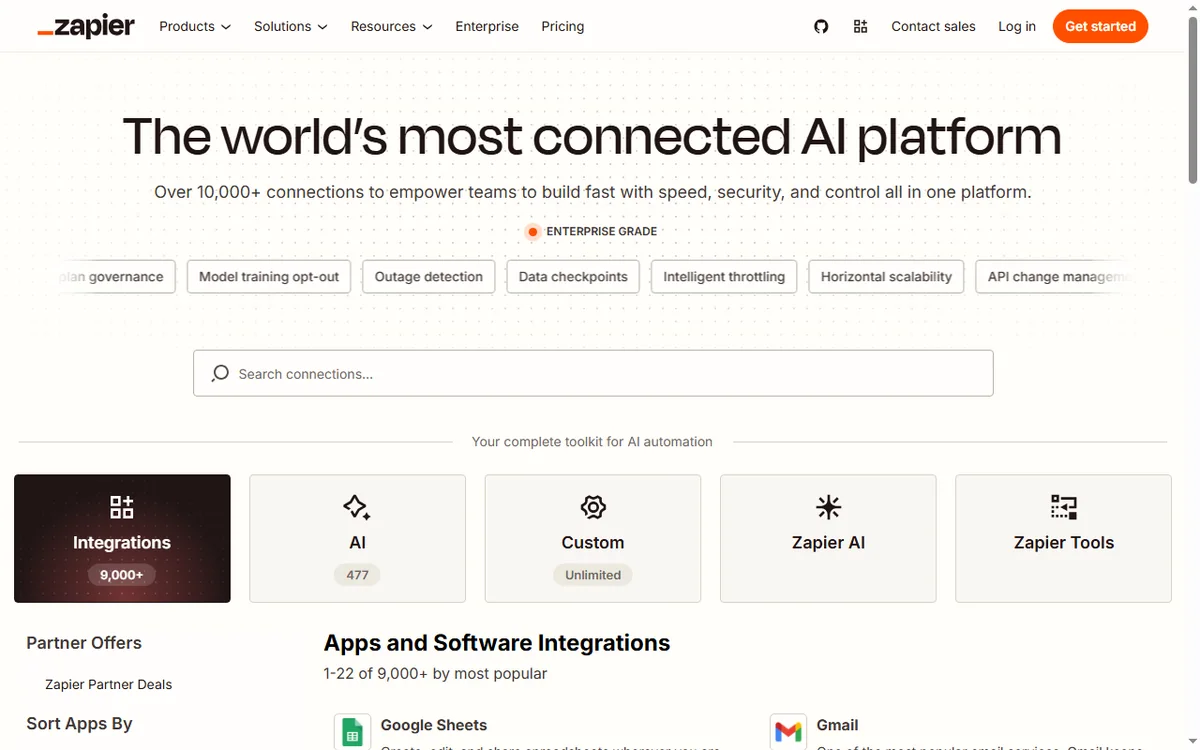
Zapier is a cloud automation service. It connects thousands of apps through their APIs and lets you build automations without writing code.
The point is to remove manual copy-paste work between tools: instead of moving data by hand, you describe the trigger and the action once and Zapier runs it for you.
Because the connections are maintained for you, the same automation keeps working even when an app updates its interface, which is the part that usually breaks hand-built scripts.
How a Zap works
A Zap has a trigger (the event that starts it) and one or more actions (what happens next). A new form response, for example, can trigger creating a contact in your CRM and sending a message.
Because each step is a separate app connection, the value comes from chaining tools that otherwise do not talk to each other.
Most people start with a single trigger and one action, then add more steps once they trust the first ones. Keeping each Zap small makes failures easier to find.
What Zapier is good at
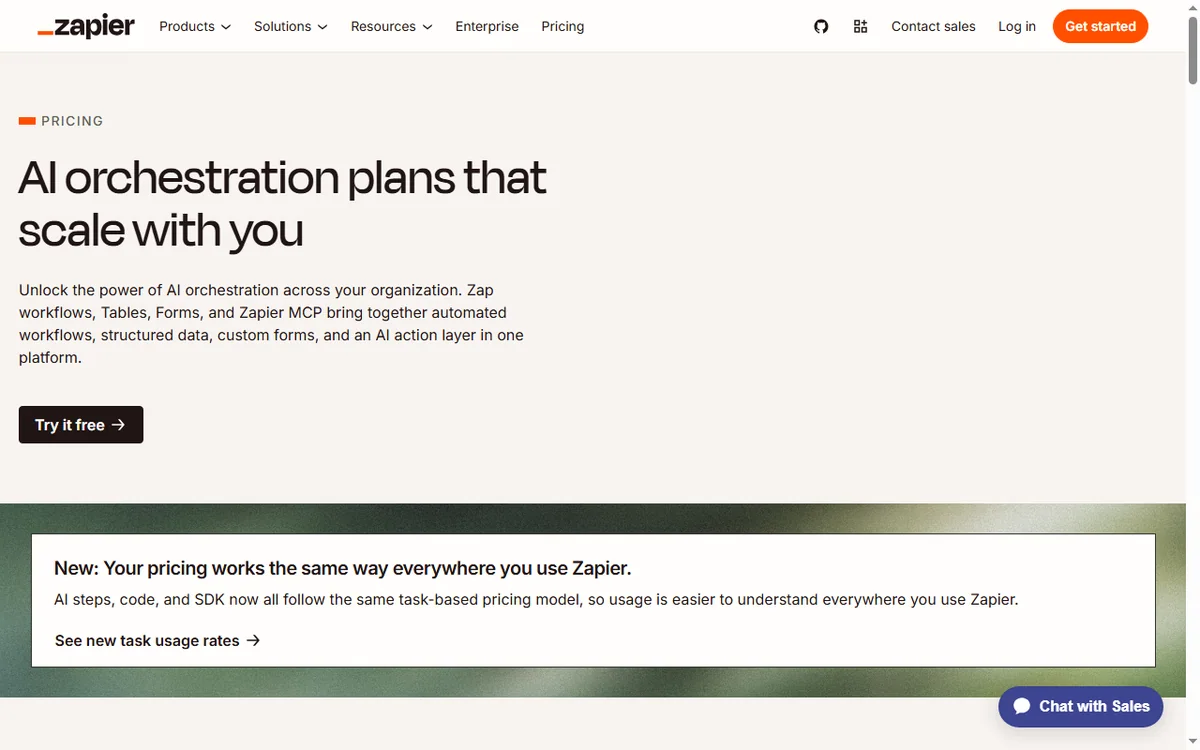
- Connecting cloud apps that have no built-in integration.
- Replacing repetitive copy-paste work between tools.
- Letting non-developers build reliable, repeatable automations.
- Handling multi-step workflows with filters and conditions.

What Zapier is not
- Not a replacement for custom code when the logic gets complex.
- Not free of limits: task quotas and step counts depend on the plan.
- Not a data warehouse or a place to store large datasets.
- Not instant in every case; some triggers poll on an interval.
Concept cheat sheet
| Concept | Meaning | Why it matters |
|---|---|---|
| Zap | One automation with a trigger and actions | The basic unit you build |
| Trigger | The event that starts a Zap | Defines when it runs |
| Action | A step Zapier performs | Does the work in an app |
| Task | One successful action run | Counts against your plan |
| Filter | A condition that stops or continues | Keeps bad data out |
Where this fits
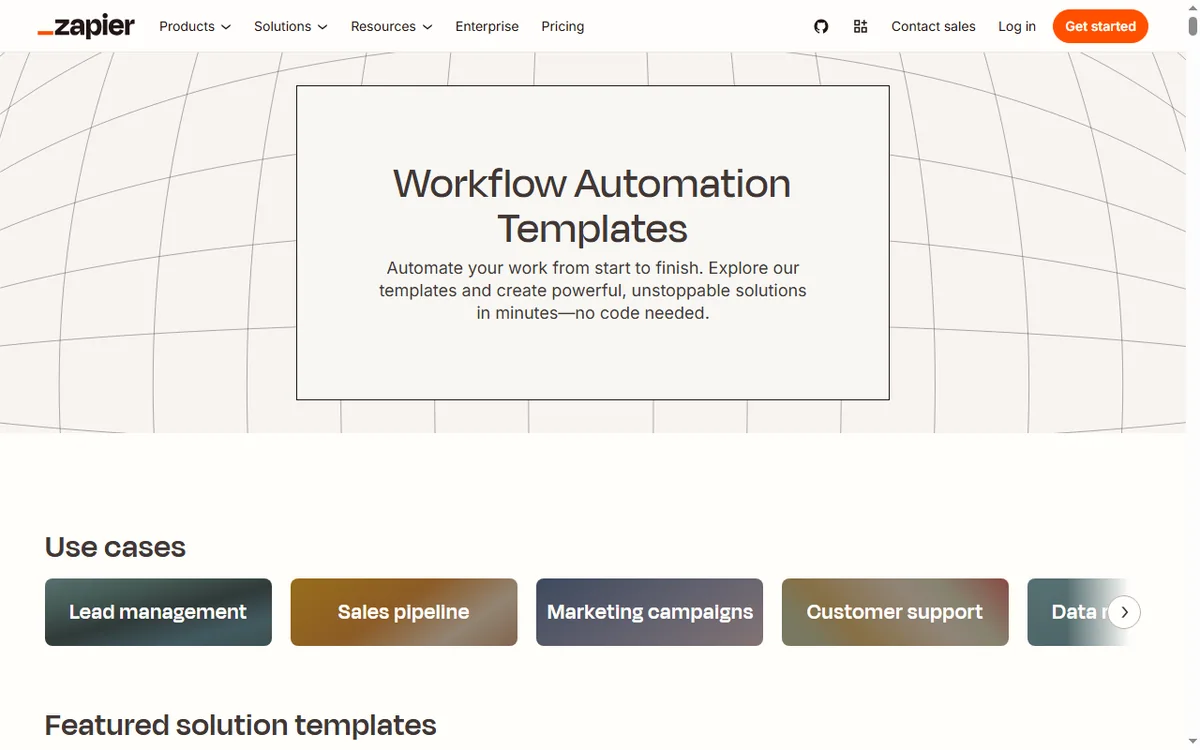
Start with the automation hub. For the practical steps see how to set up Zapier, and for everyday usage read how to use Zapier for a small business.
Frequently asked
What is a Zap?
A Zap is a single automation: one trigger that starts the workflow, plus the actions that follow.
Do I need to know how to code?
No. Zaps are built in a visual editor. Advanced steps can call webhooks or code if you need them, but that is optional.
Is there a free plan?
Zapier has offered a free tier and paid plans with higher limits. Plans change, so check the current pricing on Zapier’s own page.
What are task limits?
Each successful action counts as a task. How many you get depends on your plan, so check the current details before you commit.
Can one Zap do several things?
Yes. A Zap can run multiple actions in order and can branch with filters, though very complex logic is often better split into a few smaller Zaps.
Connect your apps with Zapier
A trigger in one app, an action in another — without code.
Some links on this page may be referral links — we may earn a reward if you sign up, at no extra cost to you. We are an independent publisher. See our Affiliate Disclosure.
Leave a Reply