We’re reader-supported — some links are affiliate links. Learn more →

Skip to content

Independent software research. Some links may earn us a commission at no extra cost to you. Learn more →

ICode

Tag: Synthesia

  • Synthesia Pricing Guide 2026: Plans Explained

    Independent analysis. This page may contain affiliate links.

    Synthesia’s pricing is tied above all to one number: how many minutes of video you produce each month. That makes it different from per-seat tools, and it is the biggest reason buyers either love or regret the plan they pick. This guide explains how the tiers are structured, what drives the cost, and how to choose without overbuying.

    Before you look at any number, write down your realistic monthly output. Without that figure, every plan looks either too small or too expensive, and you end up guessing.
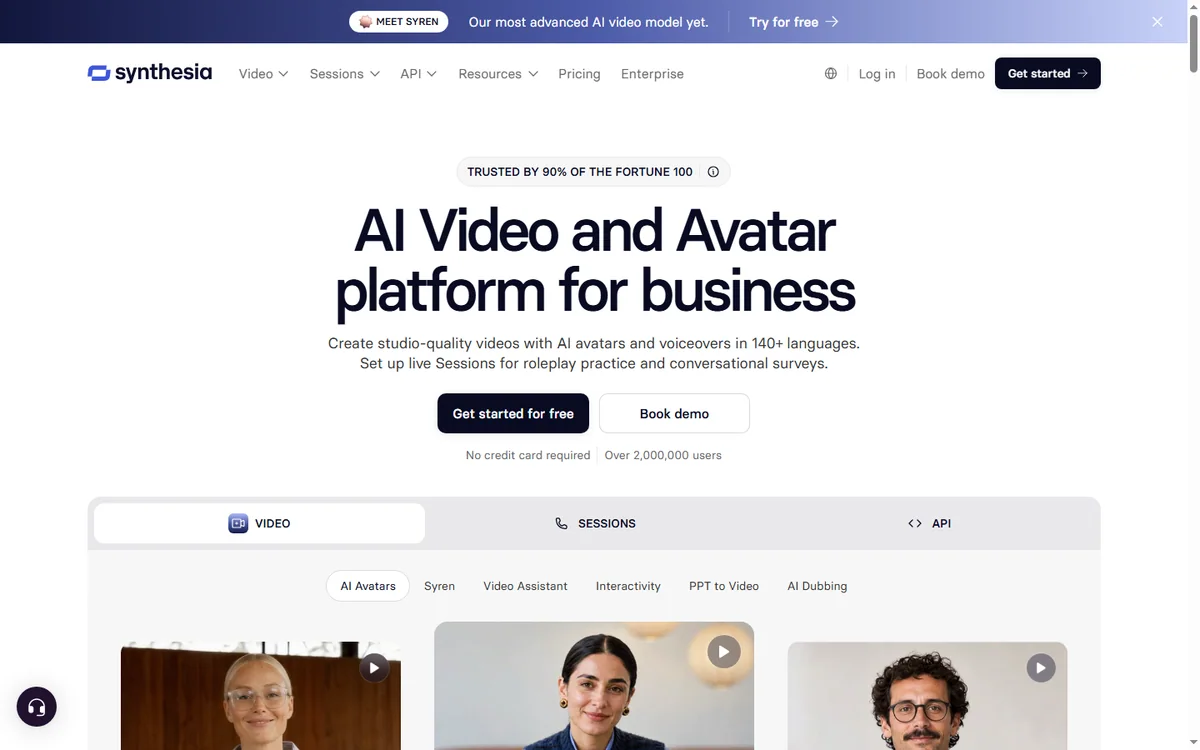
    Synthesia AI video homepage
    Synthesia (image: synthesia.io)

    What is Synthesia?

    Synthesia is an AI video platform that turns a written script into a presenter-led video using AI avatars and synthetic voices. It is used for training, onboarding, product explainers, and internal communications, where speed and consistency matter more than cinematic production.

    Because the presenter is generated, updating a video means editing text and re-rendering, not reshooting. That is the feature most teams are paying for.
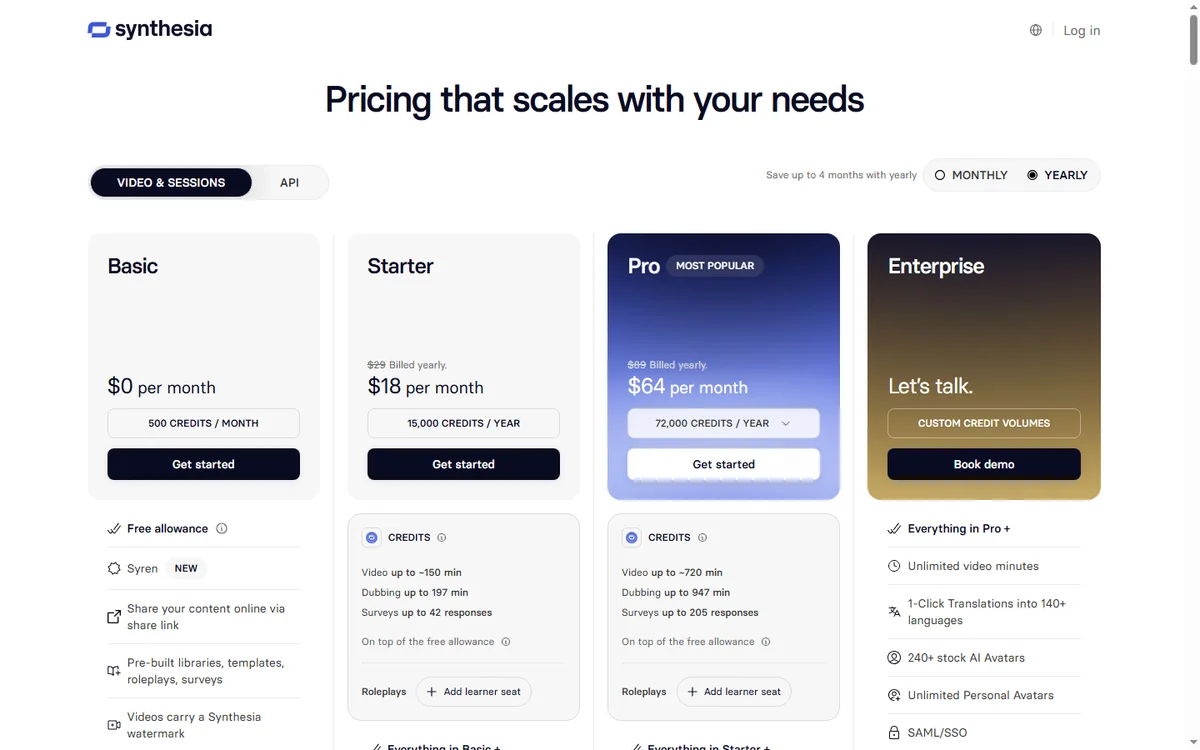
    Synthesia pricing plans
    Synthesia pricing (image: synthesia.io)

    How the plans are structured

    Synthesia generally offers a handful of subscription tiers that step up in capability. Entry tiers suit individuals and very small teams with modest output; mid tiers add more minutes, more collaborators, and stronger brand controls; enterprise tiers unlock custom avatars, advanced security, and API access for automation.

    The tiers are best understood as a ladder of minutes and control, not as a list of unrelated features.

    What drives the cost

    • Video minutes per month: the primary lever. More minutes means a higher tier.
    • Number of seats: additional editors or collaborators can add cost.
    • Custom avatars: personal or branded presenters are typically an enterprise feature.
    • Enterprise controls: security, single sign-on, and API access sit at the top.
    • Billing period: annual billing usually costs less per month than monthly.
    Synthesia AI video features page
    Synthesia features (image: synthesia.io)

    Choosing the right plan

    Estimate your monthly minutes by multiplying your typical video length by how many videos you publish or update each month. Add a buffer for revisions, because re-rendering a video still consumes minutes. If your estimate is near a tier boundary, start lower and upgrade when you actually hit the ceiling rather than pre-paying for headroom you may never use.

    For training teams, the calculation is usually straightforward: minutes equals videos times length. For marketing teams, output can spike around launches, so a monthly buffer matters more.

    Pricing caveats

    Do not anchor on numbers you read in a blog post. Synthesia revises plans, minute allowances, and features periodically, and prices can differ by region. The reliable move is to check the official Synthesia site for the current tiers and allowances before you budget. Also confirm what happens when you exceed your minutes mid-month, because overage rules differ by plan.

    Pros and cons

    Pros

    • Predictable pricing tied to output you control.
    • Entry tiers are accessible for small teams.
    • Annual billing reduces the effective monthly cost.
    • Custom avatars and API available as you scale.

    Cons

    • Heavy video production escalates cost quickly.
    • Best features cluster in the expensive tiers.
    • Minute limits can surprise teams that revise a lot.
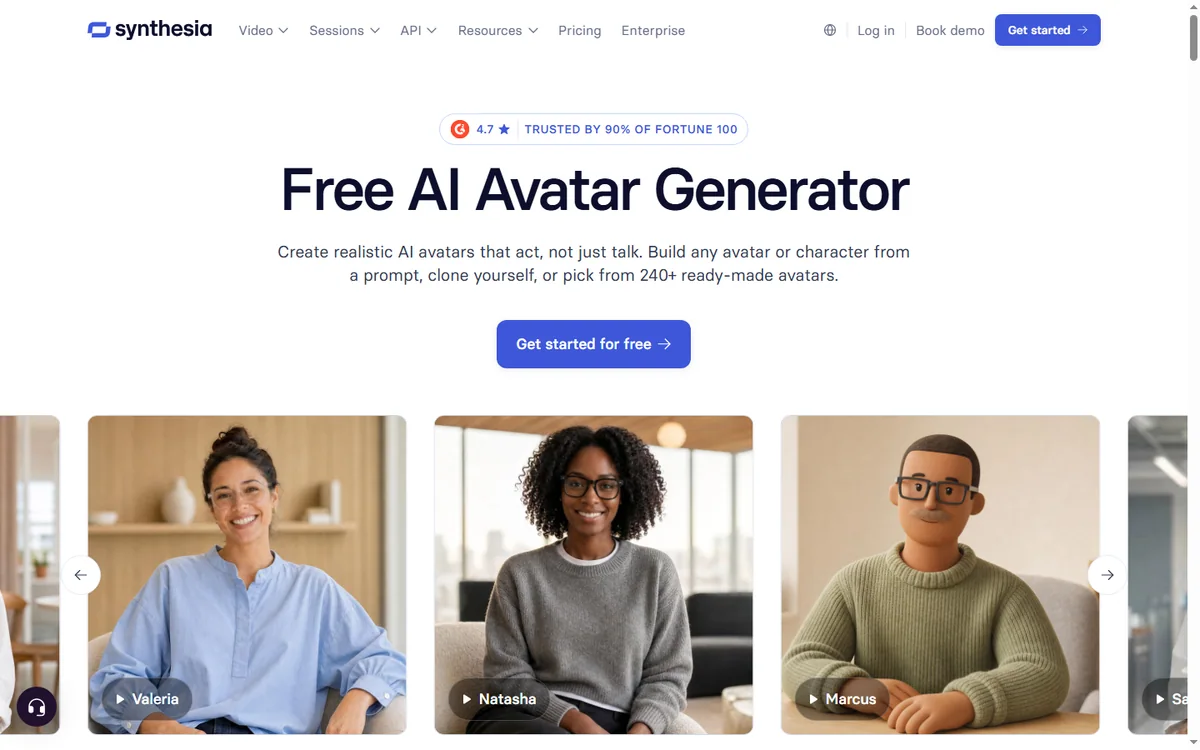
    Synthesia AI avatars page
    Synthesia AI avatars (image: synthesia.io)

    FAQ

    How much does Synthesia cost?

    Pricing depends on your tier and minutes. Check the official site for current figures.

    Is there a free plan?

    A free option or trial is usually offered with tight limits. Confirm current terms.

    What counts toward my minutes?

    Rendered video generally counts, so revisions and re-renders can add up. Verify the rules for your plan.

    Can I pay annually?

    Yes, and annual billing typically lowers the monthly equivalent.

    Do I need custom avatars?

    Only if brand consistency requires your own presenter. Standard avatars are fine for most training.

    Is enterprise pricing public?

    Enterprise plans are often quote-based. Contact the vendor for details.

    How Synthesia compares on price

    Against traditional video production, Synthesia is dramatically cheaper, because there is no crew, studio, or presenter fee, and updates cost almost nothing. Against per-seat video editors, its output-based model can be cheaper for small teams but dearer for heavy producers. The comparison that matters is against what you would otherwise spend to get the same finished video, not against another software line item.

    Can I downgrade my plan?

    Downgrade options depend on your commitment and billing cycle. Confirm the policy before signing.

    Are there educational discounts?

    Vendors sometimes offer discounts for education or non-profits. Ask the vendor directly.

    Conclusion

    Synthesia’s pricing rewards teams that know their output. Estimate your minutes, start on the smallest tier that covers them, and upgrade only when you hit the ceiling. Confirm the current allowances and overage rules on the official site, and remember that the cheapest plan is the one you do not outgrow in a fortnight.

  • Synthesia Review 2026: Is AI Video Right for You?

    Independent analysis. This page may contain affiliate links.

    Synthesia is one of the best-known AI video platforms, letting you create professional-looking videos with AI avatars from nothing more than a script. This review covers what it does, who benefits most, its pricing caveats, and the trade-offs you should weigh before subscribing.

    AI video has moved from novelty to practical tool, and Synthesia sits at the serious end of that market. It is not a toy for viral clips; it is aimed at businesses that need consistent, repeatable video at scale.

    Synthesia AI video homepage
    Synthesia (image: synthesia.io)

    What is Synthesia?

    Synthesia is an AI video generation platform. Instead of filming yourself, you type a script and choose an AI avatar and voice, and the platform renders a presenter-led video. It is used heavily for training, onboarding, product explainers, and internal communications, where producing polished video quickly matters more than cinematic flair.

    Because the avatar does the talking, you can update a single slide or sentence and regenerate the video without reshooting. That is the core value: change is cheap.

    How it works

    The workflow is deliberately simple. You pick a template or start blank, write or paste your script scene by scene, choose an avatar and voice, and add slides or screen recordings. The platform renders the final video, which you can download or share as a link. There is no timeline editing, no codecs, and no rendering farm to manage.

    Who is Synthesia for?

    • Learning and development teams producing training content at scale.
    • Marketing teams that need explainers without a camera crew.
    • Product teams creating walkthroughs and release notes.
    • Global organisations that need the same message in many languages.
    • Creators who want a consistent on-screen presence without filming.
    Synthesia AI video features page
    Synthesia features (image: synthesia.io)

    Key features

    • AI avatars: a library of presenters, plus options for custom avatars on higher plans.
    • Multilingual voices: generate the same script in many languages and accents.
    • Templates and brand kit: keep slides, colours, and logos consistent across videos.
    • Screen recording with AI voiceover: combine real screen capture with narration.
    • Simple editor: edit scene by scene without any video editing experience.
    • Collaboration and API: team features and programmatic options for enterprises.

    Best use cases

    Training and onboarding top the list, because those videos change often and are updated by people who are not editors. Product explainers and release notes come next, where speed beats production polish. Internal communications also fit well, especially when a message must go out in several languages on the same day.

    Synthesia pricing plans
    Synthesia pricing (image: synthesia.io)

    Pricing

    Synthesia is sold on a tiered subscription, and the dominant cost driver is how many minutes of video you generate per month. Entry plans suit individuals and small teams, while higher tiers add custom avatars, more collaborators, and enterprise controls. Annual billing usually costs less per month.

    Because the numbers change, check the official Synthesia site for current plans and minute allowances before budgeting. Remember that heavy video needs push you to a higher tier quickly, so estimate your monthly output first. It is far cheaper to know your minute count than to guess.

    Pros and cons

    Pros

    • Produces presentable videos far faster than filming.
    • Excellent for multilingual training and updates.
    • Low technical barrier; no editing experience required.
    • Consistent on-brand output across many videos.

    Cons

    • Avatars can feel less personal than real presenters.
    • Heavy usage runs into minute limits and higher tiers.
    • Less suited to creative or cinematic storytelling.
    Synthesia AI avatars page
    Synthesia AI avatars (image: synthesia.io)

    FAQ

    Do I need video editing skills?

    No. Synthesia is designed for people who want to type a script and get a video.

    Can I use my own voice or avatar?

    Custom avatars and branded options are available, typically on higher plans.

    How many languages are supported?

    A large number of languages and accents are supported. Check the official site for the current list.

    Is it good for training videos?

    Yes. Training and onboarding are among its strongest use cases.

    Can I try it first?

    A free option or trial is usually available. Confirm the current terms on the official site.

    Does it replace a video editor?

    For presenter-led explainers and training, largely yes. For creative editing and effects, no.

    Will viewers know it is AI?

    The avatars are clearly synthetic if you look closely, though they look polished for training content. Being transparent with your audience is the safe approach.

    Alternatives

    If Synthesia does not fit, other AI video tools compete on different strengths: some focus on editing existing footage, others on voice cloning, and others on avatar realism. Compare them on the one thing you need most – avatar quality, language coverage, or editing depth – rather than on feature lists.

    Conclusion

    Synthesia solves a specific problem well: turning scripts into professional presenter-led videos quickly and in many languages. If your priority is efficient training and explainer content, it is a strong fit. If you need cinematic production or a deeply personal on-camera presence, weigh those needs carefully before subscribing.