Home / Funnel Builders / Guides / How to use Leadpages for a small business
Guide · funnel builders · updated October 9, 2026
How to use Leadpages for a small business
Once Leadpages is set up, the value comes from using pages to support real campaigns rather than building them for their own sake. This guide turns it into a small-business workflow: match each page to a campaign, capture leads cleanly, and improve one thing at a time.
Independent analysis. This page may contain affiliate links. If you sign up through a link on this page we may earn a reward at no extra cost to you, and it never changes what we recommend. We are an independent publisher and are not affiliated with, endorsed by, or an official partner of any tool mentioned. See our Affiliate Disclosure.
TL;DR
- Match each page to a specific campaign.
- Capture leads cleanly with one clear action.
- Connect pages to your email list every time.
- Test one change at a time, not five.
- Use pop-ups and alerts sparingly.
- Measure conversion, not just traffic.
On this page: Match page to campaign · Capture leads cleanly · Connect to your list · Test one thing · Use alerts sparingly · Measure conversion
Match the page to the campaign
Build a page for a specific offer rather than a generic one. When the ad, the headline and the page all say the same thing, people trust the click and convert.
Keep one primary action per page. Competing buttons split attention and quietly cost you conversions.
If you run several campaigns, keep a simple naming habit so you can tell which page belongs to which offer at a glance. This saves real time when you review results later.
Capture leads cleanly
Ask for the minimum you need. Every extra field lowers completion, and you can always learn more in the follow-up emails.
Make the form and the button impossible to miss. Clarity converts better than cleverness, especially on a first visit.
Connect pages to your email list
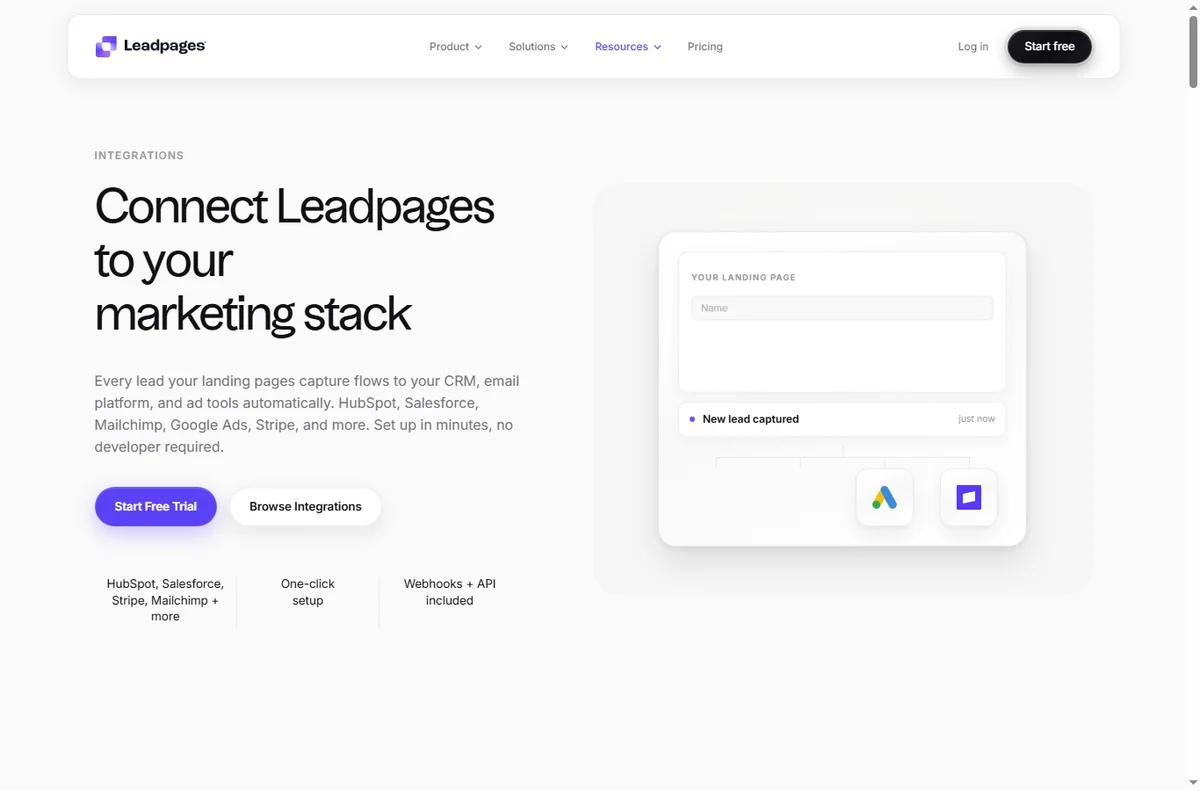
Always wire pages to the email tool you use, so a lead becomes a contact the moment they submit. A captured lead that sits nowhere is lost.
Tag leads by which page they came from. That single habit makes your follow-up far more relevant later.
Test one thing at a time
Change one element at a time — the headline, or the button, or the form length — so you know what actually moved the result.
Give a test enough traffic to be meaningful before calling it. Judging a variant on a handful of visitors just adds noise.
Use pop-ups and alerts sparingly
Pop-ups can lift sign-ups, but too many annoy visitors and hurt your brand. Aim for one well-timed prompt, not three.
Exit-intent notices work best on content pages where a visitor is about to leave; they work least on pages where the whole point is to convert.
Measure conversion, not traffic
Watch conversion rate, not just visitor count. A page with fewer visitors and more leads is usually the better page.
Review results on a fixed schedule and retire pages that never convert rather than leaving them to rot.
Let a losing page teach you something: a weak headline or a mismatch between ad and page is useful information for the next campaign.

Where this fits
Start from the independent Leadpages review and the funnel builders hub. For setup, see how to set up Leadpages. Compare options in best landing page builders and follow how to create a sales page.

Frequently asked
How many pages do I need?
Start with one page per campaign. A focused page that matches its ad usually outperforms a library of half-used templates.
Should I use pop-ups?
Sparingly. One well-timed prompt can help, but several will annoy visitors and can hurt conversions and your brand.
How do I know a page is working?
Look at conversion rate rather than raw traffic, and only after enough visitors to be meaningful. Then change one thing at a time.
Do pages help SEO?
A landing page is for conversion, not ranking. Keep your own domain connected so any authority stays with your site.
Put Leadpages to work
Pages and opt-ins that feed your pipeline.
Some links on this page may be referral links — we may earn a reward if you sign up, at no extra cost to you. We are an independent publisher. See our Affiliate Disclosure.