We’re reader-supported — some links are affiliate links. Learn more →

Skip to content

Independent software research. Some links may earn us a commission at no extra cost to you. Learn more →

ICode

Tag: emailoctopus

  • What is EmailOctopus?

    What is EmailOctopus?

    Home / Email Marketing / Guides / What is EmailOctopus

    Knowledge · email marketing · updated October 9, 2026

    What is EmailOctopus?

    EmailOctopus is an email marketing platform for sending campaigns, building automations and capturing subscribers with forms and landing pages. This guide explains what each part does, how an account is organised, and what it is not.

    Independent analysis. This page may contain affiliate links. If you sign up through a link on this page we may earn a reward at no extra cost to you, and it never changes what we recommend. We are an independent publisher and are not affiliated with, endorsed by, or an official partner of any tool mentioned. See our Affiliate Disclosure.

    TL;DR

    • EmailOctopus is an email marketing and automation platform.
    • It covers campaigns, automations, signup forms, landing pages and reports.
    • It can send through Amazon SES, so mail leaves from your own sending setup.
    • Plans scale with your subscriber count, so check the current pricing before you commit.
    • It is not a full CRM or a general website builder.

    On this page: What EmailOctopus is · How it is organised · What it is good at · What it is not · Concept cheat sheet · Where this fits

    Emailoctopus home page
    Emailoctopus home (image: emailoctopus.com)

    What EmailOctopus is

    EmailOctopus is a cloud service rather than software you run yourself. You import or collect subscribers, build an email, and send it in a few clicks.

    Around the campaign editor sit the parts that make sending repeatable: automation workflows, signup forms, landing pages and the reports that show what happened.

    A notable part of the setup is how it sends: the platform can connect to Amazon Simple Email Service so email leaves through your own sending infrastructure.

    Templates and a visual editor sit in front of the sending engine, so you design an email on screen and the platform handles delivery, tracking and unsubscribes for you.

    Consent is part of the model: subscribers arrive through forms and landing pages, and the account keeps a record of how each person joined.
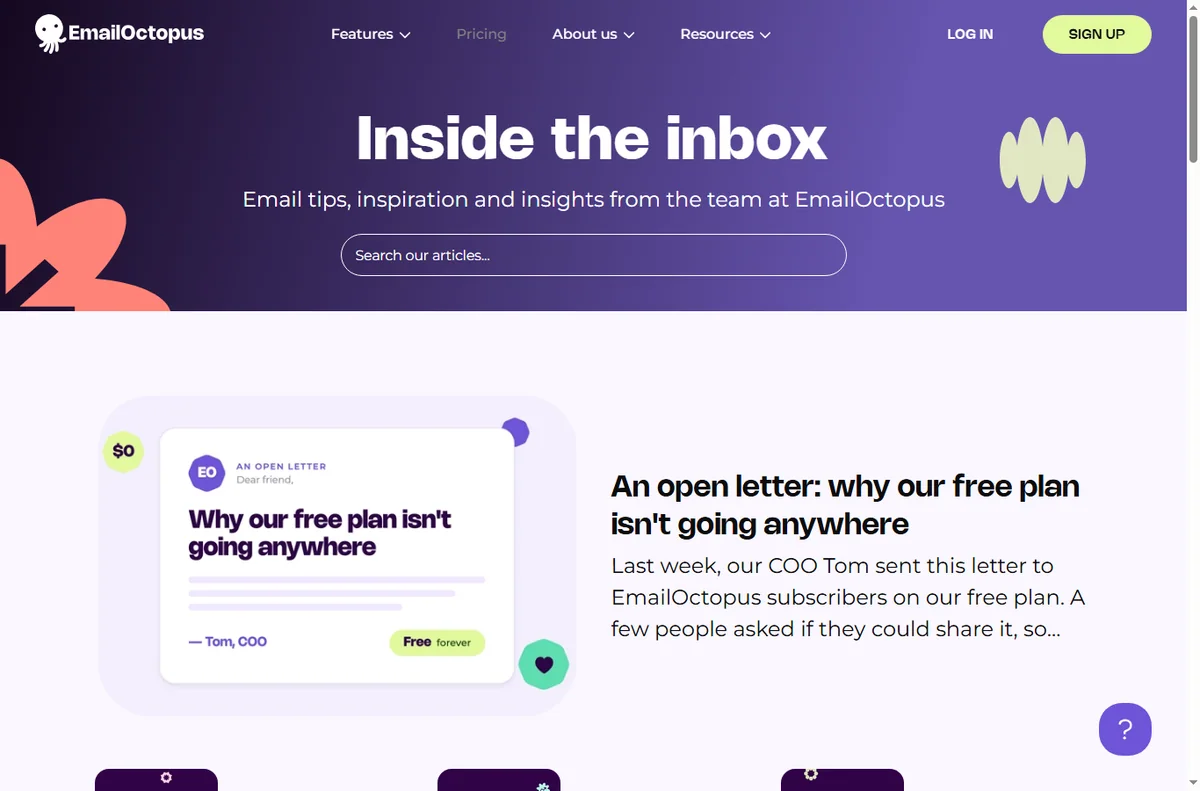
    Emailoctopus blog page
    Emailoctopus blog (image: emailoctopus.com)

    How EmailOctopus is organised

    Everything sits under one account. Your contacts live in lists, and segments carve those lists into the people you actually want to reach.

    Campaigns are one-off sends, while automations are journeys that fire when someone joins, clicks or buys. Both draw on the same templates and lists.

    Forms and landing pages feed the lists, and reporting closes the loop by showing opens, clicks and unsubscribes per campaign.

    Emailoctopus features page
    Emailoctopus features (image: emailoctopus.com)

    What EmailOctopus is good at

    • Sending a first campaign without a long setup.
    • Keeping sending costs down by using Amazon SES.
    • Automations that follow up while you get on with other work.
    • Capturing subscribers with forms and landing pages.
    • Splitting a list with segments so the right people get each email.
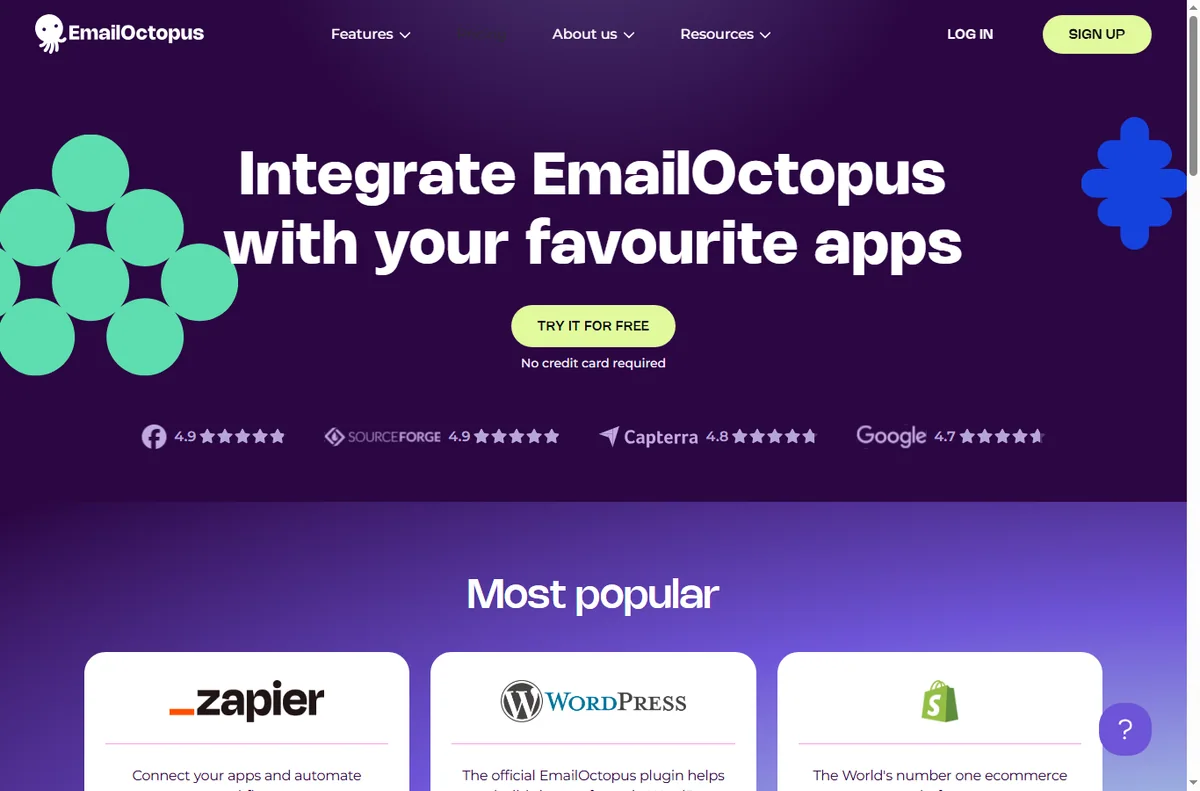
    Emailoctopus integrations page
    Emailoctopus integrations (image: emailoctopus.com)

    What EmailOctopus is not

    • Not a CRM: it does not manage a sales pipeline or deals.
    • Not a general website builder: the pages are for campaigns, not a full site.
    • Not unlimited on a free tier, so check the current pricing and limits.
    • Not a guarantee of inbox placement: deliverability still depends on your list and content.

    Concept cheat sheet

    ConceptMeaningWhy it matters
    CampaignA single email sent to a listAnnounce or promote something
    AutomationA journey triggered by an actionFollow up automatically
    List and segmentContacts grouped by criteriaSend to the right people
    Signup formA way to collect subscribersGrow the list from a site
    Landing pageA hosted page tied to a campaignCapture leads in one step
    Amazon SES connectionSending through your own AWS accountControl sending and cost
    Based on publicly documented behaviour, checked October 9, 2026.
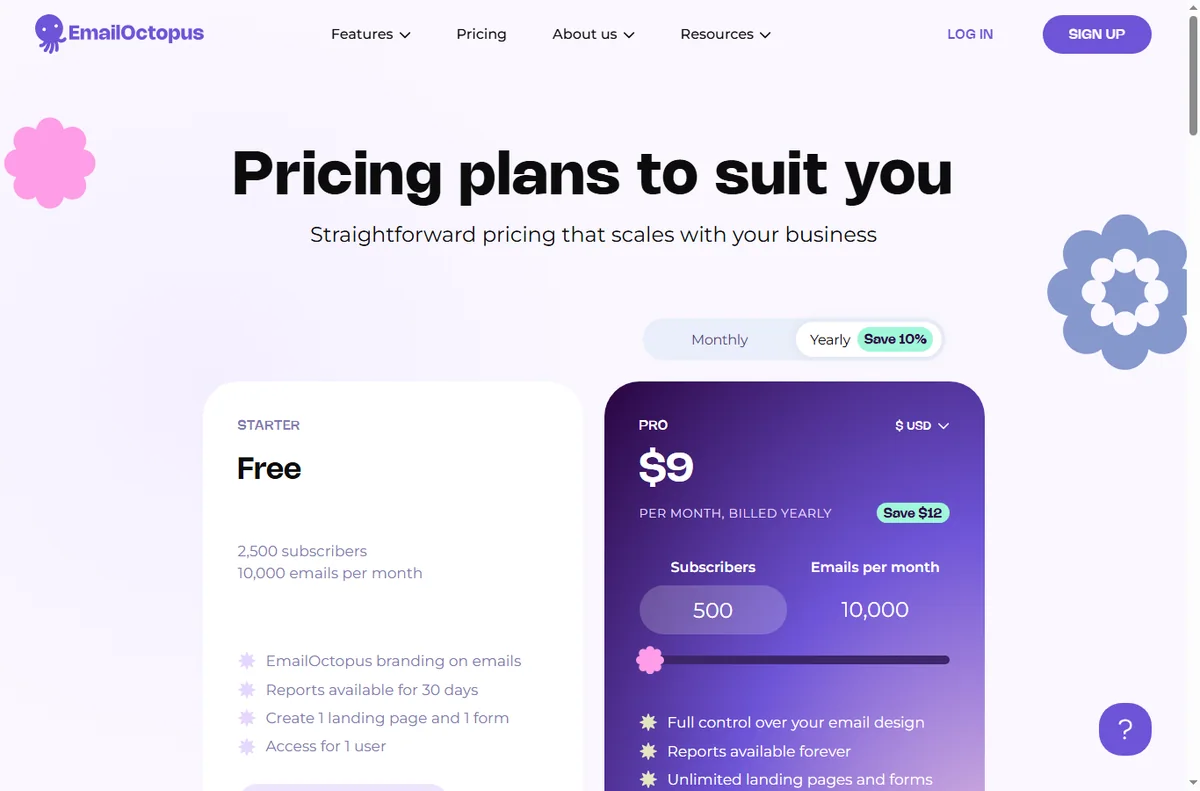
    Emailoctopus pricing page
    Emailoctopus pricing (image: emailoctopus.com)

    Where this fits

    Start with the email marketing hub. For the practical steps see how to set up EmailOctopus, and for everyday usage read how to use EmailOctopus for a small business.

    Icode editorial illustration
    Icode editorial illustration (image: icode.io.vn)

    Frequently asked

    Is EmailOctopus a CRM?

    No. It is an email marketing platform. It manages lists and campaigns rather than deals and pipelines.

    Can I automate follow-ups?

    Yes. Automations fire on joins, clicks or purchases, so a sequence can run without manual sends.

    Do I need my own website for forms?

    No. Landing pages are hosted for you, and forms can be embedded on a site you already have.

    Is there a free plan?

    There is a free tier with limits. For larger lists you will want a paid plan, so check the current pricing.

    Does it send through Amazon SES?

    It can send through Amazon SES, which is one reason many teams choose it, but confirm the details of your own plan and setup.

    Send your first campaign

    Campaigns, automations and forms in one account.

    Some links on this page may be referral links — we may earn a reward if you sign up, at no extra cost to you. We are an independent publisher. See our Affiliate Disclosure.
    Related reading

  • Common EmailOctopus problems and how to fix them

    Common EmailOctopus problems and how to fix them

    Home / Email Marketing / Guides / Common EmailOctopus problems

    Problem · email marketing · updated October 9, 2026

    Common EmailOctopus problems and how to fix them

    Most EmailOctopus problems fall into a few areas: campaigns that land in spam, subscribers who never receive them, automations that do not fire, forms that do not capture, or a sending connection that needs checking. Here are the ones that come up most, and what to check first.

    Independent analysis. This page may contain affiliate links. If you sign up through a link on this page we may earn a reward at no extra cost to you, and it never changes what we recommend. We are an independent publisher and are not affiliated with, endorsed by, or an official partner of any tool mentioned. See our Affiliate Disclosure.

    TL;DR

    • Campaigns in spam are usually about authentication records and list hygiene.
    • Missing emails are often bounces, a wrong segment or a suppressed address.
    • An automation that will not fire usually has a trigger or filter that never matches.
    • A form that captures nothing is usually a broken embed or a wrong list.
    • A sending connection needs its own verification, so check it early.

    On this page: Why things go wrong · Campaigns in spam · Subscribers missing · Automation not firing · Forms not capturing · Sending connection failing · Symptom to fix · Where this fits

    Why things go wrong

    Email depends on a chain: a verified sending domain, clean lists, and an automation or form that passes the contact through. A fault in any link shows up as mail that does not arrive.

    The quickest way to locate it is to follow one contact end to end: were they added, did the trigger fire, and what does their activity show?

    Because sending can run through Amazon SES, there is an extra link in the chain: the connection between your account and your own sending credentials has to stay valid.

    For anything that touches sending, change one thing at a time and watch the next campaign, because several fixes at once make it hard to see which one helped.

    Emailoctopus home page
    Emailoctopus home (image: emailoctopus.com)

    Campaigns in spam

    Spam placement is usually about authentication, so mail sent from a domain without SPF, DKIM and DMARC looks unfamiliar to the receiving provider.

    Confirm those records for your sending domain, and check whether the list contains addresses that never engaged, which drags reputation down.

    Emailoctopus blog page
    Emailoctopus blog (image: emailoctopus.com)

    Subscribers missing

    A subscriber who never received the email was probably bounced, suppressed, or filtered out by the segment you sent to.

    Check the contact activity, the segment rules, and the suppression list before you resend anything.

    Automation not firing

    An automation only runs when its trigger matches, so a join condition or a filter that is never true leaves the journey idle.

    Read the workflow from the start, confirm the trigger event, and test with a contact you control.

    Emailoctopus features page
    Emailoctopus features (image: emailoctopus.com)

    Forms not capturing

    A form that collects nothing is usually embedded incorrectly or pointed at the wrong list, so submissions have nowhere to land.

    Re-check the embed code, confirm the form is connected to a list, and submit a test yourself.

    Emailoctopus integrations page
    Emailoctopus integrations (image: emailoctopus.com)

    Sending connection failing

    When a campaign will not send, the sending connection is the first thing to rule out, because an expired key or an unverified identity stops delivery.

    Reconnect the sending service, confirm the domain is verified, and send yourself a test before a full campaign.

    Symptom to fix

    SymptomLikely causeFix
    Campaigns in spamMissing authentication recordsAdd SPF, DKIM and DMARC
    Subscribers missingBounce, suppression or segmentCheck activity and segment rules
    Automation not firingTrigger or filter never matchesFix the trigger, run a test
    Forms not capturingBad embed or wrong listRe-embed and connect the list
    Sending connection failingExpired key or unverified domainReconnect and verify
    General guidance, checked October 9, 2026. Confirm specifics inside your own EmailOctopus setup.
    Emailoctopus pricing page
    Emailoctopus pricing (image: emailoctopus.com)

    Where this fits

    Start with the email marketing hub. For the basics read what EmailOctopus is, and for the setup steps see how to set up EmailOctopus.

    Icode editorial illustration
    Icode editorial illustration (image: icode.io.vn)

    Frequently asked

    Can I fix these myself?

    Most of them. Records, forms and automations are in your control. Deliverability issues can need a support ticket.

    Why do emails bounce?

    An address that is closed, full or misspelled will bounce. Repeated bounces are suppressed so they stop harming your reputation.

    Why did only some people get the email?

    The segment decided that. Check its rules, and remember that suppressed addresses are excluded on purpose.

    How do I test an automation?

    Add a contact you control and walk through the trigger yourself. The activity view shows each step as it runs.

    Get your campaigns delivered

    Fix the common snags and keep sending.

    Some links on this page may be referral links — we may earn a reward if you sign up, at no extra cost to you. We are an independent publisher. See our Affiliate Disclosure.
    Related reading

  • How to use EmailOctopus for a small business

    How to use EmailOctopus for a small business

    Home / Email Marketing / Guides / How to use EmailOctopus for a small business

    Guide · email marketing · updated October 9, 2026

    How to use EmailOctopus for a small business

    Once EmailOctopus is set up, the value comes from a steady routine. This guide turns it into a small-business workflow: keep costs predictable as the list grows, email people who opted in, automate the follow-ups, and watch the handful of numbers that matter.

    Independent analysis. This page may contain affiliate links. If you sign up through a link on this page we may earn a reward at no extra cost to you, and it never changes what we recommend. We are an independent publisher and are not affiliated with, endorsed by, or an official partner of any tool mentioned. See our Affiliate Disclosure.

    TL;DR

    • Keep sending costs predictable as your list grows.
    • Send a reliable, regular newsletter.
    • Automate welcome and follow-up messages.
    • Segment so every email is relevant.
    • Watch the deliverability basics.
    • Measure opens and clicks on a fixed schedule.

    On this page: Keep costs predictable · Regular newsletter · Automate · Segment · Deliverability · Measure

    Emailoctopus home page
    Emailoctopus home (image: emailoctopus.com)

    Keep costs predictable as you grow

    Because EmailOctopus prices largely on list size, the key habit is keeping the list clean. Remove people who never engage so you are not paying to email the unengaged.

    Check your plan’s current limits before a big campaign. Knowing the boundary in advance avoids a surprise halfway through a send.

    Prune the list on a schedule — once a quarter is enough — and let the small savings compound. A tidy list also improves your engagement metrics, which in turn helps every future send.

    Emailoctopus blog page
    Emailoctopus blog (image: emailoctopus.com)

    Send a reliable newsletter

    Pick a rhythm you can keep and hold it. A predictable newsletter keeps your name familiar and makes unsubscribes less likely.

    One main idea per issue with a clear next step beats an everything-email that readers skim and forget.

    Emailoctopus features page
    Emailoctopus features (image: emailoctopus.com)

    Automate welcome and follow-up

    Build a short welcome sequence and one follow-up for people who show interest but do not buy. Automation handles the repetition so you do not have to.

    Review automated emails quarterly. If a message no longer matches your offer or prices, fix it or switch it off.

    Segment for relevance

    Split the list by what people did, not just who they are: new subscribers, past buyers, or the recently inactive. Relevance is what keeps engagement up.

    You do not need elaborate rules. Two or three honest segments are enough to make your messages feel personal.

    Even a simple split by sign-up source tells you which pages attract the right people, so you can send those readers content that actually fits.

    Emailoctopus integrations page
    Emailoctopus integrations (image: emailoctopus.com)

    Watch the deliverability basics

    Verify your sending domain, email people who opted in, and avoid over-mailing. These three habits do more for inbox placement than any trick.

    Keep a consistent sender name and address so subscribers and mailbox providers recognise you over time.

    Measure what matters

    Track open rate and click rate for your main campaigns, and watch unsubscribes as a signal that something is off. Review on a fixed schedule.

    A small, stable scoreboard you actually read is worth more than a dashboard full of numbers nobody checks.

    Write down what you changed after each review, so improvement is a loop rather than a fresh guess every month.

    Emailoctopus pricing page
    Emailoctopus pricing (image: emailoctopus.com)

    Where this fits

    Start from the independent EmailOctopus review and the email marketing hub. For setup, see how to set up EmailOctopus. Compare options in best email marketing software and follow the method with the deliverability guide.

    Icode editorial illustration
    Icode editorial illustration (image: icode.io.vn)

    Frequently asked

    Is EmailOctopus good for a large list?

    Its SES-based model keeps sending costs low as a list grows, which suits list-heavy businesses. Check the current tiers before you commit.

    How do I keep costs down?

    Keep your list clean and remove people who never engage, since you generally pay by contact count. A smaller engaged list is cheaper and performs better.

    Do I need automation?

    Not on day one, but a welcome sequence is the single best automation to start with, because attention is highest right after sign-up.

    How often should I send?

    Monthly is enough for most small businesses. Consistency and relevance matter more than frequency.

    Put EmailOctopus to work

    Affordable sending, lists and automation.

    Some links on this page may be referral links — we may earn a reward if you sign up, at no extra cost to you. We are an independent publisher. See our Affiliate Disclosure.

  • How to set up EmailOctopus (step-by-step)

    How to set up EmailOctopus (step-by-step)

    Home / Email Marketing / Guides / How to set up EmailOctopus (step-by-step)

    Tutorial · email marketing · updated October 9, 2026

    How to set up EmailOctopus (step-by-step)

    EmailOctopus is an email marketing service built on Amazon SES, which is how it keeps costs low as your list grows. Setting it up means creating an account, verifying the domain you send from, importing a consent-based list, and sending a test campaign before you go wide.

    Independent analysis. This page may contain affiliate links. If you sign up through a link on this page we may earn a reward at no extra cost to you, and it never changes what we recommend. We are an independent publisher and are not affiliated with, endorsed by, or an official partner of any tool mentioned. See our Affiliate Disclosure.

    TL;DR

    • Create the account with an email you monitor.
    • Verify your sending domain before your first campaign.
    • Import or build a small, consent-based list.
    • Create one welcome automation.
    • Send a test campaign and check placement.

    On this page: Create account · Verify sending domain · Build your list · First campaign · Send a test · Sanity checks

    Emailoctopus home page
    Emailoctopus home (image: emailoctopus.com)

    Step 1 — Create your account

    Create an account with a business address you check, because this login covers lists, campaigns and billing. Confirm the verification email before you add contacts.

    An unverified account cannot send reliably, so clear this step first rather than discovering it when you are ready to launch.

    Emailoctopus blog page
    Emailoctopus blog (image: emailoctopus.com)

    Step 2 — Verify your sending domain

    Add the domain you will send from and follow the DNS steps shown in your account. Because EmailOctopus sends through Amazon SES, domain verification is central to getting into inboxes.

    A dedicated email subdomain is often worth using, so that email reputation stays separate from your website. Check the current record values in your dashboard, as they are specific to your account.

    Emailoctopus features page
    Emailoctopus features (image: emailoctopus.com)

    Step 3 — Import or build your list

    Create a list and import only contacts who have given permission. Consent protects your sender reputation more than list size ever will.

    Add at least one sign-up form so new subscribers arrive the right way. A clear form with an honest promise outperforms a pushy pop-up.

    Step 4 — Build your first campaign

    Choose a template, write one clear message and set a single next step. Give the email an obvious subject line rather than a clever one.

    Link your campaign to a specific page on your site so interested readers land somewhere useful instead of a generic homepage.

    Emailoctopus integrations page
    Emailoctopus integrations (image: emailoctopus.com)

    Step 5 — Send a test and review

    Send the campaign to yourself and a colleague first. Check links, images and how the email looks on a phone, where most people will read it.

    Once placement and layout look right, send to your list. Keep the first send modest so you can watch the results before scaling up.

    Final checks before you rely on it

    • Confirm your sending domain and sender address are verified.
    • Send a test to a few inboxes and check where it lands.
    • Verify every link opens the page you intended.
    • Note your plan’s contact and send limits before your next campaign.
    Emailoctopus pricing page
    Emailoctopus pricing (image: emailoctopus.com)

    Where this fits

    See the independent EmailOctopus review and the email marketing hub. For a shortlist, see best email marketing software, then follow how to build an email list and the deliverability guide.

    Icode editorial illustration
    Icode editorial illustration (image: icode.io.vn)

    Frequently asked

    Why is EmailOctopus often cheaper?

    It sends through Amazon SES and passes that lower infrastructure cost on. Check the current pricing and send limits, since these change over time.

    Do I need to verify a domain?

    For serious sending, yes. Unverified senders are far more likely to be filtered. Check the exact DNS records shown in your account.

    Is it good for a first email tool?

    It is simple enough for a small business and stays affordable as a list grows. Expect a short setup step for domain verification.

    Can I import an existing list?

    Yes, but only import contacts who opted in. Uploading addresses without consent risks your deliverability and can breach anti-spam rules.

    Start sending with EmailOctopus

    Low-cost sending, lists and automation.

    Some links on this page may be referral links — we may earn a reward if you sign up, at no extra cost to you. We are an independent publisher. See our Affiliate Disclosure.