

Independent analysis. This page may contain affiliate links.
Best Email Signature Tools
An email signature is free real estate on every message your team sends. Signature tools keep your branding, contact details, and disclaimers consistent, and some turn each email into a lightweight marketing channel.
We compared the leading tools on central management, marketing features, and how easily they fit a small team.
Quick comparison table
| Option | Best for | Starting price |
|---|---|---|
| WiseStamp | Marketing-focused signatures | Free (paid from $6/mo) |
| Exclaimer | Enterprise signature management | From $1.50/user/mo |
| CodeTwo | Microsoft 365 and Exchange signatures | From $1/user/mo |
| Newoldstamp | Team signatures with branding | Free (paid from $7/mo) |
| Gimmio | Simple signature generator | Free (paid tiers) |
| HubSpot signature generator | Quick free signatures | Free |
Why Email Signatures Matter
Every email a team sends is a marketing and trust signal. A consistent, professional signature puts your logo, contact details, and a relevant call to action in front of customers with zero extra effort. For regulated industries, it can also carry required legal disclaimers. Centralized tools keep signatures uniform instead of drifting per employee.

Central Management: Exclaimer and CodeTwo
Exclaimer and CodeTwo manage signatures server-side for Microsoft 365 and Google Workspace, so they appear automatically in every message and stay current when someone changes roles. This removes the burden from individual employees and guarantees consistency. Both are priced per user and aimed at organizations rather than individuals.
Marketing-Focused Signatures: WiseStamp and Newoldstamp
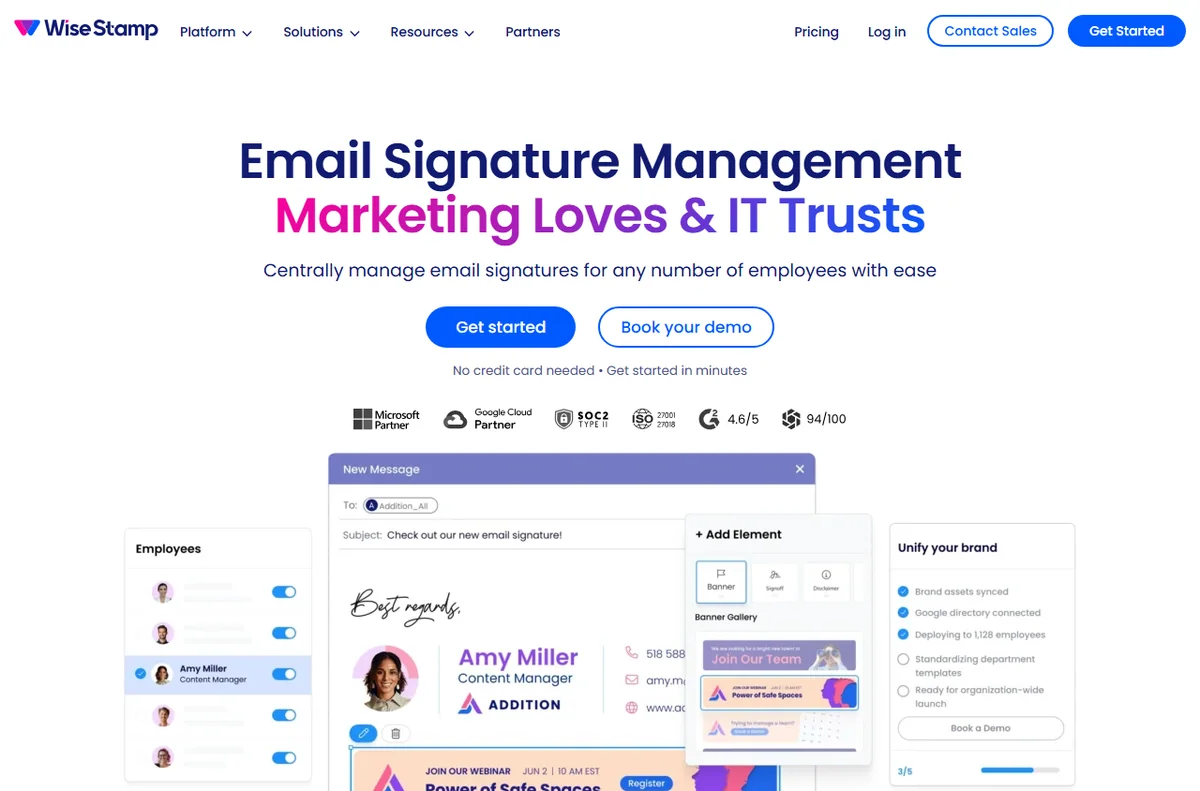
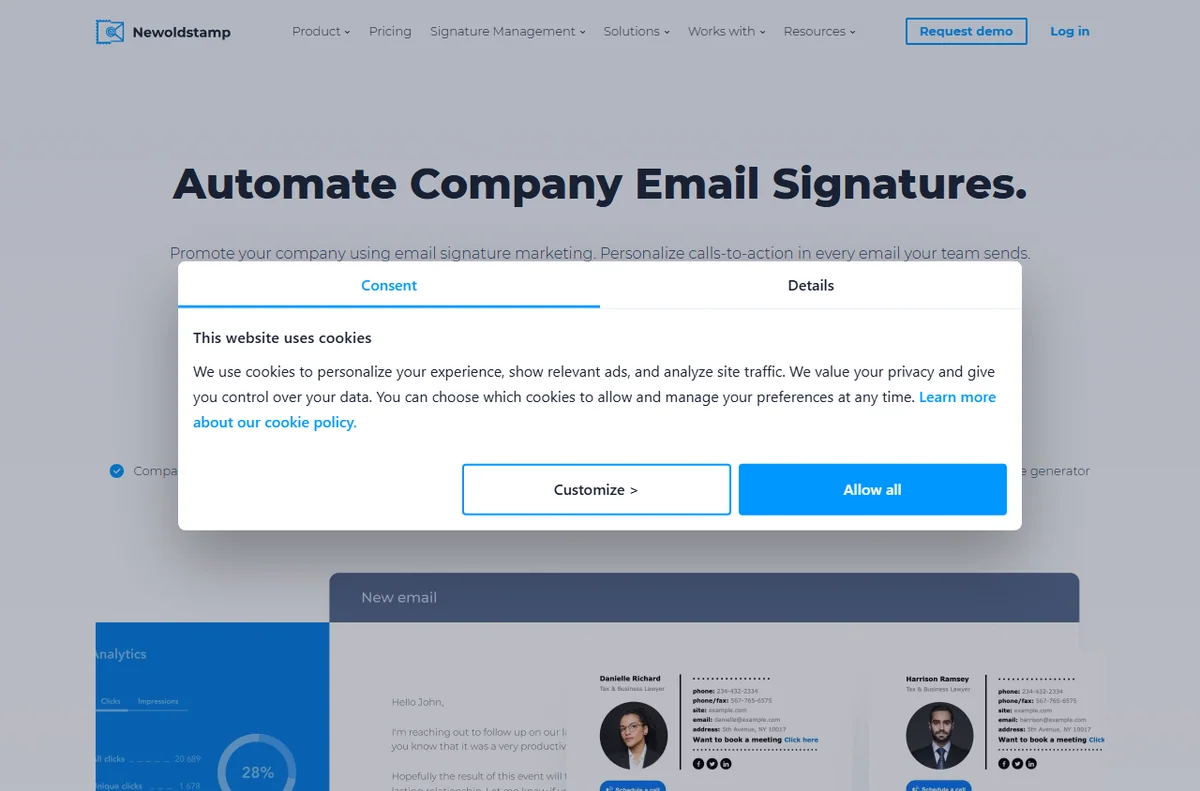
WiseStamp and Newoldstamp add banners, social icons, and promotional elements designed to drive clicks. Newoldstamp includes team management and campaign features, while WiseStamp focuses on eye-catching individual and team signatures. These suit small businesses that want signatures to market, not just identify.
If your team uses a mix of clients, make sure the tool supports each one you rely on before you standardize on it.
Quick Free Options: Gimmio and HubSpot
Gimmio’s generator walks you through building a signature you copy into your email client, with a free tier for basics. HubSpot offers a free signature generator that is fast and simple. Free tools lack central enforcement, so signatures can drift out of sync across a team, but they are fine for solo users.

Compatibility and Compliance
Signatures render differently across Gmail, Outlook, and mobile clients, so test in each before rolling out. Keep fonts web-safe, limit image sizes, and always include a plain-text fallback. If you operate in a regulated field, build in the disclaimers your industry requires and review them periodically.
Pros
- Consistent signatures reinforce branding on every email.
- Server-side tools enforce signatures automatically.
- Marketing signatures drive clicks and social follows.
- Free generators suit solo users well.
Cons
- Rendering differs across email clients and mobile.
- Per-user pricing adds up for large teams.
- Heavy images can bloat messages and trigger spam filters.
Frequently asked questions
How do I add a signature in Gmail or Outlook?
Both clients let you create a signature in settings and paste in HTML from a generator. For teams, server-side tools push signatures automatically instead of relying on each user.
Should email signatures include images?
A logo or icon can reinforce branding, but keep images small and always include a text fallback so the signature still works when images are blocked.
Are email signature tools worth it for a small team?
If consistency matters, yes. A per-user signature manager guarantees everyone uses the same details and disclaimers, and updates roll out instantly.
Do signature tools work with mobile email?
Many server-side tools insert signatures at the server, so they appear even when sending from a phone. Client-side generated signatures usually do not.
Verdict
WiseStamp and Newoldstamp are the best fit for small businesses that want marketing-oriented signatures, Exclaimer and CodeTwo are the choice for centrally managed consistency, and free generators like HubSpot or Gimmio are enough for solo users. Test in every client before rolling out.
Read more: brand identity kit · email software.