
Independent analysis. This page may contain affiliate links.
Best Remote Job Boards for Finding Remote Work
Remote work has moved from perk to default for millions of professionals, but the boards that list those jobs differ widely in quality. Some aggregate scraped listings, others gate postings behind a candidate paywall, and a few focus on a single niche like engineering or design. The board you choose shapes how many relevant roles you see and how much noise you filter.
This guide compares the most widely used remote job boards by audience, pricing, and signal-to-noise ratio so you can spend your time applying instead of scrolling.

Quick comparison table
| Board | Best for | Starting price |
|---|---|---|
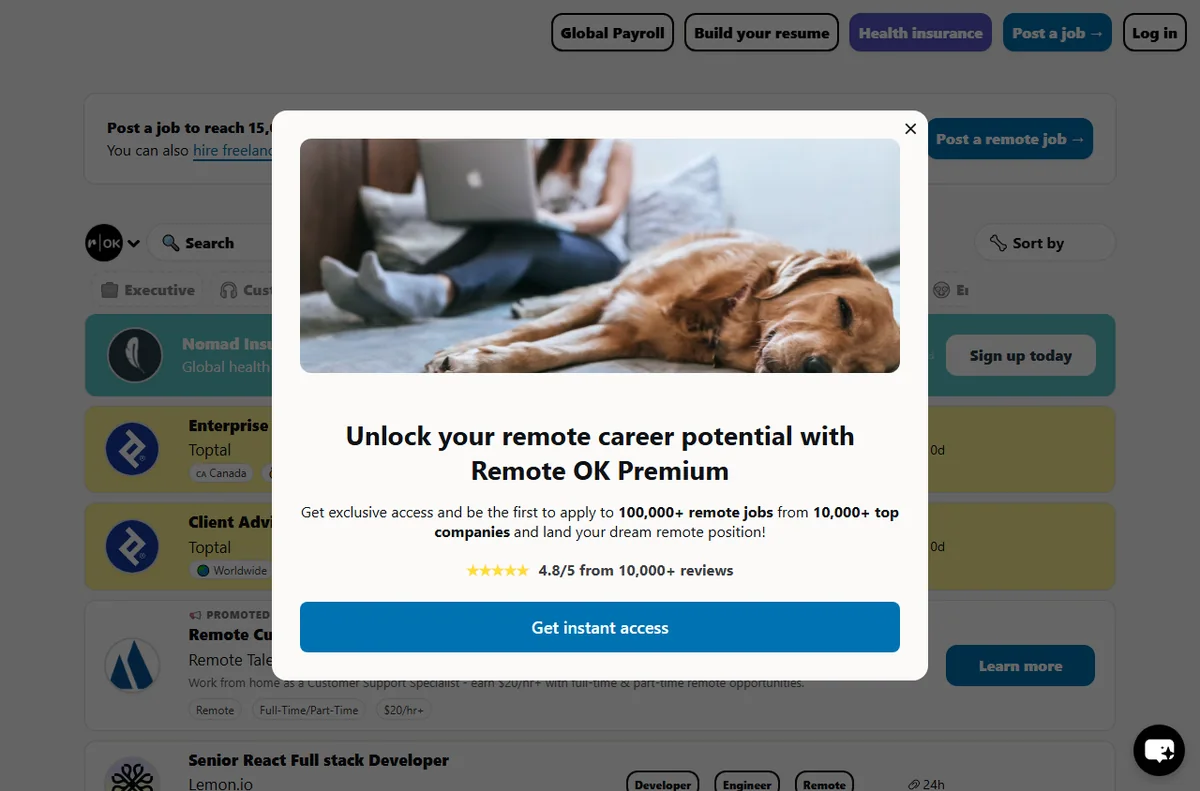
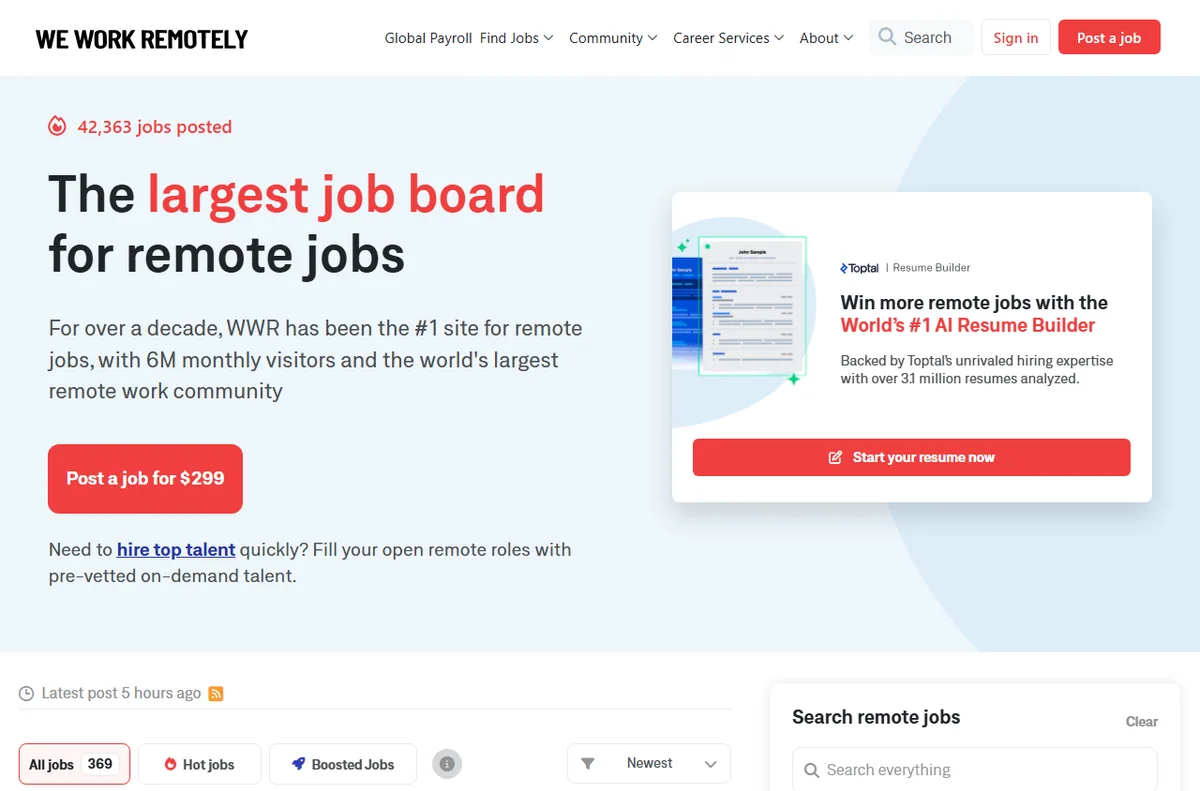
| We Work Remotely | Tech, design, and support roles | Free for job seekers |
| FlexJobs | Curated, vetted listings | Paid subscription |
| Remote OK | Broad tech and non-tech listings | Free to browse |
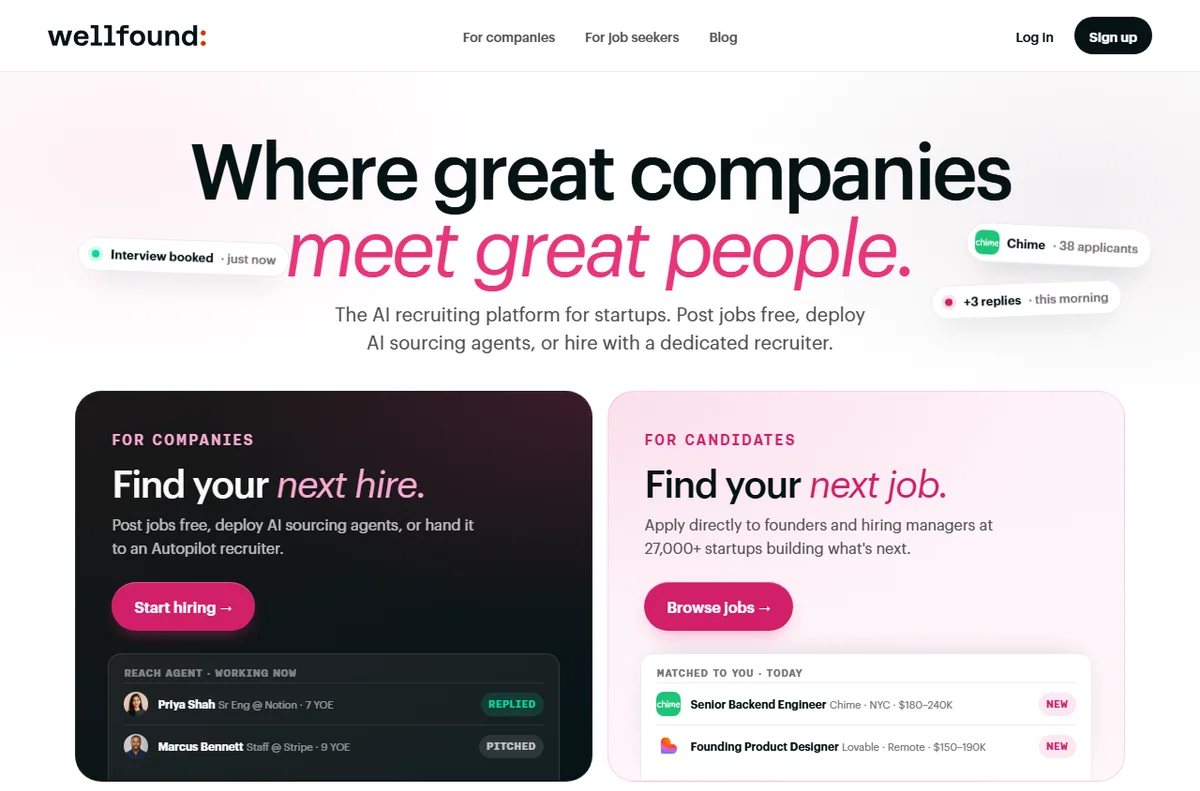
| Wellfound | Startup and early-stage roles | Free |
| JustRemote | Location-flexible global roles | Free / paid tier |
| Remote.co | Company profiles and remote teams | Free |
How to Choose a Remote Job Board
The wrong board wastes hours. Start by matching the board to your field, then check three things: how listings are sourced, whether roles state a time-zone requirement, and whether the board charges candidates. Boards that charge job seekers filter out casual applicants, which can mean fewer but higher-quality listings. Free boards often carry far more volume but also more duplicates and expired posts.
Also look at freshness. A board that shows posting dates lets you skip stale roles. If the same job appears on several boards from the same recruiter, that is normal aggregation rather than a scam, but you should still apply once through the source you trust most.
Generalist Boards vs. Niche Boards
Generalist boards such as We Work Remotely, Remote OK, and LinkedIn cover almost every discipline, which makes them a good first filter. Niche boards usually go deeper on a single function — engineering, design, writing, customer support, or sales — and attract employers who already expect remote candidates.
The most effective searches combine one generalist board for breadth with one or two niche boards for depth. If you are a developer, add a developer-focused board; if you write, add a writing-focused one. The overlap is small, so the extra effort pays off.
Free Boards vs. Paid Subscriptions
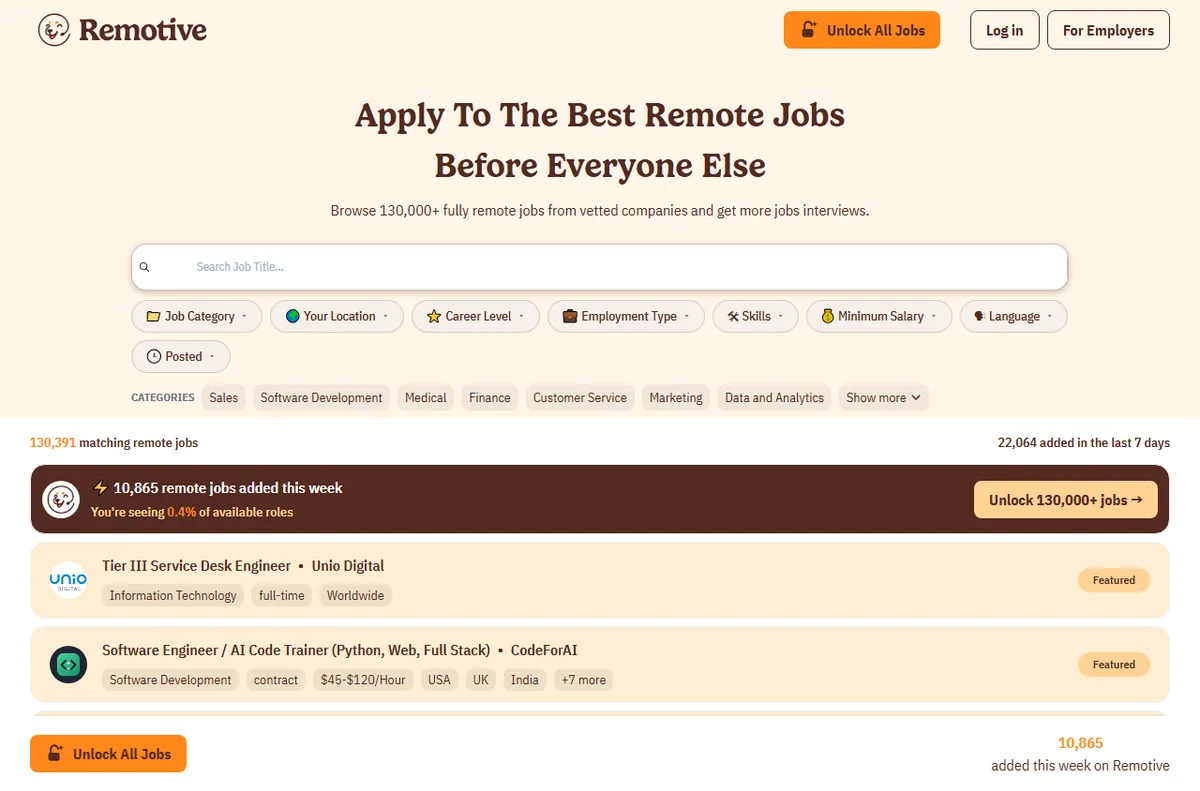
Paid boards such as FlexJobs argue that human screening removes scams and stale listings, and for some candidates that screening is worth the fee. Free boards rely on volume and search tools instead. Neither is universally better: if your skills are in high demand, free boards are usually enough, while a career switch or a niche specialty may justify paid curation.
Try the free options first. Upgrade only if you repeatedly hit the same walls — expired posts, duplicate listings, or a thin selection in your specialty.
Red Flags and Listing Quality
Watch for roles that never name the company, vague pay figures with no currency, and “unlimited earning potential” language that signals commission-only work or an outright scam. Legitimate remote employers state the time-zone overlap they need, the employment type, and the tools you will use.
Verify the application destination as well. If a board sends you to a generic form on a third-party site with no company branding, search the company name independently before you share personal details.
Setting Up an Efficient Search
Create saved searches or alerts on two or three boards instead of refreshing ten of them. Keep a simple tracker with the role, company, date applied, and status so you never apply twice. Tailor your resume keywords to match the language of your target listings, because many boards and employer systems filter on exact terms.
Finally, apply early. Remote roles attract large applicant pools, and the first qualified applicants usually get reviewed first.
Pros
- Combines generalist boards for breadth with niche boards for depth.
- Highlights free options so you can search without a subscription.
- Covers listing quality and how to avoid remote job scams.

Cons
- Listing quality varies widely from board to board.
- Free boards carry duplicate and expired postings.
Frequently asked questions
Are paid remote job boards worth it?
Sometimes. Paid boards such as FlexJobs screen listings, which reduces scams and duplicates, but they do not guarantee interviews. Start free and pay only if your specialty is poorly served by free options.
Do I need a different resume for remote jobs?
Not a different resume, but emphasize remote-relevant skills: self-management, written communication, and the collaboration tools you know. Many posting filters look for those exact terms.
How do I spot remote job scams?
Be wary of employers that ask for payment, send a check to buy equipment, or interview only over chat. Verify the company independently before sharing your address or bank details.
Verdict
There is no single best remote job board. Use one generalist site for breadth, one niche board for depth, and a paid service only if free options keep falling short. Set alerts, apply early, and track every application — the board matters far less than a fast, organized process.
Read more: write a job posting · remote work tools.