
Independent analysis. This page may contain affiliate links.
Best File Sharing for Business
Business file sharing is about more than syncing folders. Teams need permissions that scale, links they can revoke, audit trails, and, in many industries, encryption and compliance features that satisfy auditors.
The options below range from familiar consumer-grade tools with business plans to enterprise content platforms built for governance. The right fit depends on your team size, how sensitive your files are, and which productivity suite you already pay for.
Quick comparison table
| Option | Best for | Starting price |
|---|---|---|
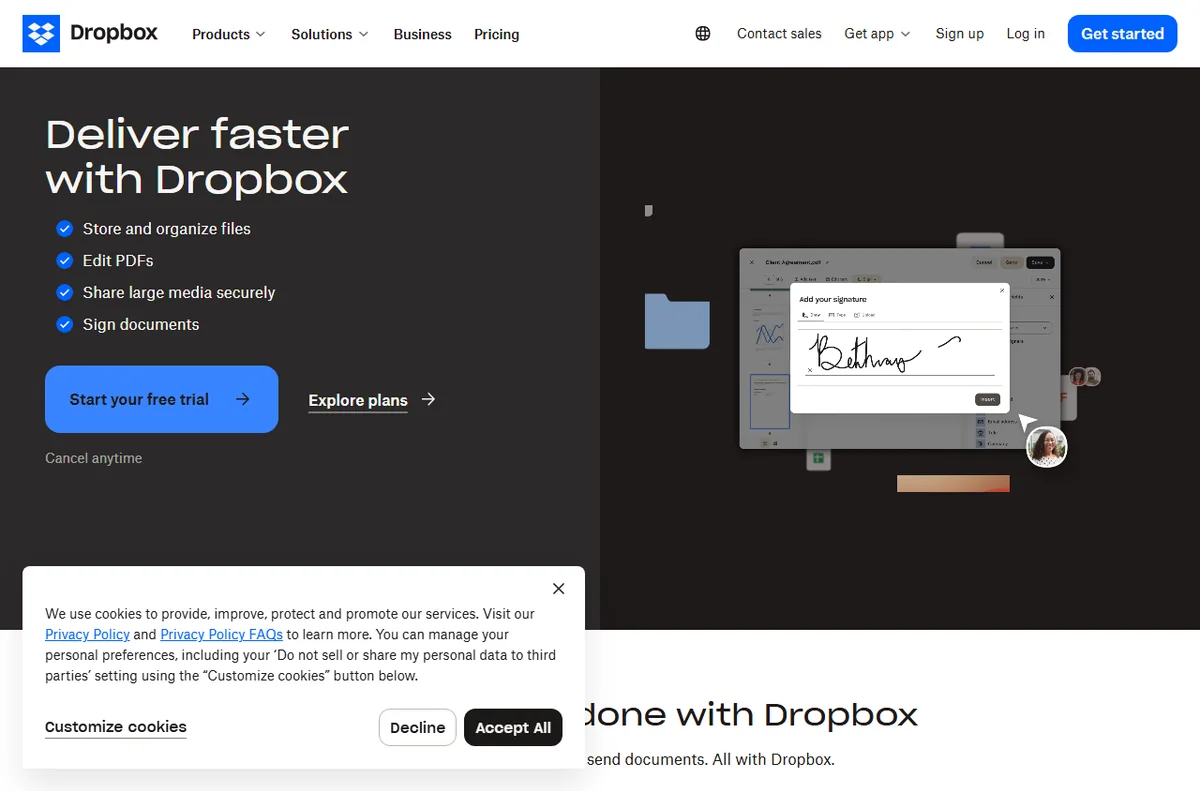
| Dropbox Business | Familiar sync and sharing for teams | From $11.99/user/mo |
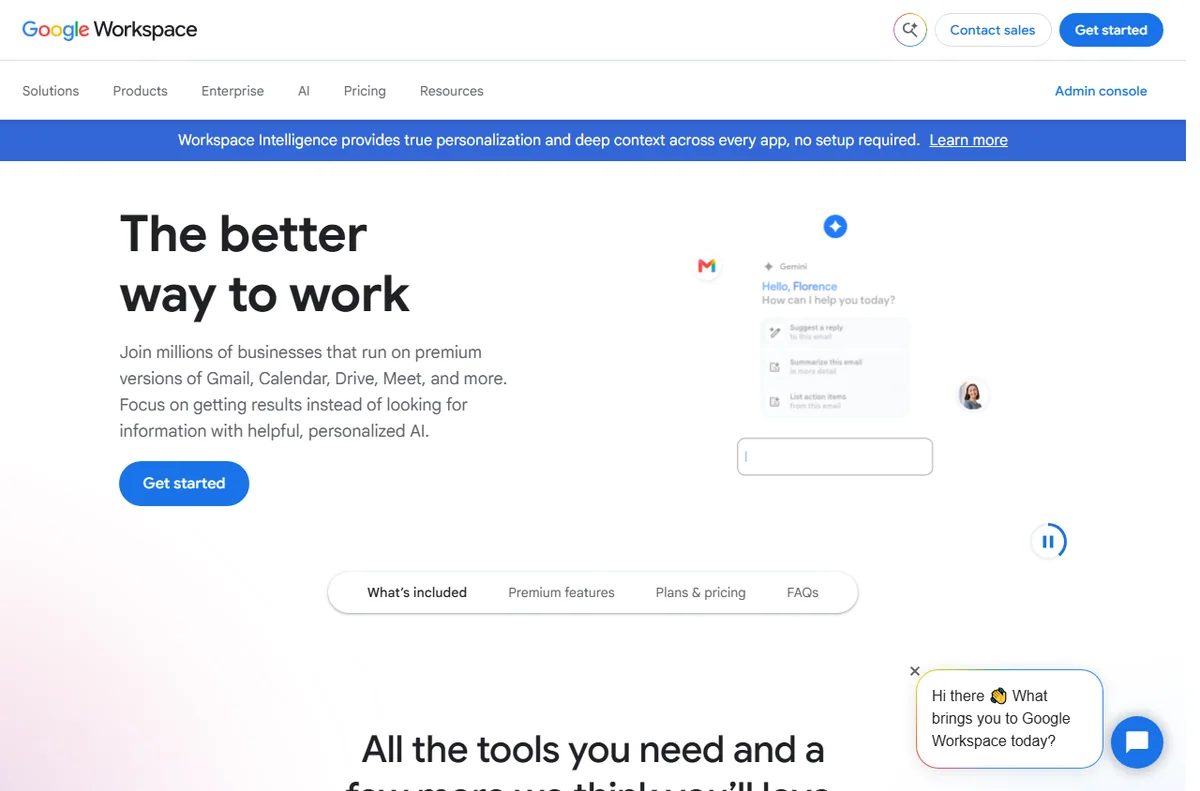
| Google Workspace | Docs and Drive collaboration | From $6/user/mo |
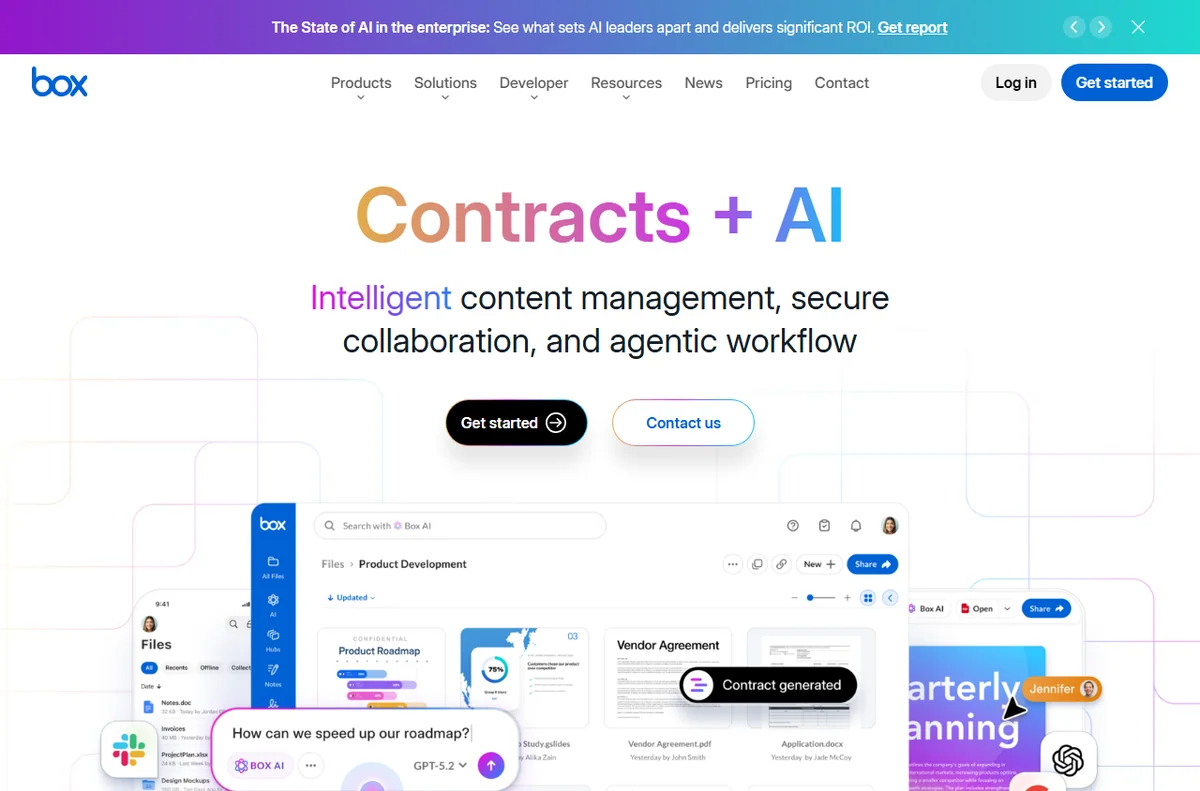
| Box | Enterprise content and compliance | From $20/user/mo |
| Egnyte | Governance and hybrid file access | Custom pricing |
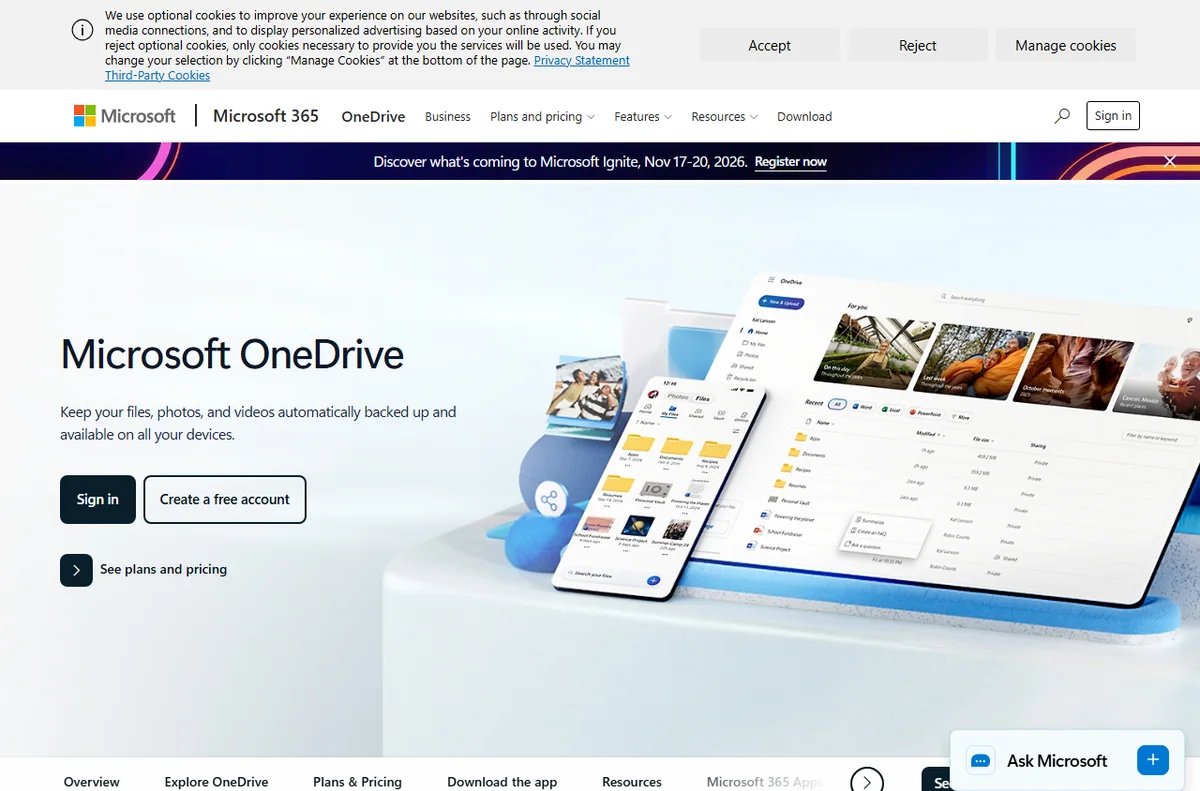
| OneDrive / SharePoint | Organizations already on Microsoft 365 | Included with M365 |
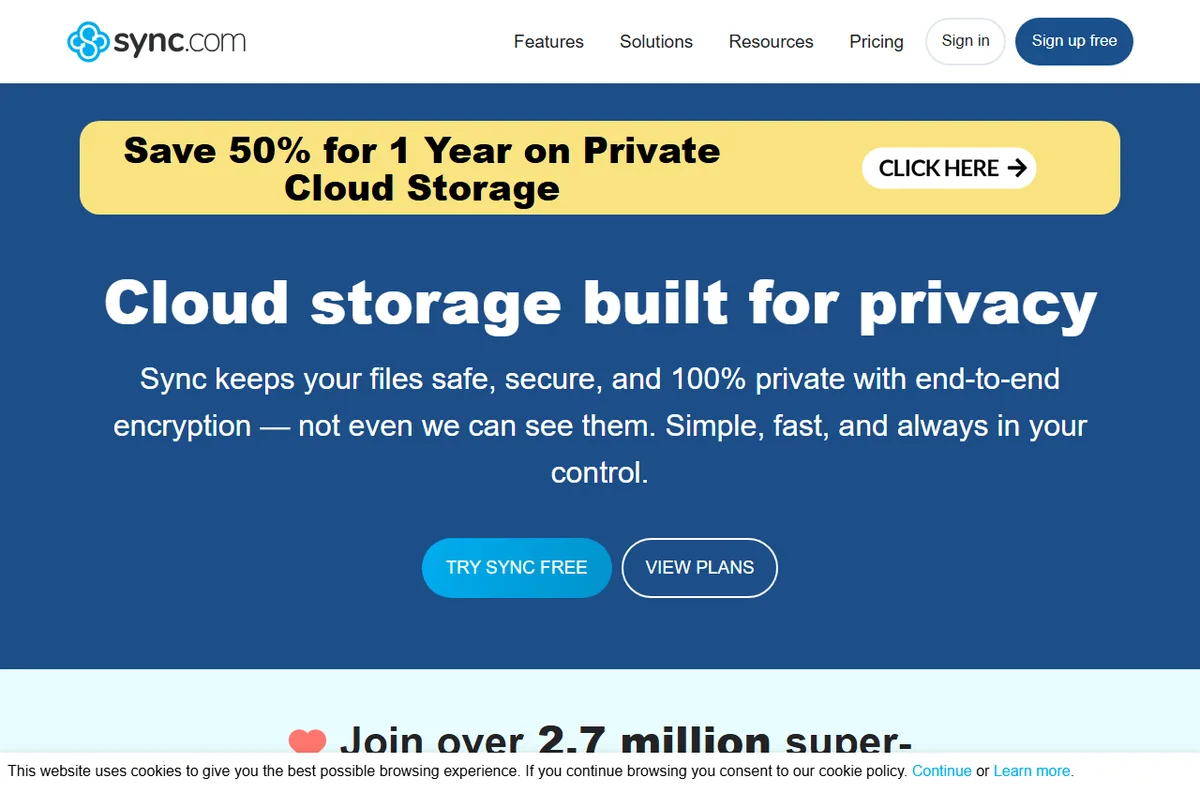
| Sync.com | Privacy-focused encrypted sharing | From $6/user/mo |
What Businesses Need Beyond Storage
Consumers pick file sharing by price and storage; businesses pick it by control. You need shared folders with role-based permissions, expiring and password-protected links, and the ability to see who accessed or edited a file. Remote wipe and device management matter when laptops leave the office.
If you handle regulated data, add encryption at rest and in transit, data residency options, and audit logs. These features are what separate a business platform from a personal account someone happened to share with the team.
The Productivity Suite Advantage
If your team already uses Microsoft 365 or Google Workspace, their built-in storage (OneDrive and SharePoint, or Google Drive) is often the most affordable and integrated option, since it is already included in the subscription. Real-time co-editing, version history, and familiar interfaces reduce training time.
The trade-off is that file sharing is one feature of a bigger suite rather than the product’s whole focus. For teams already paying for the suite, the convenience usually outweighs the marginal differences in sharing tools.

Enterprise Content and Compliance
Box and Egnyte target organizations that need governance. Box combines storage with workflow, retention policies, and integrations built for regulated industries. Egnyte emphasizes hybrid setups, letting a company keep large files on-premises while syncing metadata and access control to the cloud.
These platforms cost more and require some administration, but they give IT the visibility and control that spreadsheets of shared links cannot. If an audit, a client contract, or a security review demands demonstrable controls, enterprise tools pay for themselves.
Privacy and Encryption
Some teams prioritize confidentiality over integration. Sync.com offers end-to-end encryption and privacy-focused sharing at a low per-user price, appealing to legal, healthcare, and small professional firms that want strong defaults without an enterprise contract.
Check the encryption model carefully: end-to-end encryption protects files from the provider, but it can limit server-side search and preview. Match the security model to your threat model and your need for collaboration features.
Choosing and Rolling Out
Start from what you already pay for: Microsoft and Google shops should use their suite storage first. Teams that live in neither, and want the best pure sharing experience, should compare Dropbox Business and Box. Sensitive-data firms should weigh Sync.com or an enterprise platform with strong controls.
Rolling out well matters as much as picking. Set naming conventions, define who owns which folders, train staff on link sharing and permissions, and review external sharing rules. Most data mishaps come from convenience defaults, not malicious intent, so set sensible guardrails up front.
Pros
- Permission controls and expiring links protect sensitive files
- Suite integration reduces cost and training for Microsoft or Google shops
- Audit logs and retention policies satisfy compliance requirements
- Encrypted options exist for privacy-sensitive industries
Cons
- Per-user pricing adds up across a growing team
- Enterprise platforms need administration and setup
- End-to-end encryption can limit search and preview
- Consumer tools shared informally create security gaps
Frequently asked questions
Is Google Drive or OneDrive enough for business sharing?
For many teams, yes. If you already pay for Google Workspace or Microsoft 365, their storage is the most cost-effective option because sharing, permissions, and co-editing are included, and staff already know the interface.
Box or Dropbox for a larger company?
Box leans enterprise, with stronger governance, workflows, and compliance for regulated industries. Dropbox Business is more approachable and familiar, often better for teams that want simplicity over deep admin controls.
Do I need end-to-end encryption?
If you handle legal, medical, or highly confidential files and want protection from the provider itself, yes; Sync.com offers it. Otherwise, standard at-rest and in-transit encryption with good access controls covers most business needs.
How do I prevent accidental data leaks?
Set default sharing rules, require expiring links for external sharing, disable public links where possible, and train staff. Pair those guardrails with audit logs so you can investigate if something goes wrong.
Verdict
Use your existing suite storage first: Microsoft 365 teams on OneDrive and SharePoint, Google teams on Drive. Compare Dropbox Business and Box for the best dedicated sharing experience, with Box favored by enterprises needing governance. Privacy-focused firms should look at Sync.com, and everyone should set sharing defaults and permissions before inviting the wider team.
Read more: cloud storage · security tools.