Home / Email marketing / Guides / How to set up ActiveCampaign
Tutorial · email marketing · updated October 8, 2026
How to set up ActiveCampaign: from contacts to your first automation
ActiveCampaign is an email and automation platform, and setting it up is really about getting one automation to run correctly. This walkthrough takes you from a blank account to a working welcome sequence.
Independent analysis. This page may contain affiliate links. Some links here are referral links; if you sign up through one we may earn a reward at no extra cost to you, and it never changes what we recommend. We are an independent publisher and are not affiliated with, endorsed by, or an official partner of any tool mentioned. See our Affiliate Disclosure.
TL;DR
- Setup is three milestones: import contacts, add a way to capture them, and build one automation.
- Import with consent; how you collected the contacts matters.
- A simple form is enough to prove the flow end to end.
- Test the automation with a real contact before switching it on.
- Upgrade only when your list or features outgrow the current plan.
On this page: What setup means · Before you start · Create your account · Import contacts · Build a form · Create your first automation · Test it · When to upgrade · Common mistakes · Where this fits
What setting up ActiveCampaign actually means
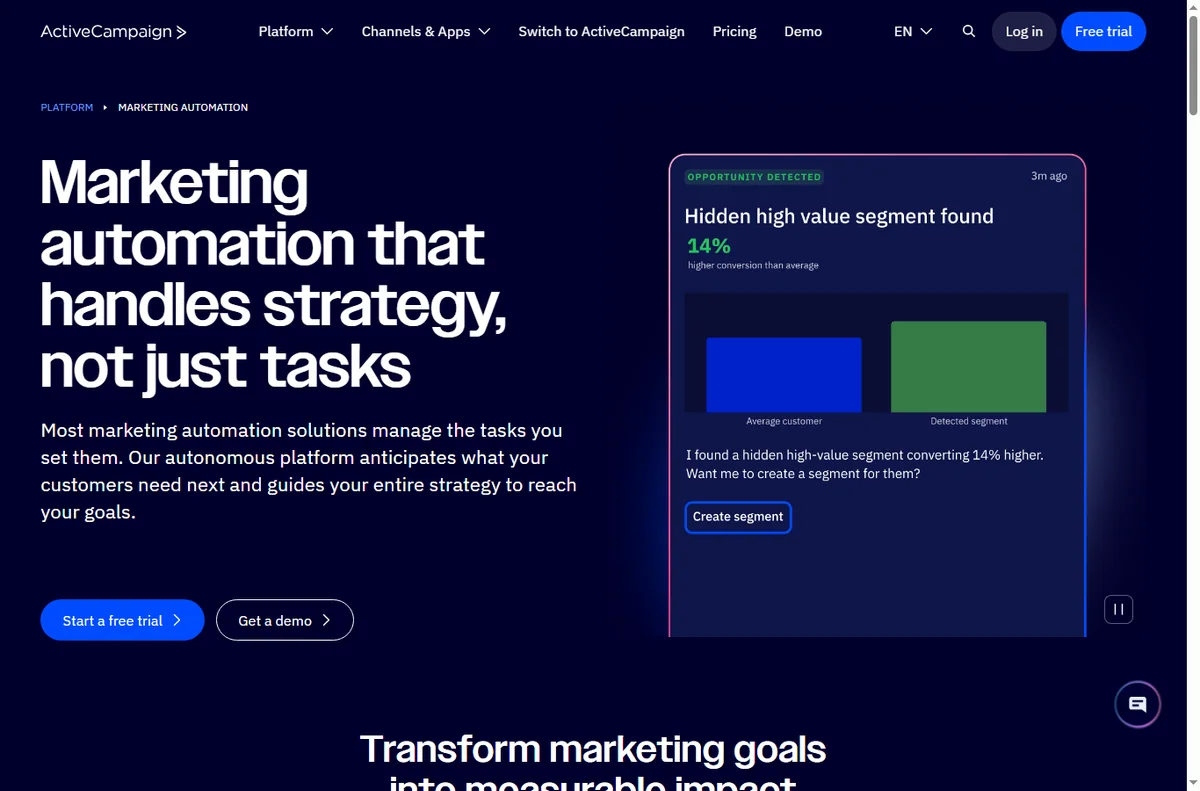
ActiveCampaign connects contacts, a way to capture them and automations that act on them. Setting it up is about getting one automation to run correctly rather than exploring every feature.
Three milestones cover most of it: import your contacts, add a capture form, and build one automation. Advanced flows and integrations come later.
Before you start
- An email address you can confirm right away.
- A contact list you are allowed to email, with consent on record.
- One clear job for the first automation, such as a welcome sequence.
- A tagged way to organise contacts from day one.
Step 1 — Create your account
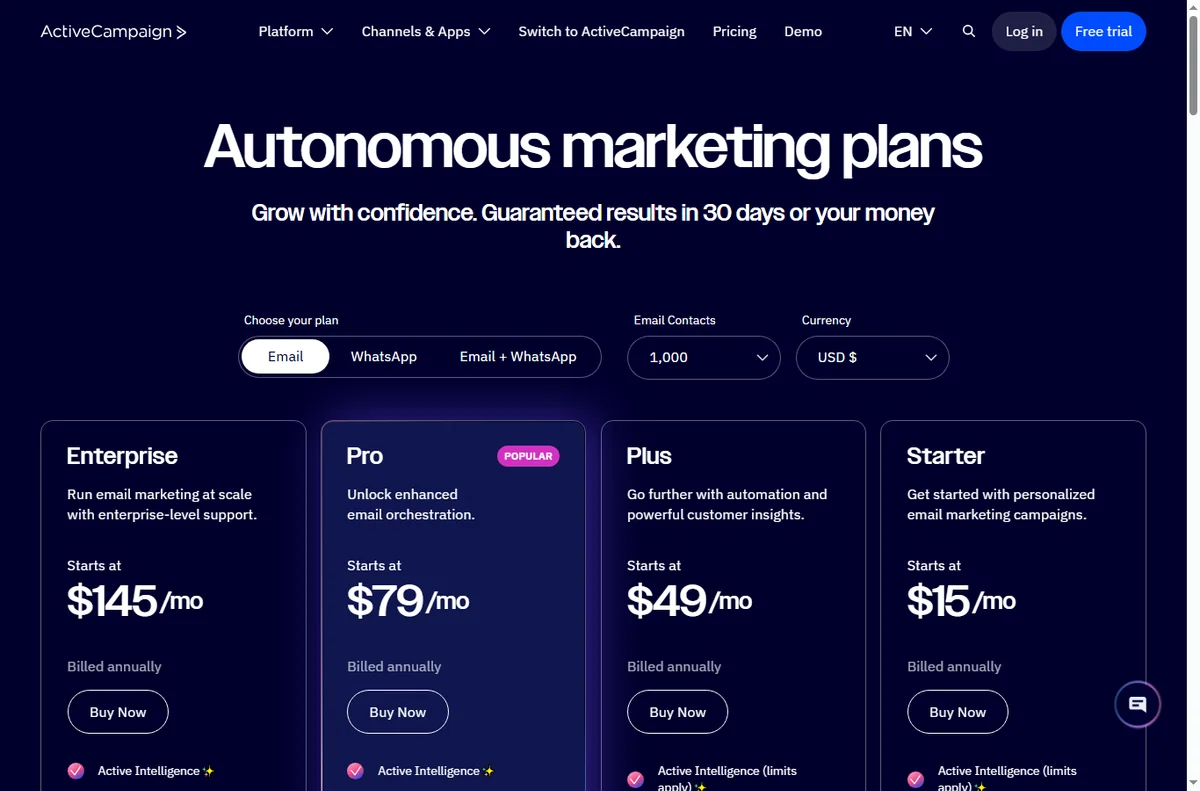
Sign up and confirm your email. Take a moment to set your sending domain and default sender details before importing anything, because it affects deliverability from the first send.
Step 2 — Import contacts with consent
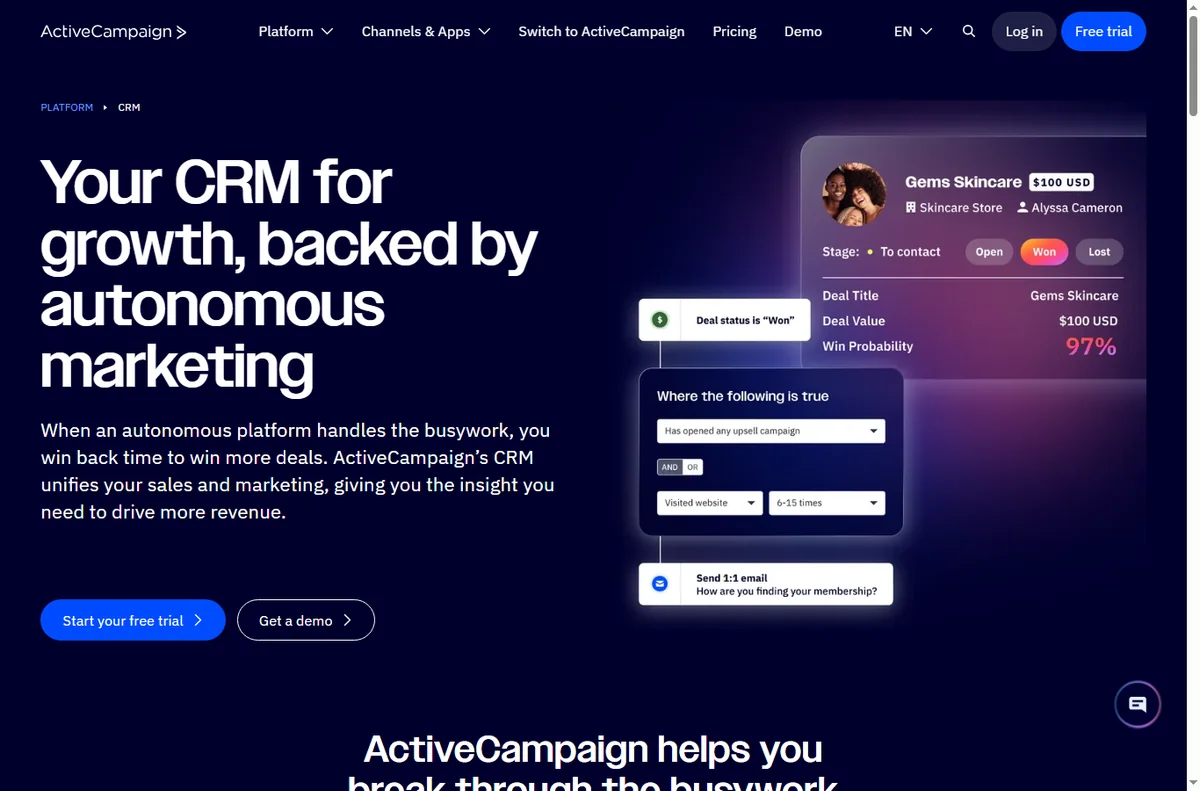
Import your list, but only contacts who agreed to hear from you. Tag them at import so you can segment later without guesswork.
Consent is not just a rule: it is what keeps your deliverability healthy. Importing a purchased list damages your reputation for everyone.

Step 3 — Build a simple form
Create a form connected to the right list and tag. Test it yourself: submit the form and confirm the contact appears with the expected tag. That proves capture works before you build anything on top.
Step 4 — Create your first automation
- Start from a “form submitted” trigger rather than a template, so you learn the parts.
- Add a condition or tag check if you want to route different contacts differently.
- Add the first action: send a welcome email.
- Add a short wait, then a follow-up, so the sequence is not a wall of emails on day one.
Step 5 — Test before you trust it
Submit the form with a real address and follow the contact through the automation. The first failure is almost always a tag that did not apply, or a condition that never matched.
Step 6 — Know when to upgrade
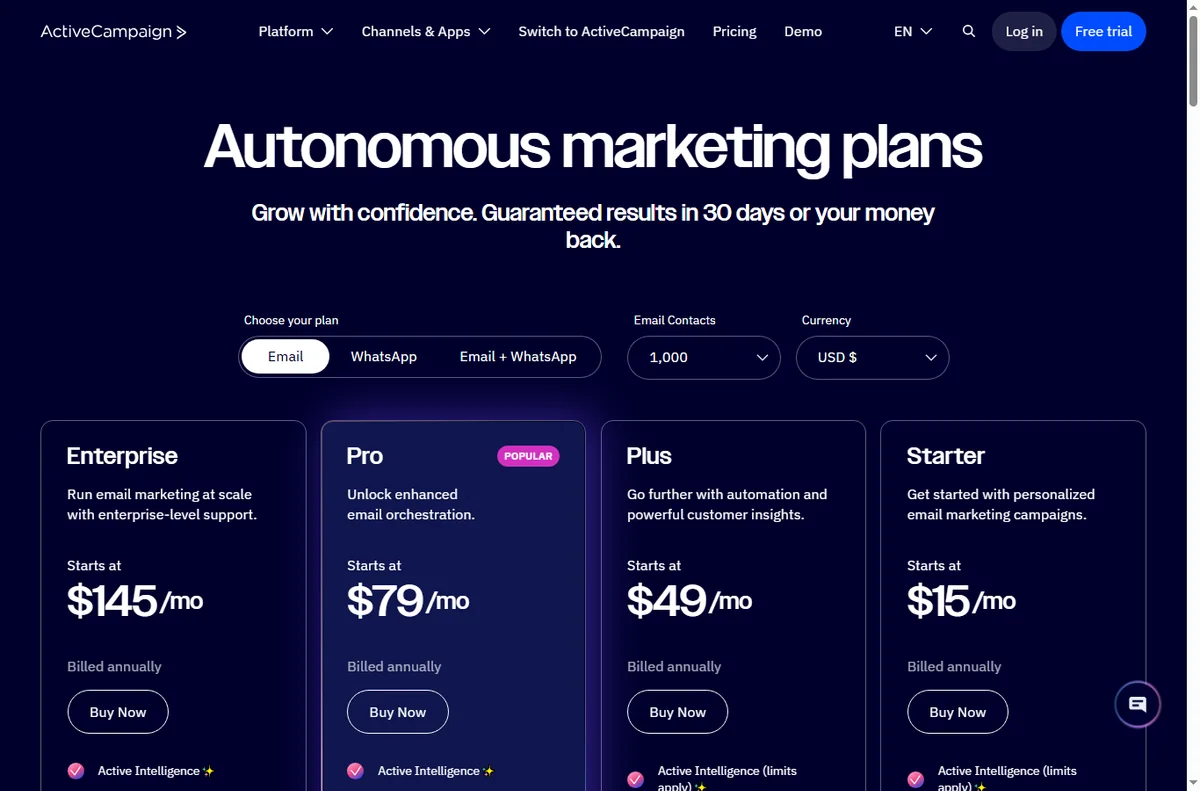
Upgrade when your contact count or the features you actually use outgrow the current plan, not before. We do not quote prices: tiers change, so confirm current figures on the vendor’s pricing page.
Common setup mistakes
| Mistake Why it hurts Fix | ||
|---|---|---|
| Importing without consent | Damages deliverability | Only import opted-in contacts |
| No tags at import | Segmentation becomes guesswork | Tag contacts as you import |
| Automation with no wait | Contacts get a wall of email | Add waits between steps |
| Testing with a fake address | You cannot follow the real flow | Test with a real inbox |
| Turning on before testing | First real contact gets an error | Run the flow once first |
Where this fits in your wider stack
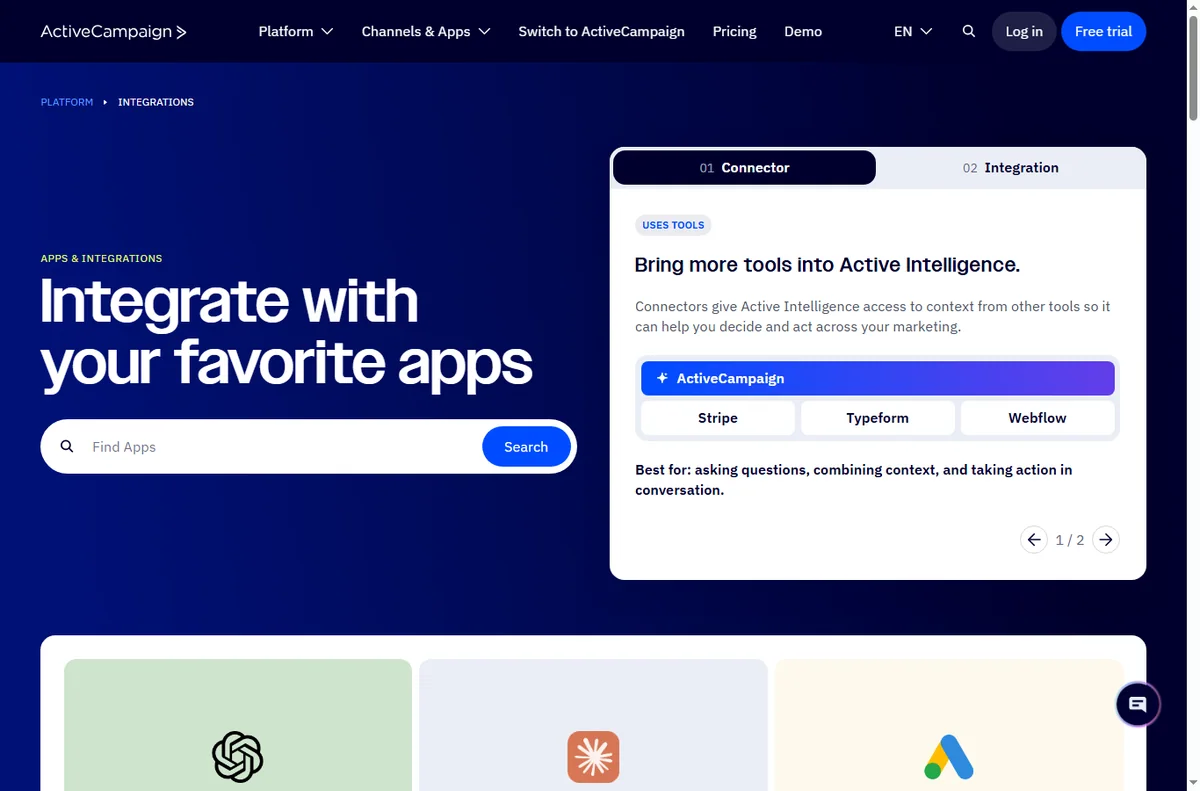
Start with the email marketing hub and the independent ActiveCampaign review. For cost, see the ActiveCampaign pricing guide; if you are comparing, read GetResponse vs ActiveCampaign and HubSpot vs ActiveCampaign.
Frequently asked
How long does setup take?
The account, an import and one simple automation take a couple of hours for a first-timer. Complex flows take longer because they add concepts, not because setup is slow.
Do I need to authenticate a domain?
Yes. Authenticating your sending domain improves deliverability, so do it before your first real send.
Can I import my existing list?
You can, but only contacts who opted in. Importing a list without consent harms deliverability for everyone.
What should my first automation be?
A simple welcome sequence triggered by a form submission. It is the clearest way to learn triggers, tags and waits.
Build one automation, then judge the platform
Get capture and a welcome sequence working before anything else.
Referral link — we may earn a reward if you sign up, at no extra cost to you. We are an independent publisher. See our Affiliate Disclosure.
Leave a Reply