Independent analysis. This page may contain affiliate links.
Website Accessibility Guide
Website accessibility means building so that everyone, including people who use screen readers, keyboard navigation, or magnification, can use your site. It is both an ethical baseline and, increasingly, a legal requirement for businesses in the US, EU, and beyond.
This guide explains the standards, the most common problems, how to test, and how to fix issues without a redesign. It is written for developers, marketers, and owners who need a practical path rather than a compliance lecture.
Quick comparison table
| Resource | Best for | Cost |
|---|---|---|
| WCAG 2.2 | The global accessibility standard to aim for | Free |
| axe DevTools | Automated testing inside the browser | Free / paid |
| WAVE | Visual evaluation of a live page | Free |
| NVDA | Screen reader testing on Windows | Free |
| Lighthouse | Quick automated audits in Chrome | Free |
| Pa11y | Accessibility checks in CI pipelines | Free (open source) |

Why Accessibility Matters
Roughly one in six people worldwide lives with a significant disability, and accessible design also helps older users, people on slow connections, and anyone using a phone in bright light. Captions help commuters; clear contrast helps everyone outdoors.
Beyond users, accessibility is a legal matter. The ADA has driven a wave of US lawsuits over inaccessible websites, and the EU’s European Accessibility Act sets similar duties for many digital services. Building accessibly from the start is far cheaper than retrofitting after a complaint.
Understanding WCAG Levels
The Web Content Accessibility Guidelines organize requirements around four principles: content must be perceivable, operable, understandable, and robust. WCAG defines three conformance levels: A, AA, and AAA.
Level AA is the practical target most laws and contracts reference, so aim there first. The guidelines are technology-neutral, which means they apply whether you build in plain HTML, a framework, or a page builder. Treat WCAG as the checklist and the law as the deadline.
The Most Common Problems
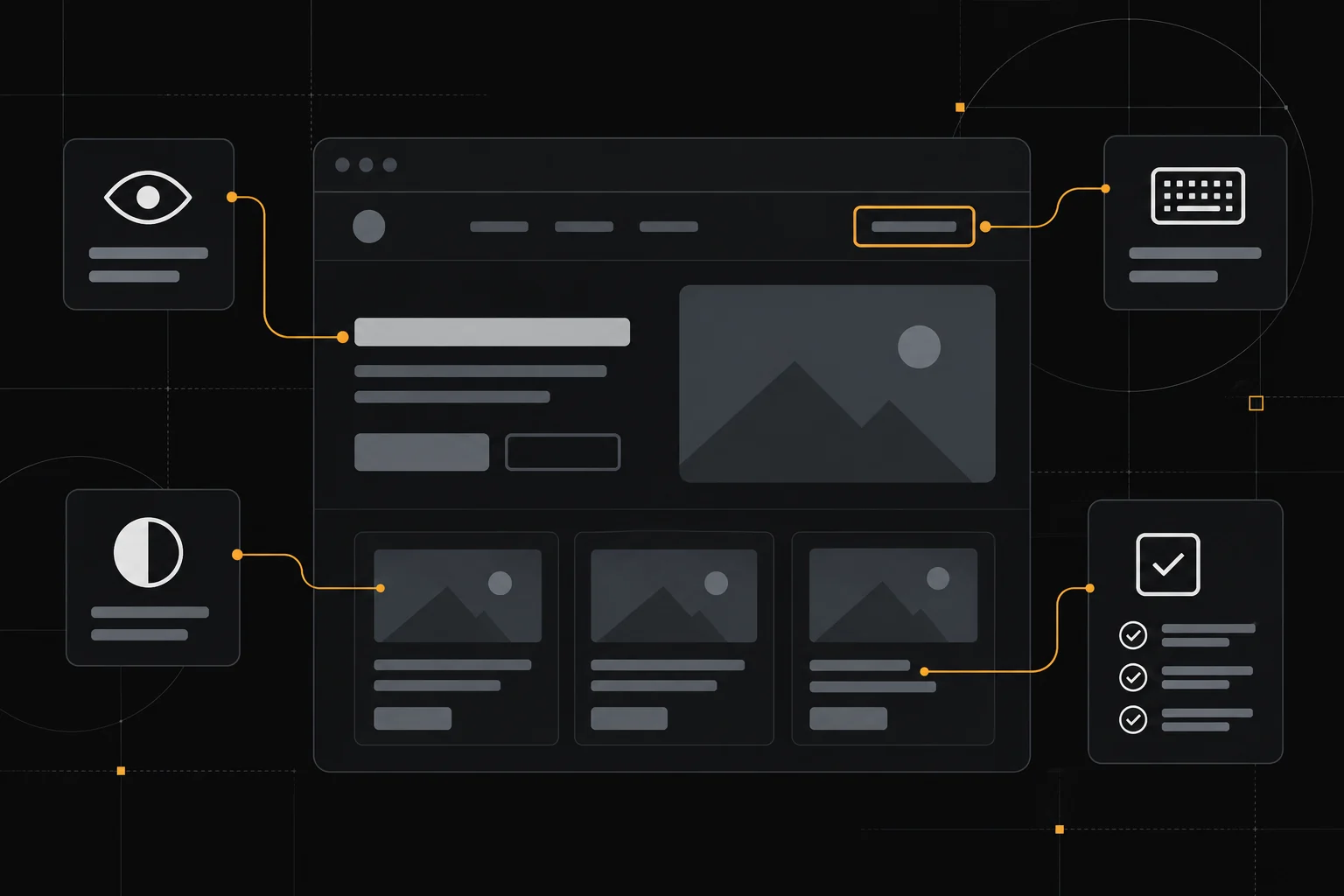
A few failures account for most inaccessible sites: images missing alt text, buttons and links that are not keyboard focusable, form inputs without labels, low color contrast, and headings that skip levels. Custom widgets such as modals and carousels are frequent culprits because they are easy to build without keyboard support.
Videos without captions, links labeled only ‘click here’, and text baked into images also block users. Most of these are quick fixes once you know to look for them, and catching them early prevents them from spreading across a template.

How to Test a Site
Combine automated and manual testing. Automated tools like axe DevTools, WAVE, and Lighthouse catch roughly a third of issues fast: missing alt text, contrast failures, and structural problems. Run them on every key template, not just the homepage.
Then test manually. Navigate the whole site with only a keyboard, watching for a visible focus indicator and logical tab order. Turn on a screen reader such as NVDA or VoiceOver and try to complete a real task, like finding a product or submitting a form. Automated tools cannot judge whether your content makes sense.
Fixing and Preventing Issues
Start with high-impact fixes: add meaningful alt text, label every form field, ensure visible focus styles, and raise contrast to at least a 4.5:1 ratio for body text. Use one H1 per page and keep headings in order. Make sure everything clickable is also reachable and operable by keyboard.
To keep it from regressing, add checks to your workflow. Pa11y can run in continuous integration, and an automated scan on each deploy flags new failures. Document accessibility requirements in your design system so new components ship compliant by default rather than becoming tomorrow’s backlog.
Pros
- Improves usability for all visitors, not only those with disabilities
- Reduces legal and reputational risk as accessibility laws expand
- Free tools from axe, WAVE, and Lighthouse make testing affordable
- Accessible markup also tends to improve SEO and page performance

Cons
- Automated tools catch only part of the problems
- Fixng legacy pages and templates can take sustained effort
- AAA conformance is impractical for most marketing sites
- Ongoing testing is needed to stop regressions
Frequently asked questions
What WCAG level should my site meet?
Aim for WCAG 2.2 Level AA. It is the level most accessibility laws and enterprise contracts reference, and reaching it covers the issues that affect the largest number of users.
Do automated tools make my site accessible?
No. Tools like axe and WAVE reliably catch perhaps a third of issues, such as missing labels and low contrast. Keyboard and screen reader testing by a human is still needed to confirm a page is genuinely usable.
Is an accessibility overlay enough?
No. Overlay widgets that claim to fix a site with one script are widely criticized and do not substitute for accessible markup. They can even conflict with the assistive technology users already rely on.
How often should I re-test?
Test each new template when it ships and re-run automated scans on every deploy. A full manual audit once a year, or after a major redesign, catches issues that creep in over time.
Verdict
Treat WCAG 2.2 Level AA as your target and blend automated scans with keyboard and screen reader testing. Start with the common fixes (alt text, form labels, focus states, contrast) and wire checks into your deploy pipeline so problems cannot pile back up. Accessibility is an ongoing practice, not a one-time project, but the highest-value fixes are affordable and quick.
Read more: checklist website · SEO on-page.