
Independent analysis. This page may contain affiliate links.
How to Improve Email Open Rates
Open rates are not a perfect metric, because privacy features now inflate or distort them, but they still tell you whether your subject lines and sender reputation are working. A low open rate usually means one of three things: the subject line is weak, the list is cold or misaligned, or your emails are landing in spam.
This guide covers the levers that move open rates most, plus the tools that make testing and deliverability easier.

Quick comparison table
| Option | Best for | Starting price |
|---|---|---|
| Mailchimp | General newsletters and small business | Free tier; paid from ~$13/mo |
| Klaviyo | Ecommerce email and SMS | Free tier; paid from ~$20/mo |
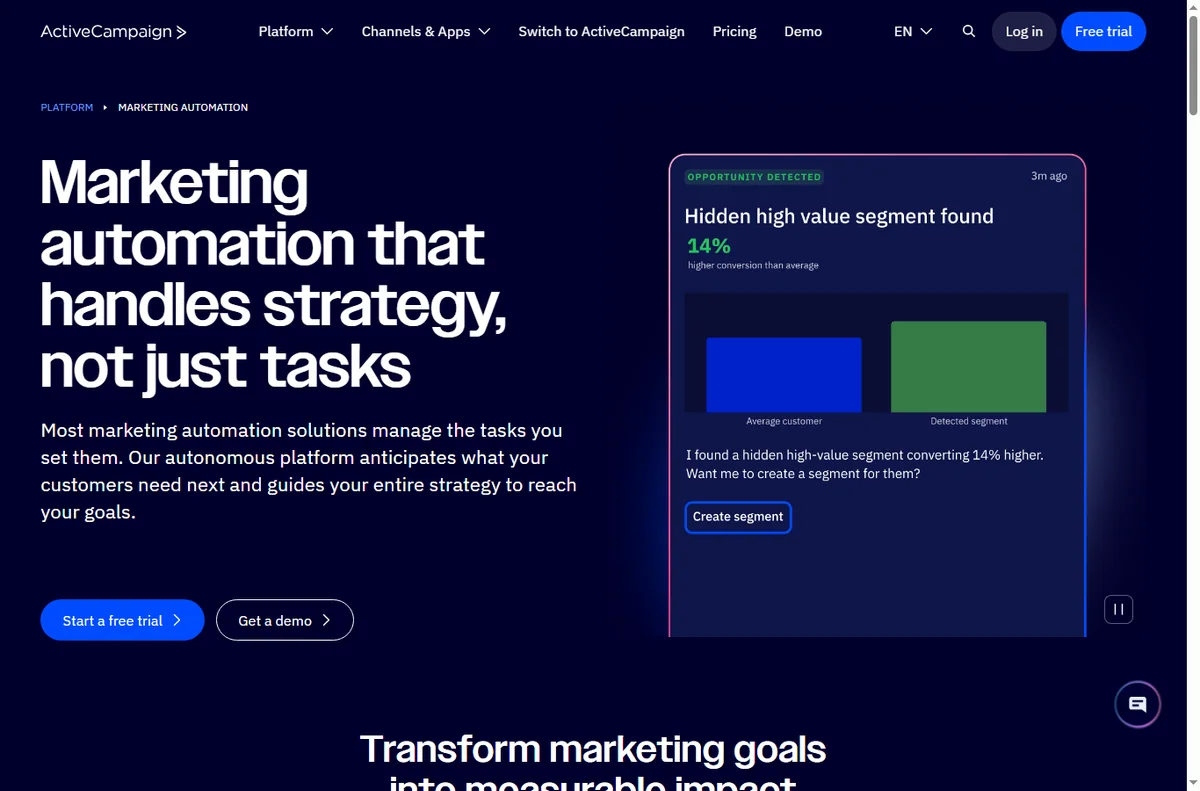
| ActiveCampaign | Automation and segmentation | From ~$15/mo |
| ConvertKit (Kit) | Creators and newsletters | Free tier; paid from ~$9/mo |
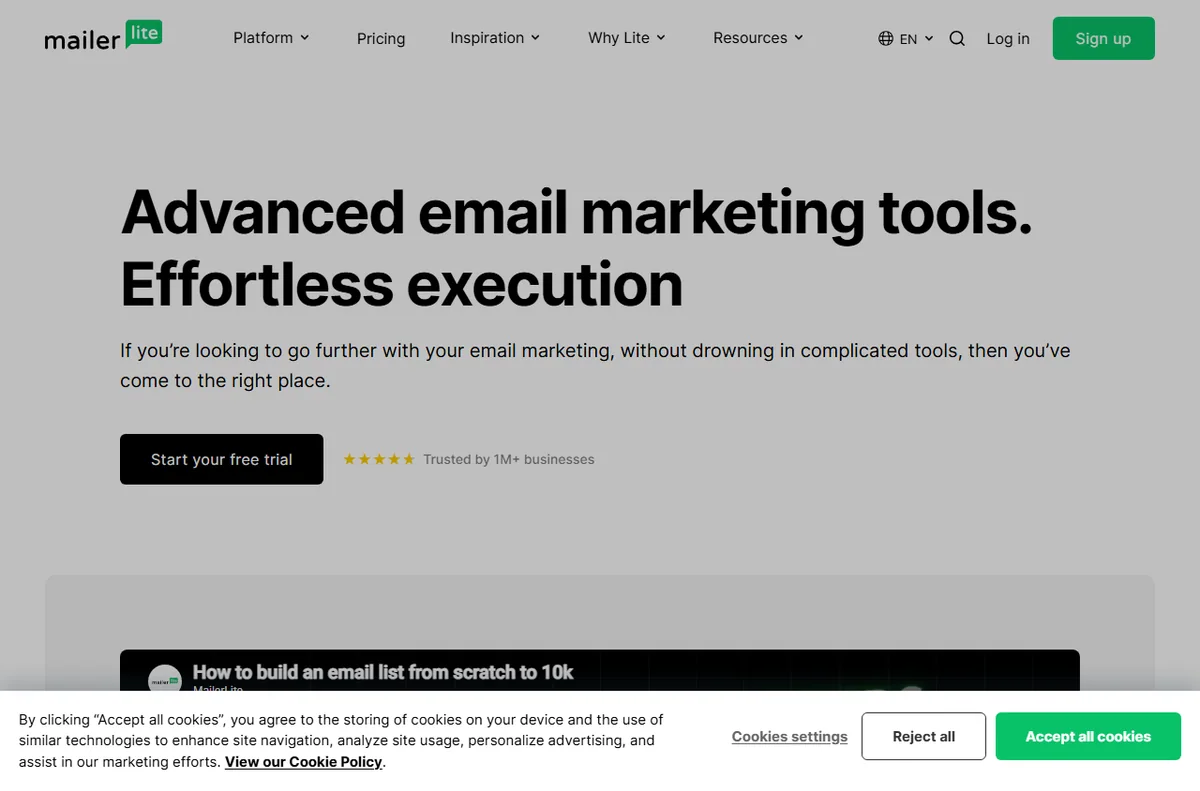
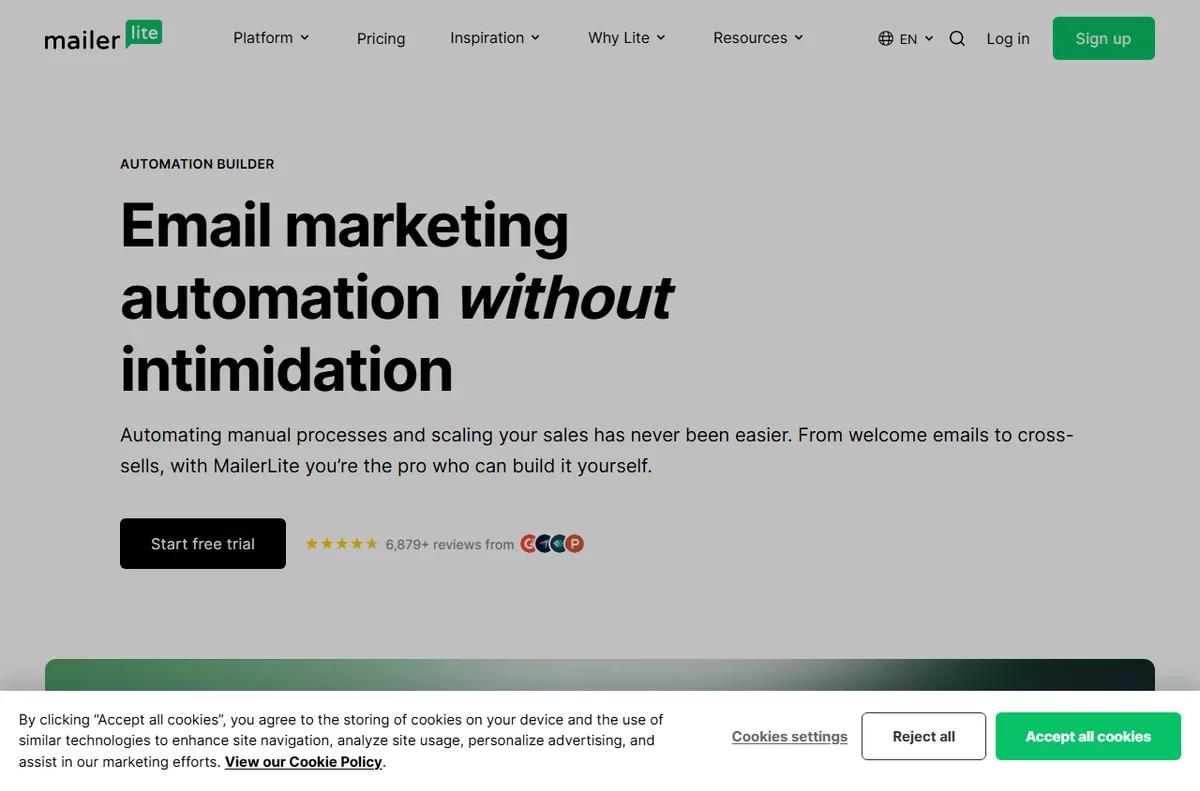
| MailerLite | Budget-friendly email marketing | Free tier; paid from ~$10/mo |
| HubSpot | Email tied to a full CRM | Free tier; paid from ~$20/mo |
Fix sender reputation first
No subject line saves an email that lands in spam. Set up SPF, DKIM, and DMARC records for your sending domain, warm new domains gradually, and remove hard bounces. Send consistently rather than in bursts, and make unsubscribing easy: a clean list of engaged readers beats a large list that ignores you.
If you are on a shared IP with a cheap provider, a dedicated IP can help once your volume is steady.

Write subject lines that earn the open
Subject lines work best when they are specific, short, and relevant to the reader. Front-load the value, use numbers and clear benefits, and avoid spammy words in all caps or with excessive punctuation. Personalization helps when it is genuine, such as a first name or a detail from the reader’s behavior, and hurts when it is obviously automated.
Preview text matters too: it is the second line readers see, so use it to extend the promise rather than repeat it.
Segment and time your sends
Relevant email gets opened. Split your list by behavior, purchase history, or engagement, and send different messages to each group. Time your sends by audience: test morning versus afternoon and weekday versus weekend, and look at opens by hour rather than trusting generic advice.
Send consistently so readers expect you, and re-engage or suppress inactive subscribers instead of emailing them forever.
Test one variable at a time
Run a single-variable A/B test: change the subject line, not the subject line and send time together, or you will not know what caused the difference. Open your test to a sample, wait long enough to gather meaningful data, then send the winner to the rest.
Combine open-rate data with clicks and conversions, because a subject line that gets opens but no clicks is not actually a win.
Watch the right numbers
Track open rate alongside click-through rate, unsubscribe rate, and bounce rate. A rising open rate with falling clicks can mean your subject line overpromised. Rising unsubscribes mean your frequency or relevance is off.
Privacy-based tracking, such as Apple Mail Privacy Protection, inflates some opens, so lean on clicks and conversions for the full picture.
Pros
- Better subject lines immediately lift opens
- Deliverability fixes protect the whole program
- Segmentation improves relevance and engagement
Cons
- Open rates are less reliable due to privacy features
- Aggressive frequency can raise unsubscribes
- Deliverability work is technical and easy to neglect
Frequently asked questions
What is a good email open rate?
It varies by industry and list, so compare against your own baseline rather than a universal number. A steady, improving trend matters more than a single figure.
Why did my open rate suddenly drop?
Common causes are deliverability problems, a cold segment, or a change in subject-line style. Check spam placement and engagement before rewriting everything.
Does personalization improve open rates?
Authentic personalization such as a first name or a relevant product can help. Obviously automated or inaccurate personalization tends to hurt.
How often should I email?
Send often enough to stay familiar and relevant, but watch unsubscribes and engagement. Let your audience’s behavior set the pace.
Verdict
Improve open rates in order: protect deliverability, write sharper subject lines, segment your list, and test one variable at a time. Judge success by clicks and conversions, not opens alone. Tools such as Klaviyo for ecommerce or Kit for creators make the mechanics easier, but the content still does the work.
Read more: reach the inbox · A/B test email.