
Independent analysis. This page may contain affiliate links.
Best Social Media Scheduling Tools
Social media scheduling tools let a small team publish consistently across platforms without logging into each app. The right tool depends on how many networks you manage, whether you need analytics and engagement inboxes, and your budget.
Here are the scheduling tools teams rely on most.
Quick comparison table
| Option | Best for | Starting price |
|---|---|---|
| Buffer | Individuals and small teams wanting simple scheduling | From $6/channel/mo |
| Hootsuite | Teams managing many networks with an inbox | Entry-tier monthly plans |
| Later | Visual-first brands, especially Instagram | From $25/mo |
| Sprout Social | Larger teams needing analytics and workflows | From $249/user/mo |
| SocialPilot | Agencies managing multiple client accounts | From $25.50/mo |
| Metricool | Solo creators wanting free scheduling and analytics | Free; paid tiers |
| Publer | Budget teams wanting broad feature coverage | Free; paid tiers |
What to look for in a scheduler
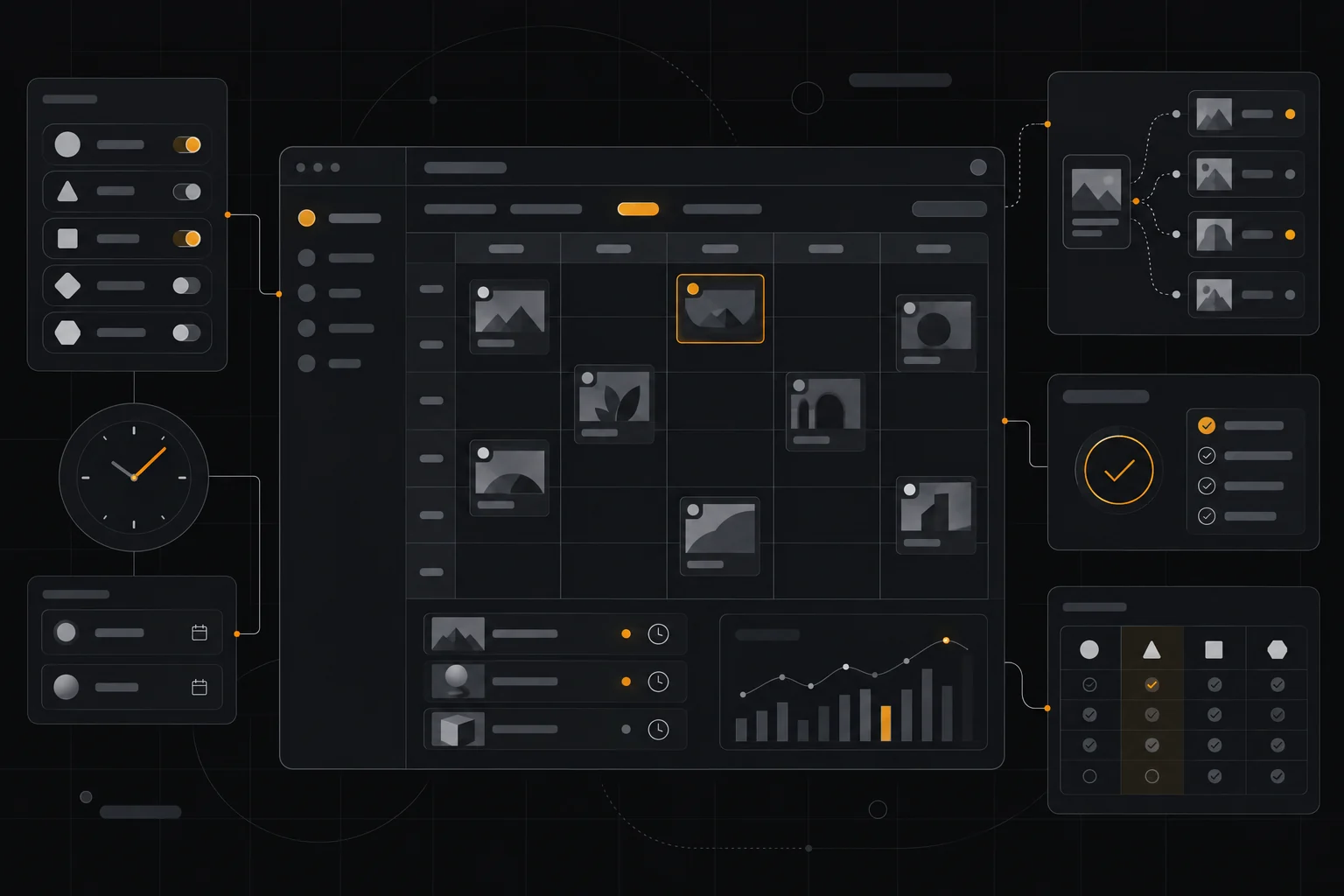
At minimum, a scheduler should support the networks you use, allow queueing and bulk scheduling, and offer a content calendar. Beyond that, look for analytics, an engagement inbox, and team collaboration features.
If you post visually, preview fidelity matters—how the tool renders your image and caption before publishing. Test the preview before committing to a platform.
Network support and API limits
Not every tool supports every network equally. Some platforms handle Instagram carousels and Reels better than others, and X, LinkedIn, and TikTok each have their own API constraints.
Confirm your key networks are fully supported before choosing, and check how often the tool updates when platforms change their APIs.
Scheduling vs. engagement and analytics
Scheduling is table stakes. The bigger value often comes from analytics that show what performs and an inbox that centralizes comments and messages so you can respond quickly.
Budget tools focus on publishing; premium tools like Sprout Social add robust reporting and team workflows. Choose based on whether you need to just post or also measure and engage.
Team collaboration and approvals
If multiple people publish to shared accounts, approval workflows and role permissions prevent mistakes. Draft-review-approve flows are important for agencies and larger teams.
Agencies should prioritize multi-client management, white-label options, and reporting that can be shared with clients.
Pros
- Consistent posting without logging into each app
- Content calendars keep campaigns organized
- Analytics show which content performs
- Team features support collaboration and approvals
Cons
- Network API changes can break features
- Cheaper tools limit analytics and inboxes
- Per-channel pricing adds up for many accounts
Frequently asked questions
What is the best free social media scheduler?
Buffer, Metricool, and Publer all offer free or low-cost plans suitable for individuals. Free tiers usually limit the number of channels or scheduled posts.
Which tool is best for Instagram?
Later is popular for visual-first Instagram scheduling because of its grid preview and story planning. Buffer and Hootsuite also support Instagram well.
Do scheduling tools affect reach?
Publishing through official APIs generally does not reduce reach. Problems arise mainly from low-quality or duplicate content, not the scheduling tool itself.
What is best for agencies?
SocialPilot and Sprout Social are common agency choices because they support multiple client accounts, approvals, and client-facing reports. Metricool is a budget-friendly alternative.
Verdict
Individuals should start with Buffer or Metricool. Visual brands should look at Later, and agencies are well served by SocialPilot or Sprout Social. Pick based on the networks you actually use and whether you need publishing alone or analytics and engagement too.
Read more: content creative hub · content strategy.