
Independent analysis. This page may contain affiliate links.
Best Multilingual WordPress Plugins
Running a WordPress site in more than one language is one of the fastest ways to widen your audience, but the plugins that make it possible take very different approaches. Some store each translation as its own post, others translate on the fly, and a few push everything through a hosted service. Choosing the wrong one leads to broken URLs, duplicated content, or a bill that climbs with every visitor.
This guide compares the most established multilingual plugins for WordPress on translation workflow, SEO handling, performance, and cost, so you can match the tool to how your team actually works.
Quick comparison table
| Option | Best for | Starting price |
|---|---|---|
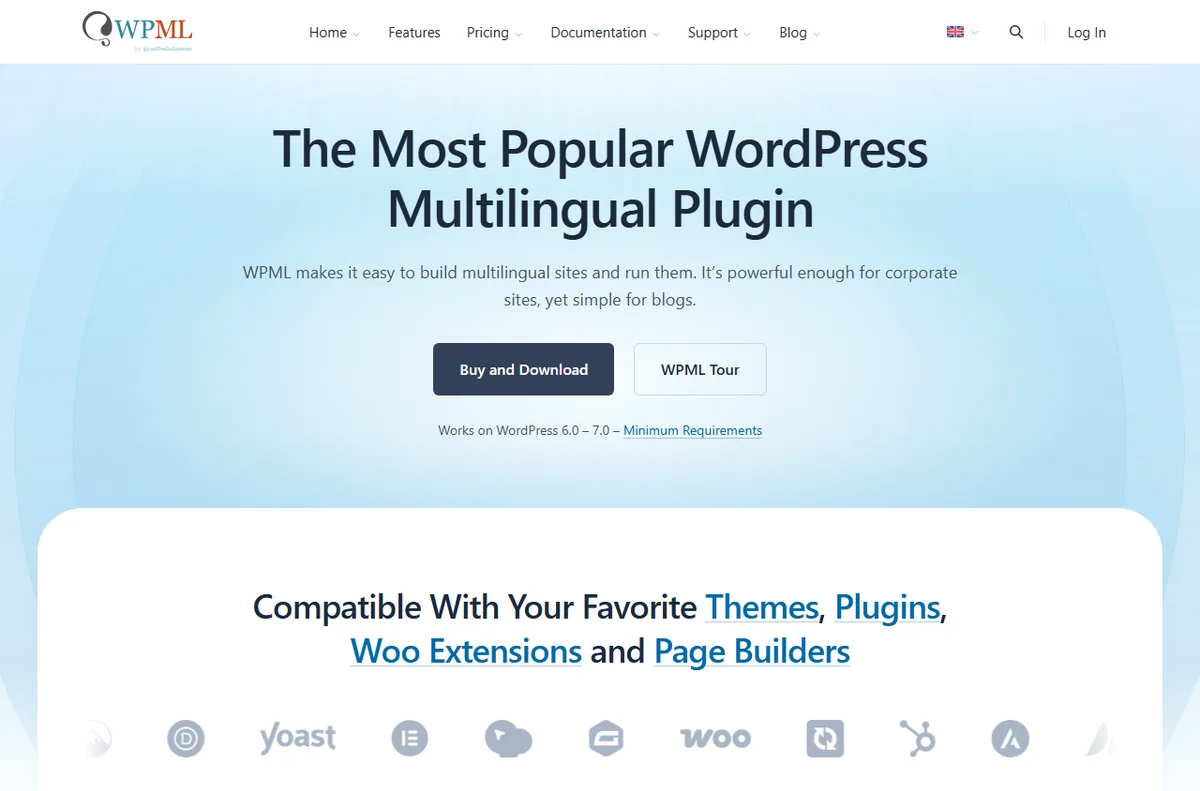
| WPML | Large sites with professional translation workflows | From $39/yr |
| Polylang | Developer-friendly bilingual sites | Free (Pro from €99) |
| Weglot | Fast machine translation with almost no setup | From $15/mo |
| TranslatePress | Editing translations live on the front end | Free (Pro from €79/yr) |
| GTranslate | Automatic translation on a small budget | Free (from $9.99/mo) |
| MultilingualPress | Multisite networks with per-site languages | From $99/yr |

How to choose a multilingual plugin
The first question is how much of your content you are willing to translate and maintain. If you have a handful of pages and want them in two languages, a lightweight plugin is enough. If you publish constantly and need five or six locales, you want a system built around a translation workflow with assignments, review steps, and clean URLs.
Second, decide who does the translating. Machine translation is cheap and instant, but it struggles with nuance and brand voice. Human translation reads better and costs more. The best plugins let you mix both: machine output now, human polish later. Write down your non-negotiables, such as human review before publishing or support for a specific page builder, and screen every plugin against that short list.
Translation workflow: machine, human, or both
WPML and MultilingualPress treat translations as separate content, which suits editorial teams that hire translators and want full control. Weglot and GTranslate lean on machine translation by default and add human review as an option, which is ideal for marketing sites that need coverage quickly.
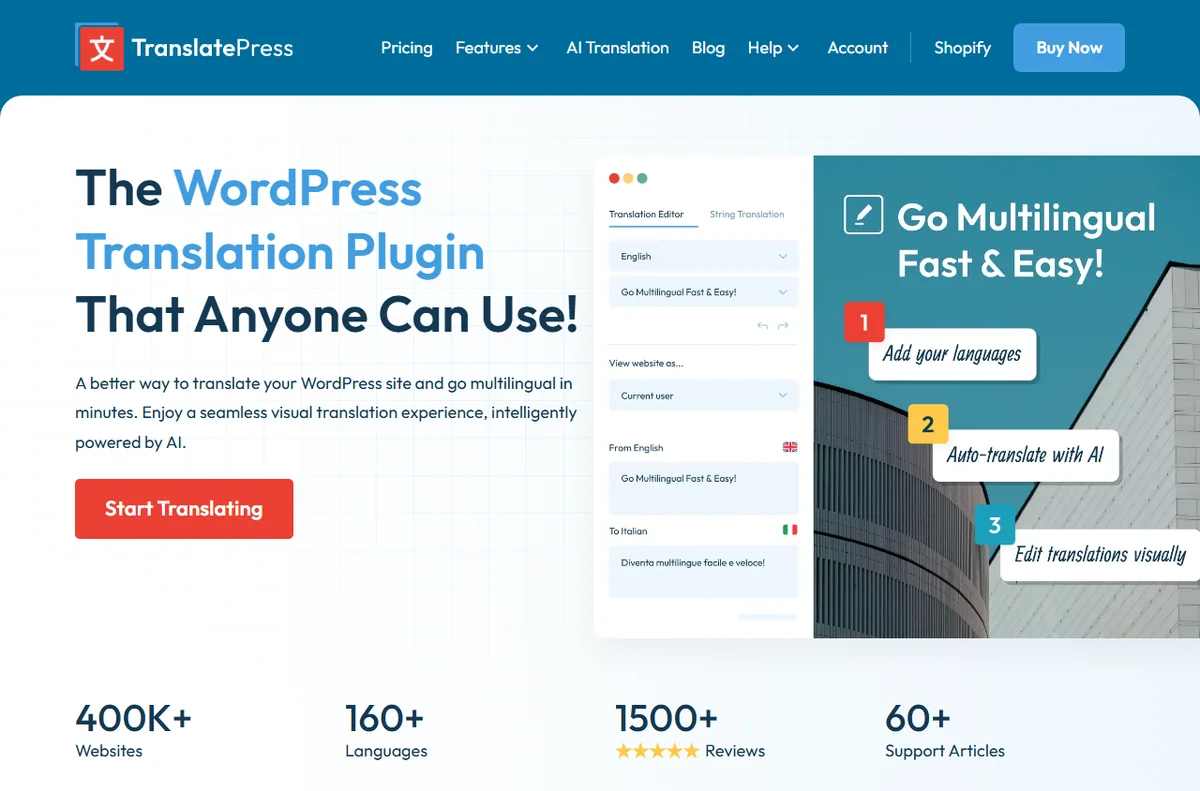
TranslatePress stands out because you translate directly on the rendered page, seeing exactly how a string looks in context. That visual approach lowers the barrier for non-technical editors, though the free version is limited to one extra language. Whichever model you pick, keep a simple glossary so product names and slogans stay identical across every language.
SEO and URL structure
Search engines need to know that the English, French, and Spanish versions of a page belong together. WPML and Polylang generate clean, crawlable URLs and add proper hreflang tags out of the box. Weglot and GTranslate do this too, but you should verify the tags after launch and submit separate sitemaps per language.
Avoid plugins that translate content through JavaScript at the moment of a click. Google sometimes indexes those strings inconsistently, and users who share a link may land on the wrong language. Test how each plugin handles your homepage, blog posts, and product categories, because some treat custom post types quite differently.
Performance and hosting considerations
Hosted services such as Weglot route translated pages through their own servers, which simplifies setup but adds a request to every page load. Self-hosted plugins store translations in your own database, so they add nothing to response time once cached.
If your site is already heavy with plugins, test page speed before and after installing a multilingual tool. Duplicated content across languages can also bloat a database, so plan backups before a large migration. If you serve several continents, consider a CDN with edge caching so translated pages load quickly wherever visitors are.

Budget and scaling
Free tiers are fine for a personal blog, but commercial sites usually outgrow them within a year. Per-word and per-visitor pricing can surprise you, so model the cost at your expected traffic before committing. WPML and MultilingualPress charge a flat license, which becomes cheaper as your site grows, while Weglot and GTranslate scale with usage.
Whichever you pick, budget for translation itself. The plugin is the plumbing; the words are the product. Review your plan every year, because traffic growth or a new language can quietly push you into a higher bracket.
Pros
- Mature plugins like WPML and Polylang have years of updates and large support communities
- Visual editors such as TranslatePress let non-technical staff fix wording without a developer
- Machine-translation services deliver a usable second language the same day you install them

Cons
- Per-word and per-visitor pricing can grow unpredictably as traffic or content expands
- Machine translation without review can damage brand voice and produce awkward phrasing
- Running several languages multiplies the content you must maintain and keep in sync
Frequently asked questions
Do I need a paid plugin just to translate a few pages?
No. Polylang’s free version and TranslatePress’s free tier cover one extra language, which is enough for a small bilingual brochure site. Upgrade only when you add languages or need professional workflow features.
Will multilingual content hurt my SEO?
Done correctly, it helps. Use crawlable URLs and hreflang tags, avoid auto-translating through JavaScript, and make sure each language has unique, quality content rather than thin machine output.
Can I mix machine and human translation?
Yes, and most teams do. Publish machine translation first for coverage, then have a native speaker review the pages that drive revenue. WPML, Weglot, and TranslatePress all support this pattern.
Which plugin is best for a WooCommerce store?
WPML with its WooCommerce module or Polylang with the WooCommerce add-on handle products, categories, and checkout strings. Verify that payment and shipping plugins also carry translated strings before launch.

Verdict
For most serious sites, WPML remains the safest default thanks to its mature workflow and strong SEO handling, with Polylang a close free alternative for developers. If you want speed over control, Weglot and TranslatePress get you live in an afternoon. Ignore any plugin that only translates after a click, and always verify hreflang after launch. Prices shown are indicative and change often, so confirm current tiers on each vendor’s site.
Read more: translation tools · localization · essential plugins.