
Independent analysis. This page may contain affiliate links.
Best Expense Tracking Apps
Expense tracking software keeps receipts, approvals, and reimbursements in one place, so month-end is a report rather than a scavenger hunt. For teams, it also enforces spending policy before money leaves the account, not after.
The market splits into three broad types: personal and freelancer apps, mid-market tools with corporate cards, and enterprise travel-and-expense suites. The right choice depends on whether you need a card program, how many people report expenses, and how much accounting integration you require.

Quick comparison table
| Option | Best for | Starting price |
|---|---|---|
| Expensify | Receipt scanning and reimbursements | Free / from $5/mo |
| Ramp | Corporate cards with built-in controls | Free (card-based) |
| Brex | Startup cards and spend management | Free (card-based) |
| Zoho Expense | Budget expense reporting for teams | Free / from $3/mo |
| SAP Concur | Enterprise travel and expense | Custom pricing |
| Fyle | Automated capture with card feeds | From $4.99/mo |

What Expense Tracking Software Does
At minimum, an expense tool captures receipts, categorizes them, routes approvals, and pushes clean data into your accounting system. The best ones do this automatically: you snap a photo, the software reads the merchant and amount, and the entry lands in the right account.
The real value is control and visibility. Managers see spend as it happens, policy violations are flagged before reimbursement, and finance closes the books faster because everything is categorized and matched to receipts.
Card Programs Change the Equation
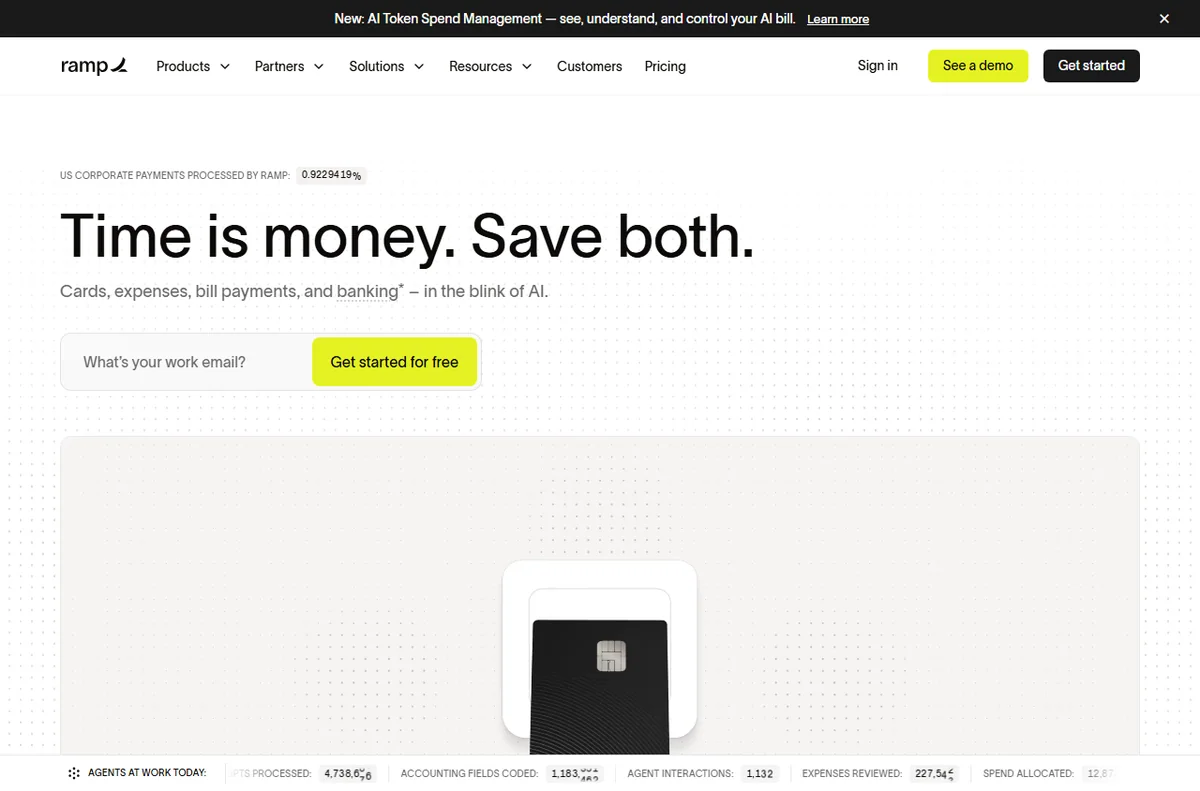
Ramp and Brex pair corporate cards with software, so transactions arrive already itemized and coded. That removes the classic pain of chasing receipts after a statement, and the free card-based model is attractive because the vendor earns on interchange instead of subscriptions.
If your team uses company cards, a card-first platform often beats a standalone app. If employees pay out of pocket and get reimbursed, a receipt-focused tool like Expensify or Fyle may fit better. Some larger companies need both.

Receipt Capture and Auto-Categorization
OCR quality decides how much manual work remains. Expensify has long been strong at scanning and parsing receipts, and its SmartScan reduces typing. Fyle emphasizes automatic capture and card feeds, so most expenses populate themselves.
Look for mileage tracking if your team drives, per-diem support if they travel, and rules that map merchants to categories automatically. The fewer fields someone has to fill in, the more likely the data is actually accurate.

Approvals, Policy, and Accounting Sync
Approval workflows and spend policy turn a tracker into a control. Set limits by role, require receipts above a threshold, and route anything unusual to a manager. Zoho Expense offers this at a low price, which suits budget-conscious small and mid-sized teams.
Check the integration with your accounting stack (QuickBooks, Xero, NetSuite) and whether the sync is two-way. Clean, automatic accounting sync is what actually saves the finance team hours each month.
Choosing by Company Size
Freelancers and very small teams should start free or near-free with Expensify, Wave, or Zoho Expense. Growing companies with many card users should evaluate Ramp or Brex to combine cards and controls. Larger organizations with travel programs and strict compliance typically land on SAP Concur or a similar enterprise suite.
Whatever you choose, pilot it with one team for a month. Verify that the accounting export matches your chart of accounts, and that employees can submit from their phones, since that is where most receipts are captured.
Pros
- OCR and card feeds cut manual data entry dramatically
- Policy rules and approvals catch problems before you reimburse
- Accounting sync speeds up month-end close
- Card-based platforms are often free for the software itself

Cons
- Enterprise suites carry custom pricing and setup overhead
- Poor OCR still forces manual corrections
- Card programs require employees to adopt new cards
- Multiple tools are needed if you both reimburse and issue cards
Frequently asked questions
Is free expense software any good?
Yes for small teams. Zoho Expense and Expensify offer usable free tiers, and Ramp and Brex make the software free by earning on card interchange. Free plans usually cap users, receipts, or advanced controls.
Ramp or Brex versus a standalone app?
If you want company cards with built-in controls, Ramp or Brex is the stronger fit and typically costs nothing for the software. If employees pay personally and get reimbursed, a receipt-focused app like Expensify or Fyle is simpler.
How does accounting integration work?
The tool pushes categorized expenses into your accounting system, usually into accounts, classes, or projects you define. Two-way sync keeps statuses aligned, so reconcile a test batch before trusting the integration with live books.
Do these apps track mileage?
Many do, including Expensify, Zoho Expense, and Fyle. Mileage tracking uses GPS or manual routes and applies your local rate, which matters if your team drives for work.
Verdict
Small teams should start with Expensify or Zoho Expense for receipts and reimbursements, while companies issuing cards will get more control and often lower cost from Ramp or Brex. Enterprise travel programs belong on SAP Concur. Pilot with one team, verify the accounting export early, and favor tools employees can use from their phones so receipts get captured on the spot.
Read more: accounting software · freelancer toolkit.