Independent analysis. This page may contain affiliate links.
Best Customer Support Tools
Customer support software centralizes conversations from email, chat, phone, and social into one place, so agents can respond faster and managers can see what is working. The right tool depends on your channel mix, team size, and whether support ties into sales.
This guide compares the platforms teams rely on most and what each does best.
Quick comparison table
| Option | Best for | Starting price |
|---|---|---|
| Zendesk | Scalable ticketing for growing teams | Free trial; paid plans available |
| Freshdesk | Support with a real free tier | Free tier; paid plans available |
| Help Scout | Shared inbox for small teams | Paid plans available |
| Intercom | Live chat and in-app messaging | Free trial; paid plans available |
| Front | Shared inbox with team collaboration | Paid plans available |
| Gorgias | E-commerce support tied to store data | Paid plans available |

Tickets, shared inboxes, and channels
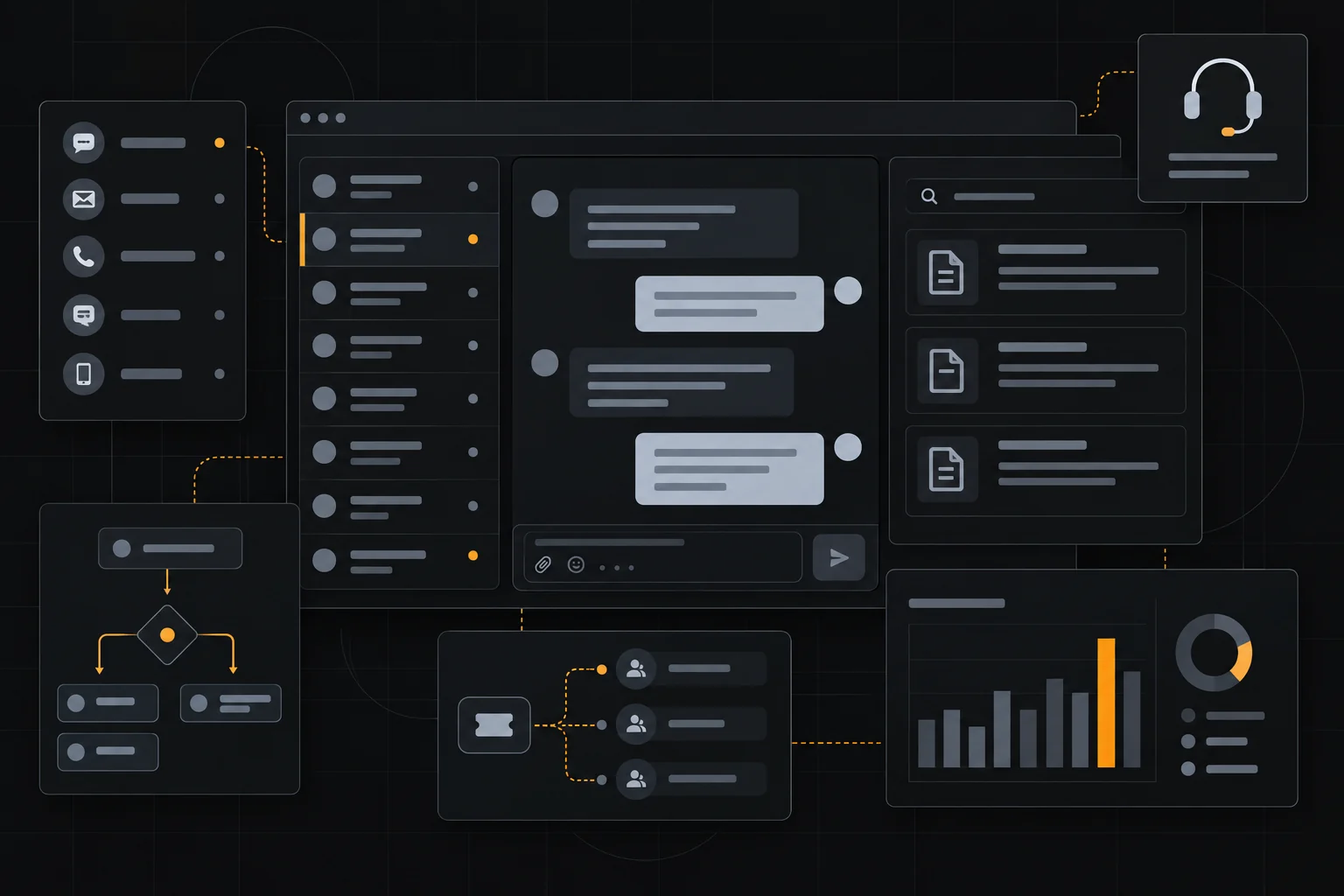
Tools generally take one of two approaches. Ticket-based systems like Zendesk and Freshdesk turn every request into a trackable ticket with status, priority, and assignment. Shared-inbox tools like Front and Help Scout treat conversations more like email, which feels natural for smaller teams.
Most support channels, including email, live chat, phone, social, and messaging apps, can be routed into either model, so pick based on how your team prefers to work, not just the channel list.
Live chat and messaging
Live chat and in-app messaging let you answer questions in the moment, which often beats email for conversion and satisfaction. Intercom is well known for combining messaging with automation and a help center, and Zendesk and Freshdesk offer chat add-ons.
AI chatbots now handle common questions and route the rest to humans, cutting response times. The key is a graceful handoff to a person when the bot cannot help, so customers never feel stuck in a loop.
Help centers and self-service
A searchable knowledge base deflects tickets and helps customers help themselves. Most platforms include help-center builders, and many let you embed articles in chat or email replies.
Writing clear, well-organized articles reduces repeat questions, but only if they actually match how customers search. Track which articles get viewed and which questions still generate tickets, then update the gaps. Self-service works best as a first line, not a wall.
Automation, reporting, and integrations
Automation handles the repetitive parts: routing by topic, auto-tagging, canned responses, and SLA reminders. Reporting shows response and resolution times, ticket volume, and satisfaction scores, which guide staffing and training.
Integrations matter too, so support should connect to your CRM, e-commerce platform, and analytics so agents see customer history and managers see revenue impact. Gorgias is popular for e-commerce because it ties directly into store data.
Choosing based on team and budget
Small teams often do best with a shared inbox like Help Scout or Front, while larger operations benefit from a full ticketing suite such as Zendesk or Freshdesk. E-commerce brands should weigh Gorgias, and companies already using HubSpot may prefer its Service Hub for a single platform.
Most tools offer free trials or free tiers for small teams, so test with real volume before committing. Confirm current pricing, as seats and features drive the cost.
Pros
- Centralizes channels so no request gets lost
- Automation and SLAs speed up response and resolution
- Help centers deflect repeat questions
- Reporting reveals staffing and quality gaps
Cons
- Costs rise quickly with agent seats and add-ons
- Bots frustrate customers when handoff to humans is poor
- Disconnected tools create duplicate records and blind spots
Frequently asked questions
What is the best customer support tool for small teams?
Help Scout and Front suit small teams with their shared-inbox feel, while Freshdesk offers a solid free tier for startups.
Do I need live chat and a help center?
They complement each other, since chat resolves urgent questions fast and a help center deflects common ones. Start with whichever matches your volume.
How many support channels should I offer?
Only the ones you can staff well. Overlapping channels split attention and slow response times. Add channels as demand proves itself.
Is an AI chatbot worth it?
Yes, for handling high-volume, repetitive questions, provided the handoff to a human agent is smooth. Poor handoffs do more harm than no bot at all.
Verdict
Choose a shared inbox for small teams and a full ticketing suite as you scale, and connect support to your CRM or store so agents see the whole customer. Test with real volume before committing.
Read more: customer support hub · business software hub.