
Independent analysis. This page may contain affiliate links.
Best CDN Services for Speed and Security
A content delivery network (CDN) copies your site’s static assets to servers around the world so visitors download them from a nearby location. The result is lower latency, faster pages, and often better protection against attacks.
The right CDN depends on your traffic, budget, and how much control you want. Here are the leading options and how they compare.
Quick comparison table
| Option | Best for | Starting price |
|---|---|---|
| Cloudflare | Most sites, including free tier | Free tier; paid from around $20/mo |
| Fastly | High-traffic sites and edge compute | Custom/enterprise pricing |
| Amazon CloudFront | Teams already on AWS | Pay-as-you-go |
| Bunny.net | Cheap, fast delivery | Pay-as-you-go, low starting cost |
| KeyCDN | Simple pay-as-you-go | Pay-as-you-go |
| Akamai | Large enterprises | Enterprise custom pricing |
What a CDN actually does
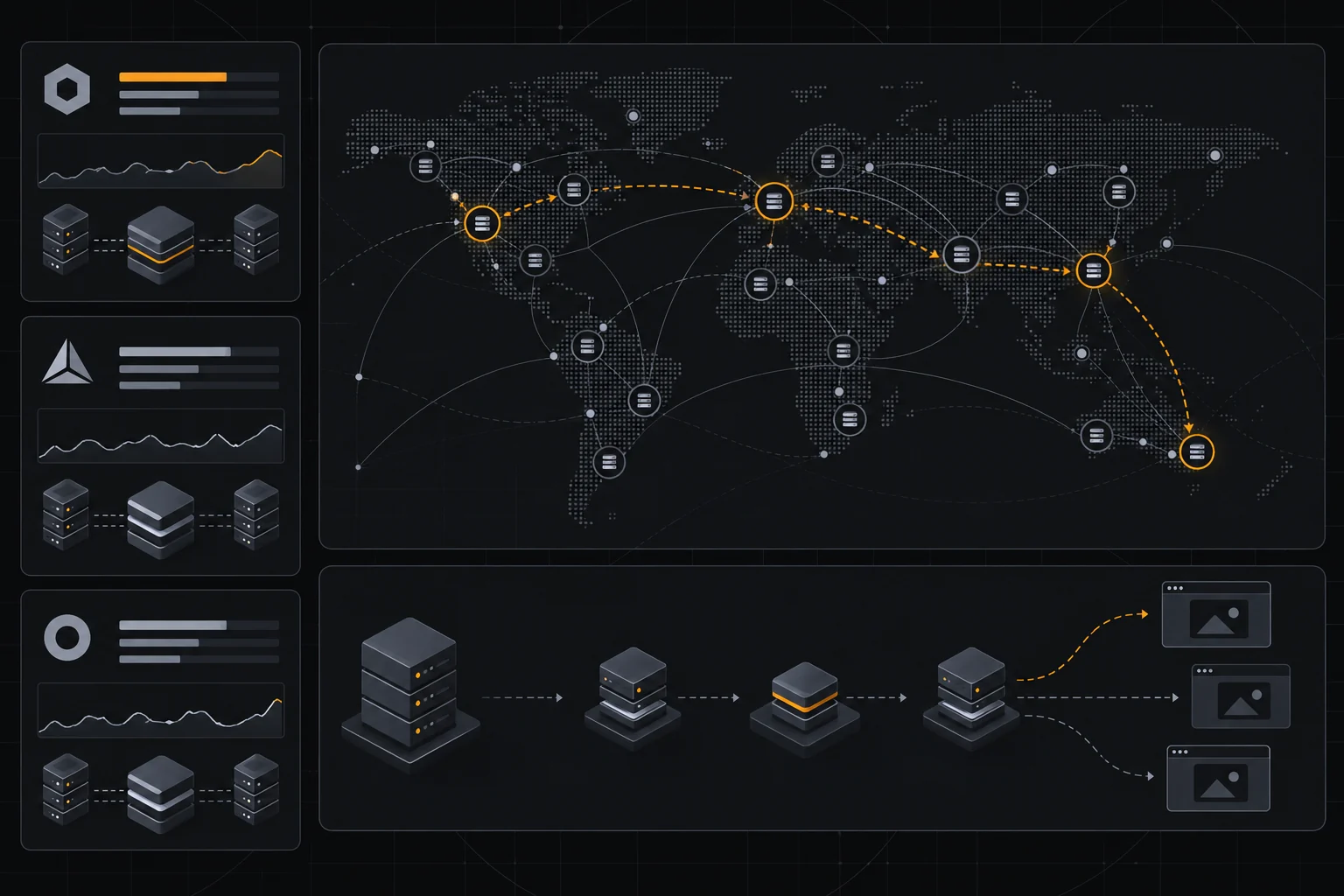
A CDN caches static files — images, CSS, JavaScript, fonts — on servers (points of presence) distributed globally. When someone requests a file, it is served from the nearest location rather than your origin server.
That cuts round-trip time and takes load off your origin. Many CDNs also add compression, image optimization, and security filtering on top.

Latency and points of presence
The more points of presence a provider has, and the closer they are to your users, the better the latency. A global audience benefits most from a wide network; a regional audience needs coverage in that region specifically.
Test real-world performance from the locations your visitors use. Benchmarks from the wrong regions tell you little about your actual experience.
Caching and purge controls
Caching rules determine what gets stored and for how long. Good control over TTLs, cache keys, and instant purge matters when you update content and need changes to appear immediately.
If your purge takes minutes, users see stale pages. Look for an API and dashboard that let you invalidate quickly and precisely.
Security features
Many CDNs bundle a web application firewall, DDoS mitigation, and bot filtering. Cloudflare, for example, is well known for offering strong security on its free and low-cost tiers.
If security is a priority, evaluate the WAF rules and rate limiting, not just speed. A CDN that stops an attack before it reaches your server pays for itself.

Pricing models
CDNs price by bandwidth, requests, or a flat plan. Pay-as-you-go suits unpredictable or low traffic; committed plans suit steady, high volume.
Watch for charges on requests, image optimization, and edge compute, which can add up beyond the headline rate. Compare total cost at your expected traffic, not the lowest starting number.
Matching a CDN to your use case
Cloudflare is the default for most websites thanks to its free tier and strong security. Bunny.net and KeyCDN appeal to cost-conscious projects with predictable needs. Fastly and Akamai serve large enterprises that need edge compute and premium support, while CloudFront fits teams already invested in AWS.
Start with your constraints — budget, region, security needs — and pick the provider that fits them.
Getting the most from your CDN
To benefit fully, pair the CDN with a fast origin and sensible headers. Set long cache lifetimes for versioned static files and shorter ones for HTML you update often, and always test after a change.
Monitor cache hit ratio: a low hit ratio means requests are reaching your origin and you are paying for a network you are not using. Tuning rules to raise that number is where most of the speed-up comes from.

Pros
- Cuts latency for visitors far from your origin
- Offloads traffic and reduces origin load
- Many providers bundle WAF and DDoS protection
Cons
- Costs can rise with bandwidth and requests
- Misconfigured caching can serve stale content

Frequently asked questions
Is a free CDN good enough?
For many small and medium sites, yes — Cloudflare’s free tier covers caching and basic security well. High-traffic or security-critical sites may need paid tiers.
Does a CDN help SEO?
It improves speed and Core Web Vitals, which are ranking factors, so it can indirectly help SEO.
Will a CDN break my site?
Only if caching rules are wrong. Start with conservative settings and purge carefully when you change content.
Verdict
Choose a CDN for the combination of latency, caching control, and security you need. Cloudflare covers most sites well, Bunny.net and KeyCDN suit budget projects, and Fastly, Akamai, and CloudFront serve specialized or enterprise needs. Test performance in your own regions before committing.
Read more: speed optimization · best hosting.