

Independent analysis. This page may contain affiliate links.
Kinsta Review: Premium Managed WordPress Hosting
Quick answer. In short: Kinsta is a strong pick for performance-focused WordPress sites. It stands out for managed speed and support, and its plans scale predictably as you grow. It is a weaker fit for tight budgets and tiny sites, where Hostinger usually wins. Read the full review for pricing and alternatives.
Kinsta is a managed WordPress host built on Google Cloud infrastructure, aimed at businesses that want speed and support without touching servers. It is a premium option: you pay more than shared hosting and get performance, security, and service in return.
This review covers what you actually get for the price and who should choose it.
Quick comparison table
| Plan | Best for | Starting price |
|---|---|---|
| Starter | Small sites and first projects | $35/mo |
| Pro | Growing business sites | $115/mo |
| Business | High-traffic and ecommerce | $225/mo |
| Enterprise | Mission-critical operations | Custom pricing |
| Agency-friendly add-ons | Managing many client sites | Contact sales |

Performance and infrastructure
Kinsta runs on Google Cloud’s premium tier network with C2 compute-optimized machines, PHP 8 support, and edge caching. Sites are isolated in their own containers, so a traffic spike on one site does not slow another. Its hosting stack is engineered for speed, and independent tests routinely place it among the fastest managed WordPress hosts.

Features and workflow
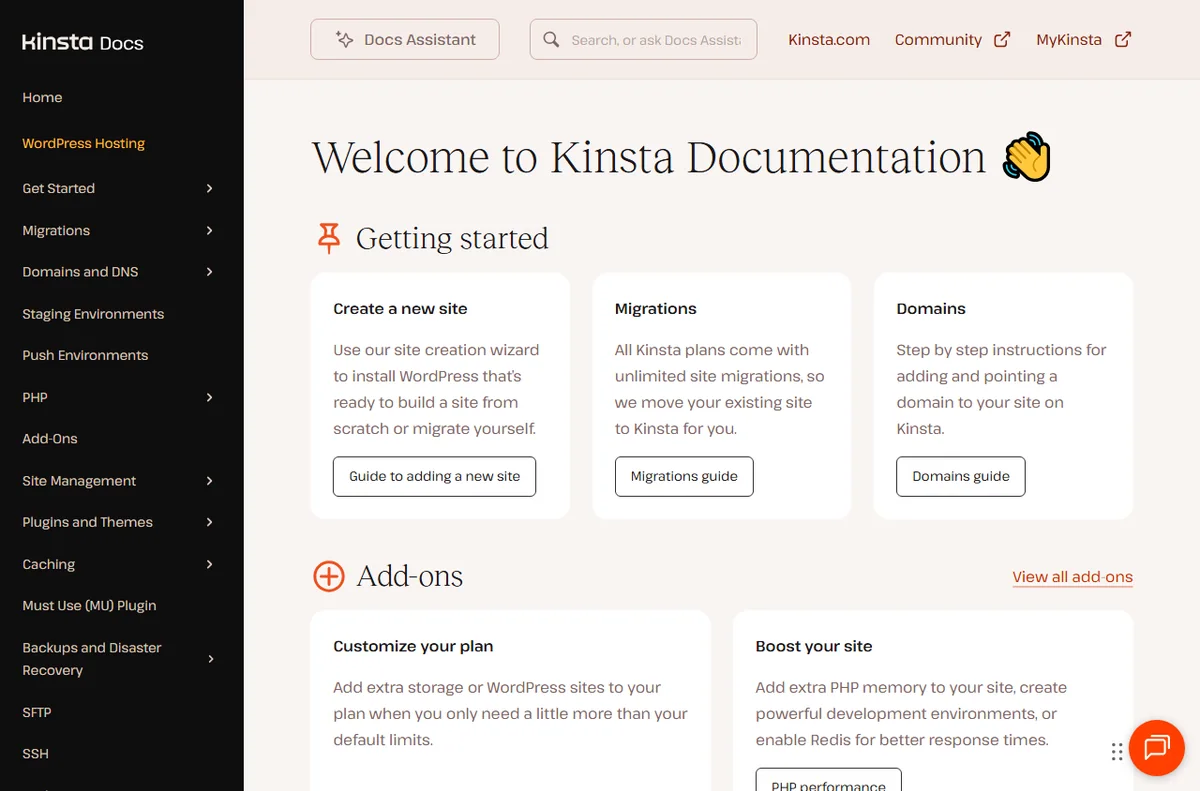
You get free site migrations, a staging environment for every site, automatic daily backups, and a clean MyKinsta dashboard. A built-in CDN and Cloudflare integration handle global delivery. There is no cPanel; instead, everything runs through the custom dashboard and tools like WP-CLI and SSH access for agencies.
Security and support
Kinsta provides free SSL, a hack-fix guarantee, and active firewall and DDoS protection. Support is available 24/7 from WordPress specialists, not generic call-center staff, and response times are a major reason customers stay. Uptime is backed by a service-level agreement.

Pricing and value
Plans start around $35 per month and scale with visits and storage. The cost is higher than shared or budget managed hosts, and overage fees apply if you exceed plan limits. For businesses where downtime or slow pages cost real revenue, that premium is often justified.
Pros
- Excellent speed on Google Cloud premium infrastructure
- Strong 24/7 WordPress-specialist support
- Staging, backups, and free migrations included
- Automatic scaling and isolation between sites
Cons
- Higher cost than shared or budget managed hosts
- Visit-based pricing can trigger overage fees
- No cPanel, which some users find unfamiliar

Frequently asked questions
Is Kinsta worth the price?
For business sites where performance and uptime matter, yes. For low-traffic personal blogs, cheaper managed or shared hosts can be enough.
Does Kinsta include a CDN?
Yes. Kinsta bundles a global CDN and offers Cloudflare integration to cache and deliver content close to visitors.
Can Kinsta migrate my existing site?
Yes. Free migrations are included, handled by the support team or via a self-service plugin, depending on your plan.

Verdict
Kinsta is a top-tier managed WordPress host for businesses that value speed, security, and expert support over rock-bottom pricing. If your site drives revenue, the premium is easy to justify; if it is a hobby project, look elsewhere and save the money.
Read more: best hosting · VPS vs shared.
People also ask
Is Kinsta worth it?
In short: Kinsta is a strong pick for performance-focused WordPress sites. It stands out for managed speed and support, and its plans scale predictably as you grow. It is a weaker fit for tight budgets and tiny sites, where Hostinger usually wins. Read the full review for pricing and alternatives.
Is Kinsta worth it?
Kinsta is worth it for performance-focused WordPress sites. It is strongest at managed speed and support, and its plans scale with usage. If your priority is tight budgets and tiny sites, compare it with Hostinger before deciding.
Is Kinsta good for beginners?
Kinsta is friendly enough for most beginners in its category, especially for performance-focused WordPress sites. Expect a short learning curve; our setup guide and full review walk through the first steps and the settings that matter most.
How does Kinsta compare to Hostinger?
Kinsta tends to win on managed speed and support, while Hostinger is the better pick for tight budgets and tiny sites. The right choice depends on your list size, budget and how much automation you need day to day.